Given that almost all of the sim is streamed live it’s not really even your hardware. (Unless your kit is really old)
It’s your connection to server and the load that the servers are currently experiencing.
That’s wildly inaccurate. The server only streams terrain, weather, scenery, and traffic data.
The simulator’s derived from FSX which existed long before 2015, so yes.
Terrible FPS since last nites update 1.16.2 ’
Game wont open up on first attempt
Latest N vidia driver 466.47 for GTX 1070 made it even worse
Reverted to previous driver still not good.
settings high end.
was getting 30 FPS or better at times 2 or 3 updates ago
13-15 fps on rwy @ KSEA 18 FPS airborne foggy
Runway markings no antialiasting
I usually fly 1-hour trips in the Longitude. I do not fly commercial planes. When I experienced low frame rate, I see 32GB RAM usage is at 100%.
When RAM maxes out, the system starts swapping memory with that swap file located on your hard drive. I believe this is the cause of low frame rate.
I mostly experienced max RAM usage after several flights. This is an indication of memory leak. A memory leak is when an app (Or part of an app) finishes and does not release the memory it was using. Reloading the app just grabs more memory.
I thought it was a mod I used. Removing mods showed increased fps, in my experience. The mod was related to Garmin glass. The liveries are not likely causing memory leaks since they are small color changes.
Another thing I did was lower graphics settings. For me, performance was key. I used Geforce Experience with my RTX3080 @4k. My setting is mid-way between performance and high quality. I still use the mods and do not experience max RAM, as before.
Still, there is a problem that needs to be addressed. Hopefully, developers will meet our expectations of high quality graphics along with smooth performance for our expensive hardware we got just for MSFS2020.
For me, the biggest impact to FPS comes from planes with MFDs.
Specs:
i9 10900
3080 RTX
32 GB RAM
Here’s what I have noticed. Format is on_ground, in_flight. This is with Glass Cockpit Refresh set to low. If I go to medium or high, it has a big impact on my FPS.
MFD tests:
Airliners: 40, 50(ish)
Goshawk: 40, 50-52 (If I disable the flight displays, the FPS jumps by around 10)
DA-62: 40, 50(ish)
Mooney: 50, 55-60(ish)
C22: 50, 65(ish)
Non MFD tests:
m339: 60, 70+
Spitfire: 60, 70+
G91: 60+, a whopping 90+
All of these results were flying out of YPAD on the same route (north out of the city) for testing purposes. It seems like the MFDs are what’s driving down performance for me. There’s also clearly a big hit starting on the ground. I’ve tried various tweaks to improve airport performance, but I haven’t found anything that helps it.
I noticed severe drops/pauses climbing out of Cozumel in the longitude yesterday once I hit about 10,000 feet. Its strange this happens at high altitudes..
About my post above: Terrible performance after sim update IV - #35 by ATPL2006
I just tried something completely different. Maybe someone else can give this a try.
I updated Windows 10 from 20H2 to 21H1 the day before the simupdate. My stutters got worse after the sim update.
So I easily rolled back the 21H1 update but going to Windows Update, view Update History, and removed the latest updates. I am now back on 20H2, and using the sim is MUCH smoother for me !
It might be interesting if someone else could give this a try. For me at least it works
I did find myself getting OCD about the FPS…
The last time I was like that was when I had a 386, playing doom
I had terrible stuttering when descending with 787/747 since the previous update, simply can’t fly them cause every flight ends up with the heaviest stuttering possible (can’t even move the cam around).
Same ■■■■ now too.
I can fly A320 for hours on ultra settings even when descending above the biggest cities, but descending with 787/747 even above a ■■■■■■■ desert leads to insane stuttering without the possibility to finish the flight.
Reinstalled the game, emptied the community folder, even set the settings on low - NOTHING WORKS WHEN FLYING 787/747. Can’t understand how the plane model makes this huge difference at all.
To hell with their world updates, the basic function of the game doesn’t even work properly. Can’t do long routes, so many wasted hours on flights I couldn’t finish because of the stuttering.
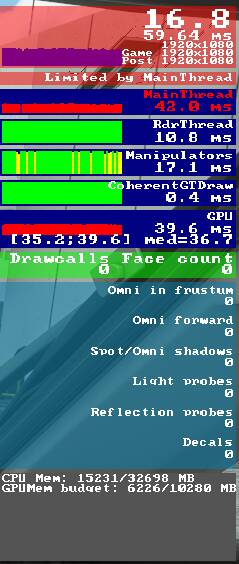
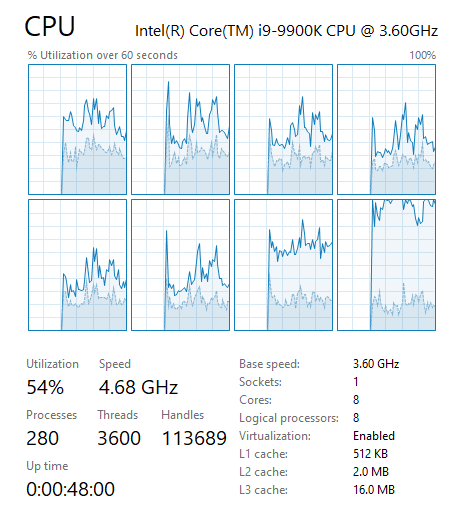
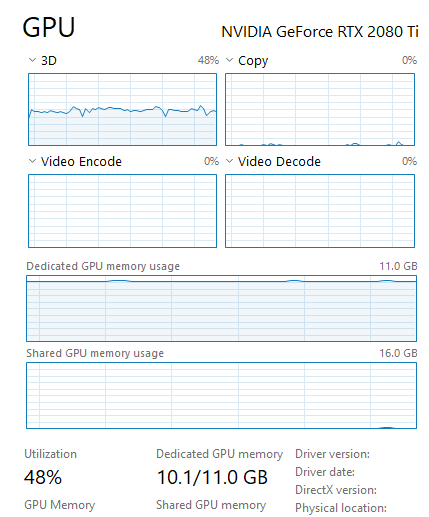
Which beckons a question of how much code did they slap together from FSX to MSFS that is likely not compatible with current systems and possibly causing many peoples issues. When MS stopped supporting FSX they basically ditched the code to the graveyard so anything that was improved in windows machines since would eventually over time start breaking code in FSX unless some workaround was achieved. I really wish they would have started fresh instead of trying to adapt a legacy code to the modern era. 2015 may as well have been 3 decades ago in technological terms and the rate at which technology has advanced let alone 2010 when FSX was released.
one day they might work out the issues but at the expense of many enthusiasts frustration. Not a solid business model in my eyes.
Removed just now 21H1. No any difference.
Hmmm not happy to hear. I swear it got me back to my previous performance.
I tried several situations and micro stutters are gone since the roll back
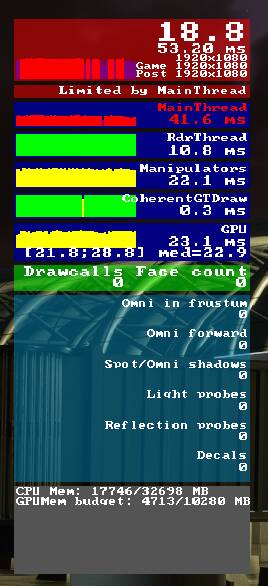
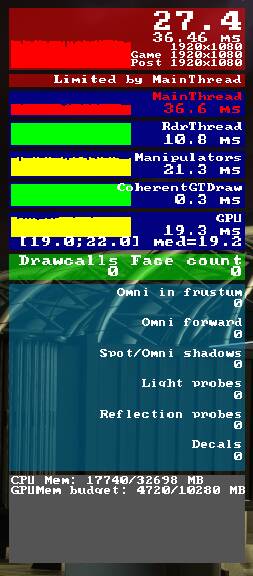
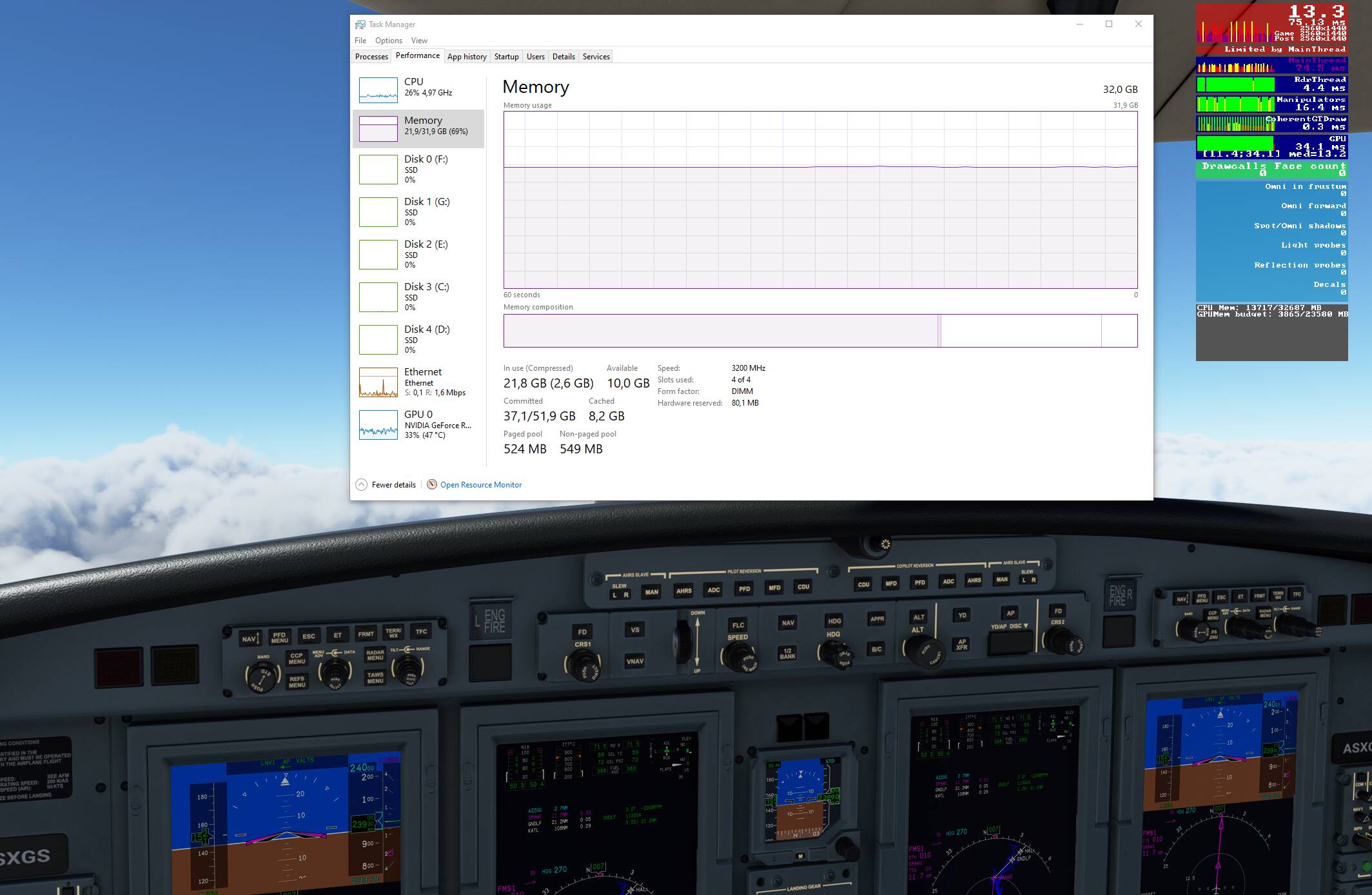
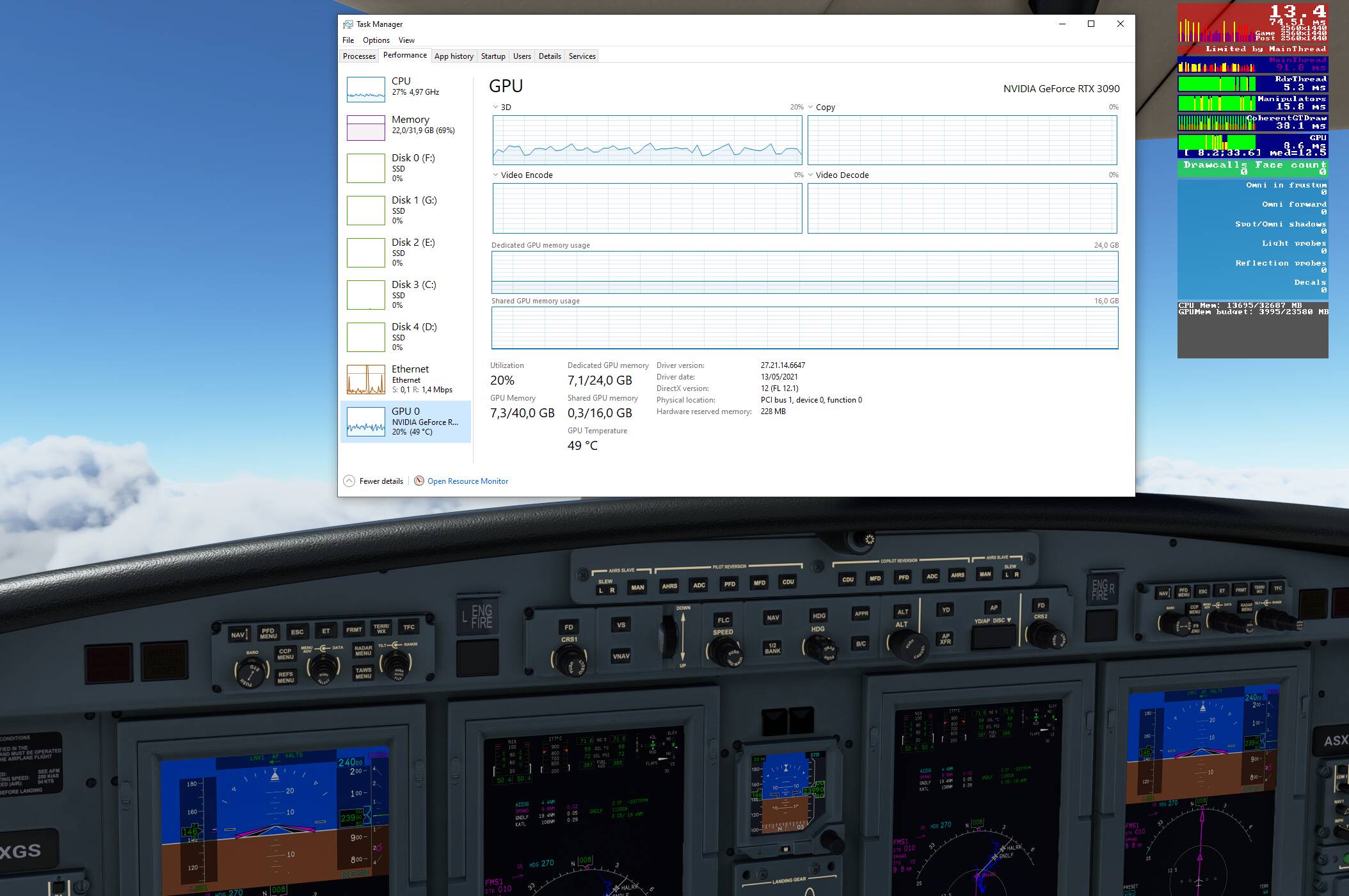
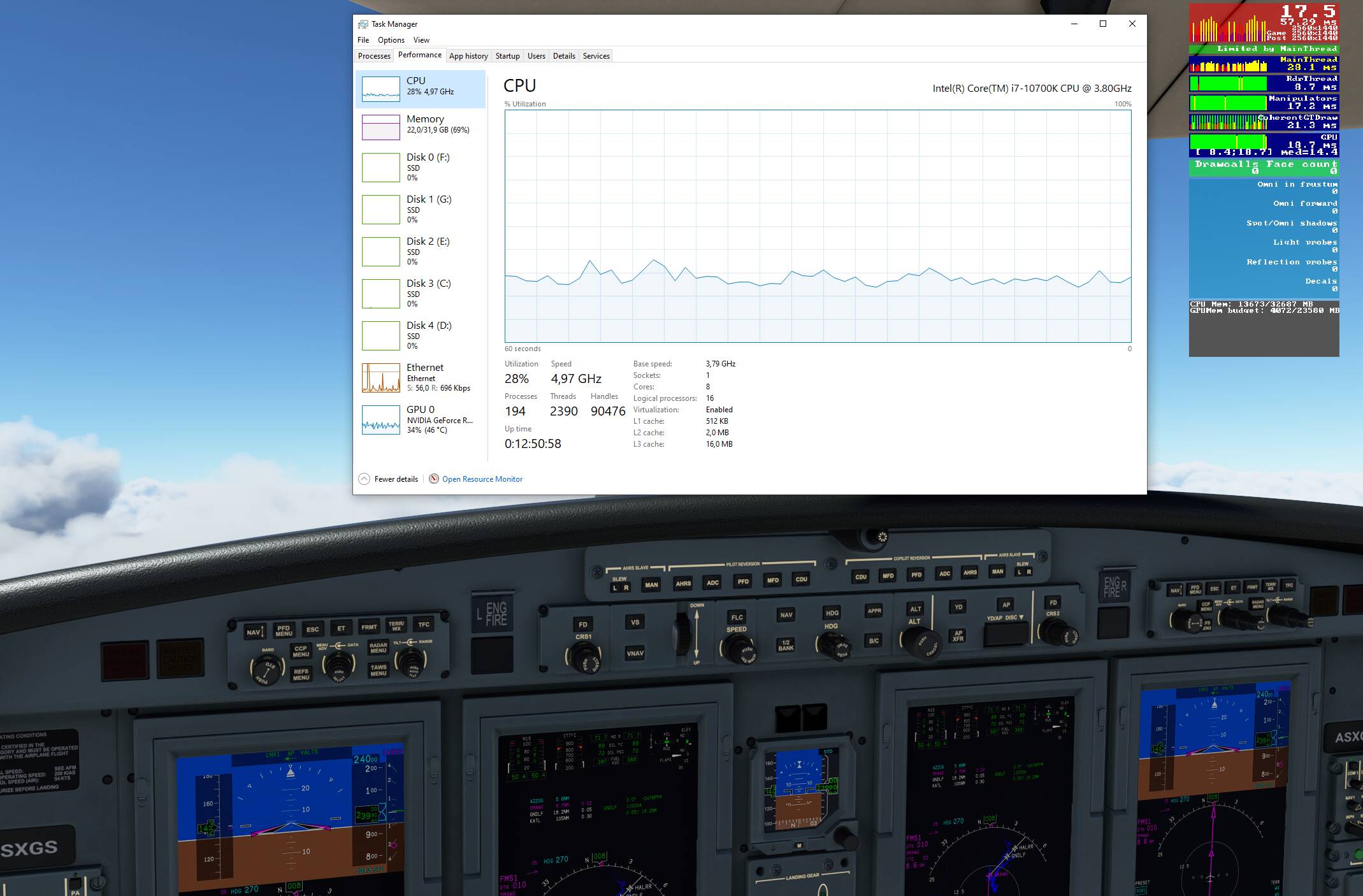
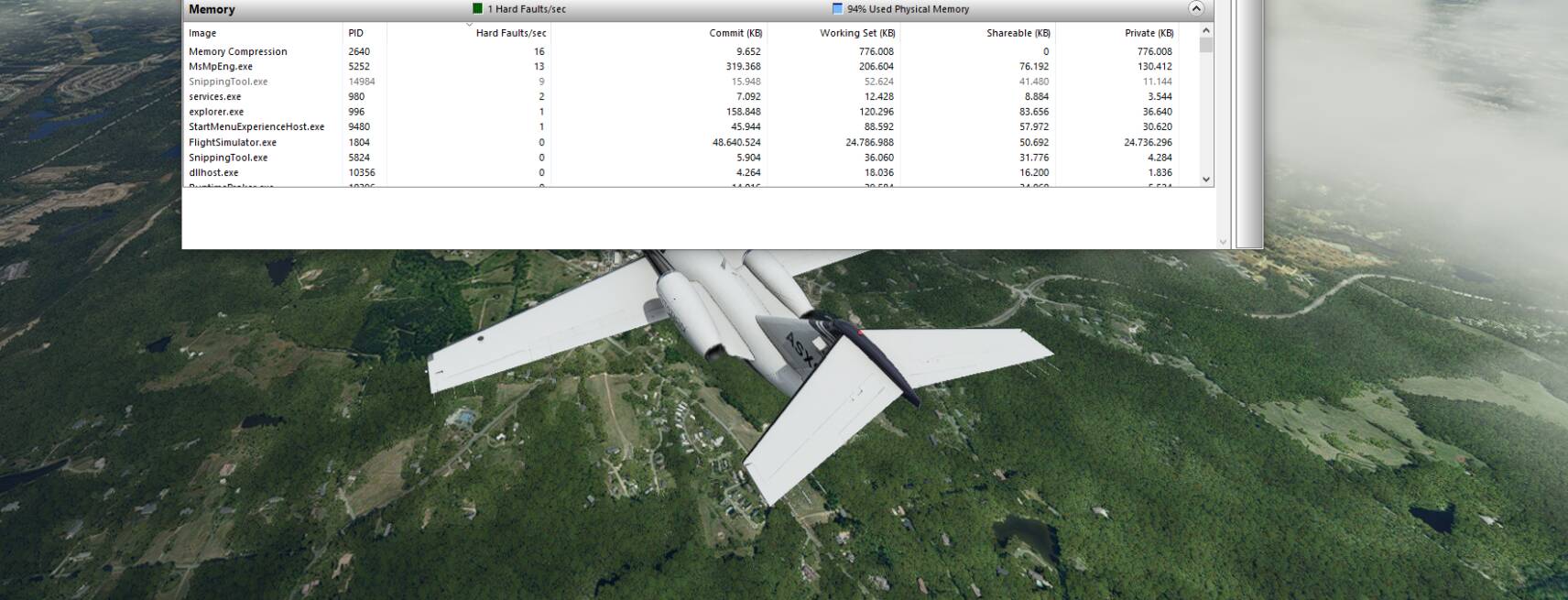
Didn’t see any memory leak. Looks good
Ok, any idea what else? Going from around 60fps to 10/13 slideshow at the same spot (start of star) without any big change in hardware behavior (besides the rise in hardfaults on memory compression) must be caused by something…?
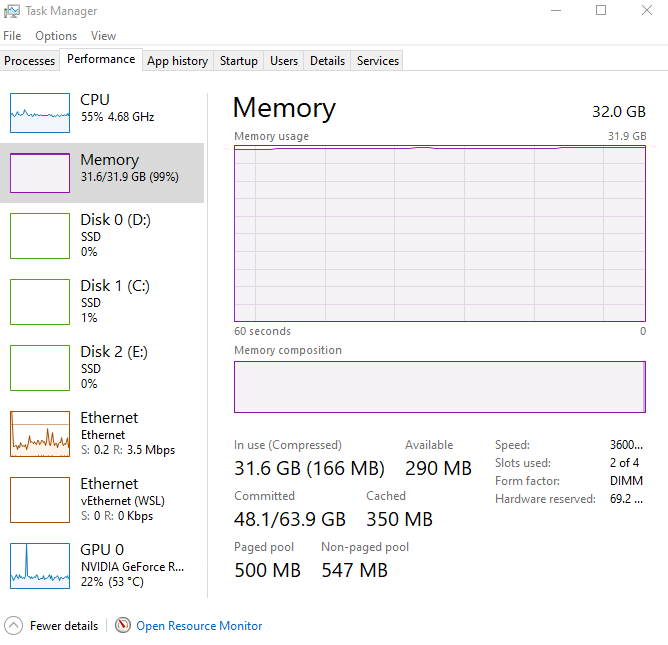
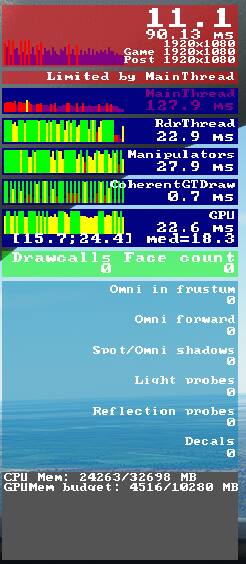
Lots more stuttering for sure.