Huh? You can definitely feel gusts that are less powerful than 30-40 knots.. Anyways, CFD on those planes would need adjustment from their respective devs to be accurate. Sure you can enable CFD on any of them, but it’s limited how well that will work out, without going in and tweaking values.
It’s wrong physically to reduce the thermals height. But when it’s 0KTS (no wind at all) it’s also physically impossible to have updrafts because when a thermal exists it also needs lateral winds that takes the vertical air movement place. It’s both right and wrong at the same time. I hope they can inject air as a fluid that when a thermal is formed in 0KTS the 0KTS increases dynamically because of the air that rises. The uneven heating of earth is what creates air to start move.
In live-weather it’s rare to have below 3kts though. Air always moving more or less.
As I don’t often fly ridge lift in real life (my home area is flat) I cannot comment on realism but I did following test:
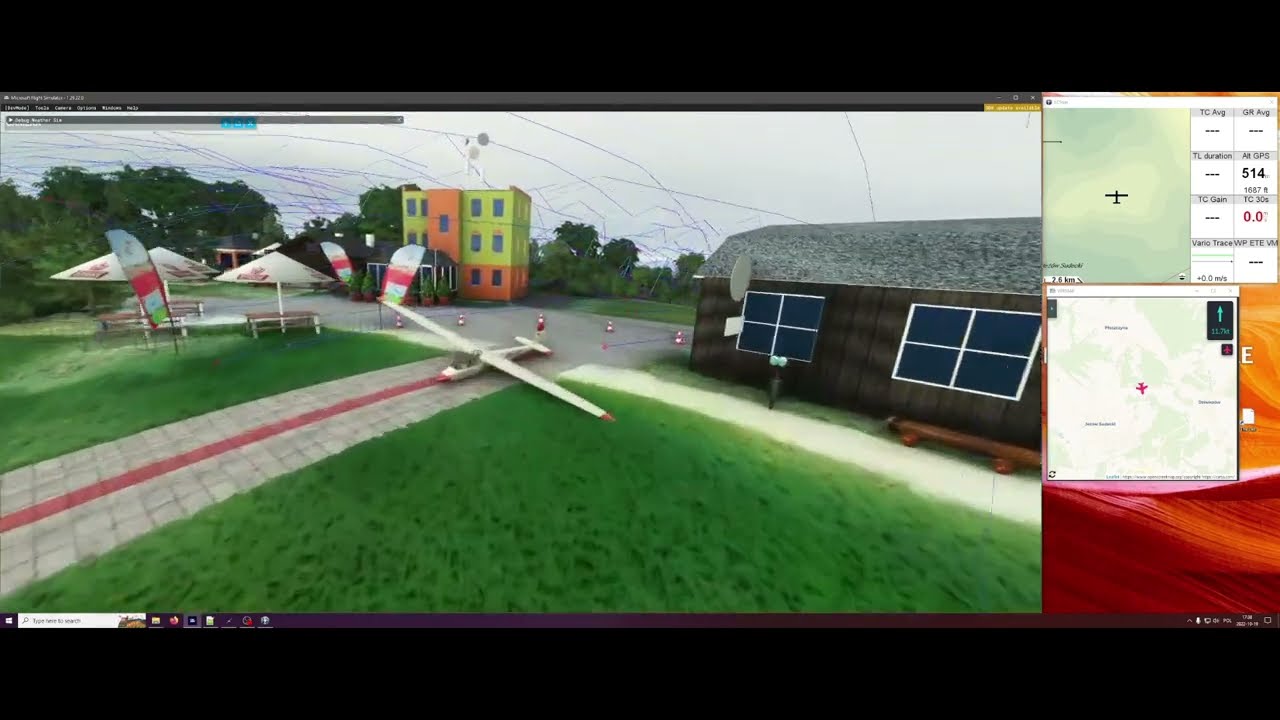
Airfield - EPJS Jeżów Sudecki where gravity take-offs also happen in real life.
I tried to sensibly reduce thermals by adding full cover with clouds, fly in Autumn and reduce temperature, but you can see nearby city generates some thermal updraft, but it is far enough not to affect this test.
You can observe on the map at right side that wind speed rises with height.
Take off was at 514m AMSL with 11.7 knots headwind and at 600m AMSL it reached 20 knots (even though I only configured single wind layer with 6m/s speed as seen in settings at the beginning of video), but in RL it is also natural for wind to increase speed with height.
According to google earth slope top is at 552m AMSL (but take off point which should also be at the top in MSFS is at 514m AMSL), around 360m AMSL the slope starts to flatten, lowest part of valley is 338m AMSL, so the slope height is about 200m.
As I don’t fly often over the ridges in real life I won’t comment about realism, but using ridge lift I was able to climb as high as 1500m AMSL which seem very high, I didn’t try to climb any higher as strong wind made it difficult for K7 to stay over the slope.
1 Like
thanks for testing it. I’m just repeating what was mentioned in the thermals thread before the beta:
So I just wanted to know if this is still happening in SU11, but I can’t tell if this is any better now, still looks too strong, but maybe that’s how it is in real life, I don’t know.
Maybe @ANRI8496 can comment on that.
Right now it seems to be more like pic #1 than pic #2 in most circumstances, but the boundary layer seemed to vary quite a bit where I was testing in the mountains yesterday. At some points it did seem like it reached too high, but I’ll let the experts make that call. It’s nice that we have experienced glider pilots here that share their input. Hopefully Asobo is taking notes. 
For those that are having trouble wrapping their head around the atmospheric airflow simulation: The way it works is the simulation particles are created in a 2D grid just above the ground, but the particles are free to move around in 3D space. So if you were to slew your plane straight up, the results of the atmospheric airflow simulation won’t change. The atmospheric airflow simulation is an input for the proximity airflow simulation, but it fades out as you go up in altitude. So although the atmospheric airflow simulation is feeding the same data to the proximity airflow simulation whether you’re 2,000 feet up or right below the boundary layer, the forces will change and become more lateral because live data will take more and more precedence over the atmospheric airflow simulation.
1 Like
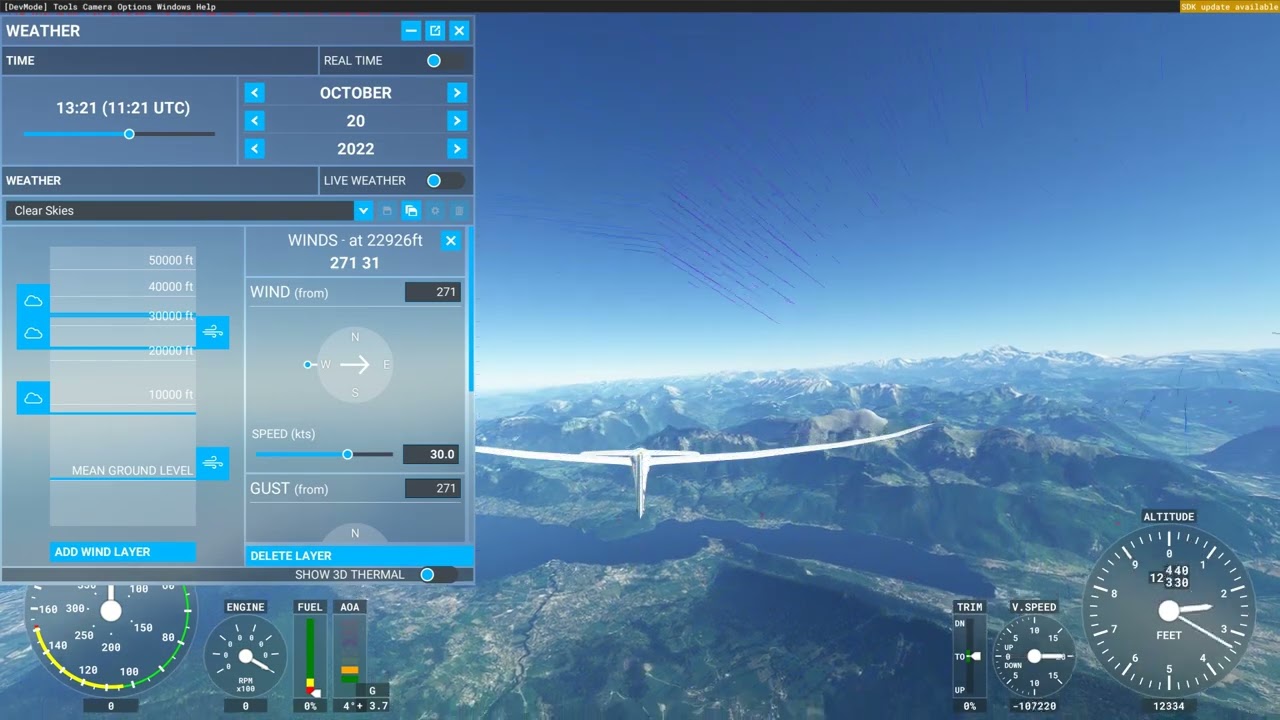
Correct me if i’m wrong here but to me the waves seems mostly correct in those rift lifts but the vertical wind velocity may be too high. Only speculations from my side. Also i think if the windspeed is 3KTS on ground when aircraft is located at ground the wind speed increases to lets say 20 KTS when the aircraft is at 2000 AGL then i think the windspeed also changes at ground level to 20KTS because it calculates those waves with the ambient wind velocity around the aircraft at 2000FT AGL instead of the ground windspeed of 3KTS. That makes the velocity of those riftlifts higher when we are 2000FT AGL than if we are at ground. And that is wrong.
I will check if it’s possible to set several windlayers to make sure it stays at 3KTS all the time. Then we know the issue is caused by the increase of wind at higher altitudes.
I’m not sure how to fix this though. If that is the issue they need to inject a windvelocities at different layers at the same time.
Edit: Yes, if i set 0KTS at ground and a layer of 30KTS at 20000KTS AGL the velocity of those updrafts increases with altitude together with the ambient windspeed that increase gradually. When ground has 0KTS of wind i should not get much of velocity in updraft at higher altitudes because the airspeed near ground decides the riflifts right?
We have the same windspeed everywhere. It’s the wind around the aircraft that decides the velocity of winds everywhere. It’s nothing new. Thats how the air works in the sim. But i’m not sure how to fix that propperly because it’s not a bug/issue. Thats how it works. I think that what Seb wants to change with that 20KM aircraft CFD. I really hope so  Then we will be flying in a simulated fluid.
I’m not sure how well this explains it. But i tried
1 Like
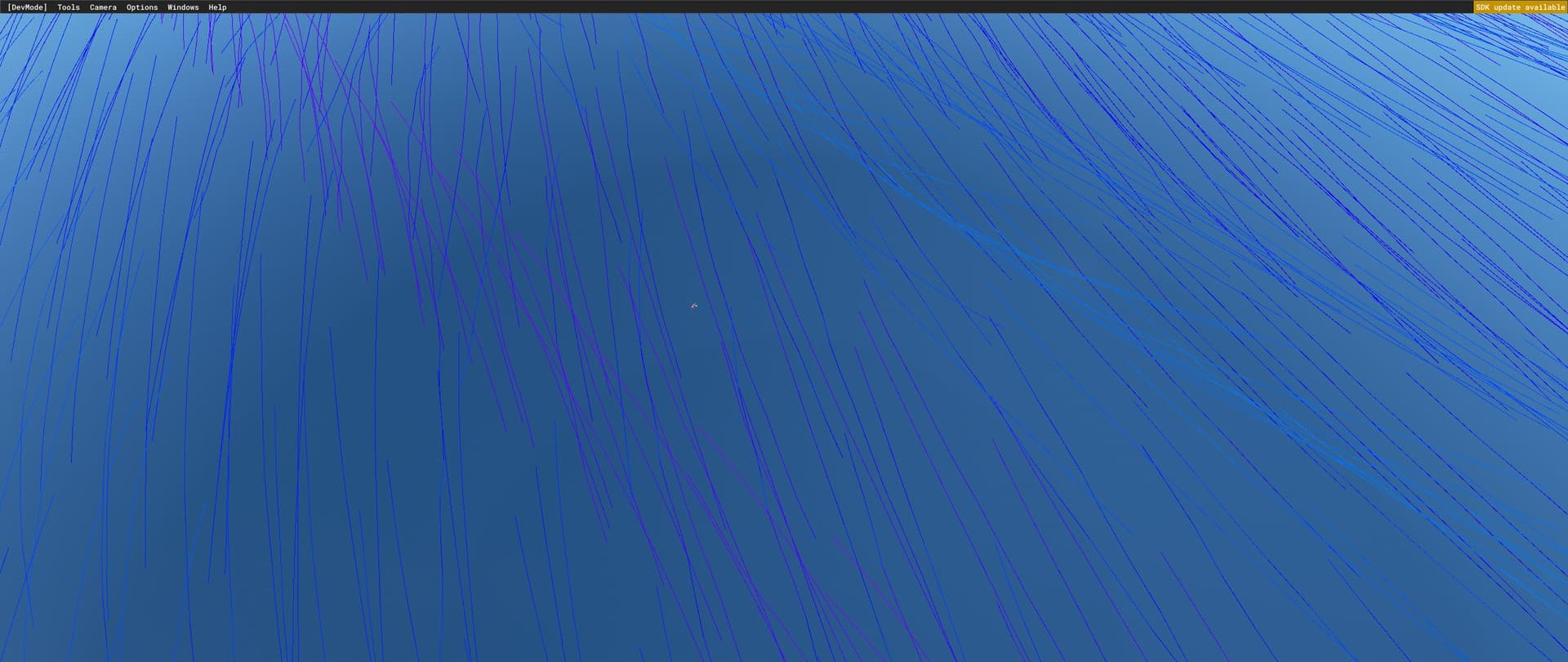
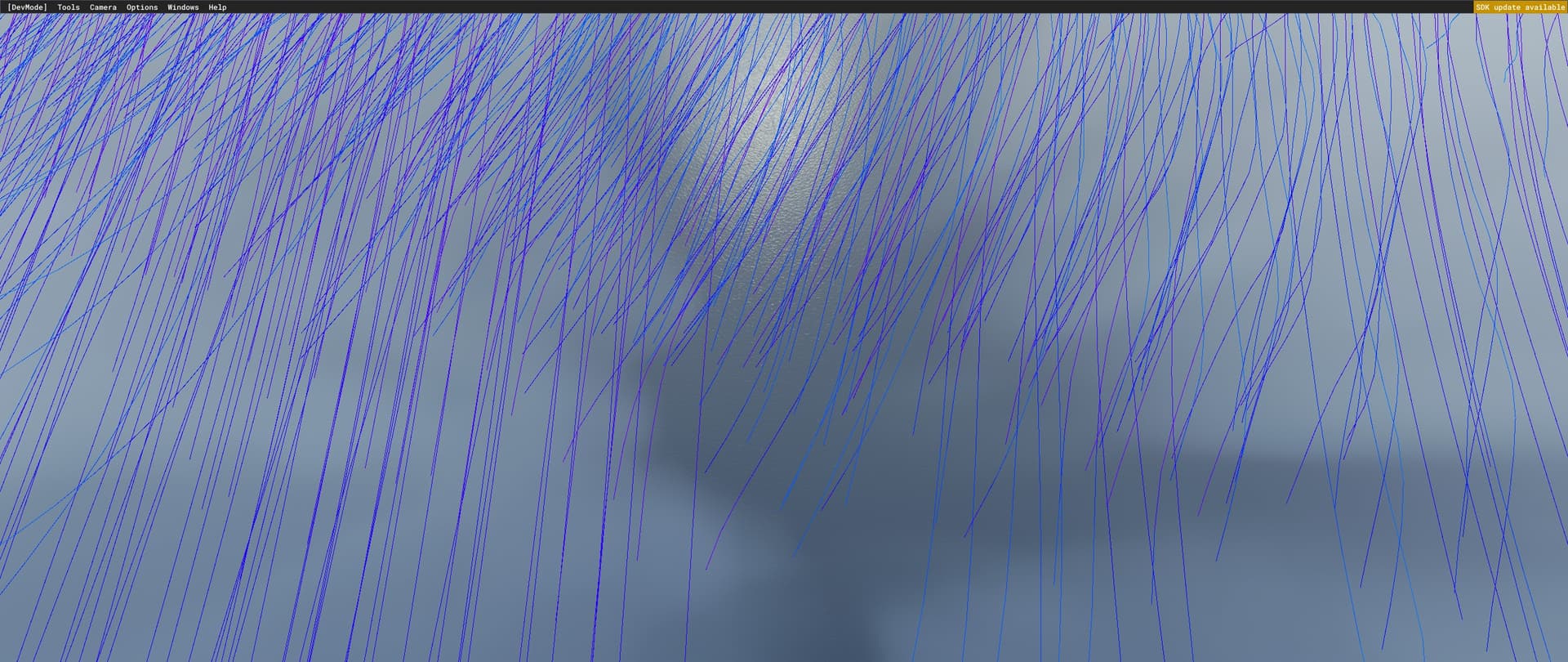
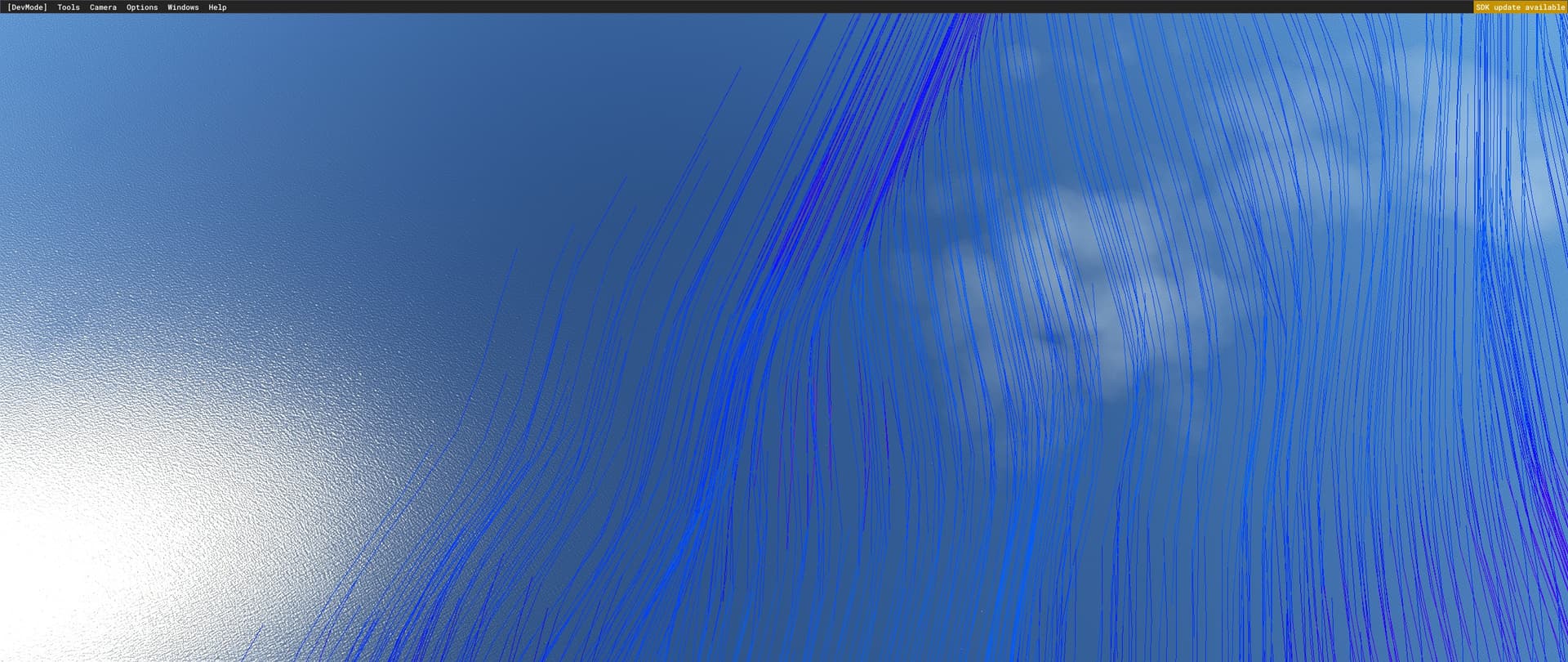
Unless I’m misunderstanding, I don’t agree with that. The wind conditions (including gusts) seems to be local to the particles in the simulation, not the aircraft. I’ve seen many situations where the particles suddenly change direction\speed over the ocean. I’ve even see half the particles gusting and half the particles mostly still when at the edge of different wind data. And that is fed into the proximity airflow simulation.
In these screenshot, the darker blue towards the bottom left were still, while the lighter blue lines were gusting back and forth. I hope you can see that by quickly switching between these screenshots when enlarged:
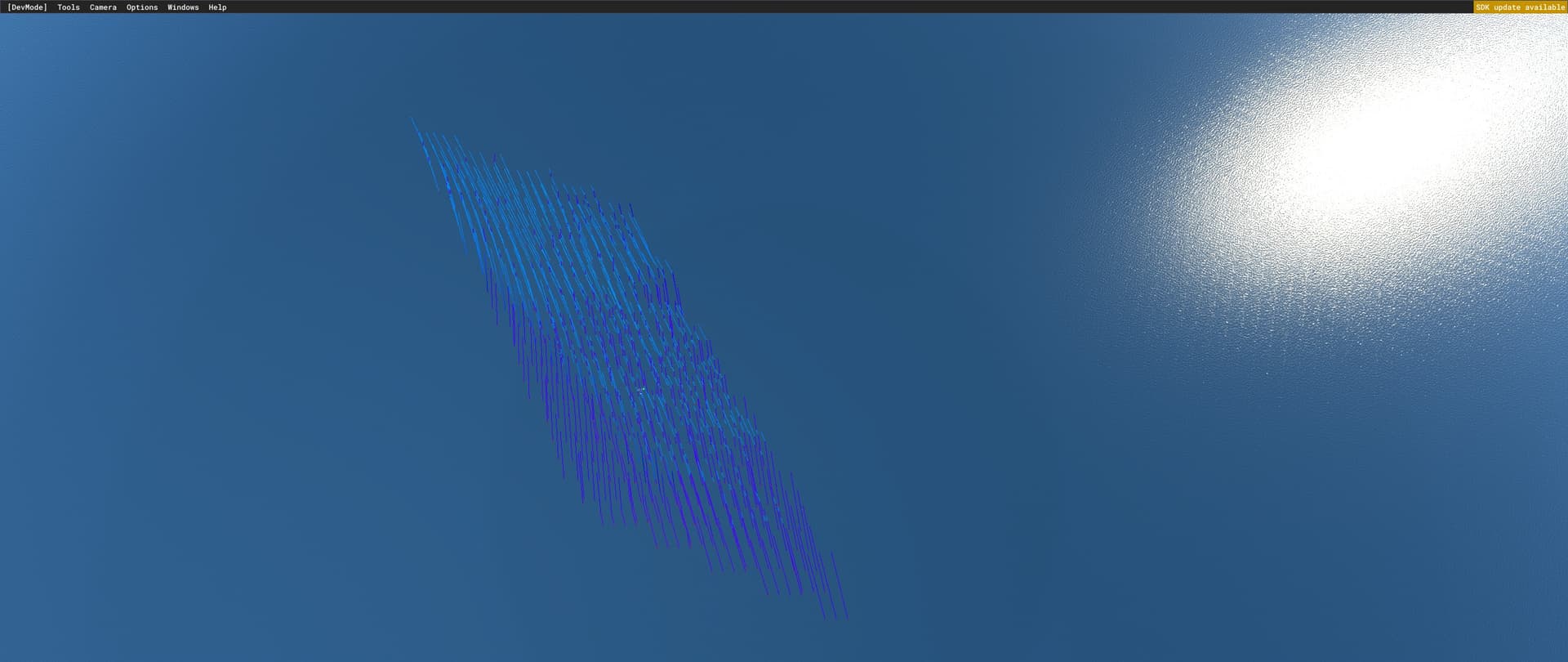
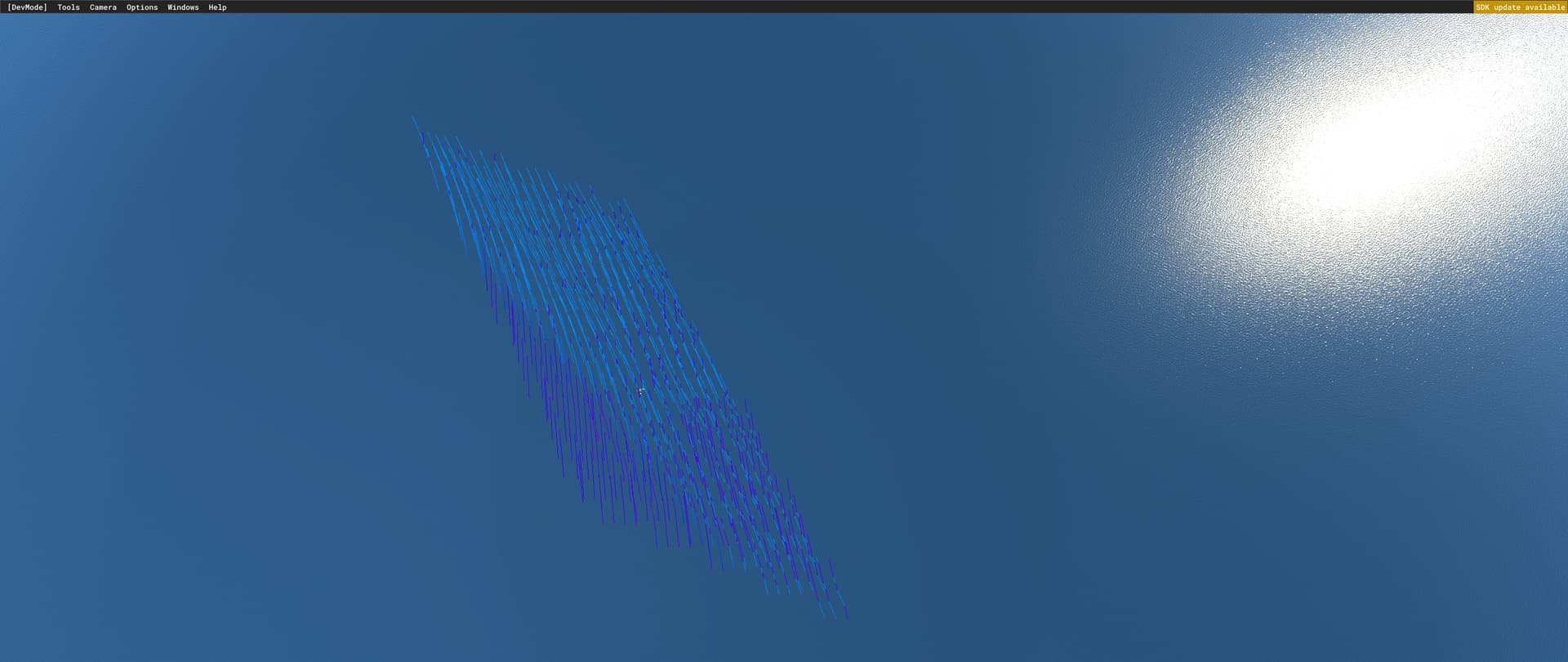
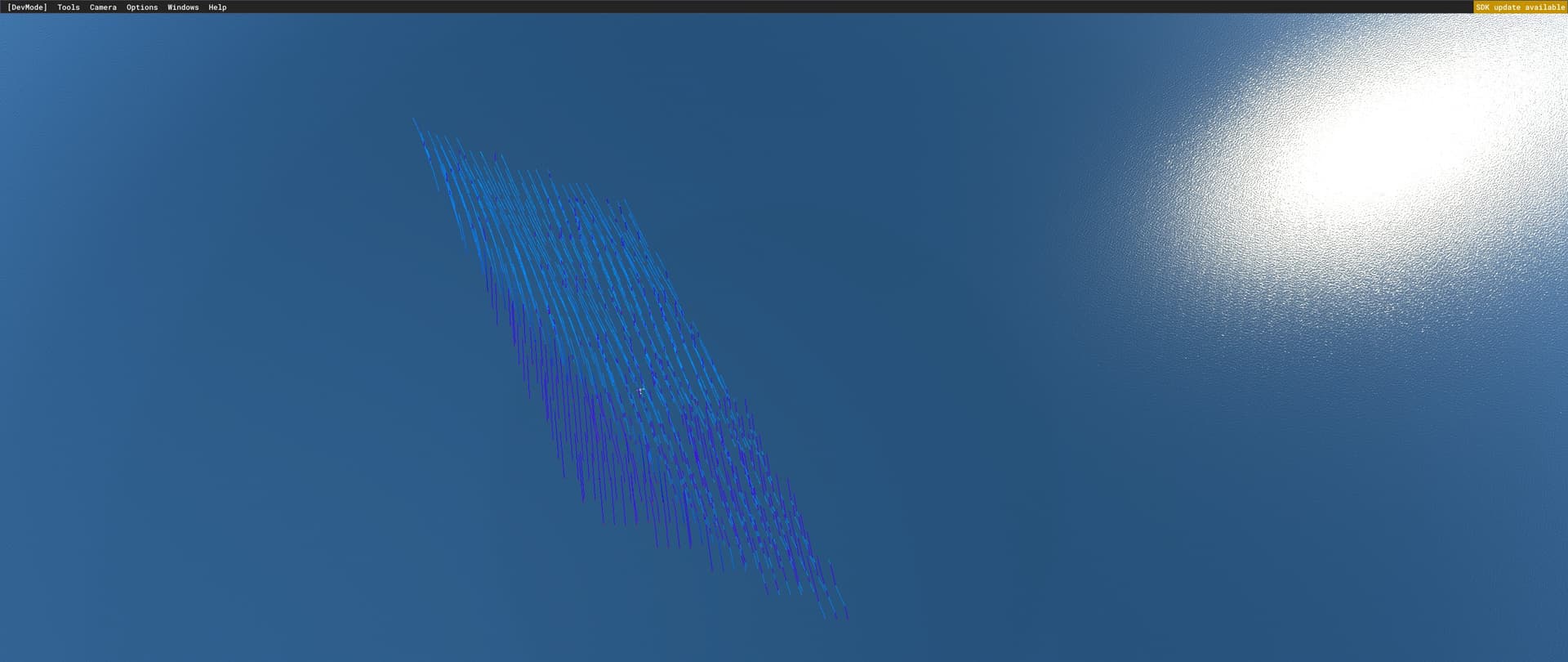
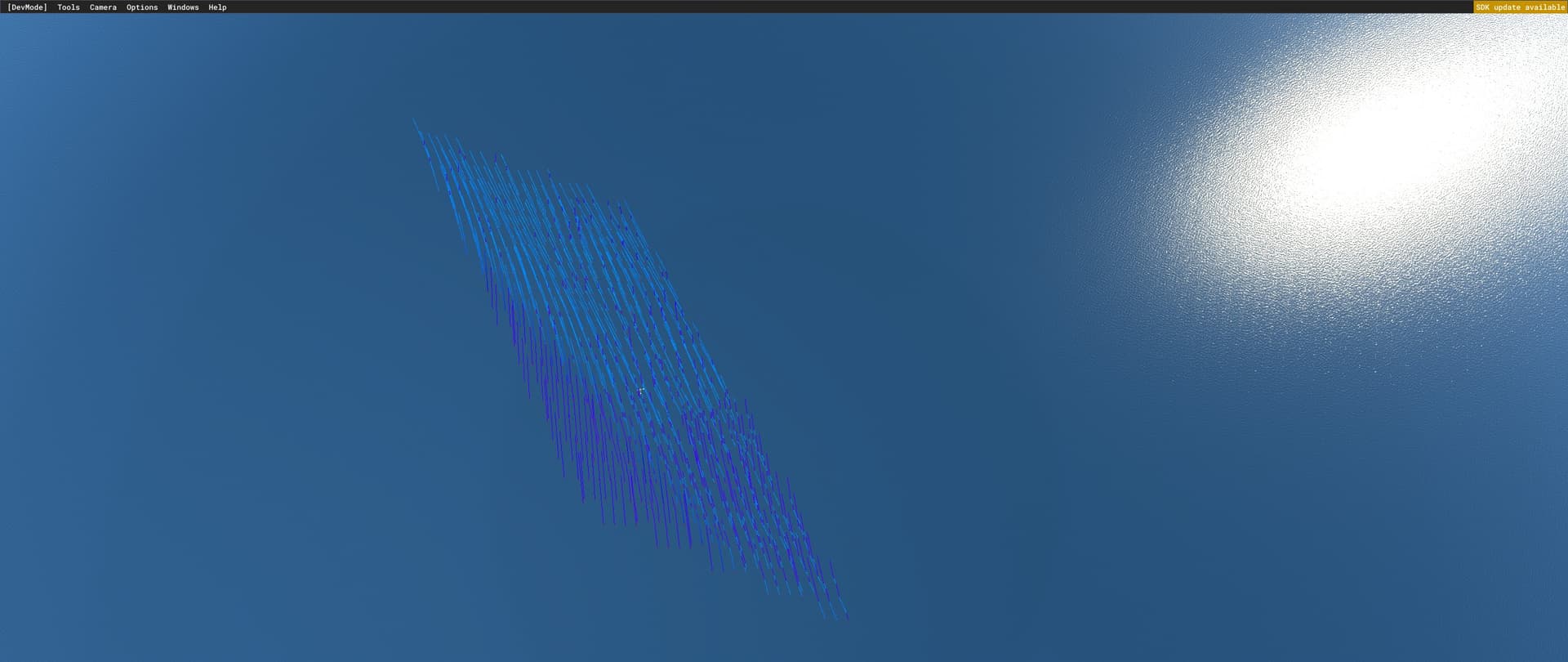
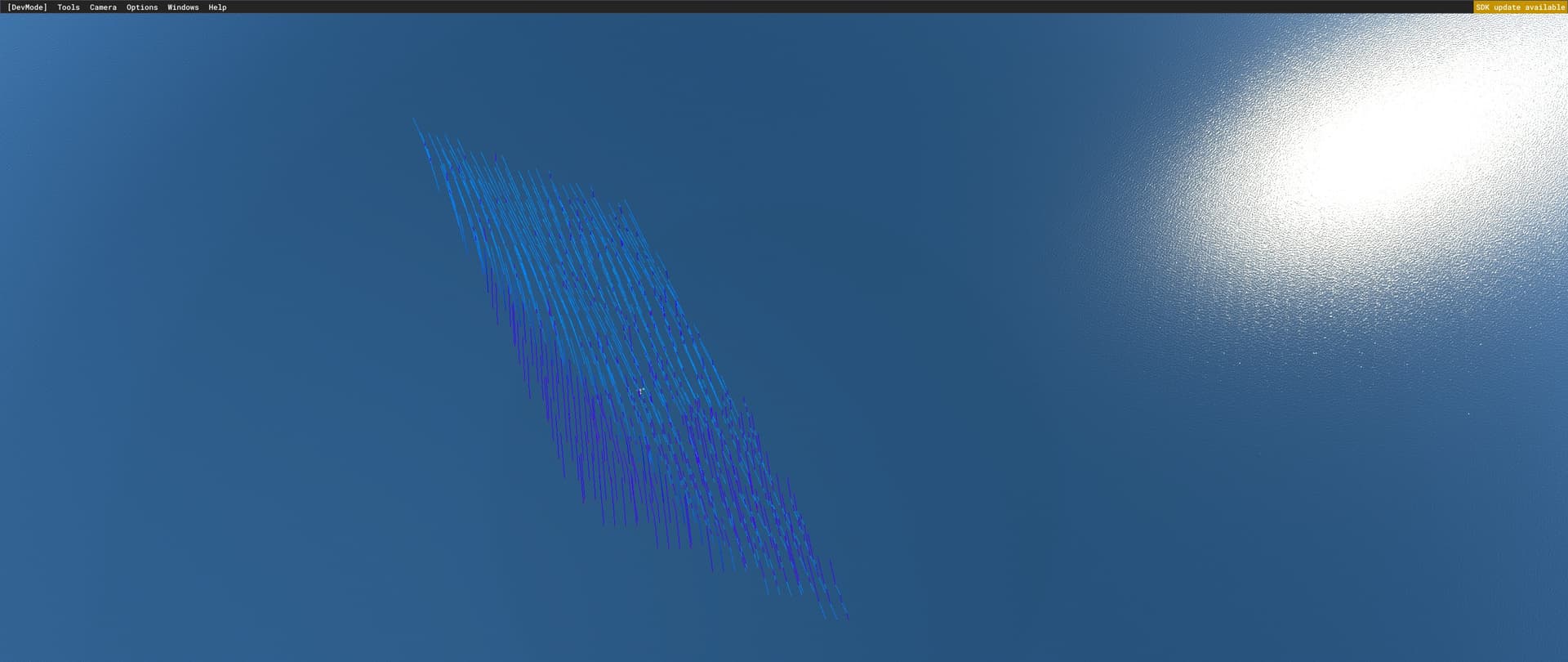
Proximity showing local wind changes:

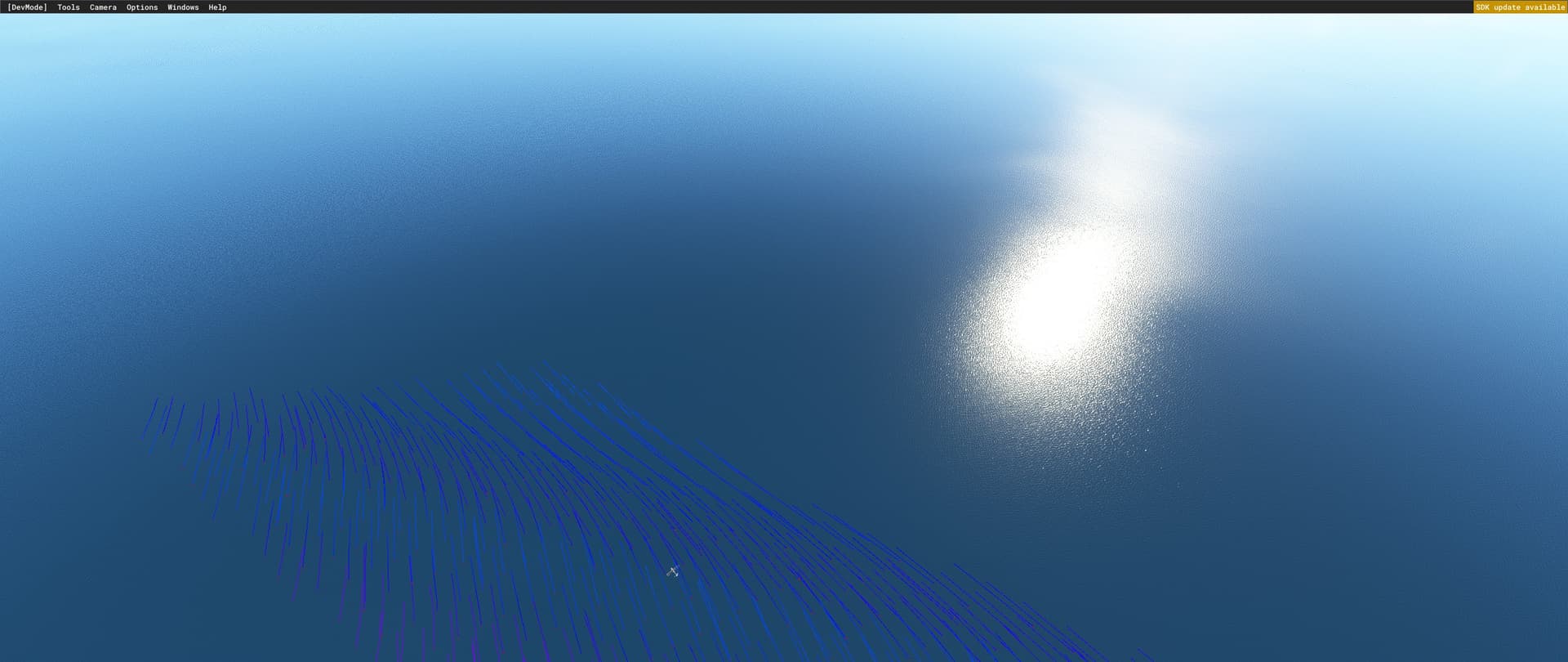
Atmospheric airflow:

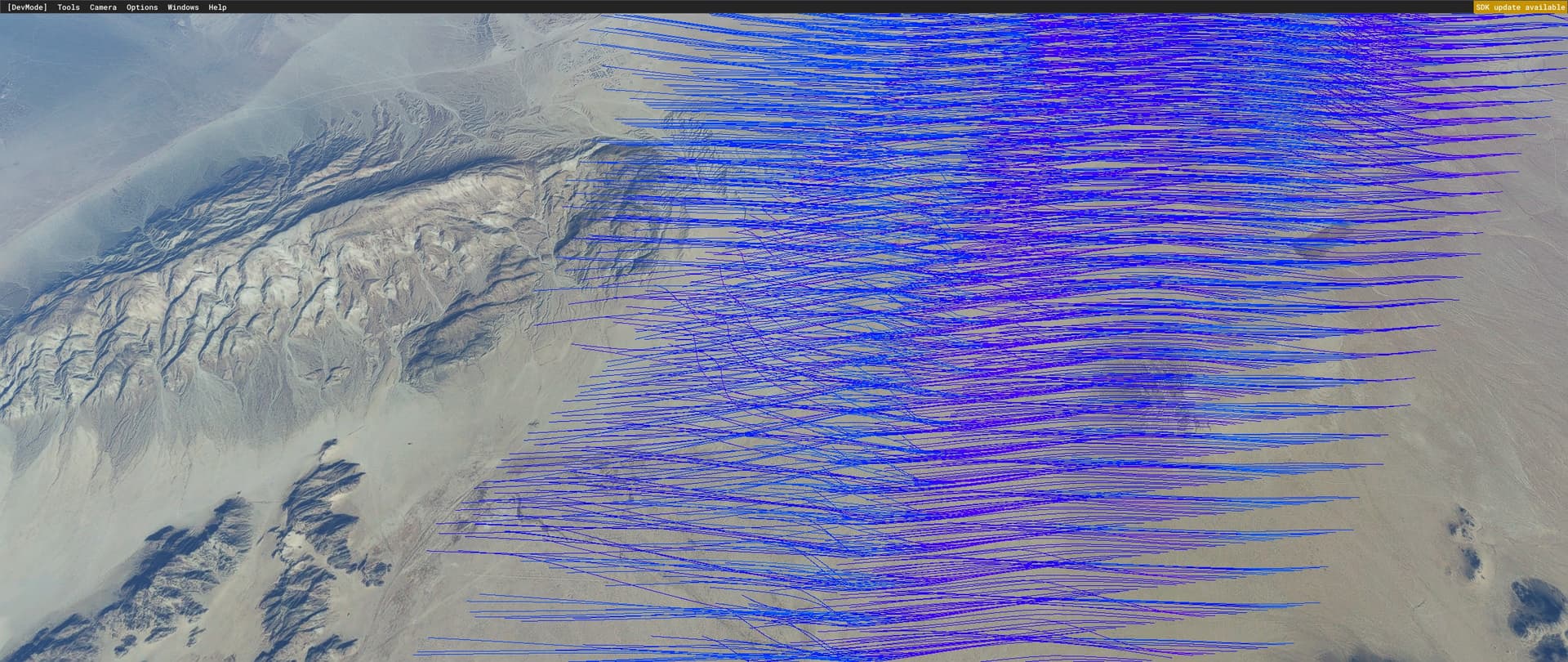
It also supports multiple manual wind layers:
1 Like
Maybe you are right, Need to test more But don’t understand how i can get mountain waves with 0KTS at groundlevel. IRL its the velocity near ground that causes those mountain waves.
One thing I noticed (may not be related) is the updraft simulation particles seem to recalculate the wind speed every tick as the particle goes up in altitude. So as they go up in altitude, the wind speed smoothly increases between the wind layers, which reduces the limit on the updraft, which allows it to rise higher.
Here’s an example with the updraft visualization enabled, the upper wind layer at 30knots and the lower at 0 knots. As the upper wind layer moves down, the updrafts increase in height:
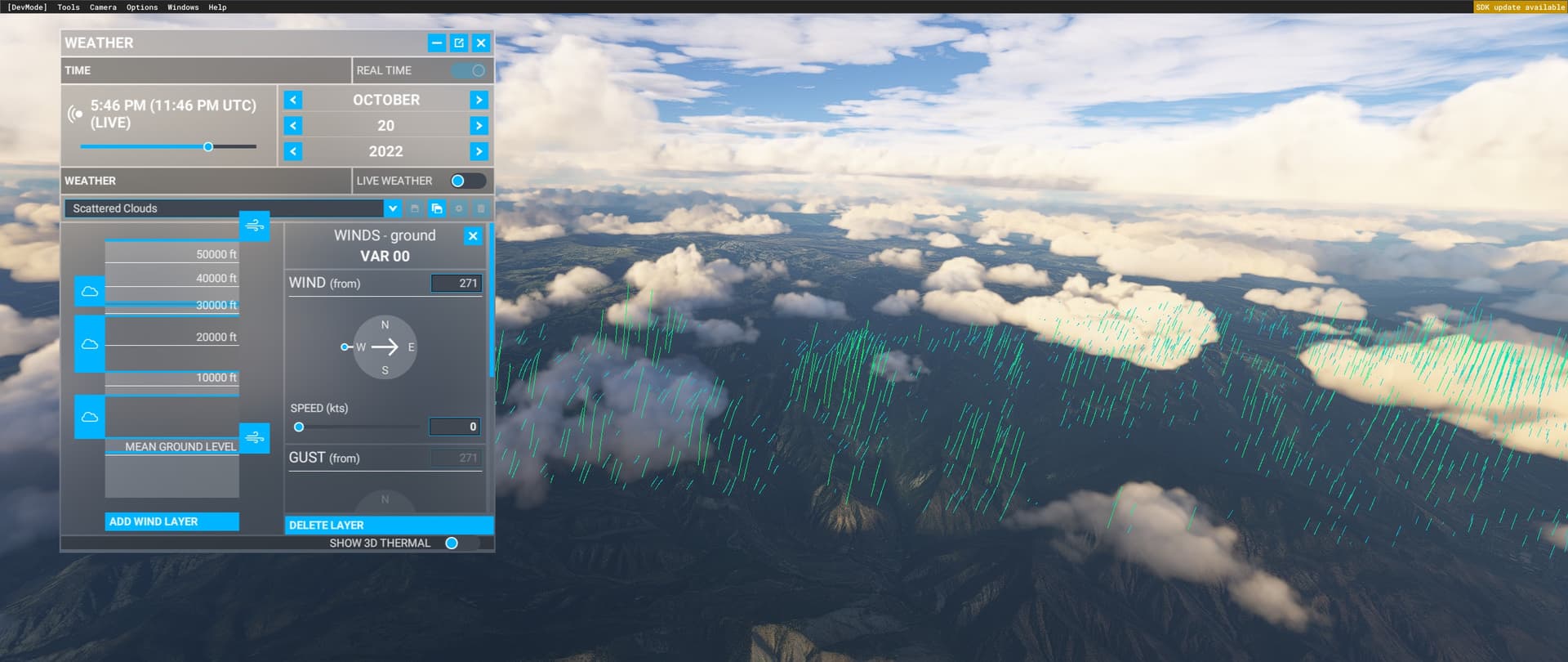
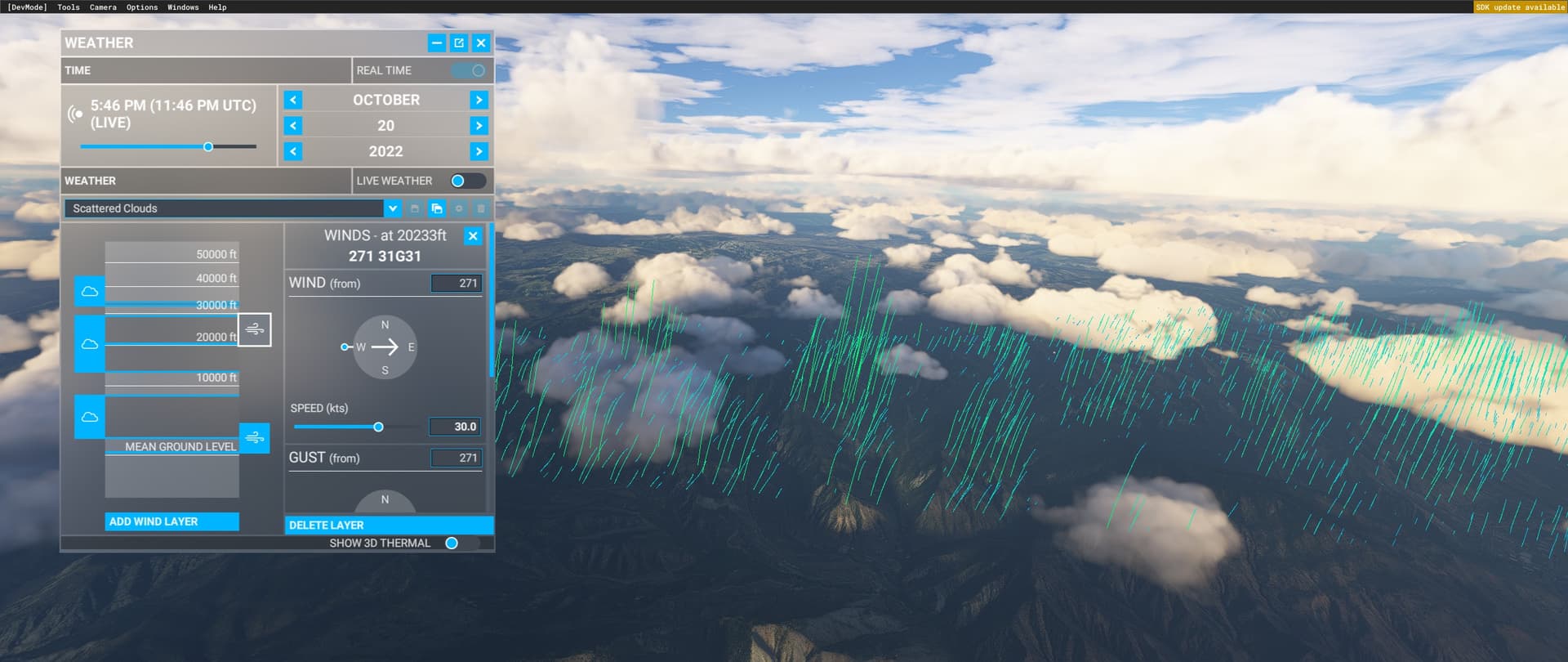
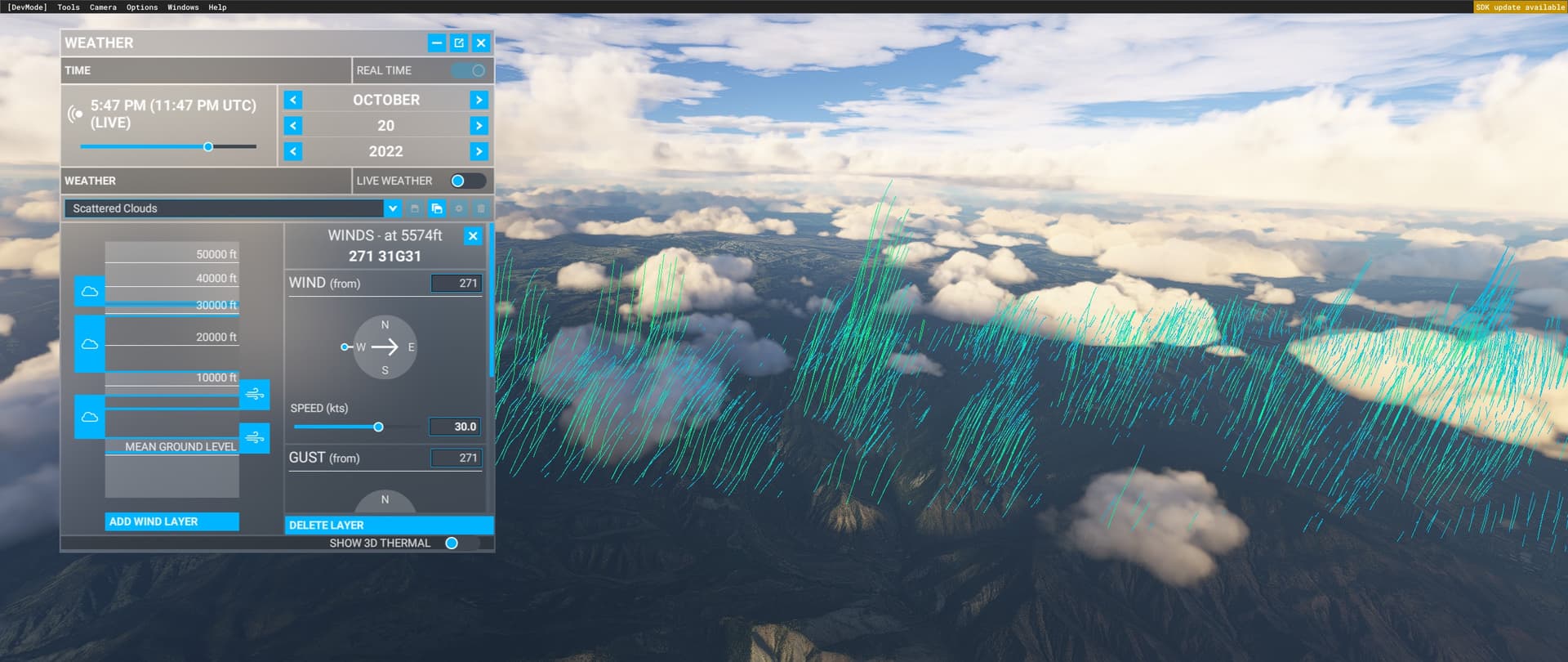
You found a way to unlimit updrafts 
But the thing is that the air increases gradually when we set a second layer, That means it increases faster when you bring down that second layer, And thats why i say the air on ground are affected by the aircraft altitude.
Edit: I like the improvements they’ve done with atmosphere in su11. Those thermals we have now feels so much more smooth than how it were when they were released in su9. And now with that visualization tool they don’t need to limit things. Limit things only makes it feel unnatural. Real weather has no limits.
I think i will just use the sim for some time now. The more i use those tools the more i feel it’s a software 
I hope Asobo listening to those real glider pilots and note feedback.
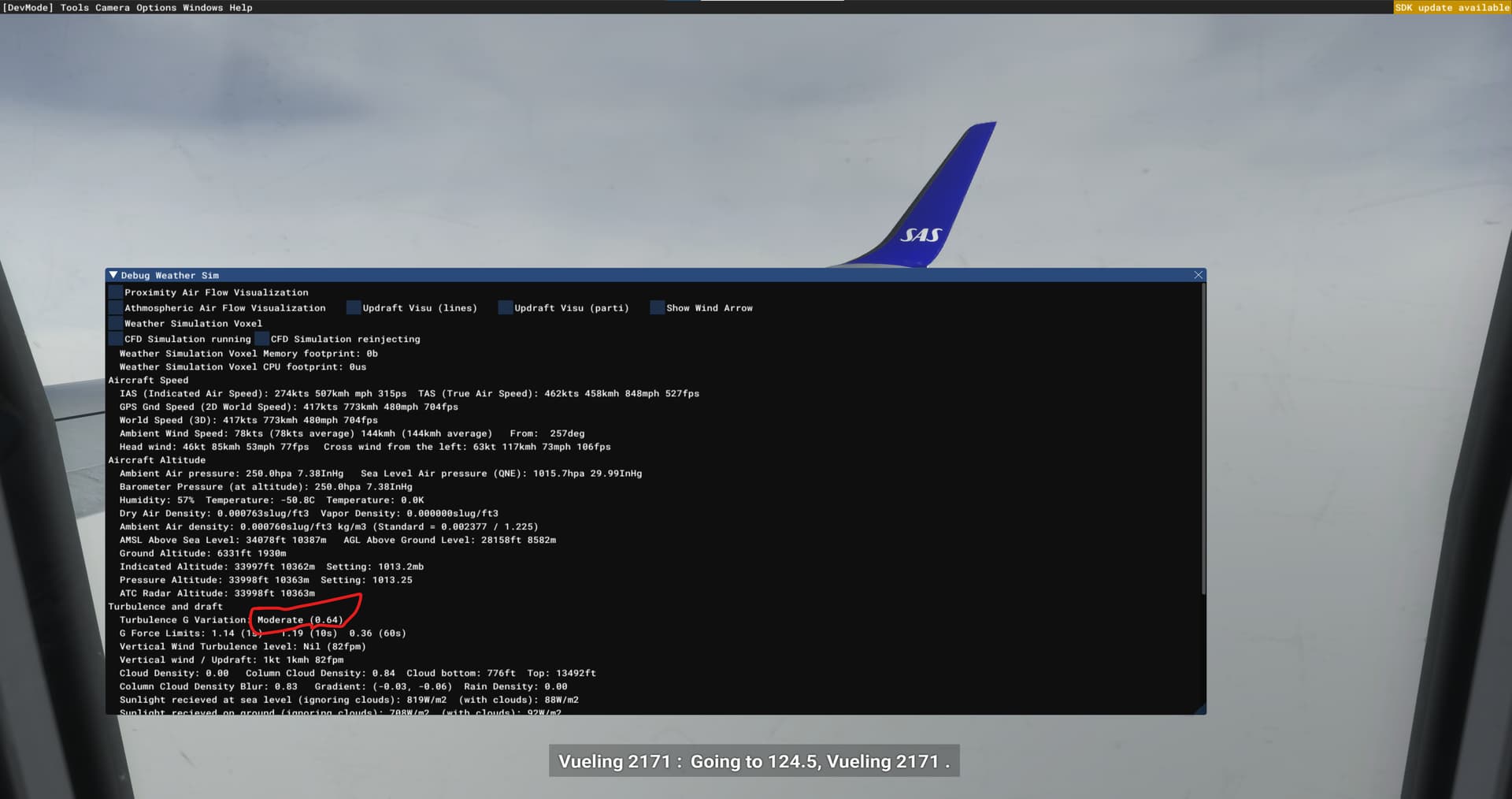
Very interesting reading above! A few questions if I may, please:
-
Are there proper rotors forming of the backside/leeside of ridges?
1a. If so, do these vary in intensity with: a. windspeed; b. wind direction; c. slope and ridge profile? -
Regarding the thermals … where appropriate is there a relationship between thermals and cloud formation?
Thanks!!!
-
Yes. I’ve seen rotor turbulence form under various circumstances:
-
Yes. When the conditions are right, the sim will generate thermals under clouds based on the height, size and density of the cloud.

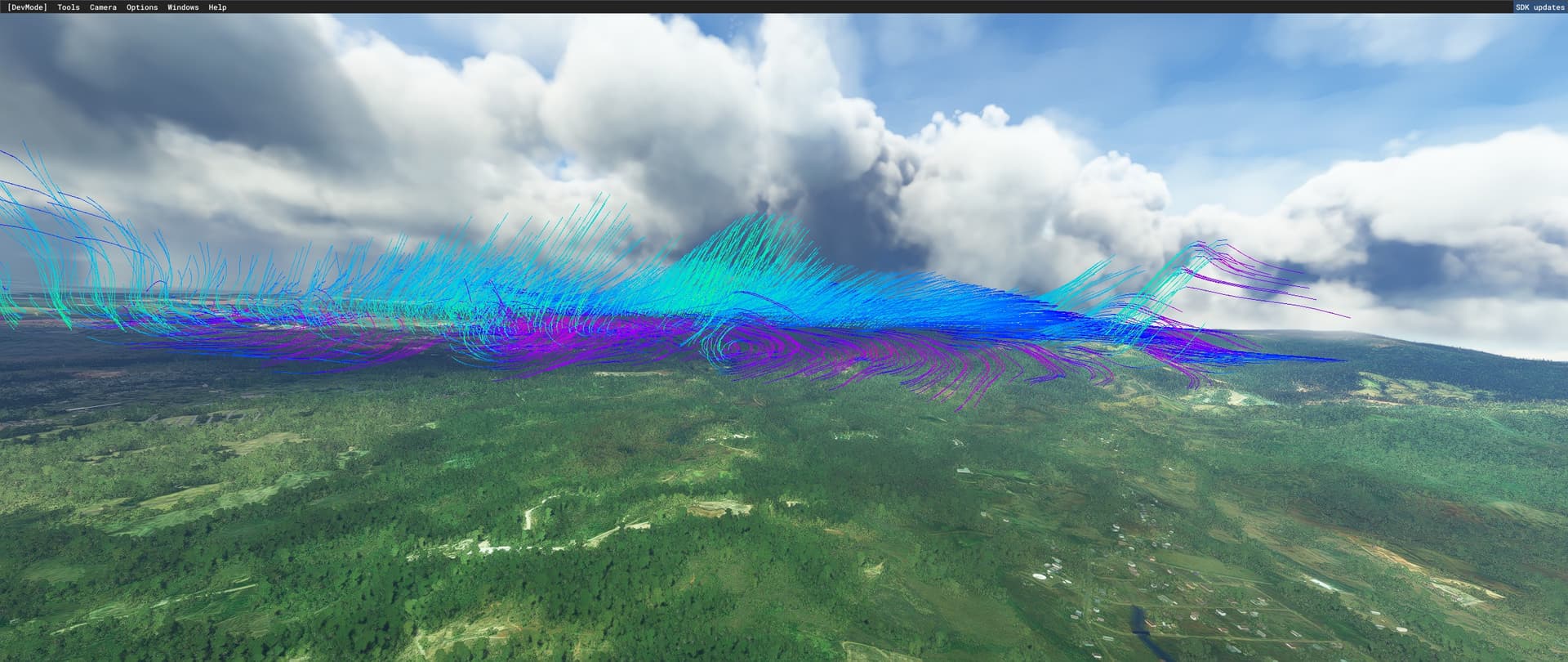


4 Likes
Yeah but that also means young clouds get missed out, in reality they can live over some of the strongest of boomers although because they’re fresh they tend to be small in diameter.
A couple things are going on I think:
-
People don’t realize how involved it is to fly an airplane in lively air, and they’ve never seen it in a sim before. Adjusting to this means changing away from techniques and capabilities they’ve gotten used to, and nobody likes their cheese moved. When I finally got back into flying after a half-a-life hiatus and a good bit of sim time, I had a rude awakening on the first rough day I flew. It was pretty ugly, and it took me a little while to respond in a mature way to my performance.
-
The standard MSFS camera is not really well suited to how a pilot’s head actually behaves in unstable air. Sometime when you’re driving, especially somewhere hilly, with speed bumps, or with banked turns, and see how you actually perceive the motion of the car’s dash: your focus is bound to the horizon, and you see the frame of the windshield pitch and roll around your stable head, rather than seeing the outside jerk around you. In turbulence that messes with pitch and roll, you should see something similar, with the cockpit bouncing around in front of a fairly stable horizon. You get this for free in real life, because your neck and vestibular system make an awesome camera platform. We need software to emulate that. VR driving sims do a simplified version of this with a camera that just stays level, but you have to have a more complete solution in a flight sim since you actually do a lot of rolling and pitching. (It’d also be cool if it accounted for your direction of motion and lateral forces, so being in a sideslip looked visually different from being in a coordinated turn – basically you’d see the cockpit rolled and the nose off to the side but the horizon more or less level, which is what a sideslip looks like to me in real life.)
-
In a small craft, rough air strikes control surfaces and deflects the controls. If you let this control deflection happen, it’ll naturally counteract much of the pitch, roll, or yaw moment that the bump imparted on the airframe: an updraft striking your left wing raises the left wing, but also raises the left aileron, which in turn helps push that wing back down. There’s a bit of a knack to the amount of resistance and the timing of your restitution force, but that stuff all lives in your hands, which can handle this much quicker and with more nuance than you can get with an eyes/forebrain feedback loop. Since we don’t have FFB flight controls, we’re effectively all handling the stick with an iron grip like a newbie pilot, so the plane eats the bumps harder than it should. It would be nice if there was a stick-forces abstraction layer that let you effectively fly with a loose hand. I think Condor2 (a glider sim) has a slider for this, but the menus and manual are pretty vague about it.
10 Likes
As for 2 - sadly no! As a RL glider pilot I spend many days testing both live and preset weather and as of current state of SU11 beta I see that thermals greatly miss connecting to Cu clouds. As if cloud visualization and thermals were completly unrelated mechanics. It may be to some extent caused by thermal strength being artifically limited by wind speed, but even then if Cu clouds were result of thermals they should appear where thermal reaches condensation height, which sadly is not the case.
I created release note feedback about it here https://forums.flightsimulator.com/t/6-improved-atmospheric-simulation-with-a-big-focus-on-thermals-and-general-tweaks-for-the-cfd/550009 with some video demonstrations of the issue. Some other RL glider pilots also confirmed this and other issues about thermals. Hope Asobo take care of it before SU11 release at least about cloud connection to thermals as otherwise it will rather discourage people from usig MSFS for gliding.
4 Likes
Thanks for your response … this was exactly why I asked the question. Was hoping that Asobo would connect thermal activity and cumulus formation in a way that might allow their exploitation for cross-country gliding. Many fingers crossed that they listen to your feedback … reading through it you’ve raised a very useful bug report for them. Cheers!
1 Like
CoastalGamer - thank you for taking the time to respond re rotors.
In my opinion the problem lays in the different data sources that Asobo uses to compose the whole atmospheric simulation:
- cloud position comes from a global model (MeteoBlue) and (correct me if I’m wrong) is partially overridden by METAR. This model clearly can’t be able to predict cloud position with an accuracy of less than 1 km.
- wind generally comes from the MB model, but is modified by terrain mesh with a resolution of some meters, and can be overridden by METAR.
- thermal activity is calculated from terrain conditions (reflectivity, tree coverage, buildup area, water area) that is accurate to some meters, but also terrain shading by clouds seems to be involved.
So at least three data sources with hugely different resolution in space and time, and different up-to-dateness must be boiled together for a realistic atmosperic simulation which seems like an impossible task. The weakest of these data sources seems METAR as lacks a lot of information to give a complete image of atmospheric conditions, let alone that it’s valid only for one point in space and time. An option to not include METARs at all would be nice to have…
For thermals and clouds, if done physically correct, the formation and position of convective clouds should be calculated from thermal activity and wind data, which in turn seems impossible to unify with the global MB weather forecast on a much coarser grid. Complicated hen-egg-problem that wasn’t solved in FSX where you had to use these green spirals for thermal visualization. The CumulusX addon used its own small convective cloud models (which stuck out like sore thumbs between FSX’s own clouds) to realistically depict thermals, which was slightly better, but still not a good solution.
Edit: when thinking about hugely different spatial resolution, this could actually be a chance: the MB forecast just tells what probability for convective clouds should be in a given cell, and a local (say, for 20-100 km²) thermal model could produce these clouds where they actually would be formed due to terrain features. This local model should run on the clients and thus could also work for custom weather. A plausible transition towards the global cloud model will be the challenge, then.
I wish Asobo some brillant ideas to get the whole atmospherics into one coherent, plausible model.
5 Likes
The winds need more ground friction IMO, they hardly brake when they hit a hill.