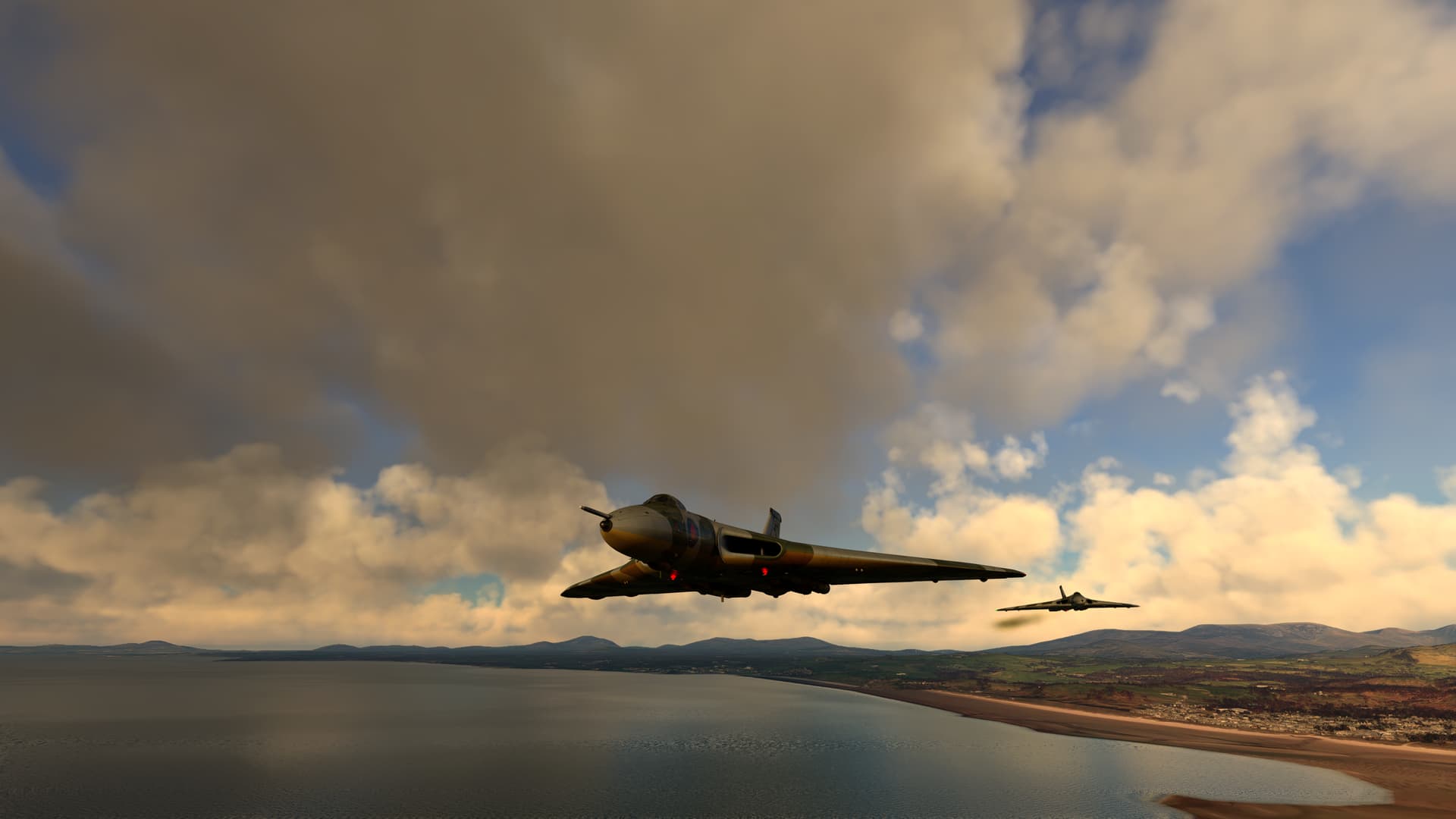
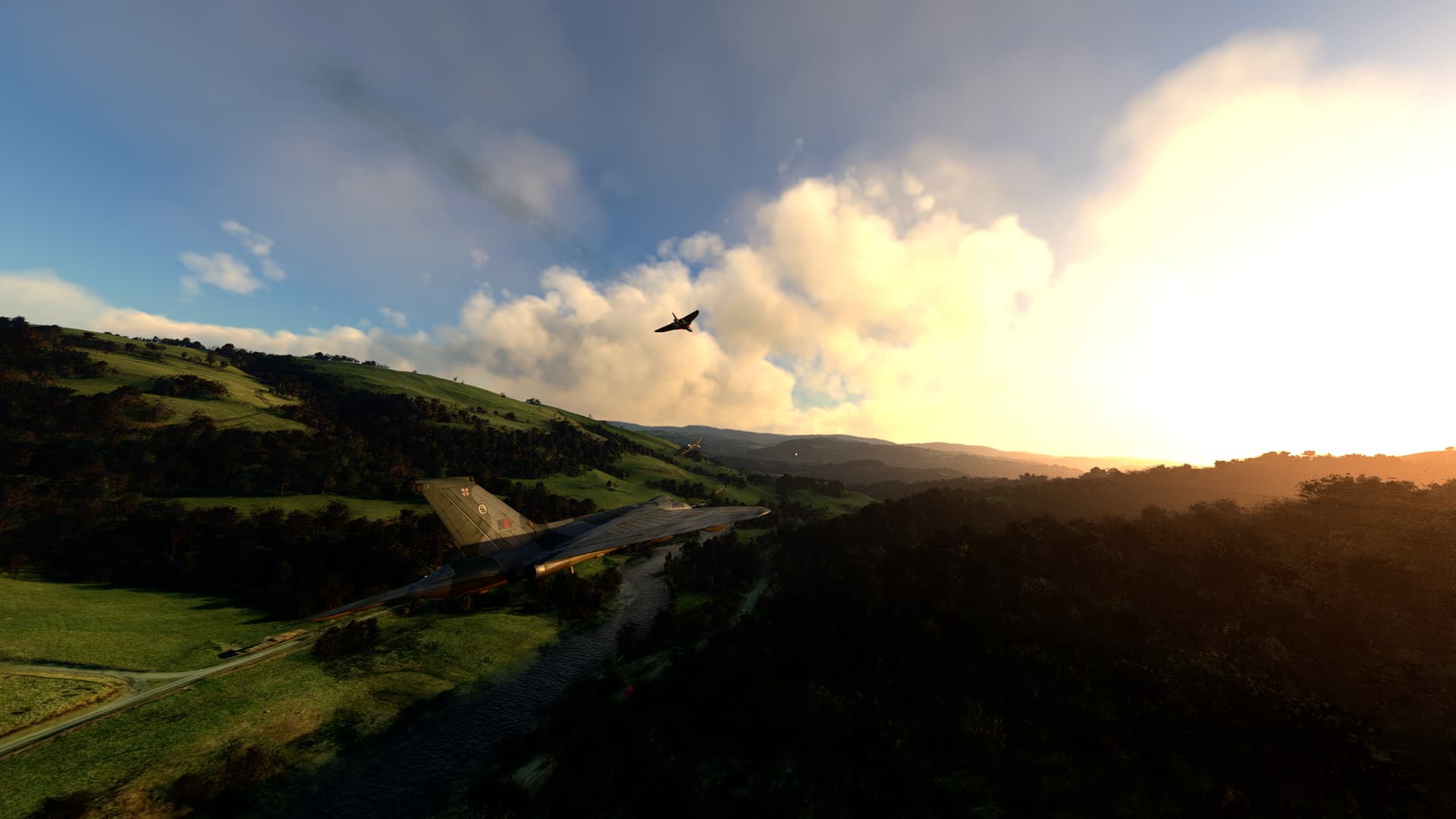
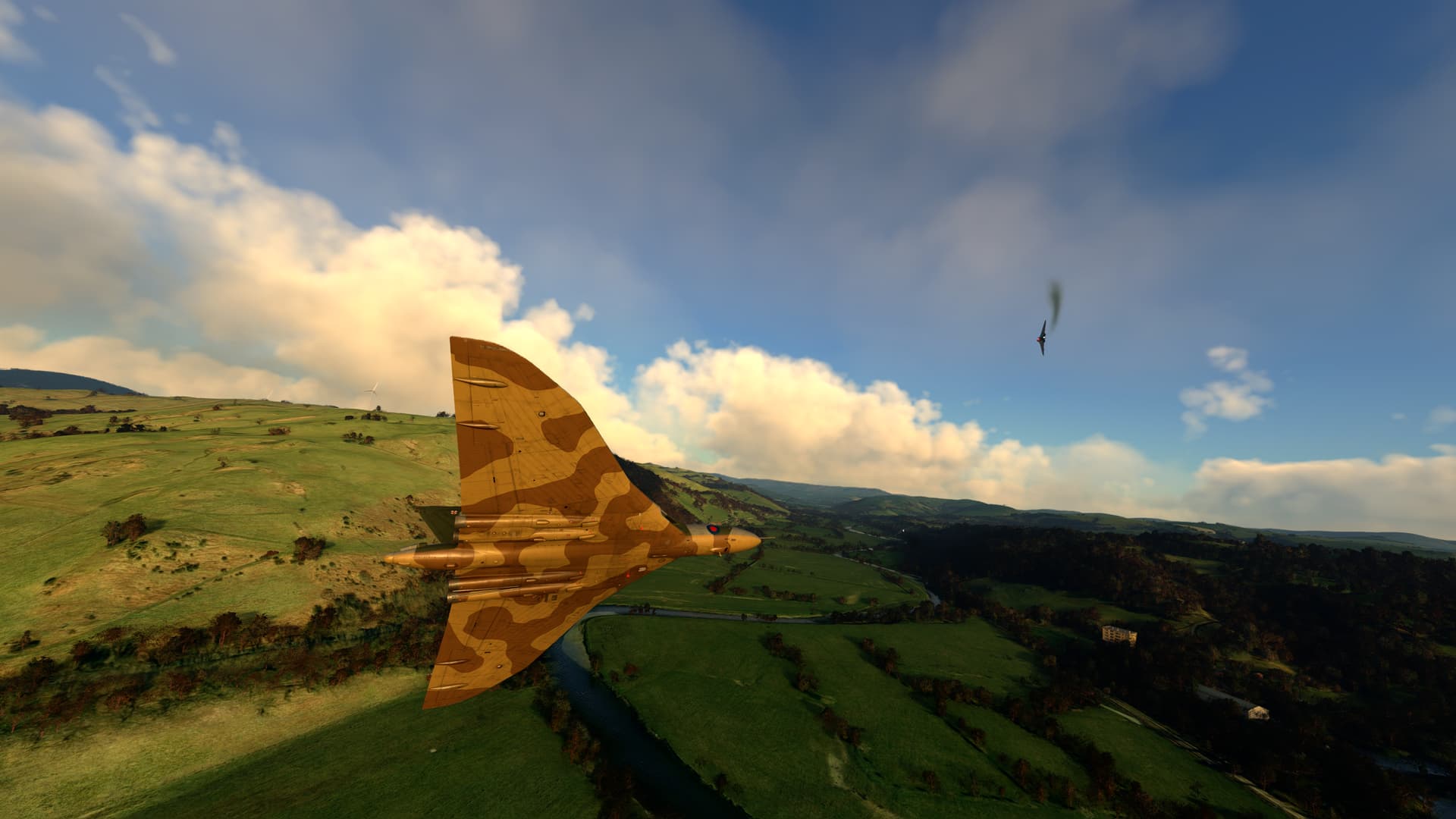
Cool!
Contrary to many other planes something fun in the Vulcan is that scrambling to the runway in a certain amount of time is a skill you want to develop.
I’m not sure about nose wheel steering as a button you press, I think it is a button you hold to enable steering and release to disable it. That’s how it works in most other planes with similar systems.
How it really is is in the real aircaft I dont know. But here in the sim it is a toggle button you dont have to hold down, and from the location of it, I guess this is true for the real life aircraft.
You are truly a legend of the community, thank you for all that you do!
I am a lowly Xbox peasant, so I have no doubt that there’ll be a fully polished version ready to go by the time I get my grubby mitts on the Vulcan, but for now I’ll peruse the WiP version and dream. Thanks again.
The real aircraft is press and hold when you want to steer. If you let go of the button, the steering function stops and the pedals then purely operate the rudder.
Thank you for taking your time to do this. It’s always a joy to use your checklists.
One note on the checklist. In peacetime only takeoff with the setting “cruise” was allowed limiting the 301 to 19000 lbs of thrust and thus saving engine life. The “takeoff” setting with the full 21000 lbs power was reserved for war.
The Armageddon challenge 1960s style:
From “ready to start” to 6000 feet up and 6 miles away from starting base within three minutes.
The scenario [Nuclear war trigger warning]:
Select a dispersal airfield like Brawdy, Prestwick, Finningly or Lossiemouth.
Go to “RS02 alert” meaning two minute cockpit readiness with all checks before engine start complete. Arm the nuclear loadout, lock the cockpit, pull down the blinds on one of the windows and wear an eye patch on one eye - so after a nuclear flash one usable window and eye will remain.
Now wait for the scramble order.
Intermediate-range ballistic missiles (IRBM) launched in a low trajectory from the Soviet Union against the UK would give the RAF command structure a four minute warning with 1 or 1½ minutes more for the bases in the western UK (especially Northern Ireland). Between 30 seconds and a minute will be lost before the attack is confirmed and the scramble order is conveyed from Bomber Command through the landline directly to the locked cockpit under full radio silence.
So three minutes remain for the simultaneous engine start, taxi (better be a short one) and takeoff. With a megaton warhead on its way to the base it is not enough to get airborne. The Vulcan need to reach 6000 feet to clear the shockwave reflecting from the Earth’s surface and be at least 6 miles away from the base. The climb should be performed at a 40 degree bank angle to clear the runway heading as the attacker might use two warheads on the same base or plot fill-in warheads to down scrambled aircraft.
Then make your way towards Moscow or Leningrad with an attack run below 300 feet AGL.
Easy? Now try as second, third of fourth in line for the takeoff.
Here’s a few previews of new features that are coming in the v1.1 update. As usual we will listen to the community requests, and keep a close eye on forums and videos/streams to see what we can do to improve ease-of-use.
Dynamic speeds card added to cockpit, showing rotation, climb, pattern, approach and threshold speeds that are based on the current aircraft weight. It can be clicked to toggle its visibility and it’ll move over to the right instrument panel if you select the co-pilot view, like the EFB:
Autopilot menu added to EFB aircraft page for quick selection of autopilot modes. The approach hold info box shows the currently tuned NAV frequency and selected course for use with ILS approaches:
We are also just finishing off work on the new pilot callout sounds, including takeoff speed and rotation callouts (based on the real-world manual speeds), approach gear and airbrake position callouts, landing roll brake parachute callouts and air-to-air refuelling callouts.
Could the engine limitations such as:
Takeoff % depending on oat, max continuous and other relevant book figures and references be also added to the checklist section of the efb? Helpful to have them all listed as well as the updating chart!
Thanks for this, all sound like welcome additions to an already great aircraft. As always I appreciate JustFlight’s attention to the wishes of its customers
Since there’s a “modern” GPS accomodation, it would be a nice “old school” luxury to have second Nav radio - or a standby nav freq swap button on the tablet, even if its only a second tunable/swappable frequency on the tablet and not an additional feature in the Navigator seat - unless there are plans to make the Vulcan natively compatible with the popout/toolbar GTN750 or similar.
Not sure if noticed already but the warning lights that come on when close to hitting the tail/too late turn on too early when the sensor isn’t in contact. Both of them come in at the same time as well.
Both coming on at the same time is correct behaviour. It’s designed so that if one bulb fails you still have the other to tell you that the tail is too close!