The v1.1 update is now available: Vulcan B Mk.2, K.2 and MRR changelogs - v1.3 released (edited 10/04/25) | Just Flight Community
It includes new features and improvements in addition to bug fixes.
Martyn - Just Flight
The v1.1 update is now available: Vulcan B Mk.2, K.2 and MRR changelogs - v1.3 released (edited 10/04/25) | Just Flight Community
It includes new features and improvements in addition to bug fixes.
Martyn - Just Flight
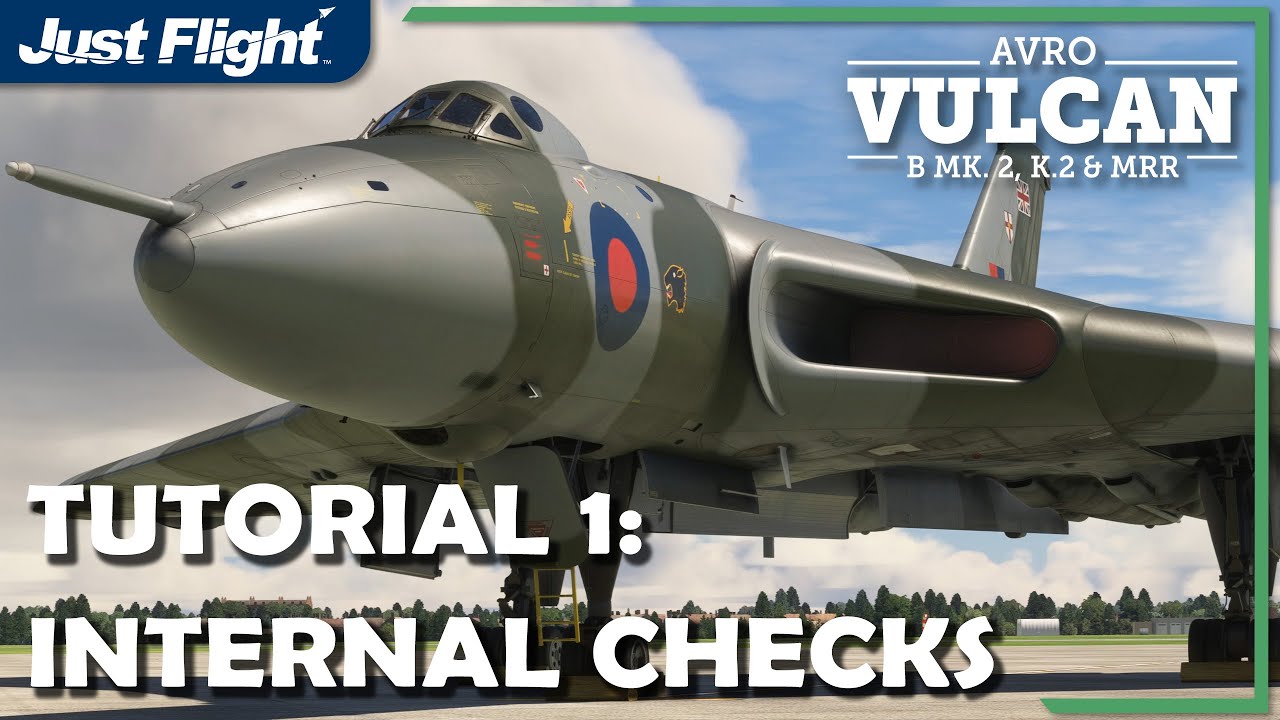
We’ve also just posted four tutorial videos:
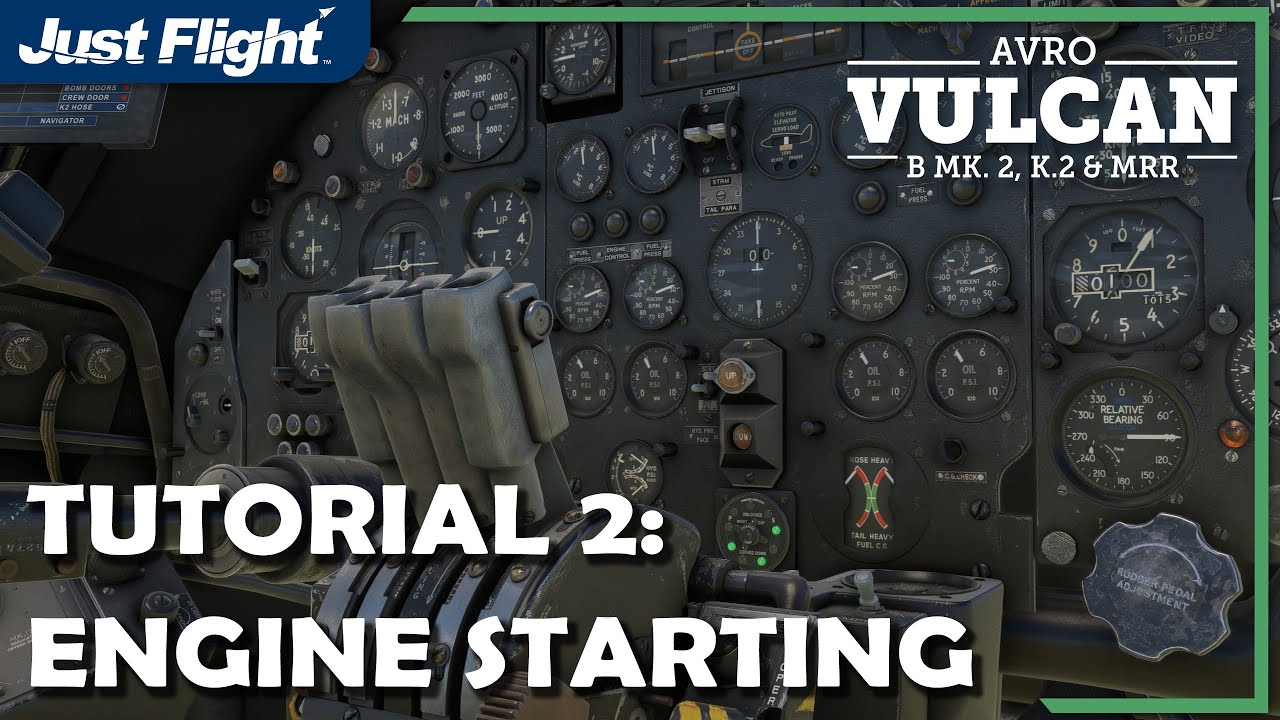
Martyn - Just Flight
Excellent updates thankyou!
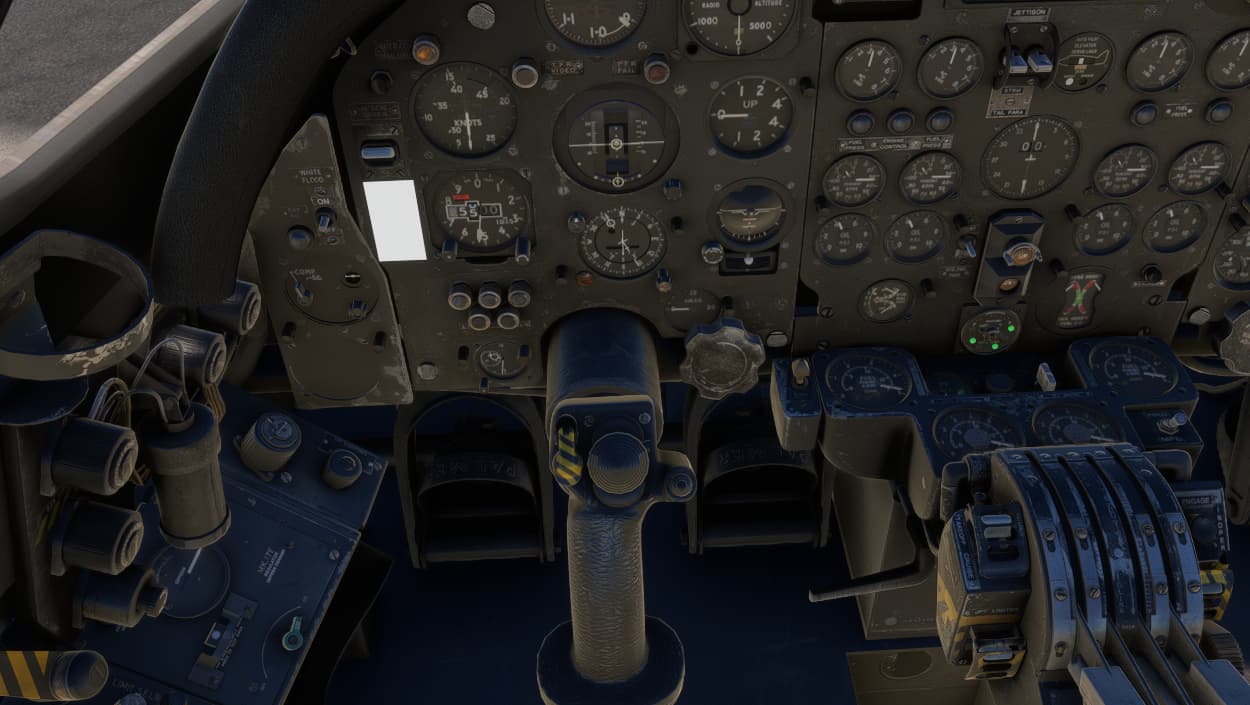
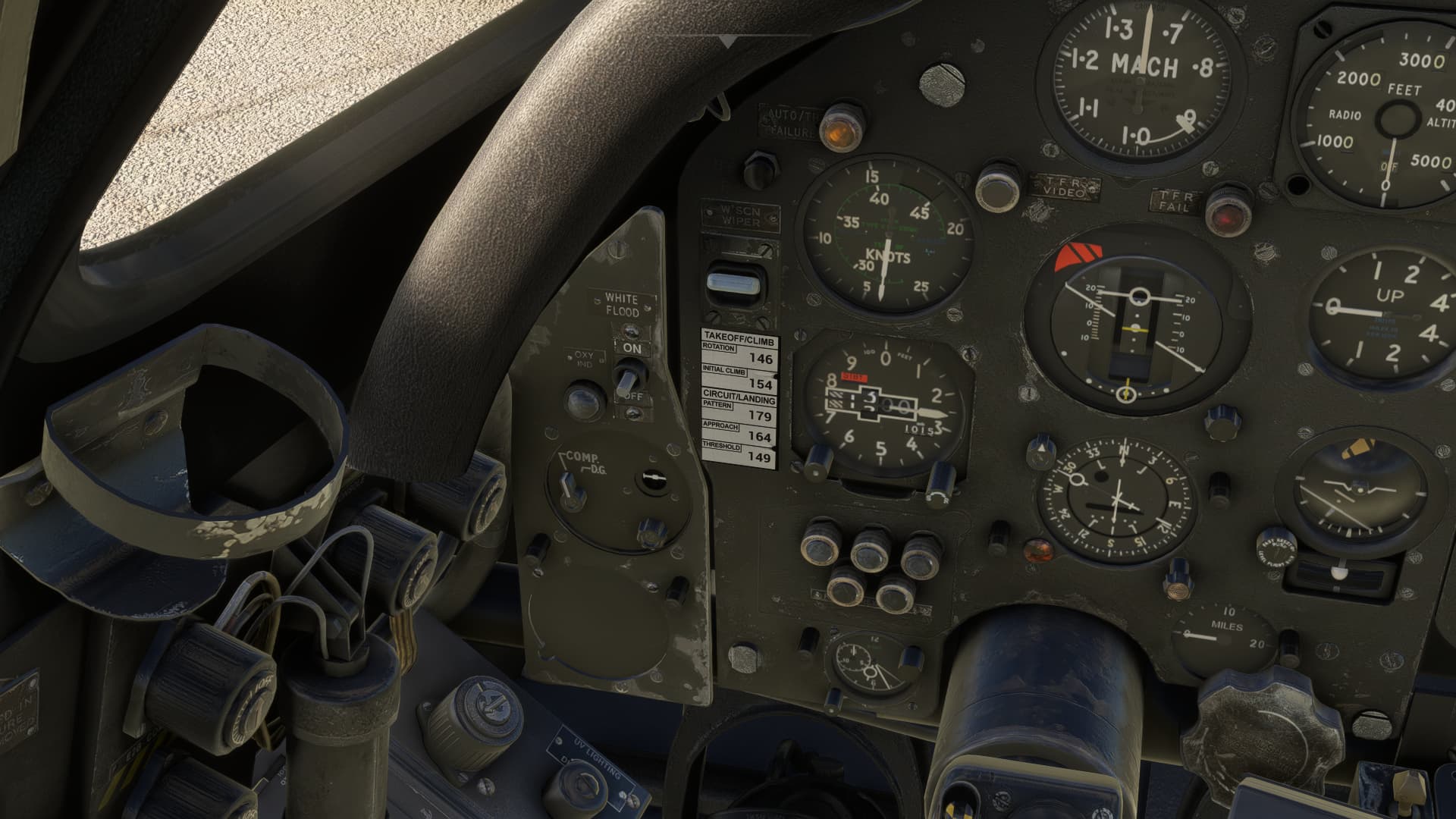
I just installed 1.1 the dynamic speeds are not showing, I only get a blank piece of paper and if I click it nothing happens.
And I’m not getting callouts, tried with a couple of liveries in the 200 version.
Working fine for me. There must be something wrong with your installation. I follow the instructions, so I extract the zip archive and run the setup as administrator.
Excellent update from what I’ve seen so far. Nice fixes and new QOL features all very welcome.
Callouts are good, and the horn surprised me going off at 10,000ft, thought I’d done something wrong. Speeds ref card is working fine here.
Really good to have the MSFS standard control over heading and course, my Logitech panel is back in use for this now,
The camera system is much better, thanks for that!
Although I’ve been happily flying this constantly since release, the tutorial videos are really helpful for the extra clarity. Looking forward to going through tutorials 3 and 4 now.
I think this is the plane of the year for me, so complex and intimidating at first, but it’s already starting to feel comfortable. JF seems to make aircraft I really enjoy being in.
Yes, it is very good isn’t it?
A vote for the best plane btw would be a great idea.
For me either the Vulcan, the FSR 500 or the Comanche. All three have great devs too. 
Jaydee’s mod to add the GTN650 or 750 is what breaks the 1.1 mod, hopefully he will fix it soon.
It is a simple fix as now Vcockpit05 that was previously the GPS refers to the speedcards and the GPS is at Vcockpit06 instead.
Very nice update.
Yup, Baracus’s Top 10 counts the number of votes over the year, but a straight-up vote is a good idea too.
As much as I was expecting to jump on the Comanche at launch, something gave me pause. I can well understand the appeal, after reading every post on the threads and watching multiple videos, but it’s just missing something for me and that’s the way it looks, it seems sterile. I think one of the reasons I seem to get on with JF aircraft is that they feel ‘real’ when you first get in them. Those first impressions really count for tricking your brain and ensuring you’ve entered an immersive environment.
Of course, it’s not just about the graphical element, the whole package counts, but every decent dev approaches this whole package in a slightly different way, such that you could jump in a new aircraft and within a few seconds or minutes, you could probably guess who made it.
And back to the Vulcan. Nice to see that nothing seems broken with SU14.
We’ve posted information on the new pilot callouts and virtual AEO here:
Callouts: Pilot Callouts Explained : The Spirit of Flight Simulation
Virtual AEO: AUTO AEO Explained : The Spirit of Flight Simulation
Martyn - Just Flight
Thanks for the seed of an idea @Kayembee370 
I’ve got a little plan forming that I’ll try and set up this evening, so keep your eyes peeled!!
Tip of the day as I’ve not seen it mentioned by anyone yet - you can use the panel lights on, off and toggle control assignments to instantly and automatically set all the cockpit lighting. It will be set based on the time of day that you’re flying, white floods during the day and red floods at dawn/dusk/night. Much quicker than individually setting all those lighting controls dotted around the cockpit.
Martyn - Just Flight
Thanks for that, I was just in the process of assigning some stuff after flying around with it for a while and trying to get a feel for what I want mapped in terms of ease of use as I like interacting with the cockpit with this.
To that end, is there an assignment available for the takeoff/cruise selector?
No, not currently. We struggle to find unused assignments to repurpose but will see what’s possible.
Martyn - Just Flight
Understood, thanks.
Ha … The truth is that I was going to cheekily suggest your name (don’t think I can set up votes myself) but backed off because you contribute quite a lot to the forum already.


Go and vote for the Vulcan here - you only get ONE Vote, so make it count!!
And @NORTMAR and team, feel free to vote for your own products lol. No shame here!!
@EnjonUK tagging you too (tho I am sure you would have found it  )
)
Apologies as I haven’t been able to try the latest version yet. But I recall being able to actually start the aircraft without enabling the engine air with the paluste connected.