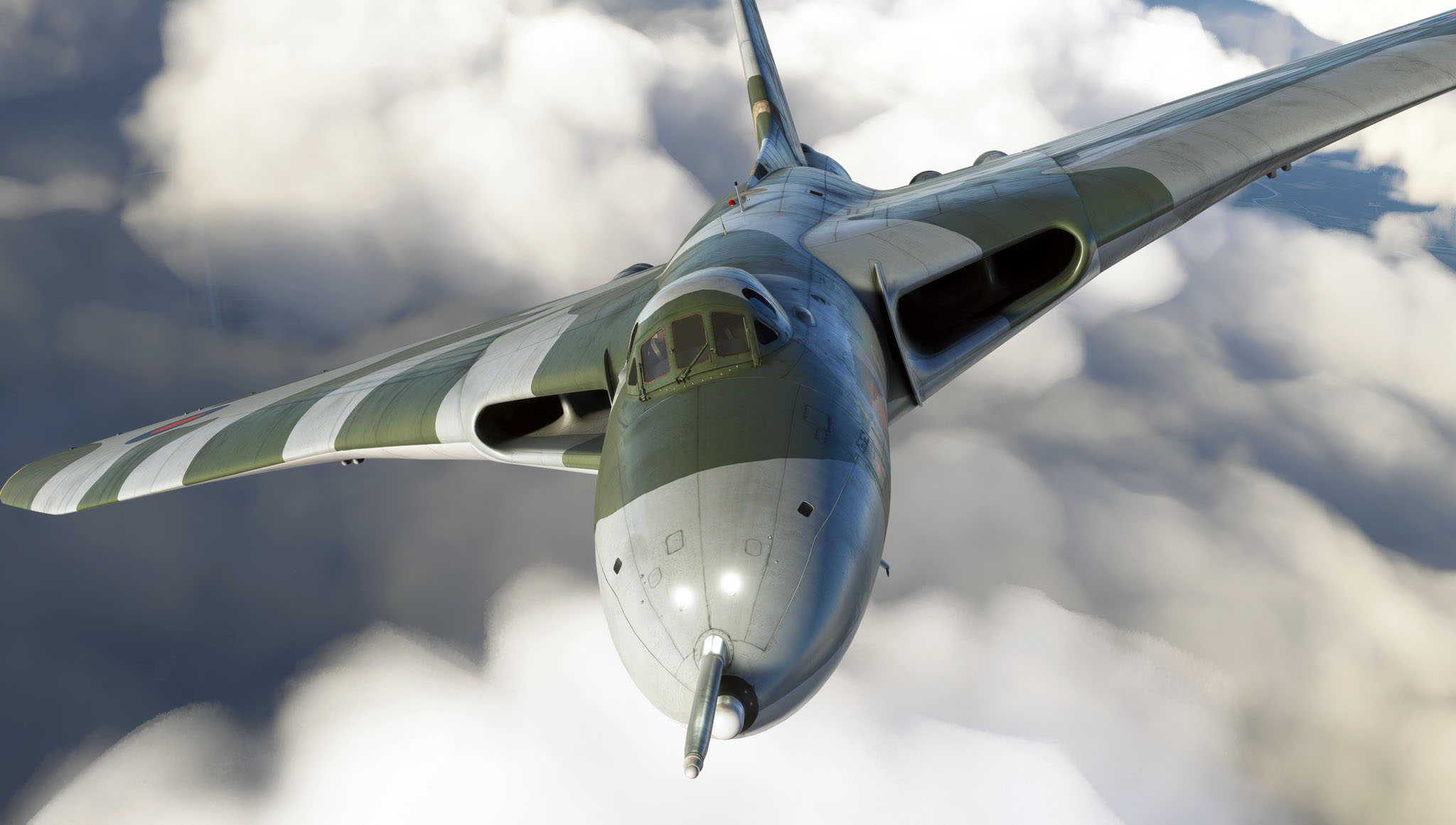
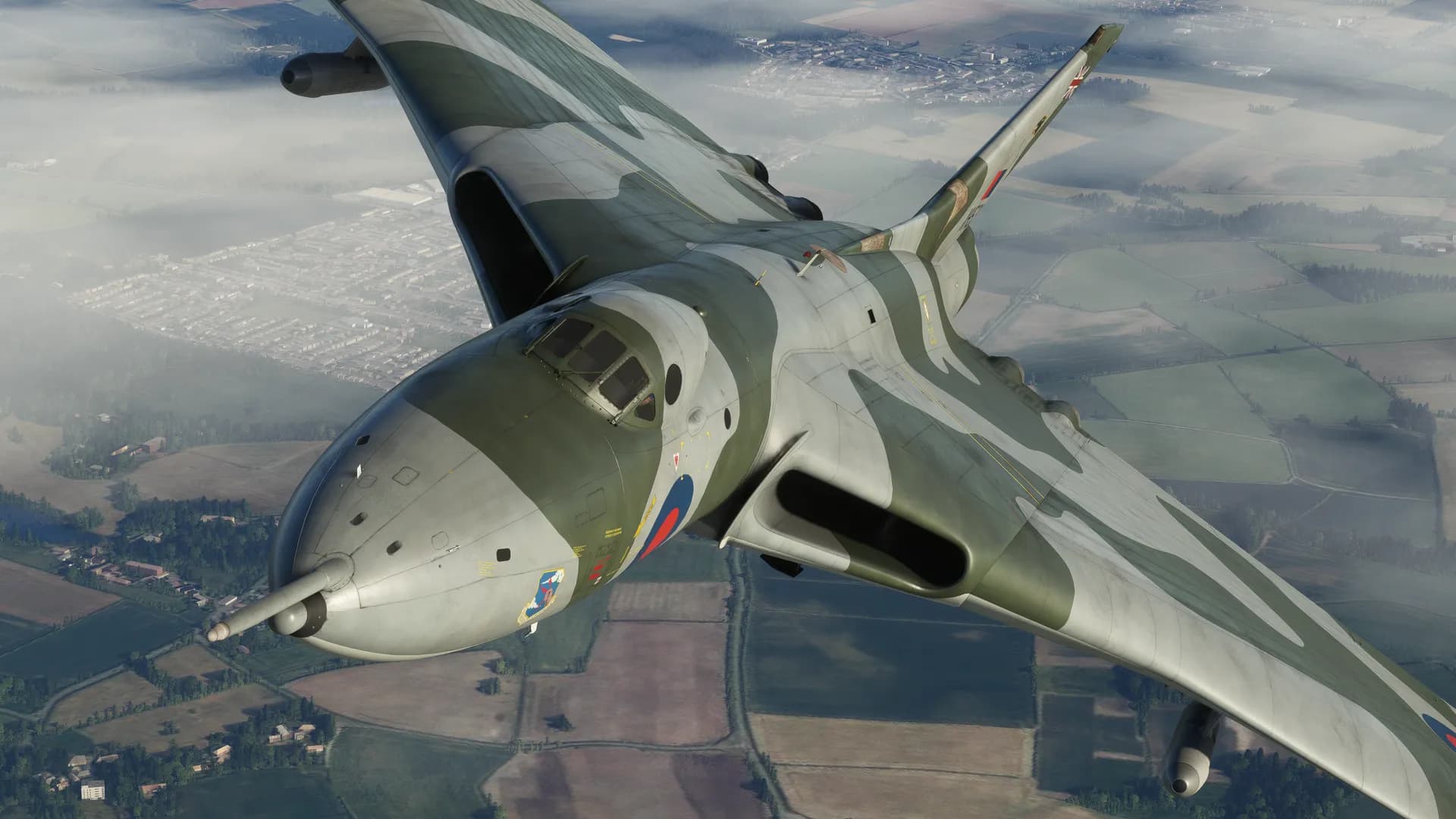
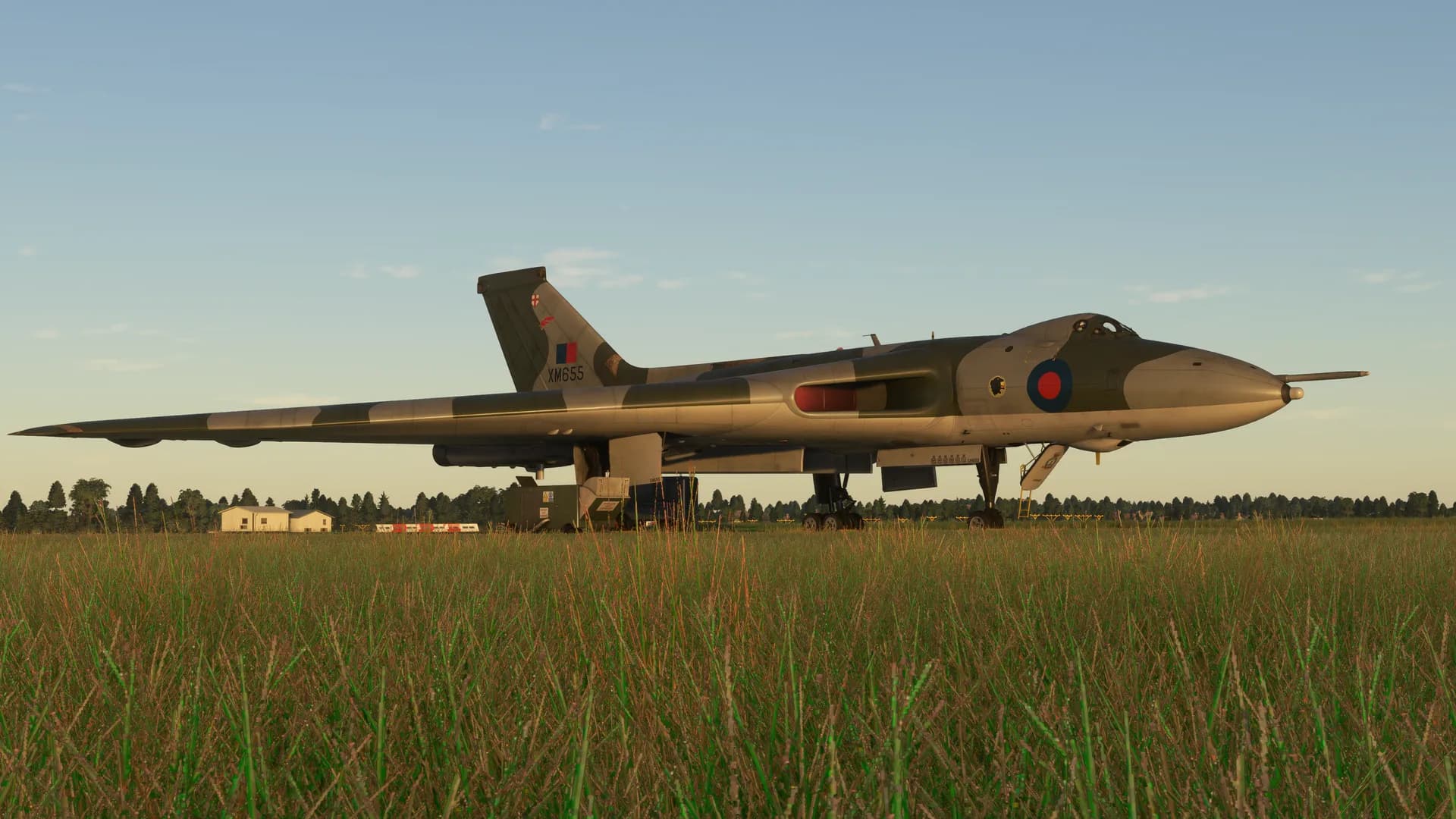
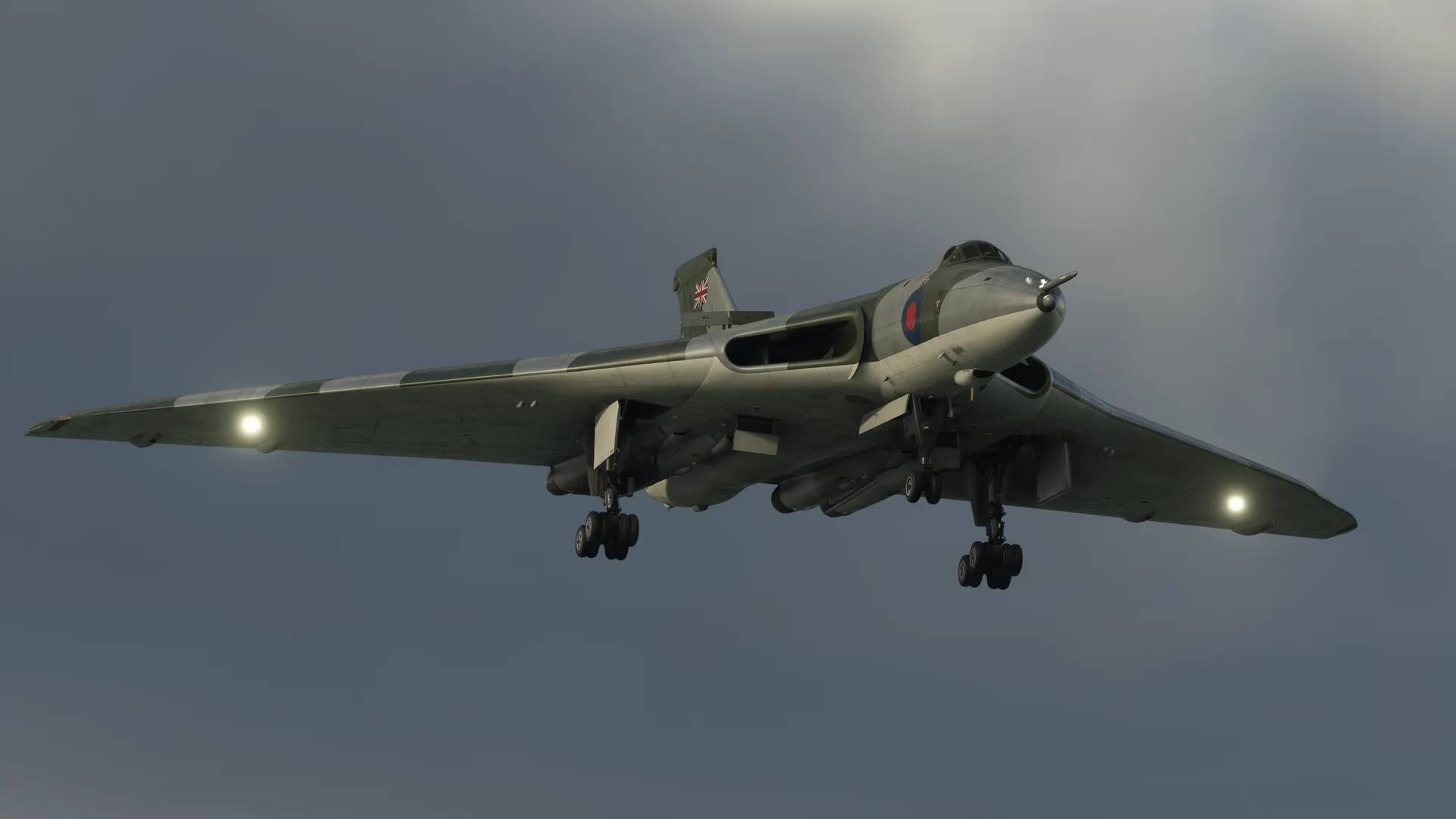
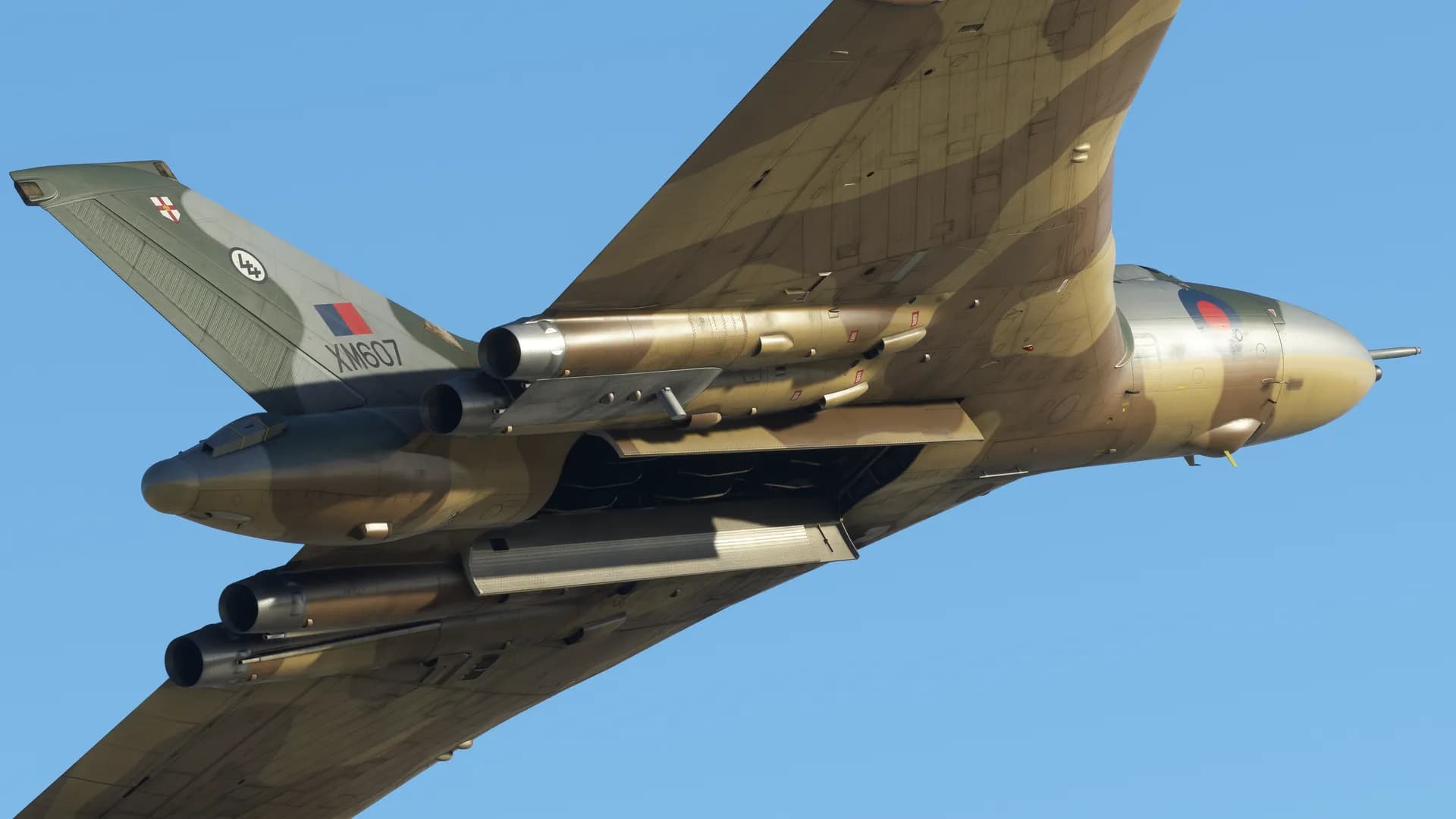
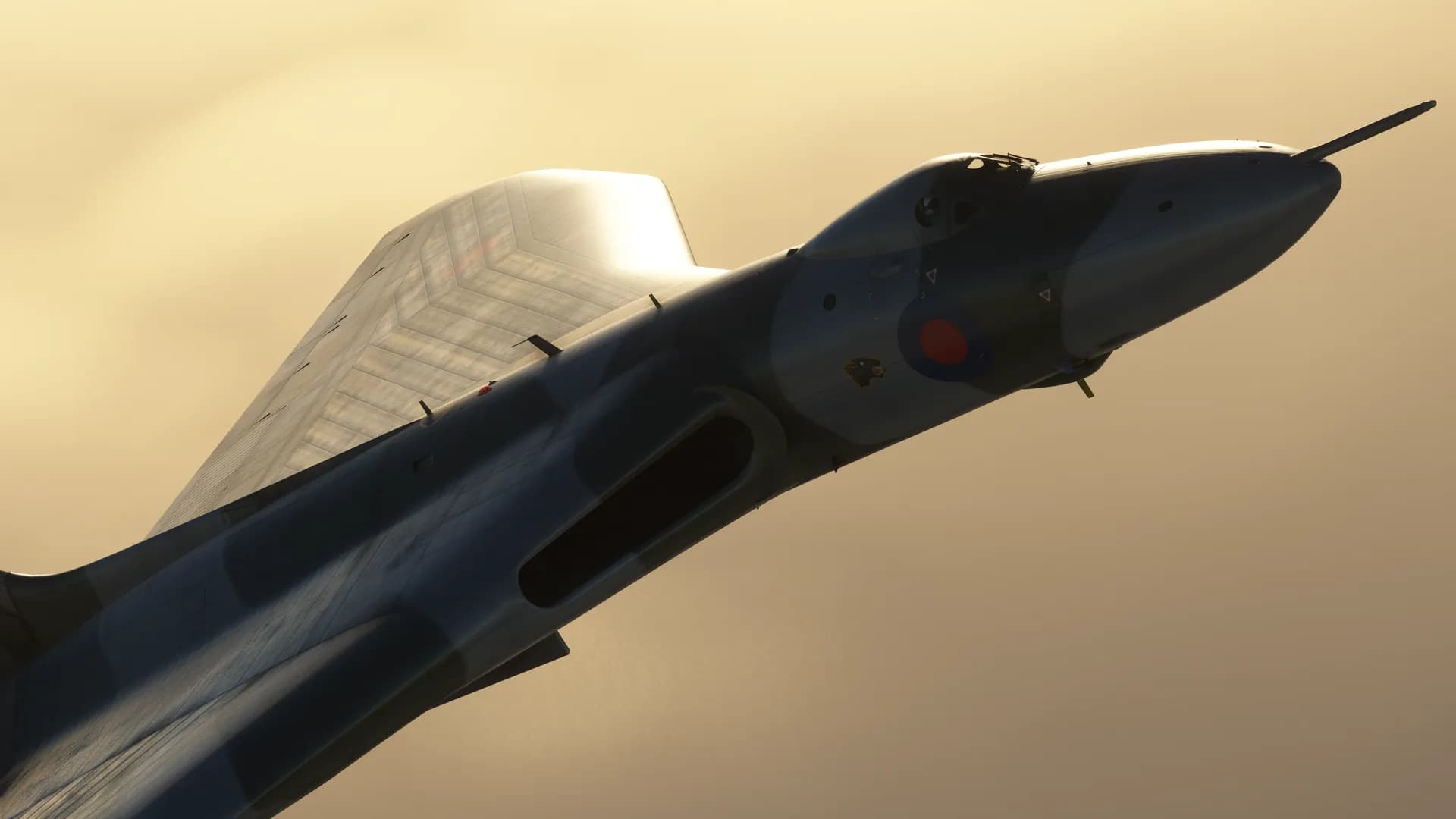
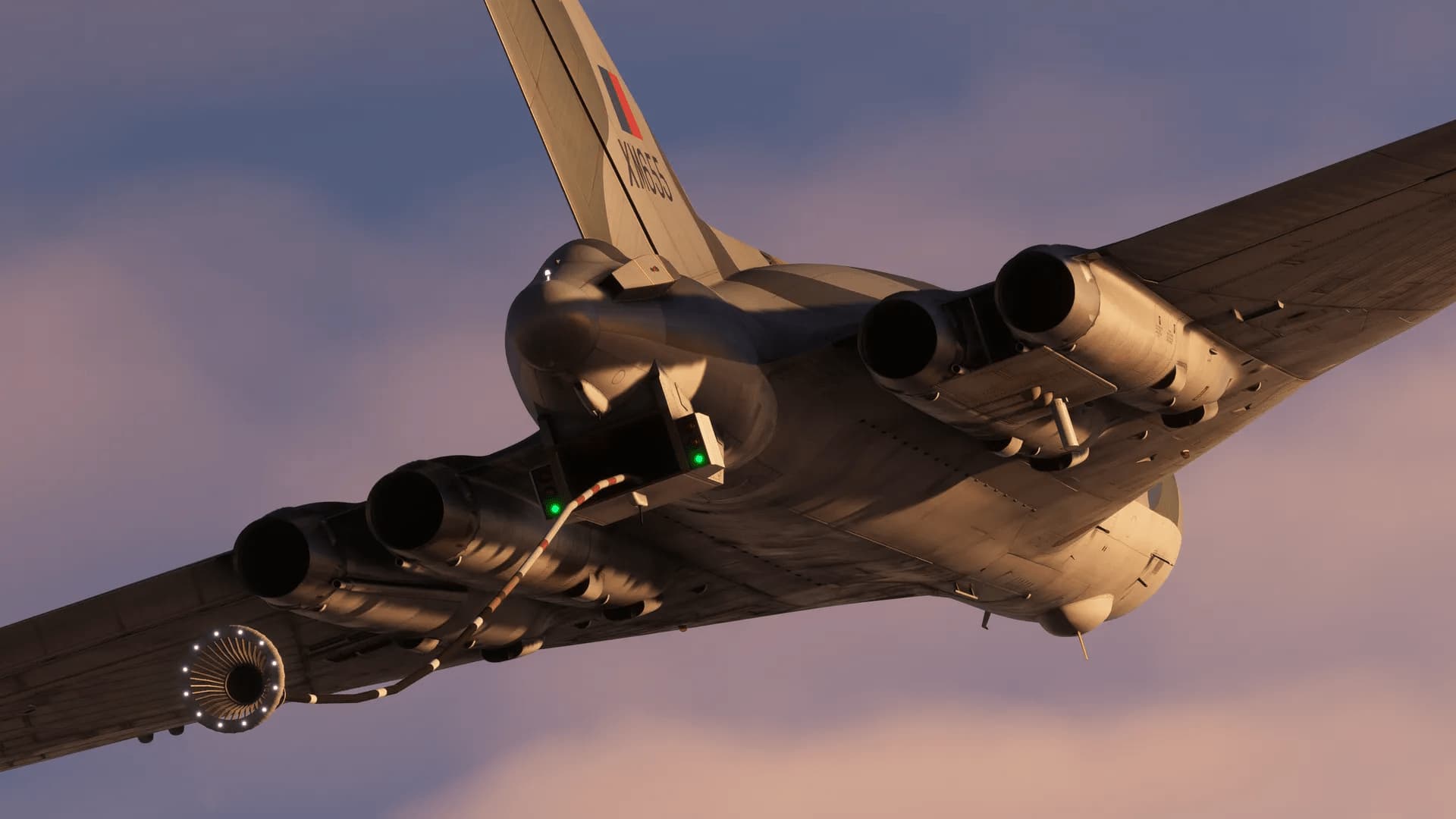
We have been fortunate enough to have had full access to XM655 at Wellesbourne, so it’s 301s with 20,000lb thrust each. They were wire-locked in normal service to restrict them to a level nearer the 200 series in terms of thrust level, but obviously that was removed for the Black Buck missions.
Shameless plug for the volunteer organisation looking after XM655 - lots of info, pics and vids including a history of the aircraft. I still remember as a 9 year old, standing on the cold airfield watching the aircraft make her last landing.
I can remember the one left to rot at Blackpool airport. There was a time when you could climb into the cockpit, I remember as a kid being too scared of heights to climb up. The next year we came and the thing had been sealed up and fenced round… I do regret not having the balls…
Absolutely, there are clearly different categories of quality from the Add On developers in the market. Here’s hoping Just Flight knock this version of the Vulcan out of the park with a full fidelity nothing overlooked, everything modelled, animated and function version of this legend of an aircraft. S!
Best wished to the Lead artist.
That the Vulcan is coming to MSFS2020 is something really to look forward to. Of course expectations can sometimes get ahead of themselves. There is after all, a broad spectrum of Add On developers active on the MSFS2020 platform. I hope Just Flight raise their bar to a new level with their MSFS2020 Vulcan release. With MSFS2020 being the platform going forward for the next decade or more, please take the time to allow our team the space to get the job done to the full potential. Many in the market are willing to pay the ticket price for a full fidelity, everything modelled and all features implemented study level simulation of this airframe.
S!
A range of payload options, selectable via the EFB tablet:
Blue Steel nuclear stand-off missile
1,000lb bombs
WE.177 nuclear bomb
Saddle bomb bay tanks
Cylindrical bomb bay tanks
Ability to configure external model options for each livery – refuelling probe, 201/301 engines, TFR dome, modern aerials and tail fin ECM, HDU, air sampling pods and aerials
Olympus 201 and 301 engine nozzle types
Ground equipment, including Houchin GPU and Palouste compressor for engine start, and engine covers and chocks
8k textures are used to produce the highest possible texture clarity
Full support for MSFS visual icing effects
Cockpit
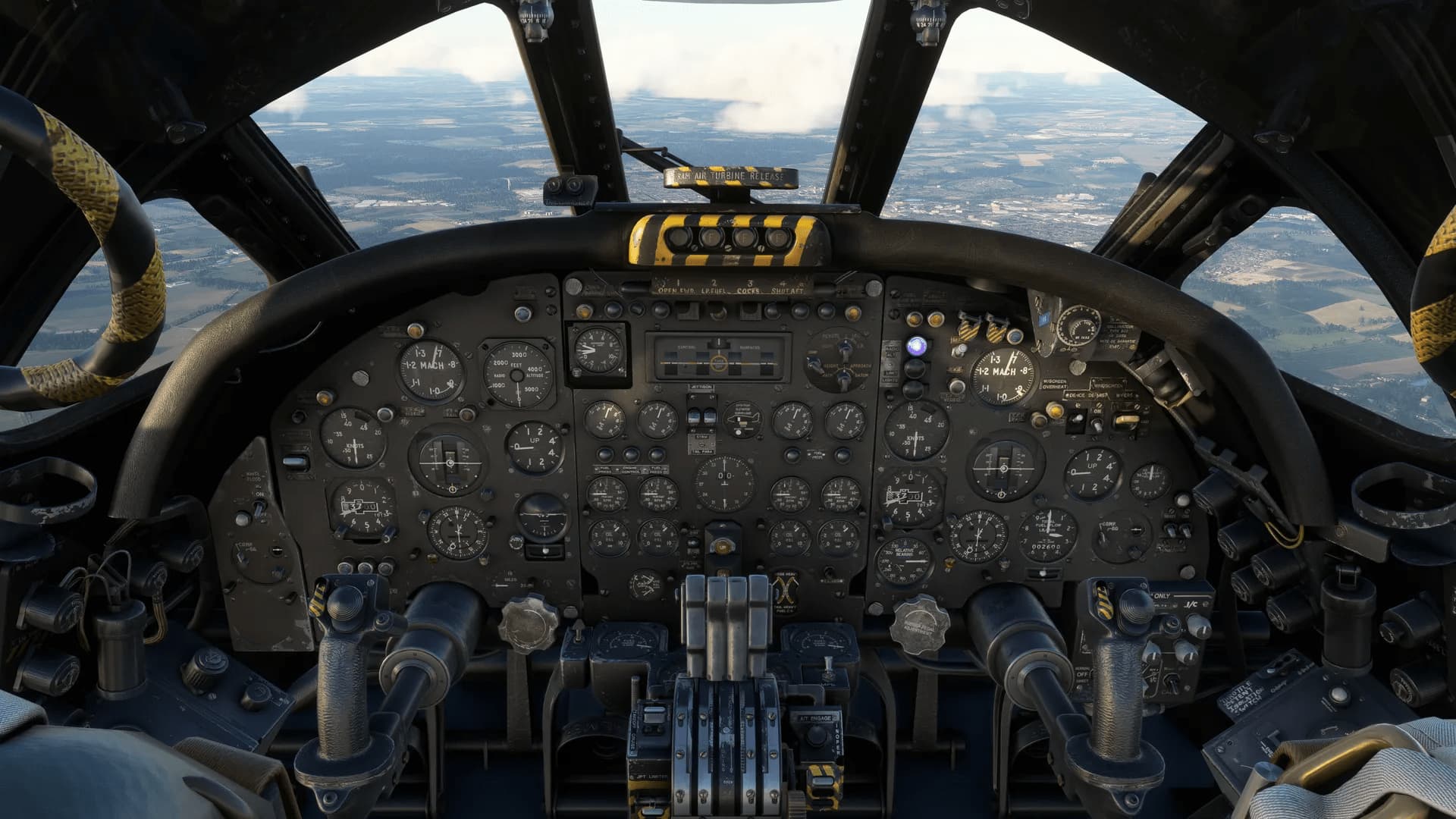
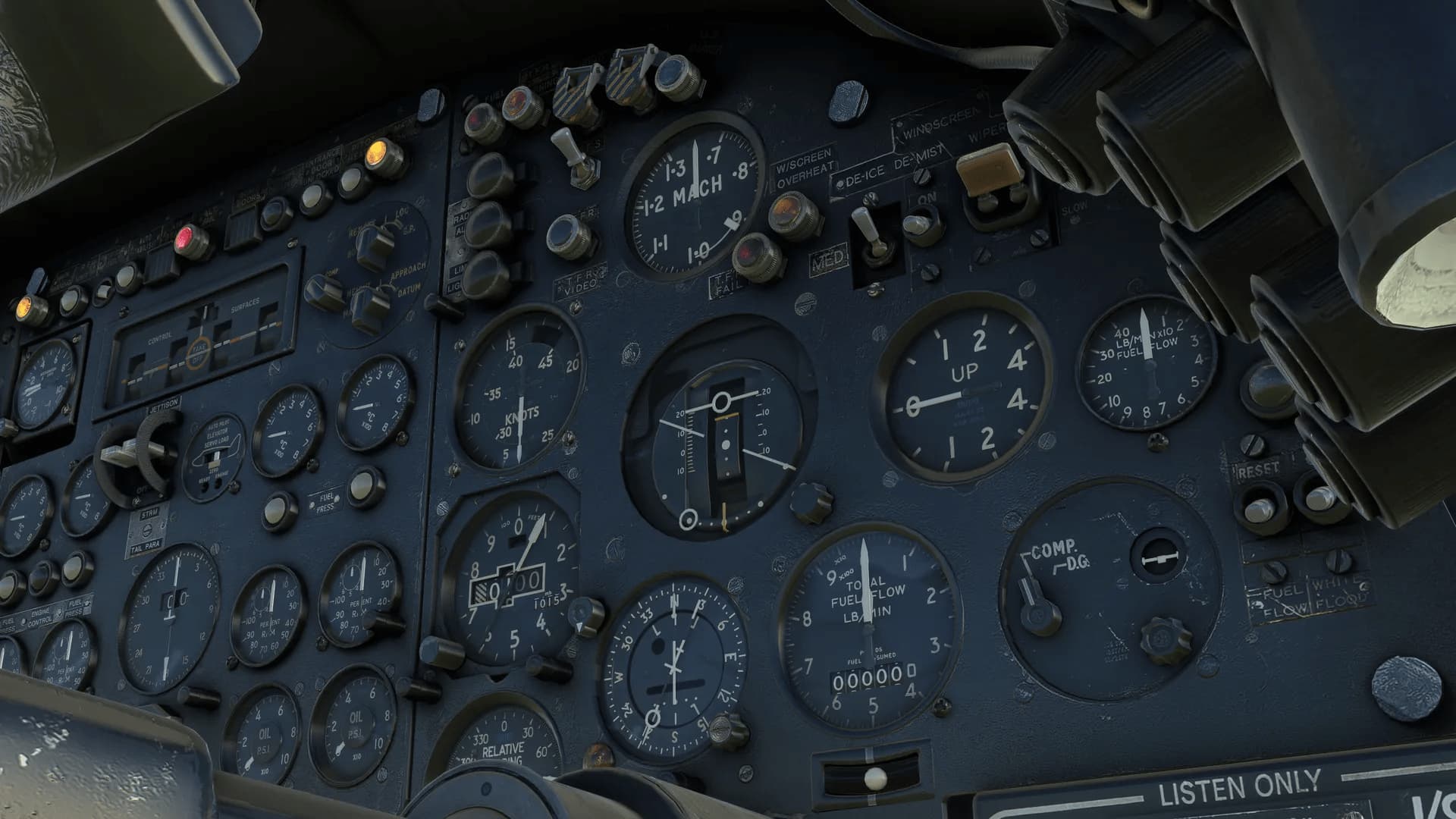
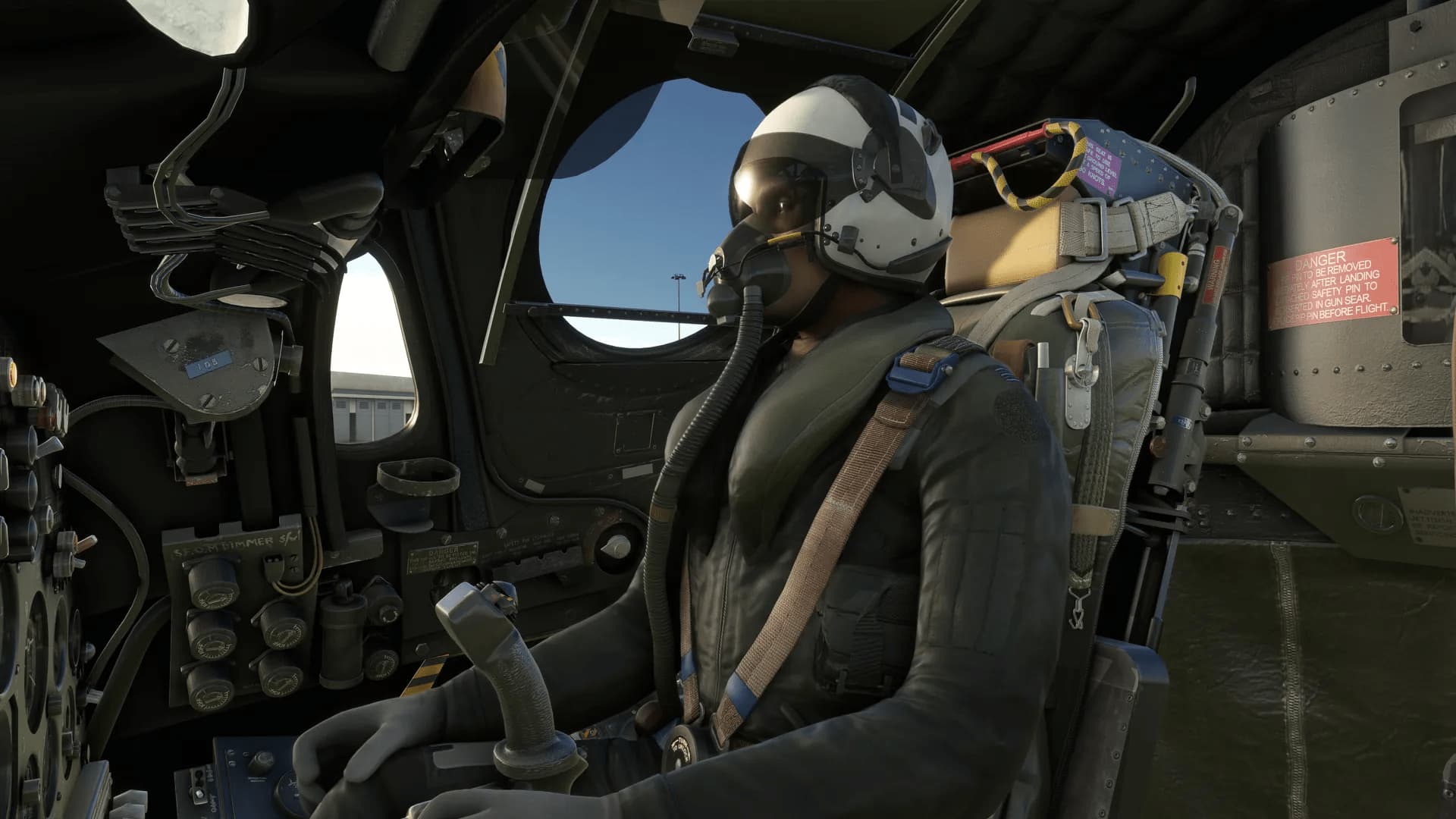
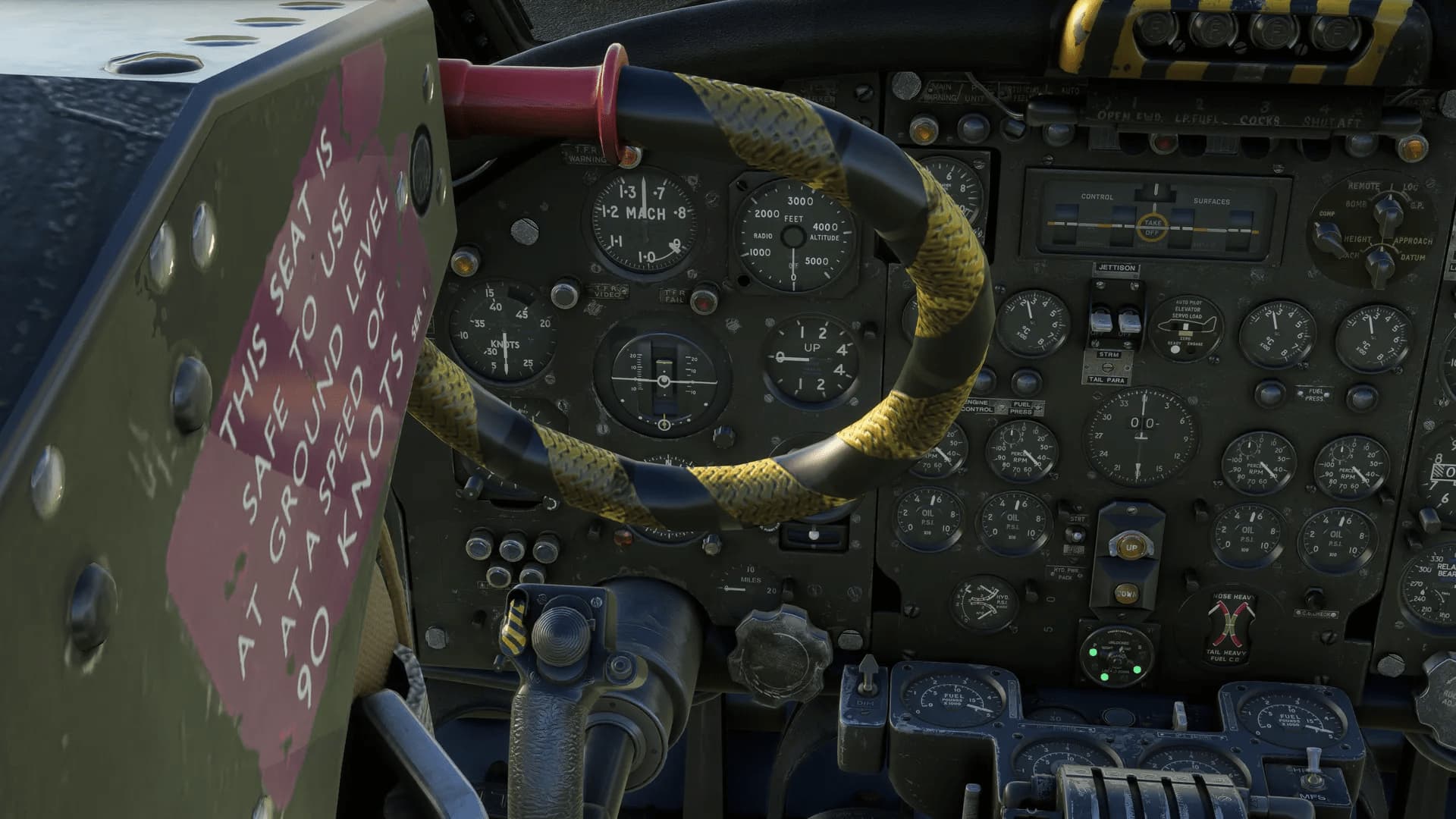
A truly 3D virtual cockpit right down to accurately modelled ejection seats and screw heads - every instrument is constructed fully in 3D with smooth animations
Cockpit textures feature wear and tear based on reference photos taken in the real aircraft to produce an authentic environment
Aircraft state system which will automatically save the aircraft state whenever a flight is saved and reload it whenever that flight is loaded
Aircraft configuration system which allows you to choose between ‘Cold & Dark’, ‘Ready for Taxi’ or ‘Ready for Take-off’
Many features have been added to help with usability such as the ability to hide the control sticks for a better view of the instruments and pre-set angled views for the autopilot and rear crew panels
Tablet EFB for controlling various aircraft states, options and payloads, with Navigraph and SimBrief integration and a moving map
Developed using the latest MSFS standards, including intuitive and easy-to-use controls for rotary knobs, multi-position switches and levers
Fully compatible with MSFS VR mode
Realistic V/UHF radio unit – save and recall commonly used frequencies
Fully functioning magnetic indicators, warning lights and push-to-test buttons
Numerous animated blinds and visors
Realistic flight instruments, including direction horizon, beam compass, control surface and CG indicators
No detail is too small – even the option to switch between day and night modes on the landing gear indicator is included!
Aircraft systems
Custom-coded systems based on real-world manuals, including:
Fuel system – fuel tank groups, transfer and cross-feed
Custom-coded electrical system - alternators, Airborne Auxiliary Power Plant (AAPP), Ram Air Turbine (RAT), synchroniser busbar and AEO panels for controlling the AAPP, RAT and secondary supplies
Flying controls system - Powered Flying Controls (PFCs), Mach trimmer and auto-stabilisers
Engine start system – rapid or normal engine starting, cross-bleed and Palouste external air supplies
Hydraulic system, including the electrically operated hydraulic power pack unit (EHPP)
Oxygen system, including oxygen regulator system with realistic consumption based on altitude – watch the oxygen quantity drop with usage
Air conditioning system – cabin pressurisation and air conditioning, emergency depressurisation controls
Thermal anti-icing system, including airframe and engine anti-icing
Autopilot, including pitch and bank hold
TACAN and VOR navigation, including navigator IFF and TACAN panels
Airbrakes, bomb doors and brake-chute can be operated using standard control assignments for ease of use
Liveries
The Vulcan B Mk2 is supplied with eleven paint schemes covering its life in RAF service:
XM655 (XM655 Maintenance and Preservation Society)
XL426 (Vulcan Restoration Trust)
XH562 (Kiwi roundels)
XL361 (anti-flash white)
XH538 (white belly)
XM607 (Red Flag)
XH534 (No.230 OCU, RAF Coltishall)
XM600 (No.9 Squadron, RAF Cottesmore)
XM607 (Black Buck)
XL426 (anti-flash white)
XH558 (RAF Vulcan Display Flight, 1992)
The Vulcan K.2 is supplied with four paint schemes:
XM571 (50 Squadron)
XL445 (50 Squadron)
XJ825 (50 Squadron)
XH558 (50 Squadron)
The Vulcan MRR is supplied with two paint schemes:
XH560 (27 Squadron)
XH534 (27 Squadron)
Lighting
Independent lighting controls for Captain and Co-Pilot
Dimmable dynamic flood lighting for a highly immersive and customisable night environment
Freely moveable spot lights
Sounds
MSFS-native (Wwise) sound package taking full advantage of the new MSFS capabilities
Studio quality Olympus 301 howl engine sounds, recorded from the real aircraft
Hundreds of flight deck sound effects
Detailed physics-based effects on engine and wind noise
Accurately positioned 3D sound sources (best enjoyed in VR!)
Custom crash and scraping effects
FDE and effects
Realistic and accurate flight dynamics based on real world performance and handling data
Custom effects for enhanced immersion, including engine, Houchin GPU and Palouste compressor exhaust haze
Accurately simulated exterior lighting, including independent taxi/landing lights, and refuelling lights
Other features
Comprehensive PDF manual with flight tutorial, systems guide, procedures, limitations and handling notes
Multiple interior and exterior camera presets, including wing views
PSD paint kit included so you can create your own paint schemes
Full support for MSFS checklists (manual and Automatic/Co-pilot modes)
Support for numerous control assignments for compatibility with controllers and hardware
We’ve modelled our own RAF crew, as shown in the screenshot above. However, due to the work involved in that, we’ve chosen to model a late 80s/90s pilot which can be shared between our various RAF aircraft projects.
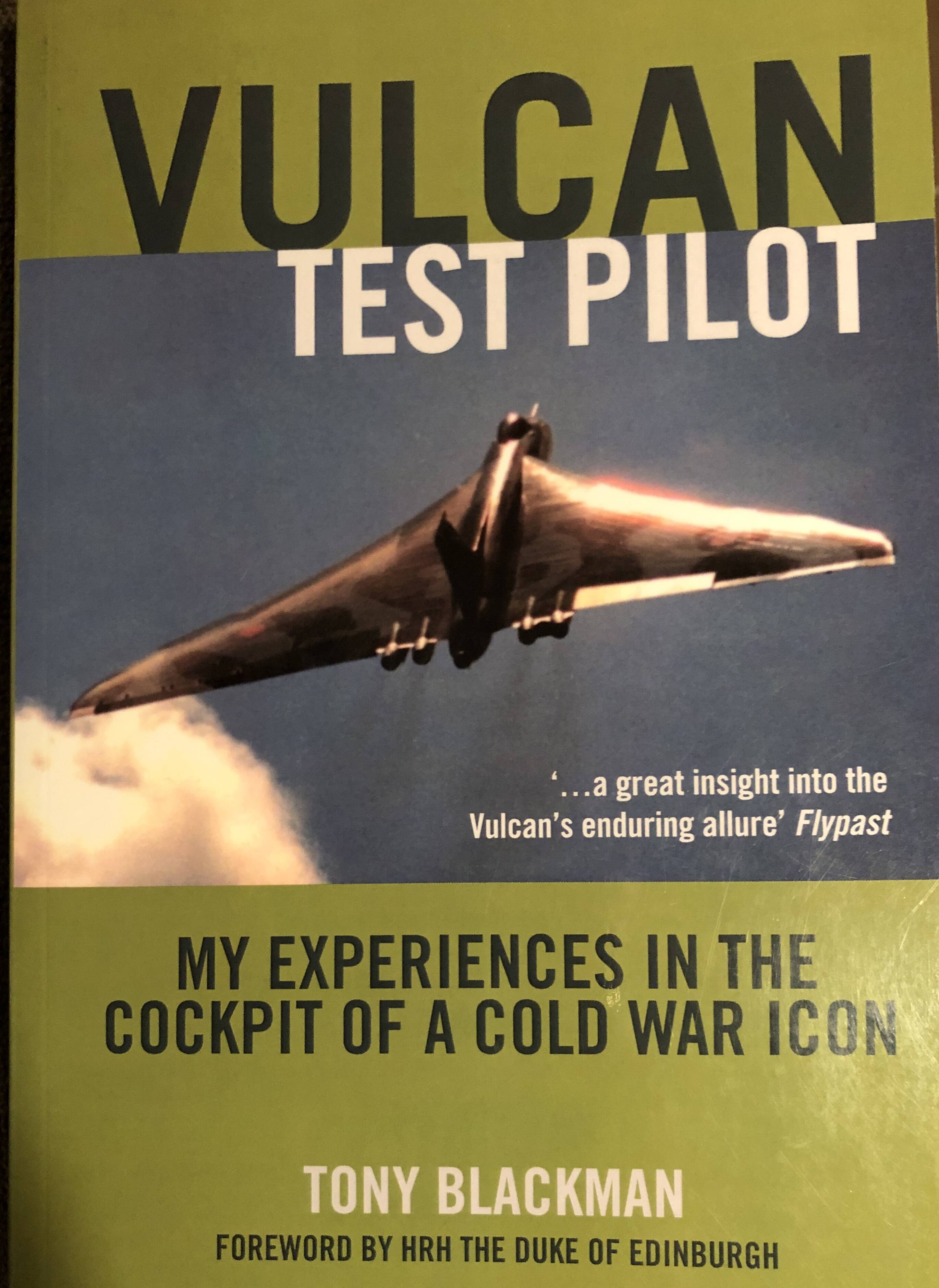
Bought a book to warm a bit for the experience.
There are many books about the Vulcan but this one seems particularly interesting. Got it second hand from Germany of all places, but it should be Ava as an ebook as well.
I normally don’t bother with registration/name on a fuselage in msfs.
I’ll make an exception here just for the Vulcan (when i find out how to do it) : V - SPOK
With Doncaster Sheffield Airport closing last year, maybe some scenery developer could restore it, albeit just virtually, to RAF Finningley, providing an authentic base for Vulcan ops?