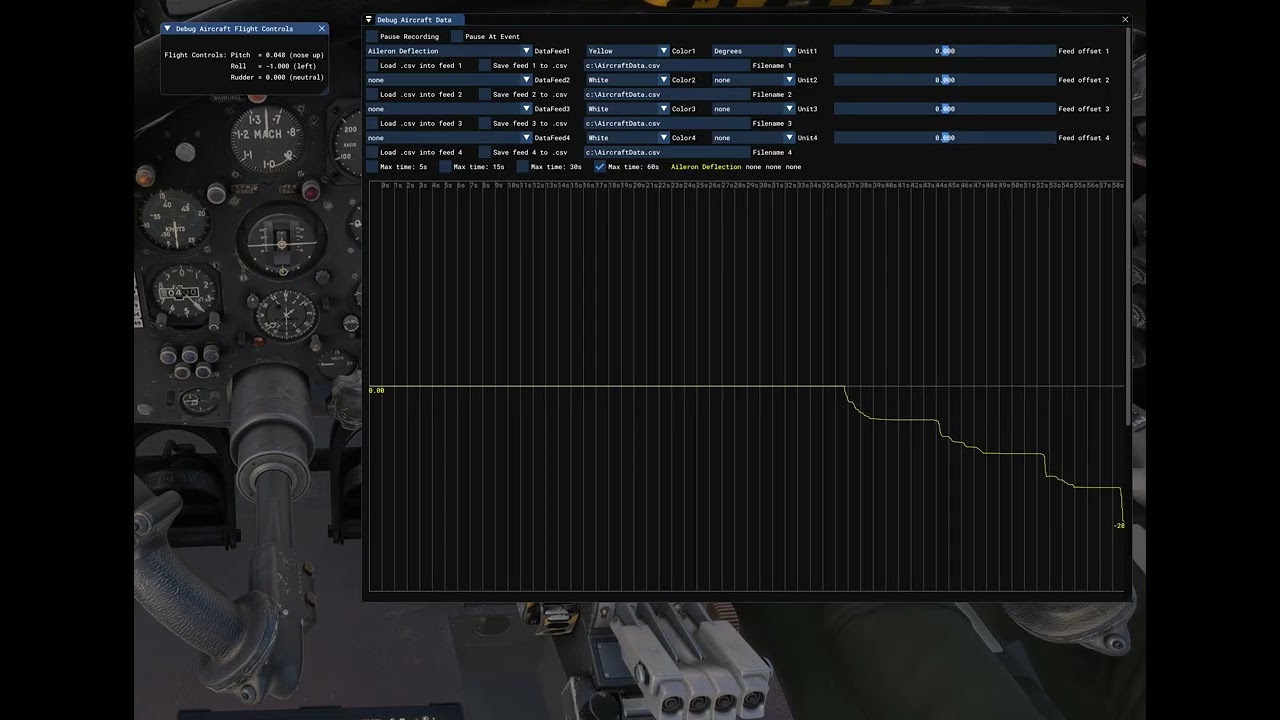
For what it’s worth, here is a video of my test showing the relationship between control input and aileron deflection. This is in MSFS 2024 (PC) using the latest version of the Vulcan bought from Just Flight store. I tested on the ground, having spawned ready for take off on the runway. I didn’t have time for an in-flight test yet.
I used the debug tools in the SDK Developer mode to display:
Flight control position
Aileron deflection
I held the flight controls at 25%, 50%, 75%, 100%, and noted aileron deflection - it was consistent both left and right at 5, 10, 15 and 20 respectively.
So all appears OK for me, at least regarding the correlation between control input and aileron deflection. I’ll take a flight in the Vulcan in the next few days, and verify roll rate is consistent. I’m pretty sure it will be, as I’m sure I’d have noticed such a discrepancy.
Not to say the issues shown in rafikst’s videos aren’t real - clearly something IS wrong in those videos, but it doesn’t seem to be universal.
The Vulcan does have autopilot controls on the center flip-down pedestal. It is, like everything else in the Vulcan, highly specific to that aircraft. That is to say, it’s operation is not what you’re used to.
If memory serves (been a while), once you have it set up on the pedestal, you can make some adjustments to it from the PMS50 autopilot, but like I said it’s weird and not seamlessly integrated. The takeaway here is this: this is a very, very unique aircraft. It takes a good half hour or more to get her prepped on the ground if you strictly follow the checklist. The systems depth is just that - deep - and you should take the time to learn the systems properly without too many shortcuts. The experience is well worth it if you spend the time to do so.
I’m curious why some folk are having this issue but not others. Could there be some variation between Marketplace purchases and those direct from Just Flight?
Unfortunately, I see this problem every day. It’s a persistent problem. It’s not a problem with my HOTAS. It works fine in all models and everywhere. The problem only occurs with the Vulcan, and it’s so noticeable that I had to get used to having to move the joystick left and right differently because it’s not symmetrical.
Btw. Can you tell me what I need to do to run this test? I don’t use developer mode. It actually shows a lot; I’ll record it myself. On the other hand, it’s not executed correctly in this video, because you should first move left, then return to the center (which isn’t there), and then move right, in the same order. Then you’d see the difference.
I certainly don’t regret it. I’ve spent over 40 hours with the Vulcan since purchasing it (also on sale), and the model is entirely worth considering. I can even manage this issue; it’s just something to keep in mind. If I can document it even better (e.g., with the test above), I’ll file a support ticket with Just Flight.
I second this. I love the Vulcan, it’s one of my absolute favourite third party aircraft, and what’s worth noting is that as well as having incredible depth to the system setup as already mentioned, you can also load it ready to go if you can’t be bothered with all that and just want to fly. It’s the best of both worlds. It has some unique features to it that just add to the interest of learning to fly it in a lifelike way, and despite being a massive beast of a plane, it is very responsive to hand flying and easy to land.
I would also add that Just Flight were very quick to come back to me when I had some issues (which were no longer present in the 2024 version).
I had something similar for a while (Vulcan would spontaneously roll to the right without stick input, even on final approach. This was on my previous PC (MSFS2020 and MSFS2024 steam, direct purchase and install from JF).
Then - on my new PC with a clean install, the problem has gone.
JF Vulcan remains has been in my top-3 aircraft for many years now. Total blast, wonderful also in VR.
Just so you know, Imgur is geo-blocked in the UK, so some of us (myself included and maybe JF devs?) can’t see the images you posted - we just get this! Details here.
I was quite busy the last couple of days, but I did manage to grab it right before the sale ended. I’m glad I did! thanks for all the information you guys threw out for me. I’ve only done one 100 mile flight so far but I cannot tell that mine rolls faster to the right than the left. If it does it’s very very little and I would never notice it I don’t think. I got mine from the market if that makes any difference.
I don’t really love the autopilot setup, but it’s workable if a bit finicky for what I would want/prefer. I wish there was a way to set climb and descent. Maybe there is? I admit I haven’t dug into the manual yet and it seems a complicated aircraft. That said it was really easy to jump into and just fly and I appreciated that.
I haven’t flown this aircraft for a long time now but as I recall climbs and descents can be either set to pitch hold or IAS hold. The aircraft was designed in the 50’s, so one can’t expect an Airbus autopilot with a V/S wheel and Alt selector That’s not JF’s fault, anyway. It’s one of the best military aircraft available for MSFS imho.
I admit I kind of feel like I can but only since it works with practically every other aircraft in the game that has any type of auto pilot enabled. It’s OK though, I’ll get used to it oddities I’m sure!
There’s a pitch hold function with an adjustment lever kind of at the base of the throttle pedestal if I remember correctly. I rarely use it but it does enable you to set a fixed climb or descent pitch, in combination with IAS hold.
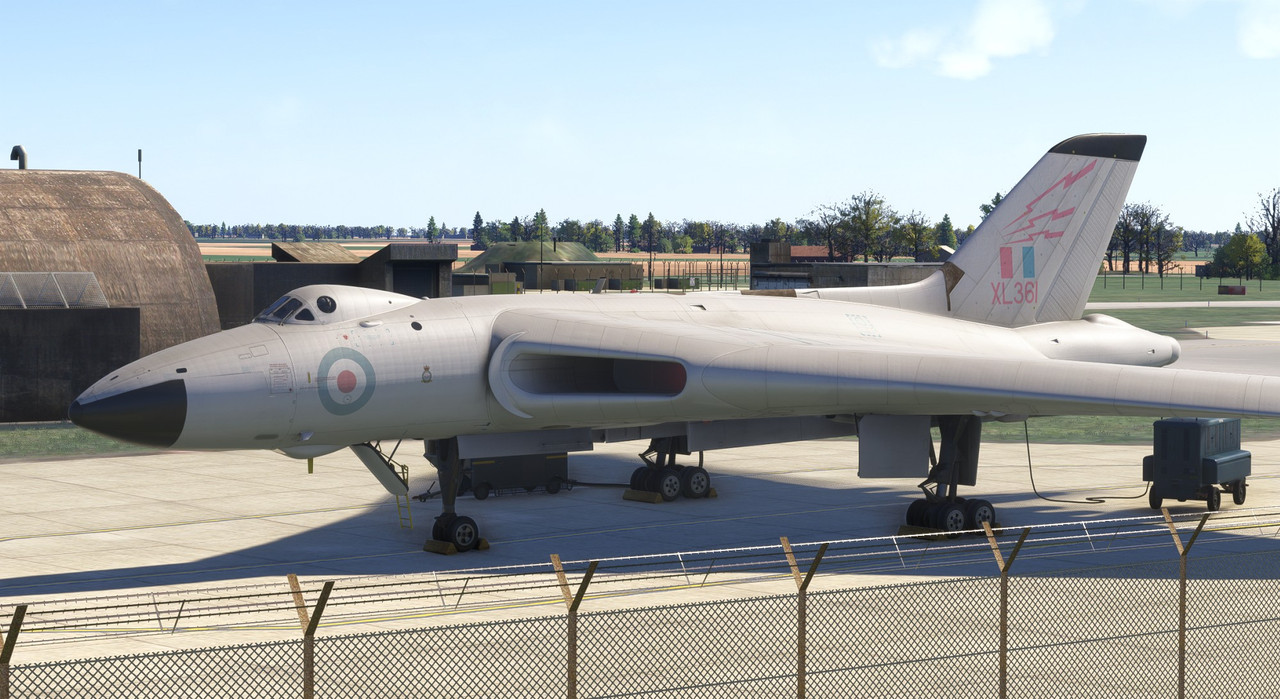
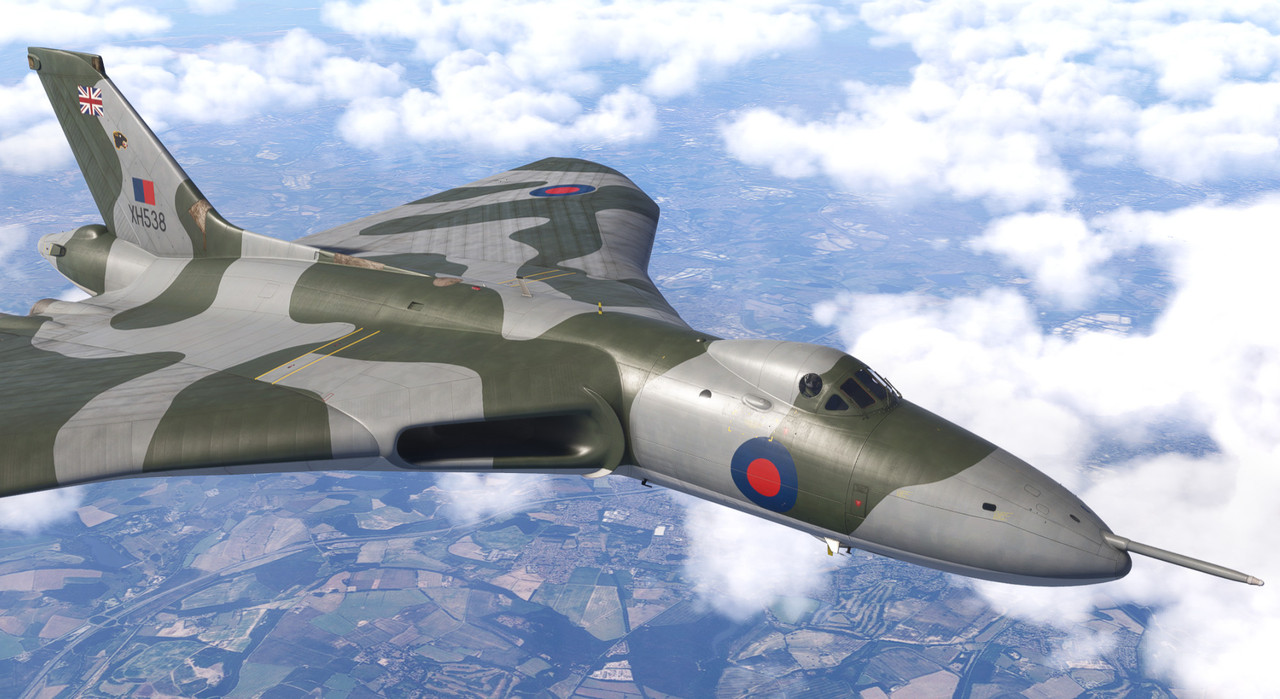
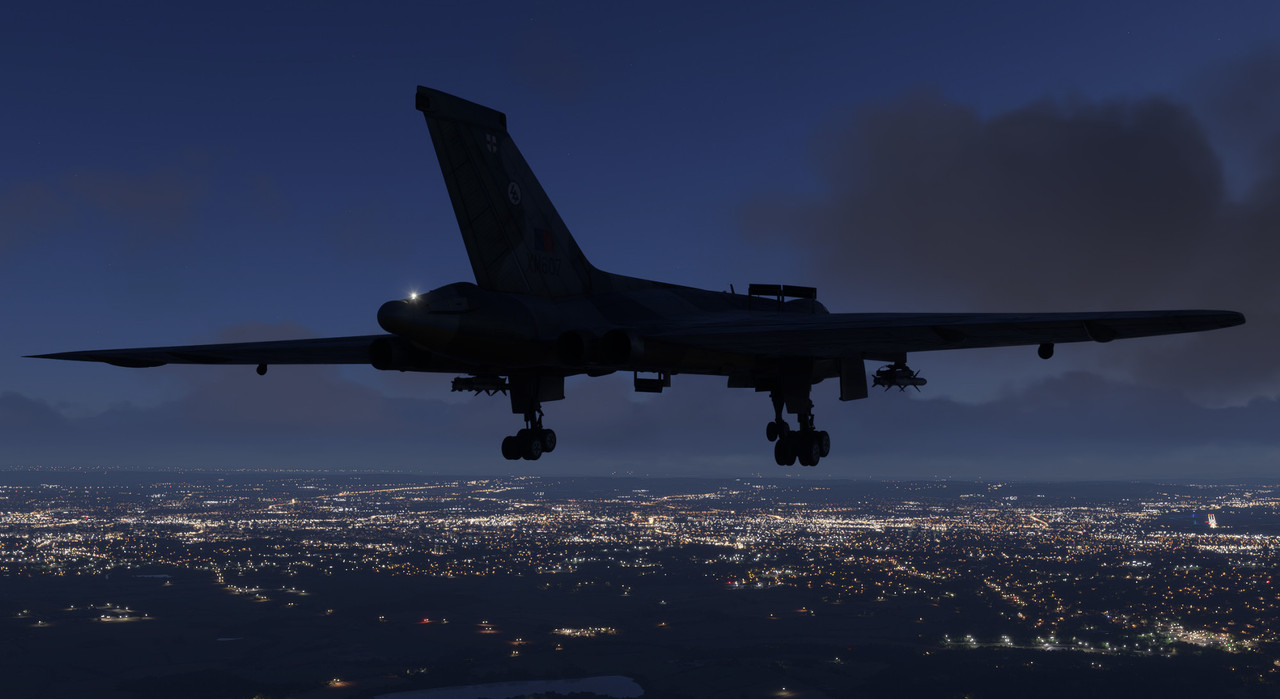
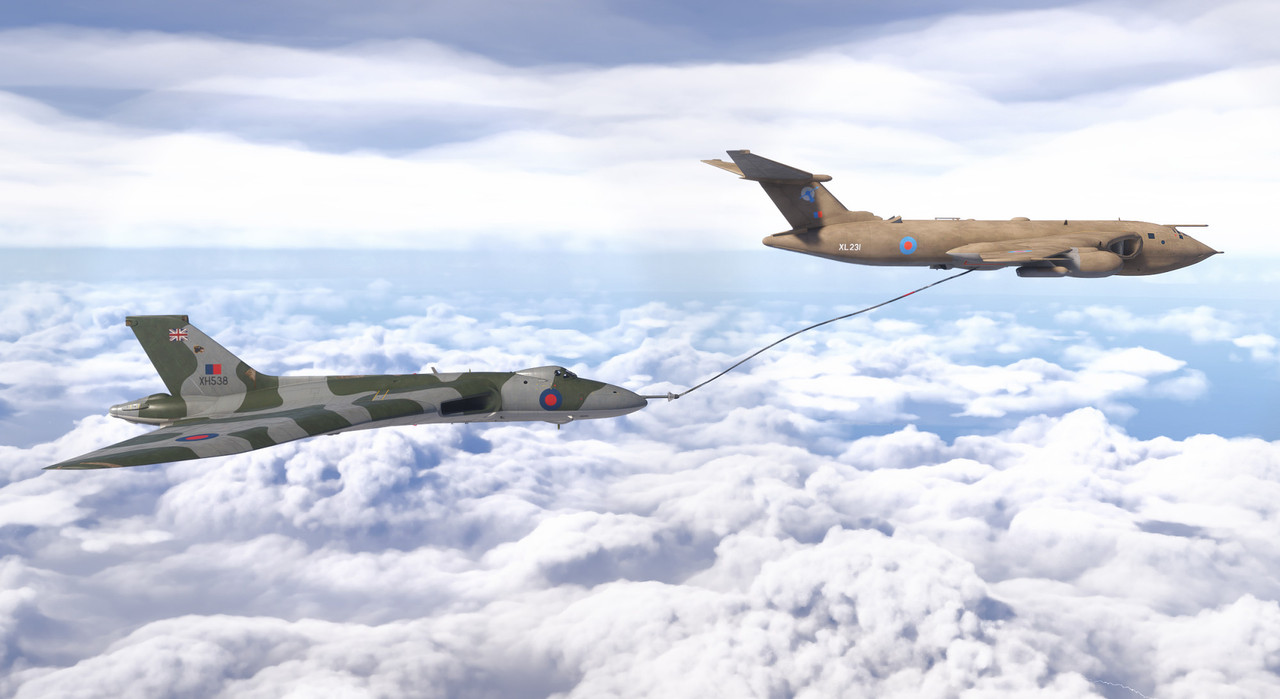
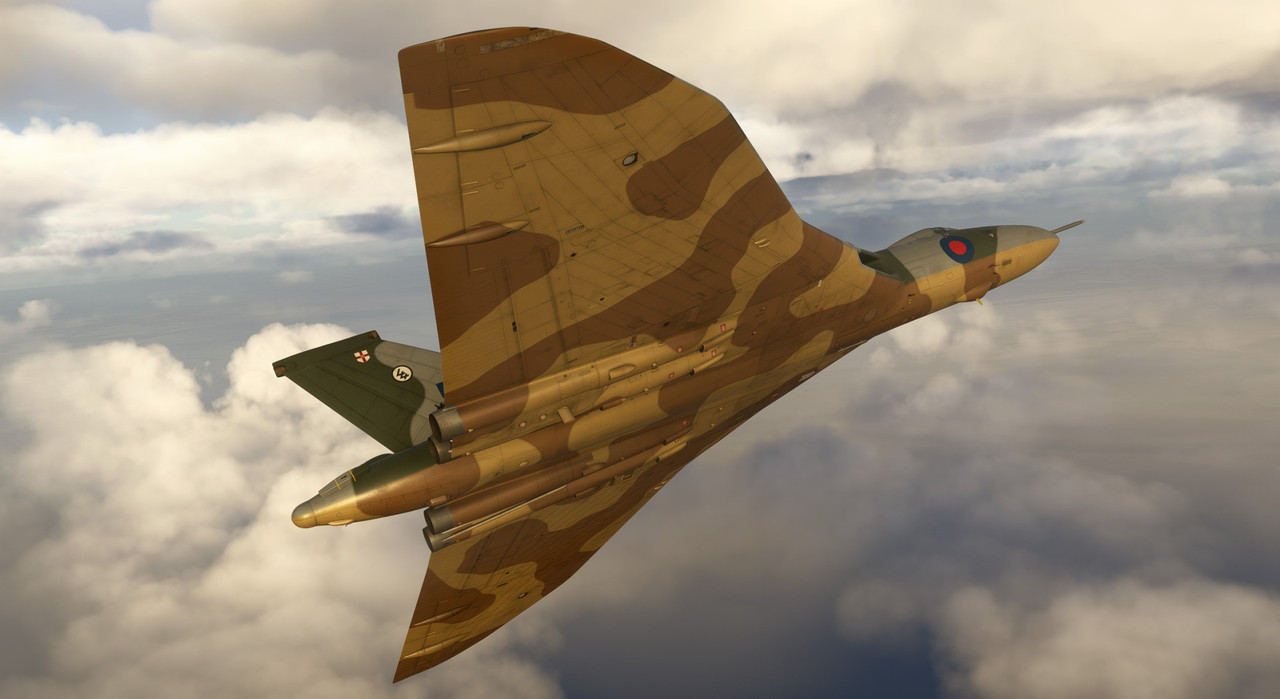
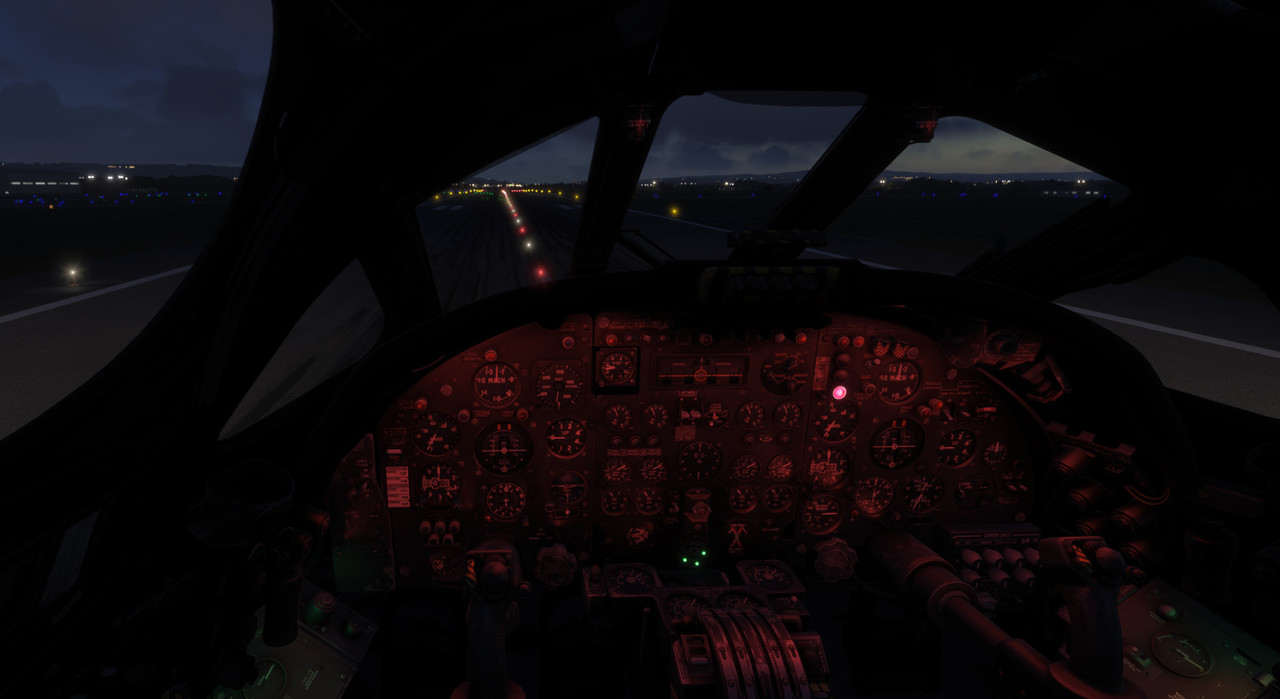
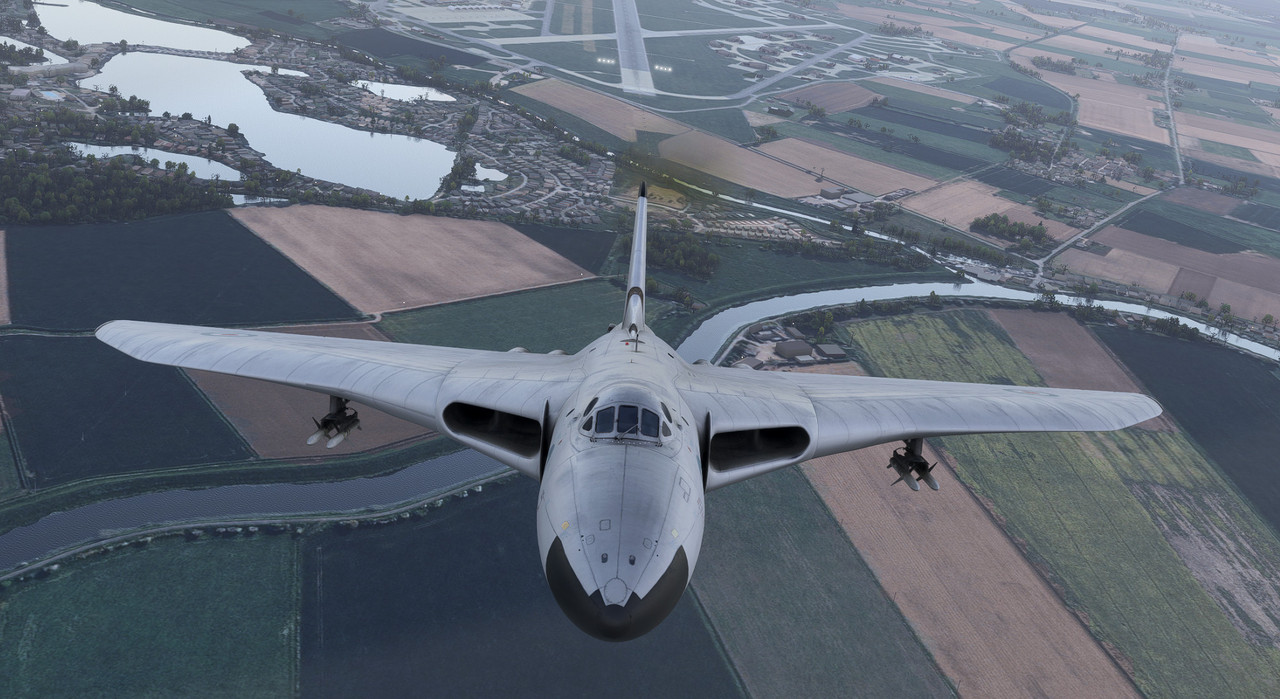
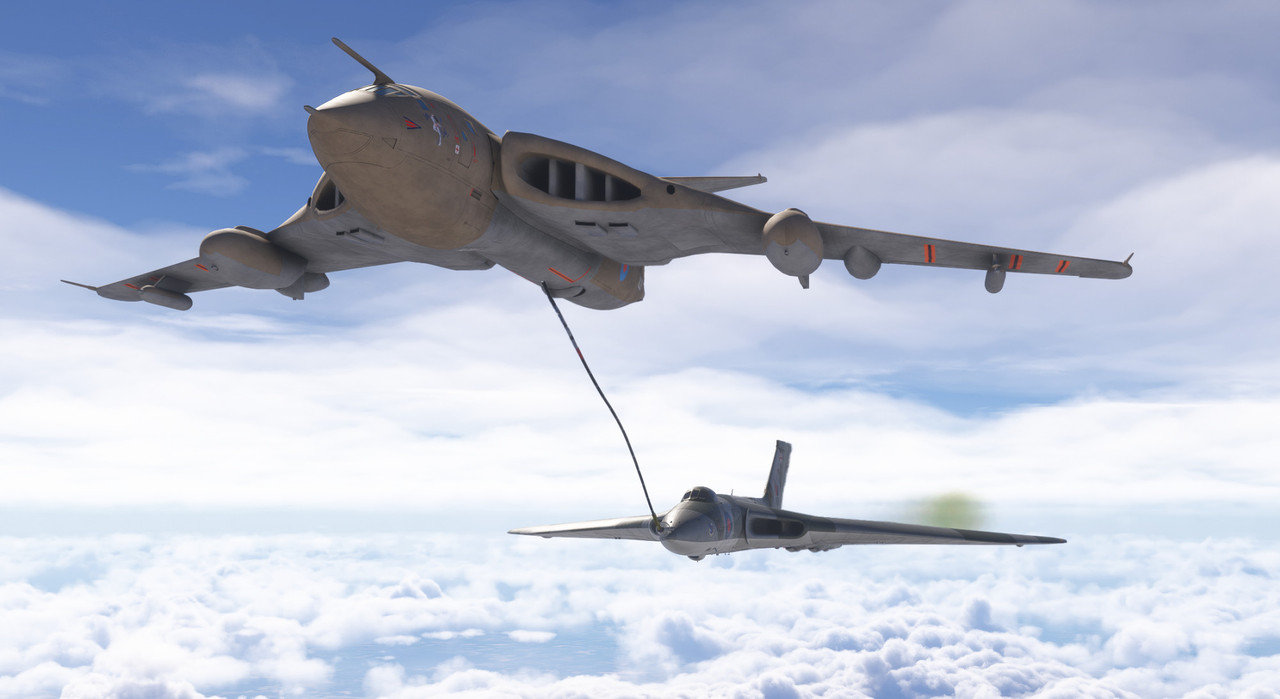
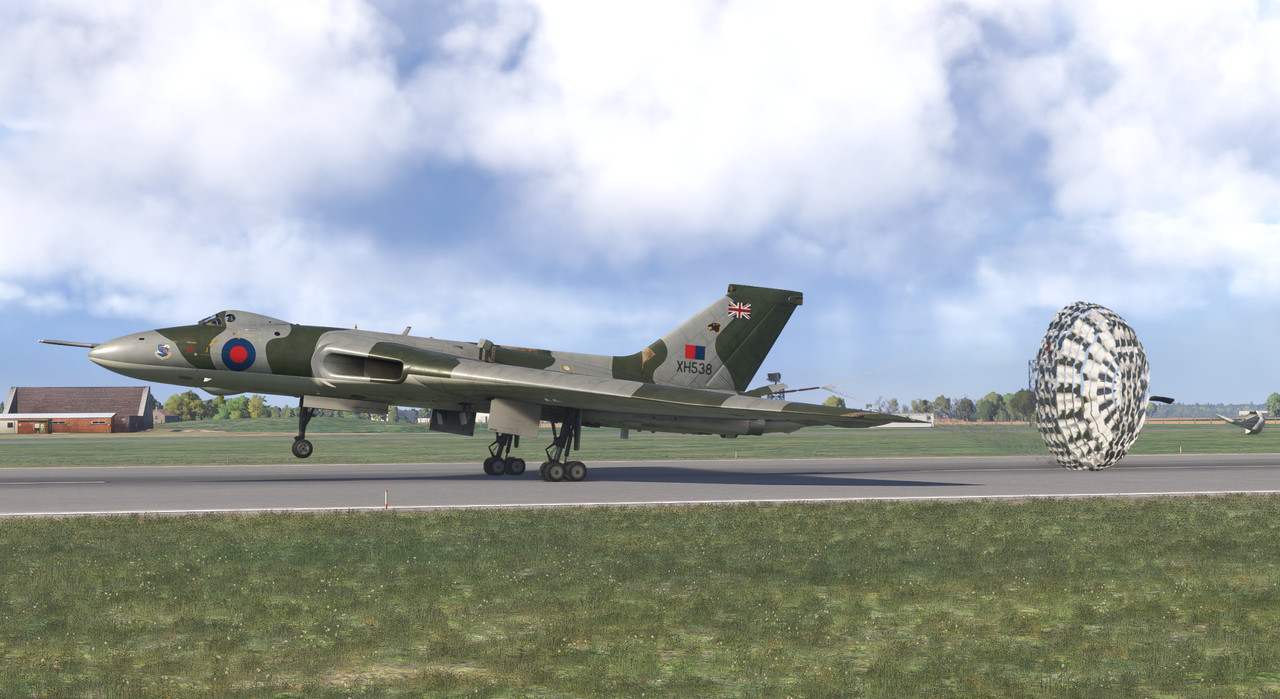



 That’s not JF’s fault, anyway. It’s one of the best military aircraft available for MSFS imho.
 but only since it works with practically every other aircraft in the game that has any type of auto pilot enabled. It’s OK though, I’ll get used to it oddities I’m sure!