Well, good and bad news today…
For those of you waiting on the MV22 to release for FS24 - Asobo has resolved the problem that required us to do a major avionics rewrite, which means two things:
MV22 would be available for FS24 shortly after SU1 releases
We have wasted two weeks resolving the problem for nothing
The true fix are the friends you made along the way!
But seriously: wasting two weeks is unfortunate, but really bad news would not be having a fix at all. Asobo fixing things is definitely in the good news department.
MV22 v1.5.0 Update now available at Miltechsimulations.com - shortly releasing at ORBX and MS Marketplace
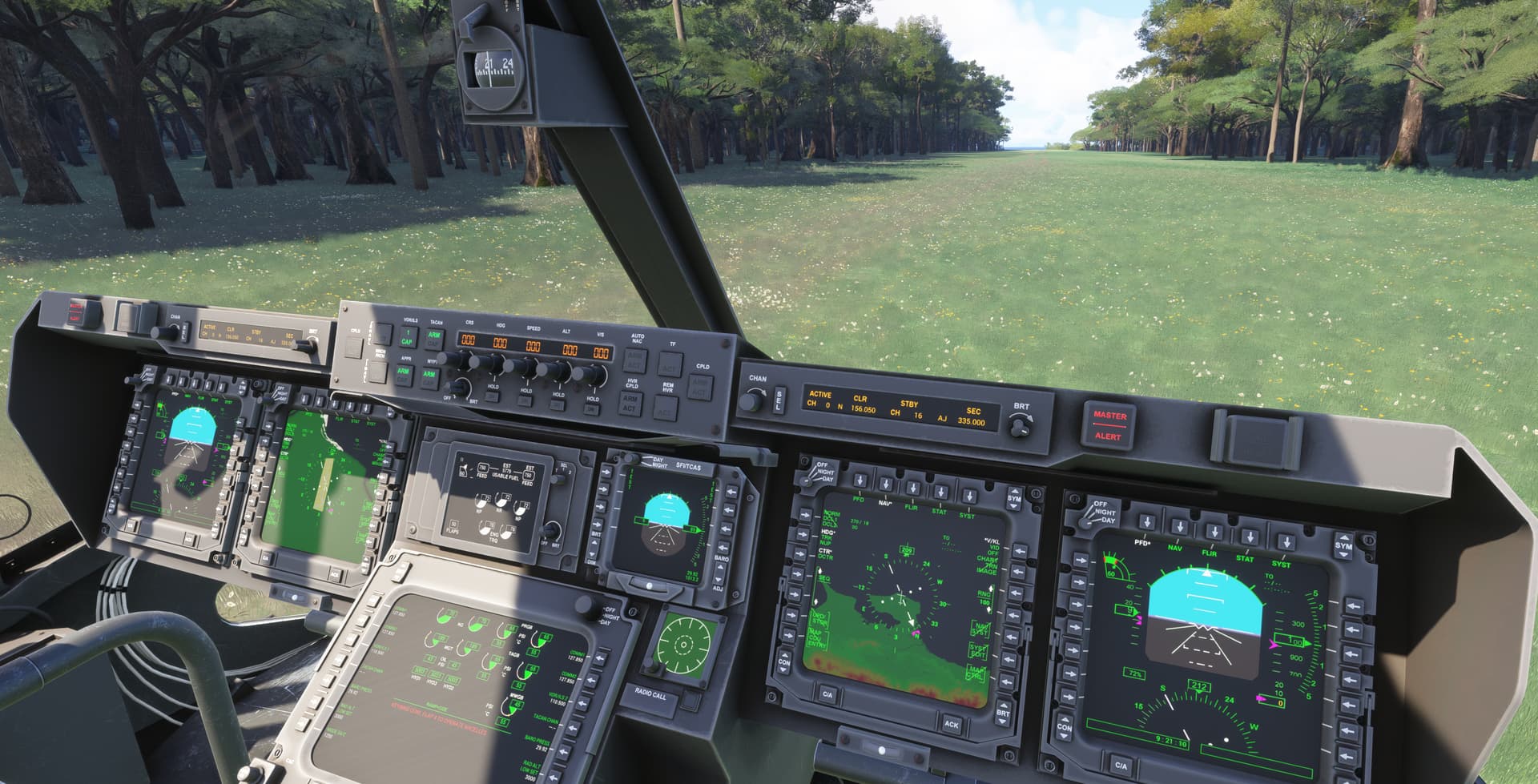
This is the official FS24 Compatibility Update we’ve been working on for the past few weeks! Several systems had to be adapted for MSFS24 due to significant lighting and avionics changes in the new sim, which heavily impacted the aircraft’s functionality. Osprey Livery Pack has also been made fully compatible with the aircraft in FS24.
Please note that EFB Flightplan Sync is not yet available on this version. We are working on it, expecting another update in a few days to enable full flightplan sync. These things are new and require some rework of the Nav system.
Will this be a separate (free) release for owners of the FS2020 version or will it replace the recent 2020 version? I purchased it on Orbx Central, if that makes a difference.
I think, if you go into the Orbx store with your account, select 2024 - you should find M22 there as free download if you already have the 2020 version from there.
Yes, it is a free update. However, since ORBX treats it as a separate product, you’ll need to go through the process of “purchasing” the FS24 version - You’ll receive a 100% discount at checkout.
@LikedHare478430 Is there any rough timeline for the MV-22 being released in 2024 marketplace for Xbox users? I tried searching for it the other day thinking it was already available but I couldn’t find it.
Improvements to MFD Map (Fixes, airports, and waypoints are now visible). Maps are now using new FS24 Map System.
New WYPT Page on CDU, displaying nearest facilities (Fixes, Airports, Waypoints)
New FLPN Page on CDU, summarizing all waypoints on the current active flight plan.
Enhanced lighting effects, converted to new FS24 standards.
Screen backlighting adjusted throughout.
Various glass flickering issues resolved.
Windshield glass moved to internal model to prevent unwanted external reflections.
FCS MON Page on MFD has been reactivated.
COMM2 is now supported.
NOTE: Starting with this update, the Osprey Livery Pack and 3rd party Liveries are no longer compatible with FS24. An update for the livery pack will come in the near future.
NOTE2: This update does not include any external actionables (eg. remove engine covers or chocks), nor includes clickspots to enter/exit Walkaround Mode (use CTRL+C Instead)



 )
)
