One for aircraft if related (start typing in your aircraft name in the tag section and pick correct option)
Feel free to delete this quote section after adding your appropriate tags.
ISSUE DESCRIPTION
Description of the issue:
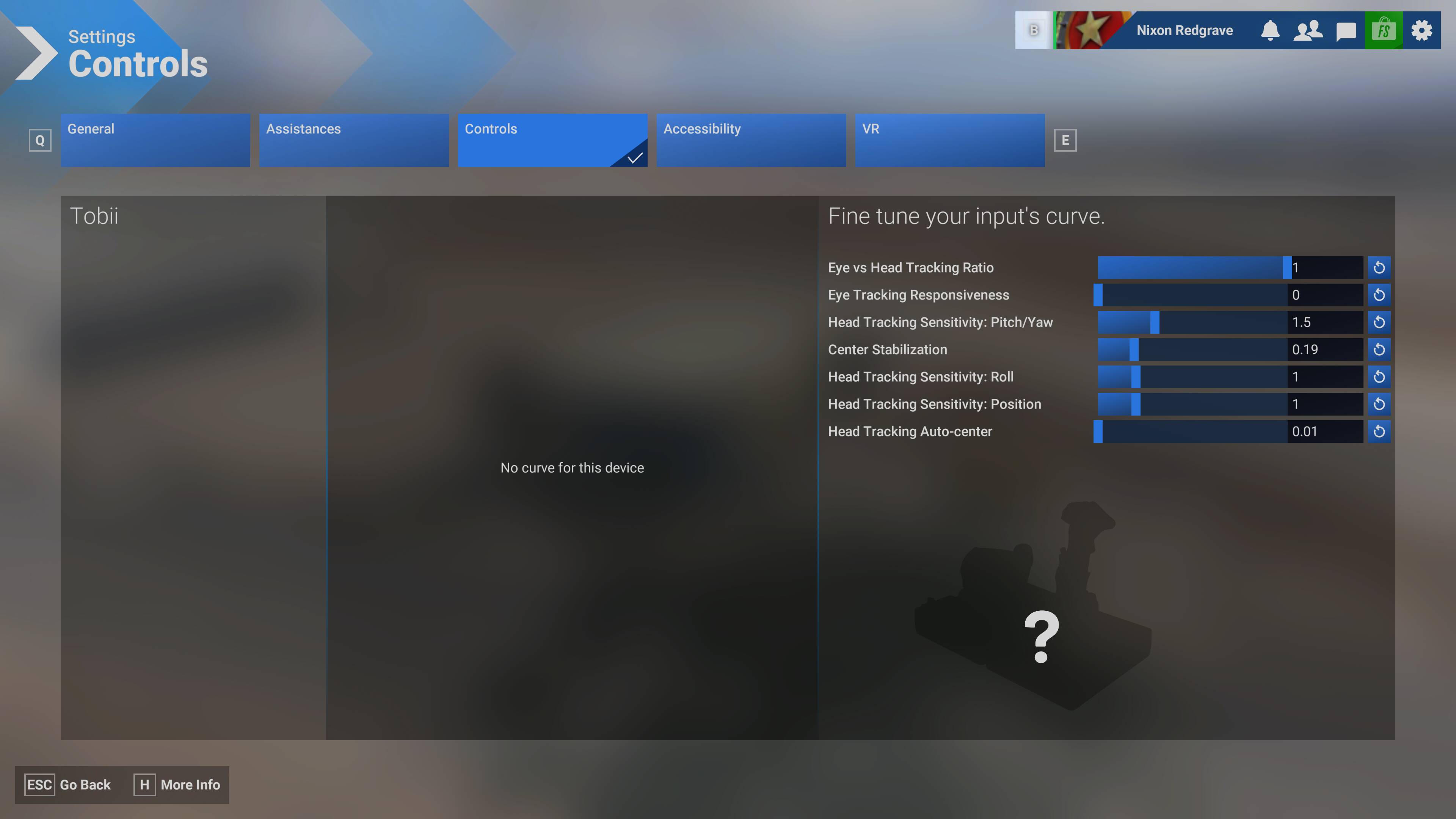
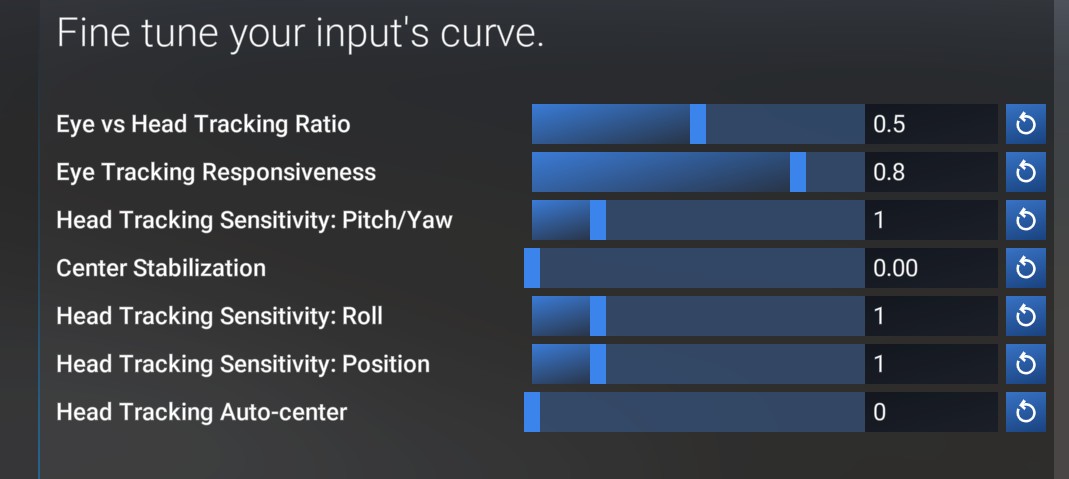
Tobii profiles and slider setting make no difference in Tobii tilt (pitch) tracking behavior. Tobii behavior is locked to overly sensitive pan, no tilt, and eye-tracking permanently on.
FREQUENCY OF ISSUE
How often does this occur for you (Example: Just once, every time on sim load, intermittently)?
Every time
REPRODUCTION STEPS
Please list clear steps you took in order to help our test team reproduce the same issue:
Enter sim
Move head and note behavior
Try different profiles/settings/etc. and note no change in Tobii tilt (pitch) behavior – it remains non-op
YOUR SETTINGS
If the issue still occurs with no mods and add-ons, please continue to report your issue. If not, please move this post to the User Support Hub.
What peripherals are you using:
[PC Only] Are you using Developer Mode or have you made any changes to it?
No
[PC Only] What GPU (Graphics Card) do you use?
RX 7900XTX
[PC Only] What other relevant PC specs can you share?
Tobii 5
MEDIA
Please add a screenshot or video of the issue occurring.
We have created an internal ticket to see if our team already has this logged, and if not they will attempt to reproduce the issue and create a new bug report. This item is now marked as feedback-logged. If there is an existing bug report or one is created, we will move this thread to bug-logged.
I’ve managed to get the eyetracking or head tracking disabled via that slider, but I am completely unable to get any tilt(pitch) and the pan(yaw) sensitivity seems to do nothing.
Note: All of this worked flawlessly for me in prior versions of the sim (however it required an editing of the XML files manually to get it this way…).
The Interface has been vastly improved via appropriately labeled sliders, etc. but functionality seems to be missing.
I apologize, too, I’m being pretty hasty here. I’ve gotten the pan(yaw) to recognize the sensitivity slider, but I still have no tilt(pitch). I will update the original bug report.
Did you shut down the sim and restart? I have found that the values are updated on the next sim launch but do not work if adjusted in the current sim session.
My headtracking is on, it will track eyes and will track head pan(yaw) only.
Are you sure you are running SU5 Beta, because your screenshot does not look like mine. It looks like SU4, because it has a generic device image rather than a Tobii bar.
Can’t look up or down, or lean forward or back with my tobii either. I hope this is fixed as soon as possible, very hard to play without, especially in general aviation.
Exactly the same issue as the above, head tracking doesn’t work except for pan which is extremely sensitive. Tobii Eye tracker 5, and 7900xtx. Unless it’s fixed by tomorrow I am going back to SU4. Can’t fly without Tobii.
Can confirm same issues for me with latest Tobii and everything up to date. Tobii is broken in SU5. I only have horizontal movement. No forward/back, no up/down, or tilt.