How to pre-plan pushback. Step-by-step tutorial.
1 Download the latest rerealse of Toolbar Pushback
2 Unpack into community folder.
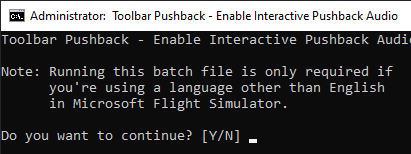
If you’re using Microsoft Flight Simulator in any language other than English and want
to use the Interactive Pushback Audio, please run the ENABLE_INTERACTIVE_AUDIO.bat
3 Go to community folder and open folder ambitiouspilots-toolbar-pushback
Double-click file named
!ENABLE_INTERACTIVE_AUDIO.bat
Press Y key and press enter key.
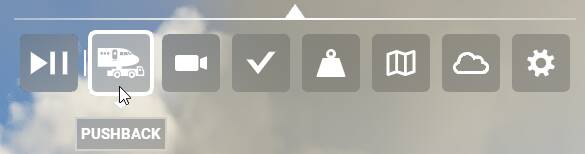
4 Click pushback icon
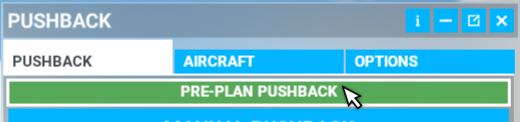
5 Click pre-plan pushback

6 Press and hold CTRL key - use mouse scroll wheel to zoom map in and out.
Click and hold left mouse button to move map around.
Drag mouse around to adjust tug direction.
Use scroll wheel to turn aircraft.
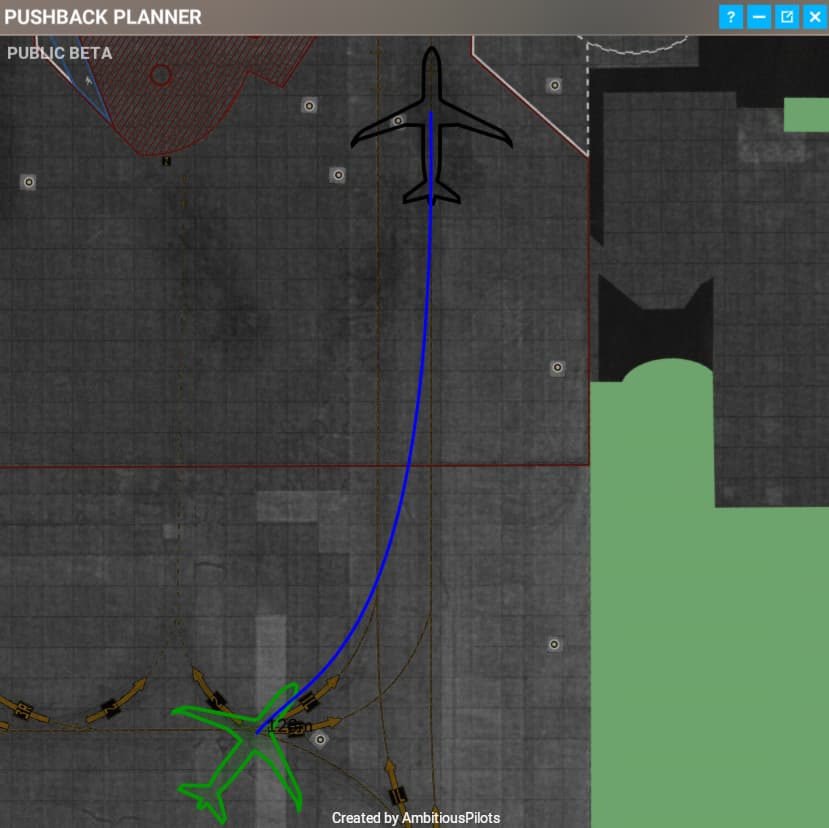
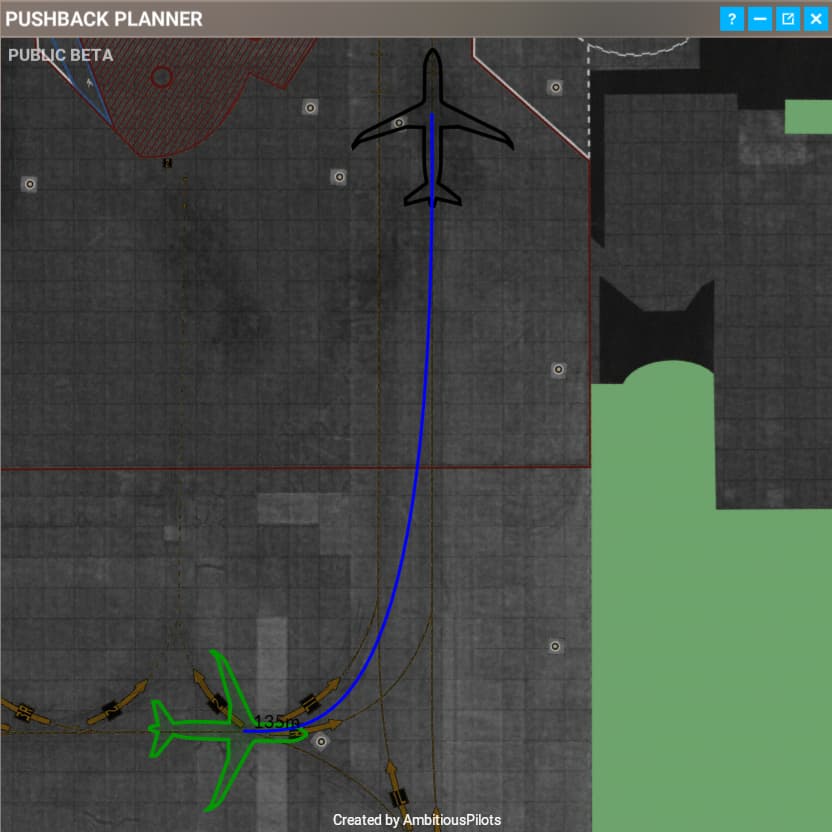
When ready - double-click left mouse button and press enter key.
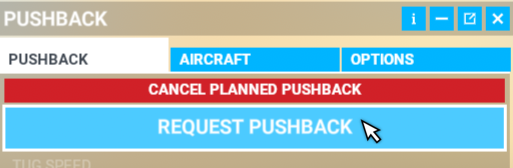
7 Click request pushback.
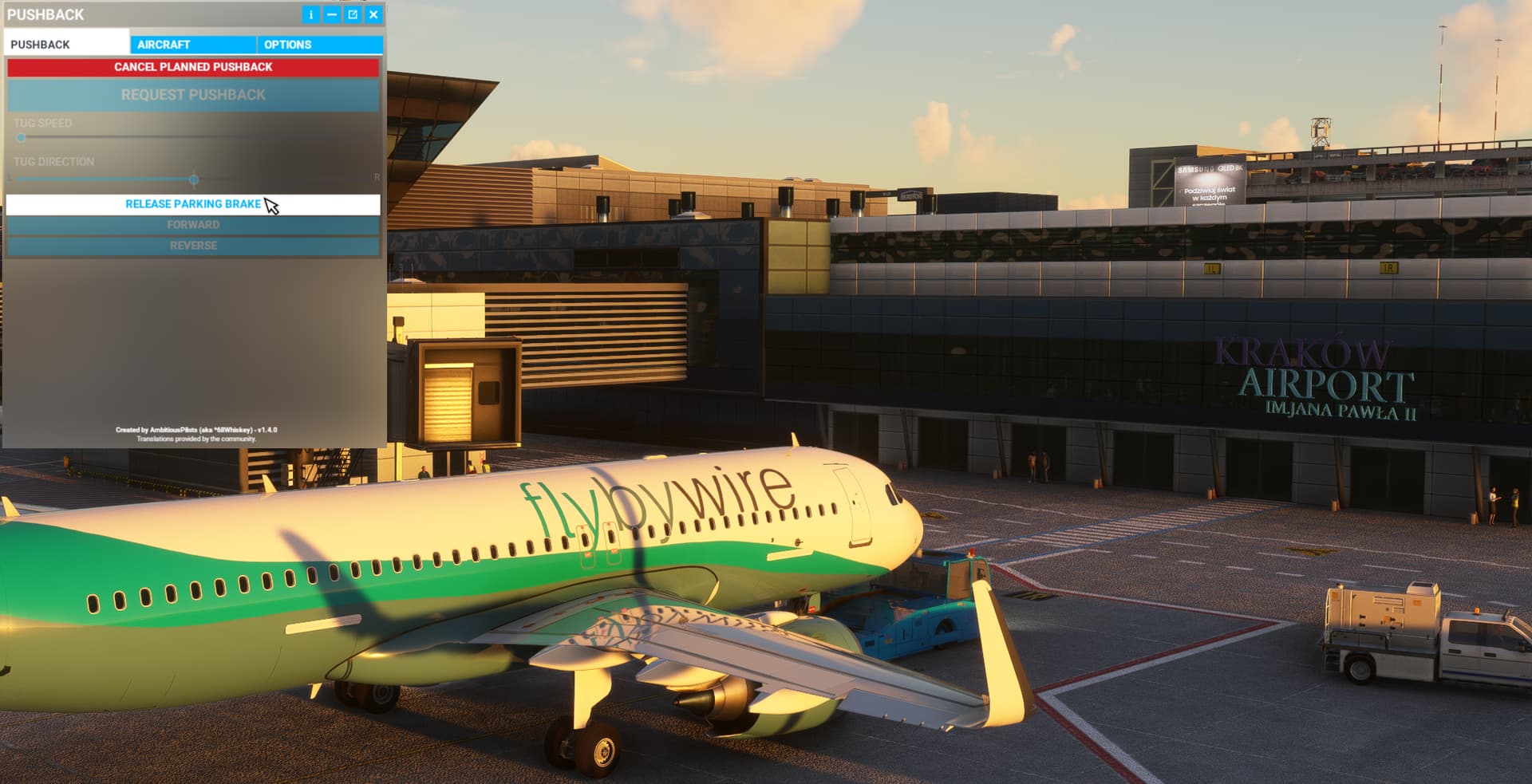
8 Gnd  “Please release parking breake” - click release parking breake.
9 Gnd “Ok push back completed. Please set parking breake”
Click parking breake.
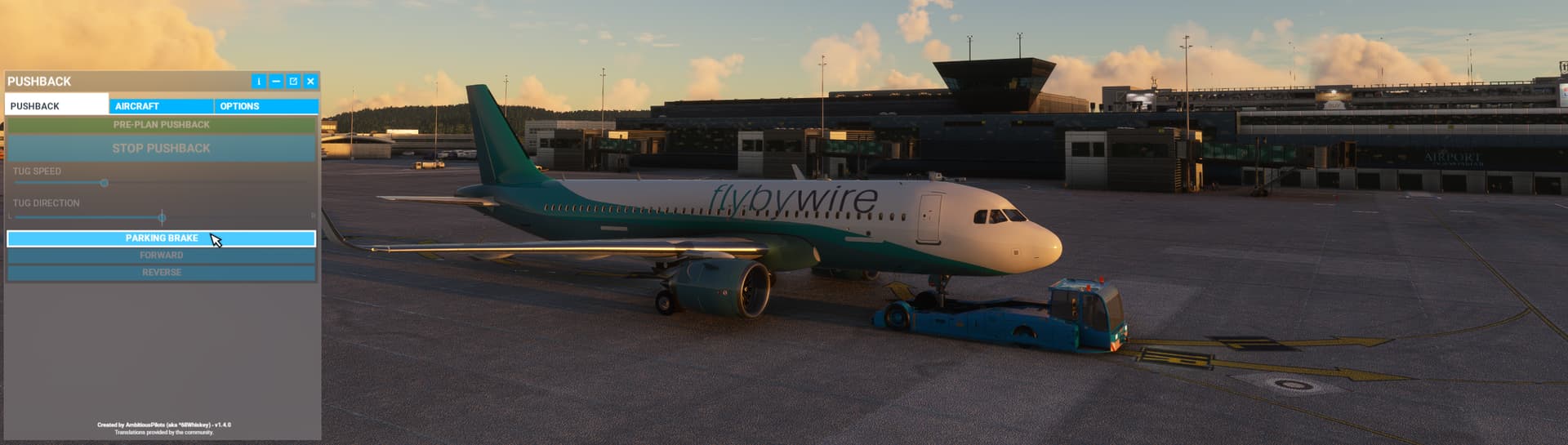
10 Capt “Thank you and good bye”
Close pushback window.

@AmbitiousPilots Thank you very much for best addon ever!