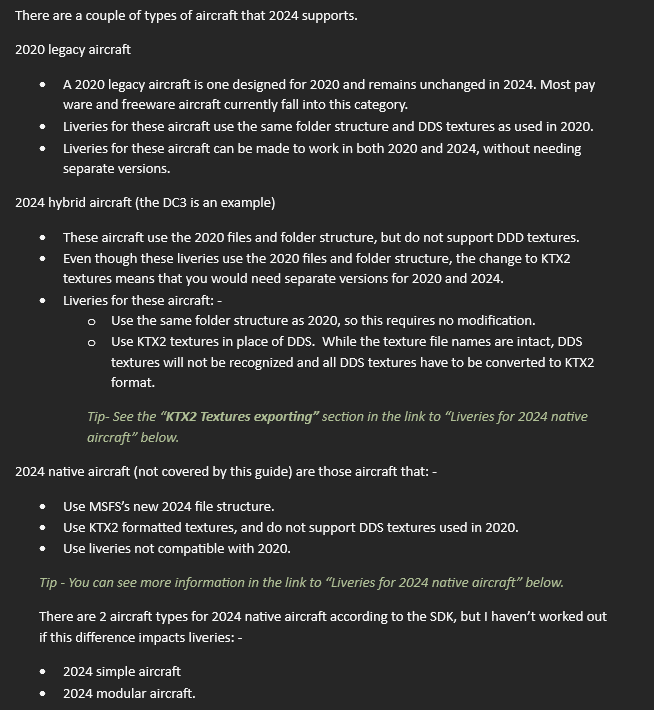
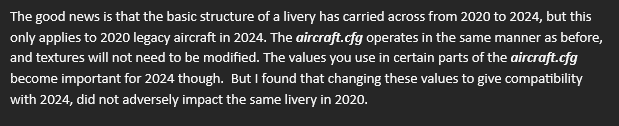
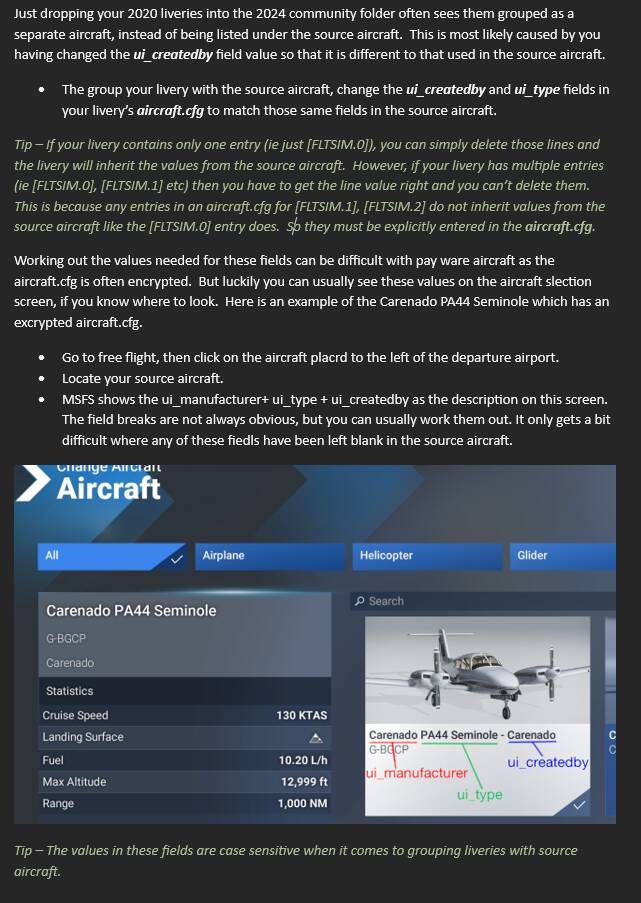
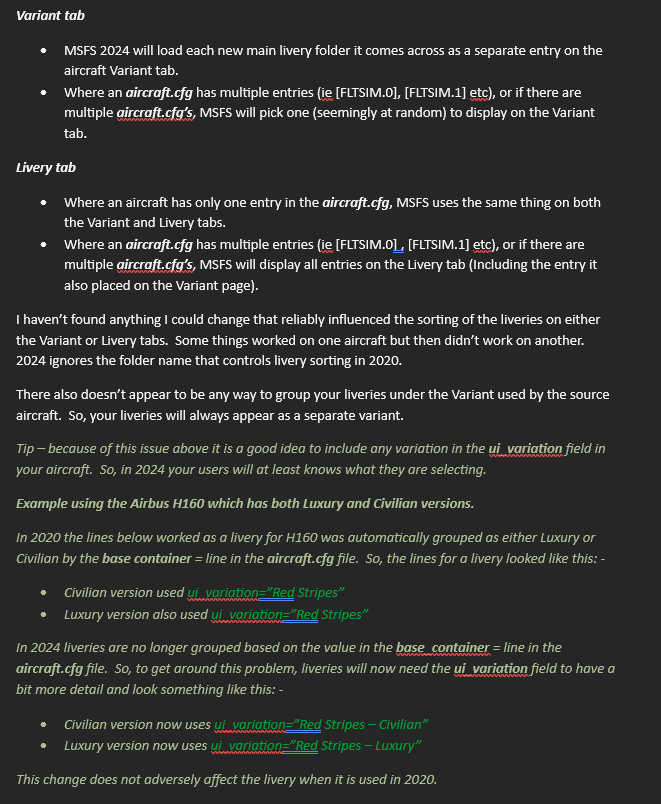
This guide is aimed at experienced livery creators, rather than livery users.
The guide assumes the person using it is already experienced in creating liveries for MSFS 2020, so is not a step by step guide for someone not familiar with livery creation.
Since I had acquired all this information for use with my own liveries, I thought it worth sharing.
Please let me know of any useful information you have come across while converting your liveries. Also let me know if you think I have it wrong. I was just stumbling around the dark, trying to work out a solution, so I may have got it wrong and taken the hard route instead of the easy one.
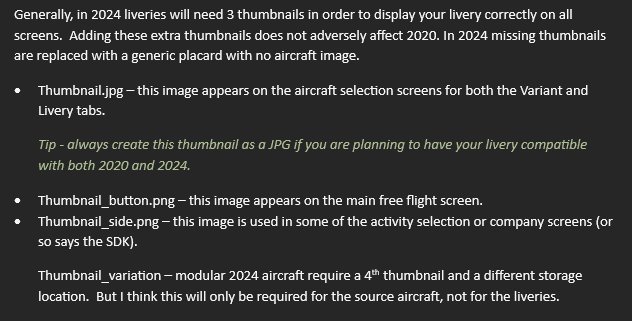
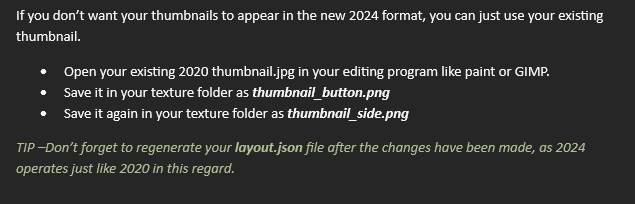
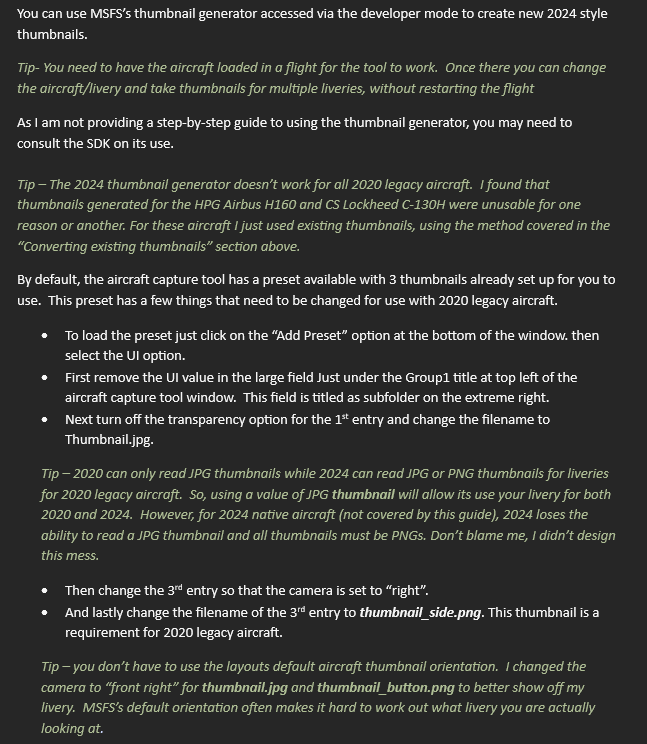
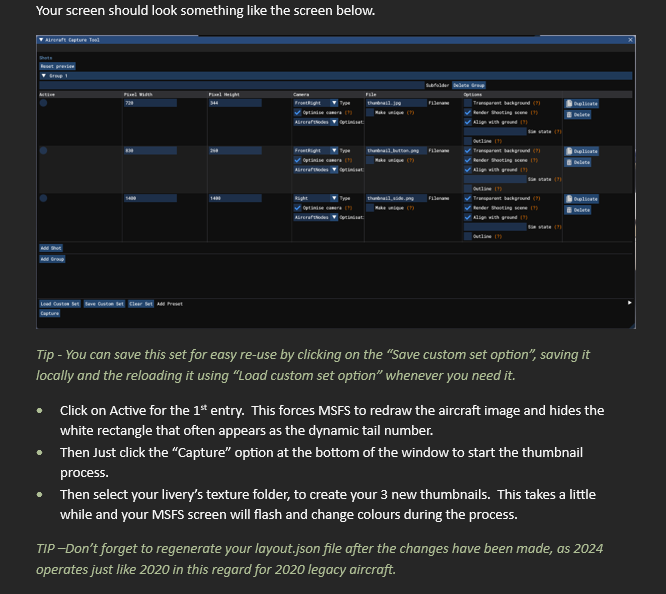
Sorry about all the screenshots, but this was developed to be released on Flightsim.to as downloadable guide. But they refused to publish it, as it was a “guide”. So Flightsim.to refused to publish a guide, that would most benefit the content they host. Screenshots were the quickest method to get it here without reformatting everything.
Guide updated 5 December with new information on aircraft types and the variants and livery tab. Link to guide for liveries for 2024 native aircraft added.
Spiler alert - Neither of these methods work in 2024 and the dynamic tail number still appears
I’m just a livery user not a creator, so I’m not sure this is the right place to post this, but I’m having the opposite problem with tail numbers in 2024.
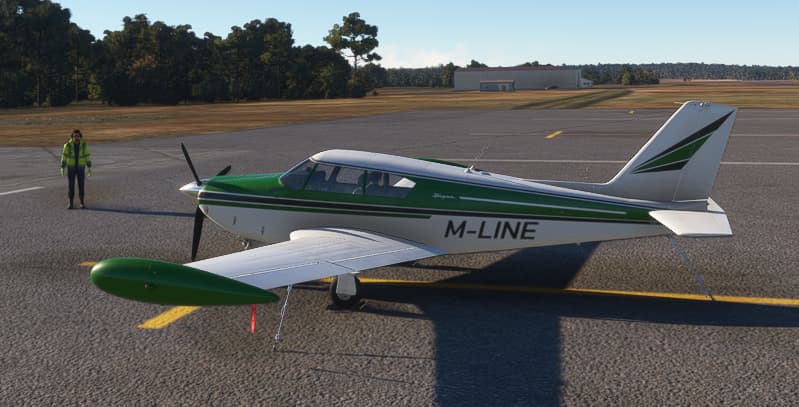
For the A2A Comanche (2020 plane), when I try to use a 3rd party livery (2020 livery), the tail registration is invisible.
That is very interesting as all current methods to hide the dynamic tail number fail in 2024. I had a quick look at the livery and the solution to control the tail number is complex and most likely specific to the Comanche. The comanche itself also has multiple layers to control the tail number, when most aircraft use just a single layer. I think this is just a complex process specific to the Comanche that worked in 2020 that doesn’t work in 2024, rather than a solution for hiding tail numbers generally. But thanks for bring this up.
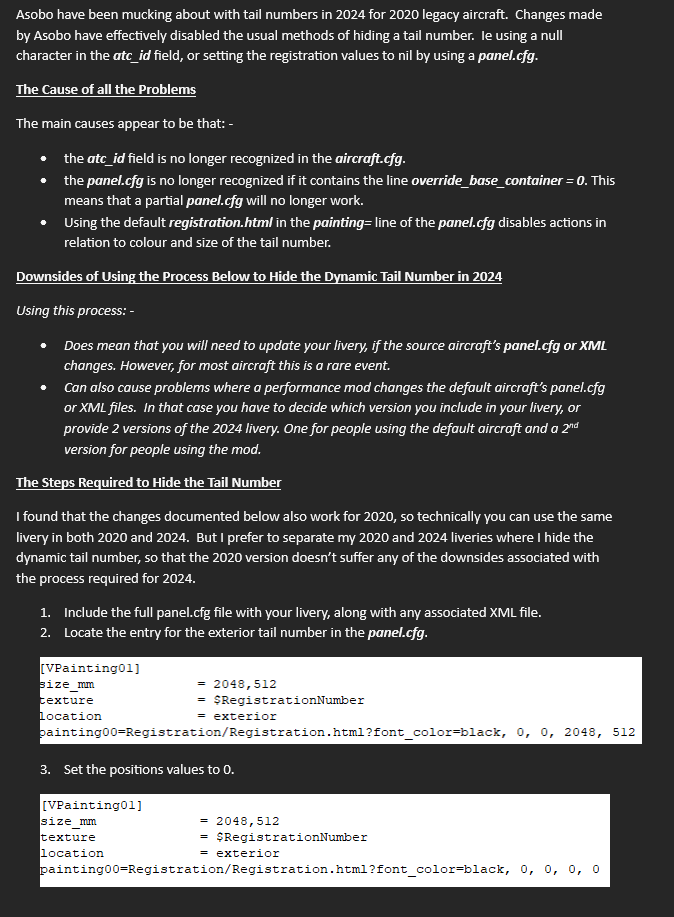
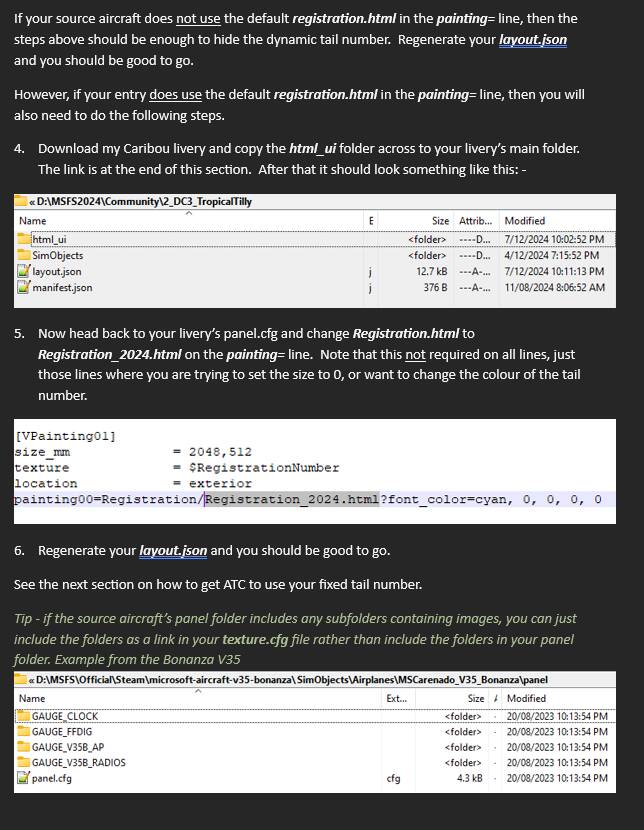
I have been able to get liveries to hide the dynamic tail number for all 2020 legacy aircraft in 2024. The Comanche livery with the missing tail number did provide some clues when I couldn’t get the process working for all aircraft initially. Interestingly, the Comanche livery uses a process I originally documented some time ago that allows a custom font to be used for a dynamic tail number. I’ll update the guide to add the process to hide the dynamic tail number when I get a chance.
I don’t have the Comanche, so not sure what might of changed. The Comanche not showing the dynamic tail number was also a problem before the patch, at least for the livery I looked at. I have confirmed that the operation of the dynamic tail number hasn’t changed on other aircraft since the patch. I have checked and the methods are still working on existing liveries, and worked on new liveries I have converted since the patch.
Since this guide didn’t really solve my problem of “forcing” the 2020 aircraft with 2020 liveries to use the new 2024 system, here’s a little workaround, resembling the old ways of adding liveries to the FSX:
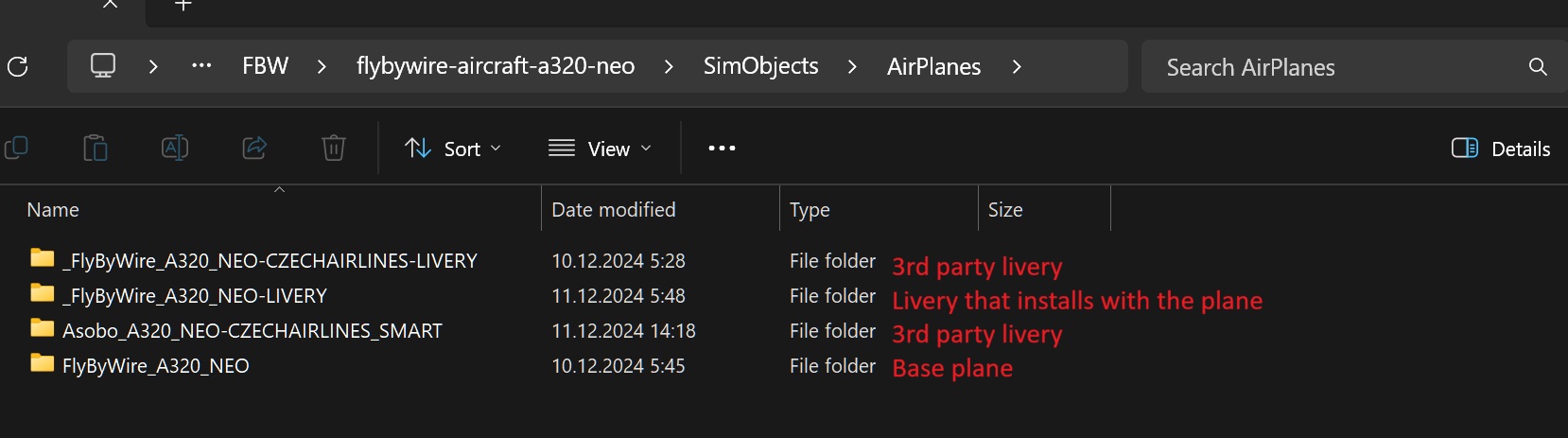
Move the content from the Livery Simobject/Airplanes folder to the Base plane Simobject/Airplanes folder
Update layout.json using MSFS Layout Generator
Make sure to move the original Livery folder from the Community folder to avoid any file conflict
(I use MSFS Addon Manager, so a bit different layout)
The downside is that this process needs to be repeated whenever a livery or an aircraft are updated. And currently this process is limited to source aircraft located in your community folder. This process can’t be used for any marketplace aircraft until Asobo allows local storage. Even then, any changes might trigger an update by MSFS since it has recognised the livery is different, doing away with all your hard work.
Neither livery creators nor aircraft creators can provide any meaningful support for anything that has been modified though.
But I can see how this groups the liveries with the source aircraft liveries, so thanks for the update. And that for some people, getting all the thumbnails grouped with the source aircraft, would be worth all the effort. But my experience is that modifying liveries or source aircraft can lead to other problems.
To expand on exactly how A2A built their registration system, they do indeed have multiple layers (5, if I remember), in various places on the fuselage. A livery creator was given the option to choose whichever one suited the best. And, yes, I utilized your fantastic method for dynamic registration.
For hiding the default livery so a painted registration would show up fine, I simply assigned “transparent” to the font_color value.
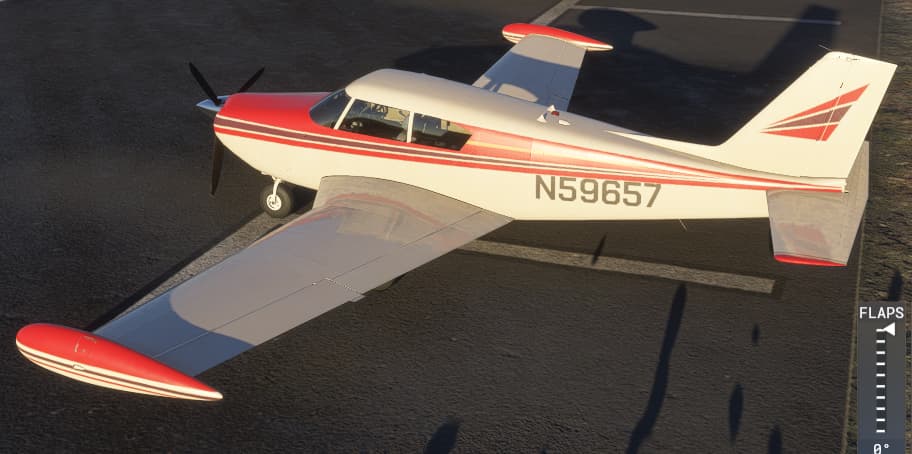
Unfortunately, in 2024, things are considerably more complicated. I’ve been tinkering with my liveries so they would show up properly in 2024 (this one in particular, in fact). So far, I’ve been able to place my Comanche Elevate livery pack as a variant within the aircraft category with each color being its own livery in that variant’s livery tab. The specs don’t show up, but then the specs don’t seem to show up correctly for most aircraft as they all seem to have identical service ceiling (12999 ft.). I figure that’s a bug and I’m sure it’s been logged.
What I am struggling with is getting my registration to show up. I suspect the custom font method is what’s failing here. I’ll test using the Comanche’s default registration and see what happens there.
(Yes, I know my name here says Pudknocker, but everywhere else I’m known as Waffler11. I think it’s silly I have to pay Microsoft for a username change). Bonus points if you know what a pudknocker is and where it came from!
Just dropping this in here in case anyone else wants to use it. I created a script to automate the conversion from PNG to KTX2.
I know there were some separate scripts floating around already that did similar things, but I wanted to make an “all in one” solution so made my own!
I’m happy to take suggestions for enhancements to the script.
Also DM me if it’s not working. I tested it out on my PC and think it should work fine on any setup providing SDK is installed, however if problems do come up I’d like to know.
Althoguh the NVIDIA tool does create KTX2 files I think you’ll be out of luck reading them in MSFS. Asobo have added some special ingredient to their KTX2 files, meaning it looks like we need to build them through the SDK (or using scripts which call the SDK) until someone figures out a better alternative.
If anyone downloaded this earlier please use the updated version I posted today. There were a few bugs. I’ve also adding some logging to help troubleshoot failures in the batch file.
I know at least one person having some problems getting this to run. It all works OK on my PC but I’d love to know the outcome if anyone else has tried it, so I can figure out if there is a general issue.