Fresh start of msfs @ 0200z/6pm pst 22/11/22
PHNG
In sim Winds 060 12G21
West Coast Server
These " Perseid Meteors" coming from about 060.
Data(all)>On.
Multiplayer>Live.
Weather>Live, Display Thermals Option> OFF. (checked at the time happened-100% sure off)
1-Fresh start msfs. Start a Free Flight & Check Weather>Thermals>Off. Exit flight to main Menu.
2-Select the new Soaring Event Soaring, Como Lake, Italy But Do Not select Fly Now.
3-Return to main menu and choose a world map flight.
( I used cold/dark start at PHTO, ramp 125 )
Result= The thermals will be visable and Weather Menu>Thermals will be set to On.
Notes:
1- If the free flight is closed after seeing Thermals (Do Not change Weather>Thermals>Off at this time).
and then another new free flight is created= The thermals will be gone & Weather Thermals are back to off.
**It seems to take 2 free flight restarts to clear thermals & return to thermals off, but did take 3 once.
Or a restart of msfs after intial free flight seeing thermals, will reset to thermals off.
2- Selecting Fly Now in Soaring Event, Como Lake, flying a bit and then closing it and going back to main menu, then selecting World Map Free flight= No Thermals, Weather Thermals off.
So, It’s only if you don’t procede to the Soaring Flight, that this will happen on the next Free Flight.
Make sense?
 coming from about 060.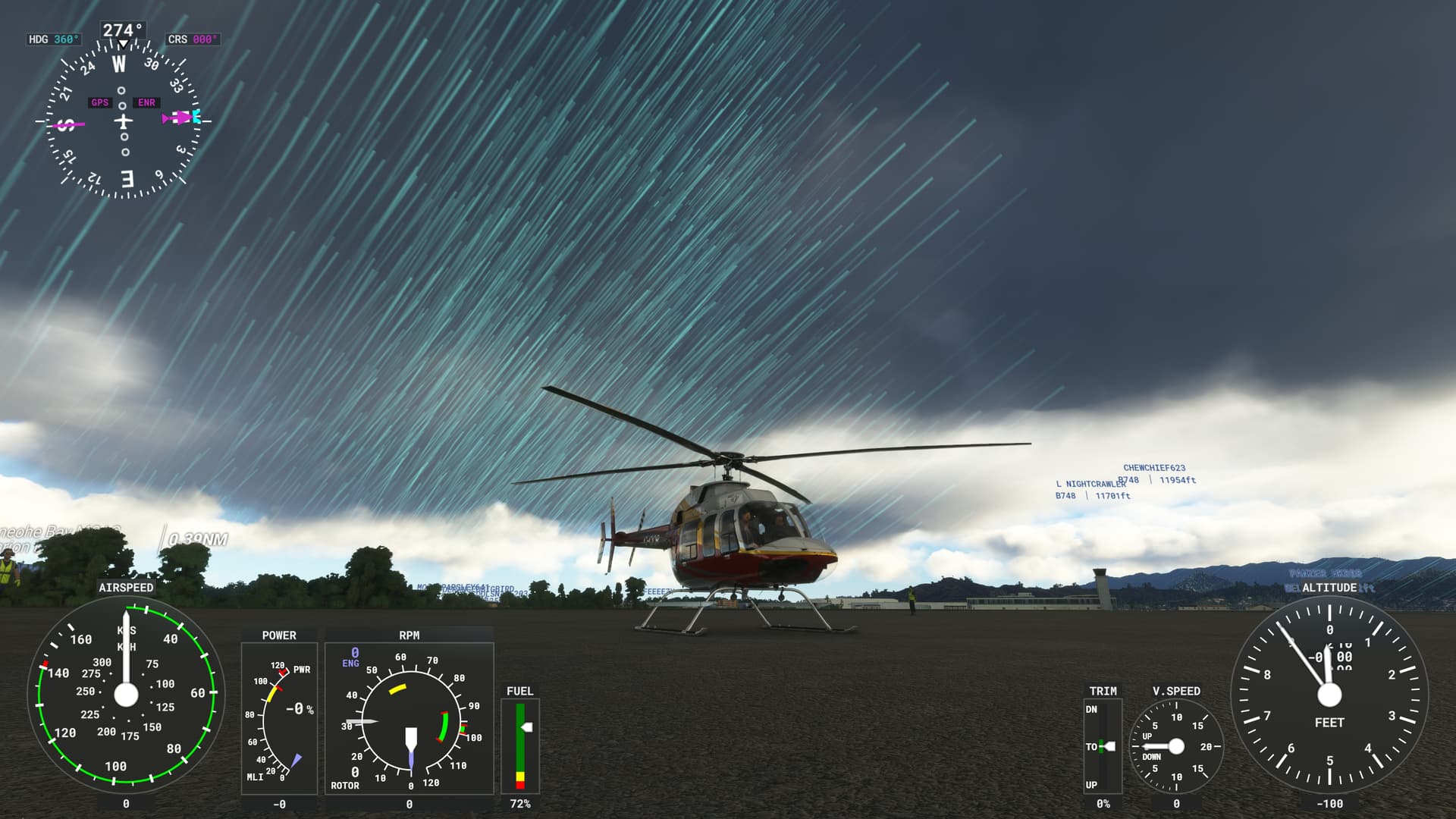
 but…
but… Found the cause…