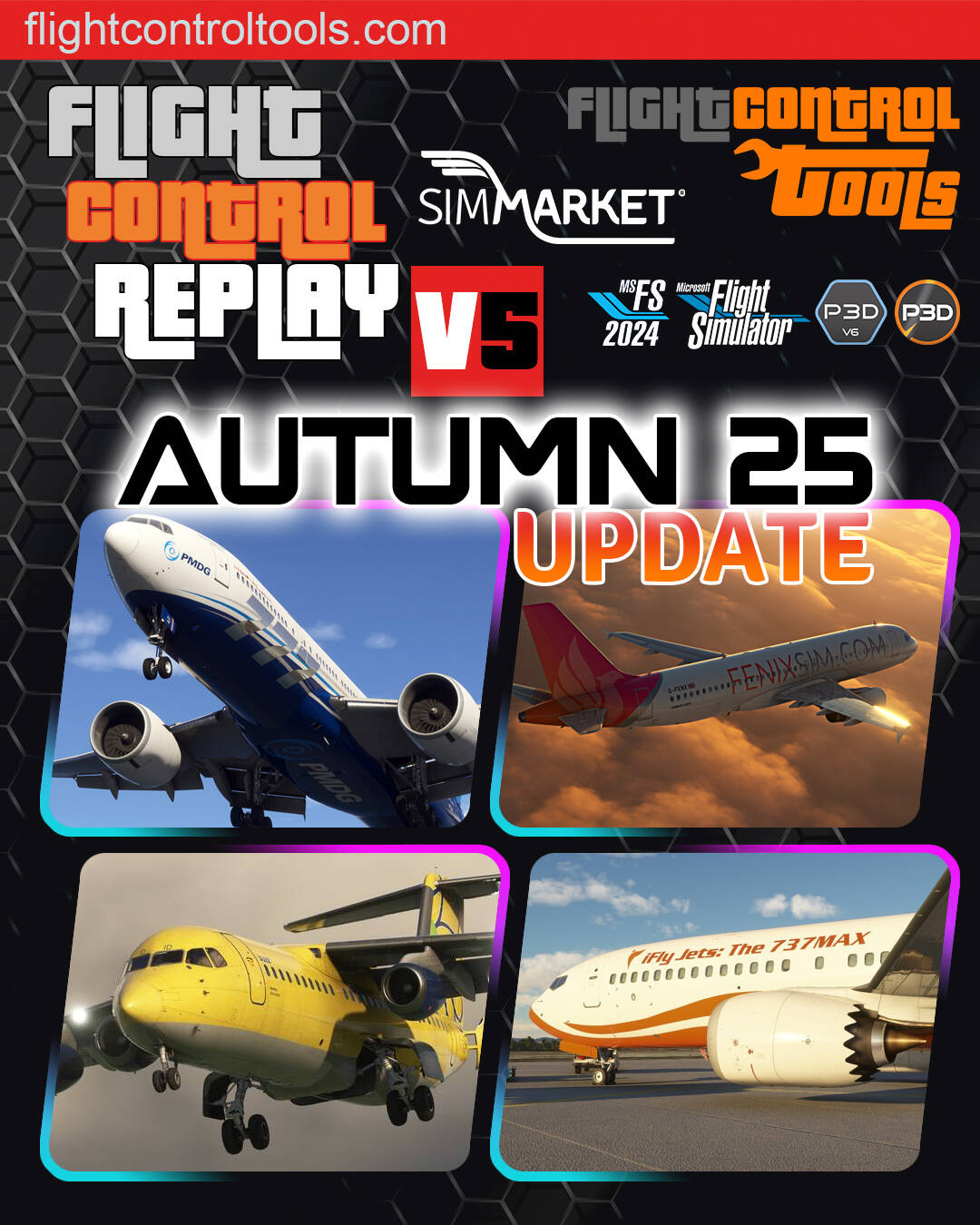
AUTUMN 25 UPDATE for FlightControlReplay v5 for MSFS24/20 and P3D5/6 – Nov 15th, 2025
FlightControlReplay version 5 for Microsoft Flight Simulator 2024/2020 and Prepar3D v5–v6 continues to evolve as the most advanced and feature-rich Replay & Recording tool available today. With powerful capabilities such as MP4 video output, Cinematic Replay, AI PlayBack, Camera path recording, and custom support for complex aircraft systems, FCR5 is the essential companion for simmers and content creators.
Today, all registered customers receive another FREE update, bringing a substantial upgrade to performance, stability, and aircraft compatibility across the board.
What’s New in the November 25 Update?
 Smoother Replay Than Ever — Thanks to the New Adaptive Algorithm
A major innovation in this update is the new FPS-aware learning algorithm.
It analyses your real-time FPS curve (low FPS, spikes, drops, or high FPS) and adapts automatically, ensuring silky-smooth Replay performance in any condition.
This means:
-
No more stutters during heavy scenery loads
-
Perfectly fluid playback during demanding approaches
-
Much more reliable performance for video creators
Smarter Altitude-Based Auto-Record Logic
A brand-new system now controls when recording stops based on crossing a chosen altitude — above or below.
This offers:
-
Cleaner, more precise recordings
-
Fully automated workflows for creators and streamers
-
Perfect segmentation for procedures, training, and tutorials
Midnight Bug Fix
A long-standing issue that caused recordings to stop at 00:00 has been resolved.
· iniBuilds A310,
· Fly The Maddog X,
· Salty 747,
· HPG H145,
· Just Flight 146 Professional,
· Aerosoft CRJ Professional and more
Expanded Compatibility with Premium Aircraft
FCR5 continues to provide the most comprehensive custom aircraft support on the market.
This update includes major compatibility fixes and improvements for:
-
iFly 737 MAX
-
Airbus A310
-
Airbus A320 v2
-
Fenix A3xx series
-
JustFlight F28
-
PMDG 777
-
B727
Animations, surfaces, systems, and flight model-related accuracy have been refined to ensure reliable and authentic playback for your favorite add-ons.
RELIVE Enhancements & Flight Controls Accuracy
RELIVE is an Instant Replay feature that lets you jump back in time and watch or record the last moments of your flight while you’re still flying.
RELIVE Mode: Performance Fixes & FPS Optimization
Better responsiveness, smoother time-shifting, and improved data stability while using the RELIVE instant replay feature.
Elevator Precision Reworked
Elevator movement is now much more accurate and detailed, providing:
· Realistic pitch behavior during replays
· Better camera tracking
· Improved results for cinematic videos
Improved View Switching System
The logic behind switching between User Aircraft and PlayAsAI Aircraft has been rewritten and enhanced.
Expect:
Exclusive Features of FCR5 in MSFS 2024
(Not included in the free FCR Embedded version)
Users of the complete version continue to enjoy exclusive innovations:
-
Cinematic Replay – Automatic camera cycling
-
Auto Camera Change – Movie-style timing and sequencing
-
VR Support – Modern 3D interface inside the cockpit
-
MP4 Video Recorder – Export videos without external software
-
Camera Movements Recorder – Create and reuse custom camera paths
FCR5 – Autumn 25 Changelog – Build v2511.11
• Improved Smooth Replay performance in all situations (low FPS, FPS fluctuations, high FPS) thanks to new adaptive algorithm enhancements that learn from your FPS curve
• New logic added for trigger-based stop recording above/below selected altitudes
• Fixed issue causing recording to stop at midnight
• Compatibility fixes for iFly 737 MAX
• Compatibility fixes for A310
• Compatibility fixes for Airbus A320 v2
• Compatibility fixes for Fenix A3xx series
• Compatibility fixes for JustFlight F28
• Compatibility fixes for PMDG 777
• Compatibility fixes for B727
• RELIVE mode bug fixes and FPS-related improvements
• Improved precision on elevator control movements
• Reworked and enhanced view switching logic between User Aircraft and PlayAsAI aircraft
Official Trailer
Still enjoyable to watch FlightControlReplay V5 in action with one of the Official Trailers available.
Best regards, Fabio MERLO.
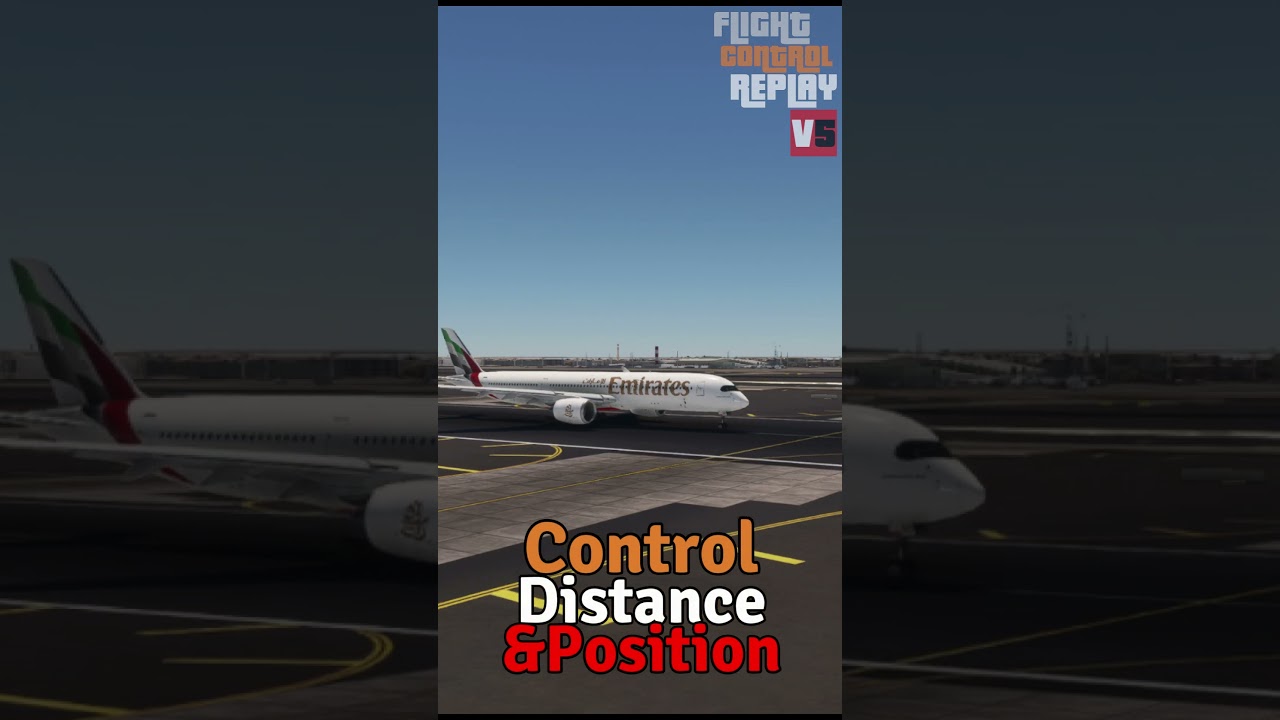
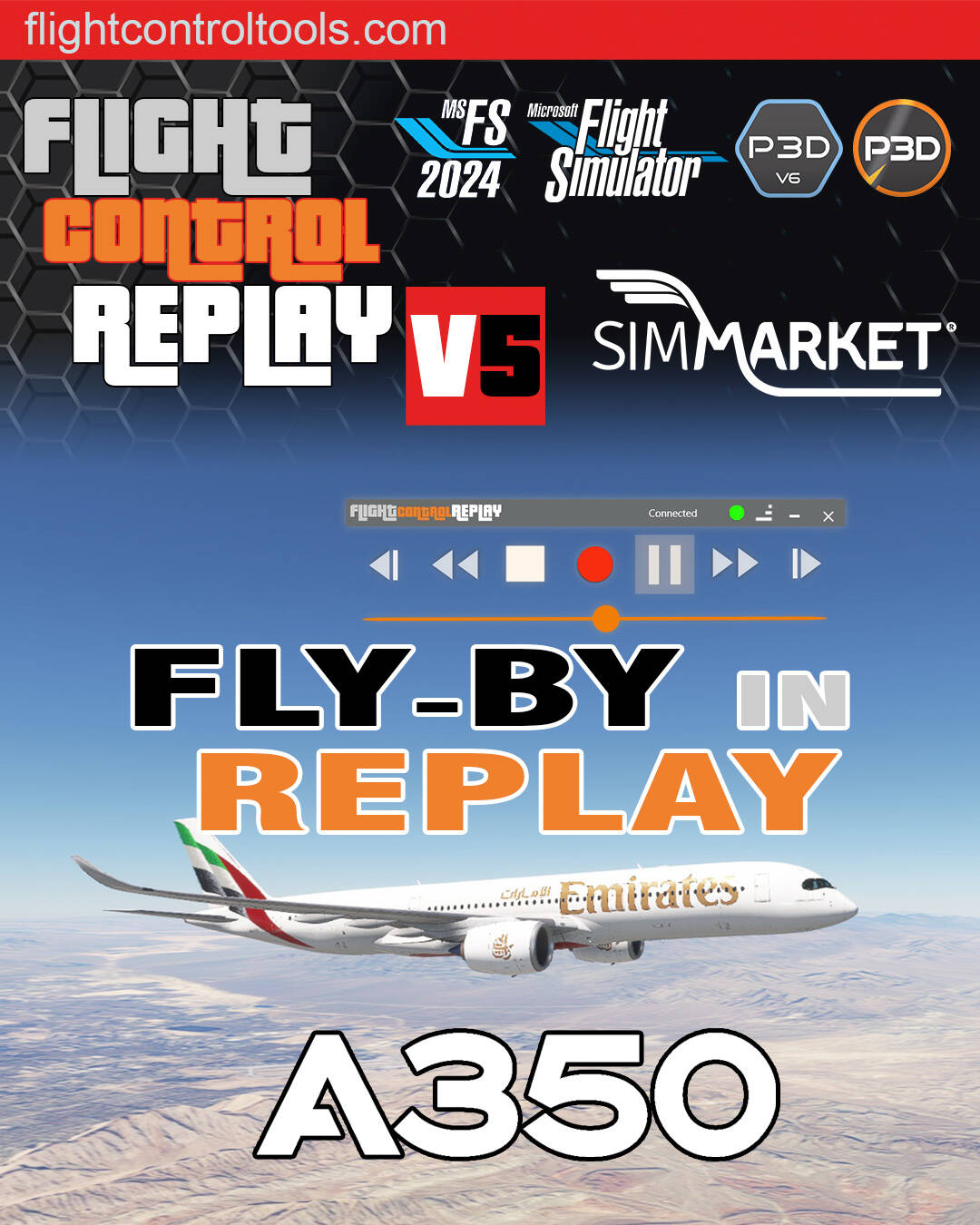
 New FlightControlTools Short Video – Fly-By Camera Replay with iniBuilds A350 in FlightControlReplay 5!
 Customizable Fly-By Camera – Set your preferred camera position, distance, and angle right from the Options menu.
 Special Support for iniBuilds A350 – FlightControlReplay 5 includes advanced custom handling, including precise tiller animations during taxi and turns. It’s a whole new level of realism in your replays!
 Check out the video now and see your flights from a whole new perspective


 Meet FlightControlTools at FSExpo!
 FlightControlTools is our new development platform, bringing cutting-edge features, deep sim integration, and powerful workflows to flight reviewers, content creators, and developers.
 Trusted by simmers, streamers, and professional developers alike, FlightControlReplay is a must-have for anyone looking to relive, analyze, or share their flight simulation experience.
 Come meet us across the alleys at FSExpo — discuss what’s new, what’s next, and get a firsthand look at the future of flight replay.
 FlightControlReplay Embedded Update – Now in MSFS2024 Sim Update 2!
 FCR Embedded Updates:
 Added IniBuilds A350 enhancements for replay.
 Read the full Sim Update 2 changelog here:
 Big News from FlightControlTools!
 Don’t miss it: Our very own Fabio Merlo will be making a major announcement during the FSElite Theatre Seminar – stay tuned, it’s going to be huge!
 Come meet him in the alleys of FSExpo 2025 – grab some exclusive freebies and merch and chat with the developer behind your favorite tools.
 FlightControlTools is your hub for powerful MSFS utilities – including FlightControlReplay, the top-tier Replay and Video Recording tool for simmers and content creators alike.

 June 27-29
 Tickets and Info



 Combine this with Instant Replay mode, and you get:
 Never lose a flight again.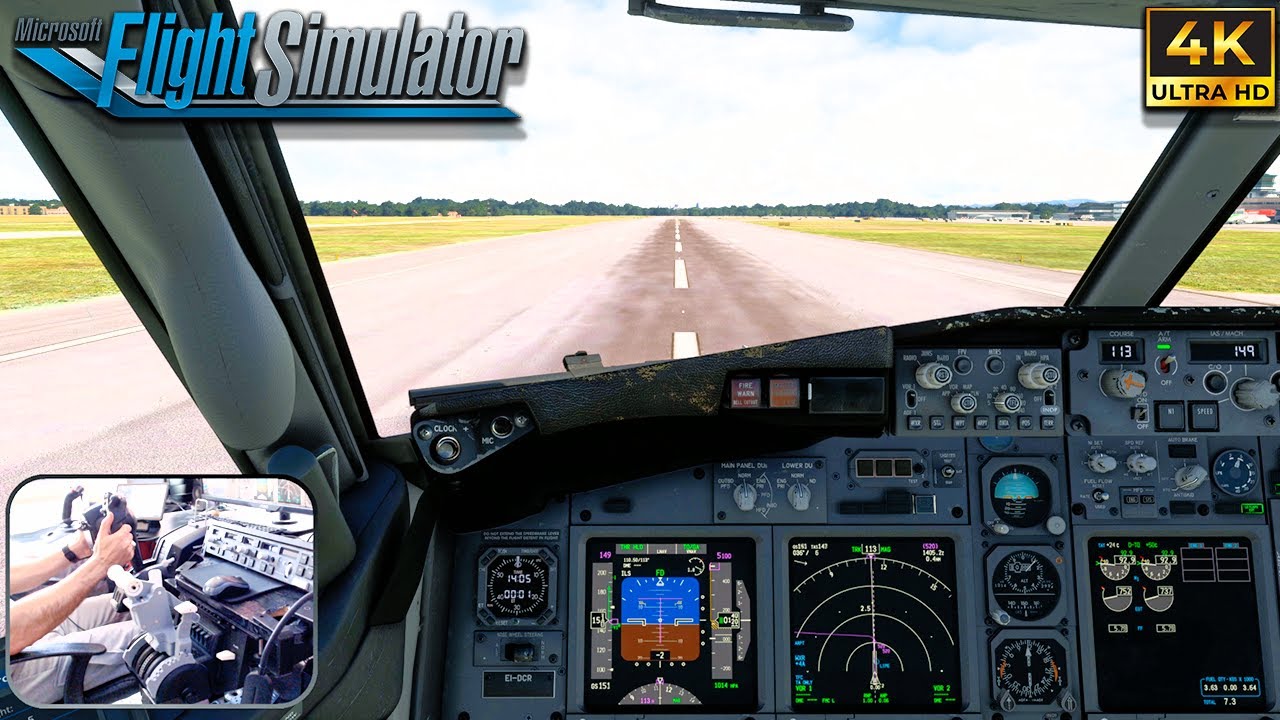

 FlightControlSpotter is the brand-new utility that lets you enjoy advanced plane spotting in MSFS with Tower views, airport runway and parking positions, and full Drone Camera controls.
 Both products can be purchased together in a single order with a special Bundle price at SIMMARKET! Combine this with the reduced launch price of FlightControlSpotter until September 29th — now is the perfect time to add both to your basket. After that date, standard pricing will apply.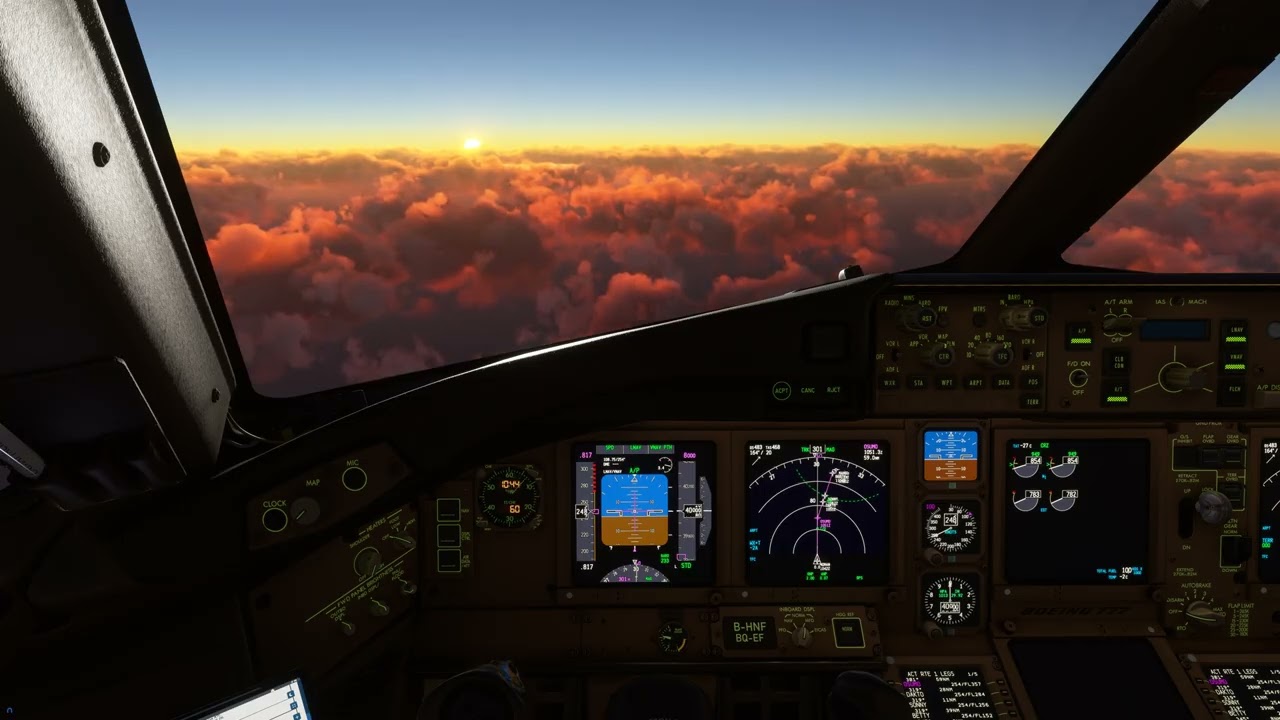
 Official website :
  Store :
  E-mail :
 Microsoft Marketplace & Xbox
 FlightControlSpotter
 Aircraft add-ons with Custom Support in FlightControlReplay V5

 Cinematic Replay
 MP4 Video Recorder
 External App
 VR Support