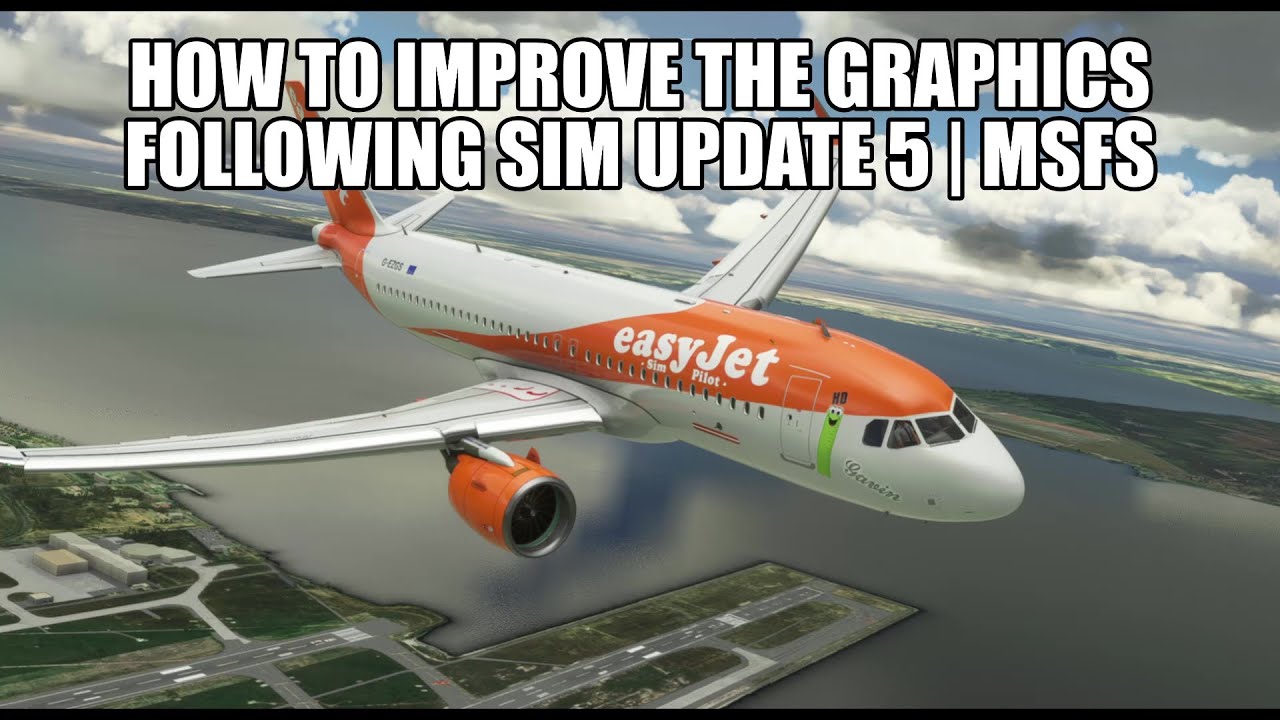
So, I tried the tips which can be found in some threads regarding the overexposure/oversaturation issue after SU5. And it works very well. In combination with terrain LOD (from 2 to 3, I didn’t check FPS impact), I think the colors look great again. It seems to be just a minor configuration issue after all. See screenshots in a couple of light scenarios.
Follwing settings in the UserCfg.opt file:
Terrain: LoDFactor 3.000000
{PostProcess
	Enabled 1
	EyeAdaptation 0
	ColorGrading 0
	Sharpen 1
	Fringe 1
	LensDistortion 1
	Dirt 1
	LensFlare 1
	FilmGrain 0
	Vignette 1
	LensBlurMultiplier 1.000000
	FringeMultiplier 1.000000


Basically I disabled eye adaptation, colorgrading and filmgrain and the reflective shiny chrisp visuals are back.
What I don’t understand though, why does the sun look so weak in the cockpit (light shafts are gone). Was it always like that or is this new with SU5..