NigelGrant bought the same device on Etsy. Worked like a charm on the TB yoke👍
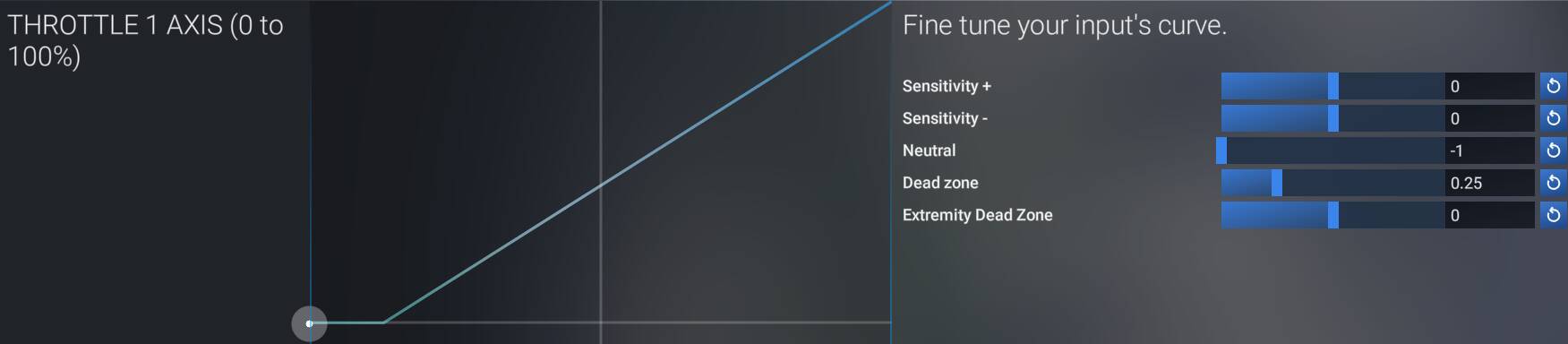
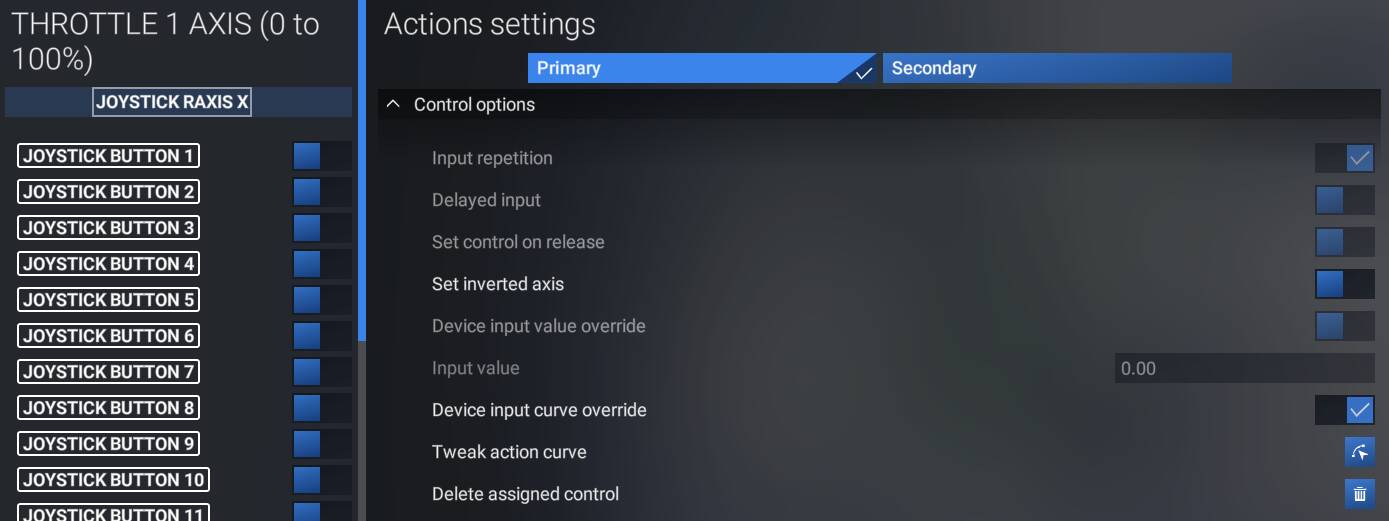
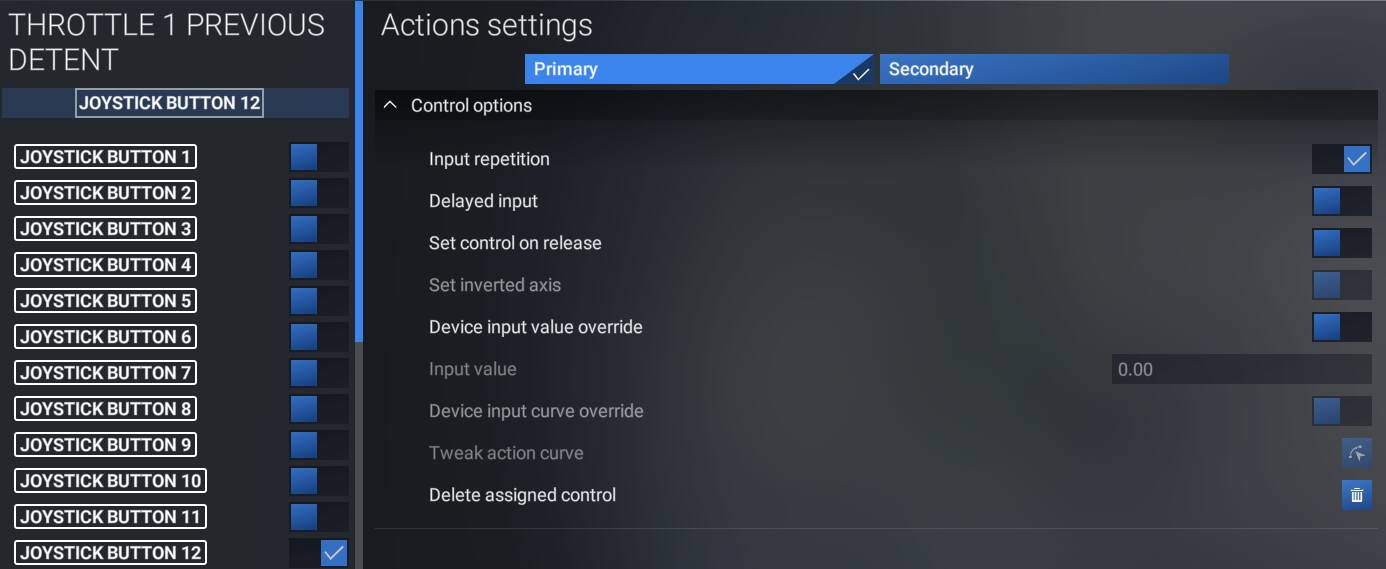
If you’re getting reverse and feather in the detents I can’t imagine why they would setup the ATR different? I have just about every notable turboprop with traditional condition levers other than the ATR and they all work with the same single/twin binding set. Still use the same setup for the TBM and FSR500, of course the TBM works a little different using the prop lever only to move the handle into the h-gate.
If you are having difficulty setting up the Velocity One yoke to work with the Asobo ATR aircraft, I found an excellent tutorial that was done by author Ziggy Air on You Tube. I followed his instructions to the letter and the prop reverse works perfectly.
Did you uncheck the Reverse Axis tick in the EFB? That’s all I had to do to get this working.
Yes I have watched Ziggy”s tutorial too.I think there is one rather short one and essentially talks about calibration of throttles.Am I right? Need to first have the throttles move in sync irrespective whether I do that on one lever or have two separate levers of Velocity for each throttle.
Did that too.
Hi,
I have VelocityOne attached to XBox S and I’m struggling to get it work with MSFS. And few questions with the hope of getting some direction on this:
- Is XBox S the right console or should I consider getting a PC?
- I tried regular USB wireless mouse and it didn’t work with MSFS although it was recognized by XBox. Do I need gaming mouse that will work with MSFS?
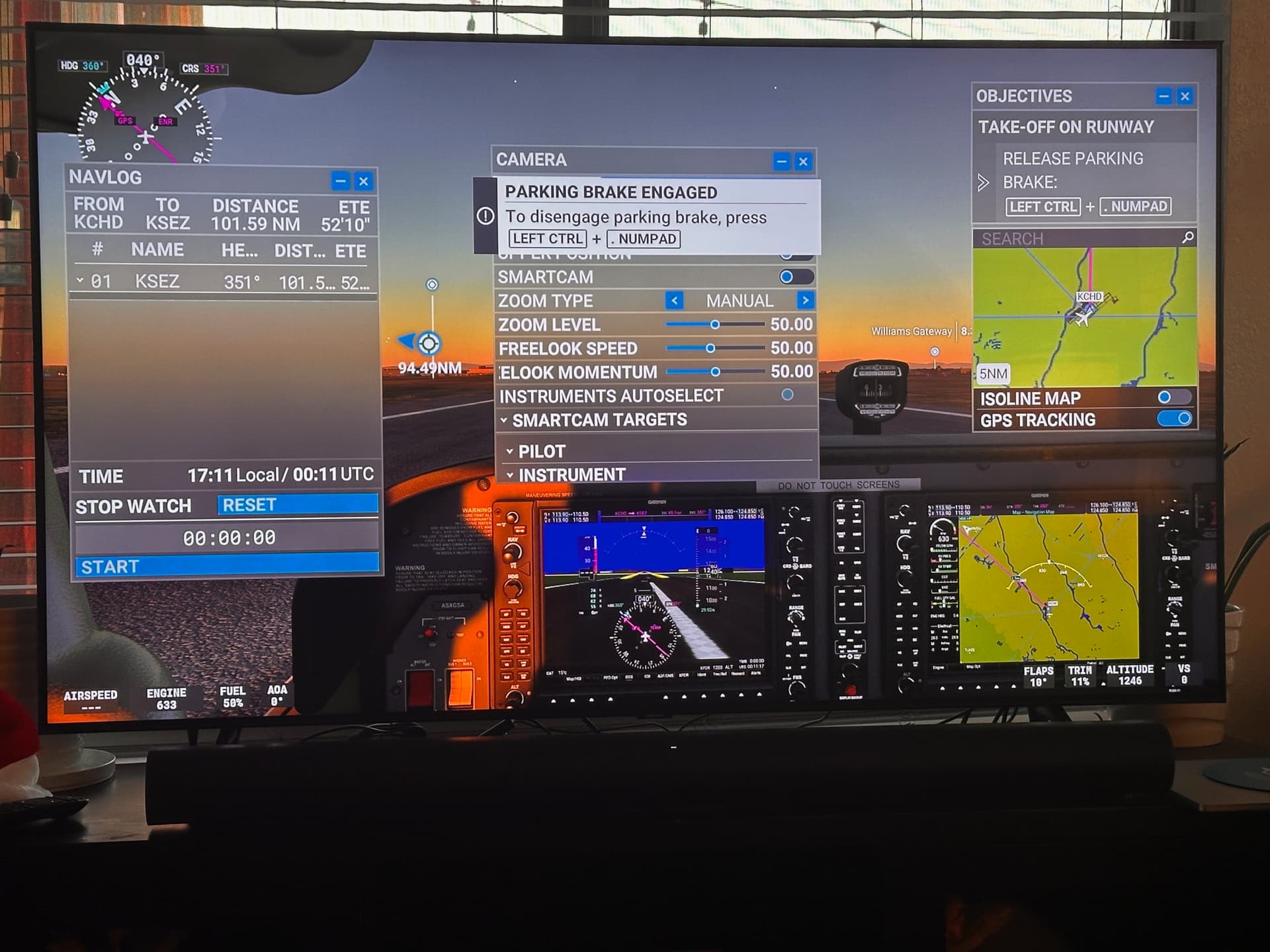
- When flying using world map, there are small windows that cover entire screen - how can close/minimize them (attached)?
No, that would be the X, and yes.
I believe 2024 owes its existence, in part at least, to the consoles struggling to run 2020 effectively, and that includes the X.
The PC can at least be expanded, whereas the XBox design is now years old. You can upgrade a PC with the latest tech available, something that is impossible with any console, not just the MS offering.
Hello, I have the V1F, keyboard, mouse, controller and a few other things connected to my Series X and all of that is possible/useful once they are set up to do what you want them to.
One does not need a gaming mouse, but you may want to set-up your mouse up in 2020 or 2024, whichever you are running. This can be time consuming, but worth it to get the set up you desire. This will follow you if you go to PC, although there are more tools available for PC.
You should be able to close those windows with your controller or mouse from the menu at the top of your screen.
I have over 1.000 hours of fun flying time on my Series X in 2020, and yes the Xbox is limited by MSFS, but no one does NOT NEED a PC to have fun flying as long as expectation are aligned with the platform. Over the past 2 years, I have read about many Series S pilots struggling with stuff that I do not on Series X. I actually bought a Series S when MSFS first came to Xbox and exchanged it within a month for a Series X. Still considering a PC but I would need to spend $3k to make a meaningful difference in performance and so not a decision I am taking lightly!
I’ve recently noticed lately that my SIP isn’t working. I have realised that I got out of the habit of looking at it, instead looking at the aircraft panel itself. Now I have noticed it not working I want it to work! Software was updated and was working. Anyone else have this happen?

Make sure it’s still enabled in the settings on the yoke itself.
Hi. I bought VelocityOne a few days ago. I’ve been testing SIP Connect 1.4.0 for two days now. No matter which plane I choose, the display always says “VOLTS LOW.” I’ve read about it, but none of the tips work  What could be wrong?
Best regards.