Stall speed high is on if wing / airframe anti ice is on. It’s warning you because of potential icing your stall speed could be higher than book values.
You are correct, I enabled “Win/Stabilizer Ice Protection” and the stall message appeared… but it dos’nt seem to go away after disabling anti ice… Is there any criteria to be met before the warning goes away or some button that needs to be pressed (OAT is +15C if that matters)…
It doesn’t go away. Once you’ve used the anti ice it stays on as a reminder for the rest of the flight. It doesn’t affect the operation of the flight in any other way. This is as per real world SF50.
Is it a bug that when using controller, the heading knob is so slow to adjust. C172 is 100x faster.
The vision jet pull left during taxi and takeoff. Tested out in free flight with no wind and it still the same. Is this behavior normal just like the real aircraft?
Nope. FFX fixed that by tweaking the ground handling and friction. MS wrote their own model I guess.
When i set the call sign (G-LGH) and start the flight, it never remembers it and makes up it own. It also only shows its own call sign on the aircraft side, and ATC uses the made up one. For me that is a right royal pain 
It works fine in 2020.
Does anyone else have this problem?
I’m also not finding on the G3000 the arrival selection procedures.
This is for all airports? other bug?
Besides I selected the approach on the EFB, it does not go to the G3000, and also I find nothing there looking for the airport.
There’s a very large thread and bug report about custom registration not being honored.
Also fix the cockpit quickviews on this plane :
- Right shows left behind shoulder
- Left shows some kind of landing view
IRL SF50 operator here.
Flaps 50 and 100 are approved for landing IRL, and flaps 0 numbers are also available in the book in case of an abnormal situation.
In the real jet, it does go away if you press the IPS Stall Offset Reset button in the GTC. And yes, it does affect the operation of the aircraft. It’s letting you know that the stall speed, stick shaker speed, and stick pusher speed have been increased to add a buffer for airframe ice. If you no longer have visible airframe ice, you should press the IPS Stall Offset Reset button to restore the original stall speeds.
No, the real aircraft has very minor left-turning tendencies. Any turning tendencies you get on the takeoff roll are primarily due to misalignment of the nosewheel, since the real aircraft does not have nosewheel steering.
Excellent, thank you for correcting my understanding on the STALL SPEED HIGH indication.
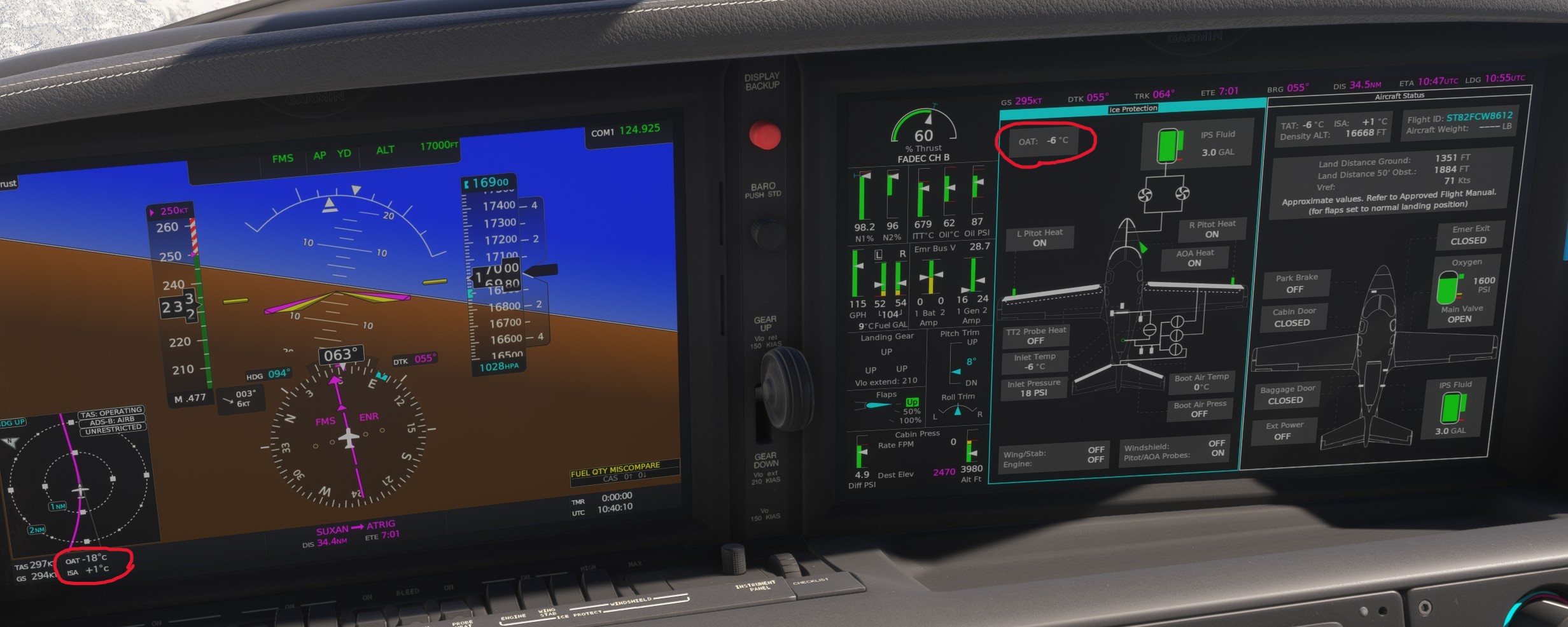
I couldn’t find if it was reported elsewhere, but this topic seems to be the right one to do it so:

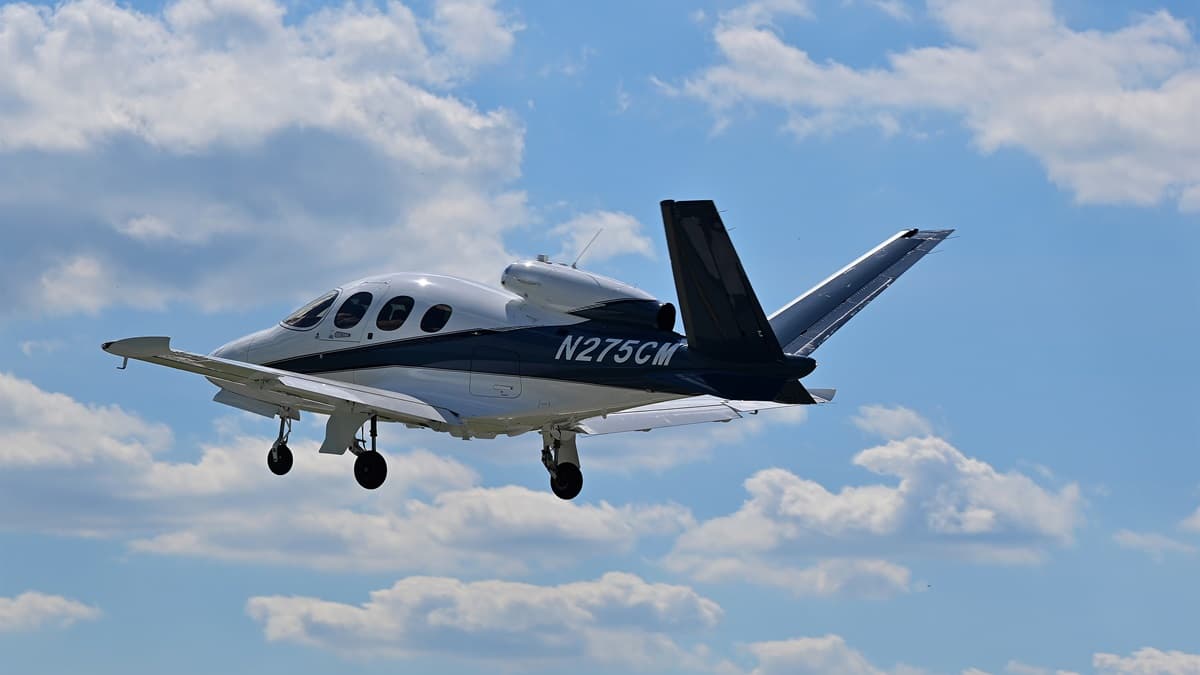
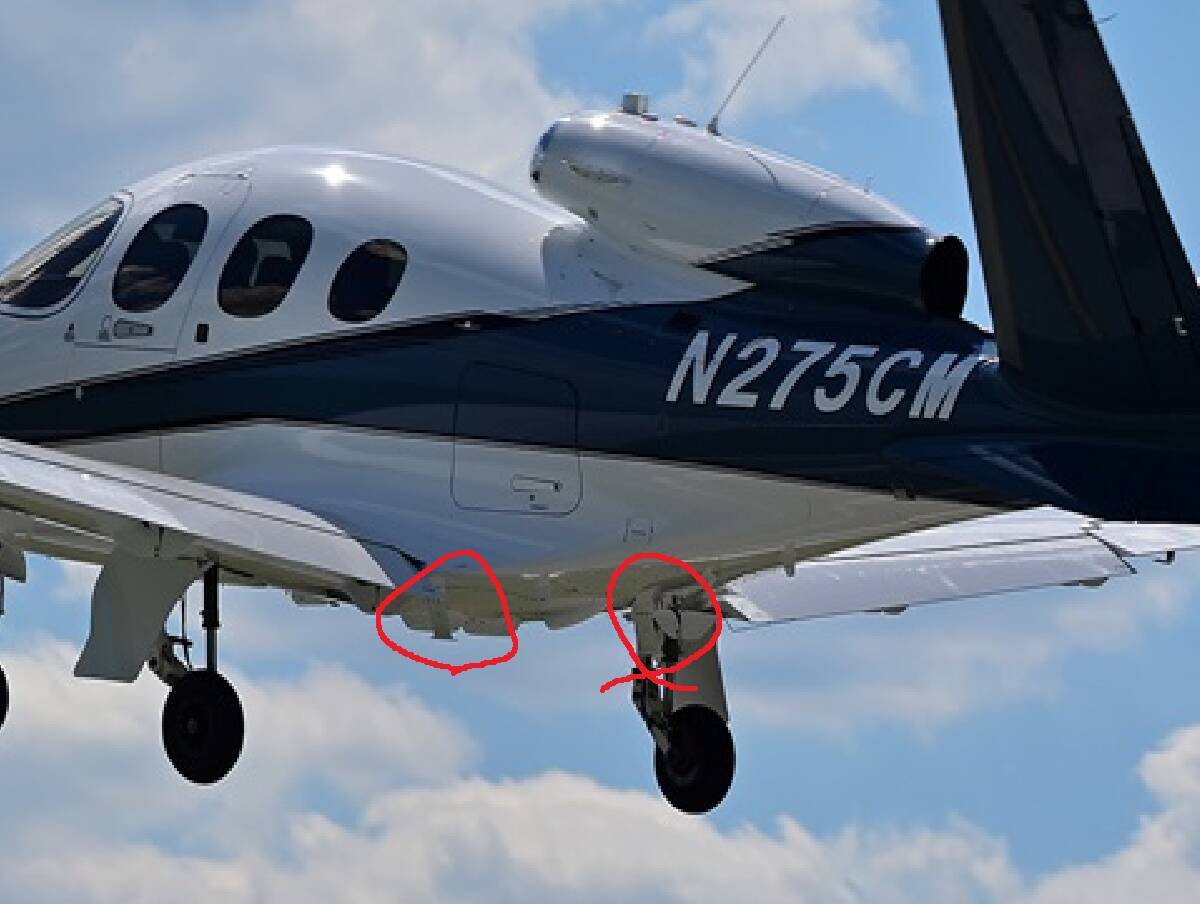
What are those supposed to be? The FS20 version did not have them, and I could not find a single real world G2 that had them:
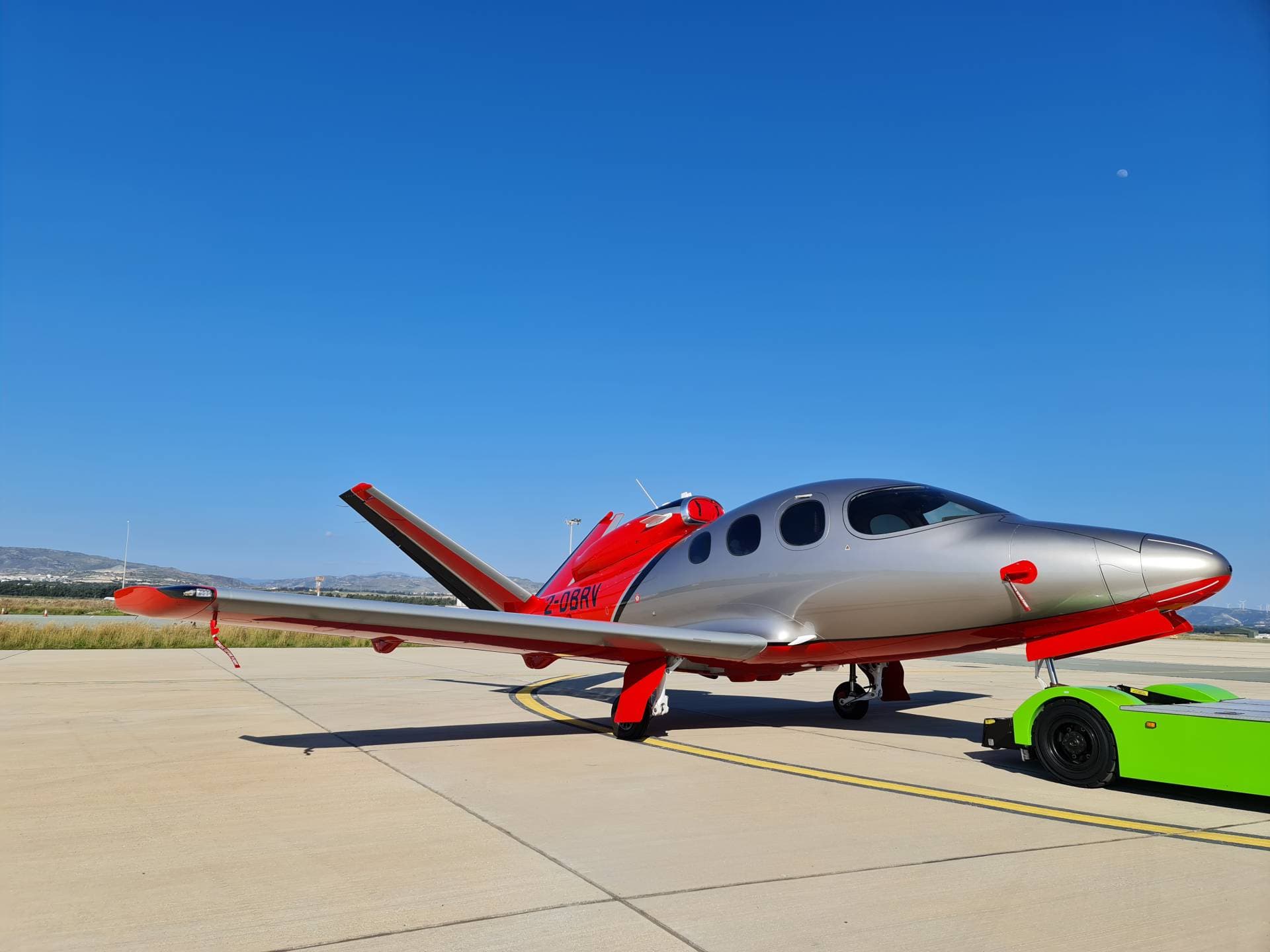
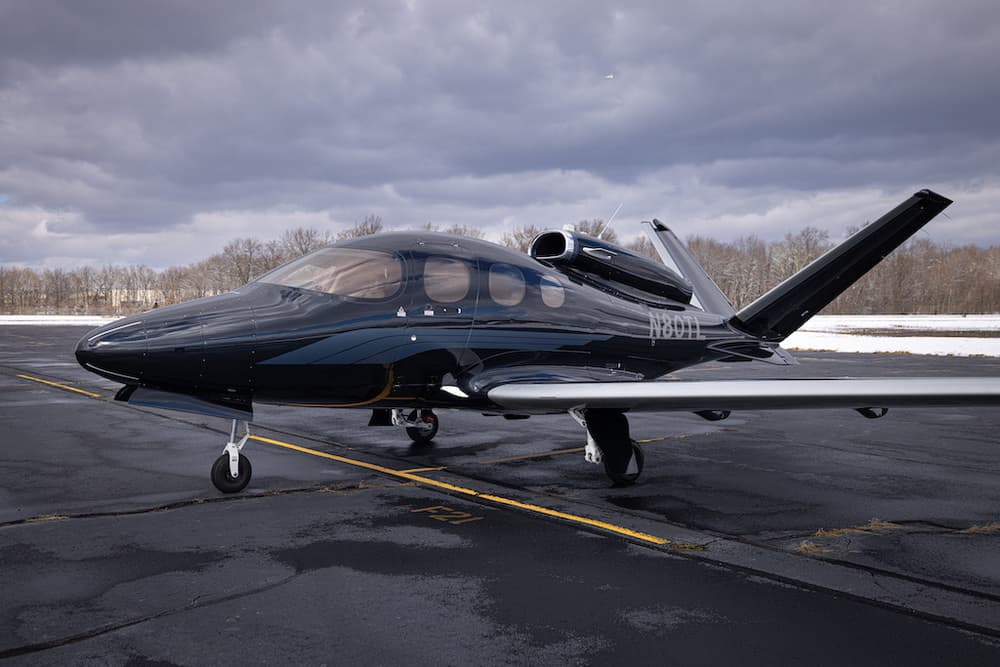
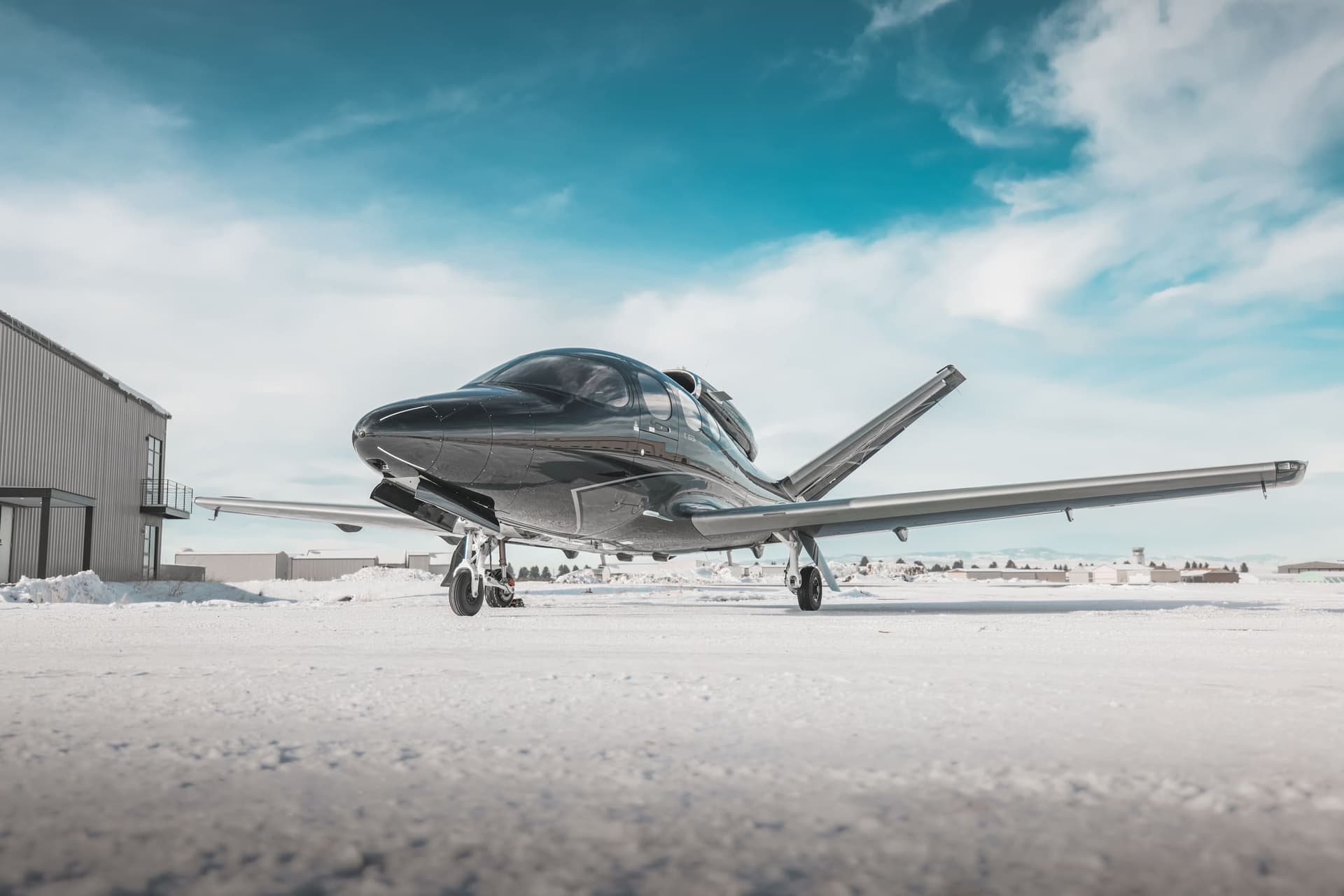
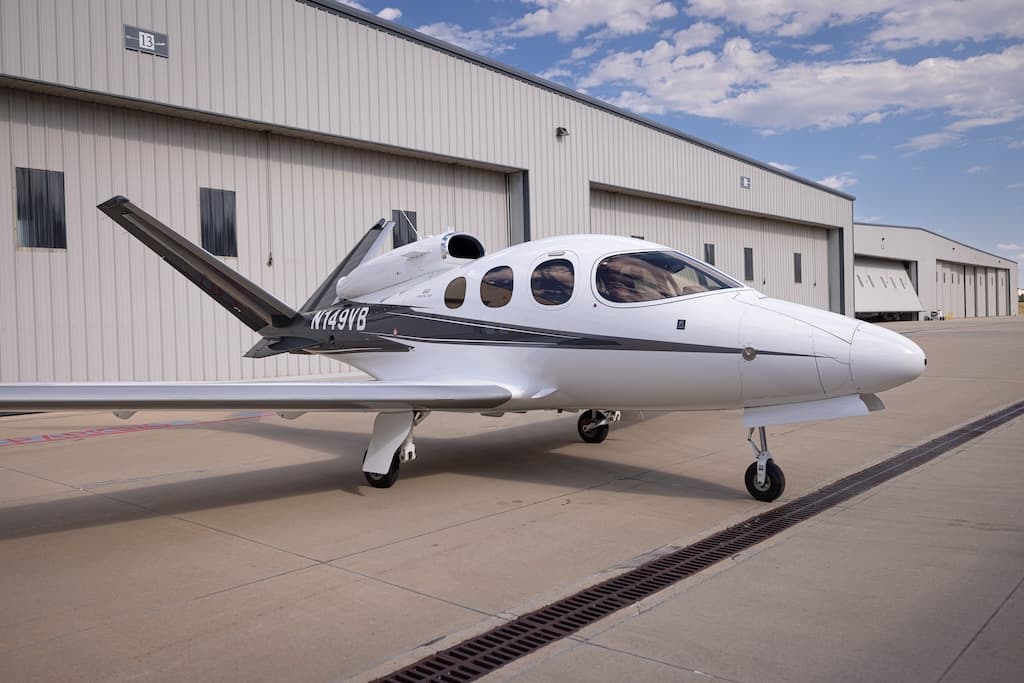
Correct me if I’m wrong, but I belive those are some kind of a bug in the model.
They’re satellite internet antennas, which were added to the G2+.
Hehe, they are antennas folks.
Landing lights dont work,cockpit lights dont work
I’m not sure if this an SU1 beta bug, but the strobe acts as a pulse light and is very distracting at night.
Since latest beta update the NAV autopilot mode isn’t working on the Vision Jet. HDG mode works as intended.