My MSFS2024 install has developed a really strange habit.
A few days ago, when I pressed the start now button after selecting the starting position in free flight, I just got a whirling circle and the sim would not load.
This resolved itself, but now I have a new problem.
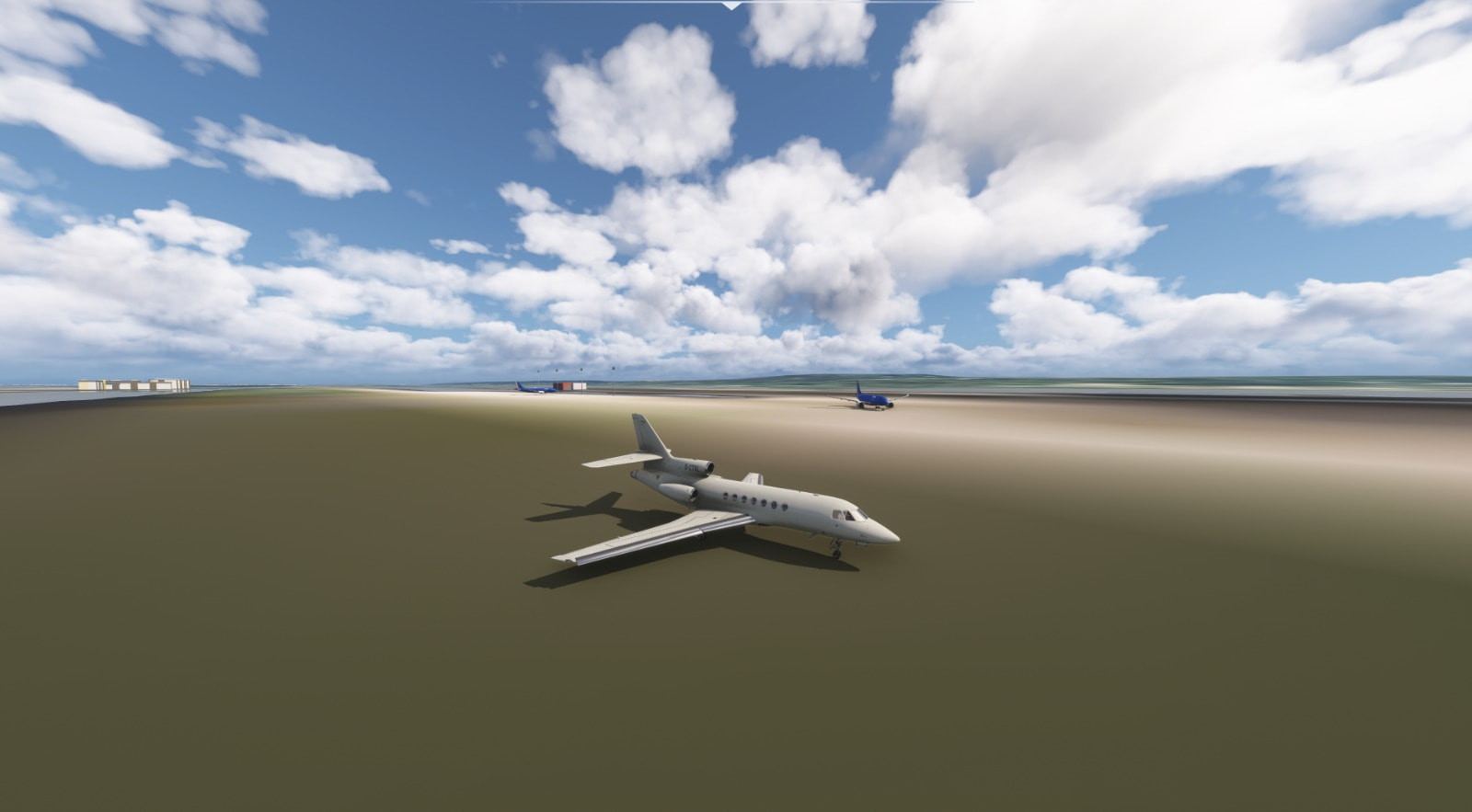
I fly in VR and I am getting great performance throughout the flight, but my arrival airport is just a blury mess. Today I flew into London City, and all the textures were sharp and great but as I approached the airport it was just a blur.
I have tried several flights and everything is absolutely fine until approaching the destination airport, which is just blurry.
Can anyone help. I am at a loss.
I have rebuilt the rolling cache, reset the scenery index. I did have a couple of flights at night time which were fine, but during the day, all my arrival airports are just a blur.
I’ve had this happen before and put it down to the servers, my internet was perfectly fine.
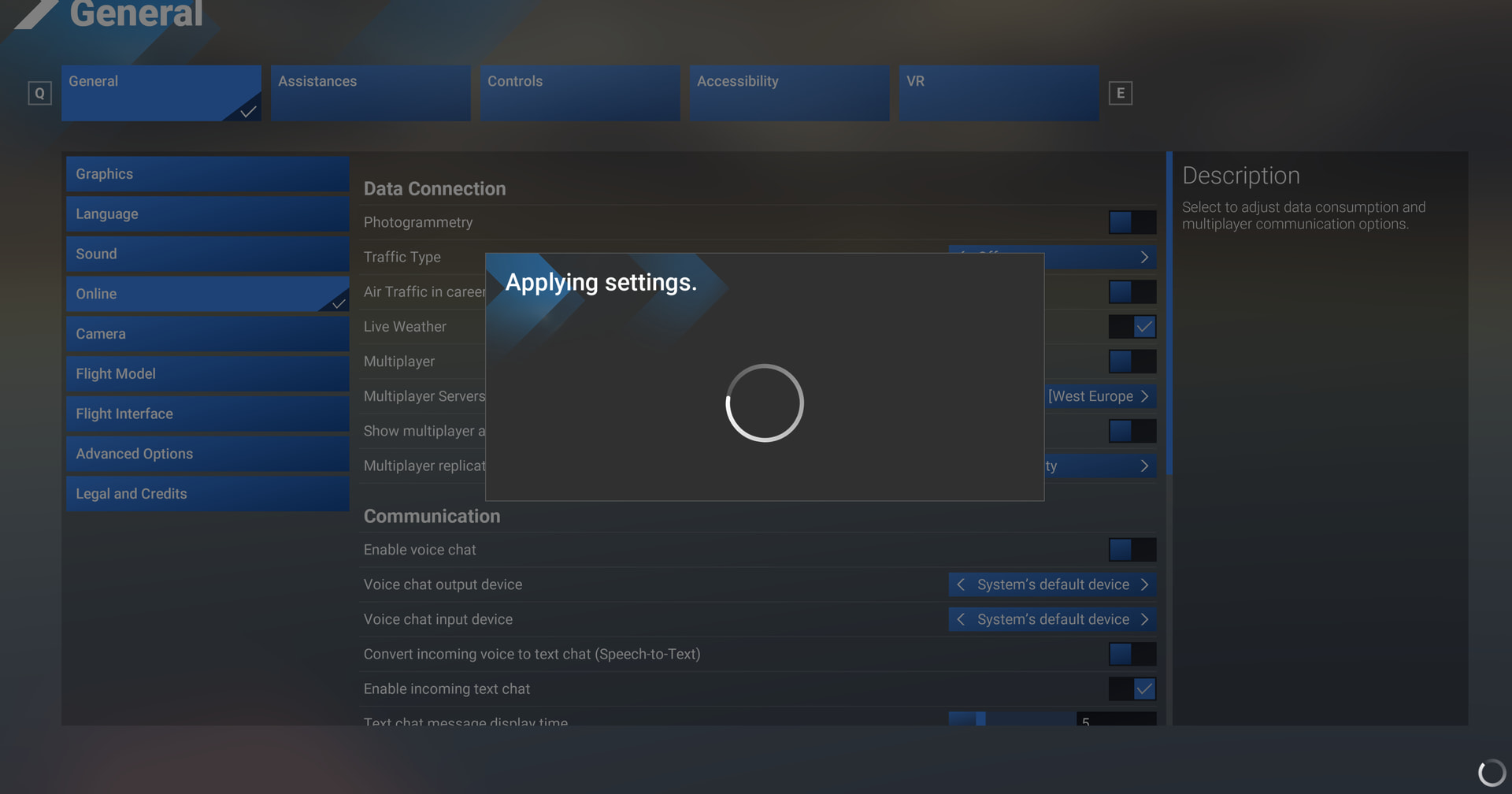
I’m just so demoralised now. I have spent the whole day trying to get to the bottom of this. I have deleted and rebuilt the rolling cache, stopped using the dynamic setting, reduced the TLOD. Nothing has helped. The whole flight has perfect sharp textures apart from the arrival airport. On approach the surrounding textures are all pin sharp, but the airport is a blurry mess. I just got onto final for LSZH again and the same thing happened, but this time I went into settings and tried to turn off the photogrammaty, but just get the spinning circle of death (it has been doing this for 10 minutes)
This is still plaguing me. I have tried everything, including a full reinstall. My flight has crystal clear textures right up until the end where the airport is missing almost all textures and is a blurry mess. If I go to settings and change anything, the aircraft cockpit is also a blurry mess when I return to it. I have changed almost every setting, but no luck. I still have the problem where if I deselect Photogrammetry it just locks up with the spinning circle. Also, if I exit to the main screen and then try and load into another airport it also just locks up on the spinning circle.
Is there a file I need to reset somewhere to reset all the data options to maybe fix this?
what value have you in OLOD and what value on the ground is your TLOD
I tried using the dynamic setting and the third party app with a TLOD of 120 and OLOD of 150 below 2000ft.
I have a 9950X3D and a 5090 and 64GB of ram.
Weird thing was some of the cockpit textures going really blurry as well. It’s like all streaming stops.
The other strange thing is that I could see the airport coming downwind at 8000ft and it was pin sharp. I got turned onto a 20nm final and the airport (and the tiles around it) were almost not rendered (incredibly blurry)
am sure you checked this, but just to be sure: is your bandwidth limit set to ‘unlimited’? Happened to me once that that value was set/changed to the lowest possible and then it just takes forever to load textures…
Yes, thanks for the tip. I checked and the data is not an issue. I get crystal clear textures until approaching my arrival airport, when everything goes very very blurry. I have fully reinstalled MSFS2024 (including deleting the cloud backup and all local files etc…). I can’t work out what is causing this.
Have you tested with all dynamic settings disabled (internal and external) and use a known good baseline olod/tlod (eg 150) regardless of what it might do to your FPS.
Also, is it only happening while in VR? What headset/app is involved? It does look like a streaming issue, but strange that it only kicks in at the end.
Can you duplicate the issue flying around with the drone camera?
I’ve been testing all morning. At first I thought it might be the Photogrammetry, as it also gets stuck when I try and disable it. After about 5 test flights, it seems to be linked to when I am running BeyondATC.
I carried out a flight without, using the inbuilt setting to lock to 45fps, and using an external dynamic program and it was fine. When carrying out the same flight with BeyondATC I got the same issue:
I think maybe it happens when BeyondATC loads the aircraft into the sim at the arrival airport. Strange thing is, that once it goes blurry, there is no way of resetting it. I can change lots of settings, but it doesn’t come back until the sim is restarted
I am just stumped. I stopped all AutoLOD type features and flew into EGLC with BeyondATC. It was all looking really good until I touched down, then all the parked aircraft went silver (lost all textures) and the ground starting going blurry. I didn’t have this issue until a few weeks ago (it started just before SU6). Can’t think what it could be. As I said, once it goes blurry, there is no way of getting it back. You can put the TLOD and OLOD right down in the menu, reduce all settings to low, and it is still blurry (and the aircraft cockpit also goes blurry after coming out of the settings menu). I am tearing my hair out here. Until it happens, performance is brilliant (I have a 9950X3D and a 5090).
So I’ve narrowed it down to running with Beyond ATC on. This could just be coincidence, but when I run without it, my problem goes away.
FSHud is fine, just doesn’t seem to like BeyondATC. But I had been using it for years without issues
Decrease 2d resolution to minimum and vr details in airport (signs, taxi labels etc) will be clear and sharp. It worked 100% for me with no explanation why
Thanks for the tip, tried that and it didn’t help. I also carried out a complete windows 11 install and a fresh install of MSFS2024. Still got the same problem. All surrounding textures are amazingly clear. Just the airport