Hi,
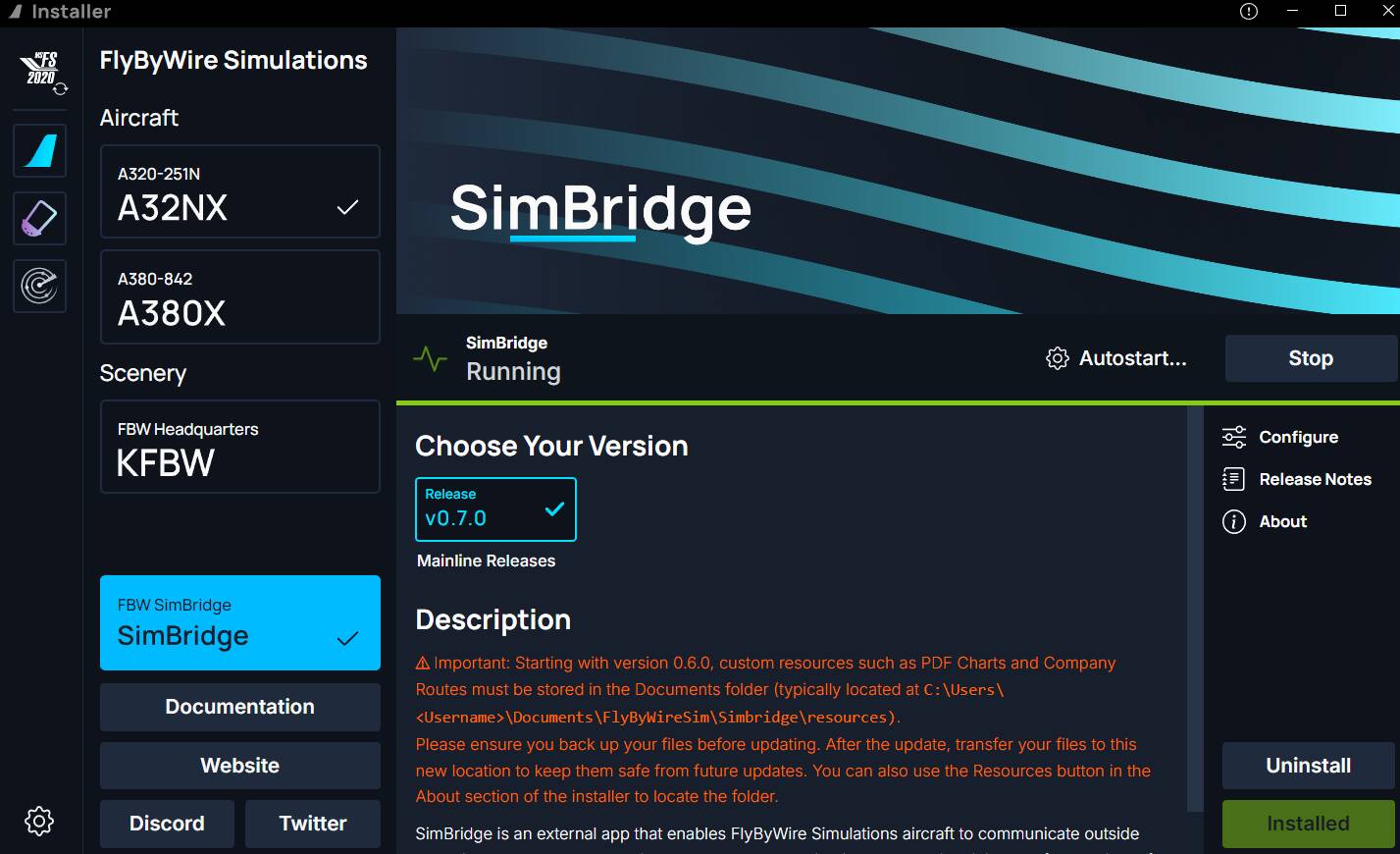
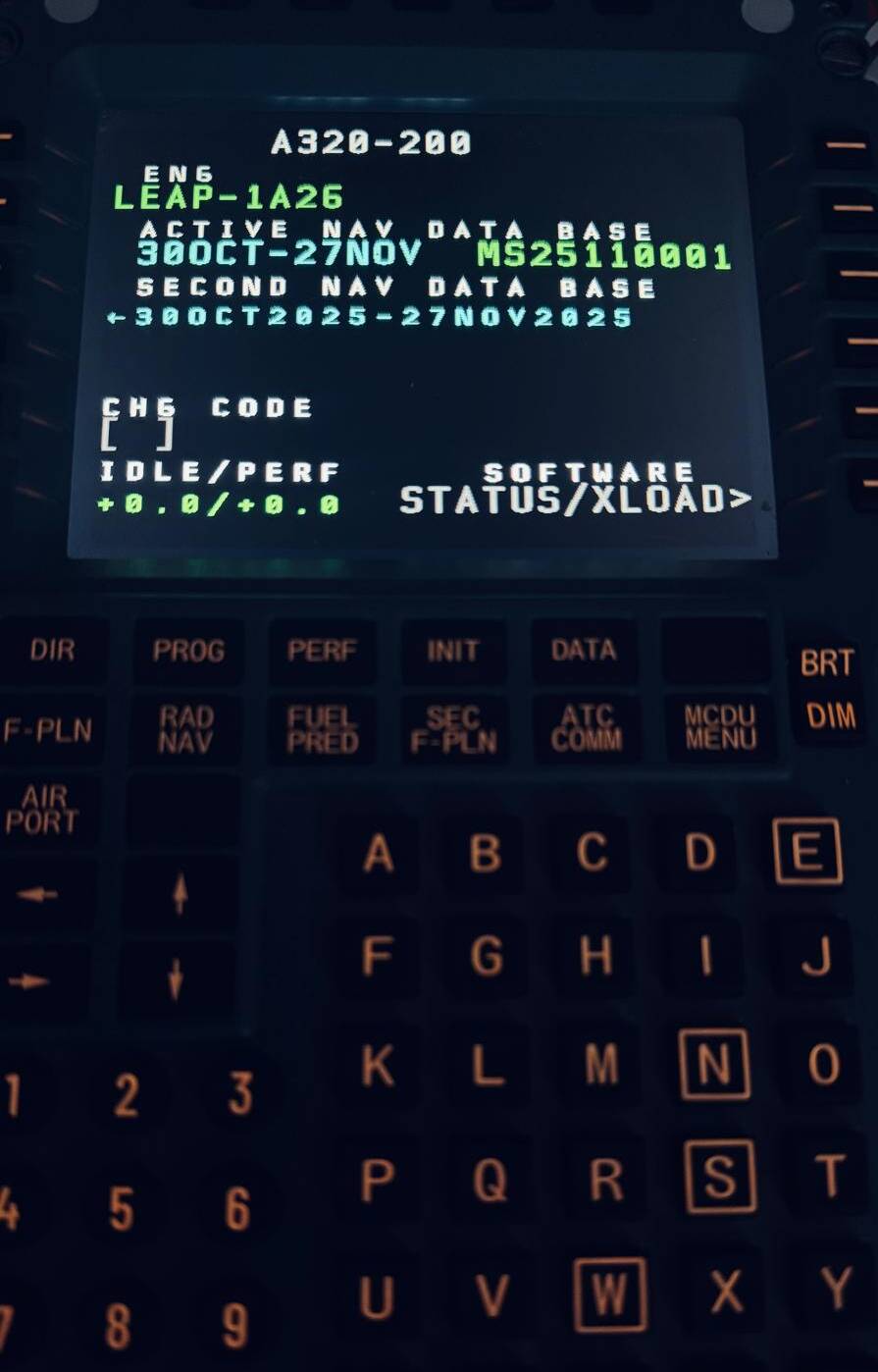
Today I’ve received my WinWing MCDU and am trying to get it to work in MSFS24 for hours now.
I’ve installed newest update as well as the older version but can’t get past the black screen on the MCDU.
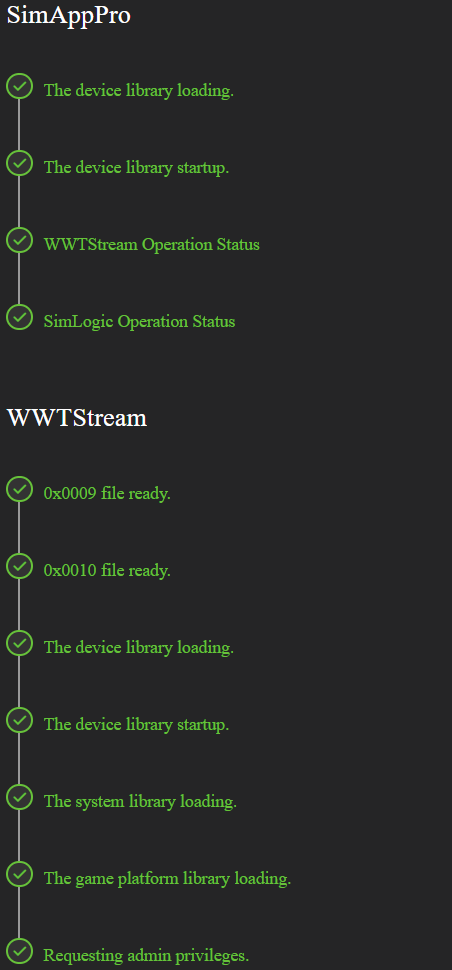
The issue I am facing is that it shows a black screen on the MCDU it self, but when testing the lights etc from within the SimAppPro software it works flawless.
When I check the Environment Check page on the software it’s stuck at “The button and the axis are synchronized.(Pending Activation)”
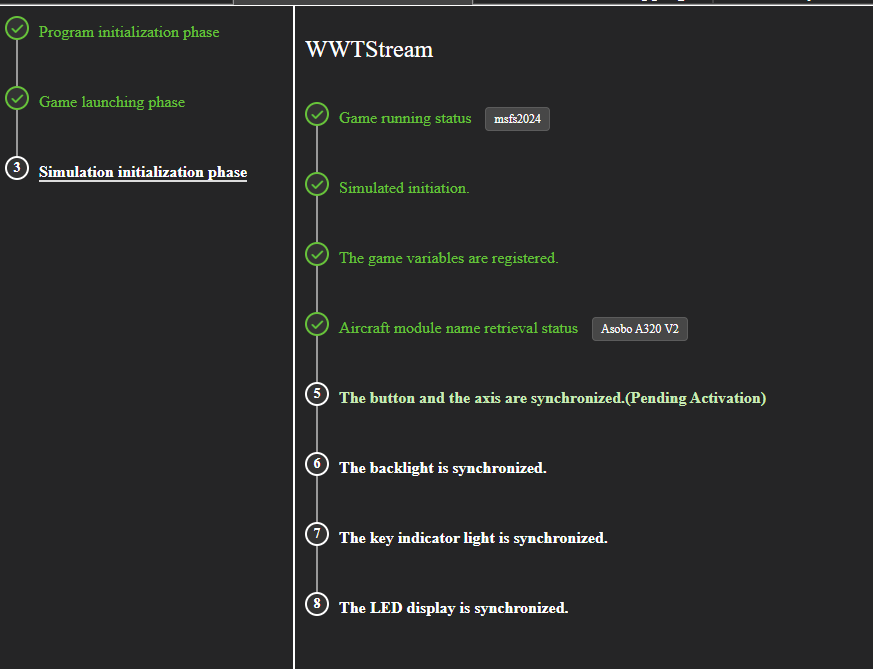
I’ve, as far as I know, set the right folders for the game as well.
User Path Data: C:\Users\aad-a\AppData\Local\Packages\Microsoft.FlightSimulator_8wekyb3d8bbwe\SystemAppData\wgs
Install Path: E:\Xbox Games\Microsoft Flight Simulator 2024\Content
Aircraft Model Path: C:\Users\aad-a\AppData\Local\Packages\Microsoft.Limitless_8wekyb3d8bbwe\LocalCache\Packages\Official2024\OneStore
Third-Party Aircraft Modem Path (I don’t have any third party aircraft installed.): C:\Users\aad-a\AppData\Local\Packages\Microsoft.Limitless_8wekyb3d8bbwe\LocalCache\Packages\Community
- I’ve tried versions V1.16.72_Beta, V1.16.48 and V1.16.55 of SimAppPro.
- I’ve updated the firmware of the MCDU as well.
- I tried multiple Airbus aircraft and Boeing.
- I am running MSFS24 - Sim Update 04 - Beta (PC)
I hope someone here can help me with this issue, thanks in advance.