@AadBuurman
I’ve got a moment for coffee, so I decided to help.
First of all, your patch path for MSFS 2024 is set incorrectly.
The correct one is below.
Install Path: E:\Xbox Games\Microsoft Flight Simulator 2024

Your MSFS 2024 launcher ended up on drive E because that’s where you installed it. That isn’t the default location. I’ve always said on the forum that both MSFS 2020 and MSFS 2024 launchers should be on drive C to avoid permission issues with files and folders. Hopefully that’s not what’s causing trouble for you.
Make sure MCDU firmware is up to date. The latest version is 1.03

If yours is older, you’ll need to update it.
In the SimApp Pro click the Environment Check tab - all lines on the right side of the window should be green
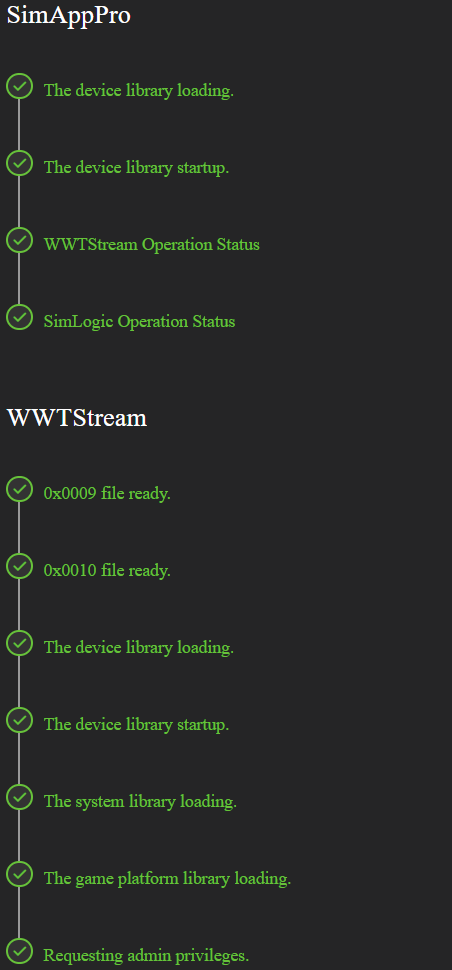

the last line should show the names of the detected WinWing devices.
In the first post of the thread, I can see from the lines that the selected aircraft is the Asobo A320v2. The thing is, Inibuilds is working on this aircraft - Inibuilds’ Airbuses aren’t compatible with WinWing devices yet, as I mentioned on the forum.
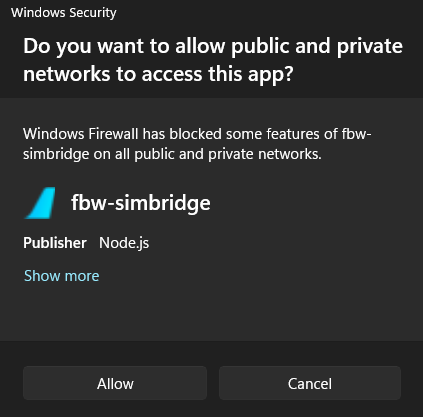
That’s why I asked if you had tried the FBW A32NX. With that aircraft, the MCDU will work, as long as SimBridge is installed and running in the background.
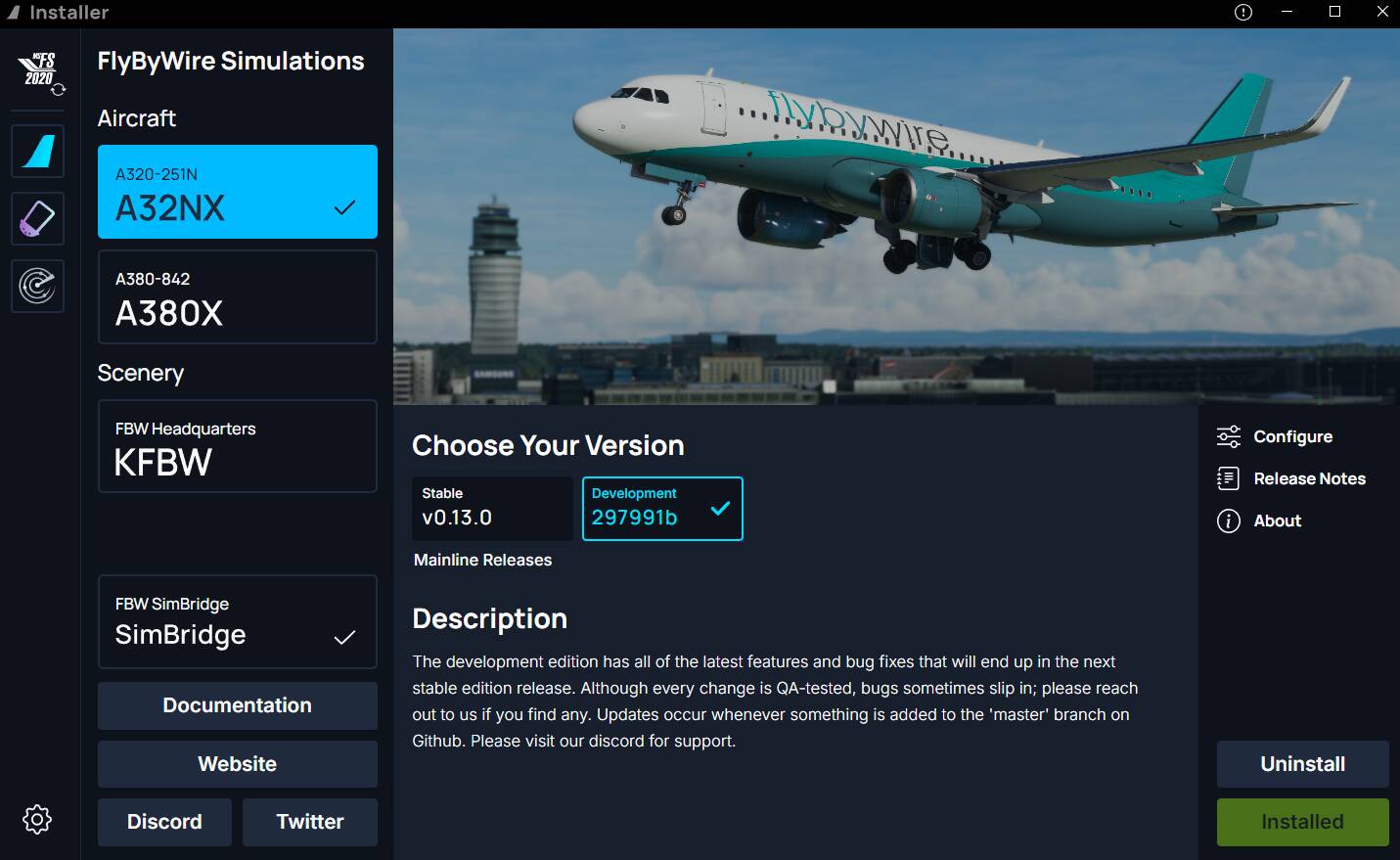
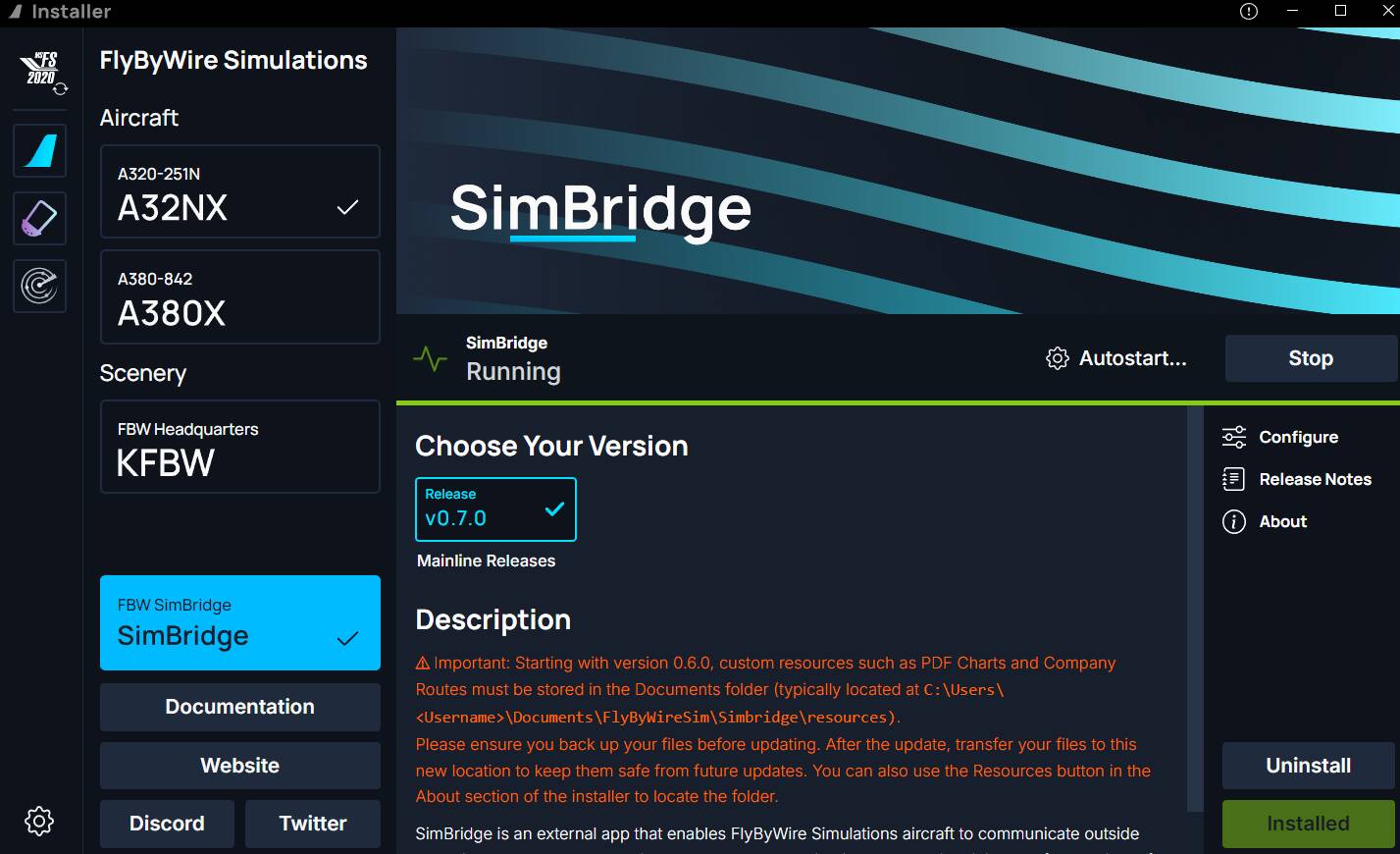
Below is a photo I just took on my phone
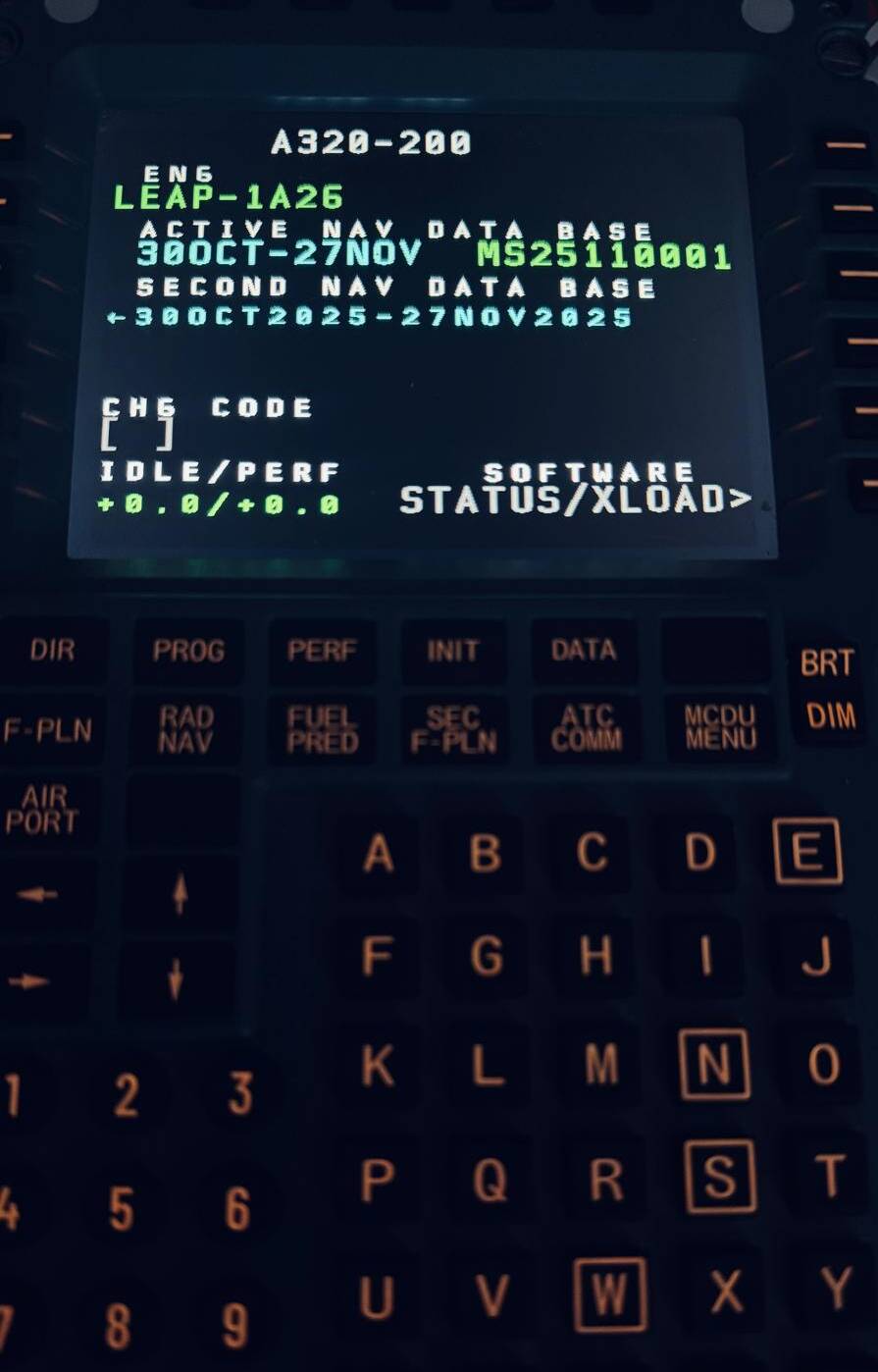
as you can see, the MCDU works with FBW and MSFS 2024 SU4 beta 1.6.29.0
EDIT
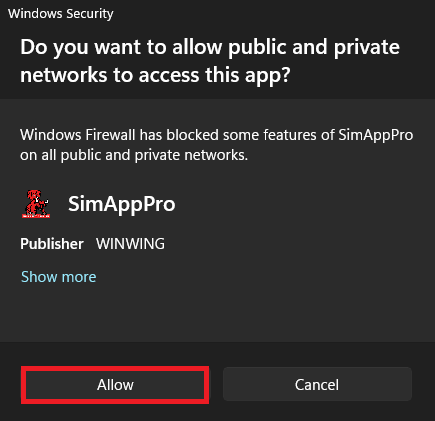
I forgot to add that SimApp Pro, SimLogic.exe and WWTstream.exe must be added to your antivirus exclusions and allowed to connect through the Windows Firewall or any third-party firewalls.
I tested FBW with the WinWing MCDU using SimApp Pro version 1.16.72

If you want the MCDU to work with Inibuilds Airbuses, unfortunately you have to use third-party software like SpadNext, AAO or Mobiflight.