Xbox - Disabling the Center Dot Still Retains Its "Lock-On" Function

ISSUE DESCRIPTION

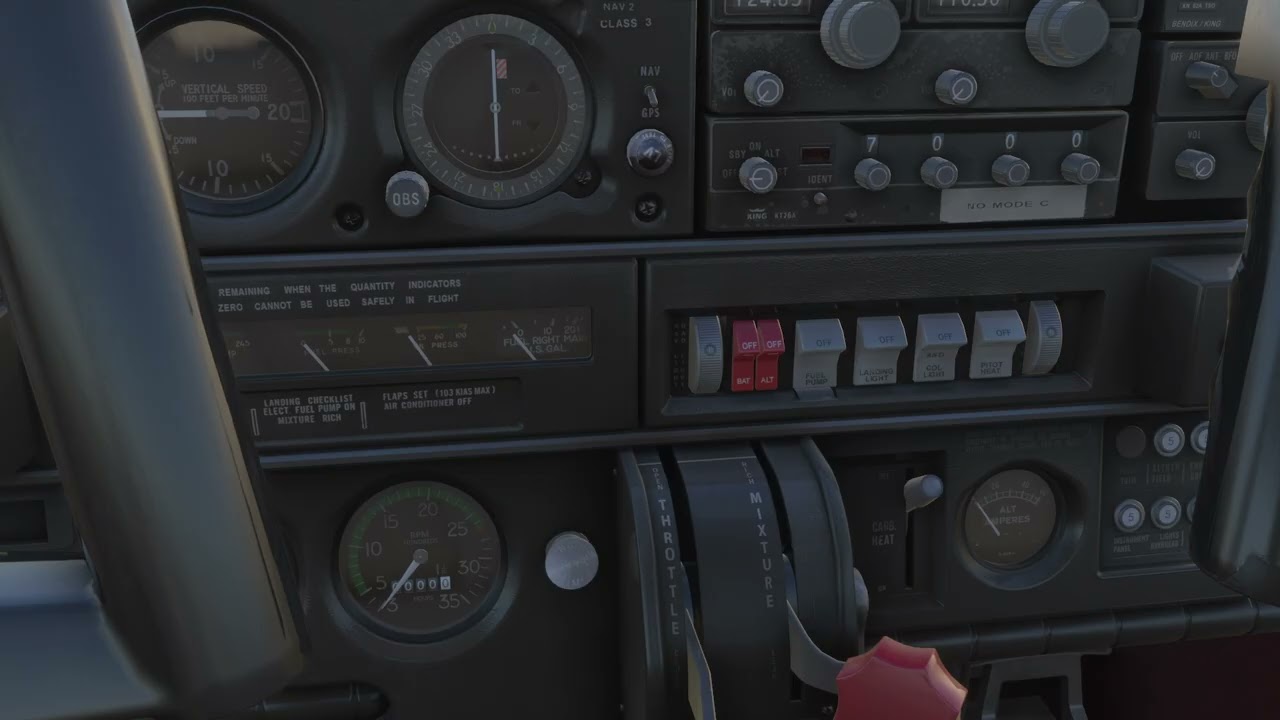
Description of the issue: Even if you disable the “Center Dot” in the options, the center of the screen will still lock on to every clickspot and instrument, making looking around the cockpit extremely frustrating. Please look at how it works in MSFS 2020 — disabling the Center Dot also removes the lock-on, so you’re free to move the camera, and only the Cursor can click on things.

It’s very frustrating to see everything flash up as you pan the camera, and also camera movement slows down as it wants to “lock” onto everything. The purpose of removing the Center Dot is to get rid of this functionality.

Ironically, this bug ties into another one: during walkarounds (“Character Mode”), since the Cursor Mode doesn’t work, the only way to click on pre-flight items is with the “center of the screen”, whether the dot is there or not. So both bugs have to be fixed at the same time to retain the walkaround functionality.

[PC Only] Did you remove all your community mods/add-ons? If yes, are you still experiencing the issue? N/A

FREQUENCY OF ISSUE

How often does this occur for you (Example: Just once, every time on sim load, intermittently)?

Every time.

REPRODUCTION STEPS

Please list clear steps you took in order to help our test team reproduce the same issue:

  1. Remove the Center Dot via the Options menu.
  2. Load into any flight in any game mode.
  3. Look around to see that the center of the screen still locks onto every clickspot.

YOUR SETTINGS

If the issue still occurs with no mods and add-ons, please continue to report your issue. If not, please move this post to the User Support Hub.

What peripherals are you using, if relevant:

[PC Only] Are you using Developer Mode or have you made any changes to it?

[PC, MSFS 2020 Only] Are you using DX11 or DX12?

[PC Only] What GPU (Graphics Card) do you use?

[PC Only] What other relevant PC specs can you share?

MEDIA

Please add a screenshot or video of the issue occurring.

[END OF FIRST USER REPORT]


:loudspeaker: For anyone who wants to contribute on this issue, Click on the button below to use this template:

Do you have the same issue if you follow the OP’s steps to reproduce it?

Provide extra information to complete the original description of the issue:

If relevant, provide additional screenshots/video:

2 Likes

Do you have the same issue if you follow the OP’s steps to reproduce it?
• Yes // Xbox Series X

Provide extra information to complete the original description of the issue:
• All cockpit controls/instruments highlight simply when panning the camera over them, even when not in cursor mode. It is infuriating, and makes certain aircraft impossible to fly if there is an interactive item directly in front of you in the cockpit.

If relevant, provide additional screenshots/video:

Do you have the same issue if you follow the OP’s steps to reproduce it?
• Yes

Provide extra information to complete the original description of the issue:
• In VR using a controller, it makes it extremely difficult to fly because any button I press will be ignored if I happen to be locked onto something in the cockpit

If relevant, provide additional screenshots/video:
• N/A


ISSUE DESCRIPTION

Description of the issue:

Instead being disabed in settings, WHITE DOT IN FREELOOK is still being trapped and locked in cockpit blue click zones, preventing any gamepad buttons keybind input. Litteraly, freelook trapped on click zones blocks the buttons keybinds - for example if my freelook highlight the blue click zones it disable any buttons and function until I leave the clock zone. The more functional/complex the cockpit the more trap zones are locking my freelok and gamepad keybinds.

BTW disabling white dot in msfs2020 disables the click zones as well.

FREQUENCY OF ISSUE

Every flight

REPRODUCTION STEPS

Please list clear steps you took in order to help our test team reproduce the same issue:

  1. start flight
  2. use the gamepad freelook (right stick)

What peripherals are you using, if relevant:
gamepad+mouse

[END OF FIRST USER REPORT]


:loudspeaker: For anyone who wants to contribute on this issue, Click on the button below to use this template:

Do you have the same issue if you follow the OP’s steps to reproduce it?

Provide extra information to complete the original description of the issue:

If relevant, provide additional screenshots/video:

Do you have the same issue if you follow the OP’s steps to reproduce it?
• Yes, to replicate, look around while playing on an XBOX (white dot on or off).

Provide extra information to complete the original description of the issue:
• I’ve reported this issue elsewhere and of course concur. There is an option in the Flight Interface tab which does not work with xbox. It’s not clear what it does but the choices are “Lock” and “Legacy”, Lock being default. My guess is that Legacy would give the behavior we desire but unfortunately, the moment you exit Options, the selection returns to “Lock”.

If relevant, provide additional screenshots/video:

yep I tried all of this, still trapping on clickzones, let’s hope they will correct it in future :smirking_face:

I think this wish might need to be renamed “Please Add ‘Legacy’ Flight Interface Option for XBOX”.

Currently (and I believe it to be a bug) the Lock/Legacy switch in Options/Flight Interface is flip-able, but returns to “Lock” as soon as the user leaves the screen. According to PC users, “Legacy” prevents freelook from trapping “blue zones”.

Getting rid of the white dot in setting doesn’t actually work… in cockpit view the camera is still picking up on all the controls like the white dot is still there but it’s not… this makes gameplay very difficult as it blocks your inputs from the controller… and sometimes there is a conyrol selected right in the home cockpit view looking straight forward on some aircraft which makes it even more of a problem… please please fix this please

2 Likes

Side note… flying my f16 is impossible… return to home cockpit view picks up controls from the cockpit and so does just about everywhere else you look… I had to look way up to the right in the sky to get controller inputs to work :face_with_symbols_on_mouth::face_with_symbols_on_mouth::face_with_symbols_on_mouth::face_with_symbols_on_mouth:

Yep it is impossible to fly anything more than glider in msfs24 on xbox :smirking_face: Unless you like to look up all the time avoiding any glance on cockpit

I don’t understand how this post and my post don’t have a thousand votes… it’s such a huge problem!

4 Likes

I’ll echo this.

It is a tremendously annoying problem when using an Xbox controller. Freelook should not trap click spots in the cockpit unless the cursor (either on the Xbox controller or a mouse) has been engaged. Look at how 2020 handles this vs. 2024, and the issue is pretty obvious.

Also as a side note, this issue was also present in 2020 years ago and was pretty quickly corrected back then. Hopefully the same can be accomplished in 2024.

1 Like

ISSUE DESCRIPTION

Description of the issue: in Xbox you have the option to get rid of the white dot that is always in your center field of view so that it is not always trying to select a control setting while your in free look. But when you go in general settings and get rid of it any control setting in your center field of view is still registering like you have the white dot or cursor on it. I hope this is just not the way it supposed to be cuz it is very annoying and in 2020 was not this way.

FREQUENCY OF

All the time everytime

REPRODUCTION STEPS

1.remove white dot in settings
2.start a flight
3. White dot goes away but sim acts like it’s still there

YOUR SETTINGS

No add one

MEDIA

Don’t feel like it and it’s self explanatory

[END OF FIRST USER REPORT]


:loudspeaker: For anyone who wants to contribute on this issue, Click on the button below to use

Provide extra information to complete the original description of the issue:

If relevant, provide additional screenshots/video:

Still broken in su1? :thinking: Oh my… They fix it in fs2020 just in su13… :flushed_face::roll_eyes::face_with_crossed_out_eyes::fearful::scream:

Seriously? Lol wow… and then they just made the same error for this sim? Seems like they really could’ve avoided this easily…

1 Like

Do we need at least 50 votes to get it acknowledged? :thinking: Do we need to wait til su 30 it make this gamebreaking bug fixed on consoles?

2 Likes

How does this not have more votes… it’s making flying a lot of the ac not possible or at least not possible to be flown well… I just don’t understand how people aren’t just flocking to this

3 Likes

This make me crazy as well, how come other consolers live with this awfull bug? Maybe they fly from outside on arcade level? :thinking: This one thing keeps me away from fs24, I just can’t stand this trap feeling in cockpit.

5 Likes

SU1 left this issue behind… :smirking_face::thinking:

Hheeeyyy! Before maintenance there was like 30-40 votes on this bug! :exploding_head::exploding_head::exploding_head:

3 Likes