Xbox Series X review: IniBuilds' London Heathrow EGLL v3

Hi Folks,

In the hope of helping out Xbox simmers, I’m going to start posting full, comprehensive reviews of all my airports, kicking off with my latest purchase: Ini’s EGLL. LVFR’s static aircraft pack will be installed for all reviews (so no live traffic), and for each I’ll specify which aircraft was used. I’ll also indicate whether live weather was on or off.

Aircraft used: default 32N
Live weather: on

DETAIL

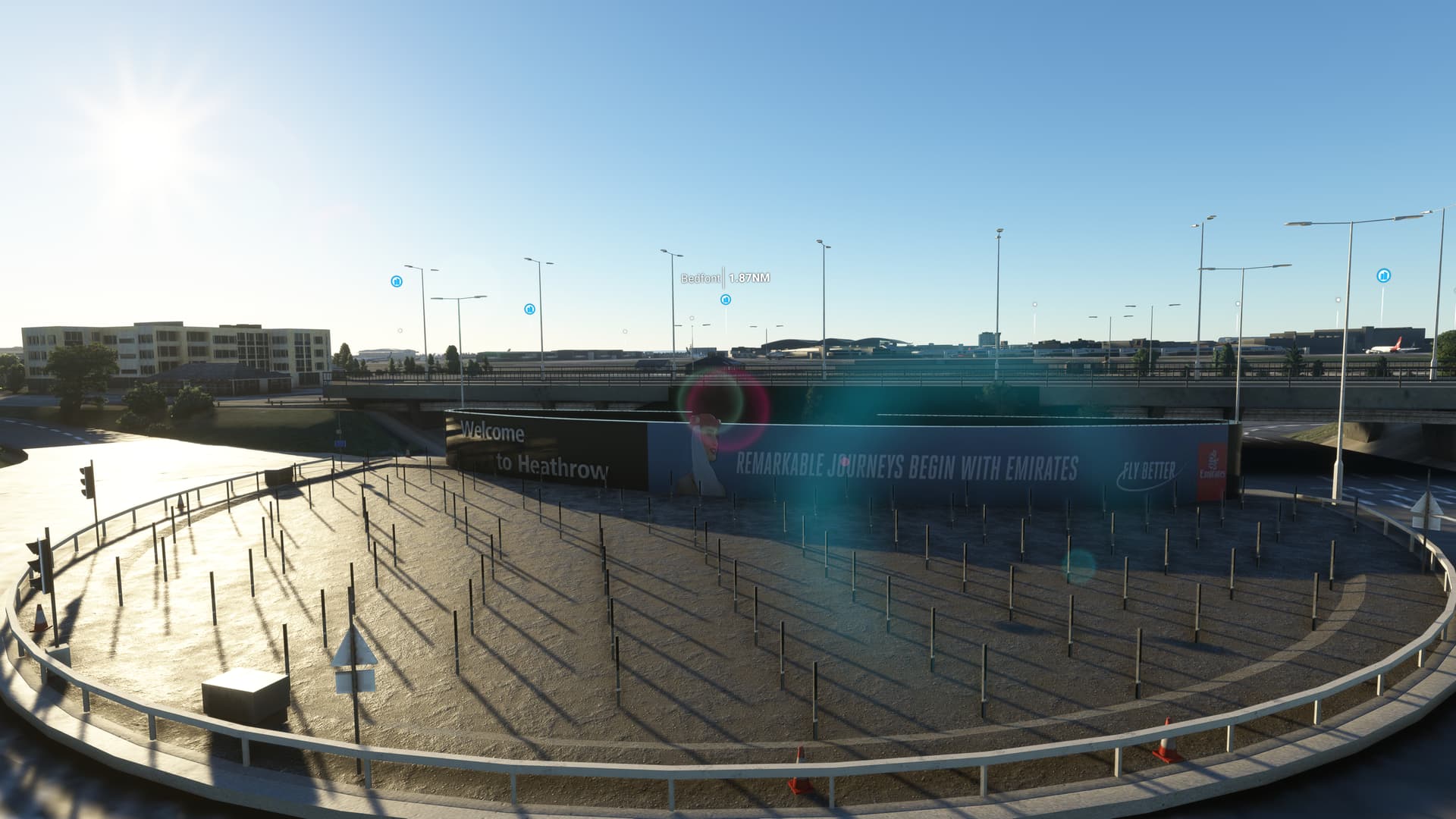
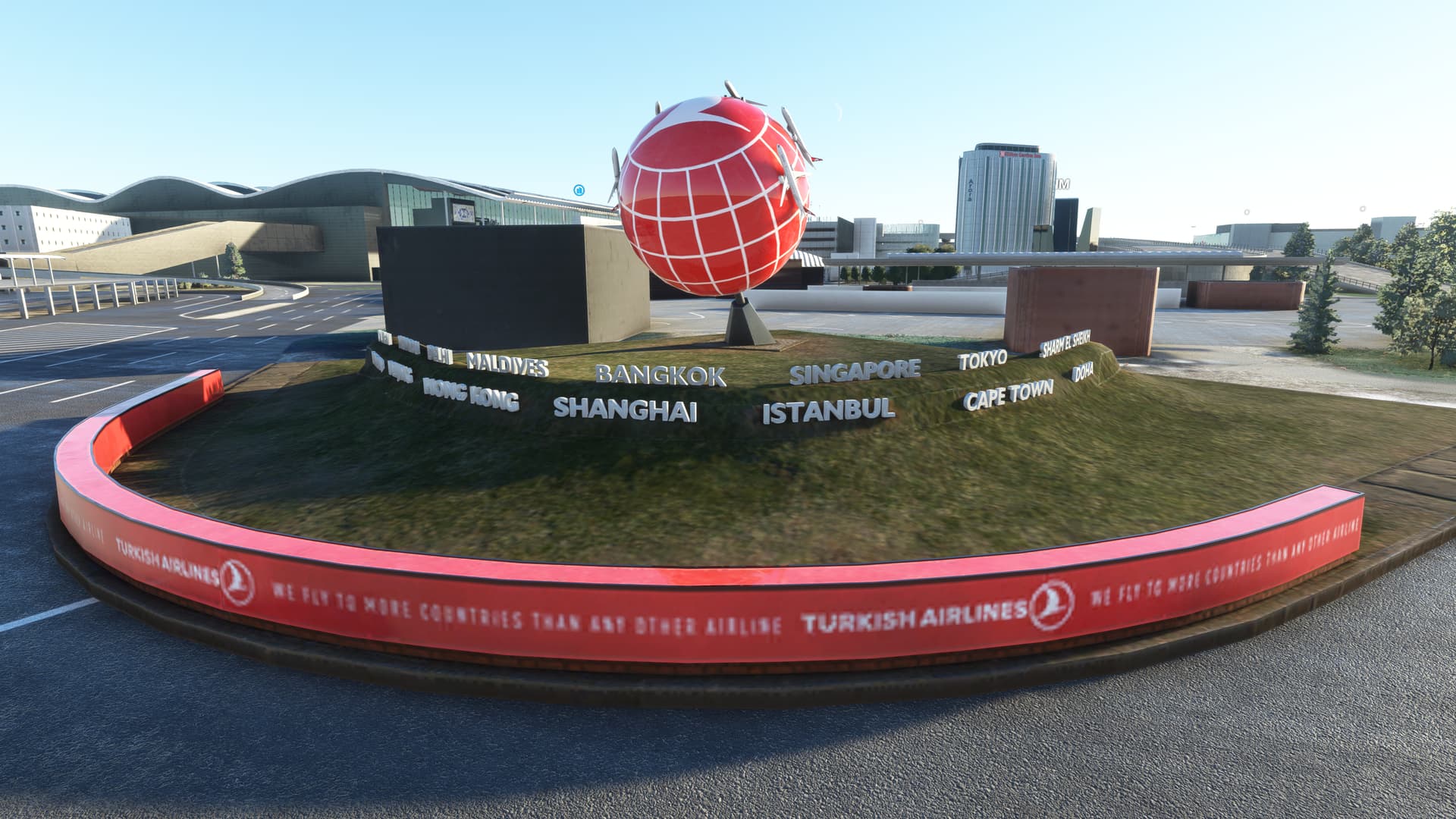
The overall level of detail is noticeably superior to the Asobo version — knowing EGLL well I certainly felt that it was more faithful to the real thing. Ini have modelled all airside and landside (Bath Road and Southern Perimeter Road) hotels, plus a plethora of other relevant buildings that dot the airfield perimeter. Unfortunately, many of them feature really low-res textures, particularly the ones on the airport periphery. A real nice touch is the inclusion of the Emirates A380 model at the airport entrance — this area has been really well done, featuring traffic lights, lighting effects and even the Turkish Airlines advert next to the ‘Welcome to Heathrow’ sign.

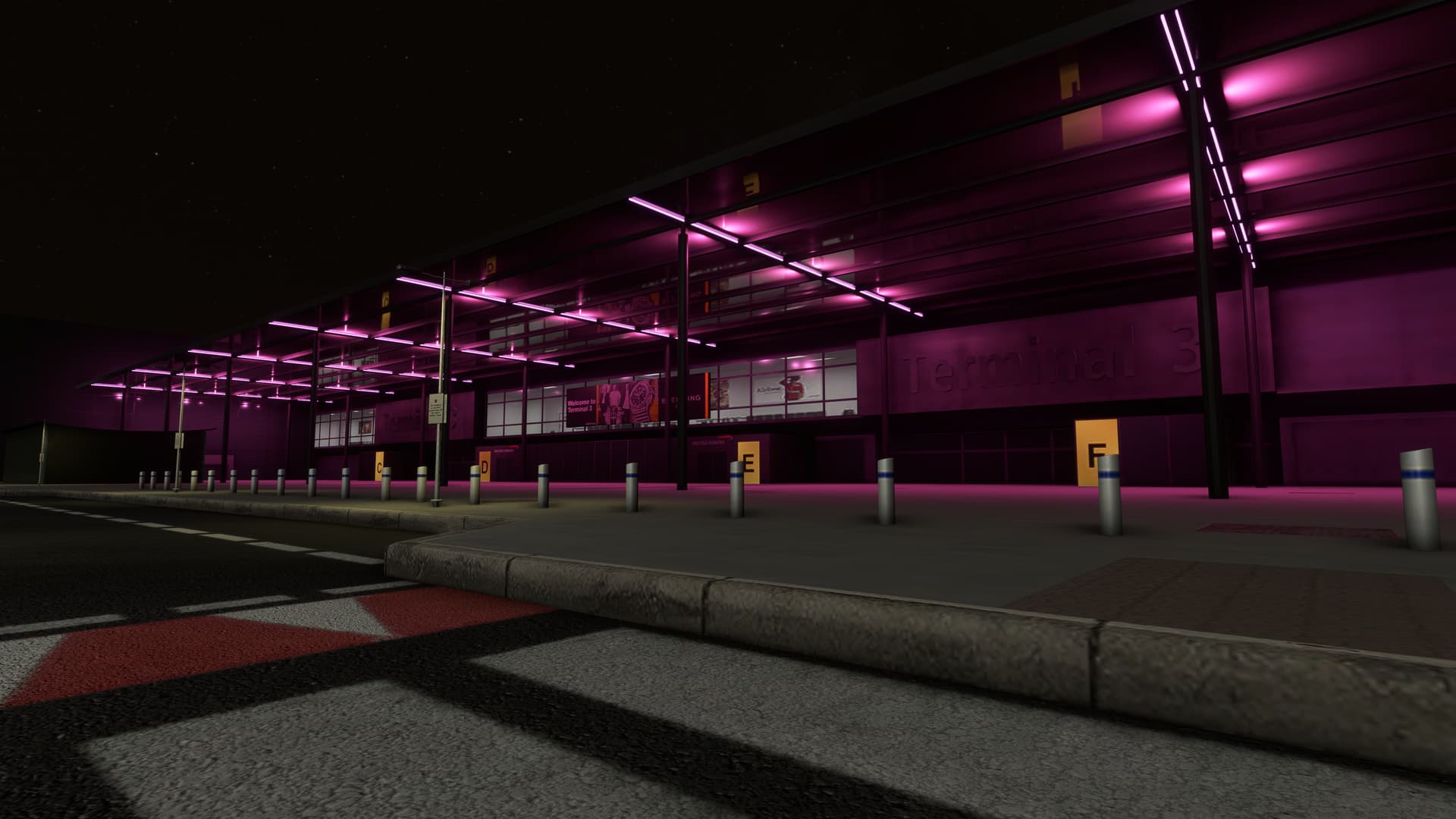
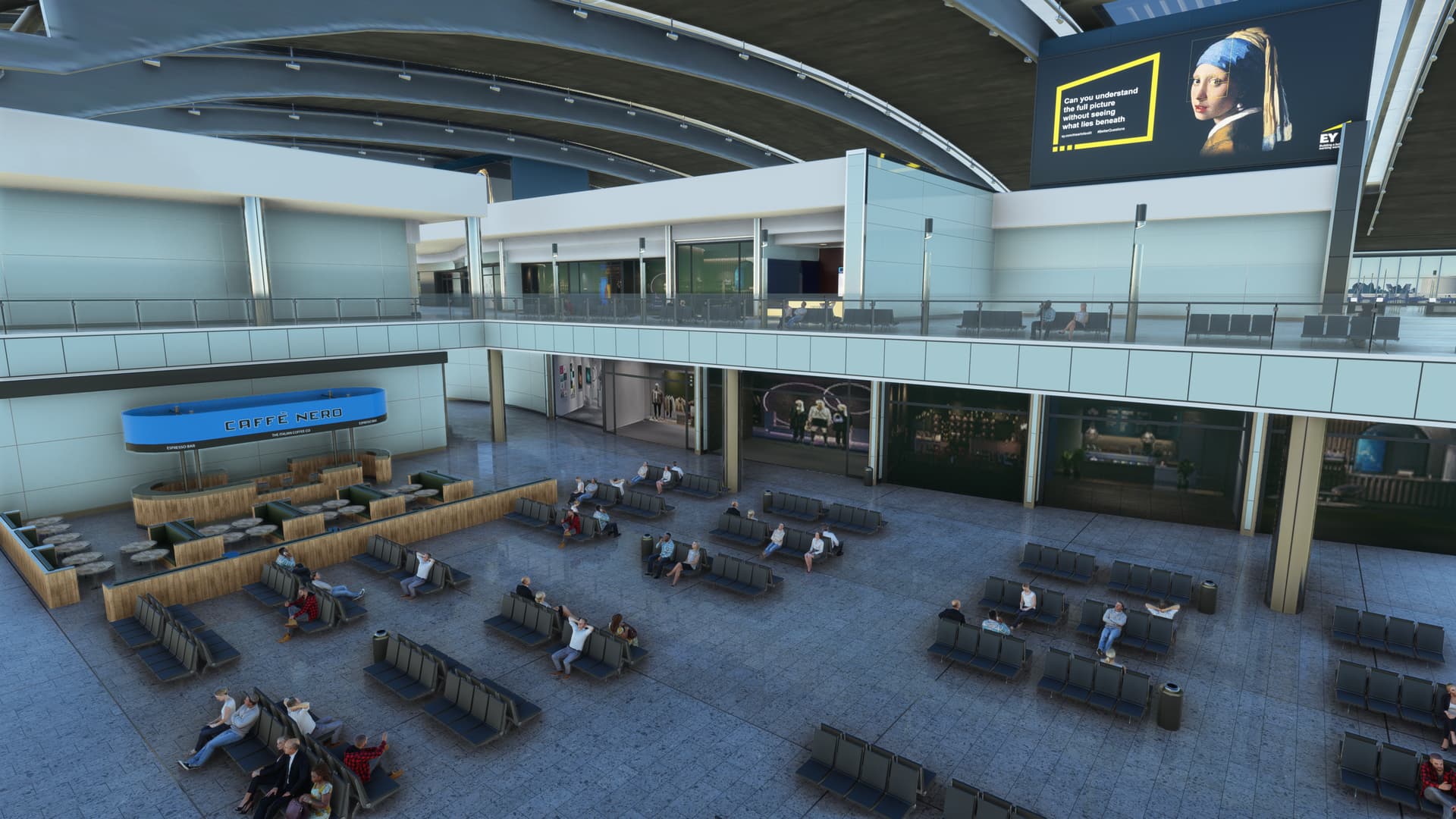
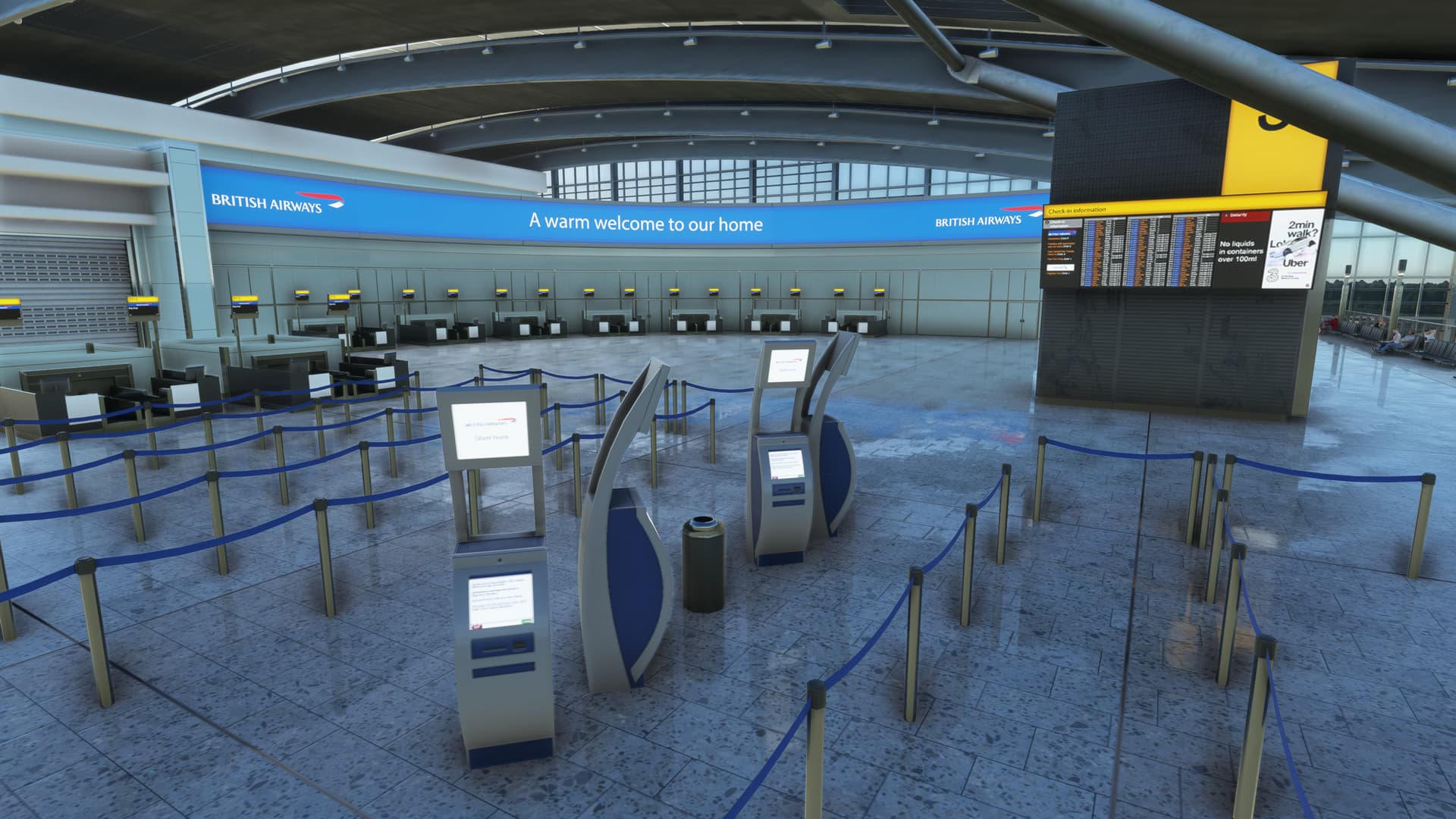
T2 and T5 look fantastic but other parts of the terminal use similar low-res textures to many of the peripheral structures. Given the size of EGLL, I’m not too surprised, and it’s clear that Ini really wanted this airport to run well on Xbox. Also bear in mind that, during everyday taxiing, you’re unlikely to get close enough to these structures to notice. T2, T5 and the tower have interiors, although again SOME of the texturing is very low-res. They’ve included the static passengers in the Xbox version, surprisingly. T3’s façade looks great at night, with the pink neon lighting having been well replicated. Unfortunately there are generally a lot of ugly floating Asobo globes they’ve failed to remove.

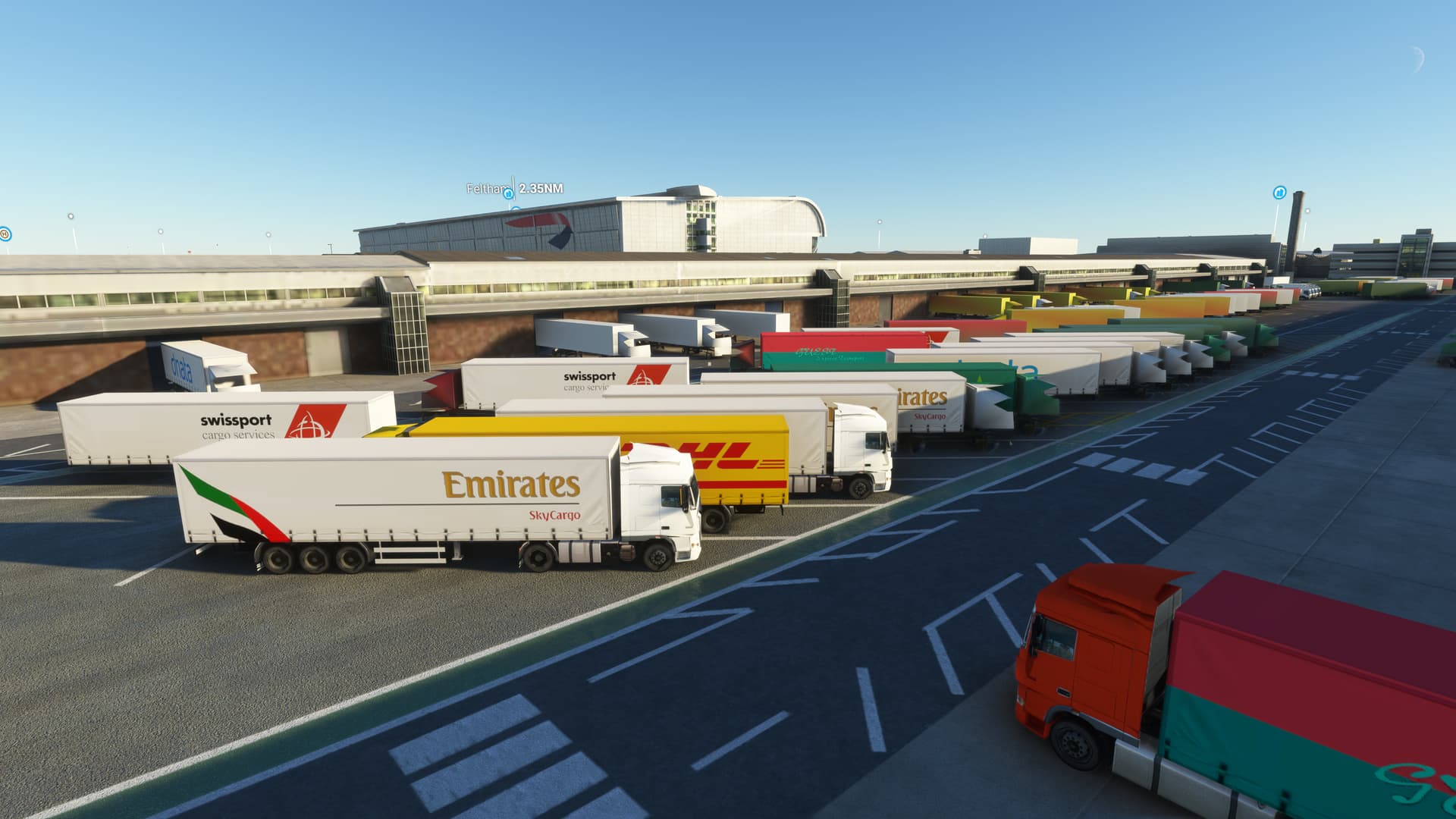
The airside ground textures are great and the ramp feels used, with its various stains and imperfections. There are many small details all over the apron, including radio towers, equipment huts, gantries, baggage dollies, outbuildings, custom GSE etc., etc. Unfortunately the majority of the landside ground textures have been left as default, and some structures I’d like to have seen modelled (such as the BP garage near Hatton Cross station and the Esso close to the 09R threshold) are just flat, satellite images. But again, given the size of the airport, it’s hardly surprising.

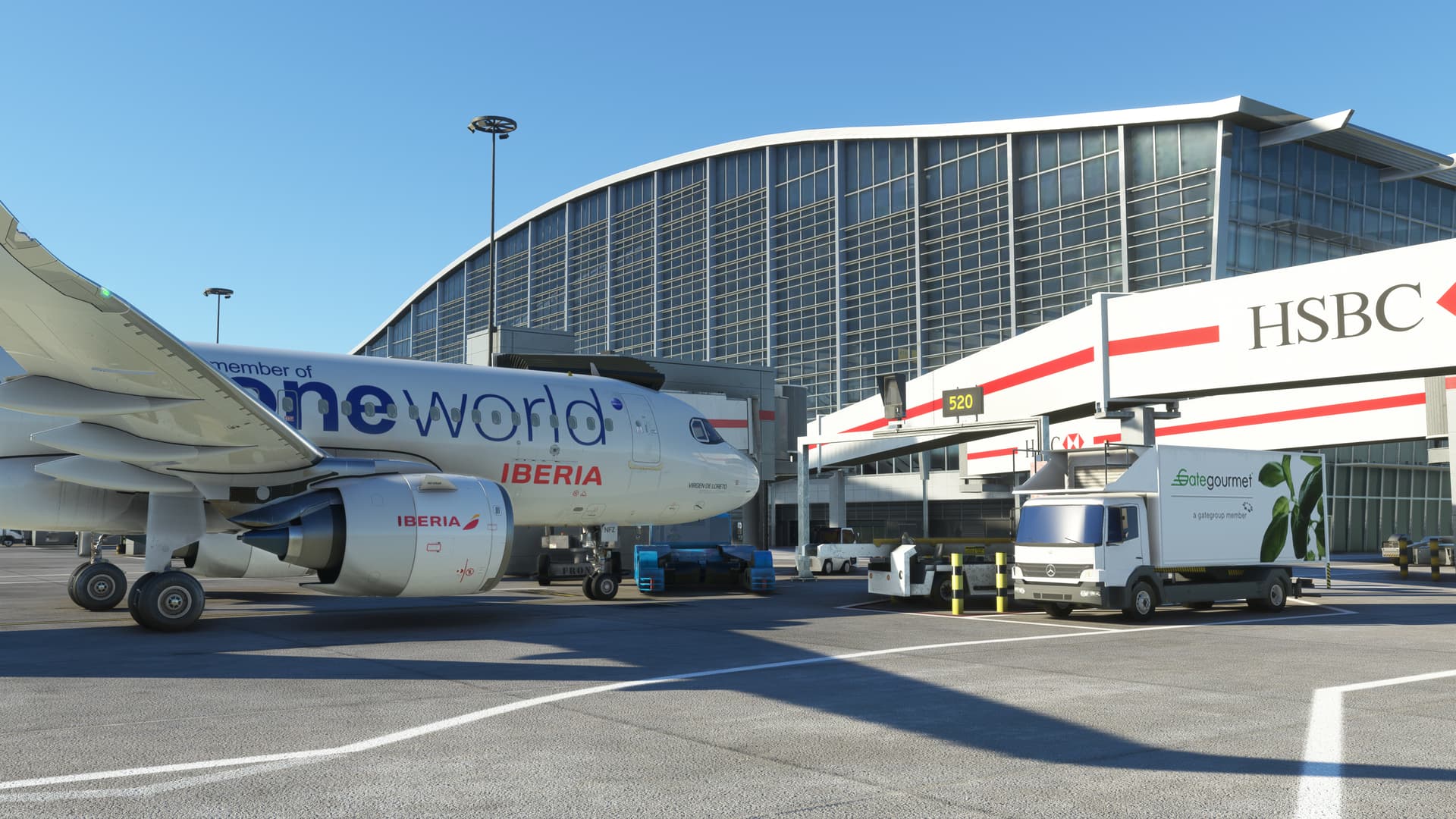
What does look pretty good is the sprawling maintenance area, which totally outshines that in the Asobo version. LVFR’s static aircraft pack works really well with Ini’s EGLL (I could only find two minor ‘violations’ — an A380 wingtip slightly stuck in the side of an engine test bay and a narrow-body half in a closed hangar).

PERFORMANCE

I’d heard various reports of how EGLL performs on console and I’m happy to say, it’s really decent. My first arrival went extremely smoothly, with no stutters during finals, touchdown or taxi. The whole landing process was done using exterior views, which I was constantly changing to get a better view of the scenery. After arriving on stand I took the drone out, however it did black screen on me after about 15 minutes. Many textures also dropped out and didn’t return, which is something I’ve not seen since I installed SU13. I did another landing with live weather turned off (clear skies) and again took the drone out. No black screens this time, and after about 20 minutes of nosying around I returned to the title screen. Seems to be a little more temperamental, therefore, when you’ve got big, detailed clouds floating around.

VERDICT

If you don’t have the Asobo version included with the Premium Deluxe MSFS, it’s a no-brainer. Even if you have the Asobo rendition, it improves on it in so many ways; so if you want the best version of EGLL available, you’ll need to get it.

It’s not perfect but I suspect Ini have omitted a lot to get it running well on Xbox. EGLL is a huge airport, in quite a built-up area, and they’ve included a fair amount around the perimeter — something had to give, and so the ground textures and less prominent structures seem to have been given the boot. I’m certainly happy with it, but I’m from the UK and therefore a great EGLL is a necessity. Asobo’s LHR I always thought was one of their best hand-crafted airports, and so it’s less worthwhile if you have the Premium Deluxe and only a mild interest in the place.
6 Likes

I feel some screenshots (warts and all style) would really be of benefit to these reviews and to the Xboxers reading them.

Though I’m biased as a Londoner, iniBuild’s EGLL v3 on PC is great—it’s my favourite of their portfolio. It’s a shame that not all of the quality nor all the intricacies of the PC version made it into the Xbox one. However, maintaining performance/not having a CTD/not receiving black screens in glass cockpits is far more important.

Hope you enjoyed writing this up as much as I liked reading it, even if I’m not your target audience.

I’d love to post screenshots but I’ve not yet figured out how to get them from my Xbox account to the forums (and the 'net in general). Any idea?

Install the xbox app on your phone then go to the screenshot in the xbox menu system and select upload. Not the one drive option, the xbox one. I can’t remember the name as it’s been months but I used to use it all of the time!

They are quite slow to upload but after a few minutes it appears in the xbox app on the phone. From there you can download it to the phone and then attach it to a forum post.

You could do all of this from a computer too, I just only use forums etc on my phone.

Is there any other way? My phone’s space is absolutely full and I can’t get anything else on there at the moment! Not even enough storage for a photo!

You can do the same with the xbox app on a PC I think. Or you could use the upload to onedrive option and then download it from OneDrive on a PC.

1 Like

I did try to access my screenshots from my PC but it said my PC isn’t compatible.

OK sorry perhaps search for and if needed start another thread for this topic. Above is just what worked for me.

Now on PC I run Syncthing on my PC and phone to sync the capture folder, which means almost as soon as I take a screenshot it just appears as a picture in my phone and I can immediately upload. I do have a phone with lots of storage though, intentionally so.

Screenshots now posted.

2 Likes

A few more screen grabs…

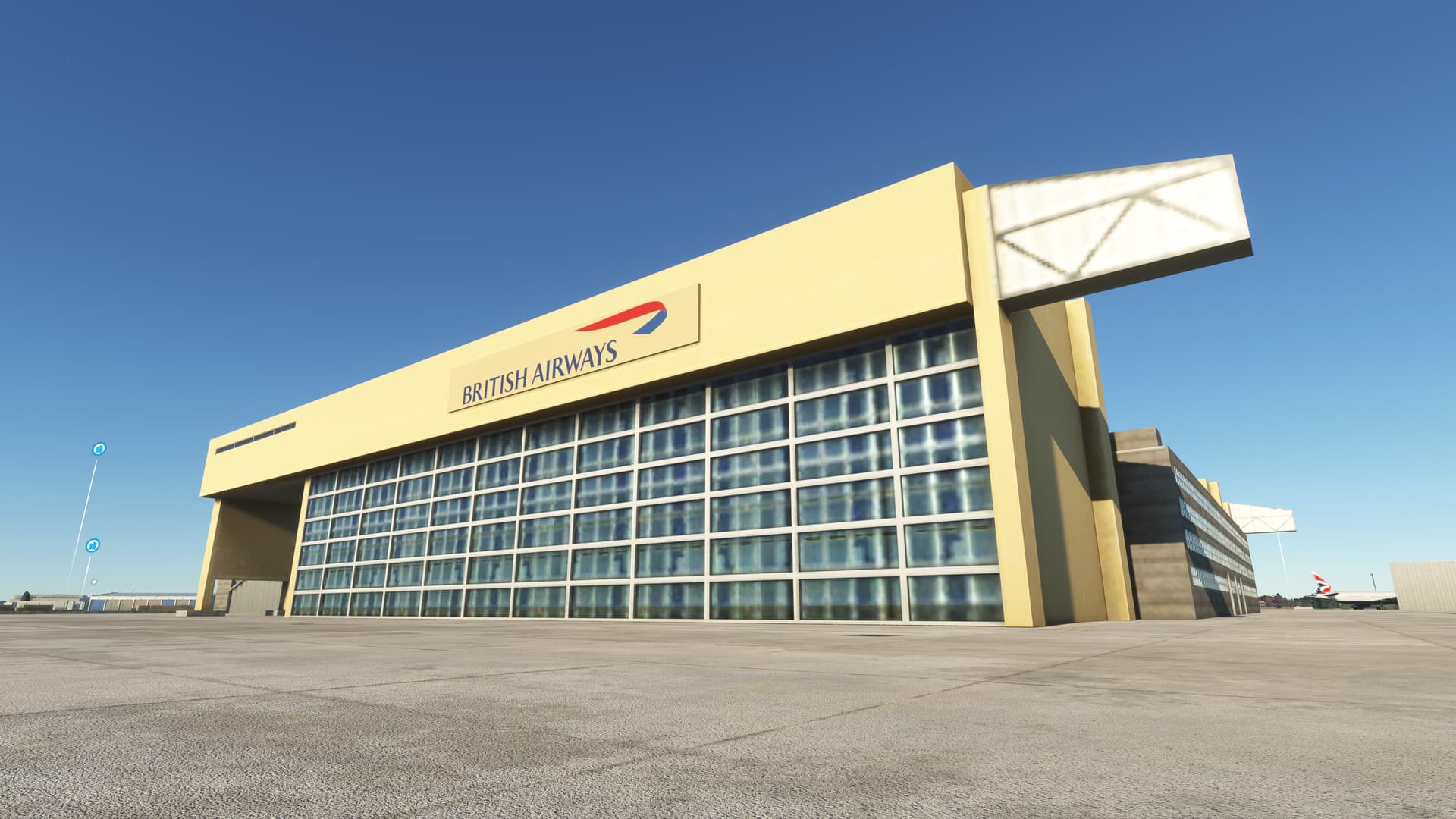
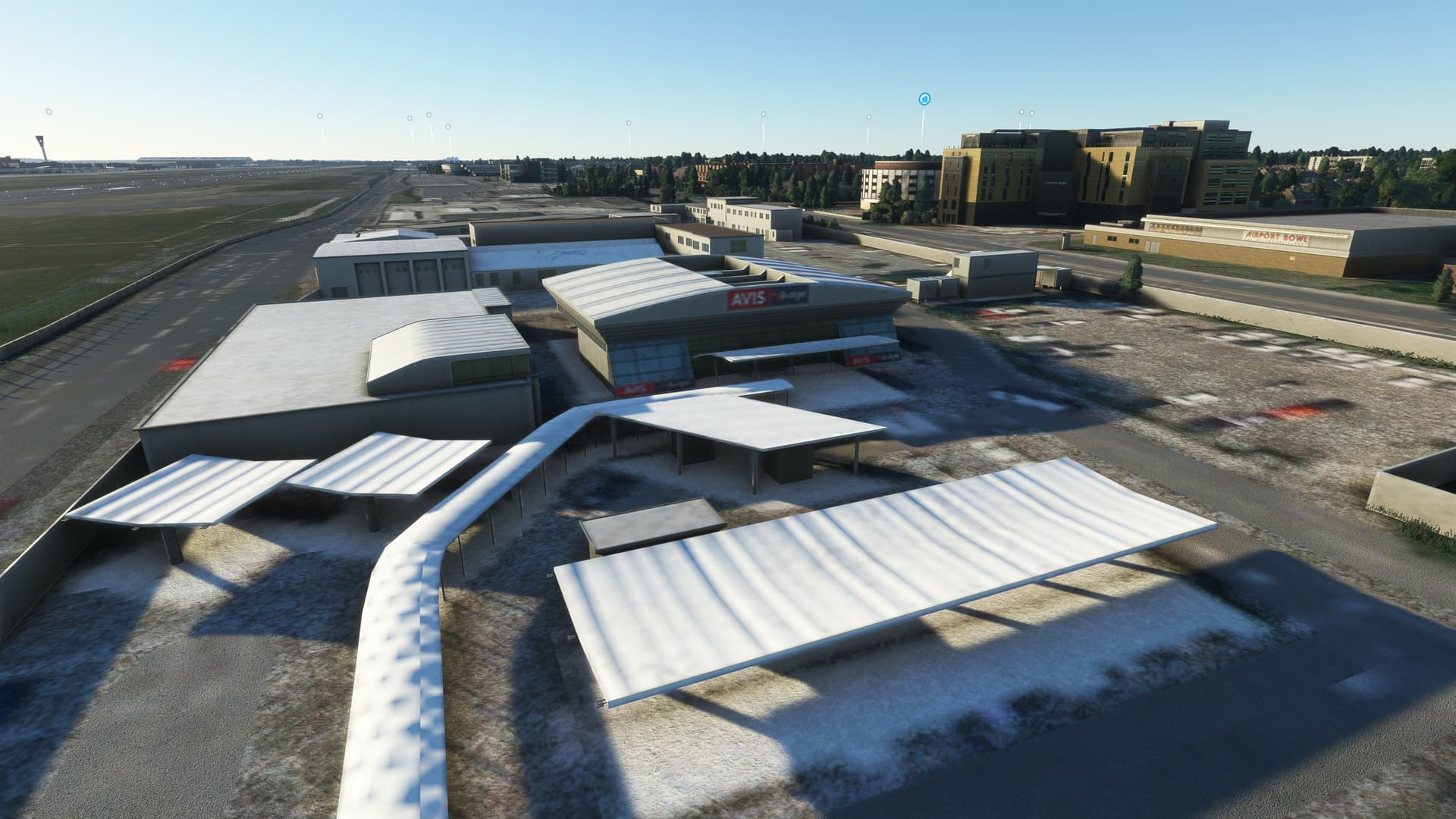
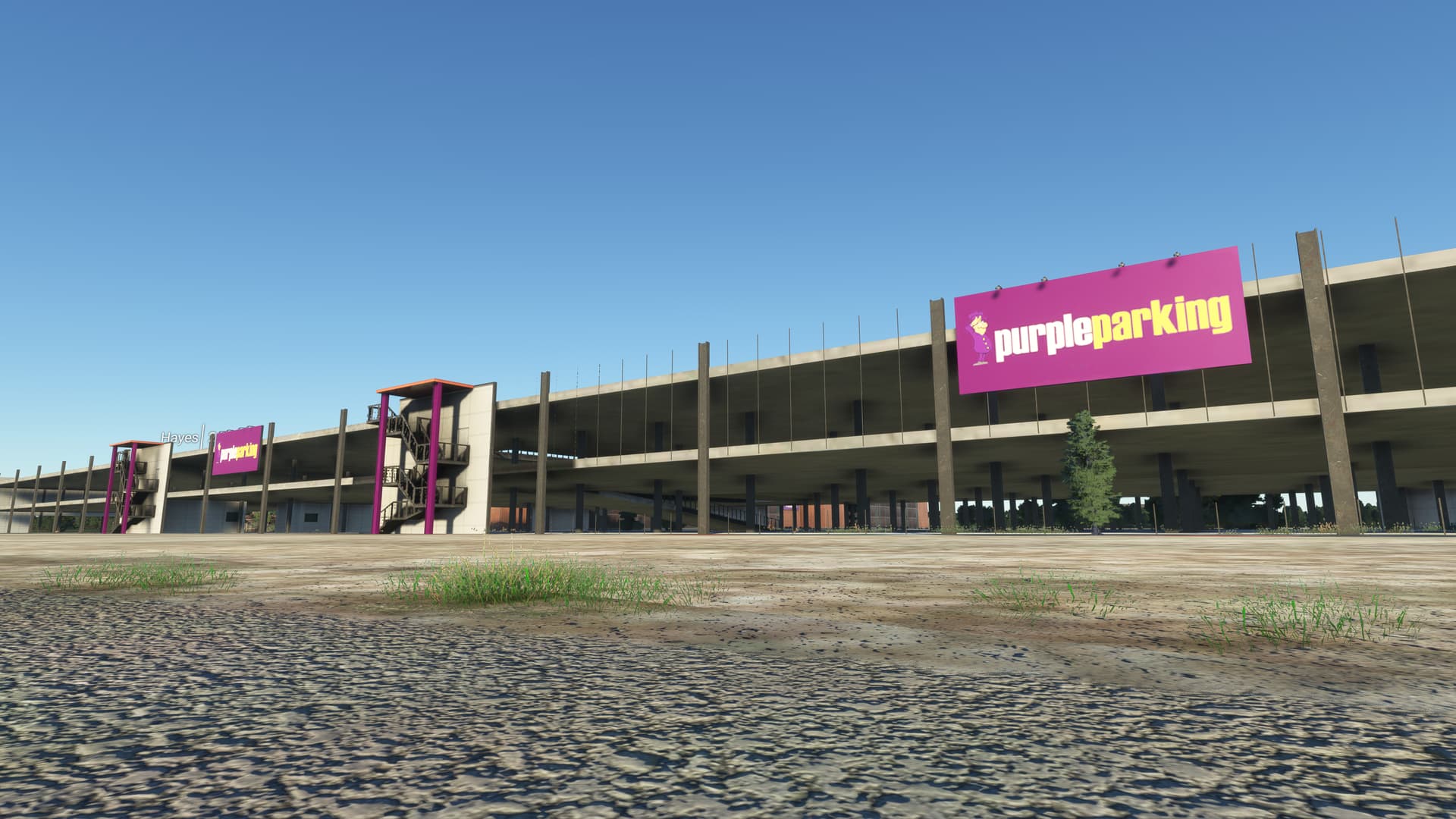
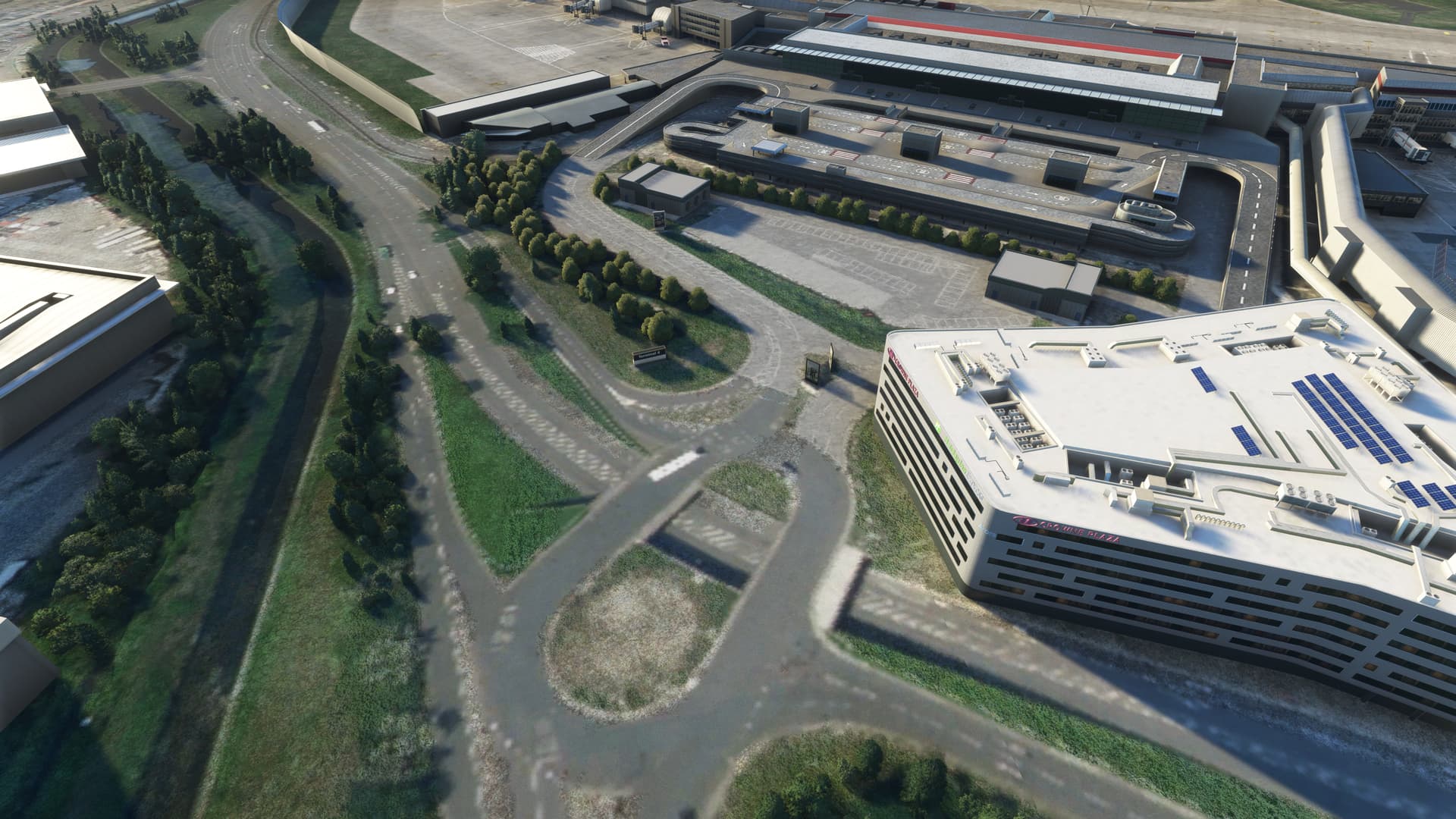
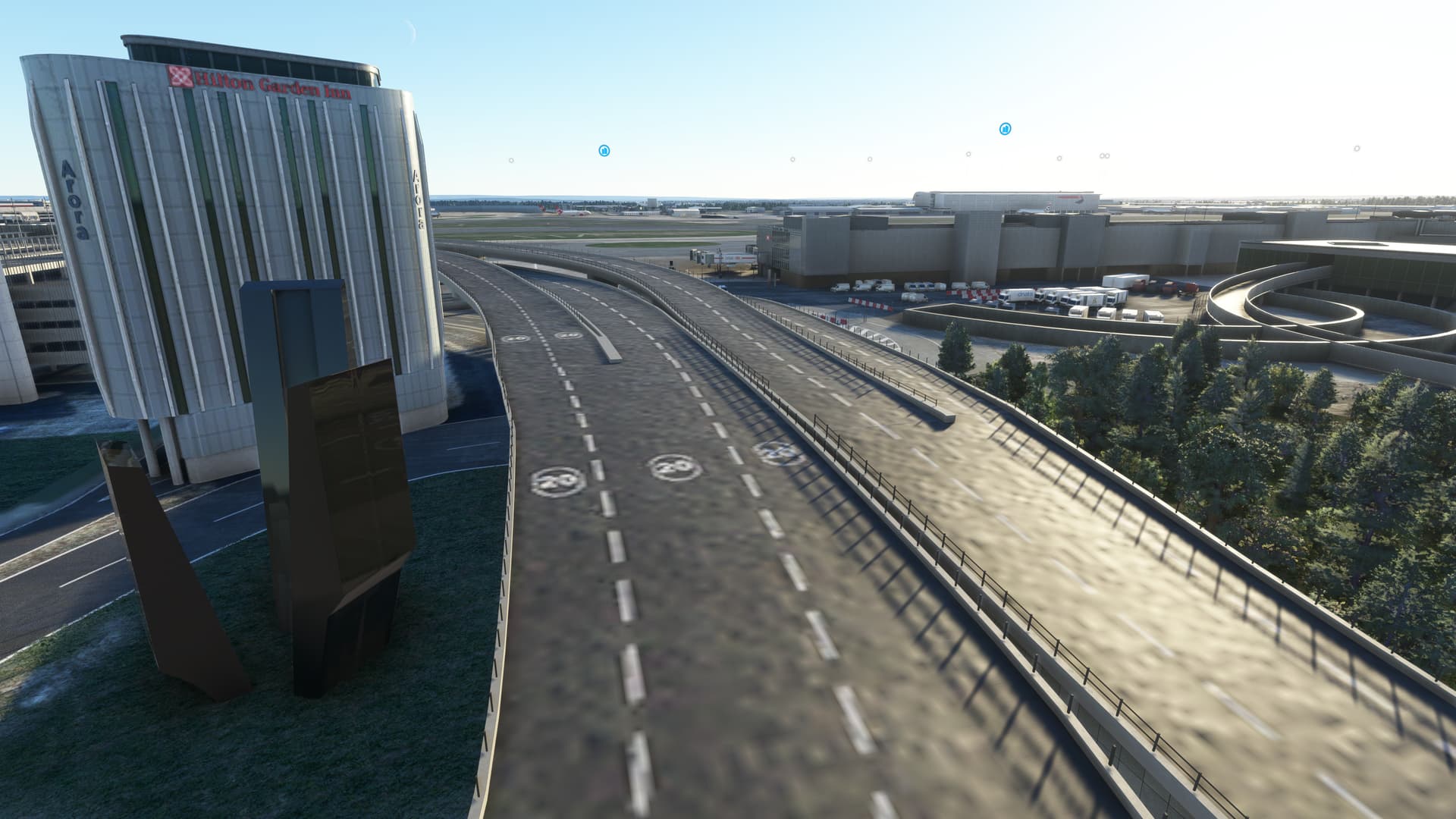
These few images illustrate how low-res some of the textures are, even when not right up close.

However other textures are much crisper, like these…

The poor/default ground textures.

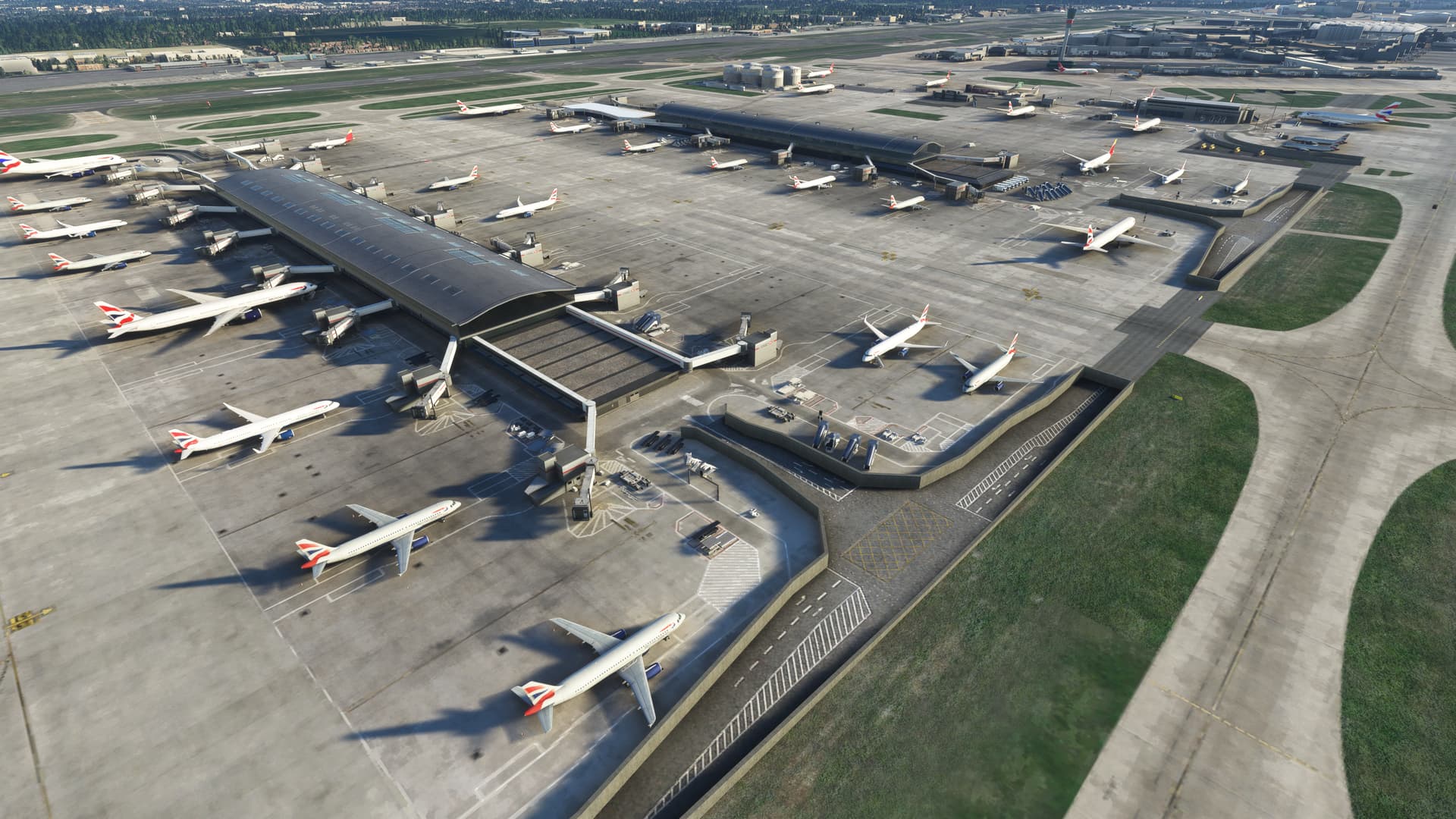
General overview of T5, illustrating how good a job LVFR’s statics pack does at this airport.

Looks very impressive, I will try later it with the 738.

Thanks for posting this. I was looking to pick it up as I usually like IniBuilds work (even KJFK, despite the stutter/CTD fest).

One question I had regarding the low res textures (which is probably more general than for you): is it the airport that is causing that or Microsoft’s issue with bad LOD/texture draw that’s taken place over the last year or so? I’ve noticed some airports I had for awhile have had issues with textures losing their detail now where before it looked good on my Series X.

Textures affected by LOD reduction are typically okay close up. These are just low-res, presumably to ensure such a large airport runs well on Xbox. The images might give the impression that everything is low-res but I just picked the worst examples. There are some much sharper textures to be seen, mostly where it matters. Besides, while taxiing/flying around, you’re not going to notice. Even the poor ones look okay from the flightdeck.

KJFK is now one of only two Ini airports I don’t have - is it really that bad on console?

1 Like

Thanks for the info on this, I’ll probably pick it up then.

I haven’t used it since the last update, but it was really bad. It looks amazing when it works and is definitely detailed, but I think because of all of the traffic and other mods I have in the NYC area, it just wasn’t optimized for it.

I’ll probably try it again soon because I really did enjoy it when I had it installed by itself (I was testing usability of the whole area). But it started crashing a lot with everything else installed and since you can’t delete the Asobo version from the Content Manager on Xbox, I’m sure that contributes to the issues as well. I’ll keep you posted if I find that it’s better next time I use it.

It’s my worst scenery by far on PC.

By comparison, Drzewiecki Design’s KEWR and all other iniBuilds’ sceneries are very good performance wise.

Good screenshots, btw.

Drzewiecki’s KEWR really surprised me as I expected both a stutter and crash-fest. It’s neither! Performs really well on console, although most of the terminal interior detail has been removed. But many of the landside vehicles are still there, as are those cool animated trains! The MP bumf says the textures have been downsized — and they likely have — but they’re still of a very good resolution.