Can you give any comment on how this improves / fixes the current issue with exterior lights not working during daytime?
I think it’s not fixing it. Daytime light is broken.
MSFS 2024 utilizes a physically based rendering system, which means that the visibility and brightness of aircraft exterior lights are influenced by ambient lighting conditions. As a result, during daylight—particularly in bright sunlight—these lights may appear less prominent or even difficult to see. This is similar to how car headlights can be less noticeable on a sunny day.
That said, our Aircraft Realistic Lights add-on does enhance the intensity and visibility of exterior lights to some extent during the day. You will however notice a significant improvement, especially in twilight or low-light conditions, where the lights become much more effective and visually impactful.
If Asobo updates the lighting engine in future simulator patches, we may see further improvements to this behavior.
As a kind reminder, all Tech Support Requests for Third Party Products should go to the manufacturer’s own channels. The MS Official Forums are provided as a courtesy to enable non-support conversations.
Zinertek can be reached at the page below.
Does this upgrade the default AI traffic lights in MSFS 2024 too?
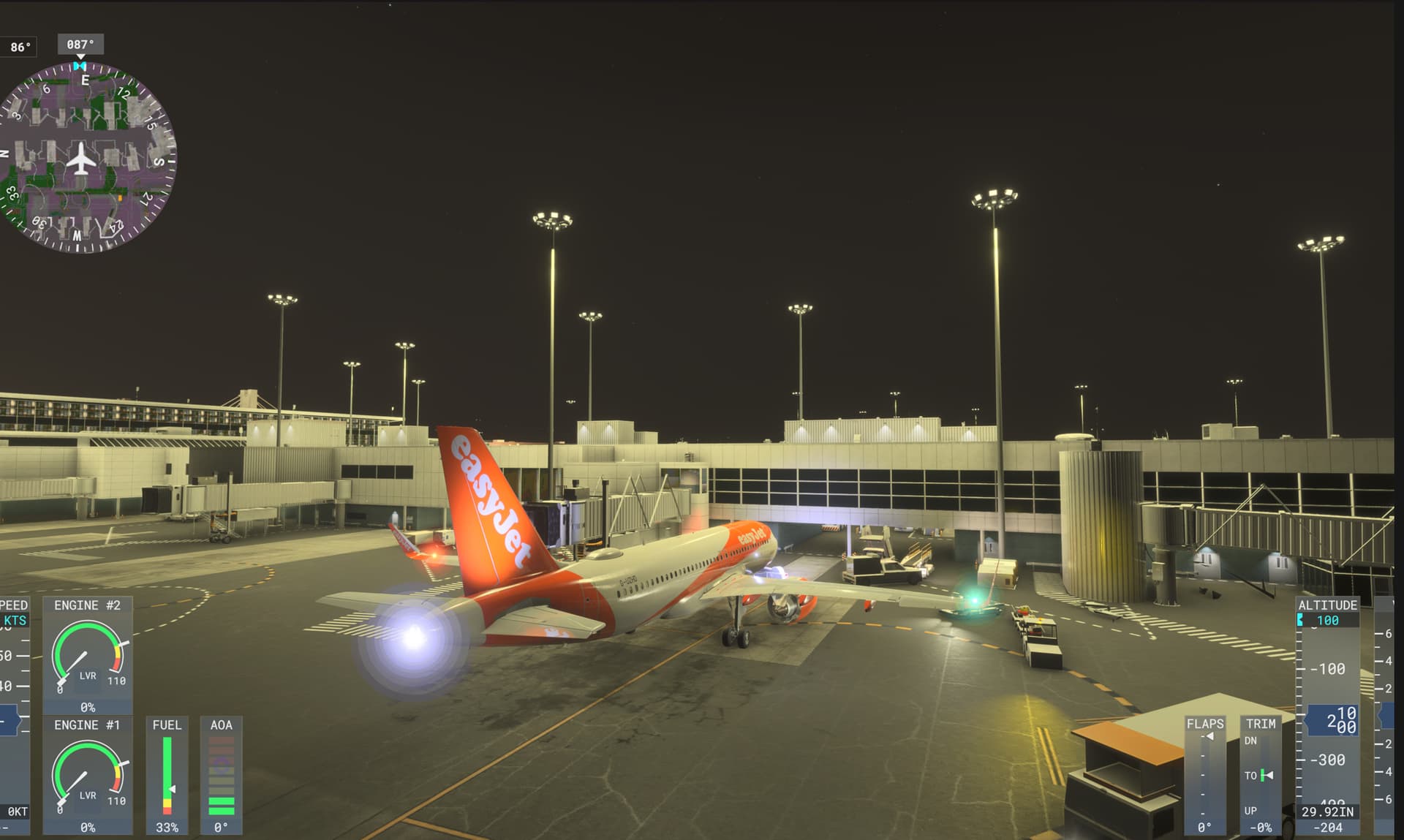

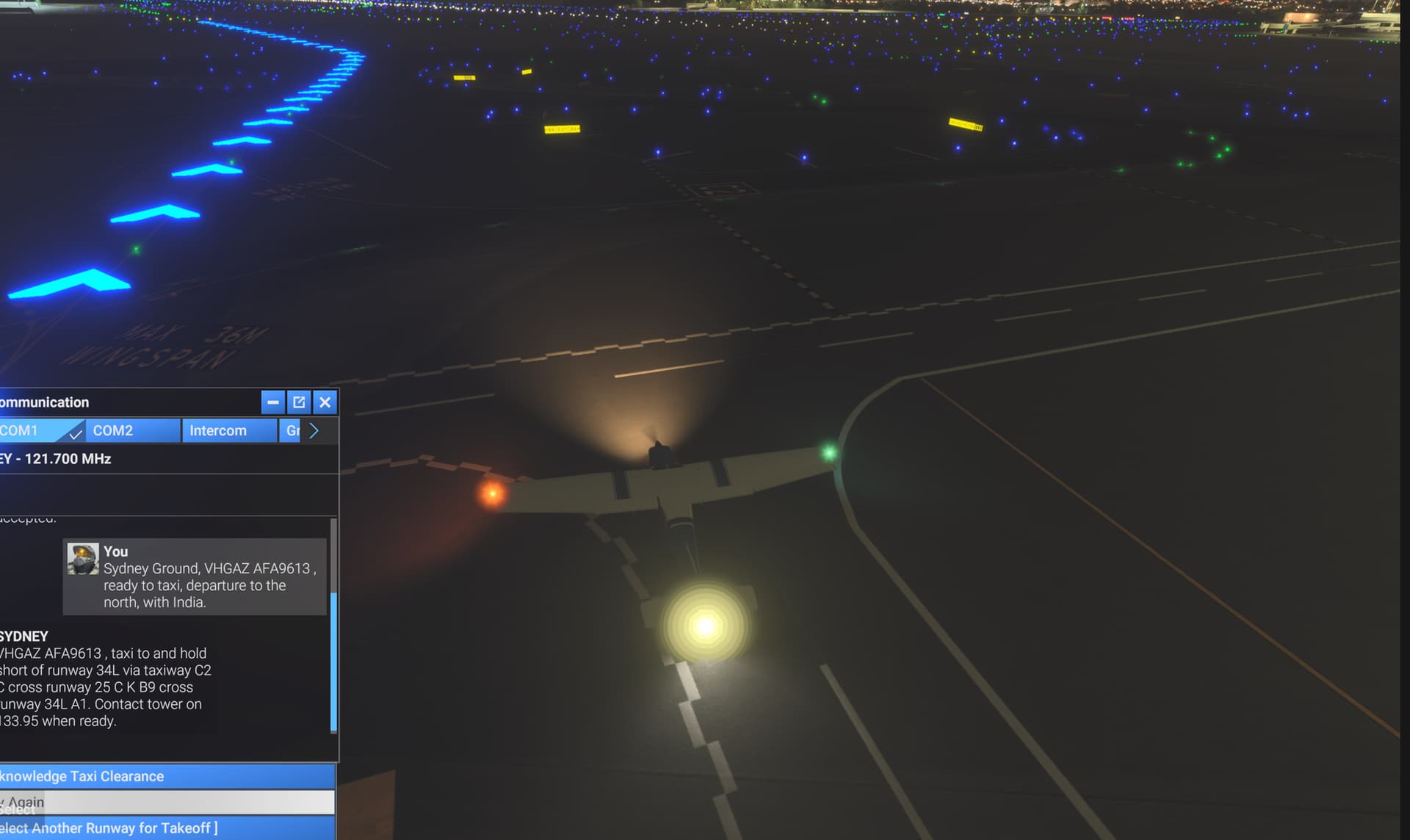
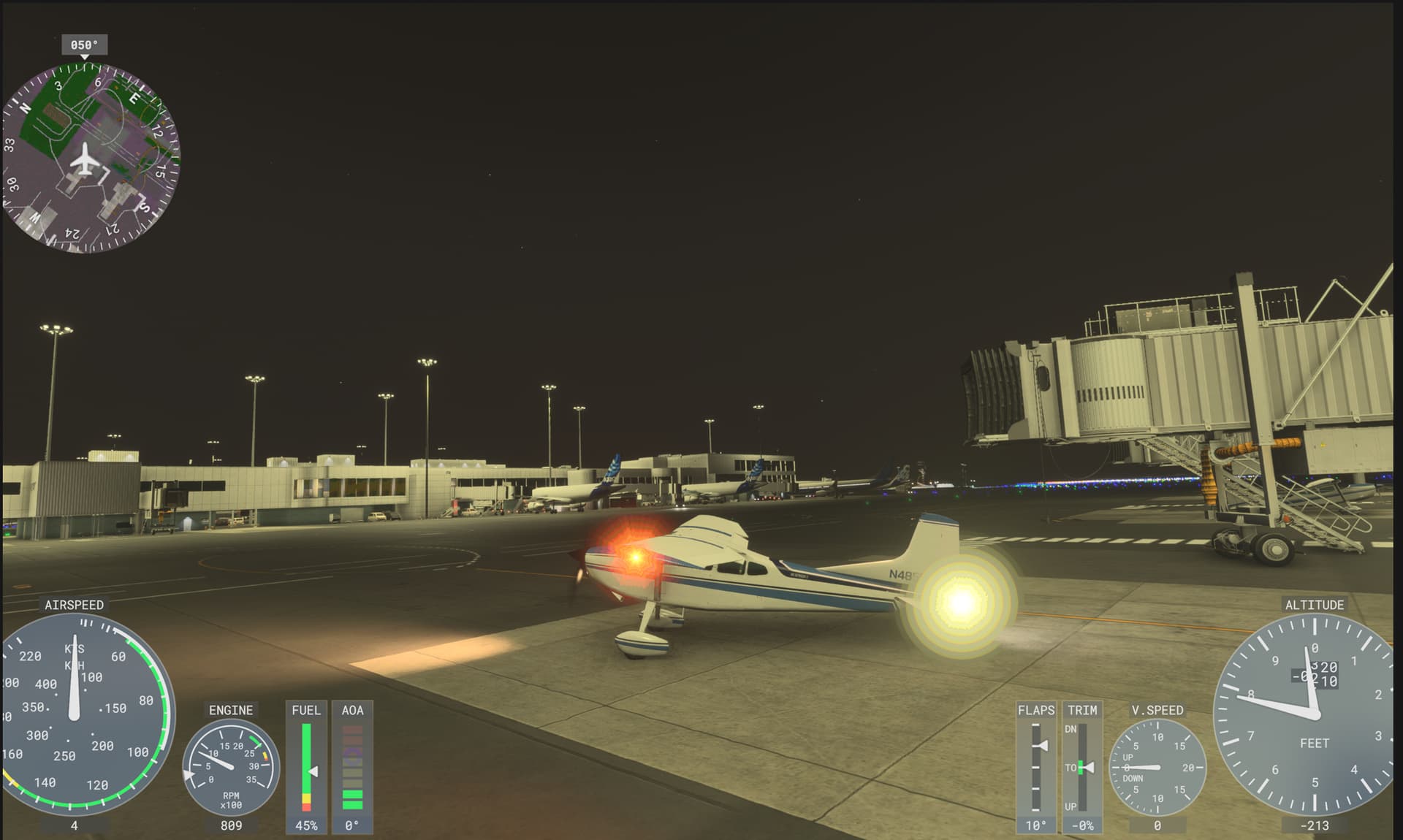
Hi,
You are correct—Aircraft Realistic Lights is currently incompatible with Sim Update 3 Beta due to significant changes Asobo has made to the lighting system.
We are actively working on an update to restore full functionality to our add-on.
In the meantime, we recommend disabling the add-on or reverting back to Sim Update 2 to maintain full functionality.
Once Sim Update 3 is officially released, we will provide a product update within the same week to restore compatibility.
Thank you for your patience and support.
No problem, it was just a heads up that su3 looks like it’s done something to it.
Dear MSFS Community,
We are pleased to announce that Aircraft Realistic Lights Version 6.0 has officially been released today July 3rd on the MSFS 2024 Marketplace. This update brings full compatibility with Sim Update 3 (including its Beta), after a comprehensive rework of the lighting effects across all 120+ aircraft included in our add-on.
Key Highlights:
-
Improved Lighting System: With Sim Update 3, Asobo introduced significant changes to the lighting system, which affected our lights. We’ve worked hard to adapt and optimize the lights for all 120+ aircraft included in our add-on.
-
Enhanced Visuals: We’ve also taken advantage of the new lighting system to enhance the quality of the lights. You’ll see improved lighting effects, particularly if you are using Sim Update 3.
-
Sim Update 2 Users: If you are still on Sim Update 2, you may notice a minor degradation in lighting, primarily in the strobes. This is due to the optimization of lighting parameters for Sim Update 3, which cannot be fully realized in Sim Update 2.
-
Sim Update 3 Beta Users: For those of you who are on Sim Update 3 Beta and had to disable our add-on, please visit MY LIBRARY and enable Aircraft Realistic Lights Version 6.0. Once enabled, restart the simulator for the new light effects to take effect.
For users on Sim Update 2, please note that while the new light enhancements will be automatically applied when you upgrade to Sim Update 3, you may experience a slight difference in appearance (particularly with the strobes) as the new parameters are optimized for the updated system.
We greatly appreciate your patience during the month-long wait. The delay was necessary due to the extensive changes introduced by Asobo in Sim Update 3, which required us to rework the lighting for all supported aircraft.
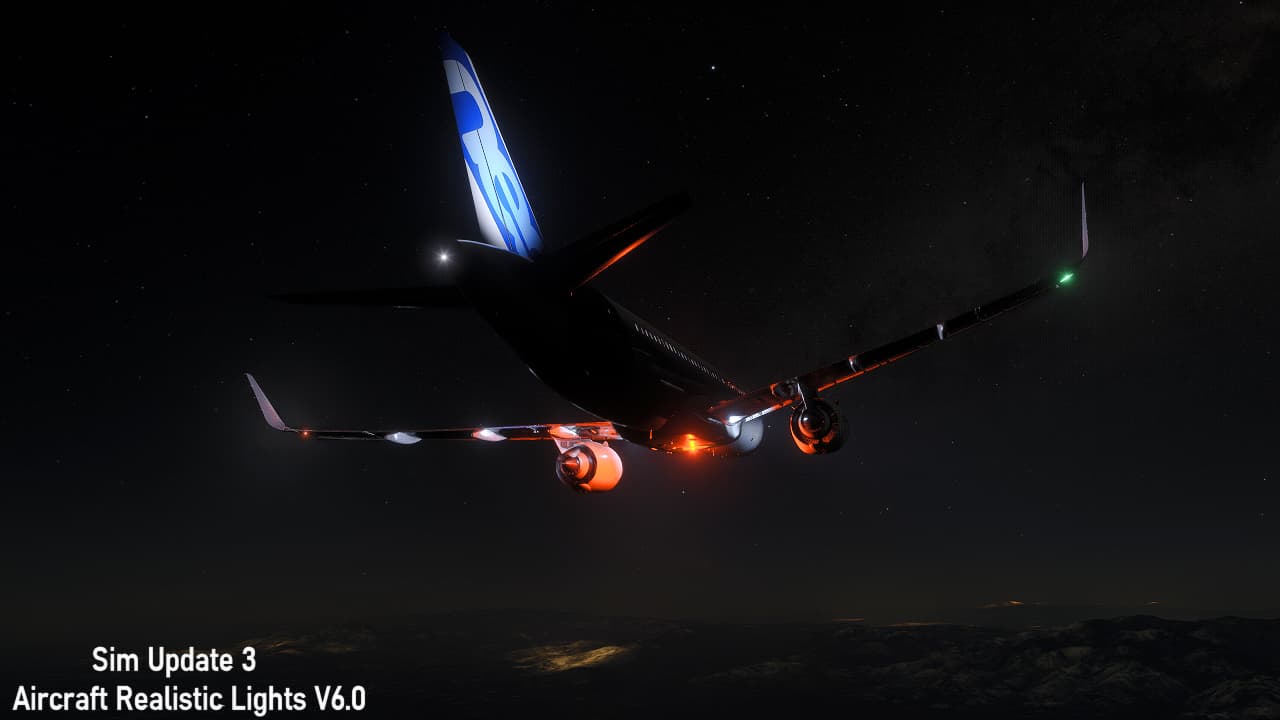
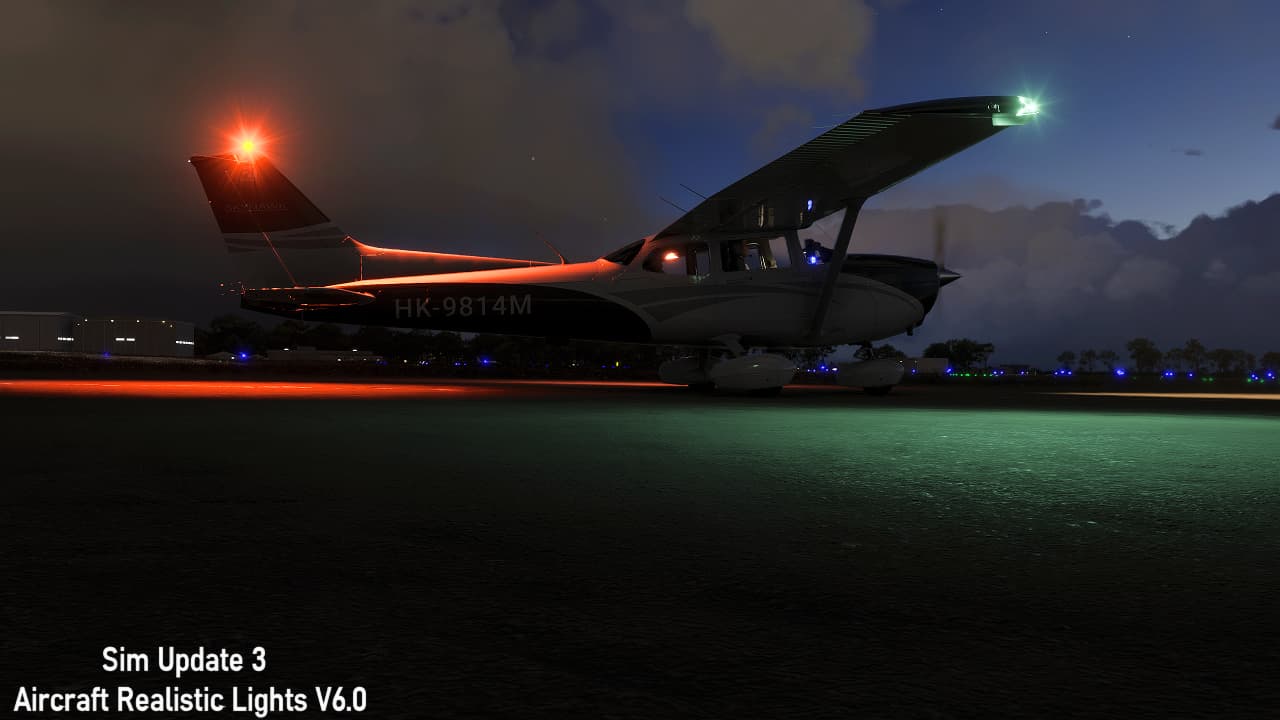
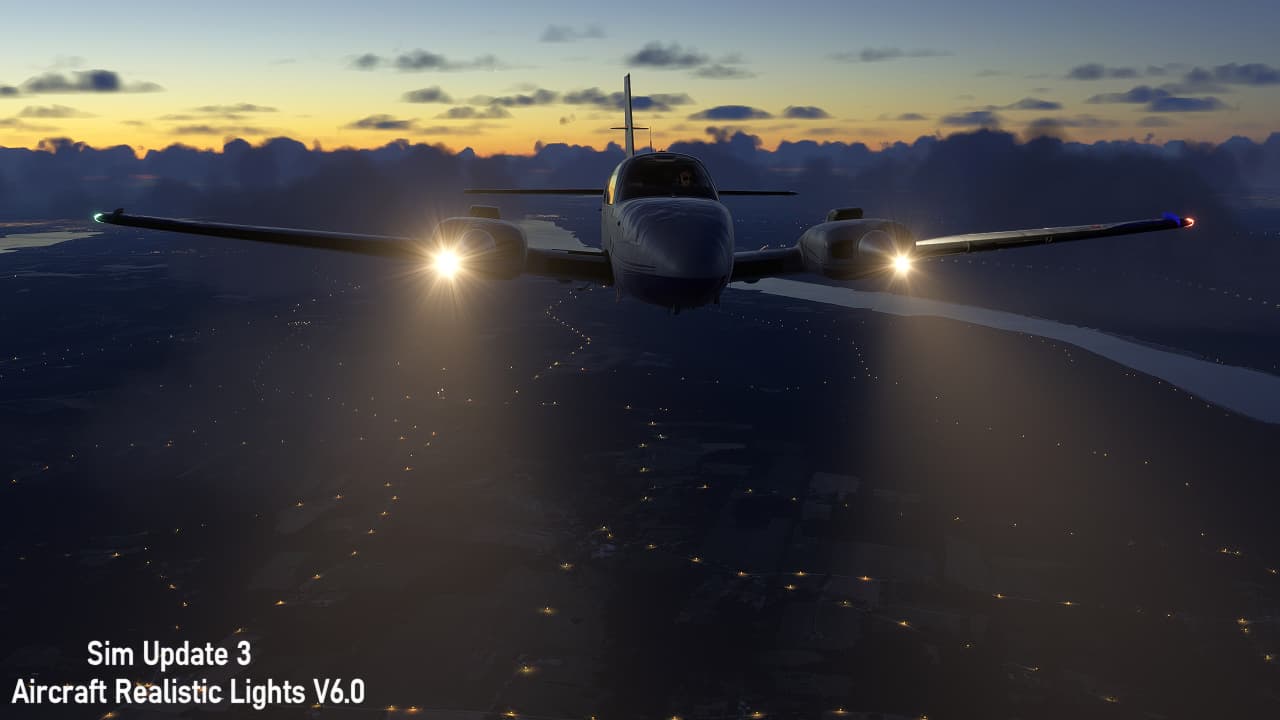
Here are some previews of Aircraft Realistic Lights on Sim Update 3:
Great to hear, I’ve also had major stuttering issues with the enhanced airport graphics add on, so bad I had to disable it, both in su2 and su3 beta. Are you aware of an issue ?
Hi, thanks for reaching out. So far, we haven’t received reports of stuttering from other Enhanced Airport Graphics users in SU2 or the SU3 Beta.
Due to forum guidelines, we’re unable to provide technical support here. However, you’re welcome to contact us at support@zinertek.com. Please include details such as your system specifications, the specific airports where you’re noticing the issue, and any other visual add-ons you may be using. This information will help us investigate further and follow up accordingly. Thanks!
I’m still expiriencing stutters when Aircraft Realistic Lights Version 6.0 is enabled in Sim Update 3 Beta, Archer Midnight. No stutters without this add-on.
Hmm, I didn’t notice any stutters using it.
Thanks for your message. That does sound unusual—we haven’t encountered any stuttering issues with Aircraft Realistic Lights during our testing on both PC and Xbox, and we haven’t received similar reports from other users so far.
That said, we’re closely monitoring feedback and will continue exploring potential optimizations based on user experiences. If you’re open to it, please feel free to reach out to us at support@zinertek.com with your system specifications, preferred aircraft, and details about when the stuttering occurs (e.g., only at night, when lights are active, or in external view). This information would greatly help us in narrowing down the cause.
Thanks!
I had very severe stuttering in the SU 3 beta prior to this latest update you just released. It even continued in the menus after I ended the flight, to the point that I could barely even navigate the screens. It would take several seconds to respond to input.
I’m only telling you this, not to complain, but in the hope that knowing it continued after the flight ended might help in debugging it. It took a deactivation and restart of the sim to make it usable again.
I haven’t noticed anything near that bad since this update, although I do still notice a slight jerkiness at times. I’ll try deactivating again and see if that makes any difference and will report back.
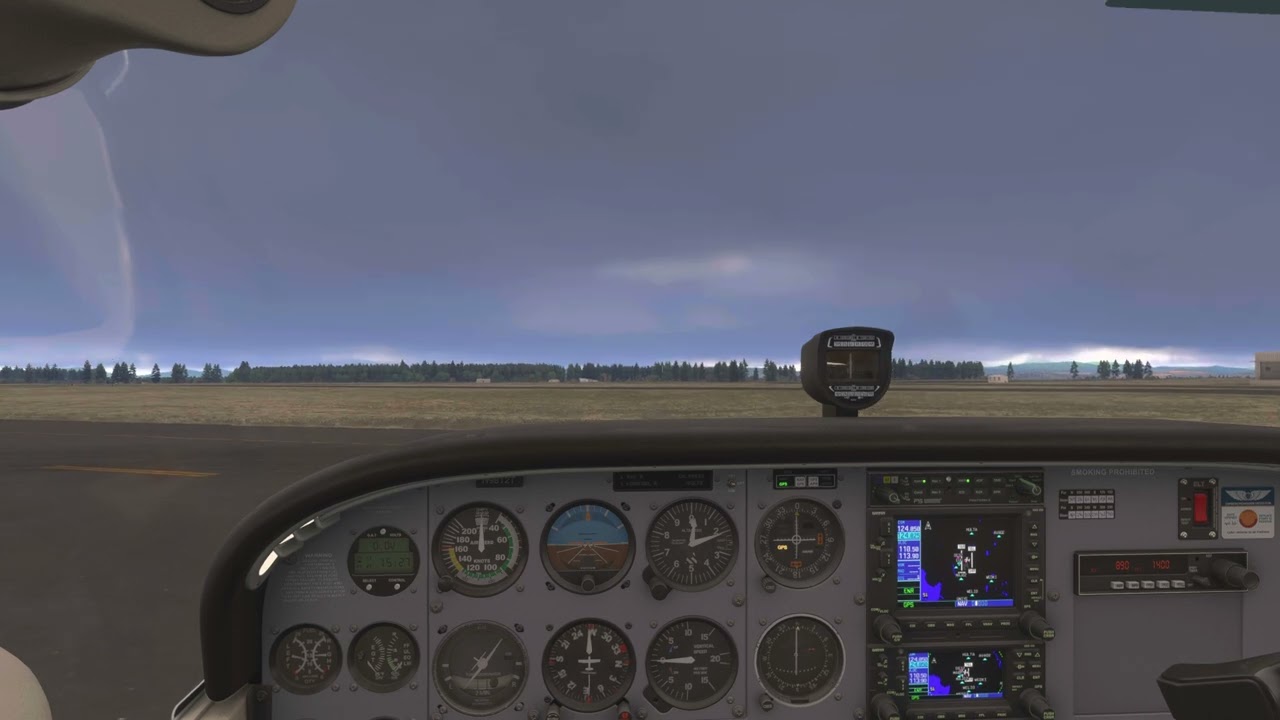
Here’s what it looked like before this update. This went away as soon as I deactivated the mod. BTW, this is on Xbox X.
Fyi reloaded it again today with latest SU3 build and previous stuttering issue is gone, also running realistic aircraft lights and they look great.
EDIT
no stutters today, with this add-on
I can now confirm there are issues. Was flying the Cessna 404 and when on outside view rotating the camera FPS goes from 120 to 30 or 40 when looking at the red nav light. No issue with the green light but it is almost invisible during the day. Turning off the lights fixes the FPS drop. Hope this gets fixed soon.
DId you upgrade to the latest version?
Yes I did. In fact, I just bought it 2 days ago, when the new version was released, never had the old version. (using MSFS 2024 SU3 beta).