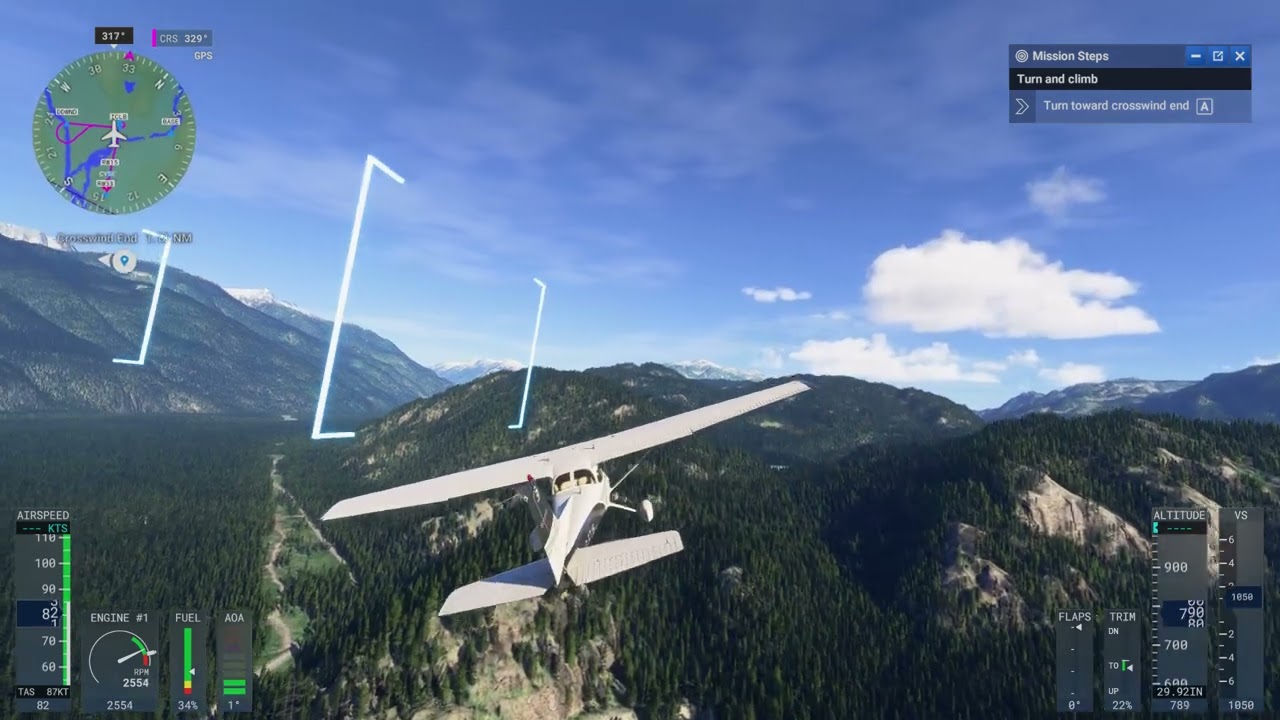
Hmmm…I’m currently on a voice call with @Jummivana, and she tried it during a Career Mode flight and confirmed it worked for her. I’ll test it myself now.
There should really be a way to view the mission briefing on the EFB once in flight. There is really helpful info on the initial briefing screen (and flavor text) that would be nice to see on the EFB when in flight.
What is, “respect the condition of the aircraft”? I was not smoking in the plane and doing barrel rolls during the ferry flight, like I was during my private checkride. Is it the preflight walk around?
I want to reiterate this as I don’t want it getting lost in the noise here.
This is one of those “on rails” aspects of this mode that I’m not crazy about. Sure, if we’re flying an airliner, then definitely direct us to the appropriate gate, but for GA allow us to pick an appropriate parking spot without being on rails. If you allow for this, this will override the annoyance of the AI choosing some whacky parking spot like it did for me today at KPRB.
Open the World Map and Zoom to details on KPRB to see the lone parking spot at the SE corner of the airfield. That should be the last place the AI chooses.
I’m fairly certain there are other airports with instances like this that will be annoying to the user.
I just confirmed that the “Toggle Visual Assistances Display” keybind does indeed work to disable the nav assists in Career Mode missions. Here’s a video I just recorded showing me toggling the blue boxes on and off several times during the first Career Mode flight:
So the next question I have is, “Will we get in “trouble” by turning these off and flying in such way that doesn’t pass through them (since we aren’t seeing them) and that causes the script of the mission to grade us poorly, as a result?”
In other words, are these missions, essentially, built to have us fly the exact on-rails flight path with some modicum of precision and should we fail to do so are we going to be docked XP?
I suppose I can find that out, but it does seem that will be so, and turning off all those assistances will end up being a detriment to our success in the mission.
I mean, so far, this thing is pretty strict about these aspects of the mission.
Can someone confirm that the companies functionality is actually unlockable? I don’t want to know how, just confirm that it is implemented in the current build.
These days, as landing lights are going more toward the LED type, it really doesn’t hurt to leave it on all the time, unless you’re flying into a cloud/precip, or it’s going to blind another pilot at night.
The old days you had to worry more about shock cooling, vibration, power draw, and overall longevity with all the hot, fragile incandescent filaments.
I’ve logged several hours in career mode now and there a several small bugs that are annoying, but don’t prohibit gameplay. (Landing lights penalty, flight paths not matching aircraft performance, etc) The biggest issue I’m encountering now is the credit system. After a 2 hour long flight that advertises a 8,000cr payout, I’m left taking home 520cr. Can someone explain the employer commission system? Without opportunities to increase payouts, the airline ratings will be almost impossible to unlock.