Hey Airbus Pilots,
do you also have the problem that the a320 slips left and right after touching down on the runway?
Change your turbulence settings to low in the assistance menu could be a solution
I changed the sensitivity settings to linear and observed surprisingly, aircraft took longer to say, reduce the rate of descent on pitching up. Actual nose up happened quickly but associated decrease in descent rate took a while.
This resulted in me over pitching that led to a descent rate of zero which was a pain as I was landing into a headwind and got too high on approach, leading to go around.
Any suggestions, why does this happen? I went back to old sensitivity settings btw.
They are there for me:

So I’m not sure.
I’m not sure why you need this to navigate, usually you wouldn’t have the WPT display on in the ND, then it only shows the ones part of your route, so then the ND isn’t so cluttered. During cruise people usually show the ARPT instead.
Can you perhaps show what you mean?
PERFECT exactly what I would need!
Hmm not as good and clearly arranged as it looked before but a good start.
Because it is 100% impossible to create for example a nice 8 as flight path for a short 100 miles long 8-shaped flight plan to ILS-land on the same airport (for ILS training) with this. All waypoint codes and ICAO codes are overlapping and become unreadable when zooming out … 
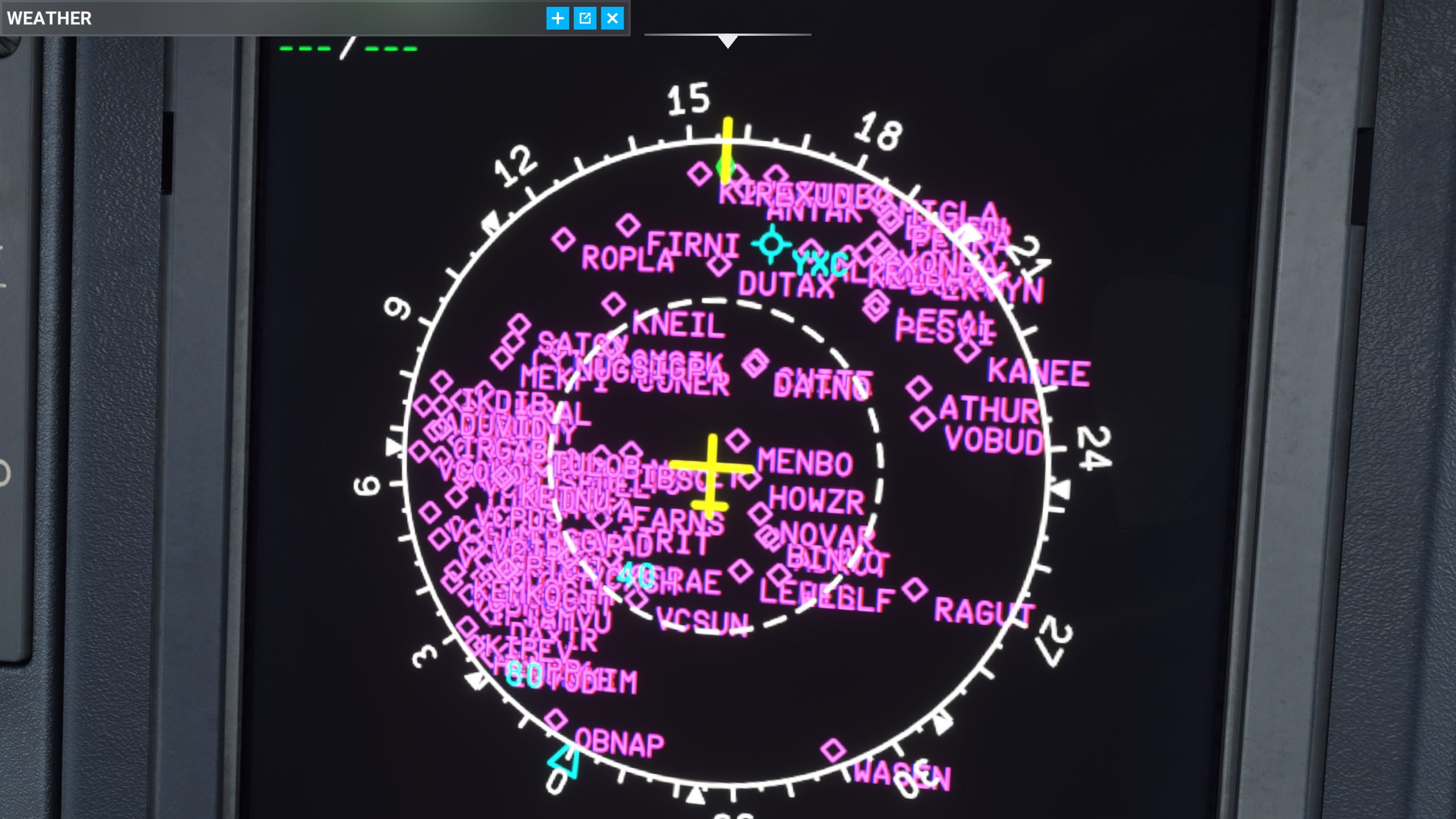
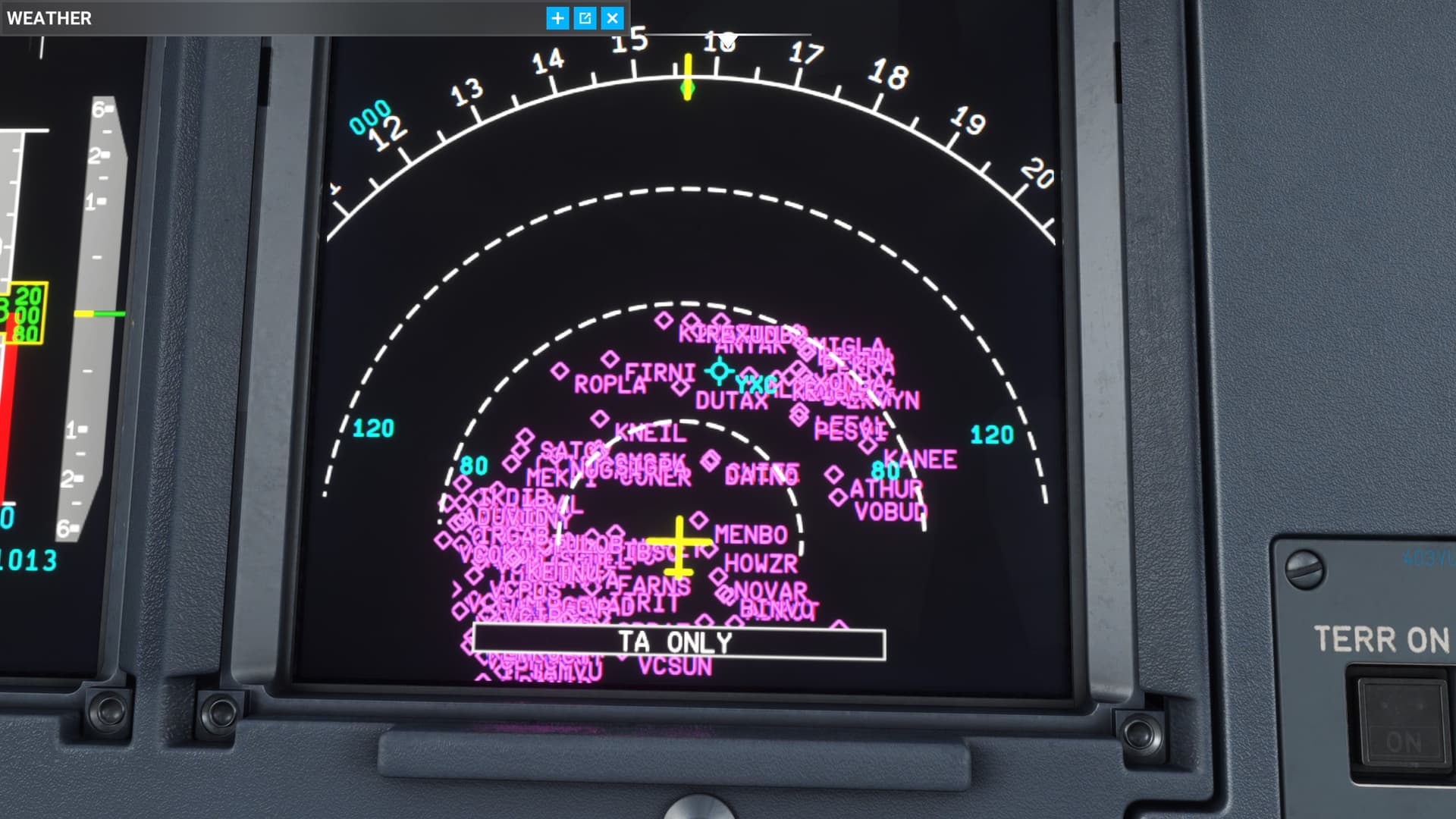
High and Low Airways is simply no longer there, it was below | MAP | on the upper right corner:
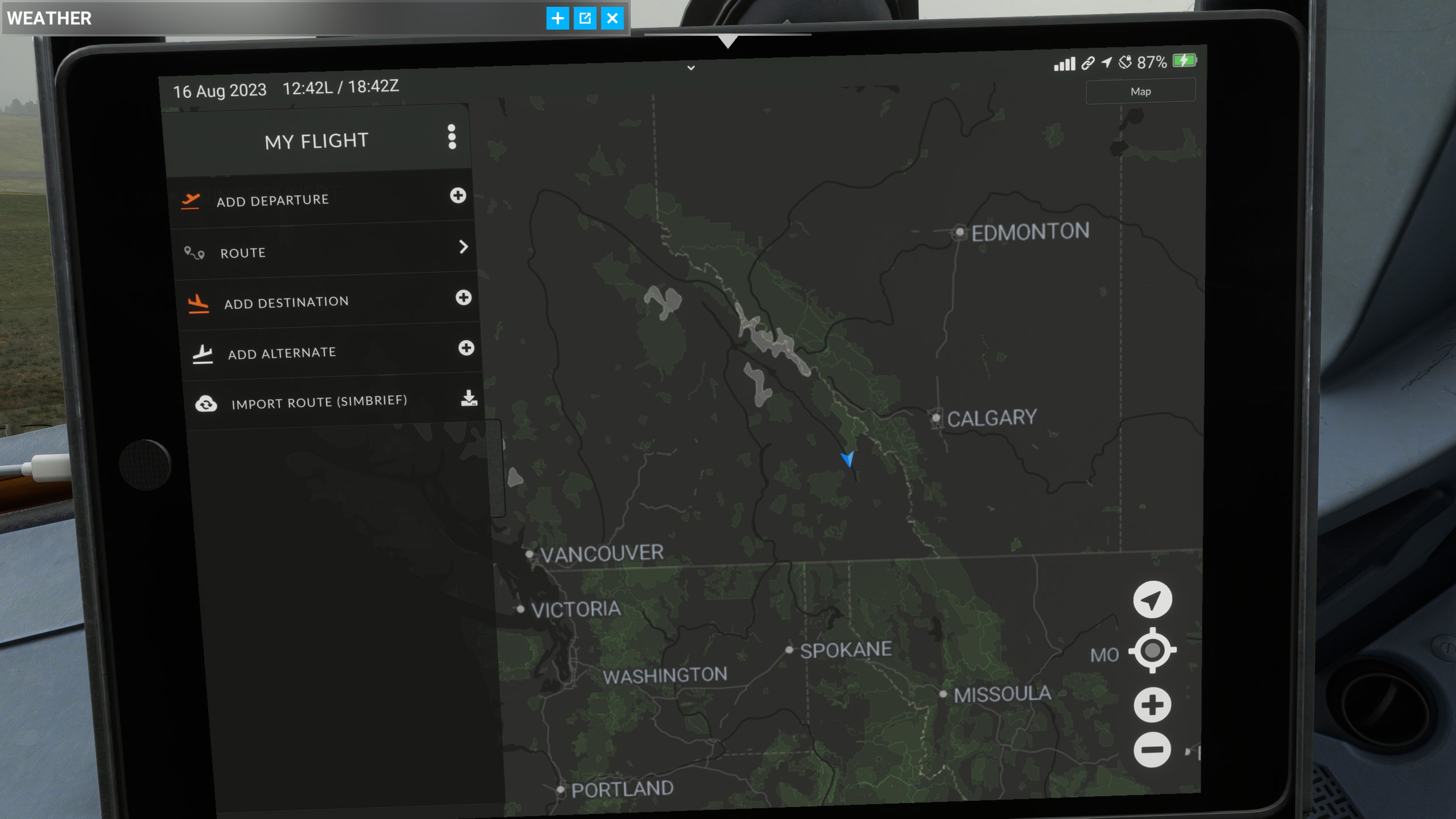
This is how my GPS looked like before, but since a month or two it is suddenly no longer showing me the maps with the waypoints and airport ICAO codes. I really needed this for programming short simple ~20 minutes flights for fun this is how it looks since early summer, just a black empty screen without the map anymore. And now this feature has completely disappeared from the map.
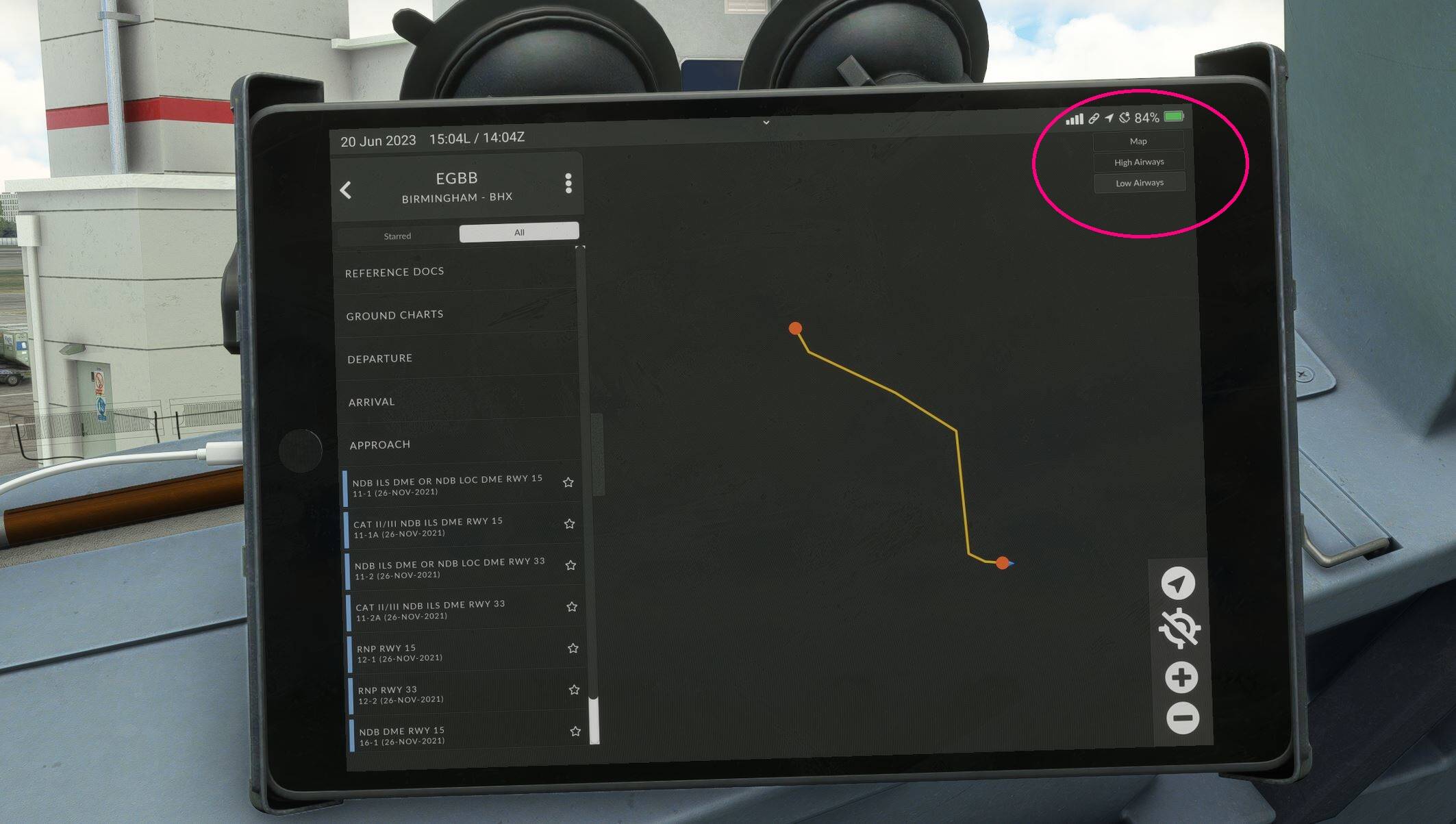
Ok so this was an issue with Navigraph. I never noticed. But I guess Fenix fixed it in the update, because as you can see it I do have it.
To me it looks like you’re not running the latest version, aka V2 block 1. Because the drop down option should be world map, not just map, even if the high/low IFR options don’t work. Plus I have gear icon to switch layer, whereas for you it just says Map. And you don’t have day/night options.
Can you confirm you are running v1.5.1.200?
Sure, it´s the newest version  with the awesome new displays.
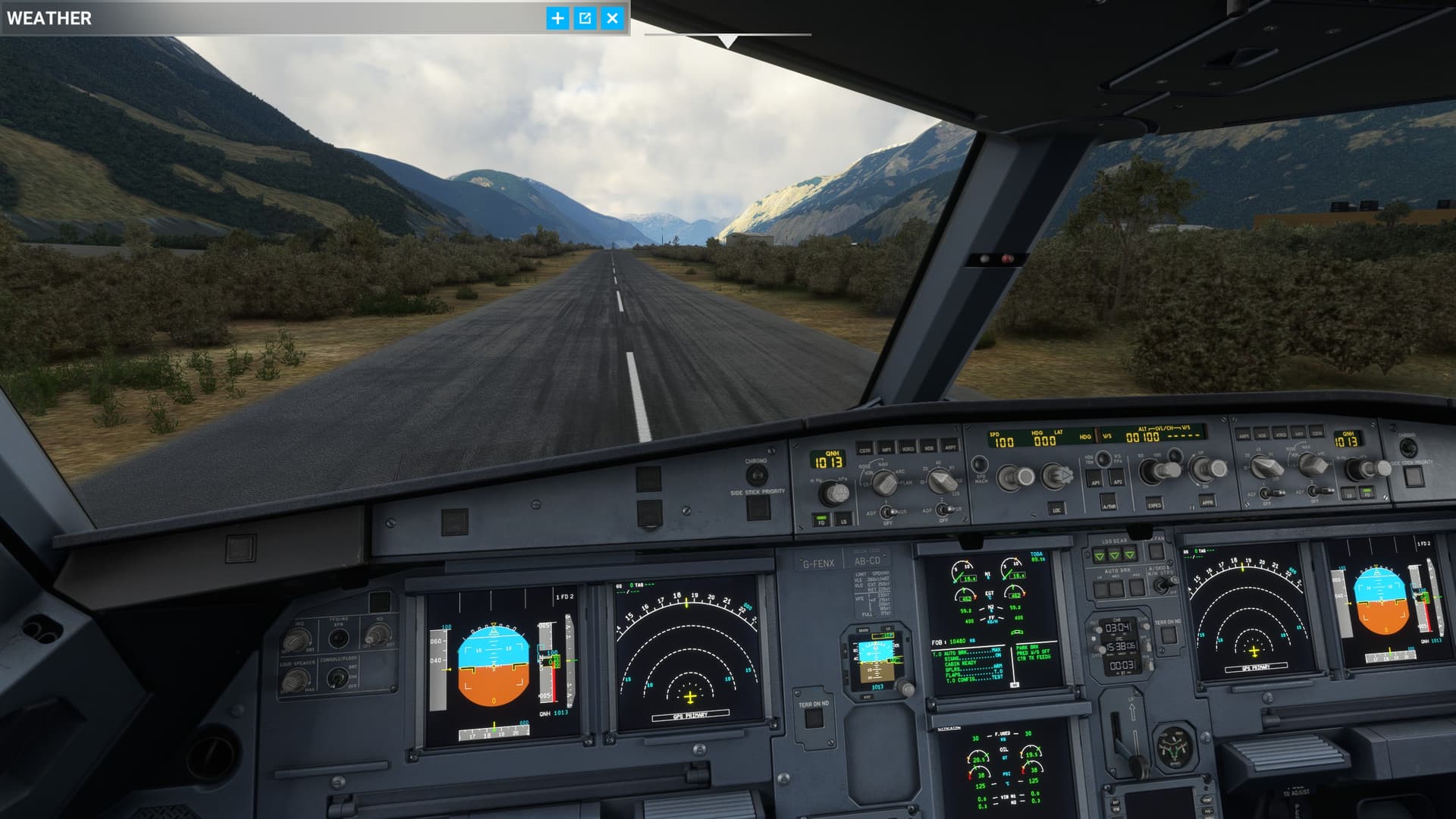
Finally the main displays have the same brightness as the ISIS has, instead of being so dull and dark during cloudy days that I sometimes had the urge to point the flashlight on PFD and ND because it seemed like having no backlight at all
This was the best Fenix update ever.
Absolute great looking and great performance.
1 Like
Really weird this doesn’t show for you then, and all the other EFB differences.
I hope they can figure it out.
And you also updated navigraph for fenix in the theor navdata app?
I have fenix and navigraph updated to the lates version and have the variois map options including high and low airways charts…
Same here. Only issue I have with EFB is that it no longer remembers that I want my charts in Night Mode, so I have to set that option each flight.
Fenix on their discord, has mentioned some compatibility issues with v2 and SU13…You might be having some now.
Oh-uh… I hope they have a chance to address those before SU13 goes live.
Thanks for your input, I read that too and was worried that could be the case.
But in this particular case, it was only that I´m useless, and had forgotten to calibrate the flaps from the MCDU menu.
I´m having some issues with SU13 beta, but don´t seem to be Fenix V2 specific. If the sim does not crash when loading the flight, aparently everything works well. I didn´t run into problems in any of my three fights with the V2 to date, other than finding the aircraft difficult to land because it behaves very nervous (even with turbulence set to low).
Best regards.
Same problem here. I changed the default mode to DARK in EFB settings. Charts in dark mode look good in all lighting conditions.
It´s not that bad and will probably be fixed some day, it is still possible to check out awesome areas in Google Maps, and when having found impressive areas to overfly the Google Maps coordinates (that always look like this: 65.01131113718814, -17.78494559820482 Iceland for example) can be converted with these sites to get custom waypoints:
With this nifty and useful little website one can create awesome Fenix sightseeing custom pilot waypoints.
1 Like
Build .200 all of my displays in the cockpit have extremely bad lag. Really really bad delay times when changing anything in the FCU, MCDU, radio… flight director on the PFD and MFDs… anyone else? The sync settings in the Fenix app don’t fix the issue for me.
Running a 7800x3d, RTX 4080, 32GB, 4K Ultra settings. Maybe the announced update next week will fix the problem. But curious if there is anyone else seeing the same thing.
This new version is so awesome, wow even better fps than PMDG 737…what a joy to fly! Thanks Fenix for such a cool 320!
1 Like
Based on photos of most modernized A320 CEOs…

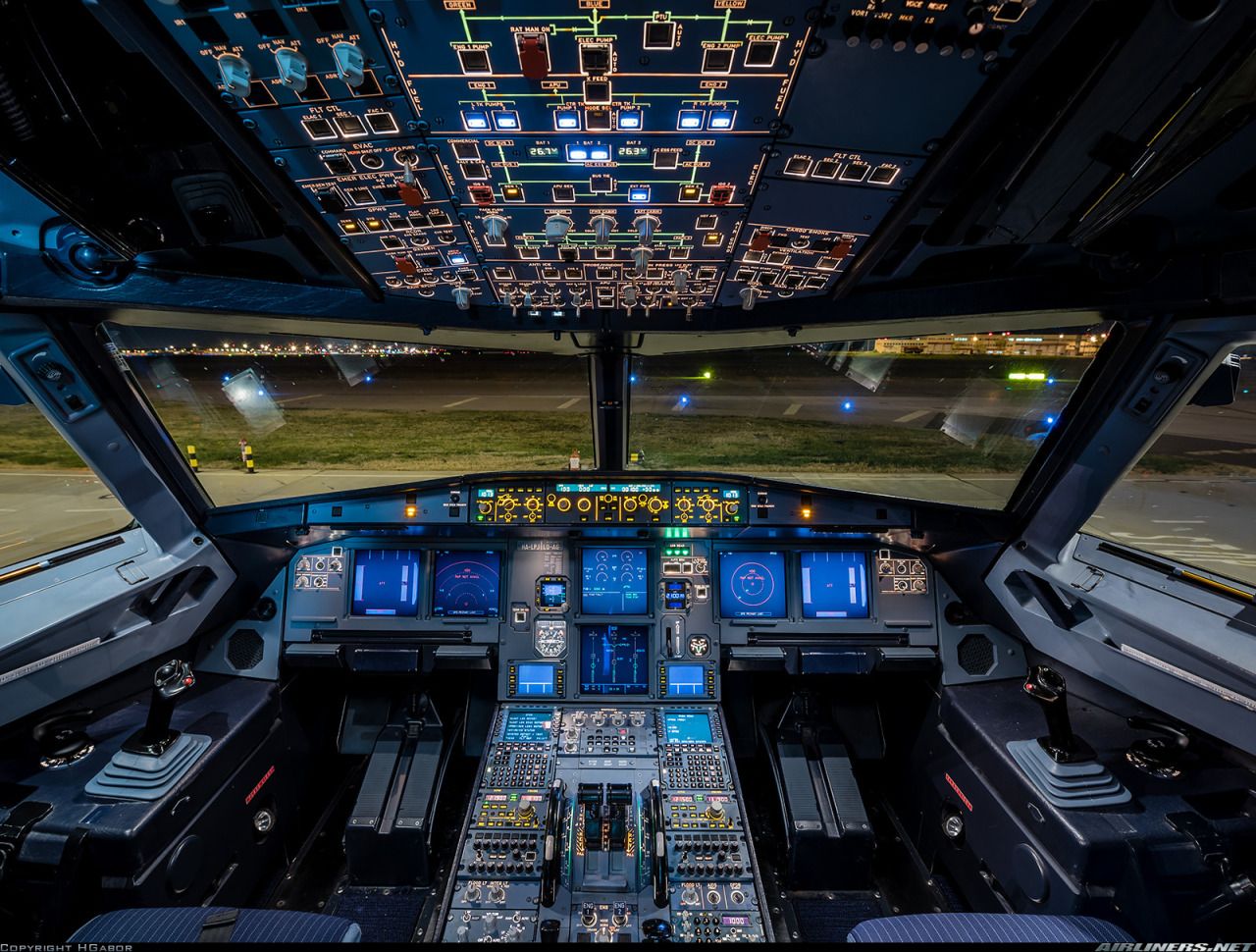
…the new cockpit illumination EIS2 V1 is now ready.
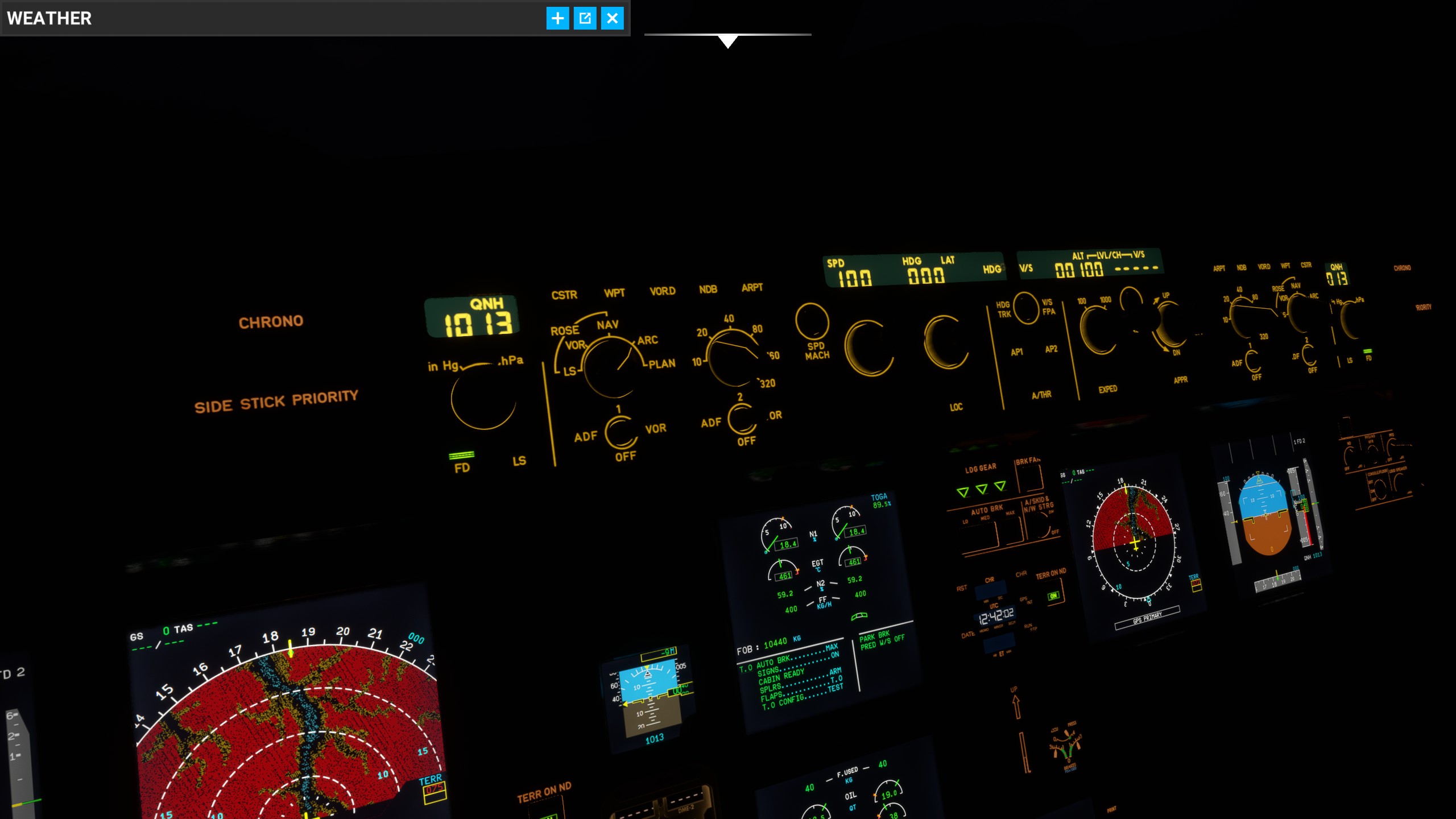

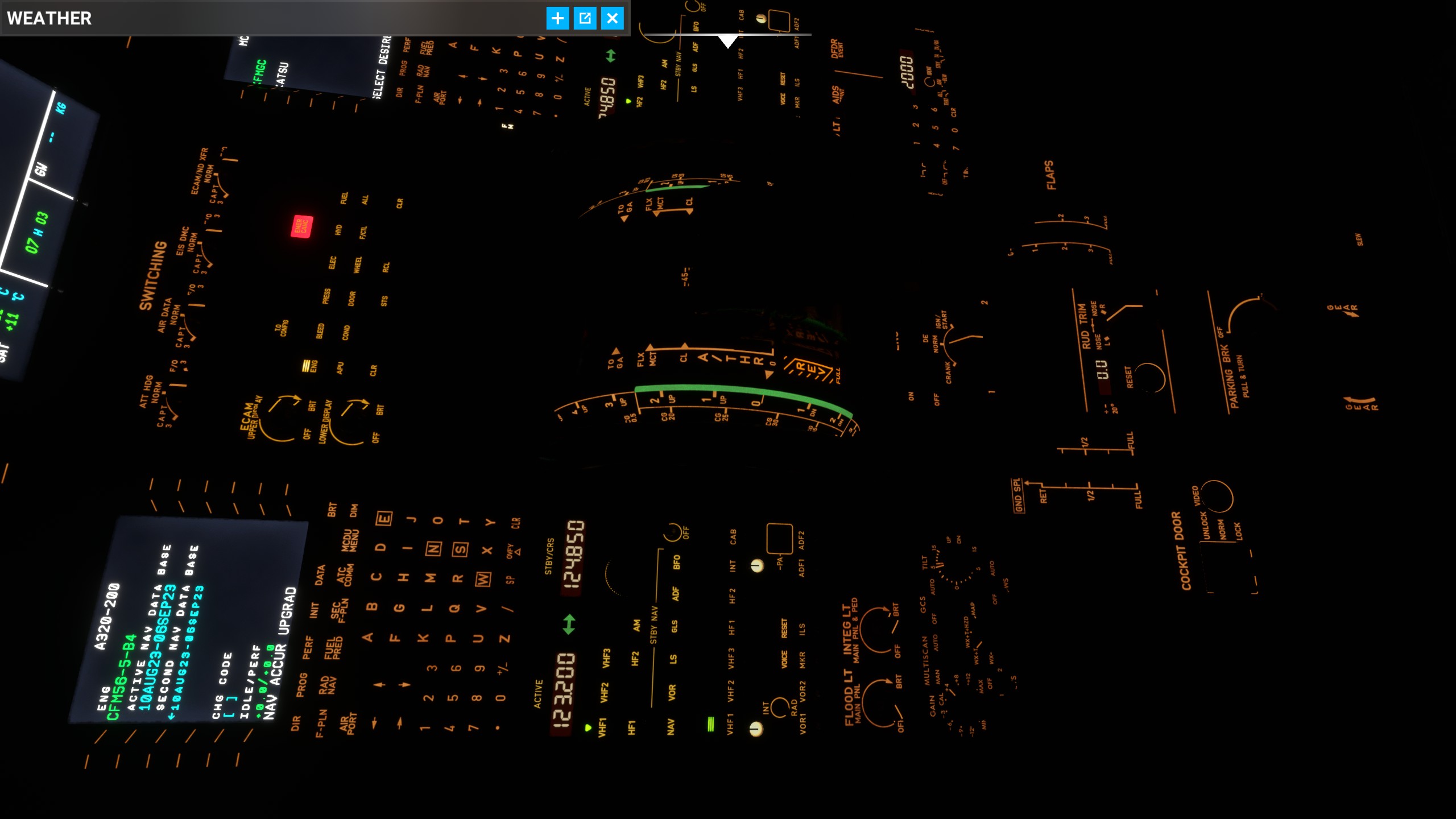
Because in the summer heat enjoying some EIS2 is refreshing.
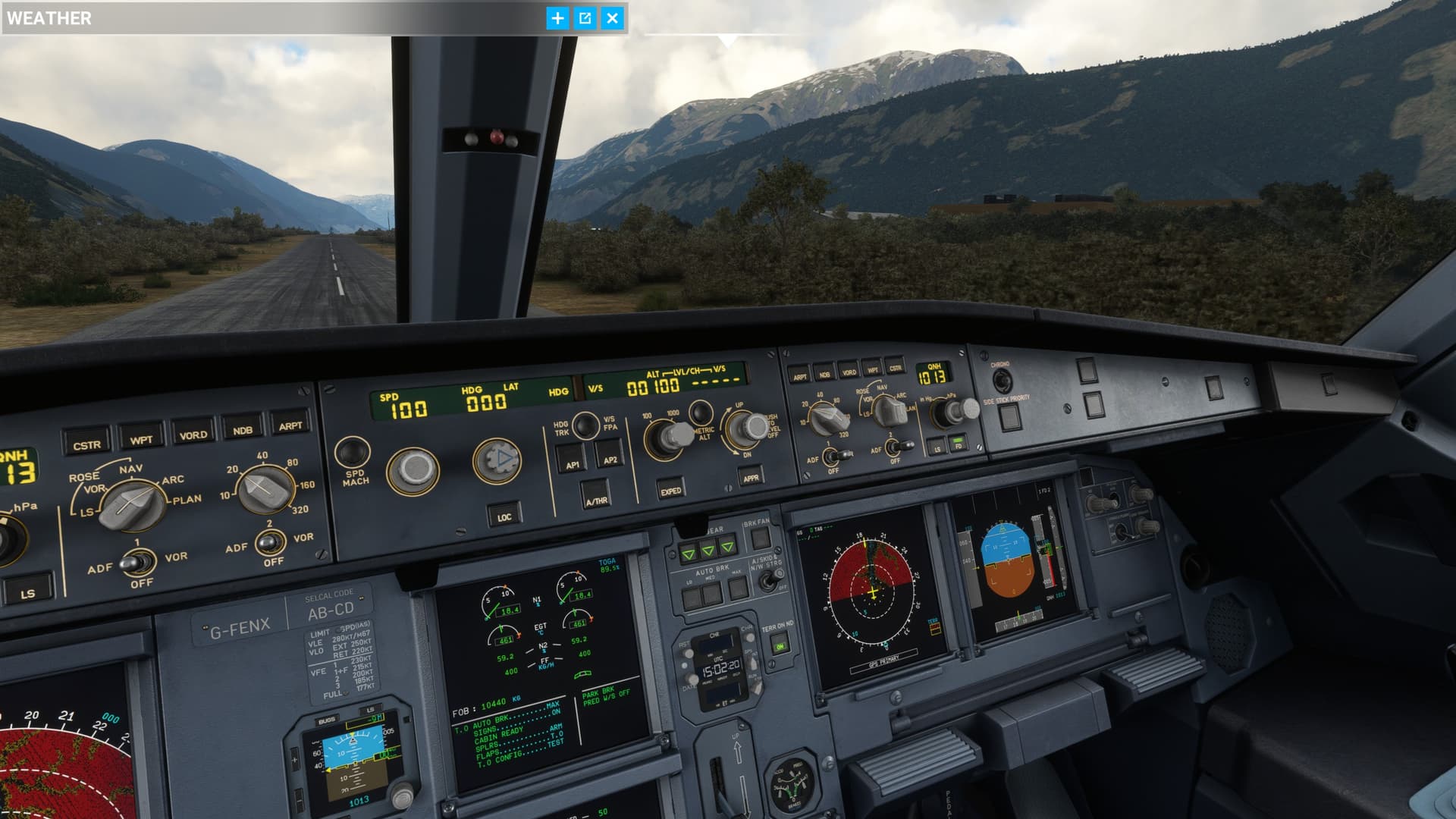
thnx to @FinalLightNL for his great job of lighting!
https://flightsim.to/file/58167/fenix-a320-cockpit-lights-overhaul/439579
1 Like
For those of you who didn’t get much of a performance gain, if you have an integrated video card in addition to the dedicated one, try the Alternative Renderer option… That did WONDERS for me… It’s definitely on par with PMDG now. I was worried initially as I didn’t get much performance gain.