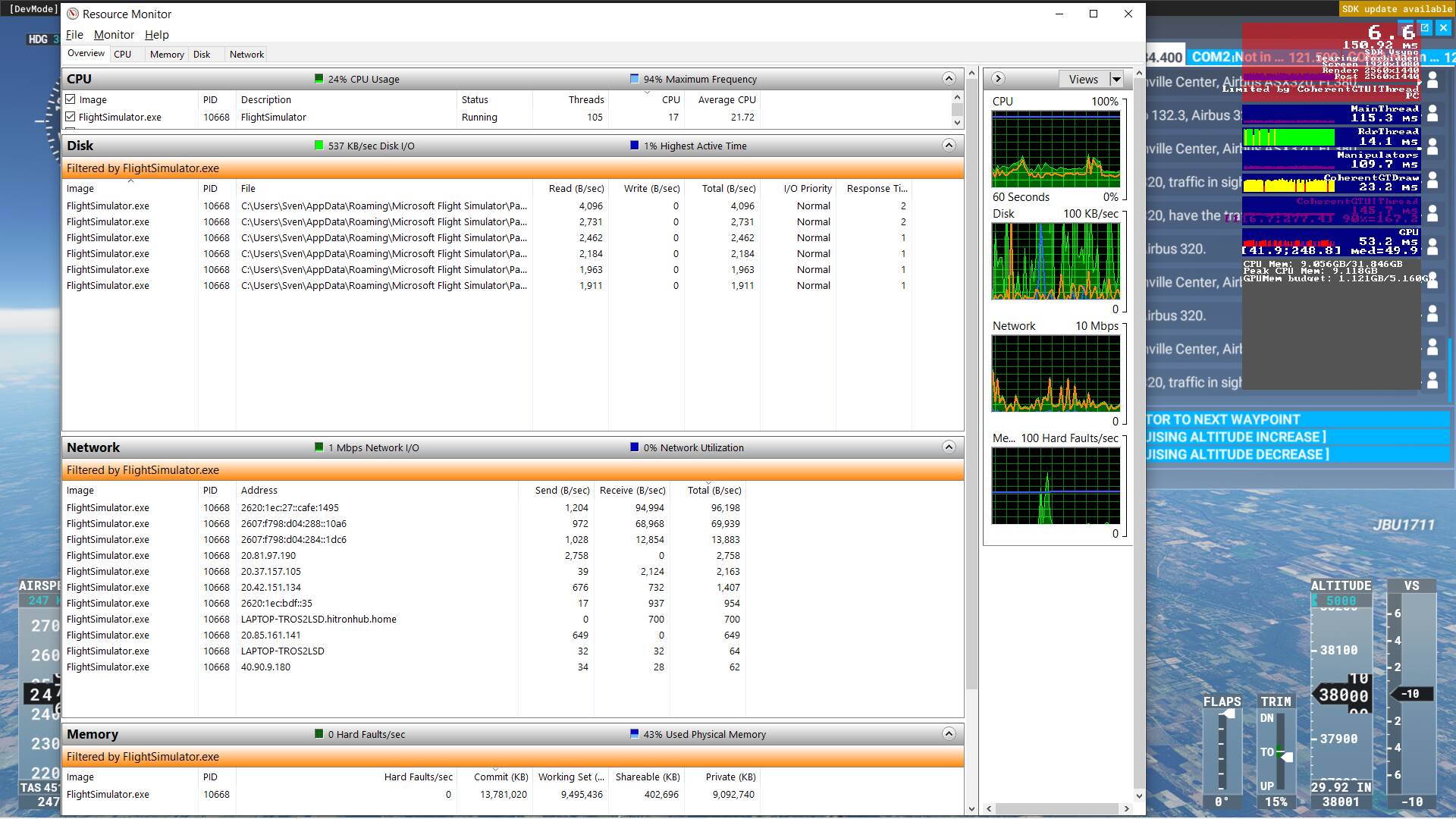
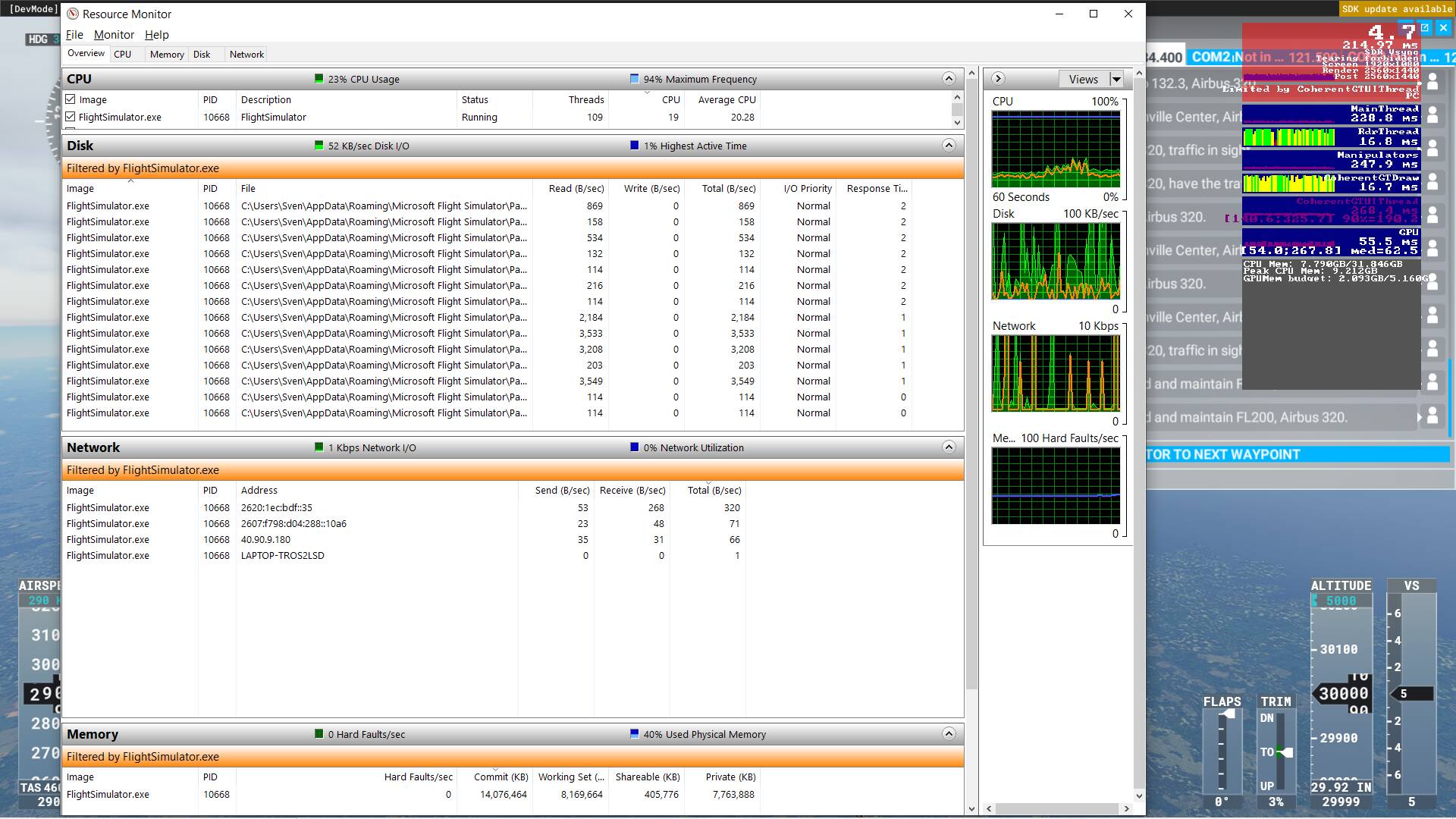
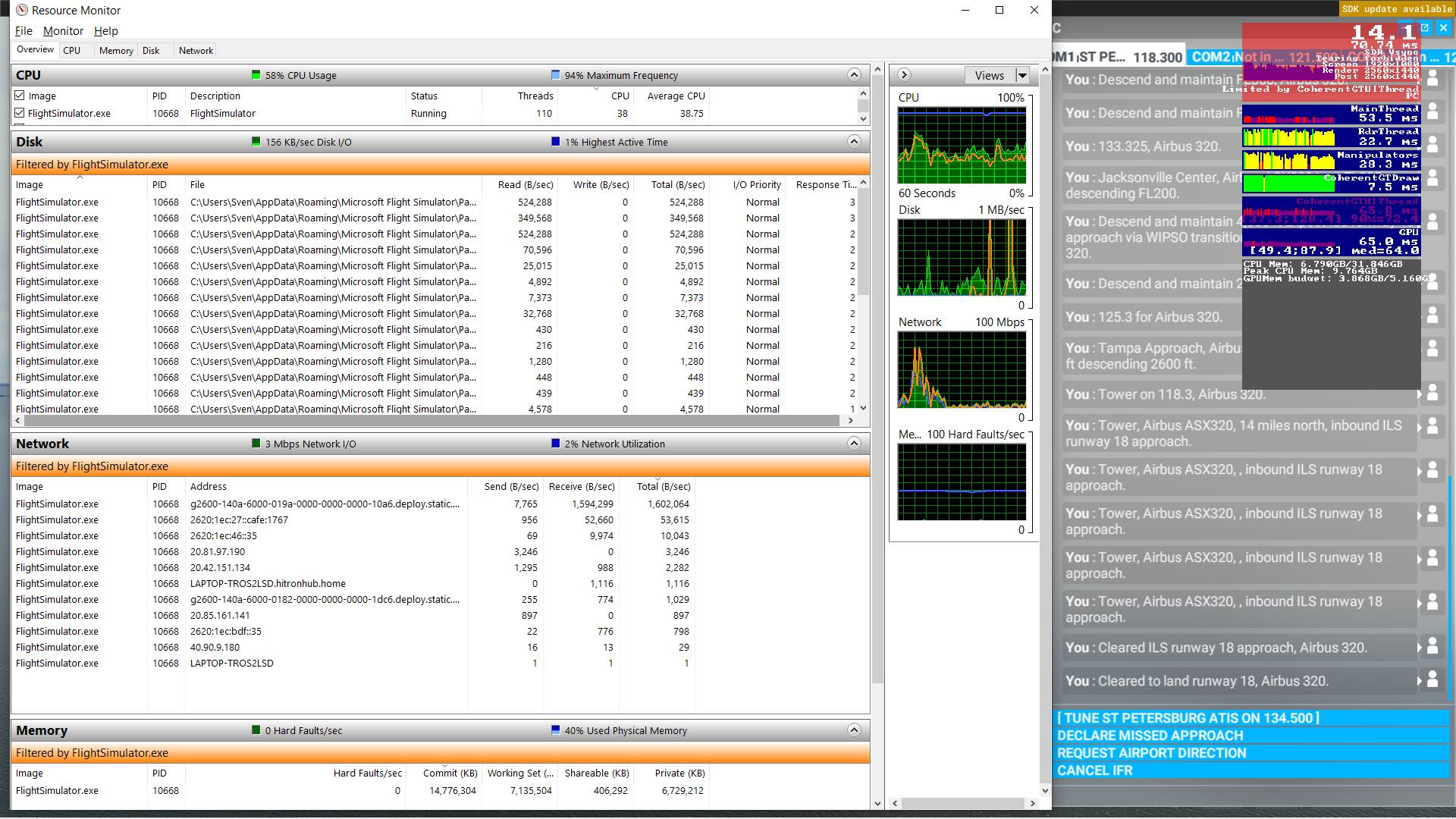
Had the same issue 2/2 times I played today. 20-30 minutes after take off , my GPU usage plummeted from 100% to 13-15%. Had 45-50 fps, but with the bugged GPU utilization it is unplayable at 5 fps. -.-
i7 10700k , Nvidia GTX 1070
Had the same issue 2/2 times I played today. 20-30 minutes after take off , my GPU usage plummeted from 100% to 13-15%. Had 45-50 fps, but with the bugged GPU utilization it is unplayable at 5 fps. -.-
i7 10700k , Nvidia GTX 1070
same problems here - after landing the a320fbw, graphics card refuses to be used at 100%. Reboot into a new flight same spot, 100% usage
Still have the issue too. Pause for a while, 30FPS locked before pause, come back next morning, 5-10FPS on resume. I’m running an experiment now with the G1K 172 sitting on the ramp at Logan with unlimited fuel for the night. Let’s see what the frames are after 12 hours.
I thought It had been sorted. But no. It’s back. I have all data off too. Never used traffic or default traffic. But after 5 hours flight the game is stuttering at 6fps .
I’m sorry Asobo how do you keep looking over this major bug. Or even know what’s causing it. Its been there since day 1 and still over a year later, it’s still a massive issue. Ridiculous
And yes I’m angry. It’s problem after problem. I honest thought his was the best update till I tested it properly. Now can see the pixleated clouds are back, stuttering at airports are back and this major bug is still present.
I must say I have no more FPS drop during long flights (8hrs this night on A339 freeware) on my mid-range PC. (i7 , 16GB RAM GTX980 4 GB). Medium settings and 30-40 fps all the time.
same issue here. Flying the H145 getting 60-80 fps for about an hour it then dropped down to 5 and stayed there. tried everything mentioned above with no luck. when I hit the ESC button it jumps up to 90 fps but as soon as I go back into the sim it drops again to 5. i9 9900k 3080 64GB ram
I thought It had been sorted. But no. It’s back.after 1 hours flight the game is stuttering at 8fps.
I still get a little slow down on 4 hour flights, but not as much as before, It has improved.
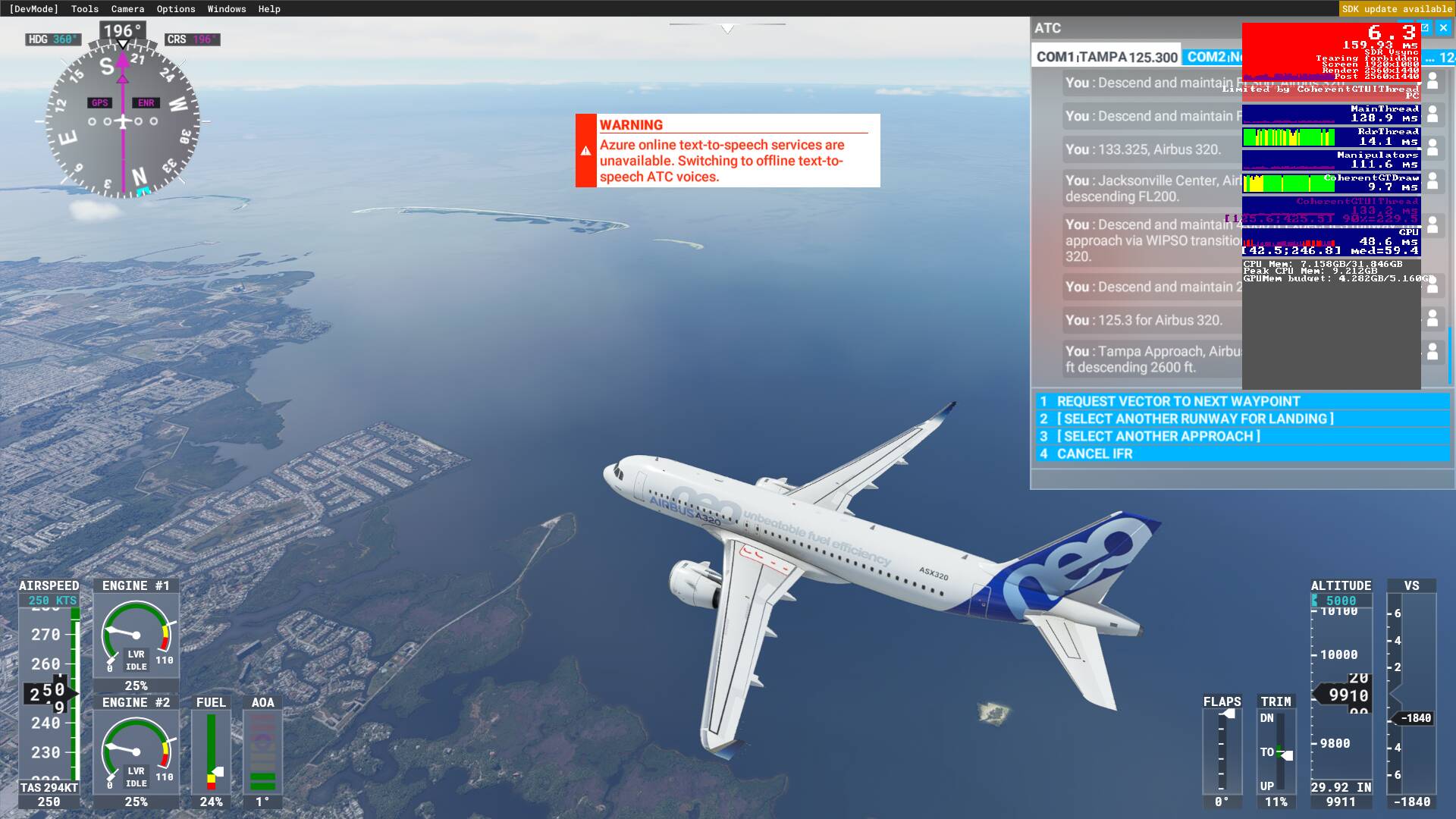
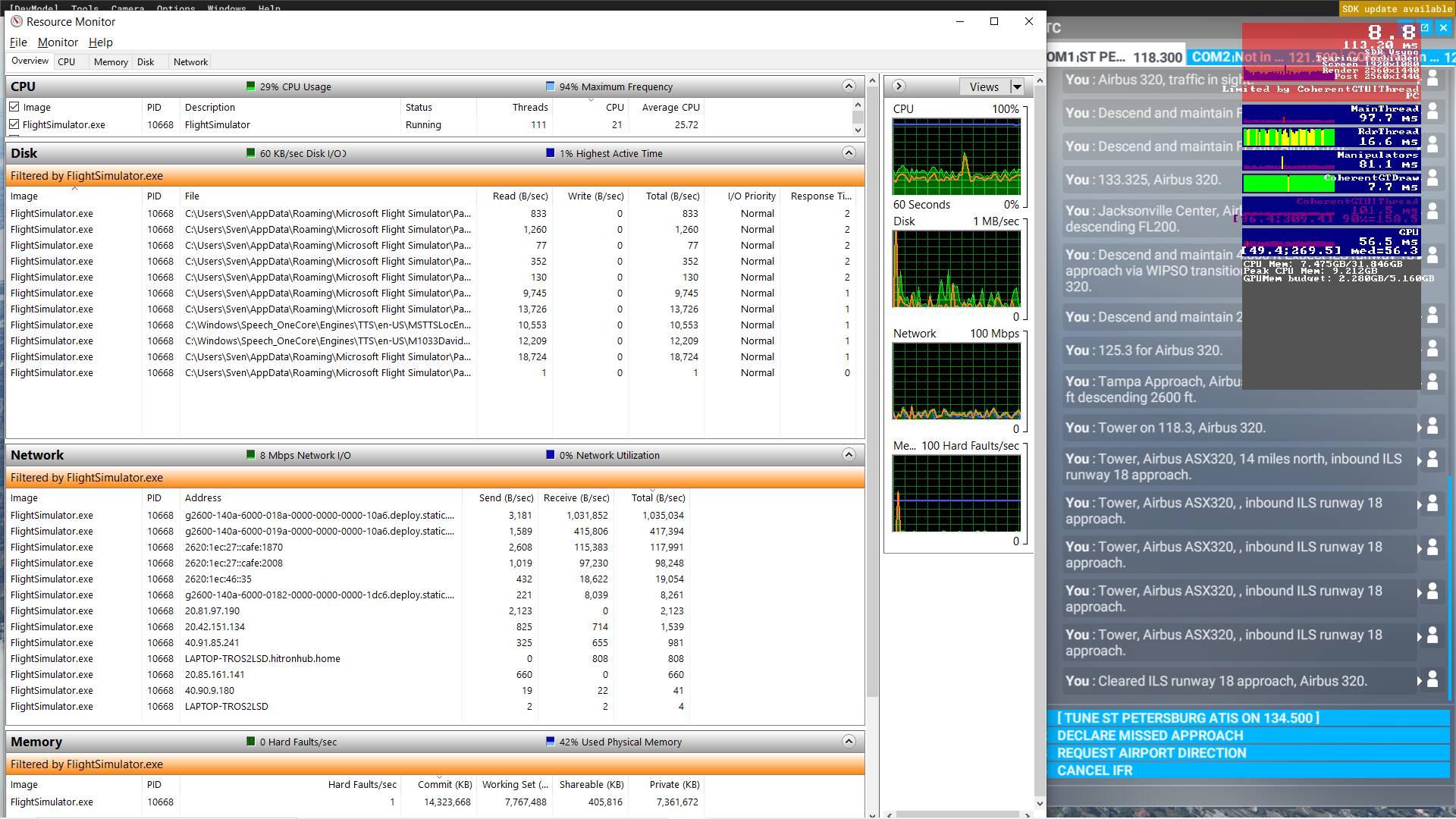
However today I got a different slow down, much more severe, which already started not all that long after take off. Limited by CoherentGTUIThread
I turned online features off one by one until nothing left, no effect
So I turned online back on only for Azure to fail
Then my co-pilot started repeating himself over and over…
It got even stranger, while getting closer to the ground, fps went back up. On short final
Mostly recovered after landing, just the ‘normal’ slow down left
Atm CoherentGTUiThread is using between 7 and 11 ms per frame. Above it had spikes up to 400ms per frame, avg 180ms per frame while cruising.
It’s become worse for me after SU6… I cannot even do medium-haul anymore. My “set destination” trick isn’t working anymore either, unfortunately.
changed plane and area, but the same FPS go down after 30 mminutes, after 1 Hour i am dwn 10-20 FPS WITHOUT life traffic. with 9900k 32 GB RAM DDR4000 RTX 3070
An example: I just landed at EGLL with the FBW A320 after a 4 hour flight - FPS was at 21. I immediately went back to main menu, and restarted from EGLL with the same aircraft on the same runway, same settings, same time, same weather etc. FPS was 35. There is still some massive leak (we are talking about 50% less FPS!) in this game. Previously I was able to “close” the leak by using the “set destination → Ai piloting” trick, but that doesn’t work no more since SU6.
sim is getting worse and worse…i cant even fly anymore long hauls-
That really sucks…I havent checked the “Set As Destination” trick yet with SU6 but will try to do a long-haul this weekend to see if it is like that with me as well 
Before SU6 long hauls was good for me btw,.
Hi guys, I have another trick up my sleeve but I need someone else to do it on their machine to confirm that it actually works.
I have been able to do ultra long-hauls (KJFK-WADD 18hours, ZBAD-SAEZ 21hours) with the help of another software called ISLC (Intelligent Standby List Cleaner). It flushes the memory standby list automatically whenever its size and available memory left meet certain thresholds (which you can customize based on your own configuration)
I set it to:
The list size is at least 256MB
AND
Free memory is lower than 16384MB
Then hit “Start”
My PC specs: i7-4790K@4.6GHz, TITAN Xp, 32GB DDR3 RAM
To me, the software completely mitigates the issue; framerate drops still occur from time to time, but they don’t bring the game down to single-digit fps again. And all this is after SU6.
I saw the mention of this software somewhere on this forum but unfortunately I don’t recall the person’s username. All credits should go to him if this is indeed a solution.
To quote Raniel3, yes, I suspect there is still a massive memory leak or mismanagement somewhere in the game…otherwise the software I mentioned wouldn’t have done the trick for me. I just can’t believe Asobo is still ignoring this issue.
Does not work on my system and addon combination. It has recovered 1 FPS, raising it from 2 FPS to 3 FPS.
Have you tried it after SU6? And set it up before your flight?
Tried it just now, 14 hours into a flight
Try settting it up before the flight and remember to set the threshold in a way so that it automatically flushes often. That’s how I did it. Never tried it after the drop though.