Aircraft External Lights barely visible during daytime

ISSUE DESCRIPTION

Description of the issue:
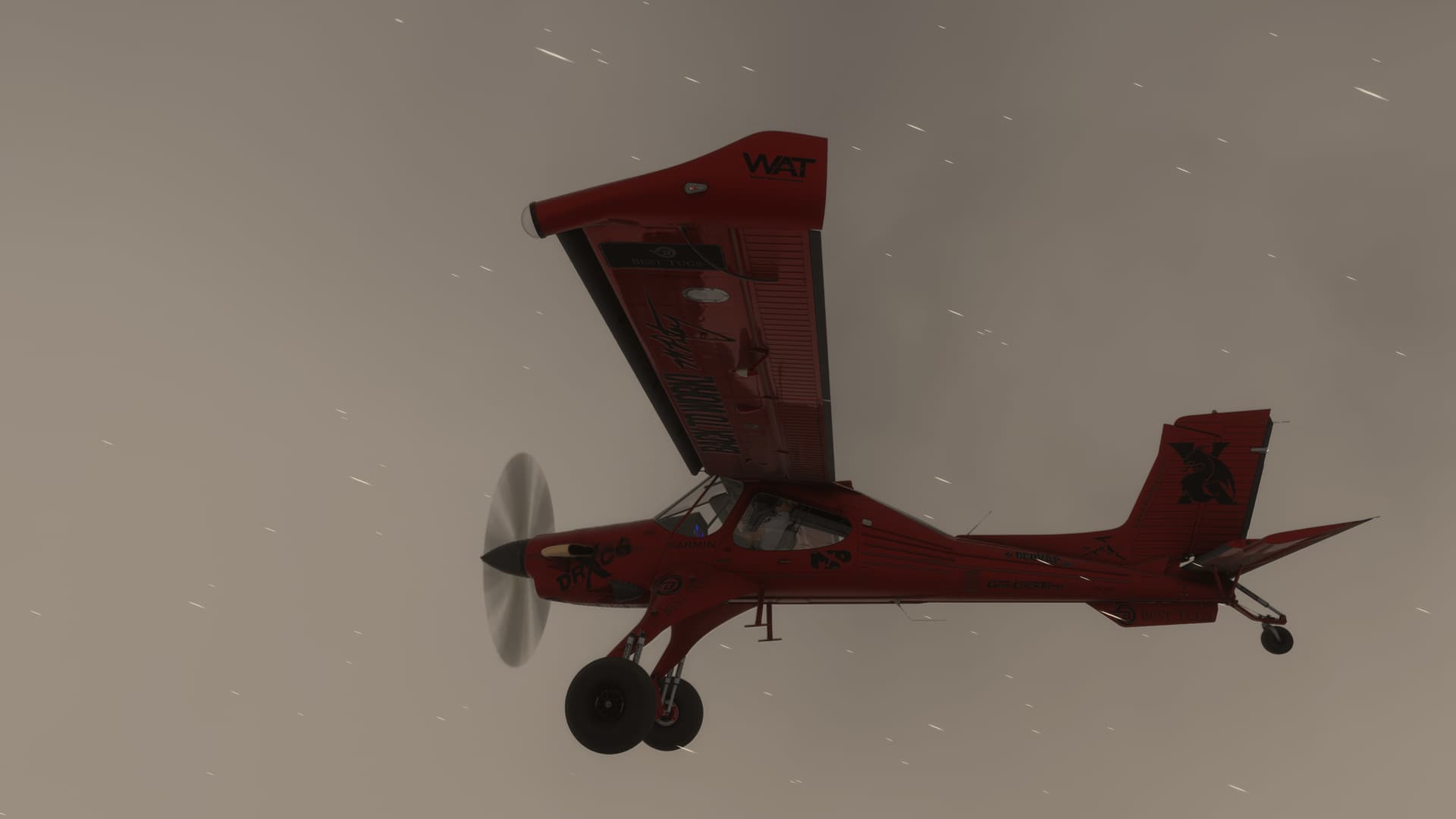
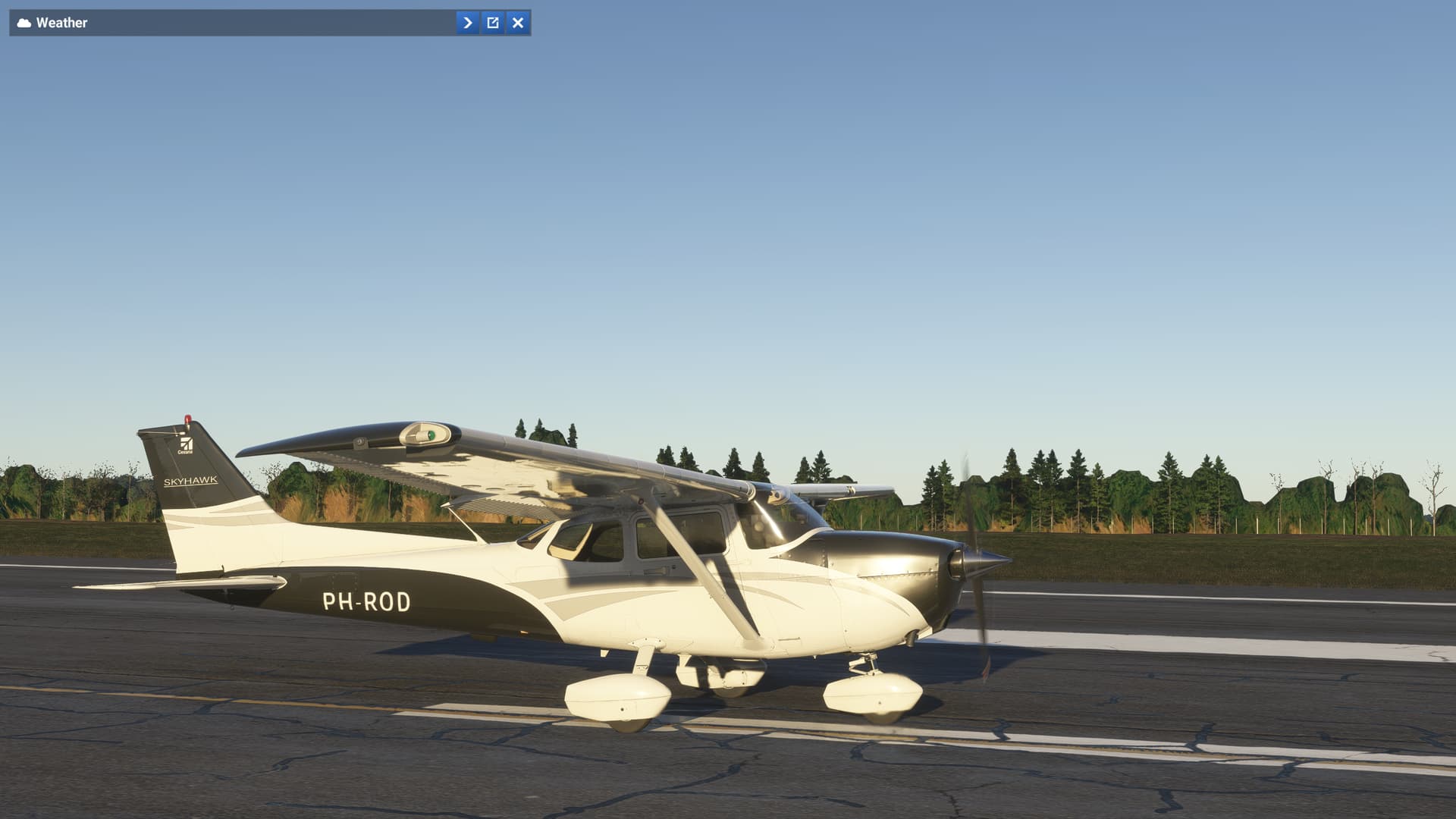
The lighting of all types of aircraft is barely visible during the day.
Beacons, nav and strobes are dimmed and hardly visible during daytime
At night, it returns to a more normal level but still dimmed.

If applicable, which aircraft is experiencing this issue:
All aircraft

[PC Only] Did you remove all your community mods/add-ons? If yes, are you still experiencing the issue?
Default - No mods or add-ons used.

FREQUENCY OF ISSUE

How often does this occur for you (Example: Just once, every time on sim load, intermittently)?
Every time

REPRODUCTION STEPS

Please list clear steps you took in order to help our test team reproduce the same issue:

  1. Start MSFS2024
  2. Select Free Flight during daytime
  3. Go to the ouside view.

YOUR SETTINGS

If the issue still occurs with no mods and add-ons, please continue to report your issue. If not, please move this post to the User Support Hub.

What peripherals are you using, if relevant:
None

[PC Only] Are you using Developer Mode or have you made any changes to it?
No developer mode active.

[PC Only] What GPU (Graphics Card) do you use?
Nvidia RTX4090

[PC Only] What other relevant PC specs can you share?
AMD Ryzen 7900X3D
32 GB DDR5
1 TB SSD
Windows 11 Pro

MEDIA
[END OF FIRST USER REPORT]


:loudspeaker: For anyone who wants to contribute on this issue, Click on the button below to use this template:

Do you have the same issue if you follow the OP’s steps to reproduce it?
•

Provide extra information to complete the original description of the issue:
•

If relevant, provide additional screenshots/video:
•

1 Like

Do you have the same issue if you follow the OP’s steps to reproduce it?
• Yes

Provide extra information to complete the original description of the issue:
• Still the case if light fades away in the late afternoon

Do you have the same issue if you follow the OP’s steps to reproduce it?
•
Same experience

This is the same with the interior lights as well, at least in the 172. It’s so bad that many people have complained that the lights don’t work. They do, you just can’t tell during daylight hours. But once it gets dark you can tell they are on.

4 Likes

IIRC This is already a known bug along with other issue with aircraft lights ie: facing wrong directions etc. MS/Asobo are aware and hopefully a fix will be coming soon!

I’m a aircraft lighting nerd and this has been driving me nuts! :face_with_peeking_eye: :face_with_peeking_eye: :face_with_peeking_eye:

4 Likes

Same here mate thought it was just me to be a stickler for the lighting :see_no_evil_monkey:

Same here with the DA 62, I do see the strobes reflecting on the ground but both navs and strobes are not visible otherwise.

Same with the Caravan

1 Like

Aircraft lights not visible to all aircraft, including the c700 Longitude.

3 Likes

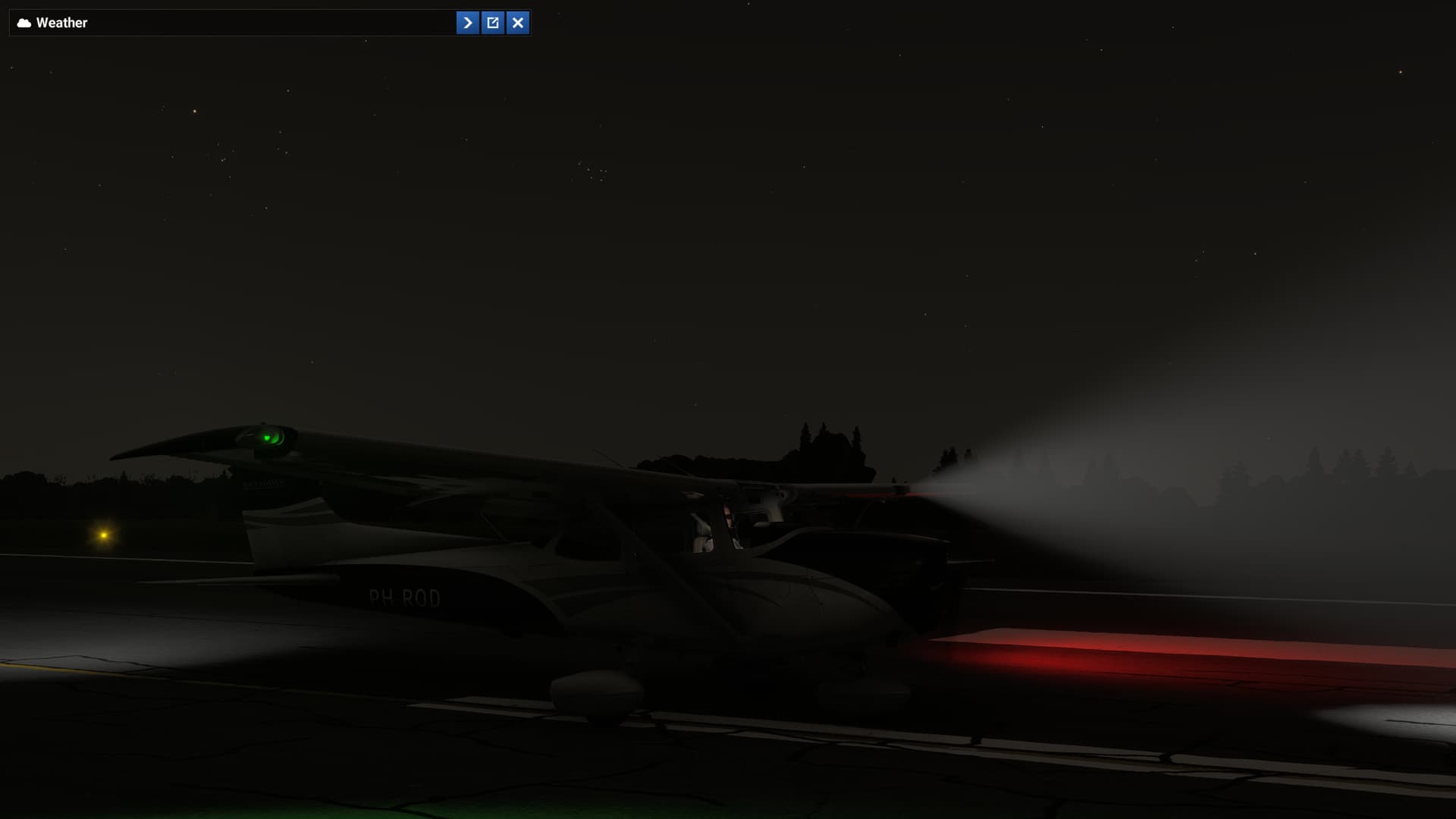
As the title suggests, I can barely see the lights during the daytime, and even at night, I can only see the reflections of the lights they emit on other surfaces, such as the runway or the wings. However, I cannot see the light sources themselves.
Since airport lighting, on the other hand, is highly exaggerated, there seems to be a general issue with the lighting.

3 Likes

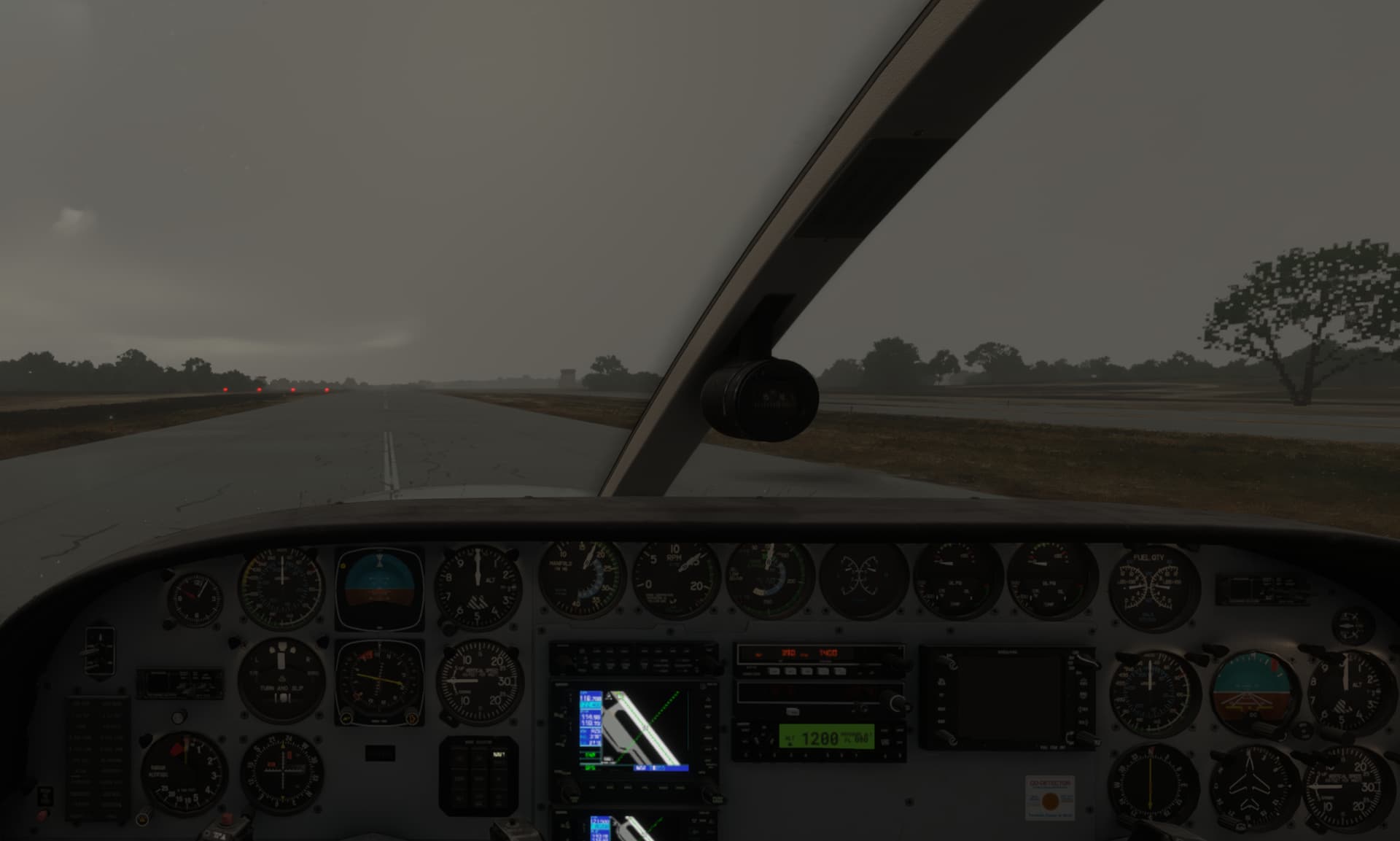
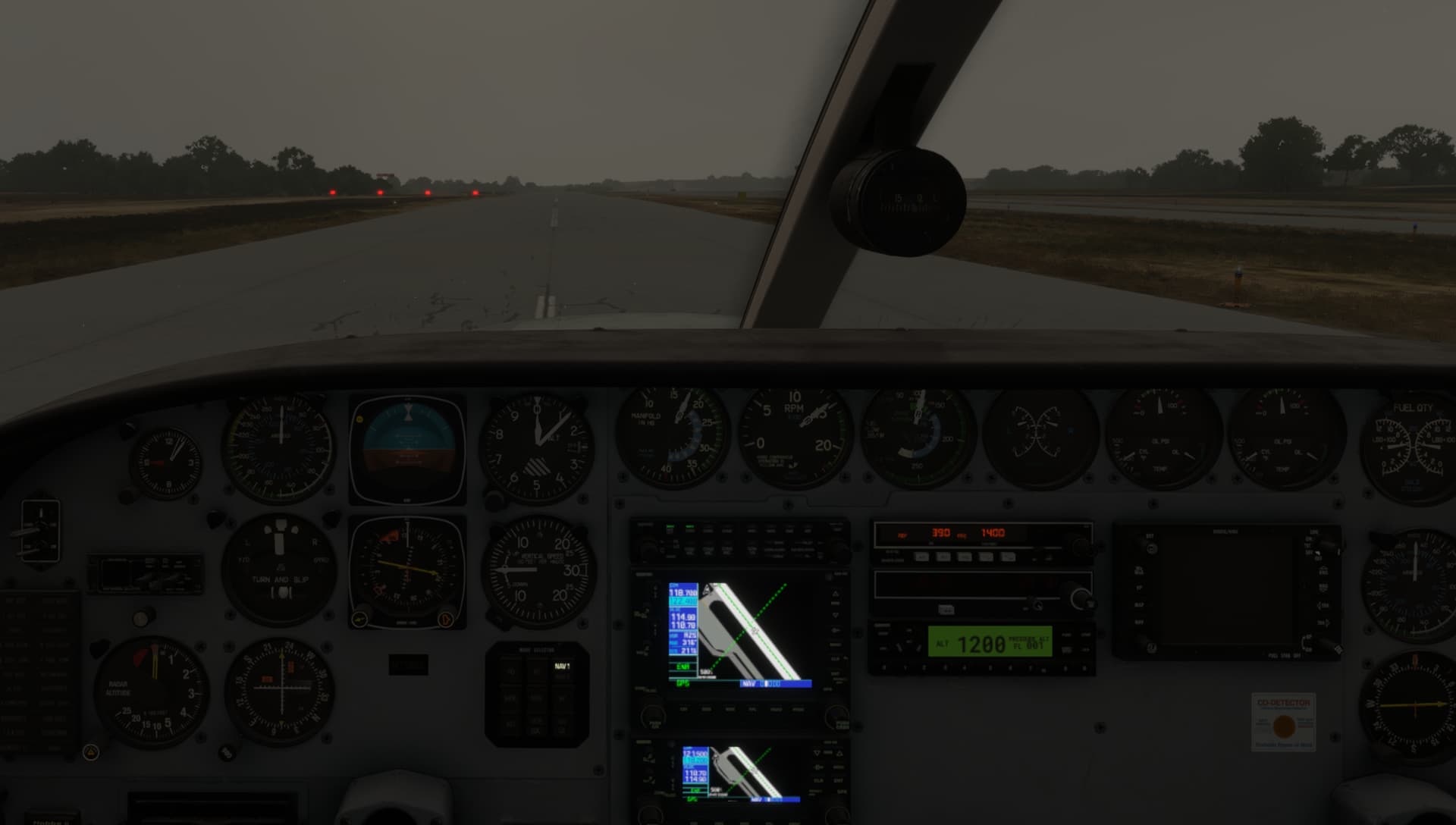
Flood lights at day are not noticable, thats bad on dark cloudy days.

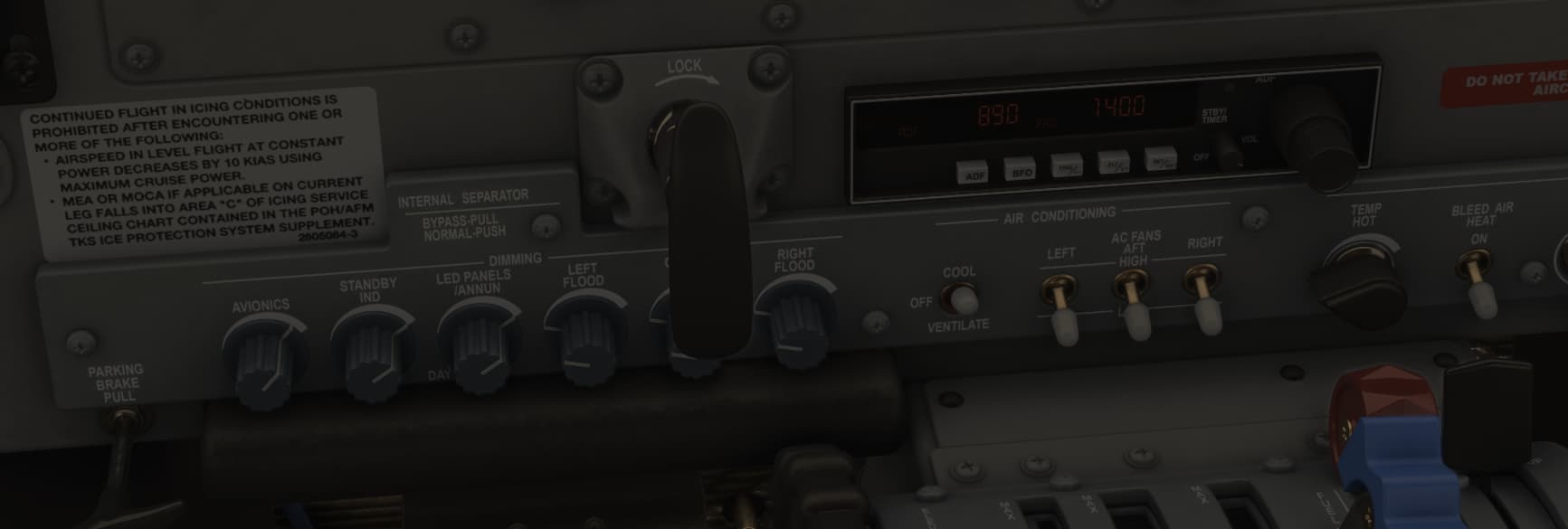
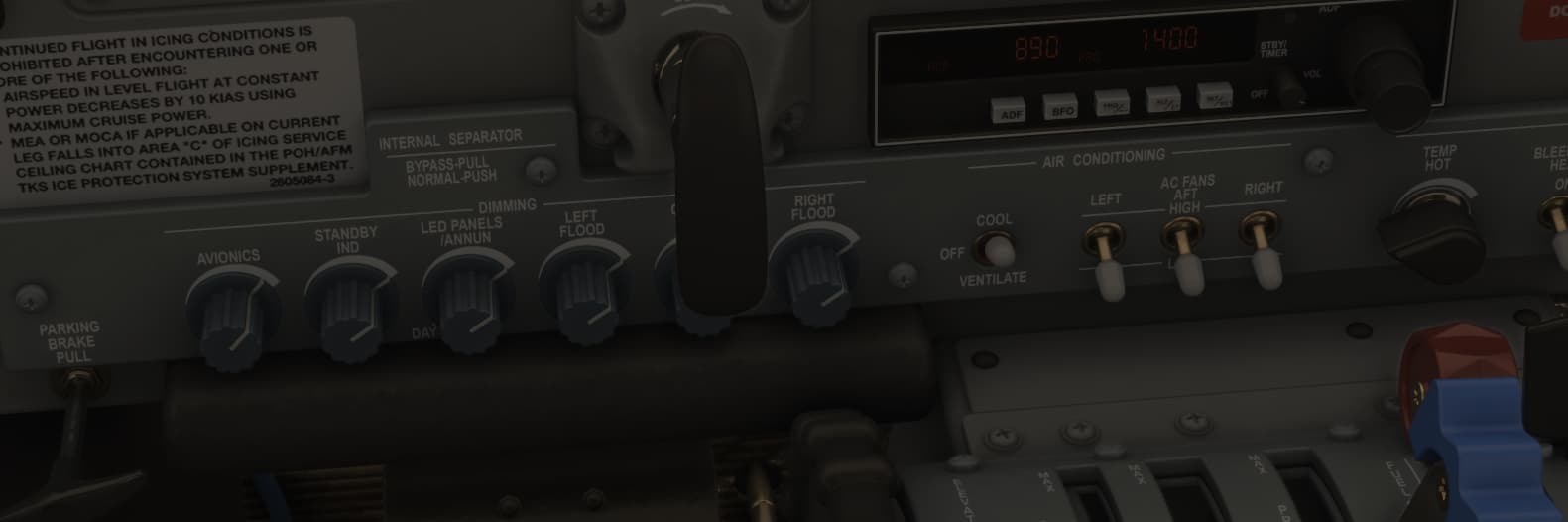
Why the intensity of the cockpit lights is so much dependend on daytime? This may give correct light at bright sunny days in summer, but at cloudy days in winter the cockpit is very dark and flood has no effect

Flood off

Flood full

5 Likes

Same issue on Xbox. All external lights sources (where the lights is coming from is not visible) are not visible. Only the lights reflection can be seen on objects such as taxi ways etc. It affects all aircraft.

1 Like

Do you have the same issue if you follow the OP’s steps to reproduce it?
• Yes

Provide extra information to complete the original description of the issue:
• Steam gauges on ALL aircraft are nearly invisible in daytime especially in dark cloudy weather. And it’s almost as bad when sky is bright, if you include very much of the forward view out the windshield then the instruments are very dark by comparison.
Program any combination of keys or buttons to control the interior and/or panel lighting. No matter if OFF or ON, the interior and panel lighting settings have no effect. I have tried programming PANEL LIGHTS ON, SET PANEL LIGHTS, CABIN LIGHTS ON, SET CABIN LIGHTS, INCREASE LIGHT POTENTIOMETER, TOGGLE CABIN LIGHTS.

This affects ALL aircraft! Steam gauge visibility has been a problem sometimes in FS2020 but got much worse in FS2024.

If relevant, provide additional screenshots/video:
This shot is the Cessna 404 Air Ambulance with the panel lights and instrument lights “ON” and the INCREASE key held down. Typical of the steam gauge readability issue.
•
All Interior Lights ON

All Interior Lights OFF - no difference

1 Like

I’ve noticed this on Xbox series X. Aircraft internal lights are tied to ground / building lights. They come on at the same time and so aren’t visible during the day

ISSUE DESCRIPTION

Description of the issue:
The external lights are not visible at certain view angles or distances at daytime.

If applicable, which aircraft is experiencing this issue:
Cessna 172 G1000

[PC Only] Did you remove all your community mods/add-ons? If yes, are you still experiencing the issue?
yes/yes

FREQUENCY OF ISSUE

How often does this occur for you (Example: Just once, every time on sim load, intermittently)?
always (when flying at daytime)

REPRODUCTION STEPS

Please list clear steps you took in order to help our test team reproduce the same issue:

  1. set any time during day
  2. start flight
  3. turn on the external lights
  4. switch to external view
  5. zoom out max and change view angle

YOUR SETTINGS

If the issue still occurs with no mods and add-ons, please continue to report your issue. If not, please move this post to the User Support Hub.

What peripherals are you using, if relevant:

[PC Only] Are you using Developer Mode or have you made any changes to it?
no

[PC, MSFS 2020 Only] Are you using DX11 or DX12?

[PC Only] What GPU (Graphics Card) do you use?
RTX 4090

[PC Only] What other relevant PC specs can you share?

MEDIA

Please add a screenshot or video of the issue occurring.
Demonstration (taxi and landing lights): https://www.youtube-nocookie.com/embed/78_9Dhp5x5A

[END OF FIRST USER REPORT]


:loudspeaker: For anyone who wants to contribute on this issue, Click on the button below to use this template:

Do you have the same issue if you follow the OP’s steps to reproduce it?
•

Provide extra information to complete the original description of the issue:
•

If relevant, provide additional screenshots/video:
•

This appears to be happening with all air craft, not just the Cessnas

8 Likes

The problem still exists.

2 Likes

A post was split to a new topic: C208 interior spot light

Do you have the same issue if you follow the OP’s steps to reproduce it?
• Yes

Do you have the same issue if you follow the OP’s steps to reproduce it?
• yes, pick any aircraft at daytime