Thank you for using the Bug section, using templates provided will greatly help the team reproducing the issue and ease the process of fixing it.
Are you using Developer Mode or made changes in it?
no
Have you disabled/removed all your mods and addons? If the issue still occurs with no mods and add-ons, please continue to report your issue. If not, please move this post to the Community Support section.
Yes
Brief description of the issue:
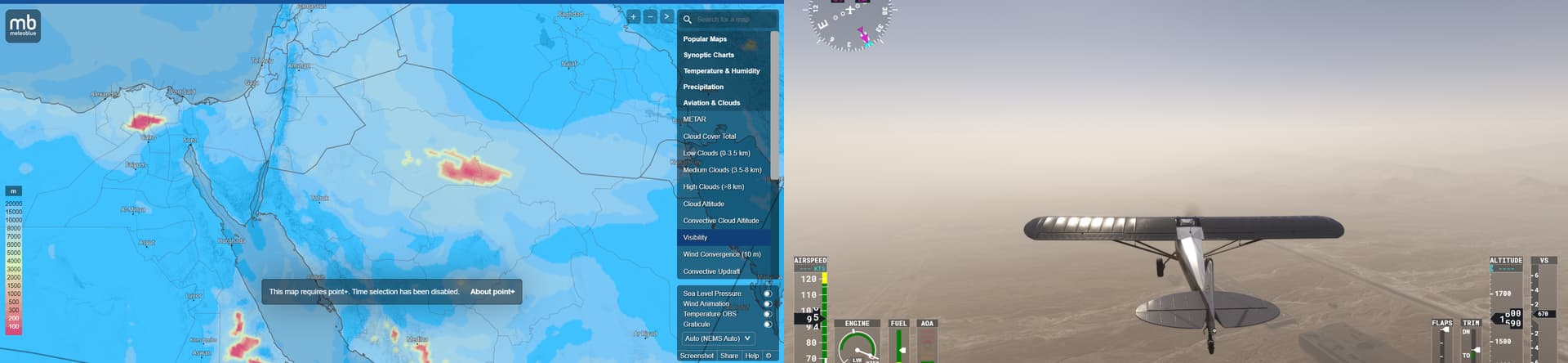
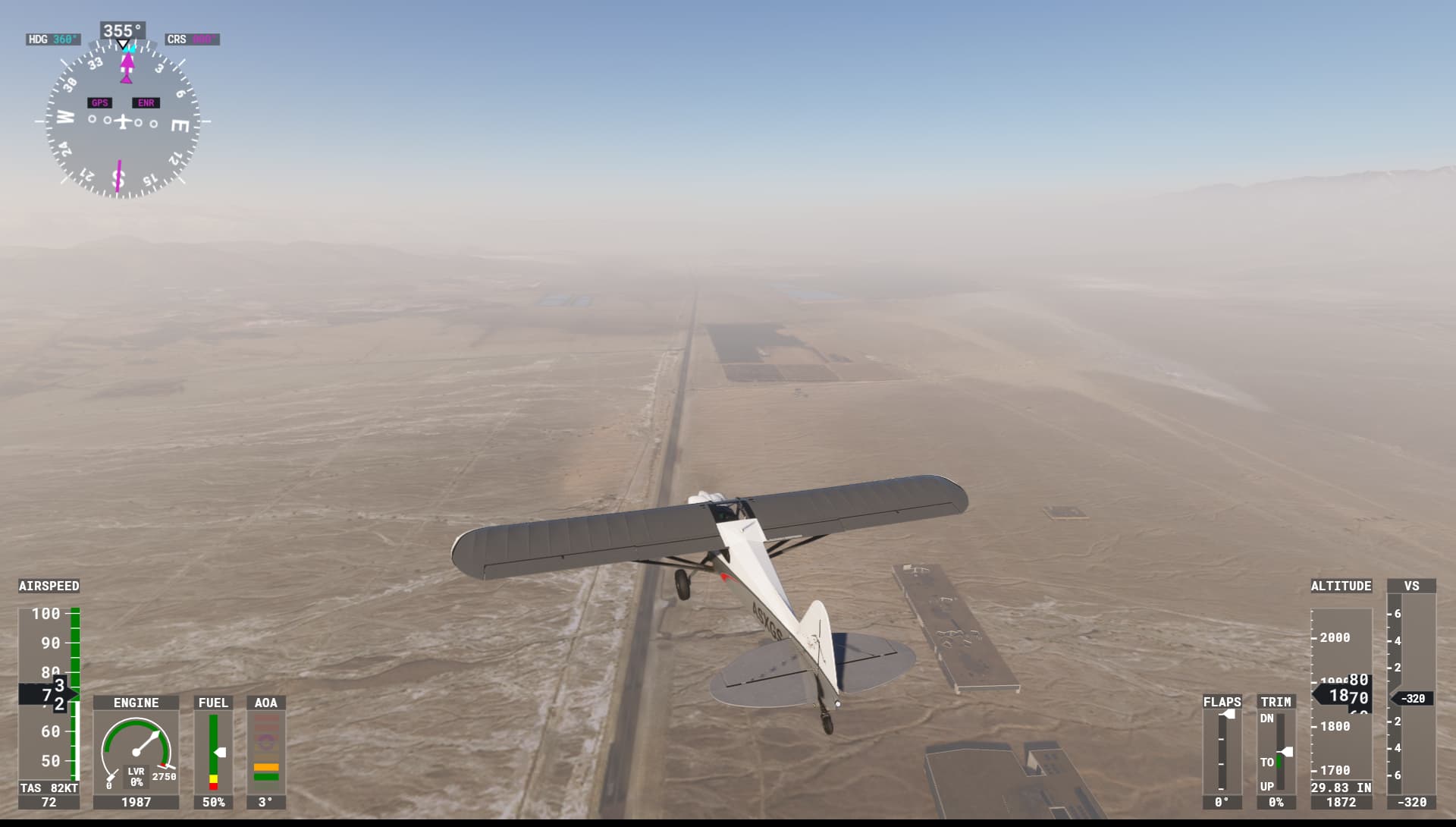
Always fog in LLER but there is isnt in real life and also in the metar.
Provide Screenshot(s)/video(s) of the issue encountered:
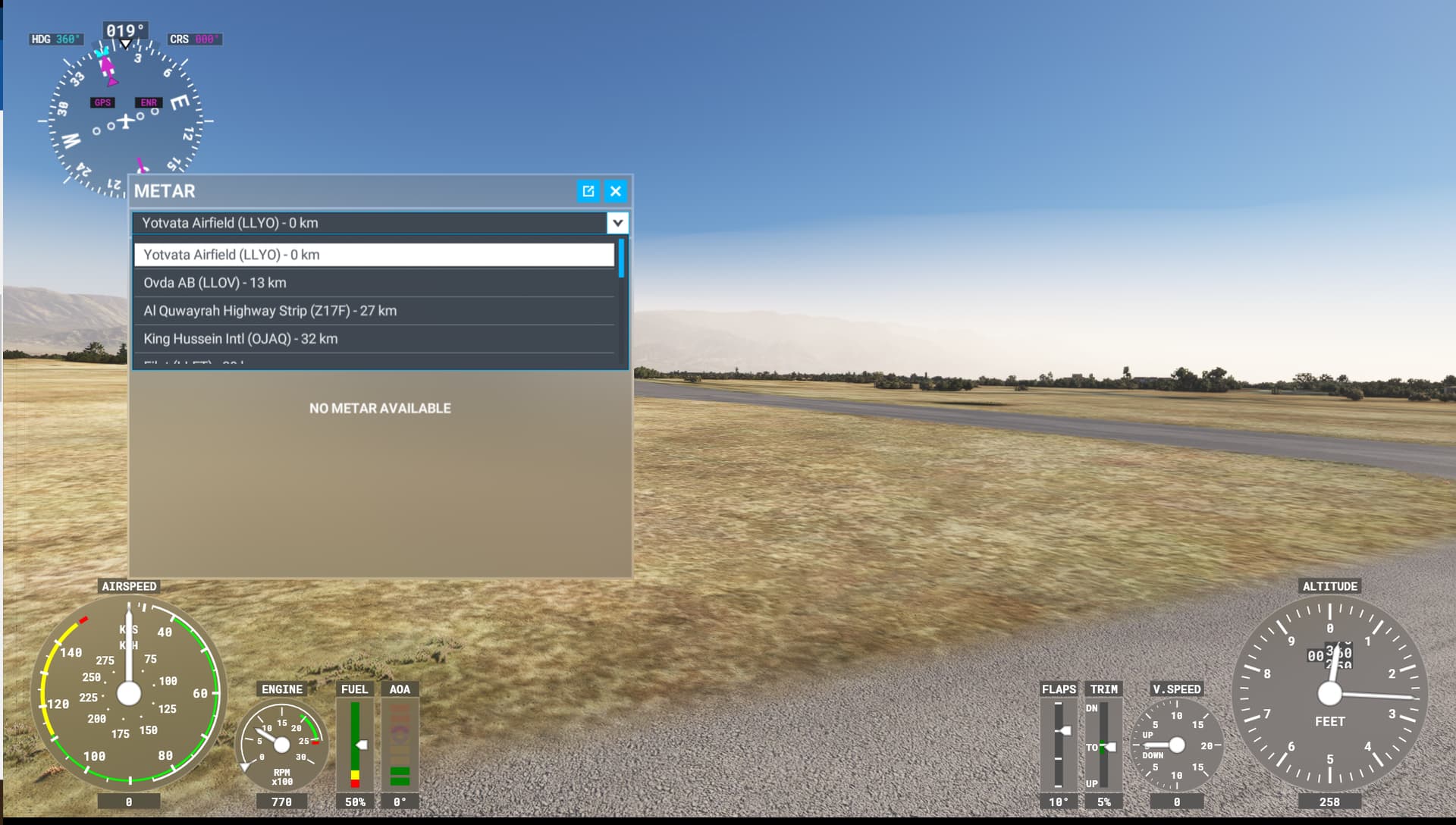
Ok, thanks for the information. So for the ones that don’t have that scenery and want to replicate the issue we need to start in flight at the exact location of the airport and pull out a METAR from an external source.
He said he disabled all the mods though, but we know how it is, people always say they disabled all the mods even when they didn’t… The only way for him to have the metar in-sim is to have an addon scenery installed.
Thanks for all the help! If you need a LLER airport you will need navigraph/ freeware version at flightsim.to or payware. Its not a bug with the airport its a bug in this area that there is fog always.
If only more users would provide such extensive information when reporting Live Weather issues. There are many threads dealing with unwarranted fog, and most don’t contain any valuable information other than “Fog at XXXX, shouldn’t be!”
I know because I searched for a thread I glanced through just recently (didn’t find though), where there was always fog at an airport in India, and it turned out that the local METAR seemed to report 9km instead of 9999 for 10+km.
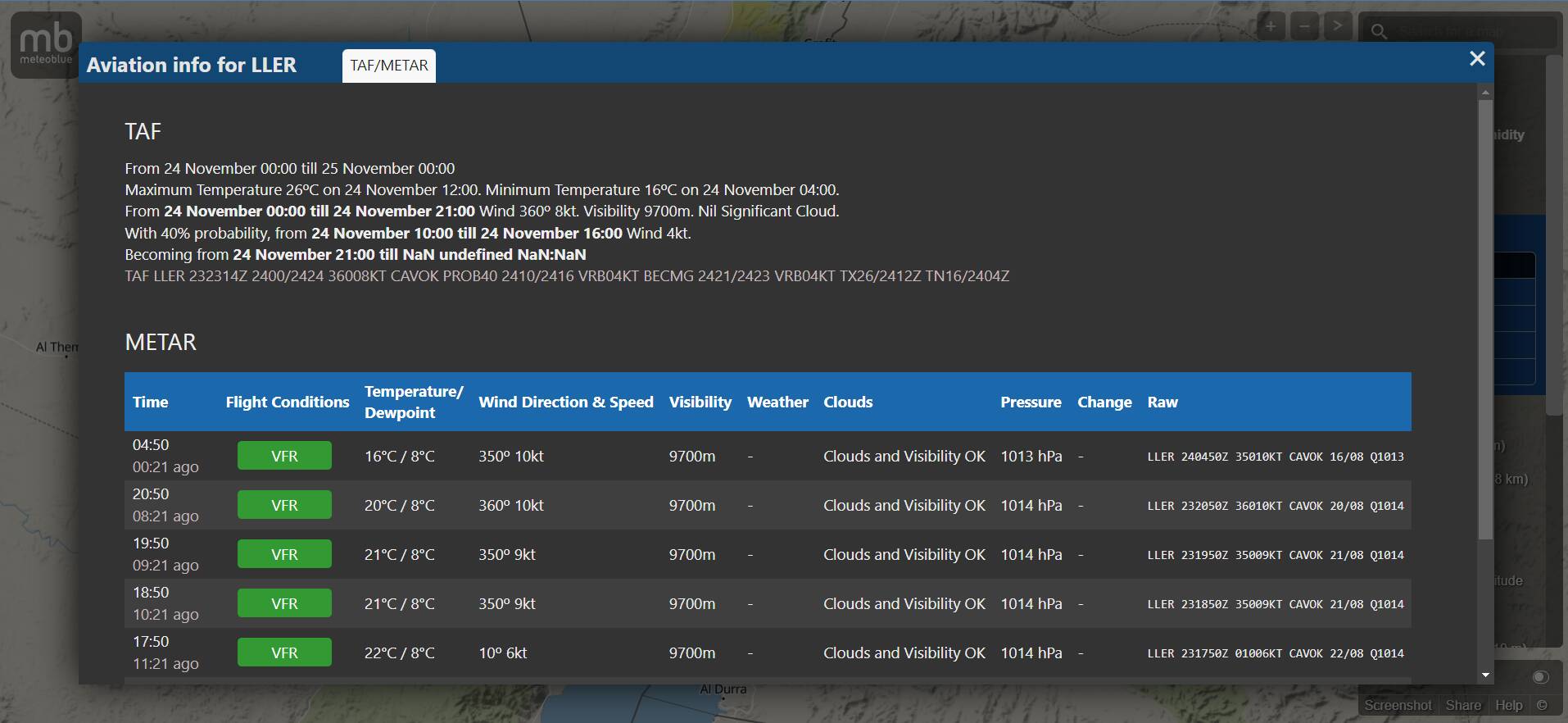
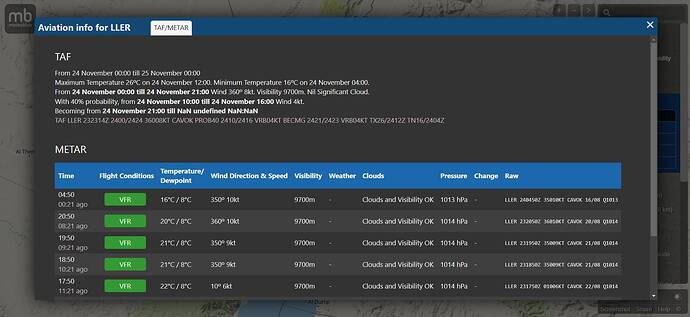
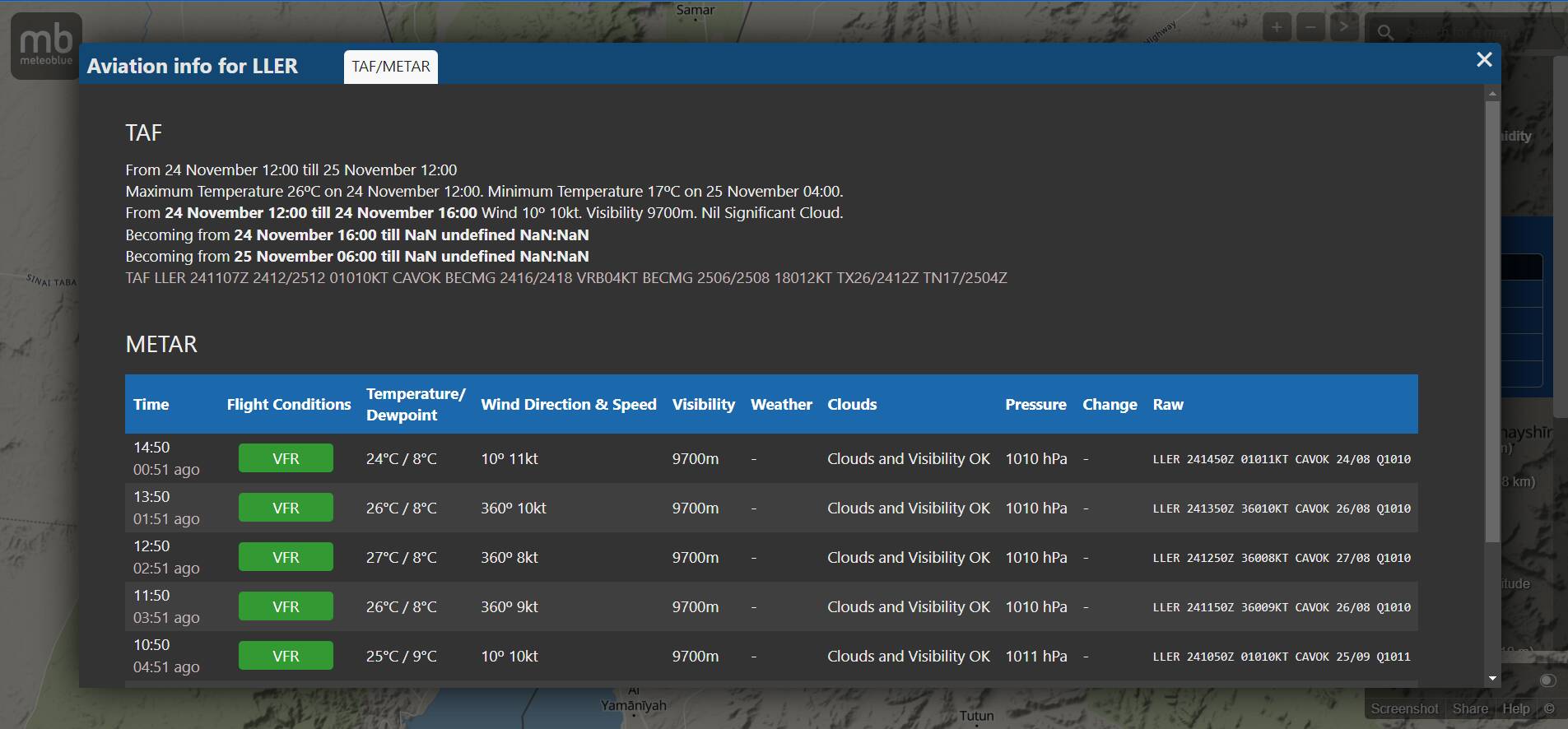
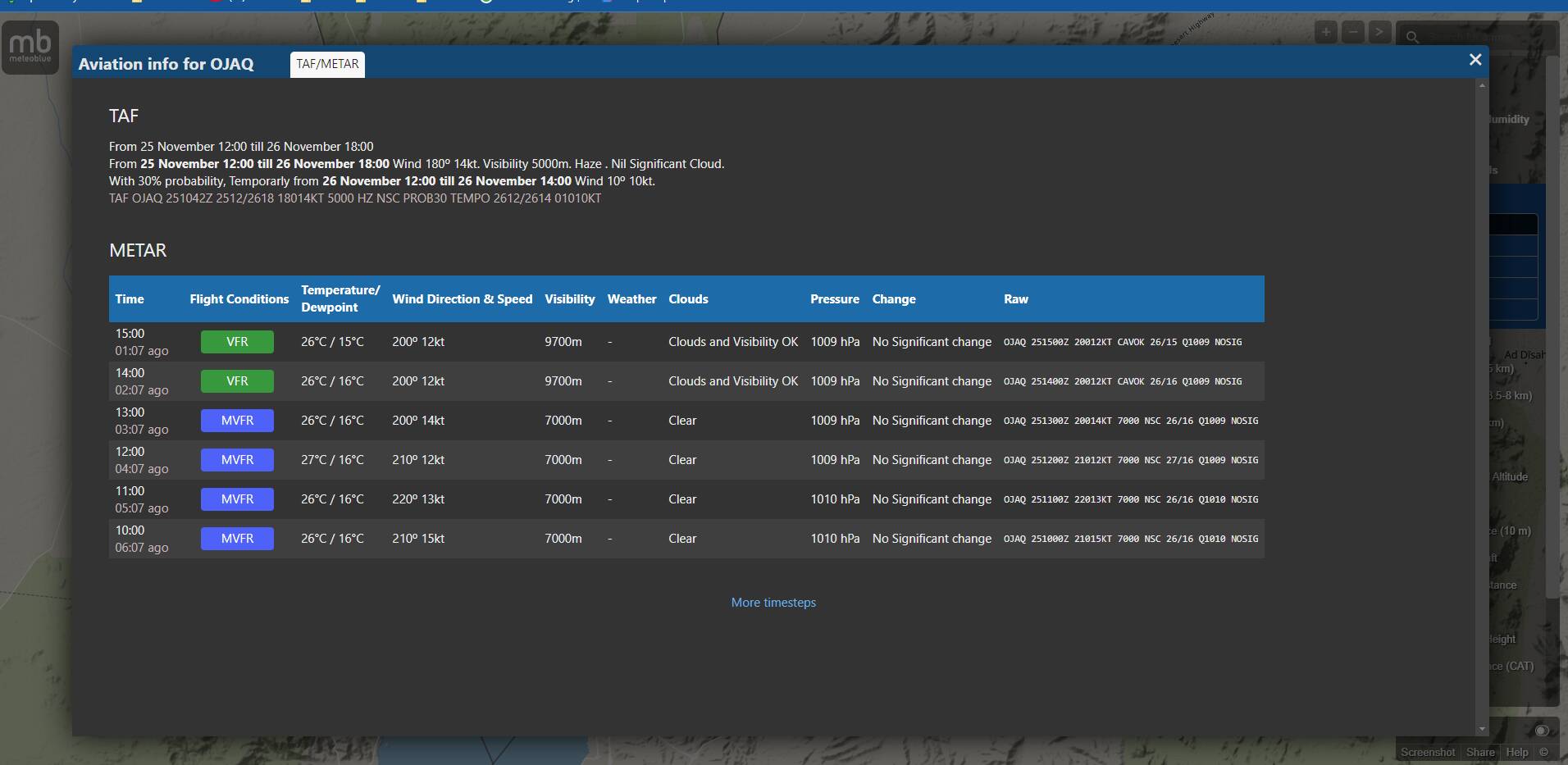
Looking at the screenshot you provided I noticed that although the RAW METAR reports CAVOK, Meteoblue translates that with 9700 m, which is not only odd, but contradictory, as with a CAVOK report one may indeed experience obstructed visibilty with 11km or so, but certainly not lower than 10 km.
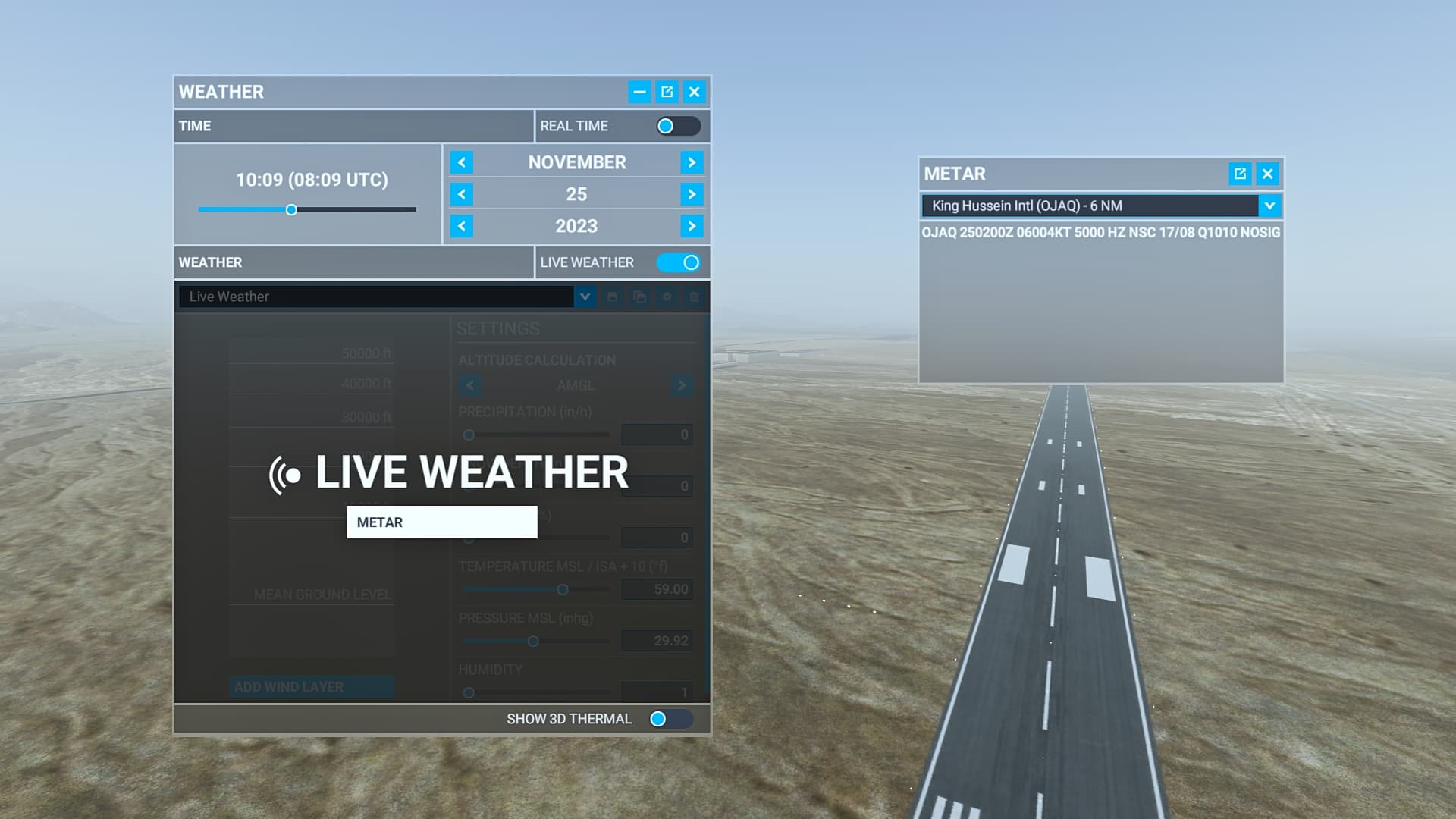
On the other hand the neighboring Aqaba Airport OJAQ only a very few miles to the south reports haze with visibilities from 5000 to 7000 m.
So the sim showing hazy conditions may well be an interpolation result.
Edit: found a webcam at Eilat Beach, conditions 1 hour ago looked like this:
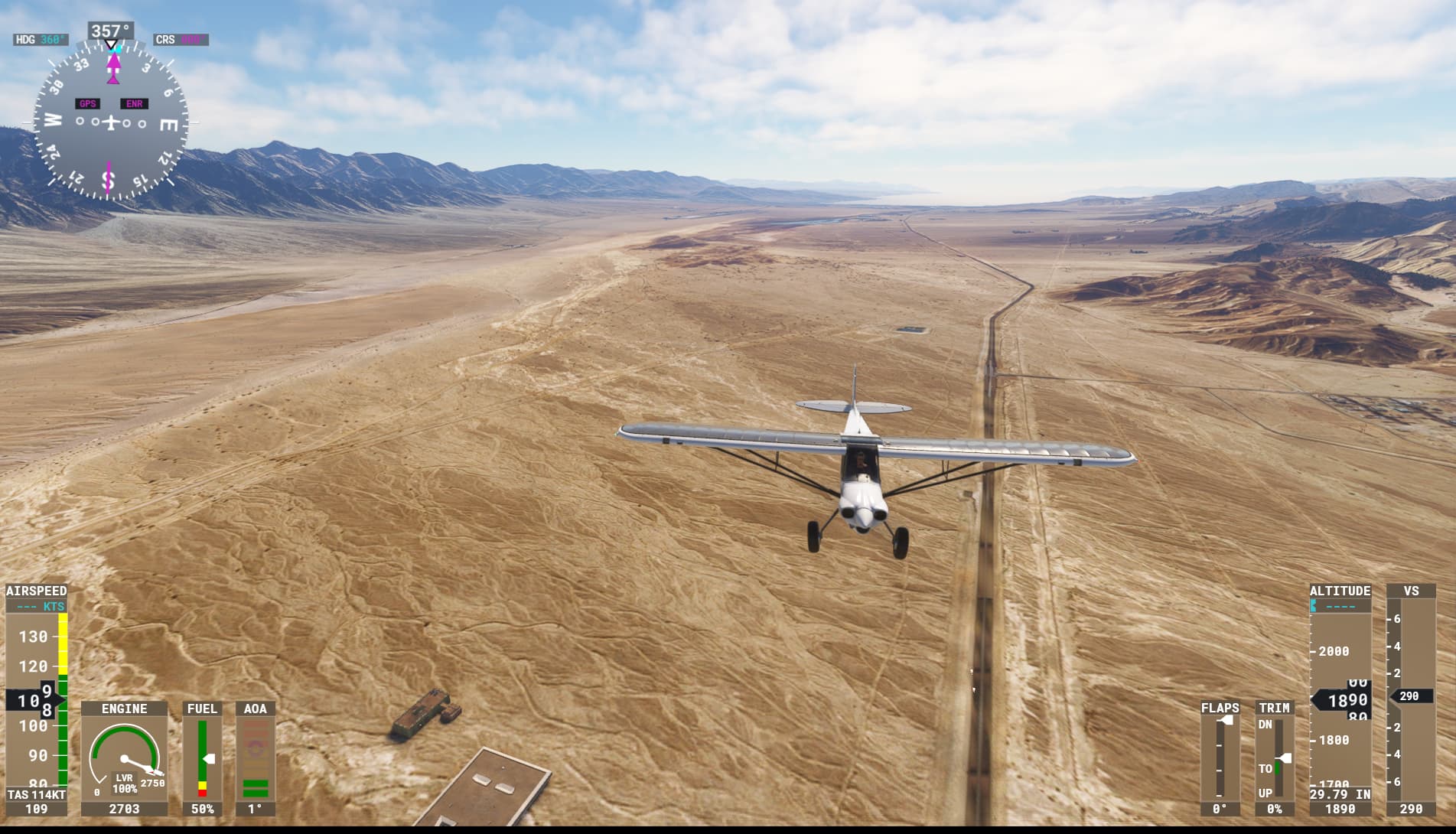
Well, there’s haze, according to the webcam, isn’t there? So while the sim may not depict the irl conditions to 100%, I would consider the screenshots from the sim @DementedCorn327 provided relatively close to the irl conditions I see on the webcam.
And as to Visual Approaches in operation: depending on the local regulation that may be permissible down to 3 miles visibilty.
When it comes to Live weather, I truly think it is important to be realistic: when two airports are as close to another as Aqaba and Eilat, and both report slightly different conditions (5000 m vs. CAVOK), some inaccuracy is to be expected.
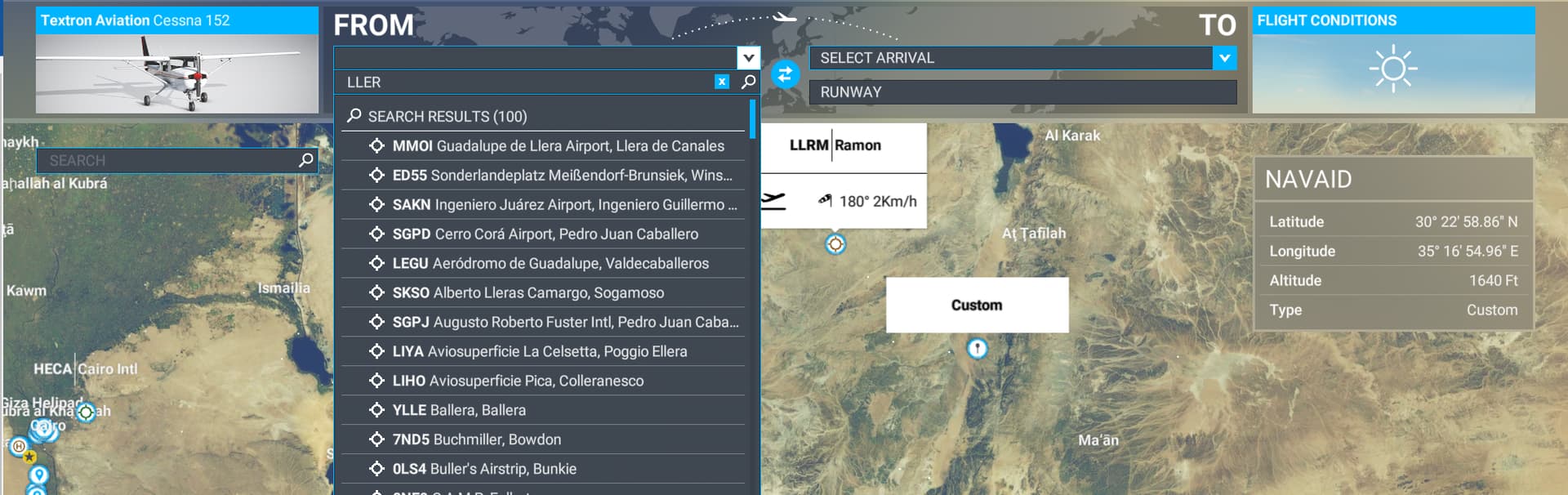
LLER does not exist in the base MSFS and even if in IRL it has METAR or you can get a METAR after having installed the airport addon, in the sim there is no existing base METAR for that airport, you can only get the info via external sites:
So until MSFS implement that airport with his METAR and hopefully the weather engine can manage smoothy visibility transition between 2 airports so close you’ll have more or less at LLER the visibility reported at OJAQ
Since METAR implementation we can see those bubbles related to wind/pressure/visibility around airports that are reporting METAR in the sim and transition with surrounding Meteoblue forecast values sometime are smooth, sometime not, depending on how the values are close or not. This is the result of the coexistence of 2 data sources for Live weather. This is a topic that can be discussed in the support forum.
Anyway, this issue is not unique to LLER and will happen at other airports with similar characteristics.
Correct, but the OP has an addon scenery for LLER installed (that’s why he can get the in-game metar for LLER) so his sim has LLER and he shouldn’t be affected by the OJAQ bubble but should be affected by the LLER bubble instead, wich reported 9000 visibility.
What you said applies if one doesn’t have an addon scenery for LLER, then there is no LLER in the sim. But that’s not his case.
Well, I am not 100% sure that those 3rd party airports (new airport that does not exist in the base sim and that also add a METAR station that also does not exist in the base sim) if in that case Live weather engine is taking the new METAR in account and generates the corresponding Live weather.
A good test would be to identify 2 airports in the base sim (close one from the other) where METAR exist, that usually have different weather conditions and see if 2 different bubbles are clearly generated. If it is the case, that means that the 2 airports must exist in the base sim to have the METAR taken in account by the weather engine. If it is not the case, then that means that there is a logic in Live weather to give priority to a METAR station over the other one, but who know what are the criteria to determine it.
Guess LLER station is not reporting during night time because when I search for LLER metar on METAR LLER - Ramon International Airport, Eilat, Israel it also shows the metar for OJAQ. It’s possible that the airport is closed at night, so it doesn’t report any metar.
OJAK METAR visibility is covering a large surface that includes LLER
the METAR you are getting in the sim thanks to the 3rd party addon you have installed is not taken in account by Live weather engine since LLER airport does not exist in the base sim
(I did a test yesterday with 2 close by airports that exist in the base sim, one IFR the other one VFR and a bubble with clear visibility was generated around the VFR airport)
 Thank you for using the Bug section, using templates provided will greatly help the team reproducing the issue and ease the process of fixing it.
 For anyone who wants to contribute on this issue, Click on the button below to use this template: