3 medium cargo in all of England 
Any tips to map the pedestal levers?
For me in in my Bravo Throttle 0-100 gives me full reverse at about half axis so half axis is not used.
Condition levers don’t know what to map for them…
Thanks!
They are much reduced. I wonder if they were causing graphics issues just having so many? It’s not a good outcome for us and the worst is they won’t tell us anything about it either 
I’ll look tomorrow at my bravo. Gone to bed now. I didn’t try binding them earlier.
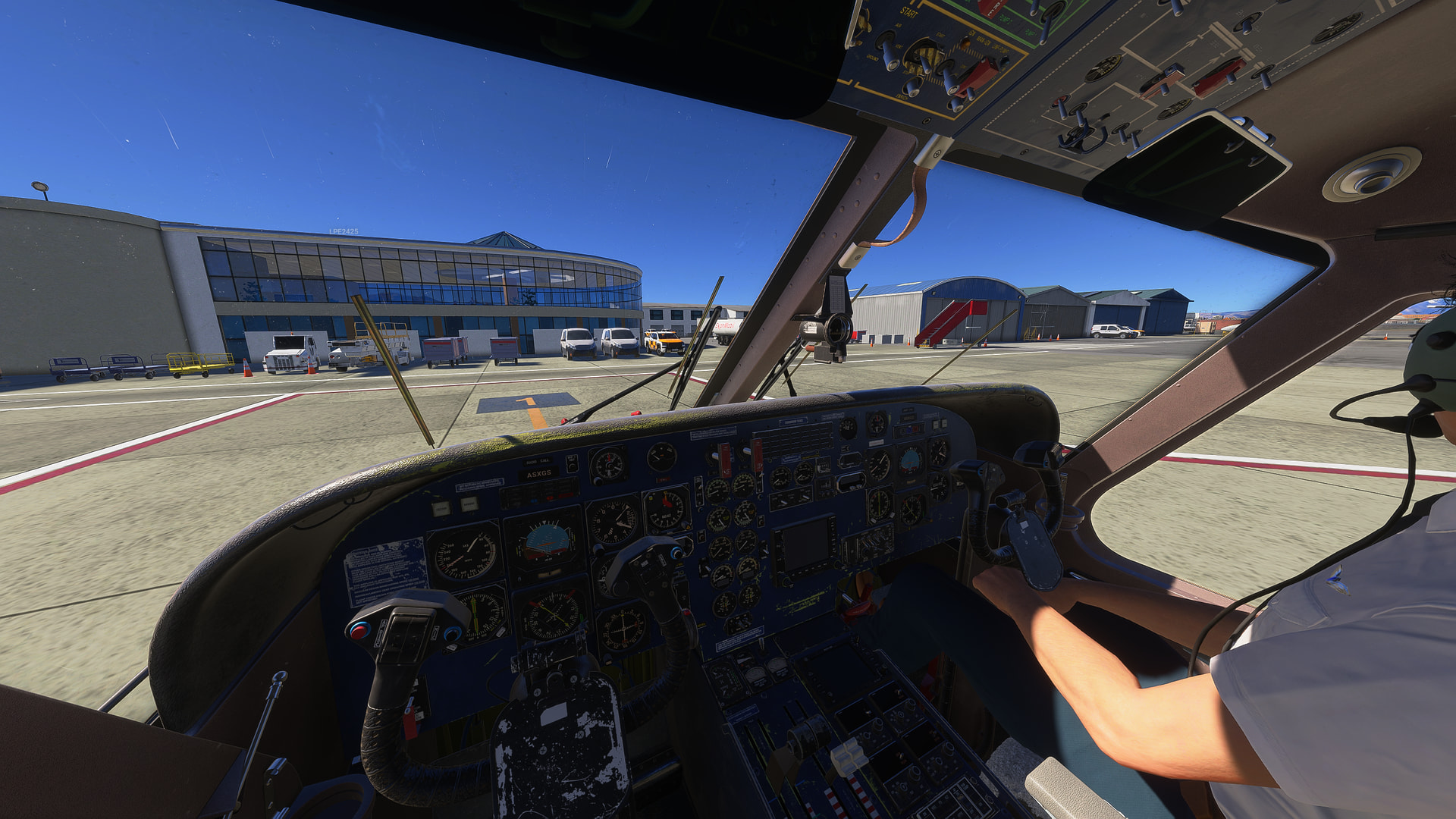
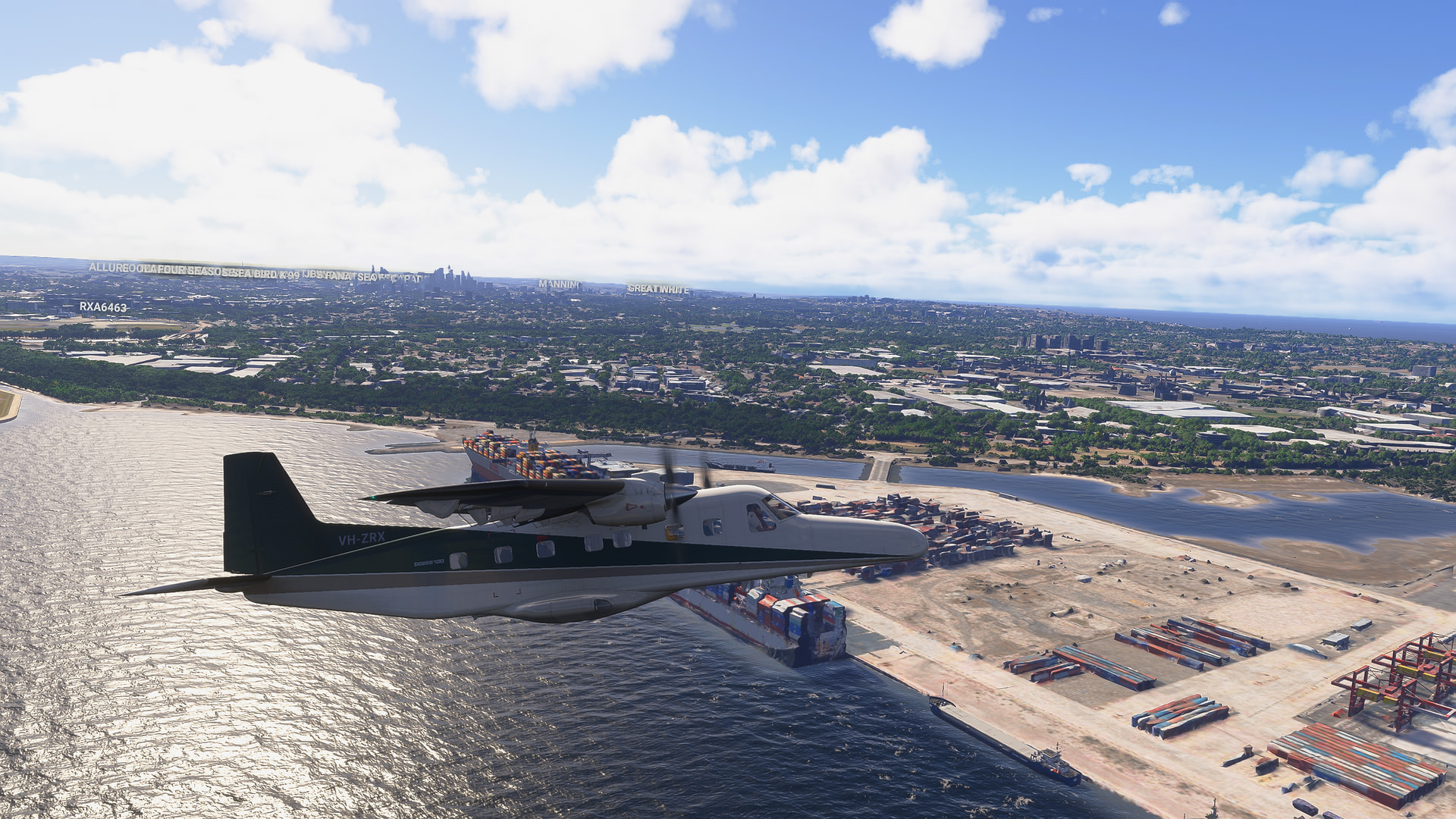
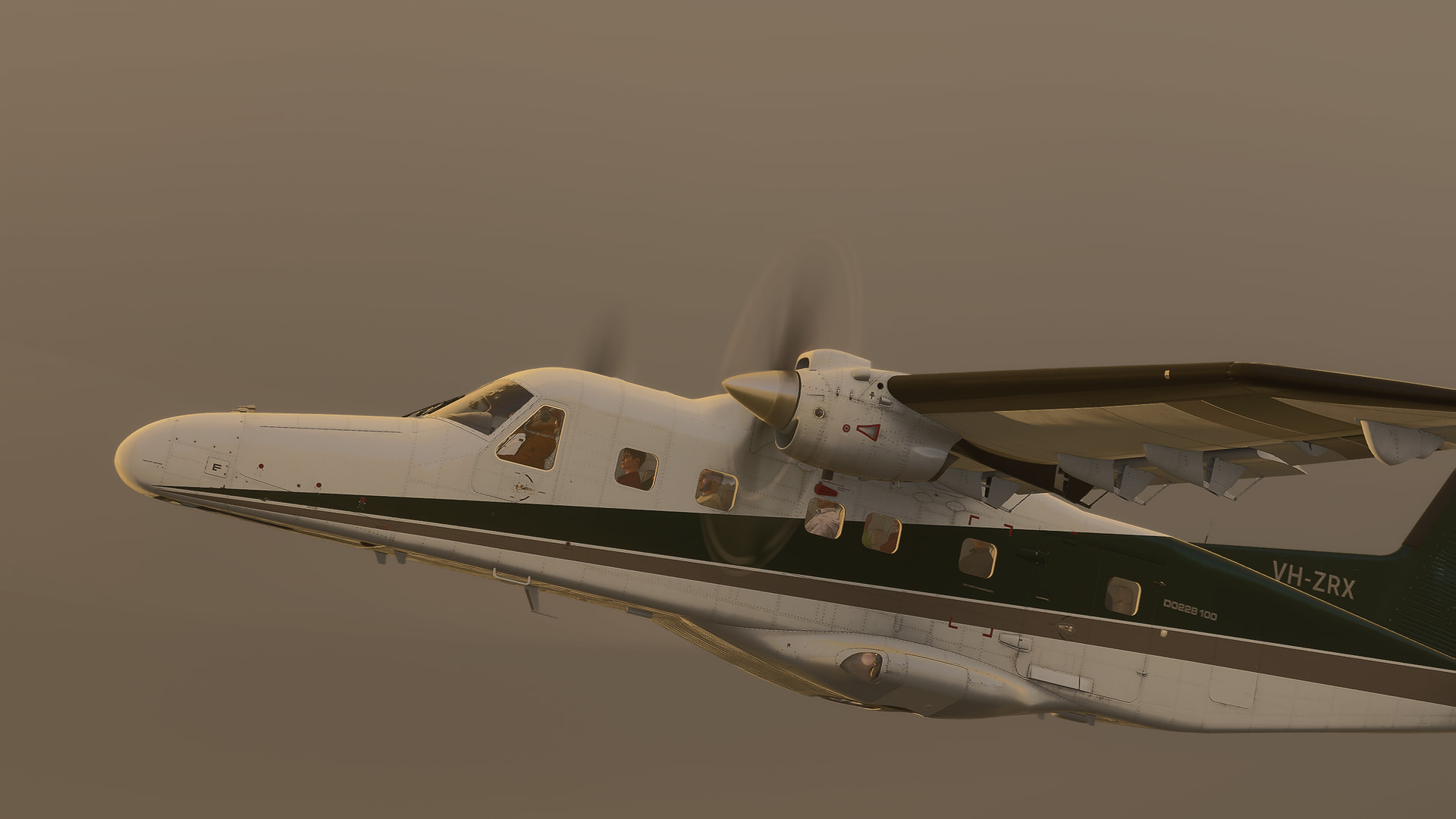
Don’t forget no paintkit!
How does it compare to the Skyvan or the blackbox sherpa? (I know the skyvan isn’t flyable in 2024 but I still remember how it flies from 2020!)
This issue might not be noticeable to pilots who are accustomed to using only traditional analog HSI
When the navigation source is set to GPS, the Course Deviation Indicator (CDI) on the EHSI(Aspen E1000) does not function.
The CDI functions normally when the navigation source is set to VOR or ILS.
Instead of showing lateral deviation from the planned flight path (where the needle should shift left or right to show distance off-course), it merely acts as a bearing pointer, pointing in a straight line directly toward the active waypoint. On a properly functioning HSI/EHSI, the CDI must display lateral course deviation relative to the selected GPS track.

In its current state, the E1000 EHSI is not working properly; in GPS mode, it behaves like a simple bearing pointer rather than displaying course deviation.
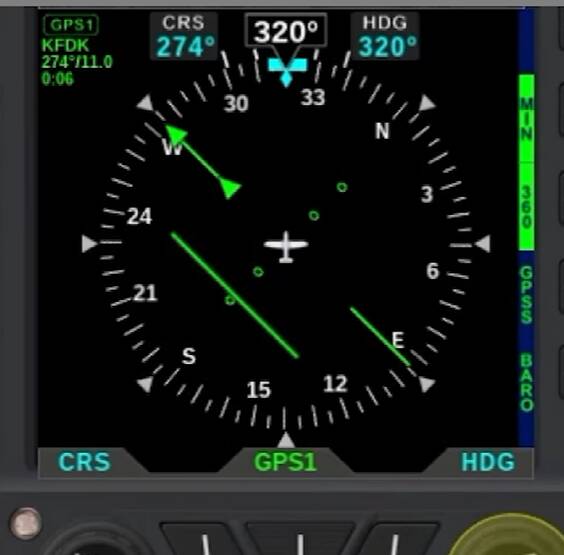
When working normally, the E1000 HSI should show your lateral deviation from the GPS path, with the CDI needle shifting left or right. This correct behavior should apply to all other aircraft equipped with the E1000 system, but unfortunately, none of them are functioning properly at the moment.
I want to emphasize that I absolutely love Carenado aircraft for their beautiful, high-quality textures and very reasonable pricing.
I do not expect study-level, deep systems complexity from your products
I enjoy them for what they are. However,
I truly wish these kinds of fundamental navigation bugs would finally be addressed and resolved.
Did you report them directly to Carendo via Submit a request – Carenado Support
I’ve only every reported bugs with them via that channel, not zendesk (which isn’t the correct channel for Carendo planes anway) and I’ve had follow on interactions with their support as a result. Link back to this thread as well. Shouting on the forums won’t do anything, they only respond via official developer support channel - which is what every 1st/2nd/3rd party dev is supposed to do anyway.
Yes, I’ve filed a direct ticket on Carenado’s Zendesk. I own a few other planes from them and already reported this same bug a while ago.
It’s been over 10 months since I submitted that report for the other aircraft, and sadly, it still hasn’t been fixed yet.
First you should confirm the issue exists with this one (not assume, even if likely) via an existing owner if they can, and get people to submit direct reports. And follow them up. There may be another reason they haven’t fixed it if it’s multiple a/c related. Just saying.
I’m not buying this one currently (not buying any actually atm) so I’m out. Maybe later.
Which a/c have the issue with currently? (I may have one)
Replication steps (KISS).
Make it easy for people to replicate and submit = more reports = more pressure on their support channel to resolve (in theory)
https://carenado.zendesk.com/hc/en-us/requests/new
Can also complain/suggest/request/feedback direct via Contact Us – Carenado
This sort of post is extremely unhelpful - I’d suggest you delete it.
I have a Logitech throttle quadrant and am unable to reverse the power lever. Also not sure how to control the props, let me know if you find out a keybind!
Same on my controller. I can’t map the prop levers to anything, unfortunately.
Among Carenado’s fleet, the Dornier 228 (Do228) and the Baron B55 are the two aircraft equipped with the Aspen E1000.
This issue occurs 100% of the time on both of these aircraft.
I have already explained above how the system is supposed to function.
Never mind then. Good luck with your campaign.
PS: The easier you make it for people to follow (ie: not hunt through a thread) and the more likely it is people will submit bug reports. It also keeps it consistent and replicable, not only for users but for Carenado to replicate.
In the menu of the E1000 there is a toggle between HSI and CDI operation from what I remember from flying it yesterday. Is it not doing anything? Cannot check right now.
Did a flight with it today, will be doing another flight with my thrustmaster Airbus setup so I could reverse thrust , very fun aircraft to fly 
Hi,
Having a few hours ( almost 100) in the real DO-228 this was a “Must Buy” for me.
However I have some mixed feelings about this rendition after a first short flight.
I could not assign the condition levers to any of the MSFS 2024 hardware bindings.
Seems that the condition levers, even when moved with the mouse, don’t do anything, except for shutdown of the engines. They should increase the engine rpm to max when pushed all the way forward.
The DME switching does not work. Cannot select number 2 DME.
Could not use the pitch mode of the autopilot with my Honeycomb Bravo. i.e. vertical speed.
The sounds are, well, just so so.
I remember the DO-228 in X-Plane 11, which BTW seems to have the same textures in MSFS2024, was much better developed.
Hopefully Carenado will come up with an improved version soon.