Don’t let your hatred for the F-35 blind you. EF Typhoon operating cost in UK is double that of the F-35. The F-35 hourly cost is actually similar to that of the Tornado GR4 (in 2018), a 5th gen Stealth multi-role fighter versus an (updated) 80’s 4th gen multi-role aircraft.
Bought it.
Looks great.
For me, the flight controls (including nose wheel steering) are too sensitive and require more dampening (not changing controls setup as they are perfect for my other fast jets).
I had the continuous spike warnings like others.
With default load, I managed to take-off with no reheat (hadn’t setup a binding) and I couldn’t move throttles into reheat - not sure that this is realistic.
I think it shows promise, but for me, it is not quite what I had hoped for.
I will stick with it as I love the F-111.
Quick story, I am ex-RAF aircrew and did a tour of duty at RAF Lossiemouth.
F-111s were regular visitors.
F-111 pilot, last flight, on departure from Lossiemouth, provided an impromptu beat up of the airfield.
Ultra low level, very fast, and as he pulled up on max G, his wing tips went supersonic and the ends broke off!!!
Mayday call, followed by emergency landing back into Lossiemouth.
Crew safe, but rather embarrassed.
Aircraft was on the ground for many months before being loaded onto a Galaxy for transit to the USA.
Was it the F-111 from the marketplace or the one from the above link?
Bought from the Market Place as I could only find FSX versions in other locations (when I looked).
Plane looks great and I’m Interested for sure. So are you the developer? If so, shouldn’t you know what axis the wing sweep is coded to? Since there is no manual is there a resource that shows all these commands and key bindings? Just seems weird that a plane releases with so little Info or documentation.
Any clarification would be great.
This module is so much fun!
Flown it a few times now.
Nice aircraft but in my opinion, the flight model is poor.
I will leave it on the ground until an update is released and hope that the flying characteristics have improved.
For me, the JF Vulcan is superb/realistic with a great flight model and excellent value for money.
I bought it, I really really would like some help with the following points:
- Which axis can be used to control wing sweep?
- Are spoilers functional? How?
- I see the navigation computer/INS seems to be functional, how to use it?
- Basic autopilot usage please?
Thank you!
The F-111 is currently only available in the in sim marketplace?
I got the airbrake to work by mapping to ‘retract’ and ‘extend spoilers’.
Correct. The dev has said it may be sold externally in a few months, but for now it’s MP only.
Bought this last night. Has lots of potential but right now it’s kinda buggy. Flight model needs work. Sounds need work. Also when I pull the hook lever I don’t see a viable hook on the aircraft.
A complete list of key bindings would be nice. Wing sweep axis would be very helpful. Rudder pedals are reversed visually but work correctly on the aircraft. NWS doesn’t work with the nose wheel sterling key bind. Have to manually push it in cockpit. I fly in VR and for me to sit in the seat and see the HUD reticle fully, it feels like I’m 1 foot off the seat. Like my head is inside my chest. Scale maybe but not sure. I have tried many world scale settings. Again it has lots of potential and I hope a patch is coming soon.
THX.
Then I wait a few months.
The plane will surely the more mature in a few months as well.
I have some time in the air with this wonderful module. The flight model is very good. Set the wing sweep to 26 and lock it in there for takeoff, low level cruising, and landing. Fly a nice corner speed like 400knts and enjoy. Rotate and touchdown at 150fts, just like the F-16. I think it’s perfect, and I’m sure it will get more perfect.
Some answers
– Sweep wing control is bounded to Propeller Pitch axis. But some users reports that it works only when need to decrease the angle. (Probably bug) So we will check when team come back from XMs holidays
- Spoilers on the wings are Spoilerons but also can be used as ground spoilers, there is a switch on left wall behind WS lever. The Air brake - separate function, use standard hotkey for spoilers to activate bottom gear hatch as air brake in flight.
- Navigation INS system has basic functionality but mostly used with weapon mode and attack radar.
- AP Modes We are going to release a tutorial video next week.
If in short, you can use the Master Autopilot hotkey to enable basic stabilization mode, then select the desired mode from the AP coupler panel, and then activate the pitch or roll channels, or both. Insure that Radio channels and altitude set on desired
-
Can you make the spoiler variable, either by increment/decrement or by axis
-
It would be really helpful if the editable VOR/TACAN charts could automatically list it’s Identifier Code when the frequency is edited onto the chart, at least for nearby VORDME/TACAN’s that are within range. OR to have the ability to type it into the appropriate block in the chart.
-
It would be SUPER awesome if we could see other players’ dump and burn in multiplayer
NOTE: It would require the ability to disable player effects too. The increasing number of “Trolls” flying in front of other players and blocking the cockpit view in MSFS is UNREAL. Giving them another tool to disrupt Twitch streamers and other players in general is a MUST (If multiplayer visible effects were implemented with this addon). -
Although I’m in the minority regarding controls (Thrustmaster Viper TQS), It would be great when updating the wing sweep axis to verify it works with both the “Propeller Axis” and “Propeller Axis -100 to 100”. Since all the rotary axis’ on the TQS are -100 to 100. Sometimes with addons I can only use half of the axis when limited to using “Propeller Axis”, “Spoiler Axis”, or “Mixture Axis”. It only registers the positive input values. I don’t use any 3rd party controller software - this game crashes too much already. It is hard enough to troubleshoot what is causing “bugs”
-
The flight model could be smoothed out during precision control inputs. Trying to maintain vertical position in close/parade formation (Most noticeable when 10 to 50 feet of horizontal spacing between wingtips) causes the addon to bobble fore and aft on its apparent CG. Although, I’m not a pilot and I have no clue if it did this in real life. Maybe the majority of players won’t care at all about the wobble, as I don’t think you’d notice it much in 3rd Person view. However, for those that fly in the beautiful cockpit - It is noticeable and distracting while maneuvering.
Also, regarding FLAPS:
- incrementing flaps down works and stops at fully extended (after continual presses of keybind)
- decrementing flaps causes the flaps to cycle back through fully extended. It should stop at retracted. I have to actually look at the lever during climbout to verify the lever is in the fully retracted position so it doesnt prevent me from sweeping the wings back.
How do you steer this on the ground ?
Where is the manual ?
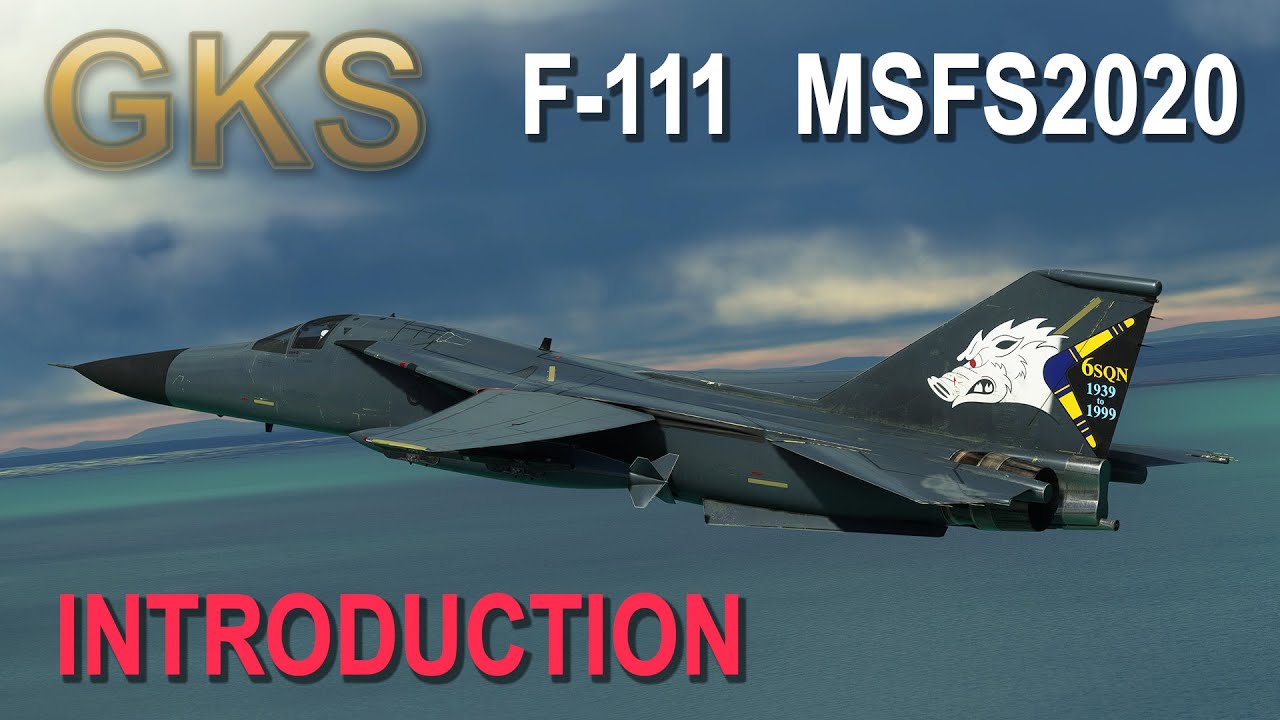
This is initial tutorial
Is there a paintkut available for the F-111?
Hello. I’ve been trying to contact you about buying this F-111. No replies from the emails I’ve sent from your website.
I would like to buy this right this minute but don’t want to use the Marketplace. Do you sell it from a website as a download?
As much as I’d like this plane I can’t buy from the Marketplace so if the answer is no, you don’t sell it anywhere then a sale is lost.
Please advise as it’s been very frustrating trying to contact you.
Thanks.