Yes, I am as well.
The wings look overswept in some of those images. Am pretty sure that shouldn’t (can’t, even) happen in flight, it’s only meant for reducing space while parked…

3 Likes
I was playing around with the manual wing sweep settings, perhaps that’s why. But if it shouldn’t be possible in real life it shouldn’t be possible in the sim either. Perhaps a fix is necessary for that?
1 Like
Hello. Seems I can’t attach a screenshot that will be my proof of purchase to Heatblur. Any special mail or form to use? I’ve got both the Viggen and the F-14 for DCS, both great planes! =)
1 Like
From Chuck’s guide linked to in a previous post:
WING OVERSWEEP MODE
The emergency wing-sweep handle is also used to select the
oversweep position of the wings.The oversweep is only used while on the ground to reduce the wing span to make
it easier to spot the aircraft on the carrier deck.As the wing will sweep over the stabilizers on the tail the horizontal tail authority system is enabled to prevent the wings and stabilizers from damaging each other by restricting movement of the stabilizer.
So no mention of it actually being prevented while airborne. Curious to see if the stabiliser movement is limited as described, in which case it’s probably functioning correctly.
2 Likes
Disconnect the ground power supply. It stays connected for some reason and sounds like an apu spooling up.
1 Like
I think that was it. I did some carrier ops today and manually disconnect ground power manually. I didn’t hear the spooling sound.
It sounds like that because it’s also connecting another cart, known as a huffer cart or start cart. This is basically a miniature jet engine that provides bleed air to start the aircraft’s engines. They didn’t want the extra weight of an in-built APU; it’s already a heavy aircraft as it is!
1 Like
Yes, but it shouldn’t be heard in flight, even if we forget to disconnect it manually. I certainly couldn’t see the cart dangling from my Tomcat . 
2 Likes
I have read the manual, but I cannot figure out how to properly bind flaps and the wing sweep. Right now it is all wonky if I use the flaps. Also speed brakes… any recommendations?
Read the quick start guide. Wing sweep should be in Auto for most phases of flight and you won’t need to manually change it. For manual wing sweep, you need to life the guard up over the wing sweep control, click on the lever to raise it, then hold your flap control (Flaps Up, Flaps Down …) to move the wings manually.
Speed brakes can be bound to MSFS spoilers. I have mine on a slider on my HOTAS. I bound Spoilers to that axis and it controls the speedbrakes on the Tomcat.
1 Like
Those are the frequencies for VORTAC
Looks amazing, sounds amazing. First Jester ejection was a fun unique experience. However I’m soon finding out, it’s rather annoying how fast/consistent he’s ejecting. I’m sure there’s a way to stop that but haven’t looked into it yet.
Flat spin was cool. Is there a way to recover? How do I see how fast I’m going? I see the gauge in the cockpit that reads general knots/mach, but the default Hud doesn’t show the speed. I tried changing the hud displays on the right side of the cockpit but still couldn’t find where my specific speed was. Even if I turn on the assistance to have the chase cam gauges on, those gauges will show the knots but still doesn’t show mach speed.
F-14 HUD doesn’t indicate airspeed in real life.
1 Like
That’s cool. Sometimes developers incorporate it into the assistance/gauge option. I rarely use the assistance/gauge meter but for an aircraft that doesn’t display the speed in it’s HUD, it’d be useful to have that as an option.
Best would be not shown in the cockpit since it’s not shown in real life, but having the option to turn on assistance and show it there.
2nd best would be to not show it in real life or in the assistance gauge. (how it currently is)
Worst would be how the other two Tomcats are currently.
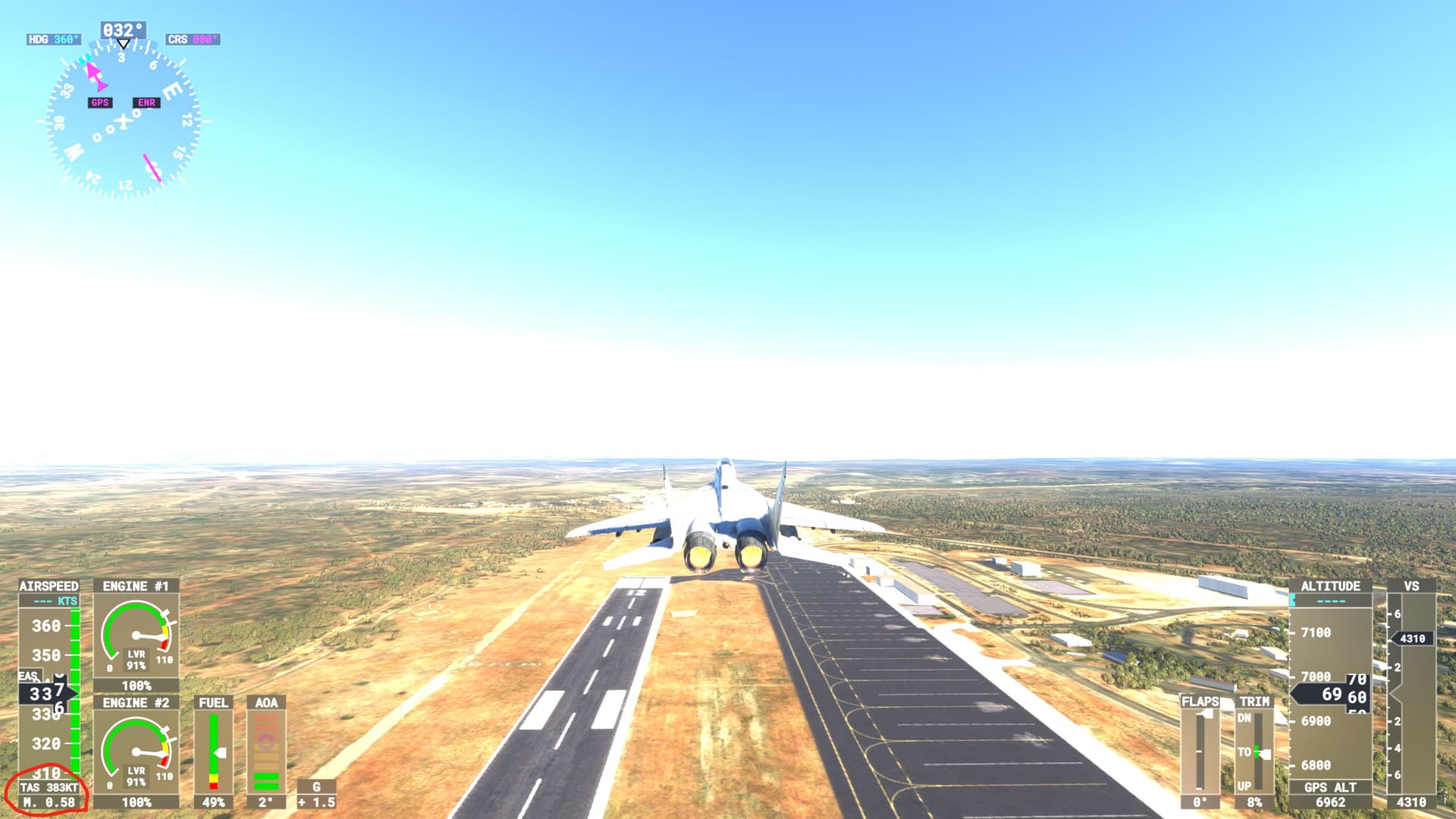
^^^Something perhaps the developer can add at a later update^^
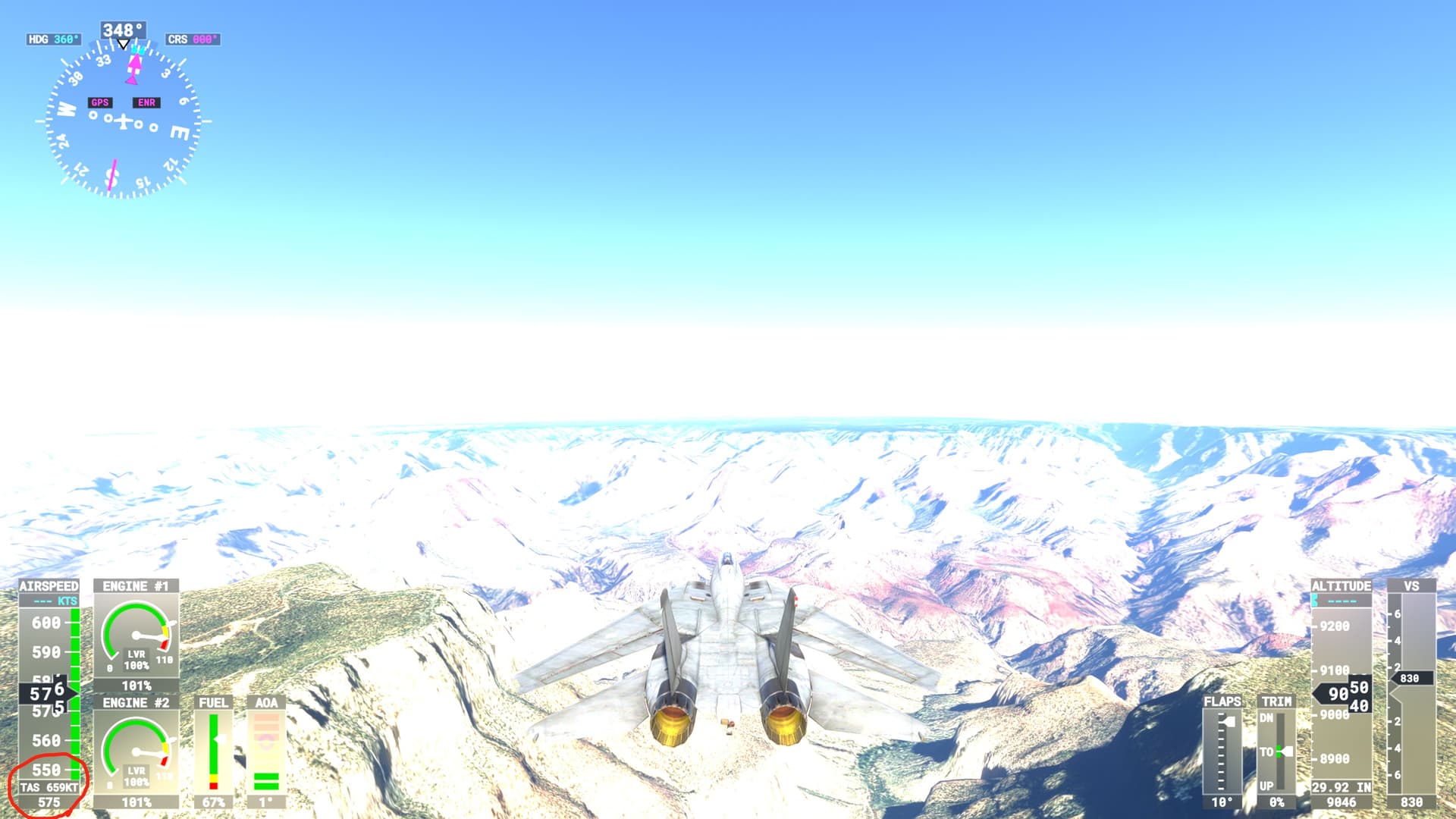
^^There is no way to see the specific mach speed with assistance on or off^^
(The other Tomcats, I tested their top mach’s and both their max speeds in the sim are slower than the real life reported #'s. IFE’s F-35 is extremely close to the real life reported top mach so I am curious and hoping that the IFE/Heatblur mash up has a faster/more realistic top mach. This is why it’s important for me to have some way of seeing this).
- Stick neutral
- Rudder opposite direction of turn
- Power idle
If it doesn’t recover: stick in the direction of the turn (that puts the adverse yaw against the spin direction).
Recover at about 17 units AOA.
If you can’t recover or are about to black out, eject.
2 Likes
You’d quickly get used to the round rial showing the airspeed. It becomes a quick scan and you can tell by where the needle is. Just takes practice.
1 Like
The “feel” of this plane is amazing. IFE imo has always had the best wheel suspension of all military jets and this Tomcat imo is the best one yet. I LOVE looking at the plane’s takeoff from side view.
Spoiler-If you apply the airbrakes at reasonable speeds, they extend in full, however if you are flying very fast, to my knowledge this is the first military jet where a developer accounted for airbrakes that work similar to flaps, in that there are “levels” of the airbrake. Most MSFS military jets have two types of airbrake speeds, all or nothing. This F-14 was modeled to account for the realistic drag that would take place at very high speeds, the F-14’s airbrakes would break if the brakes deployed in full at say…650 knots. You have to press/hold the airbrake button(mine is binded) and then you will see airbrake slowly extend at higher speeds, where as at lower speeds if you just tap the airbrake it will deploy in full as the air resistance at low speeds wouldn’t break the airbrakes.
Really great job there.
Also @BarbedClient514 thank you for those recovery tips! I look forward to succeeding knowing it can be done.
1 Like
PC Version
For most of the other developers’ fighters, try assigning the spoilers to “Spoiler Axis”. I have the opposite oppinion on this. Only the Hawk T1A irritates me in that it is all or none, so I assign it to buttons. I own and fly all of the higher fidelity fighters and several of the “Ace Combat” fidelity fighters.
When you say “Most”, I must disagree. However, I am on PC. It appears this might be true for XBox users, as it appears Xbox only has max afterburner or idle throttle controls - at least from what I usually see on Twitch and YouTube. (I know…I know this is exaggeration - so maybe “most” Xbox players that stream or post on YouTube)
Regarding the HUD, I vote Heatblur keeps it as is - only updating it to refine what was actually represented in the real operational A/B aircraft. We already have the other F-14’s for gameplay compromises. Flying and experiencing the simulation with the “then” limitations of the aircraft is what ultimately grants me with a hightened appreciation of a Tomcat driver, as well as all of the pilots of the era.
I also really love the implementation of the autopilot. … "Wahat…you wan’t to fly, steer, and navigate on autopilot? Geeeet in the back seat!  VORTAC navigation using heading select and altitude select/hold from the RIO position is immersive in itself - especially when your pilot responds with “Roger”. It’s also easier to look up the TACAN frequency conversion while not having to pilot at the same time.
1 Like
If you can’t recover or are about to black out, eject.
And watch out for the canopy
2 Likes