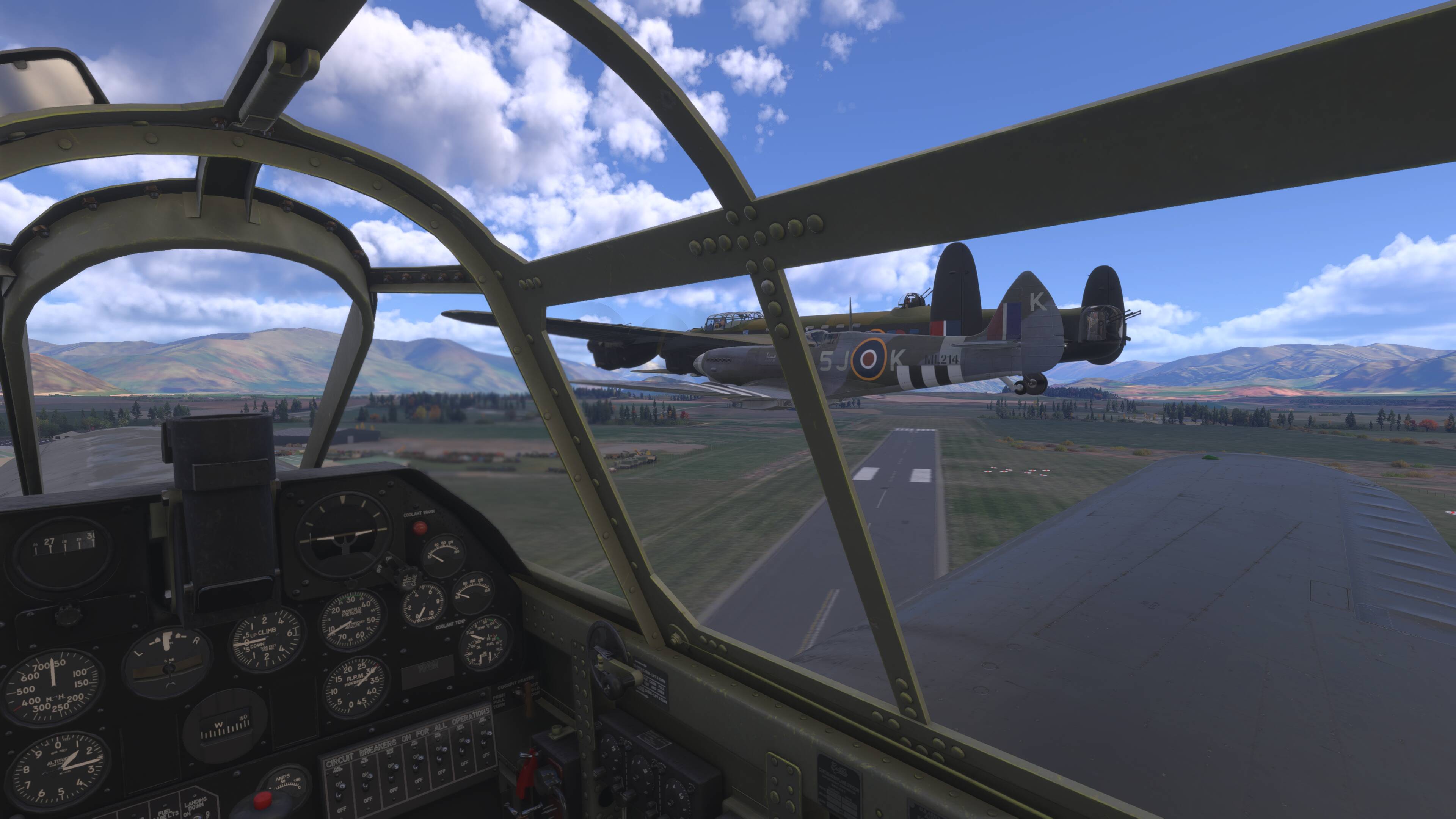
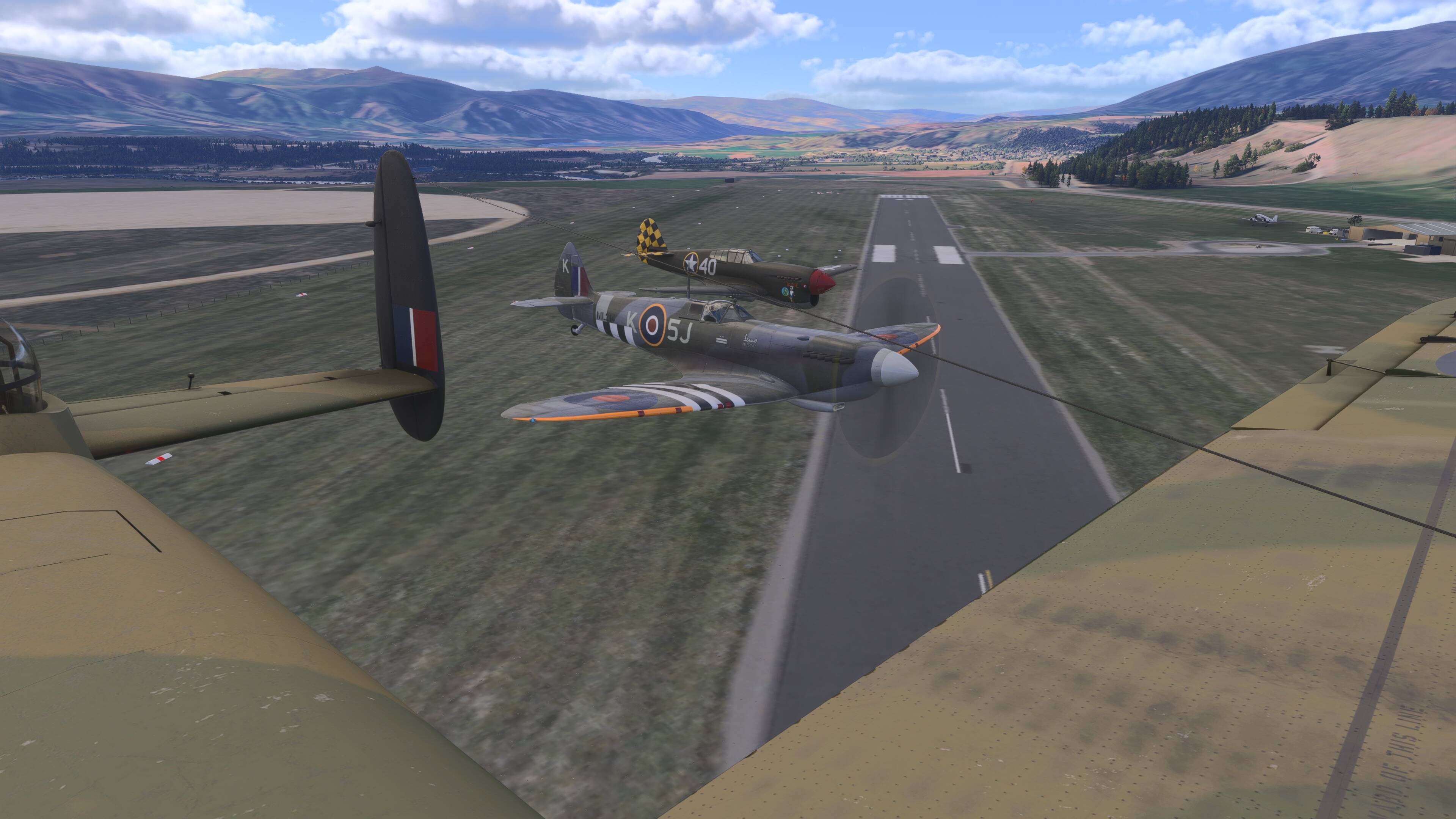
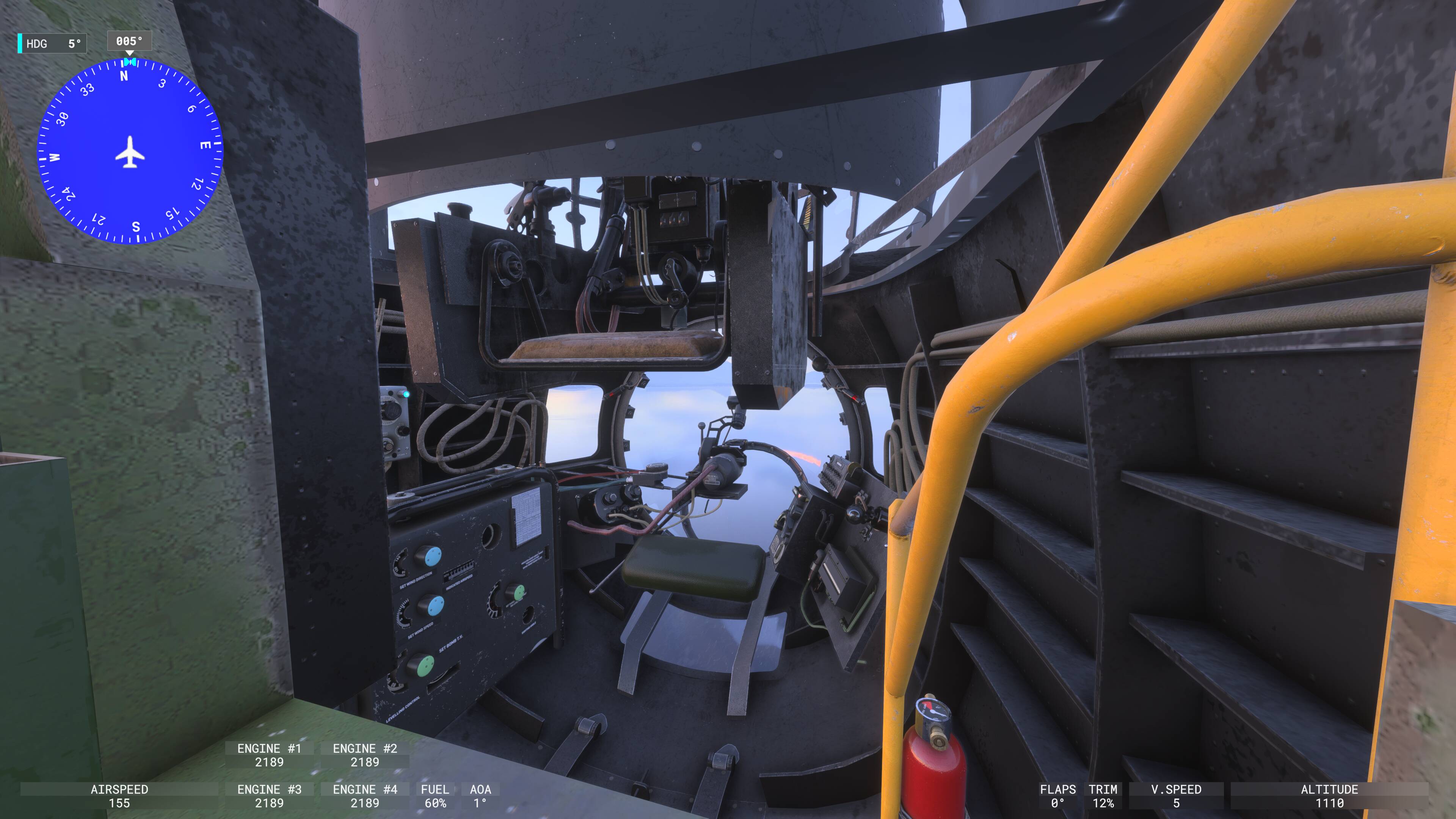
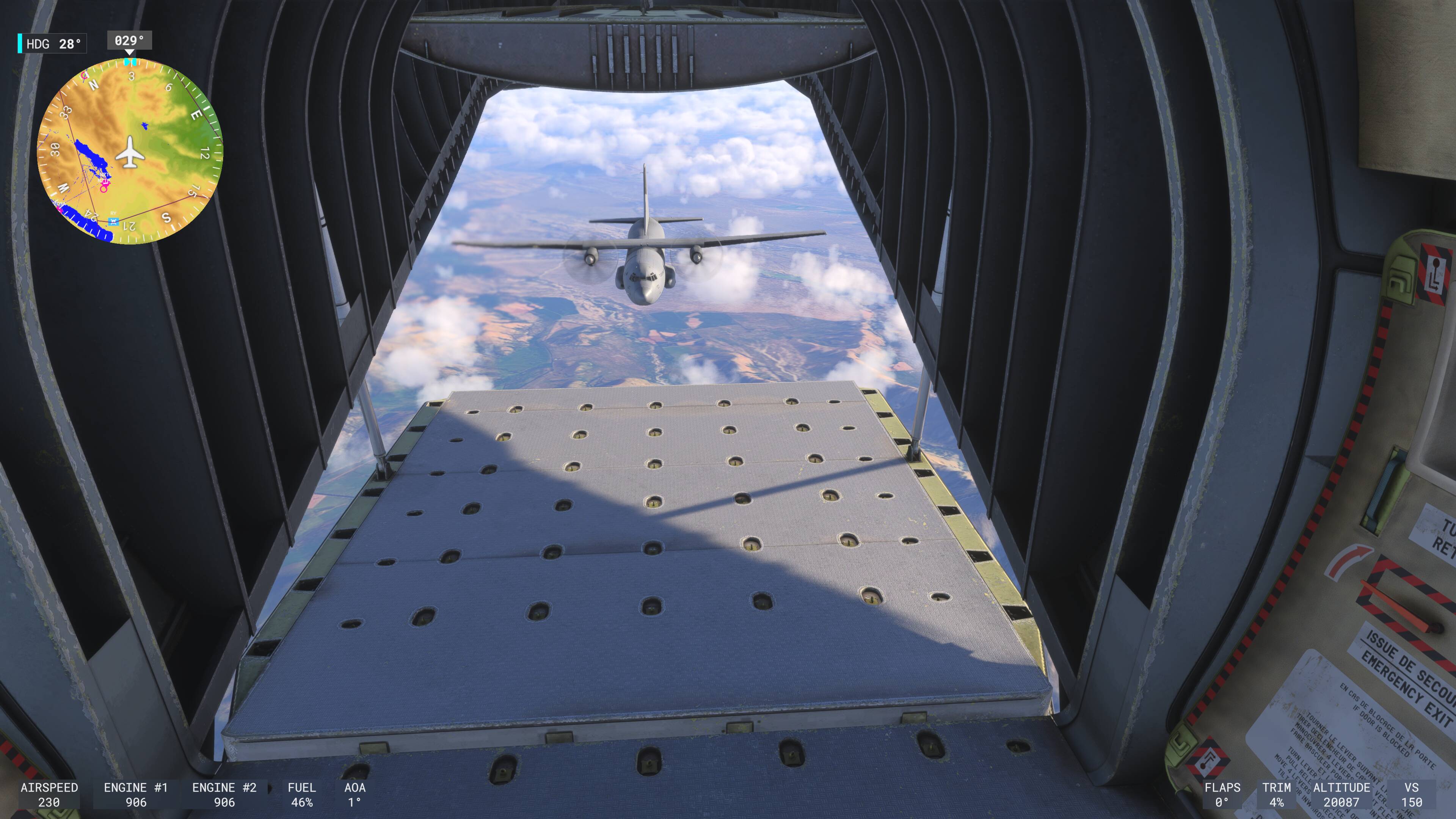
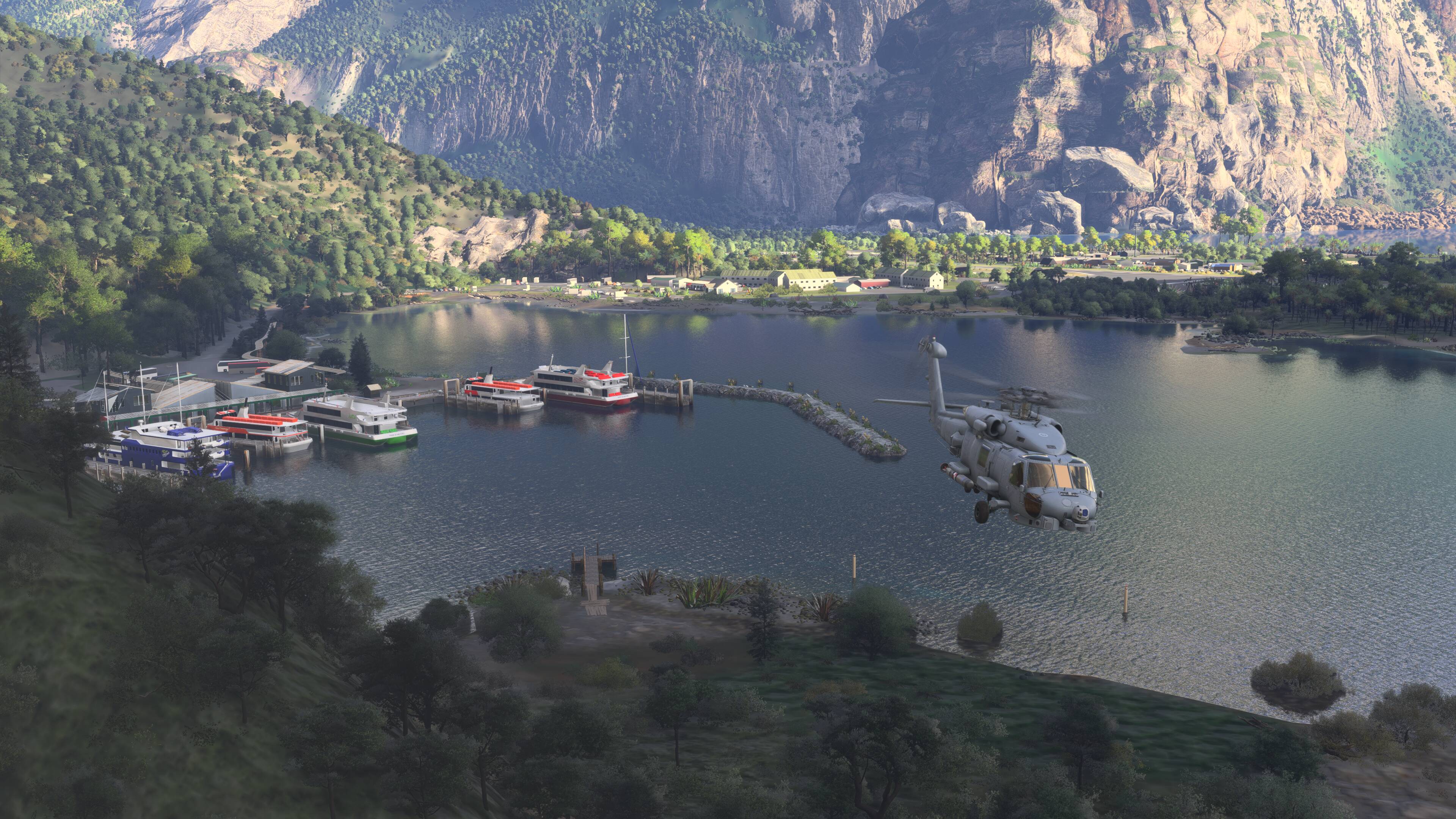
Anyone other Xbox users just fed up that 2024 is completely unplayable?

I agree it shouldn’t be this hard their priorities are scewed

When we didn’t get a replay mode in 2020 it rang alarm bells, now we have this weird FCR concept

Where is tower view? Legacy flight Sim features dropped by Asobo and no communication about it coming back, so it’s not

1 Like

I’m reading a lot of comments about custom views, but I think you’re approaching it the wrong way. To begin with, I don’t use any custom views because I have:

1º: I have unique settings for each aircraft using altitude, horizontal position, zoom, and perspective settings. I have these saved on my phone, and when I switch aircraft, I change these settings.

2º: Just like in 2020, I have the controller mapped so I can “walk” around the cockpit. I can move forward, backward, left, right, up, and down, and zoom in and out as needed. This is very useful for configuring the cockpit or interacting with it. I also have the aforementioned third-person zoom to see the aircraft in detail.

Here’s my list of aircraft so far, in case you want to try it:

Cessna 152: GA 68 50 37

Cessna 172 Skyhawk: GA 60 49 61

VL-3: GA 60 50 54

Textron Aviation Beechcraft Bonanza G36: GA 75 51 30

Caravan: GA 72 50 55

Daher TBM 930: PP 75 50 35

Cirrus Vision Jet G2: GA 60 50 44

Textron Aviation Beechcraft King Air 350i: GA 83 50 44

Pilatus PC-12 NGX: GA 55 50 46

Textron Aviation Cessna Citation CJ4: PP 65 50 50

Heart Aerospace ES-30: GA 60 50 30

Airbus A321LR: GA 75 49 43

Airbus A400M: GA 50 50 58

Airbus Beluga XL (A330-743L): GA 82 50 50

Airbus A330-300RR: GA 55 49 51

Boeing 747-8i: GA 89 50 64

Boeing 747f: GA 67 50 58

Boeing 737: GA 50 50 57

GA: Wide angle

PP: (I can’t find the name in English; it focuses on the instruments up close.)
1 Like

Play daily on Xbox series x and it’s great


Often flying with multiple different add-ons and a mix of different things

Cameras are easy to setup as custom views when you learn how

using replay mode is easy for mock airshows as well

4 Likes

Yea but the issue is, it’s not user friendly. Especially on xcloud without keyboard. It’s unenjoyable. Can’t even do a simple flyby that repeats itself. It’s not hard to code.

The other issue is on 2020 you have to exploit a glitch to get window seats on the airbus a318 etc. Why? Why so difficult. Can’t select fixed view 12 by key command which is the window seat view, can’t save it as custom view. On 2024 it’s the same. Very annoying, if Asobo fixed this it would make it better for gamers. If they added the ability to scroll more than 2 views (cockpit / external) with the select button it would be great. Not asking the world here.

So how are you getting these and saving? I’m on xcloud without keyboard.

You need to bind both save custom view and load custom view to buttons on your peripheral.

If using a controller id start with

Save custom view 1 L2 and X

Load custom view 1 L1 and X

Check YouTube custom views for a tutorial

You could get a 2nd controller and have it purely for custom views, so you won’t clash with flight controls on 1 controller

Yea but that’s only for 1 view. The problem is we should be able to go and customise them in a hanger for example ready for flight. Whole games just shoddy tbh.

You can create up to 10 custom cameras / views.

1 Like

I’ve read many comments praising or trashing MSFS 2024, especially on Xbox.
I’m among those who aren’t satisfied with the progress because, 15 months after its launch, we’re still dealing with major bugs plaguing the simulator.
I’m following the progress of the betas, and I have to say we’re not at a good point yet.
While SU4 was quite usable, SU5 is currently such a disappointment that I’ve stopped using 2024.
There are regressions and, above all, still fluidity and stability issues that are frankly unacceptable after all this time.
I’ve picked up 2020 again, and I have to say that, having not used it for quite some time, I’ve been amazed by the progress it’s made. I’m also using a beta for 2020.
The LOD has improved dramatically, and the fluidity is even better, especially with high-quality aircraft like PMDGs.
Everything always works without stutters and without having to restart everything every time for a new flight, for example.
When 2024 reaches at least that level, I’ll start using it again, but until then I’ll continue to enjoy the 2020 because with 2024, it’s just a bit of a hassle.
They’ll certainly fix everything, and let’s face it, it’s a complex simulator to run on a console, but it’s still not normal for the 2024 to still have basic problems after more than a year.

3 Likes

We actually get better performance in Xbox FS2024. Are you sure you are comparing under the same conditions? FS2024 defaults to a slightly more detailed environment.

Mathijs Kok
PMDG

Absolutely. Same aircraft, same routes, and same detailed configurations, considering the differences between the two versions.
I had also complained about a performance drop in the SU5 2024 Beta in your forum, but I quickly realized it wasn’t related to the 737-800, since the same problems were also present with the Airbuses.
Aside from the frequent sharp frame rate drops at airports, there’s an annoying intermittent stutter at 1-second intervals during descent from cruise, or when ATC intervenes for approach instructions, an interruption occurs.
This is certainly a problem with the SU5 beta, but overall, I find that the 2020, even though it’s still in beta, is much smoother and more stable.
I’m eagerly awaiting the release of a new build; otherwise, I’ll have to exit the test environment and keep the SU4.

Okay, just not our experience, that’s why I asked.

1 Like

I have this impression that the experience of fs24 by developers and by the gamers are too parallel dimensions. :person_facepalming:

1 Like

After days and days, I may have finally identified the cause of the repeated stutters in MSFS 2024 beta 1.7.7.0, which are plaguing the simulator on my Xbox and which I’ve discussed in other posts.
It’s not the planes, it’s not the graphics options, it’s not real-time air traffic, or multiplayer.
It’s the ATC window.
I’ve always flown with this window open or minimized to interact with ATC and never had any problems, but with this build, if you keep it open, the frame rate drops irreparably.
I can understand why many simmers didn’t have this problem because they probably fly differently without using the ATC window.
It’s certainly a beta bug that will be fixed, but at least the cause is clear.

1 Like

The ATC has been a problem for ages and reported throughout the betas been to the point of in the surveys we were reporting flights and ATC usage was a thing talked about no ATC good flight talk to ATC and after time ctd

I saw several reports of ATC issues affecting fluidity, but with SU4 and the first Xbox build of SU5, the problem didn’t occur.
It started, at least for me, with build 1.7.7.0, and it hasn’t been fixed even with the recently released 1.7.9.0.
Not to mention the fact that the black lines on the sea are still present, which have also been reported for a long time.
Perhaps they should focus more on these obvious problems rather than improving the performance of smaller, niche aircraft.
At least now, if you don’t use the ATC window, you can fly without too many problems, but it’s time they fixed the more obvious bugs.

2 Likes