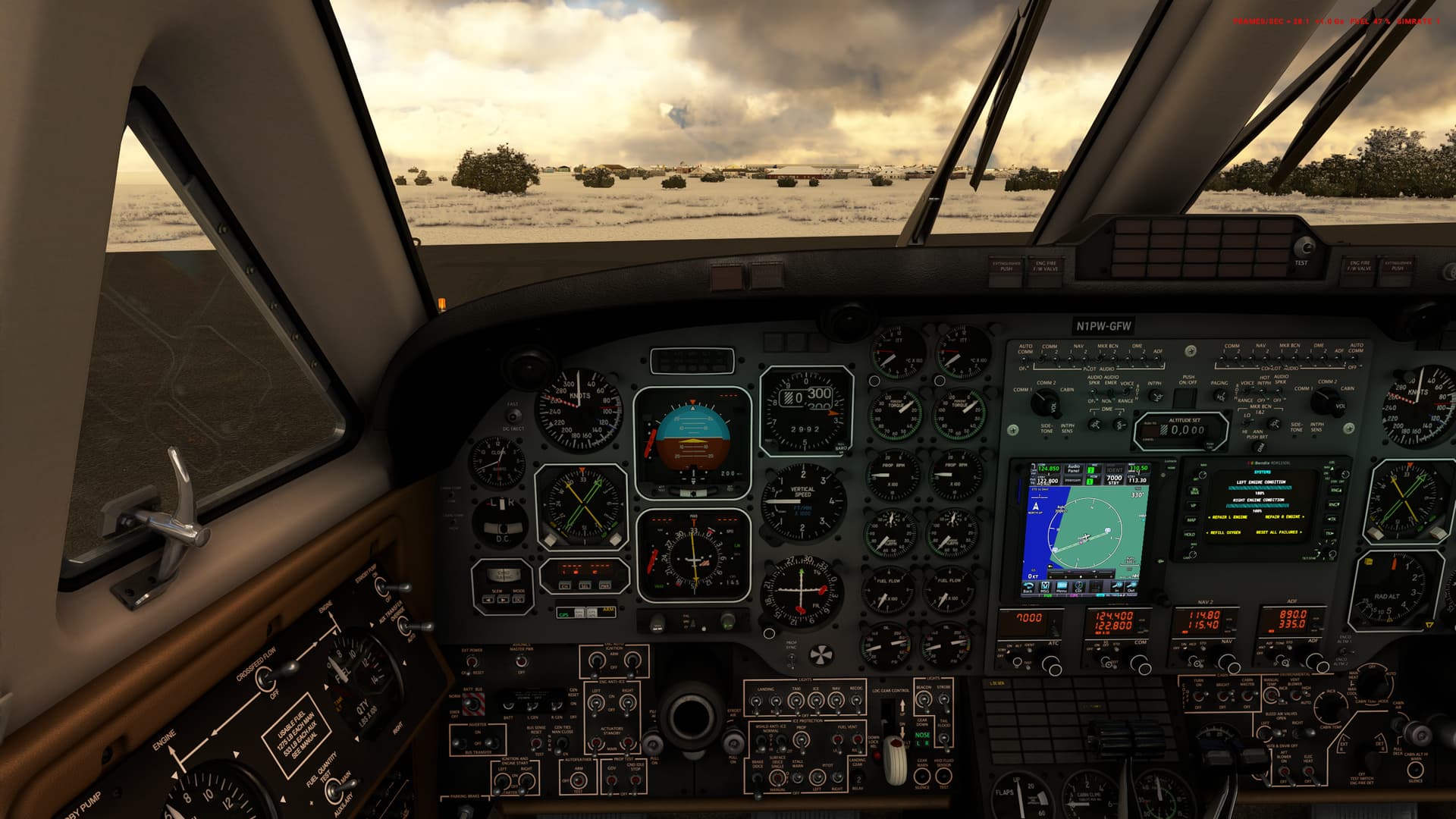
Thanks. It’s obvouis that a FMS is there and no Garmin.

1 Like
Pardon my ignorance, but does using the WTT PMS mod disable the other cockpit configurations? I am unable to select the 530 or RNAV system. The selection switch just bounces back to the 750 selection and for a brief moment when the 530 is selected, the screen is white in the display of the 530.
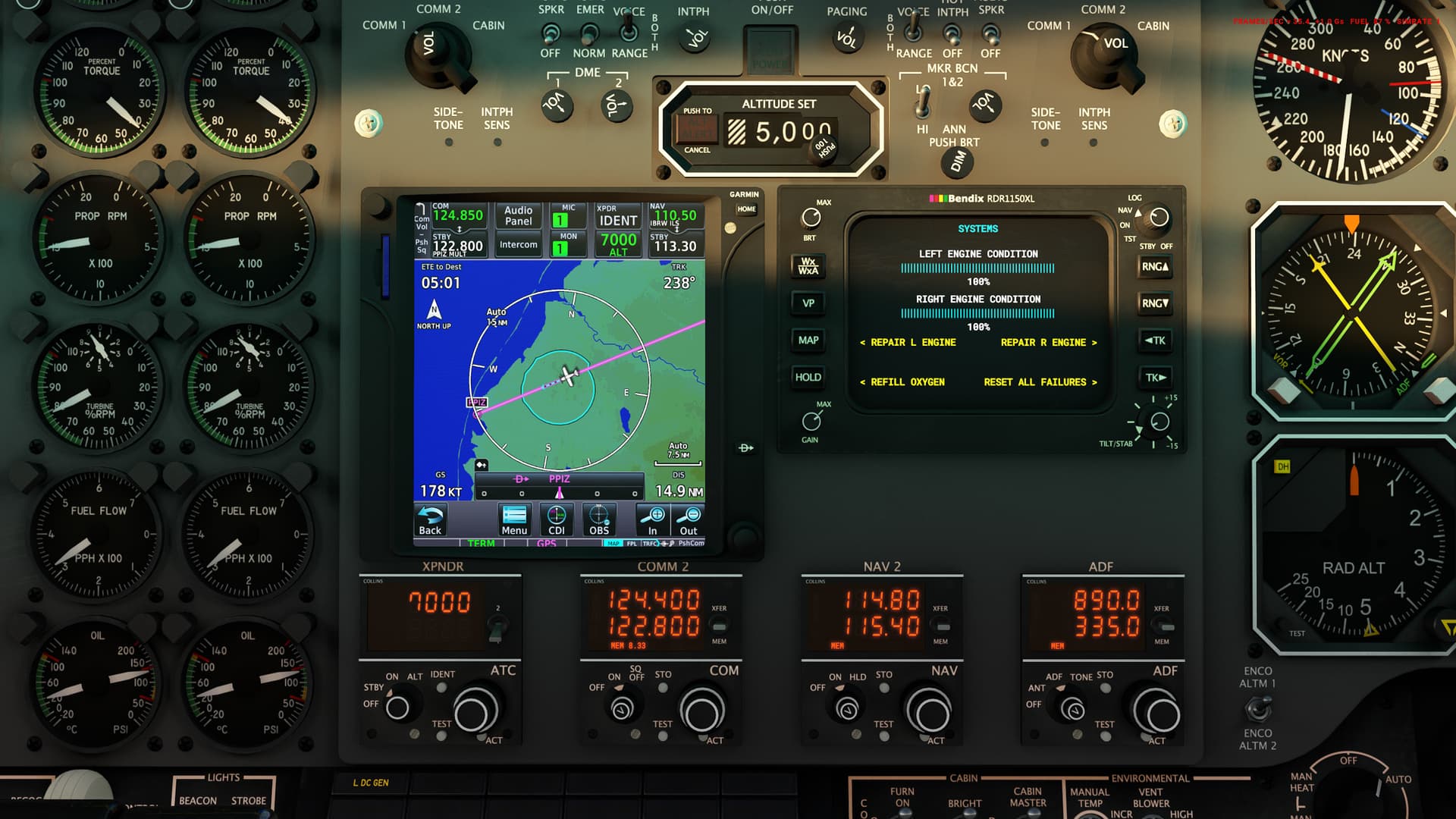
- Added support for WTT Autopilot Mod. A separate package is required to use WTT mode, available at pms50.com/msfs/ . This mode limits radio equipment selection to the PMS50 GTN-750 GPS, which is a limitation of the WTT Autopilot System.
2 Likes
WTT PMS mod is amazing. But this is one of the benefits of Addon Linker. You can turn it off if you want other radio options.
1 Like
Loving this mod. Having an issue on the DME, I’m getting a failure on the Speed / Time / Distance measurement, anyone else seeing this? Flight was KPQI to KORE via MLT,AUG,ENE,MHT. The DME is showing the mileage ok but the other window isn’t populating…any suggestions? Thanks
SU11 Beta
Are you using GPS to navigate? If so, make you switch from VLOC to GPS on the GPS unit itself.
Even if you’re not using it to navigate specifically, if you have one installed, change it to GPS.
Hmmm…not using the GPS, NAV radios only. Interesting thought though…I tried the GPS and went back to NAV for a more fun challenge. I"ll see if GPS is set to VLOC or GPS. Thanks.
Hey, sorry if this has already been answered. How do I change the decimals on the ADF tuner? For example I want 462.5 to tune a NDB. I can get 462.0 but I can’t adjust the decimal. Is this a bug or I’m missing something?
Doesn’t work I think. Some devs implemented custom logic that tunes nearest decimal NDB if one is available. In real world needle would move regardless if it’s tuned to 462, 462.5 or 463.
There is also a bind available that changes ADF frequency in 0.1 increments, could be used as a workaround.
Ok, thanks for answering.
I am trying to understand the cabin altitude alert. Bleed air switches are up and alt is set correctly. But anyway i hear the alert. Is this part of normal flight and do I have to turn off the alert manually?
manual:
Cabin Altitude High Horn: A constant tone warning horn will sound when the aircraft’s
cabin pressure altitude exceeds approximately 11,000 feet. This warning will be
accompanied by the “CABIN ALT HI” RED annunciator light on the glareshield. If the
cabin pressure continues to climb, the passenger oxygen system will automatically
deploy at approximately 14,000 feet, assuming it is armed. This warning horn can be
silenced by pressing the “CABIN ALT HI WARN SILENCE” button, under the copilot’s
control yoke. The accompanying glareshield annunciator light will remain illuminated
any time the cabin pressure altitude is above approximately 11,000 feet. The frequency
of this warning horn is slightly lower than the Cabin Pressure Differential High Horn.
Try to keep the Dial a bit below 12.000 Cabin alt. Then there should be no alarm.
1 Like
I have the weird problem since 0.1.2, that from 10000 ft the King Air oscilliates like crazy. It is not prossible to fly the plane above anymore. The AP oscilliates the Trim wheel like hell and even manually the air plane is not controllable, independent from my input (yoke, aileron, thrust). It flyes like a so called instable air plane.
Yeah, I know, CoG and weights, but the weights are totally correct. The CoG is in the middle and 7 Passengers loaded. Weight is inclusive fuel about 13000 lbs. (from 16000 lbs (Weight Manger)). What surprises me here is the fact, that all this starts at 10000 ft.
Version 1.0.0 did run fine by the way.
I think cabin pressure/altitude messages and warnings are probably going to be modified at one moment as to make them more realistic (I’ve discussed that with the developer).
1 Like
Were you able to resolve the Bat Tie Open warning light?
Yes, that was a while ago. I think we had a discussion on avsim IIRC.
Got a L DC Gen alarm shortly after take off. Can’t find anything wrong. Tried a restart.
No failures. ???
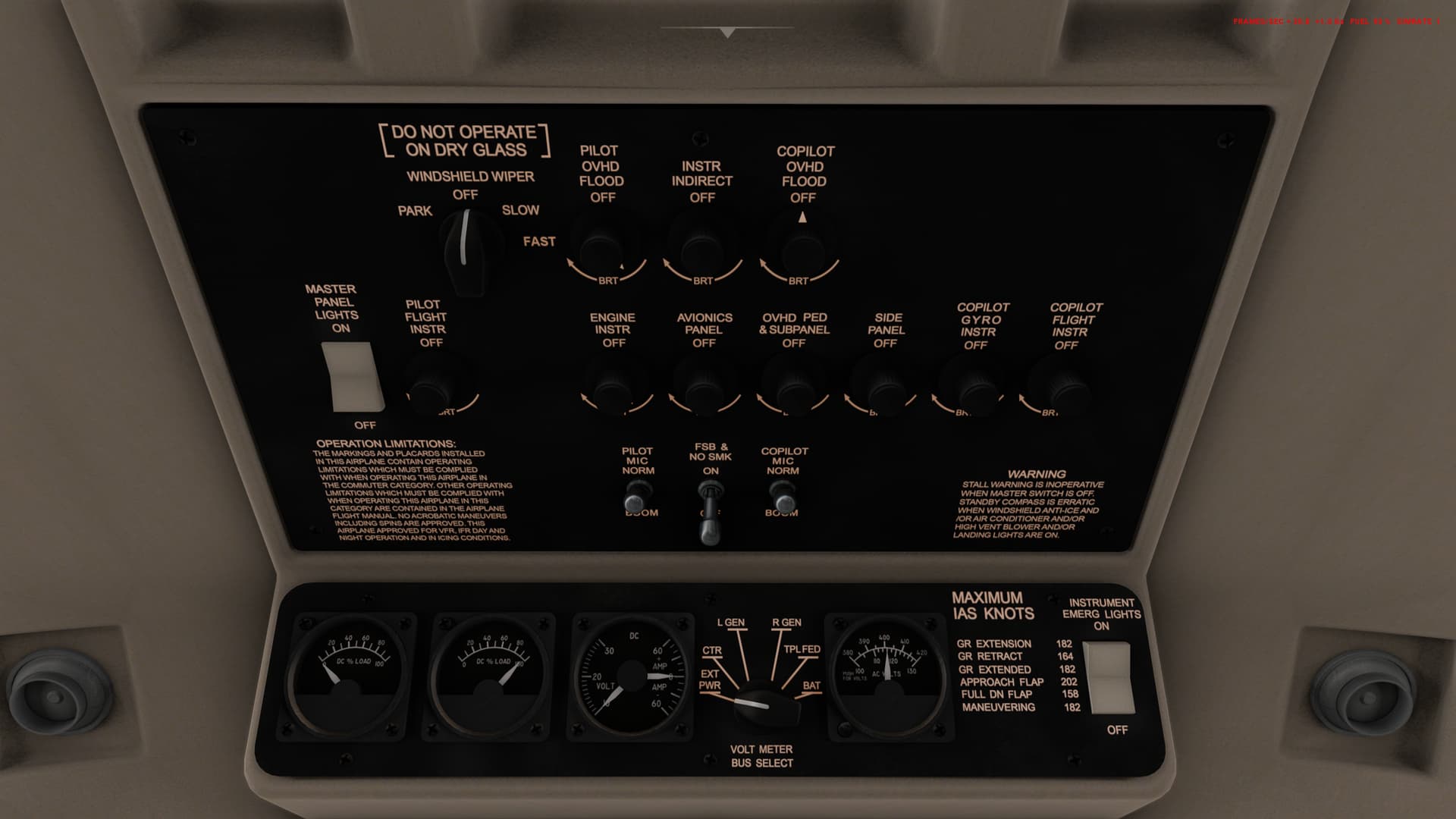
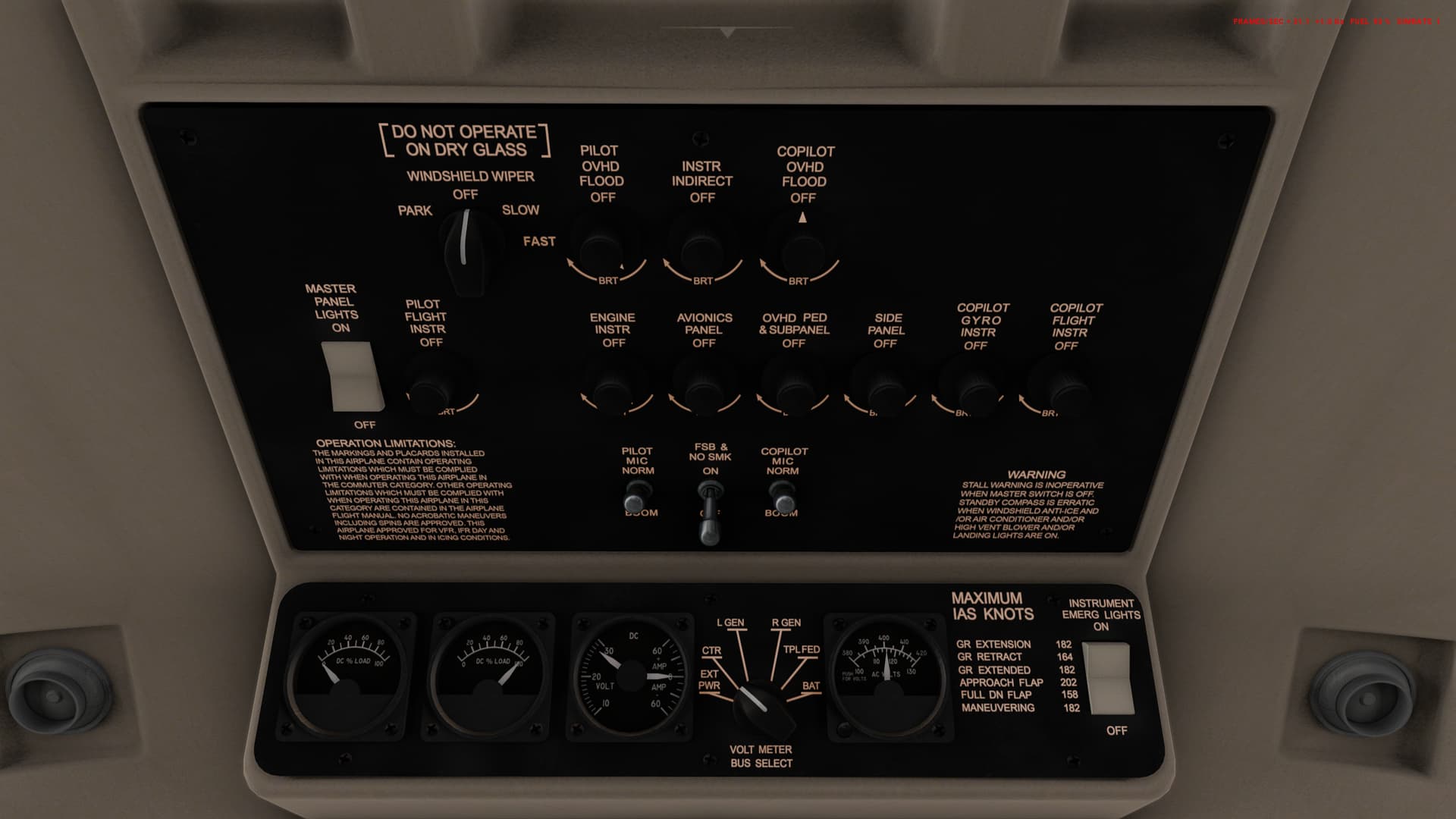
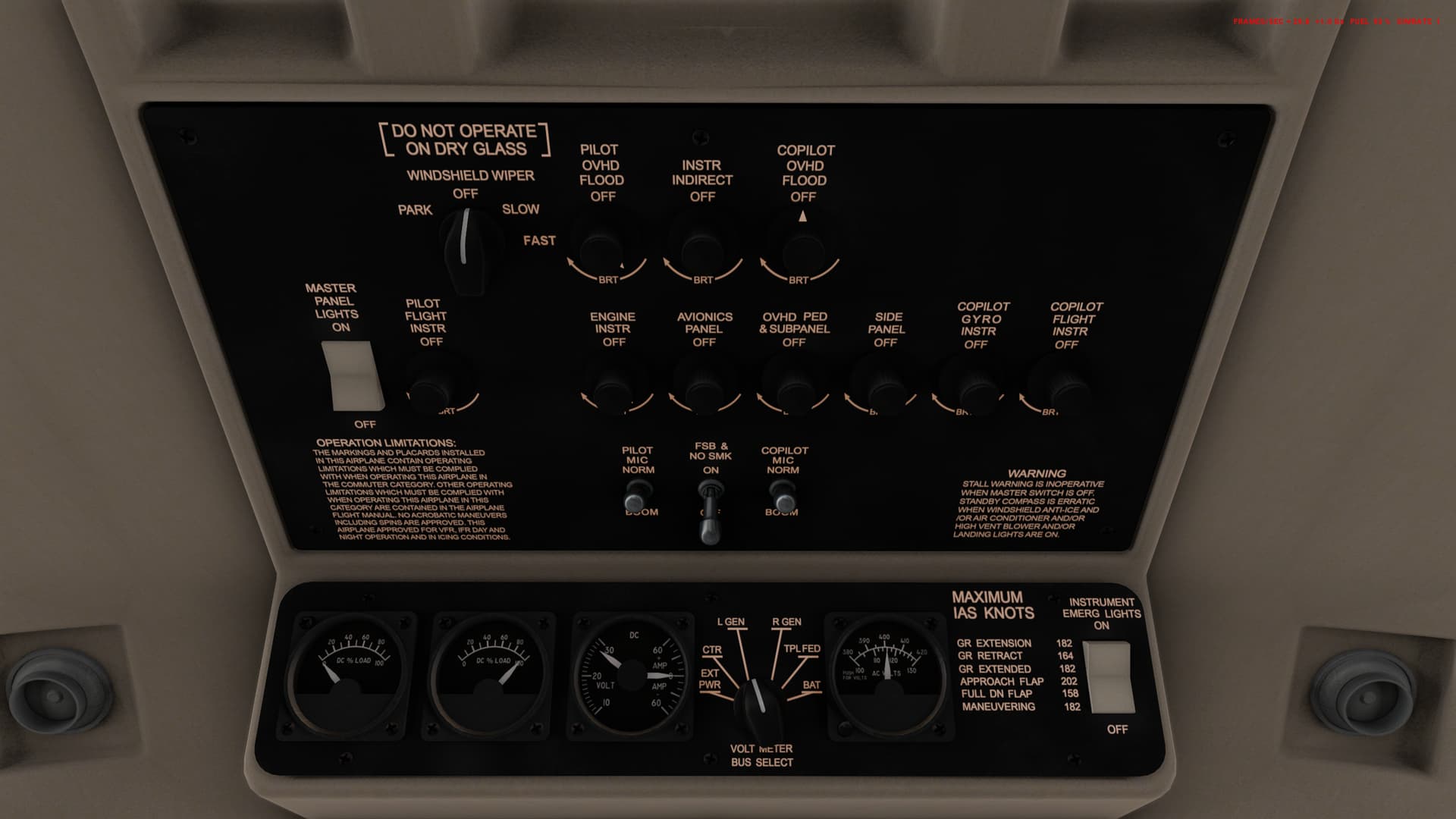

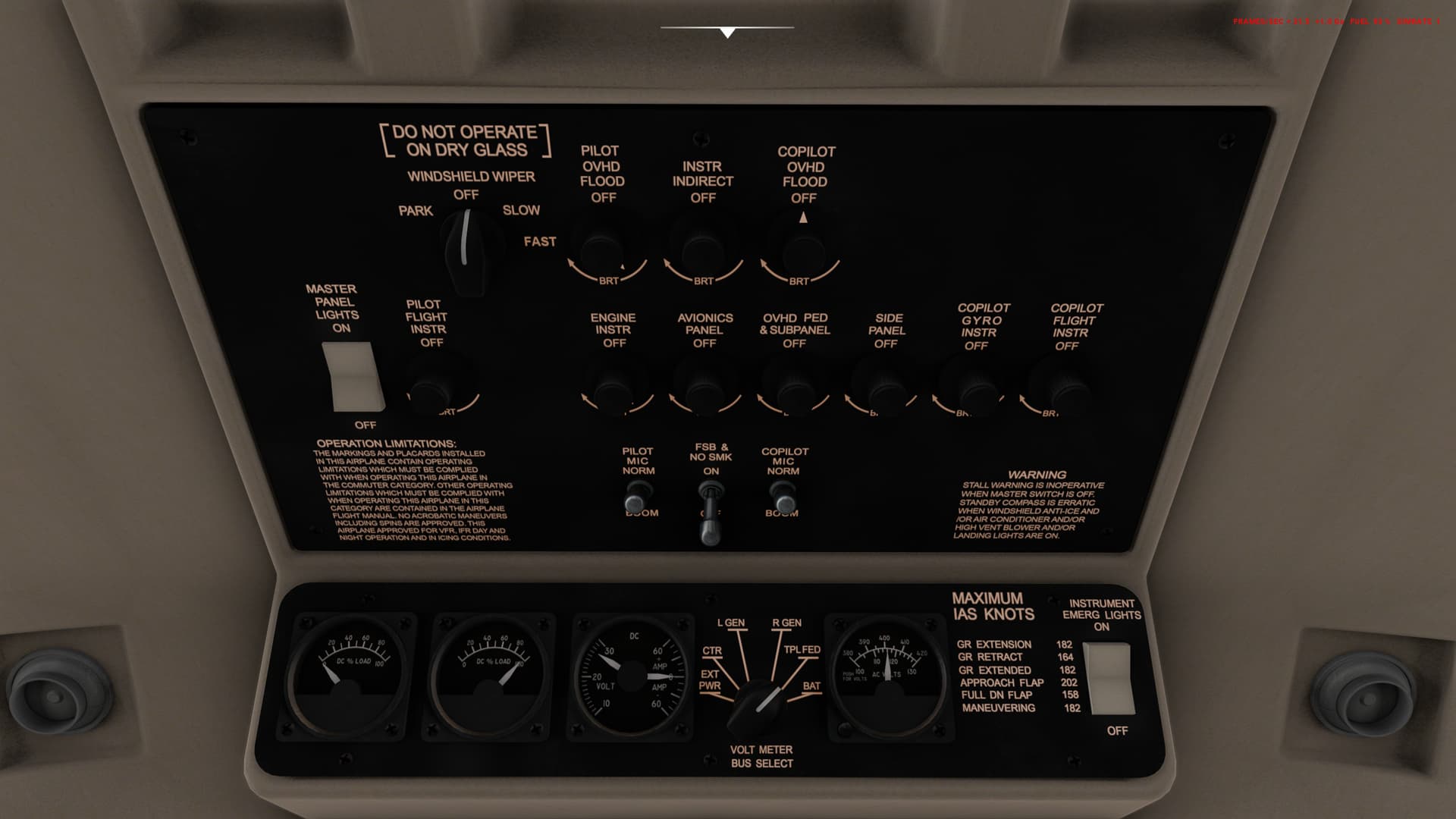
You probably have your starter engaged. Or you don’t have the generator on.