so go in and out of reverse if you can. I get up to about 15-20knots, then just click into reverse, let it slow to about 10knots then back into normal range and repeat, no issues taxiing
Agree this is how it is simulated but it is faulty
Try to ask Carenado for something… and nothing will happen so it really and honestly doesn’t make a difference where you write it. Cheers!
I promise, if they fix the beta/reverse range I’ll buy this aircraft!
Agree with you the only thing is the missing or wrong beta range, everything else is great with this plane
yea but most of the turbo props have this issues, seems that the only dev who figured it out is Black Square as they use your controller throttle idle position as beta and about 10% is true idle. this allows physical idle to slowly stop the plane and a bump above that will roll forward and can be adjusted. But I don’t think its necessarily a Carenado issue as the defaults do it too
Not quite 100% correct.
There are a very very very few more devs besides Black Square, that have a more realistic beta range implementation. If I remember correctly, SimWorkStudios was the first to implement one with their Kodiak way back in MSFS 2020 already.
And with MSFS2024 even Asobo implemented a real beta range in one of their stock aircraft (C208).
And that is why i dont understand, that most other developers still only use the strongly simplified and just wrong default old MSFS beta range. The SDK has it all, to implement a propper one, but I guess a lot of devs just dont care. Like Carenado or IniBuilds for instance. I think they assume that most of the consumers wouldn´t even know what a beta range should do and so they just go the easy way.
Forgot about the Kodiak, it does taxi well. Haven’t flown the 208 since shortly after 2024 launched
Yes the beta range lack of and condition levers not mapping are the 2 main things holding this AC from supreme greatness. It’s very good otherwise
Given these 2 functions do work on other AC, no excuses for paid AC. They need to fix it but you will never hear from Carenado unless it’s fixed
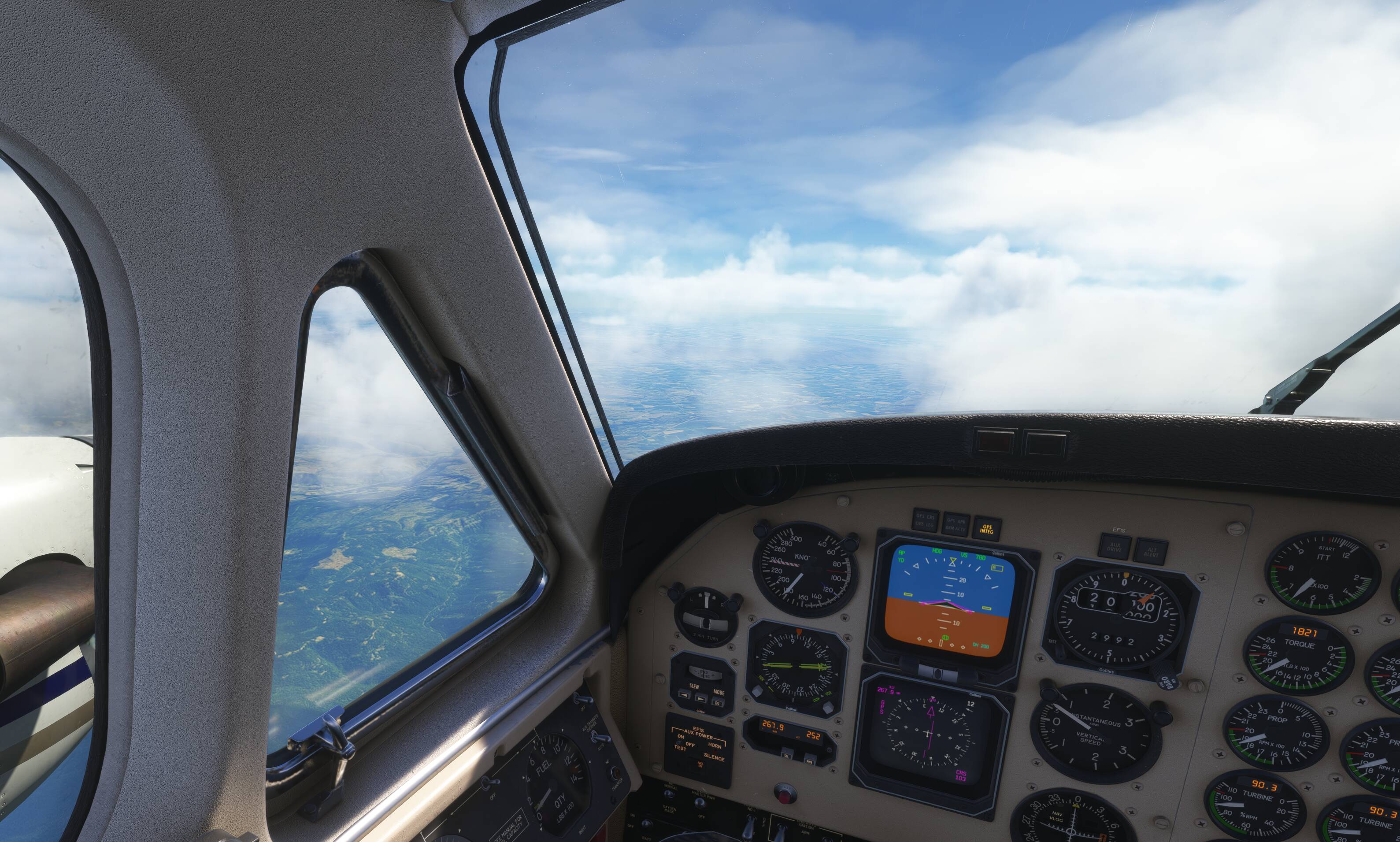
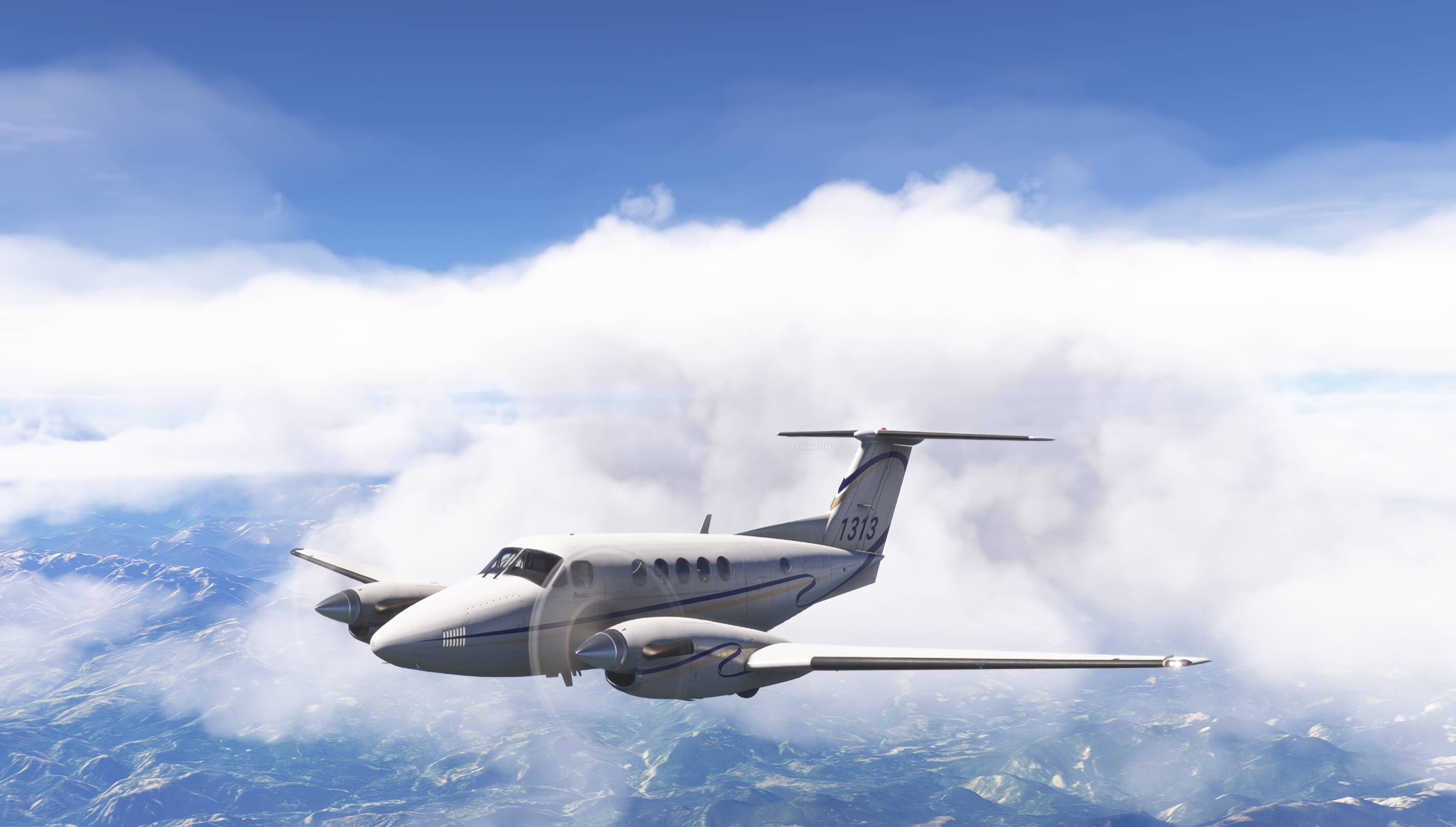
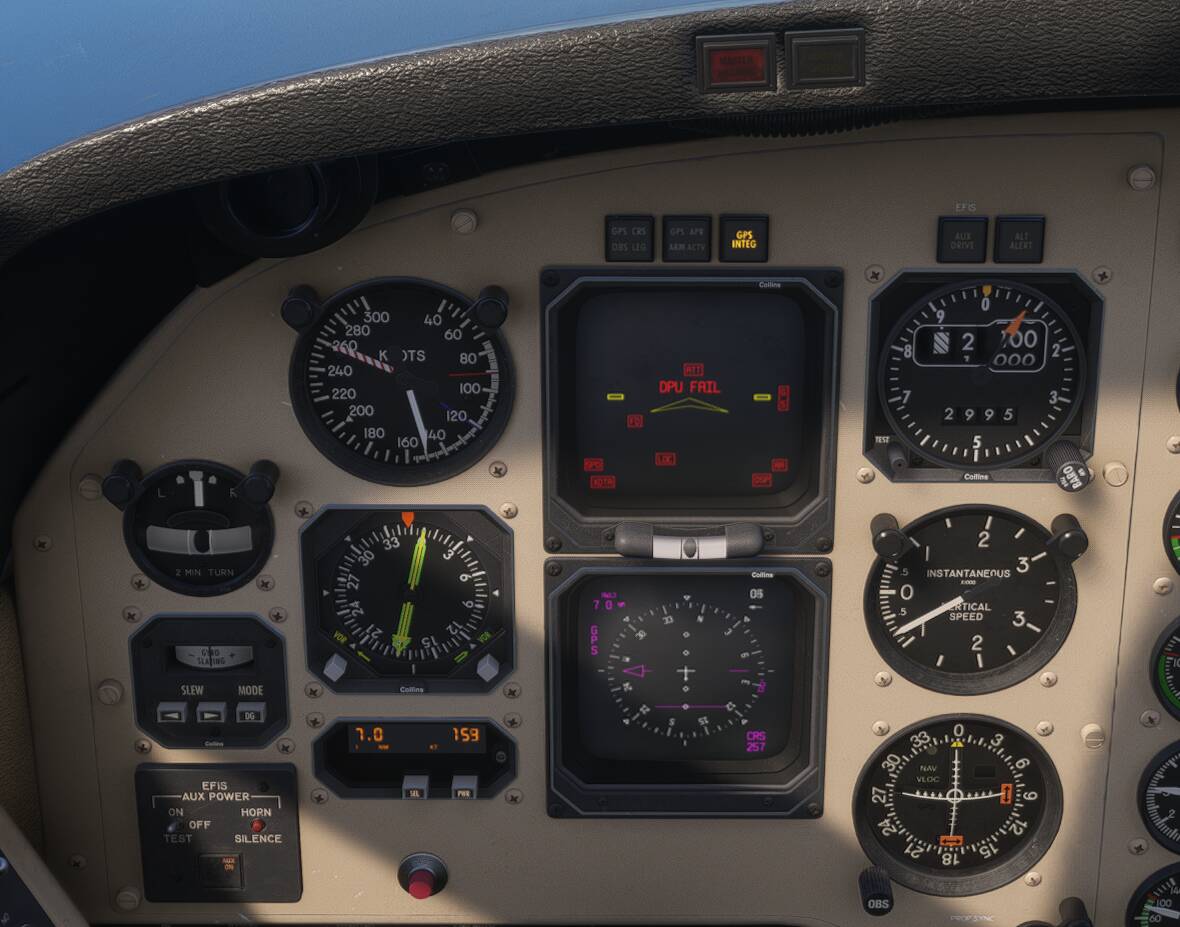
Glass cockpits, there are a few threads to add this one to. Since SU4
Can anyone confirm that the mixture control via the throttle lever on the King Air B200 is bugged and doesn’t work? I have a Bravo throttle lever and the control works on all other aircraft, but not on the B200.
Is this the carenado one? I flew it yesterday and throttle levers worked on my Bravo. The condition levers had to be moved with the mouse. That’s a common thing with turboprops in sim
Need to use the mouse and cockpit controls. yoke mixture inop for Carenado planes
This aircraft is now available for MSFS2020 in that marketplace as well.
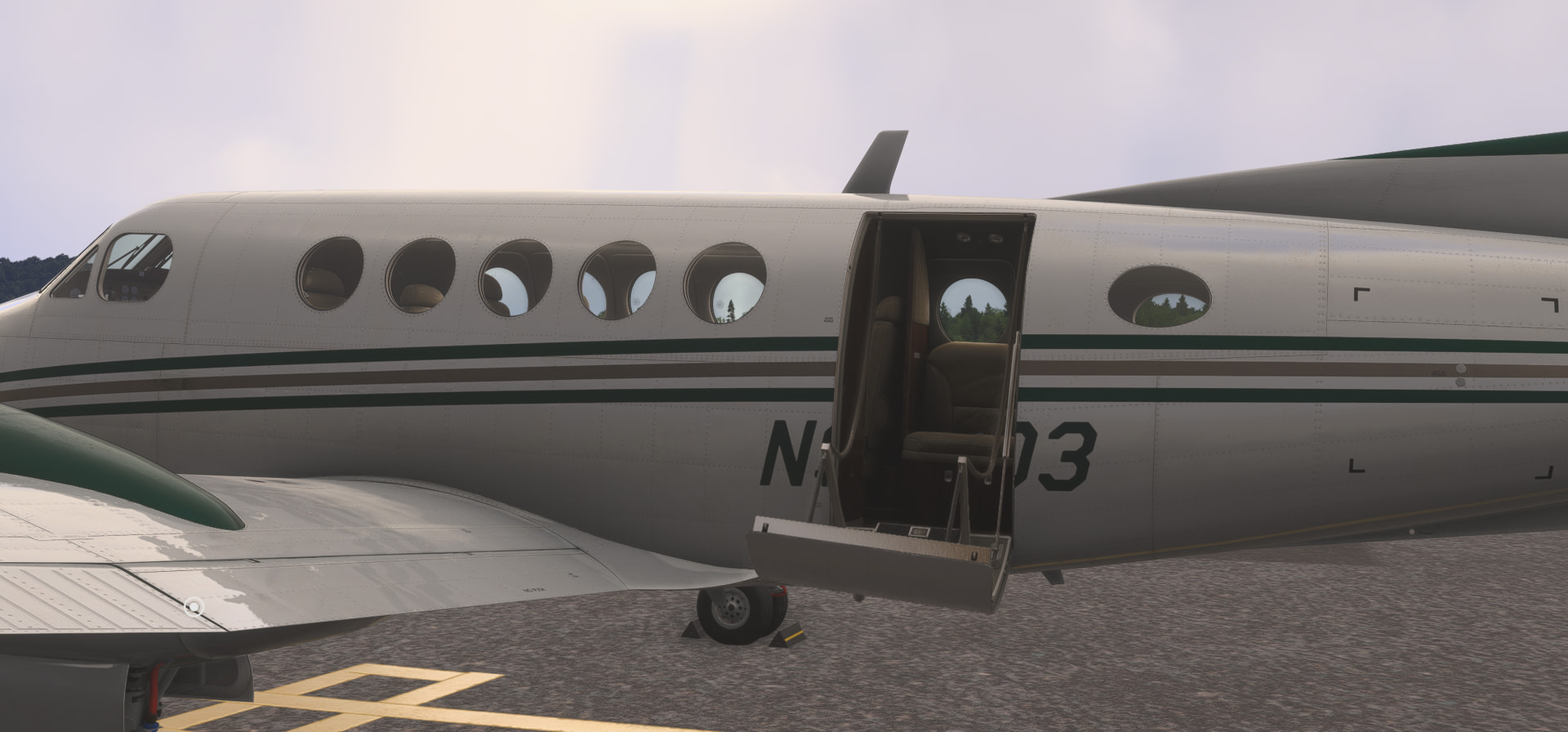
Unfortunately, Asobo has no understanding of what a door is, and that they’re meant to be there for people to look inside when they’re standing outside, and they’re meant to be there so you can move through them while they’re open, but not necessarily close. They unfortunately believe a door is a magic portal you should never see open. If it stays open, the apocalypse happens as far as they’re concerned. I mean, sure, what plane would ever be flown with the canopy open, certainly it would explode, right? I mean, have you ever actually seen a B200 with the air stair open? Isn’t that just a fantasy? Wouldn’t the plane crash if you were to try to taxi it with the canopy open?
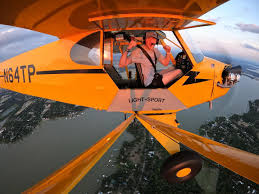
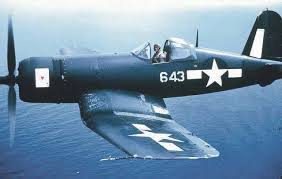
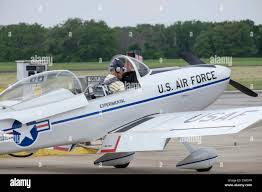

Then again, maybe it’s just a “Nyah, Nyah” thing… “Bet you can’t beat me and jump in”
Control+E is usually the PC default key to open and close door.
His question is, when the door is open, when he walks up to it, it closes automatically on him…
When the plane is set up to do so.
All Asobo planes and many others don’t allow doors to open. If you open the door cold and dark, you get kicked out of the plane. If you try to taxi with a door open, it crashes the plane. If you try to open the door while you’re flying some even throw you out of the plane.
There’s changes that need to be made.