In my case, the great and insurmountable difference that I find with the Daher is the instrumentation.
I know perfectly well that the market tends towards the glass cockpit, but I enjoy the steam gauges, which is what I have always flown with, and what my loss of sight allows me to work better.
I was recently in touch with Carenado, Who said that are going to be looking into the taxi speeds for the PC-12. Lets hope that it is fixed soon!
If you are friends with the Carenado technicians, would it be possible to add a turn coordinator?
I don’t have the plane yet, but the taxi speed problem is probably because Asobo hasn’t fixed the issue with proper turboprop simulation yet. I’d like to fly this plane but the frame rate issue is worrisome.
The analog King Air Turbo prop taxis just fine. So no i don’t think its that.
I still enjoy flying the Asobo PC12. I taxi in reverse thrust to keep it slow.
Yes the BS King Air does taxi slow enough, but I don’t think beta range is implemented, only alfa or reverse seems to work. Anyone who flies the AFL King Air 350 in X-Plane knows how it’s supposed to work. Kind of amazing that Asobo included multiple turbo props in the sim and still has not fixed this.
Just watched this receiving flow from a real PC-12 pilot, and his followers are criminally low, so thought i’d share here, Good vid with some nice insights
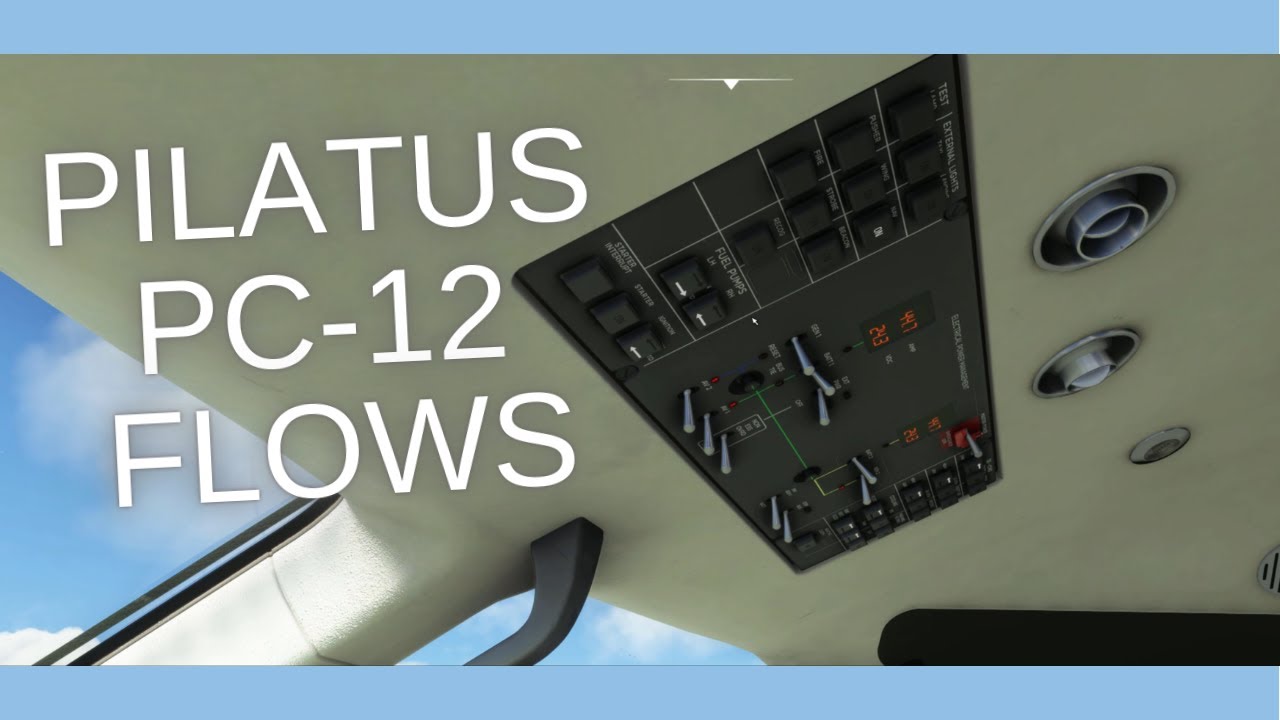
Good video. I look forward to more of them.
Fortunately, each of us seeks a different kind of satisfaction in this magnificent simulator.
Some enjoy flying in commercial planes, thousands of feet high, taking passengers to different capitals. Others enjoy a real relaxing ride on familiar ground… Some are very concerned about the behavior of the plane while it is on the ground, engine ignition, taxiing, the total realism of the engine sound…
I enjoy taking off from an airport, and as soon as possible (at about 300 feet AGL) put up a display ONLY with instruments, without any outside visibility; and with only VOR frequencies and maps, reach another airport, do the entire procedure without seeing anything from the outside, descend to the minimum and… hoop! change the screen to the outside and check that I am at the runway threshold of the desired airport.
It’s silly, but I love it!!!..“old things”
And this plane, with its shortcomings, fulfill my desires…
I’m not sure if this is purely coincidental, but I purchased the Carenado PC-12 on Friday (3 days ago). I’ve made perhaps half a dozen flights in it so far. When flying this aircraft for flights in excess of, say, two hours, I get a devastating drop in fps. Currently I’m flying EGHF-EGPB. I’m about two hours in, not too far from my destination. Flying at FL300. My fps dropped suddenly from 70fps average to 7fps.  I’m hoping it’s not the aircraft as I really do like it. Playing on PC. I do not usually have any fps issues.
I also have NOT installed any other gauges, if that’s what is being offered on the in-cockpit tablet.
Saving the flight, returning to main menu and then loading the saved flight back in loads me in with good fps again (66).
Do you have any of the AI aircraft mods installed, or other airports? You could be reaching the sim-object limit. You can tell you have if you get to your airport and it’s missing buildings and other details.
Try flying the plane with none of your other addons installed, including other Marketplace purchased addons to eliminate interference of other packages if turning off your Community directory doesn’t work. 3rd party Marketplace addons are just as likely to cause problems as Community addons.
It’s too bad Asobo/Microsoft made turning off 3rd party marketplace addins for debugging so hard. They should have created a specific “Marketplace addon” directory, and allowed multiple Community addon directories as well for that matter, to help us organize, and debug, our setups.
This problem was widely reported when the PC12 was released.
It has happened to me after 2 hrs and hoping for a cure may be wishful thinking after all this time.
Some suggest switching the Avidyne system off but it didn’t work for me.
I’ve given up on it.
Avidyne needs to be disabled in panel.cfg.
How long ago was it released?
It’s a shame as I really like the aircraft. I also have the Carenado Seneca V, which is a superb aircraft.
For the moment I think I’ll keep the PC12 for flights of less than 60-90 minutes.
How is that done? Is it simply finding the relevant line in the panel file and swapping a value of 1 to 0?
Put a semicolon in front of the htmlgauge line in panel.cfg
[Vcockpit16]
size_mm=640,480
pixel_size=640,480
texture=$AVIDYNE_Screen
;zorder=15
;htmlgauge00=NavSystems/Carenado/EX500/EX500.html, 0,0,640,480
Thank you. I’ll give that a go tomorrow.
I followed your instructions. On launching the aircraft the avidyne panel had disappeared, replaced by a blank white box.
Conducted a 2hr 15min flight, and no fps drop! I have a day off work tomorrow, so I’ll try a longer flight.
4hr 12 min flight in the PC-12 (EGHF-LXGB) post-Avidyne panel disabled. No fps drop 50-70fps all the way.
Certainly seems to be the Abidyne causing the awful fps after 60-90 minutes of flight.
This is how I fixed it back in P3D days, when I was getting similar issues. Just comment out the line. I may have even put a 3rd party weather radar gauge in its place.