Cessna 172 Basic (steam gauge) no working lights (RESOLVED)

EDITED TO SAVE YOU THE TROUBLE:
My non-working lights were caused by a keybind conflict that was “tripping a circuit” in the 172. If you are having trouble with the exterior lights not working, check your keyboard and peripheral bindings for one called “Set Electrical Power Circuit Setting”. Make sure it isn’t also bound to anything that affects “Master Battery.”

What was going on for me was, I’d hit the binding for Master Battery and it would trigger the Set Power Circuit simultaneously. If you trigger the Circuit, none of your exterior lights will function. I don’t know of any way to undo that if you trigger it other than restarting your flight.

Many thanks to DementedCorn327 for helping me find my user error.

================================================

Description of the issue:
Pay-ware Cessna 172 Skyhawk - Basic (steam gauge) version has ZERO working exterior lights. Not “dim during the day” like a lot of other planes, I mean they don’t work at all.

[PC Only] Did you remove all your community mods/add-ons? If yes, are you still experiencing the issue?
no mods

FREQUENCY OF ISSUE

How often does this occur for you (Example: Just once, every time on sim load, intermittently)?
every time

REPRODUCTION STEPS

Please list clear steps you took in order to help our test team reproduce the same issue:

  1. Load up a C172 Basic
  2. Turn on master battery (starting engine optional)
  3. Turn on ANY exterior light
  4. Behold, no lights come on.

YOUR SETTINGS

If the issue still occurs with no mods and add-ons, please continue to report your issue. If not, please move this post to the User Support Hub.

What peripherals are you using, if relevant:
n/a

[PC Only] Are you using Developer Mode or have you made any changes to it?
no

[PC, MSFS 2020 Only] Are you using DX11 or DX12?
n/a

[PC Only] What GPU (Graphics Card) do you use?
4070

[PC Only] What other relevant PC specs can you share?
n/a

MEDIA

Please add a screenshot or video of the issue occurring.

Interior, showing engine running and all light switches in ON position:

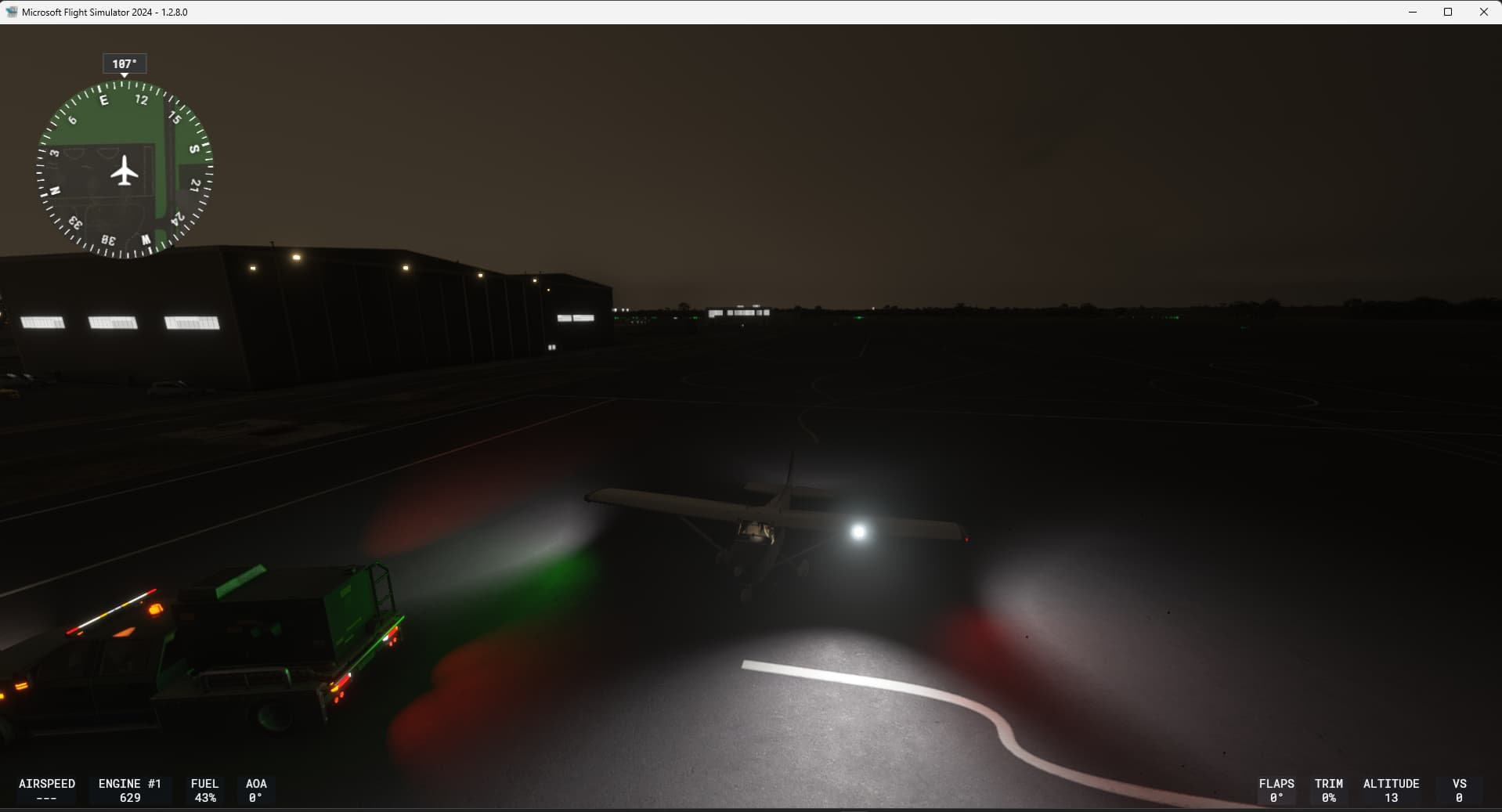
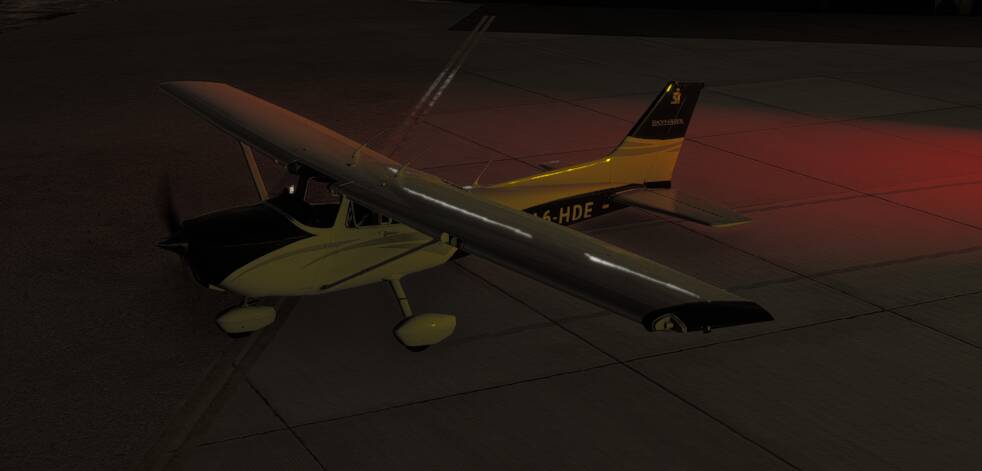
Exterior view, showing not a single light is on:
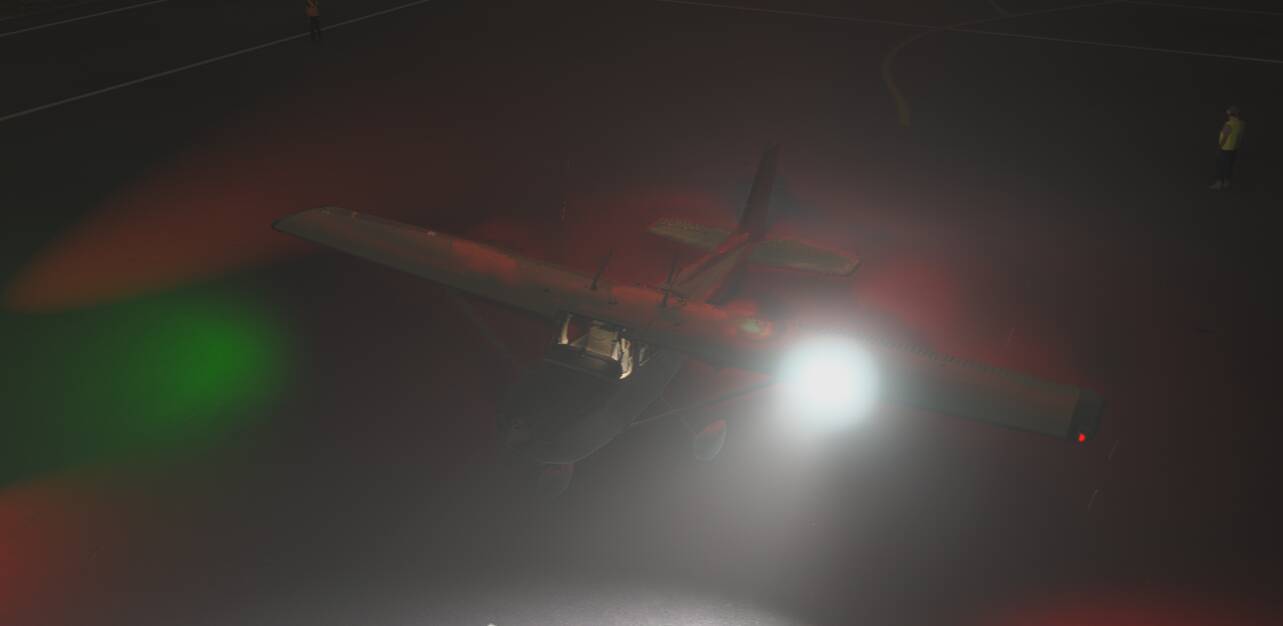
Second exterior view, showing that, unlike the C208B that at least shows a blinking light in the reflection off the surface of the plane, this C172 has no light activity at all:
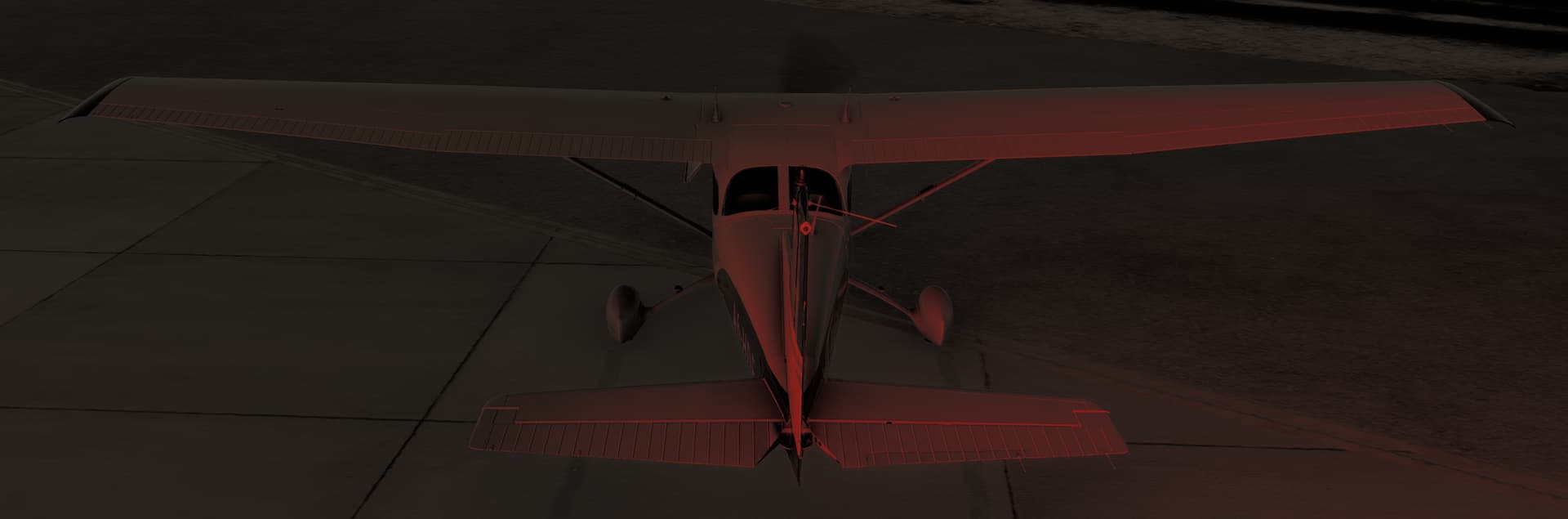
The latest patch at least made it so the engine will turn on and the plane can be flown, but evidently not at night! Not even a beacon, taxi, or landing light.

I know it’s “just a sim” but not having working lights makes it illegal to fly. It’s certainly not safe, anyway. :confused:

[END OF FIRST USER REPORT]


:loudspeaker: For anyone who wants to contribute on this issue, Click on the button below to use this template:

Do you have the same issue if you follow the OP’s steps to reproduce it?

Provide extra information to complete the original description of the issue:

If relevant, provide additional screenshots/video:

Hi @f0urd3gr33s ,

Topic moved to User Support Hub. Some recommendations when creating a report:

  • prior to open it, search for any existing report. If one exists, participate there to avoid duplicates
  • only 1 issue per report

Regarding:

Please review/contribute to the existing reports:
C172 Navigation & Strobe lights not working
Aircraft Exterior Lights To Dim

Thank you !

In the interest of being compliant, I’ve copied my post content into those two other authorized bug threads and subtracted out the two unrelated issues.

The reason I posted separately from them is I believe the C172 Basic and C172 G1000 editions are handled separately in the code base. My reason for believing that is, on launch, the G1000 version was more-or-less fully functional whereas the Basic version would not power up, start, or otherwise function at all. It wasn’t until the third patch that the Basic version could even be flown.

All in all, I have no strong feelings about the post getting moved. I just want the plane to function, especially seeing as I paid extra to get the Basic C172.

Cannot reproduce with the C172 Classic neither the C172 G1000 external lights at night are on. Starting C&D or on the runway.
C172 Classic:

Do you have any addons installed ?, if yes try disabling them.

I have no mods installed. I’d recommend looking at my reply in the other thread that was marked “Feedback logged” because I’ve been doing a lot of testing and updating my comment over there. Cheers.

Have you seen that report ?: Aircraft External Lights barely visible during daytime
Could it be the issue you are experiencing ?

That is not my issue. Please see my comment in this thread:

C172 Navigation & Strobe lights not working - Bug Reporting Hub / Aircraft & Systems - Microsoft Flight Simulator Forums

I have loaded a flight at Brisbane YBBN where it is daylight now (real time), then move the time to night and lights are there , maybe I missed something ?:

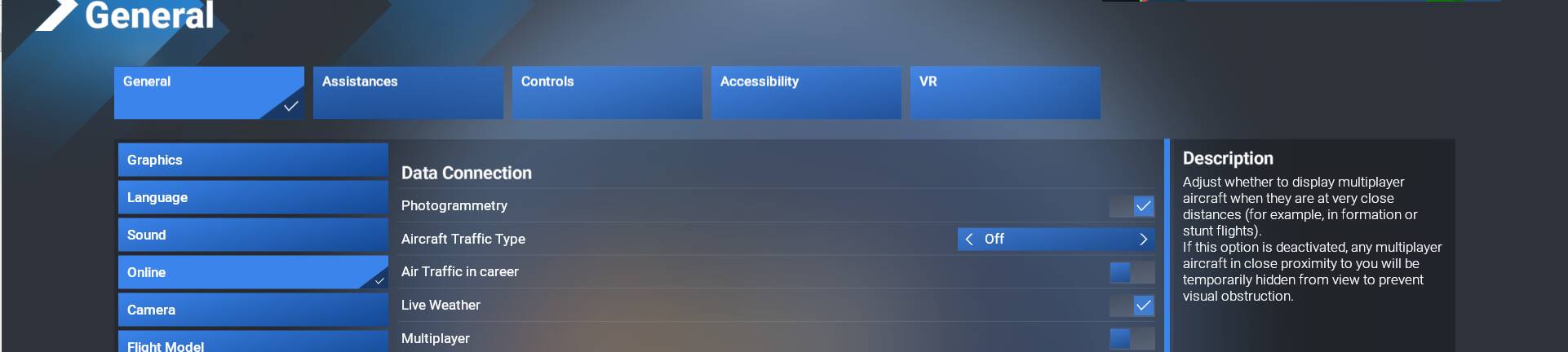
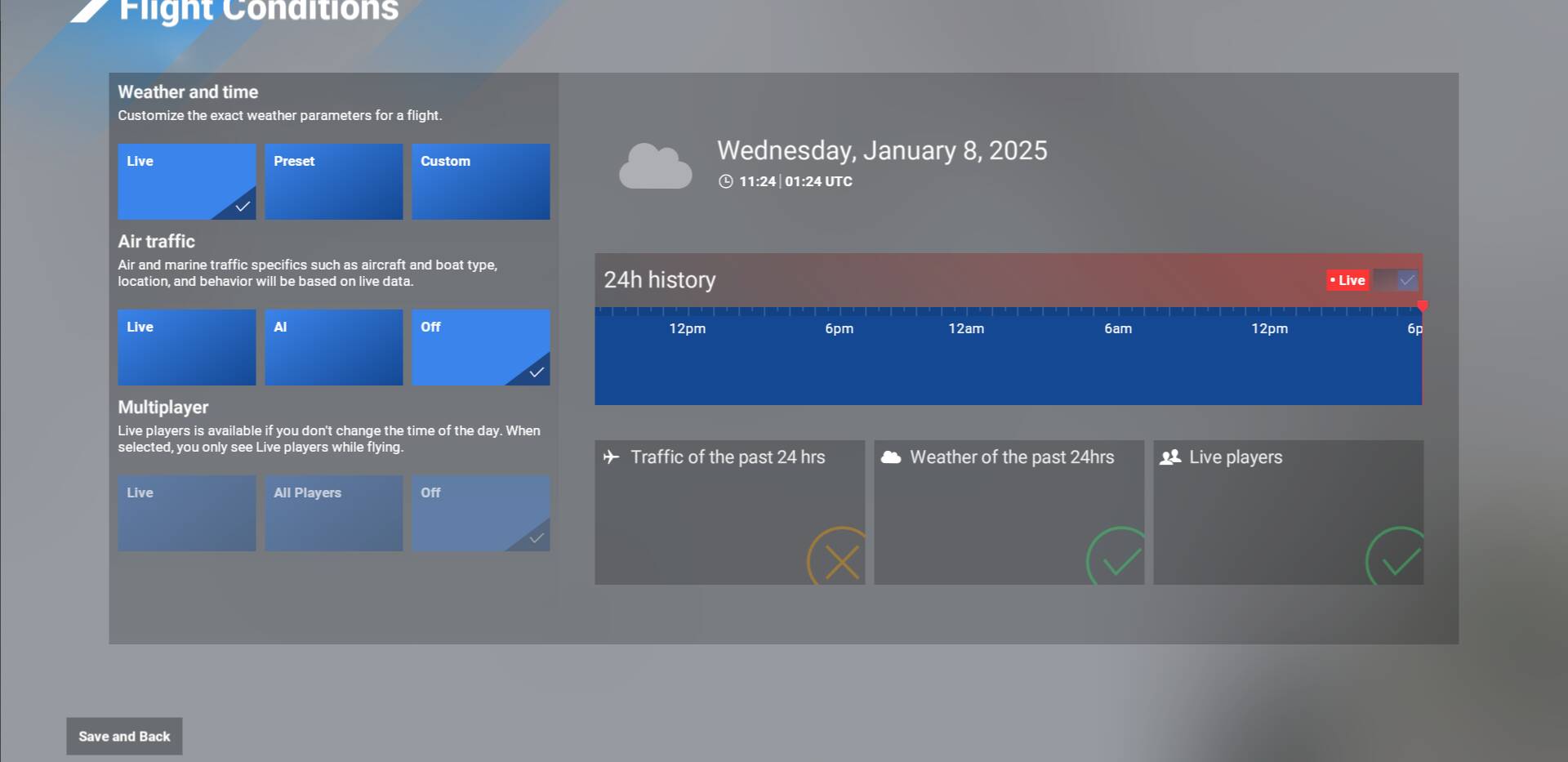
Would you kindly share with me your current settings for

  • Live Weather
  • Traffic

And walk me through how you started your flight?
For example:

  • Start Free Flight
  • Click Destination
  • Search YBBN
  • Select a specific parking spot
  • Clicked Fly Now

versus

  • Start Free Flight
  • Scroll the map to YBBN
  • Zoom in to find a parking spot
  • Click the spot
  • Set as departure
  • Start Flight

Also, do you have the aircraft engine running?

Sure, here are my settings:


Steps:

  • Start Free Flight
  • Click Destination
  • Search YBBN
  • Select a specific parking spot (Gate G2)
  • Auto-start (CTRL E)
  • Clicked Fly Now
  • Moved the time slider to night time

OK, I restarted my game. Then followed your settings and steps exactly.

The lights work, with that workflow:

Are you willing to try my settings and workflows to see if that causes your game to have the issue at hand? (lights won’t come on at all)

Workflow:

  • Go back to Main Menu
  • Disable Live Weather
  • Load Free Flight
  • Select Departure to search I69
  • Use UR time scroll bar to set time to midnight local
  • Select Parking GA 17
  • Click Fly Now
  • Clear the chocks, static port, engine, and pitot cover
  • Get in plane
  • Manually start engine the “fast” way (turn on battery, mixture rich, fuel pump on, crank starter, turn fuel pump off)
  • Test exterior light switches

There various flows in your other post:

The 1st one:

  1. Load up a C172 Basic
  2. Turn on master battery (starting engine optional)
  3. Turn on ANY exterior light
  4. Behold, no lights come on.

or the other ones in your additional tests ?. If so could you put them as steps (like above) to better follow them ?

Yes, you were too fast. :slight_smile: I edited my most recent reply with the steps.
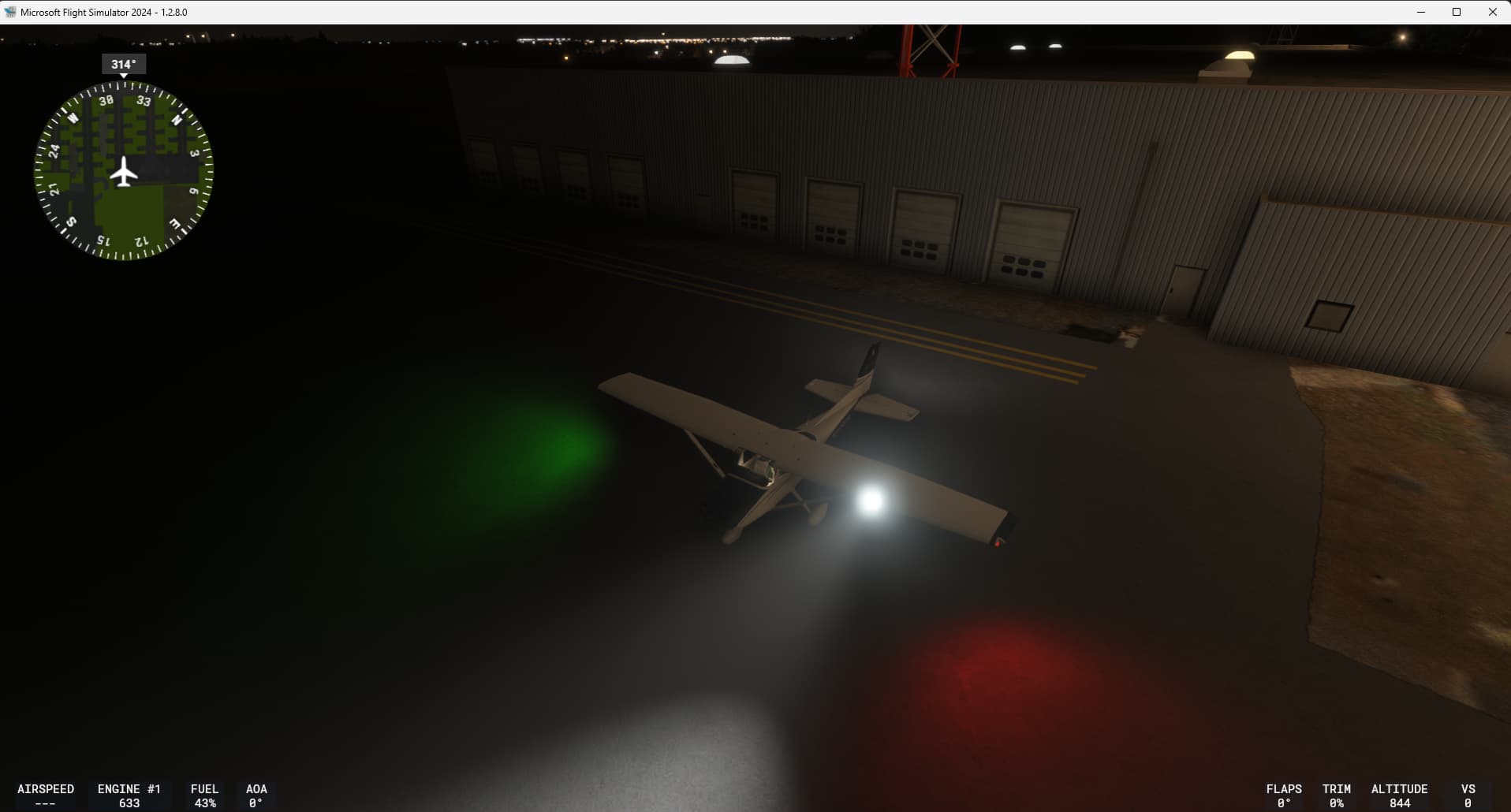
Edit: there is a “tell” of whether the lighting system is going to work. Any time you load a new Free Flight at night, get in the plane immediately and turn on the Master Battery. If the cockpit overhead lights come on, the exterior lights will work. The reverse is also true. If turning on the battery doesn’t automatically illuminate the cockpit via the floods, none of the exterior lights are going to come on.

1 Like

Cannot reproduce:


OMG. You’ll have to excuse my mistake. It appears I have been inadvertently triggering an airplane function called “Set Electrical Circuit Power Setting”. I’ve fixed that issue and seems to be OK for the moment. I’m not even sure how that binding conflict happened. It wasn’t anything I set manually. Thanks for your time, sorry it came down to “user error”. XD

1 Like

Glad you found the root cause. The sim has so many parameters to it is really easy to miss some configurations like bindings that should not be there. Happy night flights !

1 Like