Can’t seem to pick up a glide slope on the same display though (unless I’m doing something wrong), currently just manually descending with with localiser signal displayed only. Anyone else with G/S display success?
I see the manual says “CDI (No Glide Slope on this unit)”
I also note re VOR, the manual (page 5) says-
“VOR – DME – TACAN: This aircraft has a single frequency radio navigation device, with no standby frequency. Using DME or TACAN requires
pairing the NAV frequency and the DME/TACAN channel according to the correspondence table provided in the appendix. There is no X Y channel
setting, since the xxx.x0 VOR frequencies are tied to the X channels and the xxx.x5 VOR frequencies are tied to the Y channels.
The digital display device gives:
1st line: Distance (NM) Beacon ID
“Page” button up, 2nd row: Relative heading(°) Closing speed(kts)
“Page” button pressed, 2nd line: Radial(°) Estimated time(min, 99 max)
This device works on the following beacons:
VOR/DME – TACAN – VORTAC – ILS/DME (without glide)”
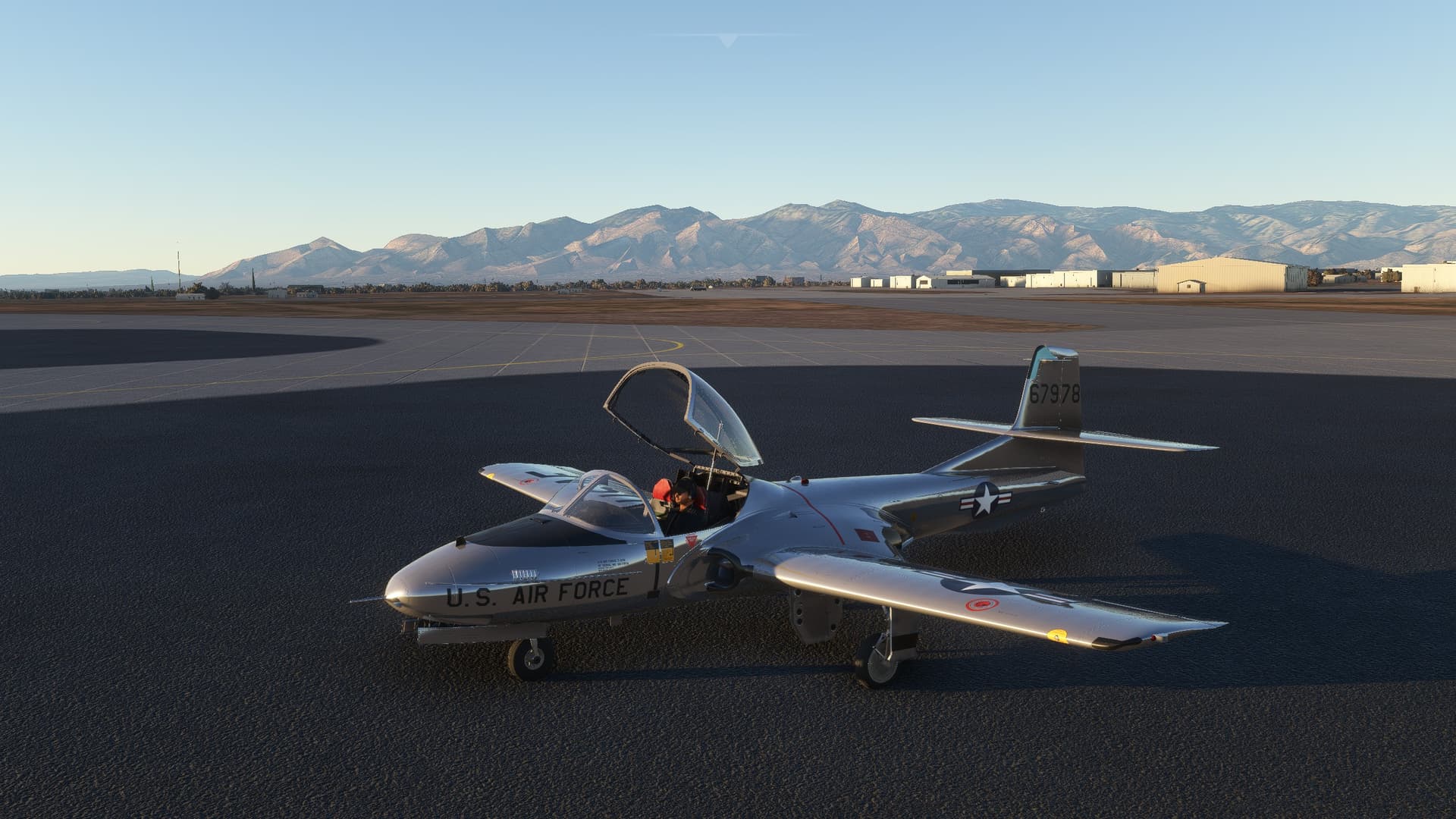
This is a fantastic add-on, and everyone with MSFS should have this in their hangar. It was intuitive enough that I could start it up even though it doesn’t have any in-sim checklist, and then I had some fun figuring out the canopy, control locks, and parking brake. All the systems are implemented really well and give the plane a tactile sense of character.
For my first flight took it up for about 20 minutes of aerobatics and canyon flying, and then had a few, well, training opportunities arise. I hit some compressibility in a dive which proved nearly fatal, then proceeded to stall the engines by forgetting to switch on the boost pump before starting aerobatics. I was able to figure out the air start procedure right before I ran out of airspeed and altitude, and then managed to find a runway without any further upset.
If I had paid money for this add-on, I would complain about the hit-and-miss cockpit textures and the lack of sound change when the canopy closes, but both of those are issues that disappear in the background once you’re up in the air with it.
It’s also so loud and annoying that my wife made me turn it down because it was driving her nuts, coming from a VR headset, in another room with a TV on. I have never heard one of these in person, but I take it this is another count towards it’s accuracy.
Thanks as always for the skins JanKees - taking good stuff and making it even better!
Have you been flying this for a while and now suddenly noticed a different behavior? Were you flying straight and level and decided to increase throttle to increase speed and then noticed the change in behavior?
I haven’t flown mine since last week and didn’t have problems then. There was an MSFS update since my last flight. Won’t be able to try again until next week.
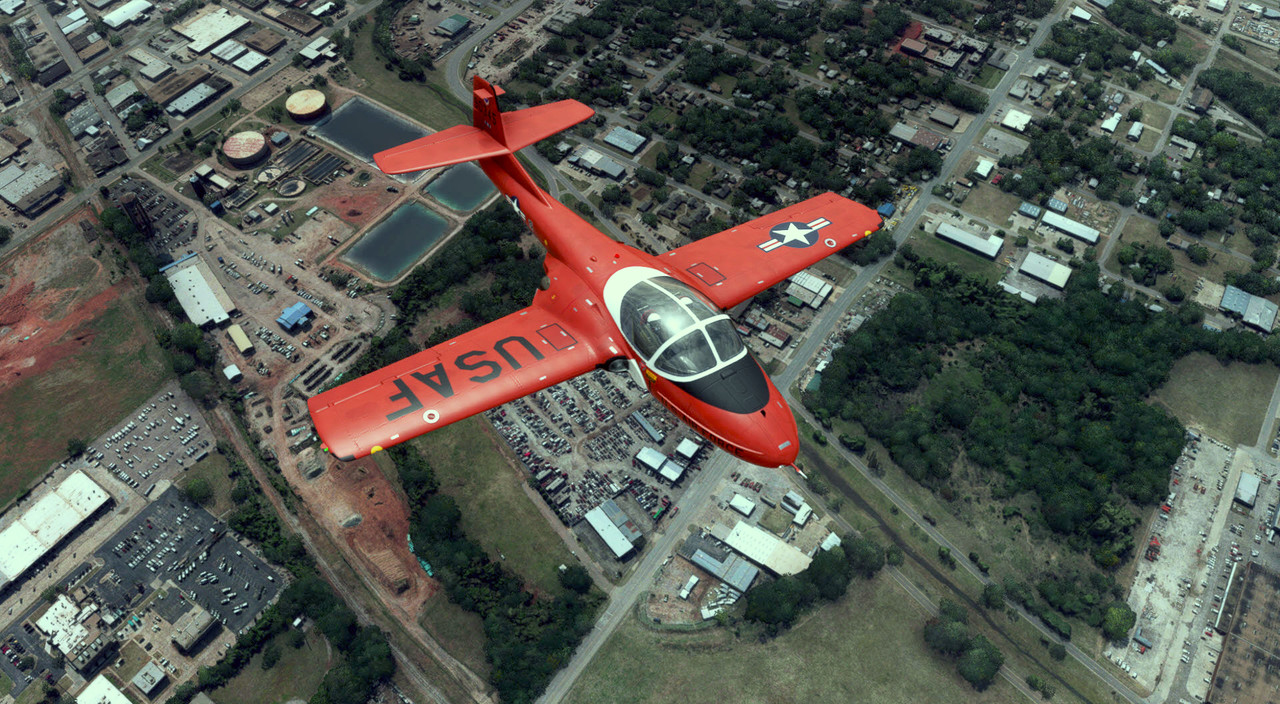
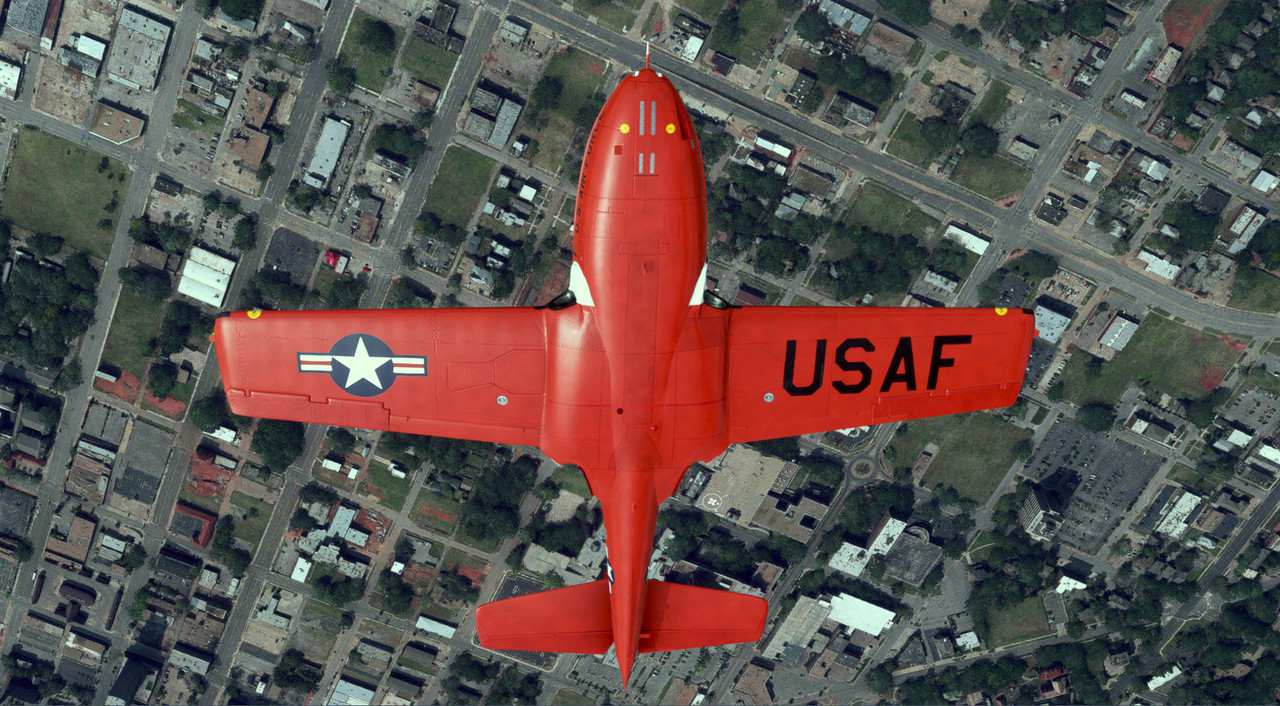
I uploaded a new livery for this beautiful add-on.
It is available via the Sim Outhouse site. http://www.sim-outhouse.com/sohforums/content.php
Note: Access to (free) downloads requires an account.
Tab : Warbirds Library > FS 2020 Add-Ons > FS 2020-Military repaints - General
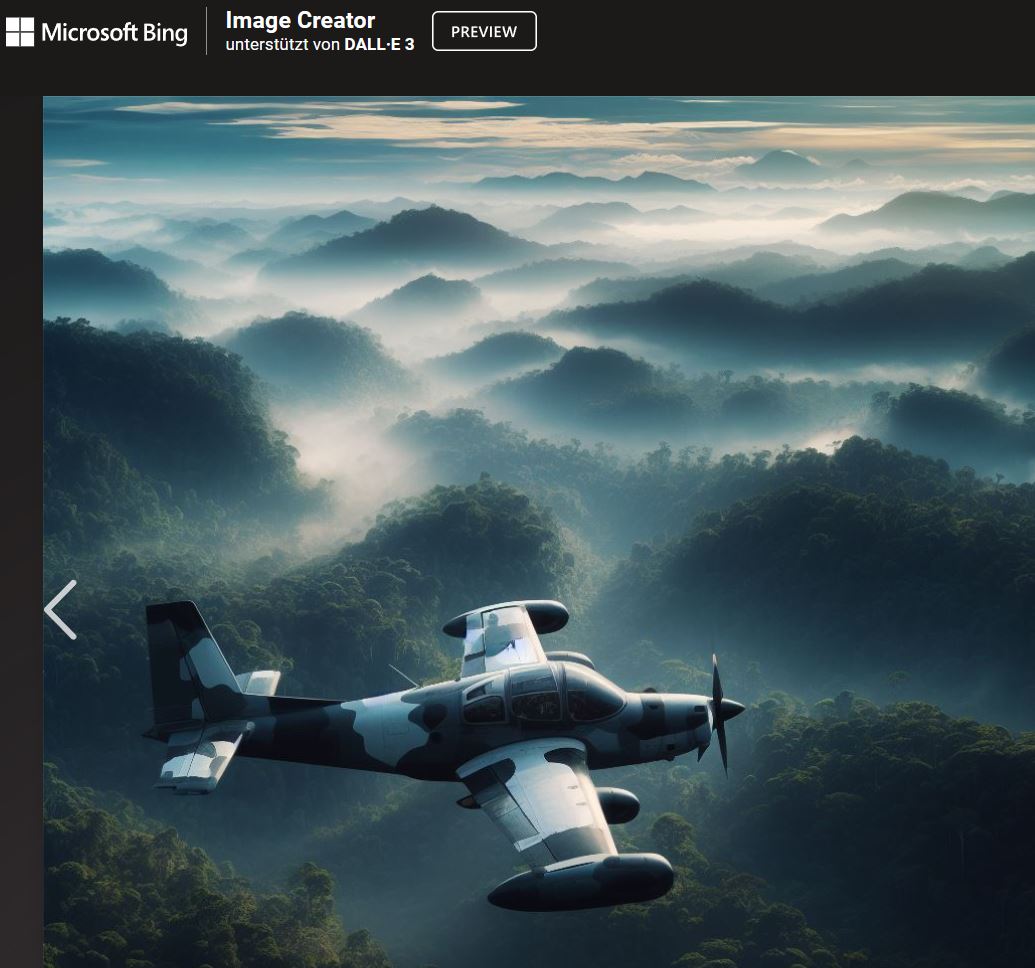
interesting stuff for our sim’s “what-if” designers, reminds me of long-forgotten COIN proposals of the 1960s.
Would be interesting to know whats going on in background in Seattle for those Pics…
Love the background though!
This a great little jet and the fact that it free makes it even greater. For me personally the only thing it needs for longer flights is a basic autopilot like altitude and heading hold for longer flights when my attention may be drawn elsewhere in real life. It probably didnt come with one in reality so is not modeled but sure would be convenient on occasion.