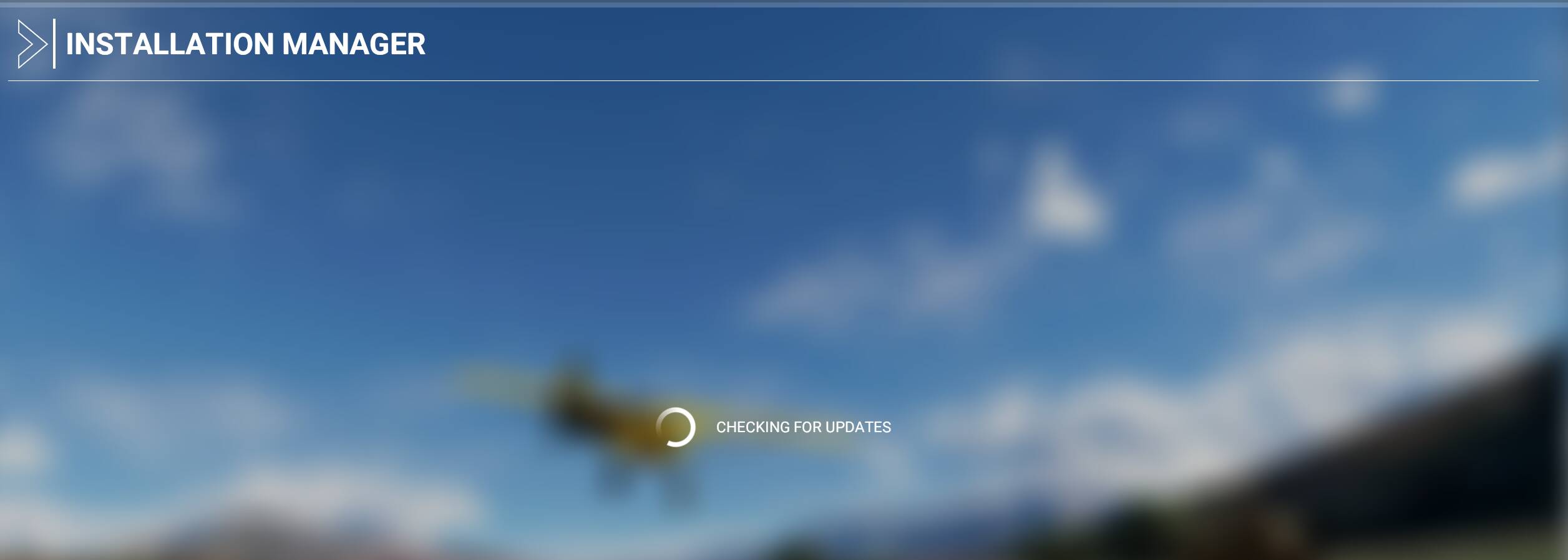
Same here, been sitting on “Checking for updates” for the past 15 min now 
update: I did change my MS username so it had logged me out. Signed back in and back to the “checking for updates”
Same here, been sitting on “Checking for updates” for the past 15 min now
update: I did change my MS username so it had logged me out. Signed back in and back to the “checking for updates”
Same here..I guess everyone is getting home now to update..bummer
After checking for updates for several mins you then have to wait a few more then youre in and “offline” ooooooooof!
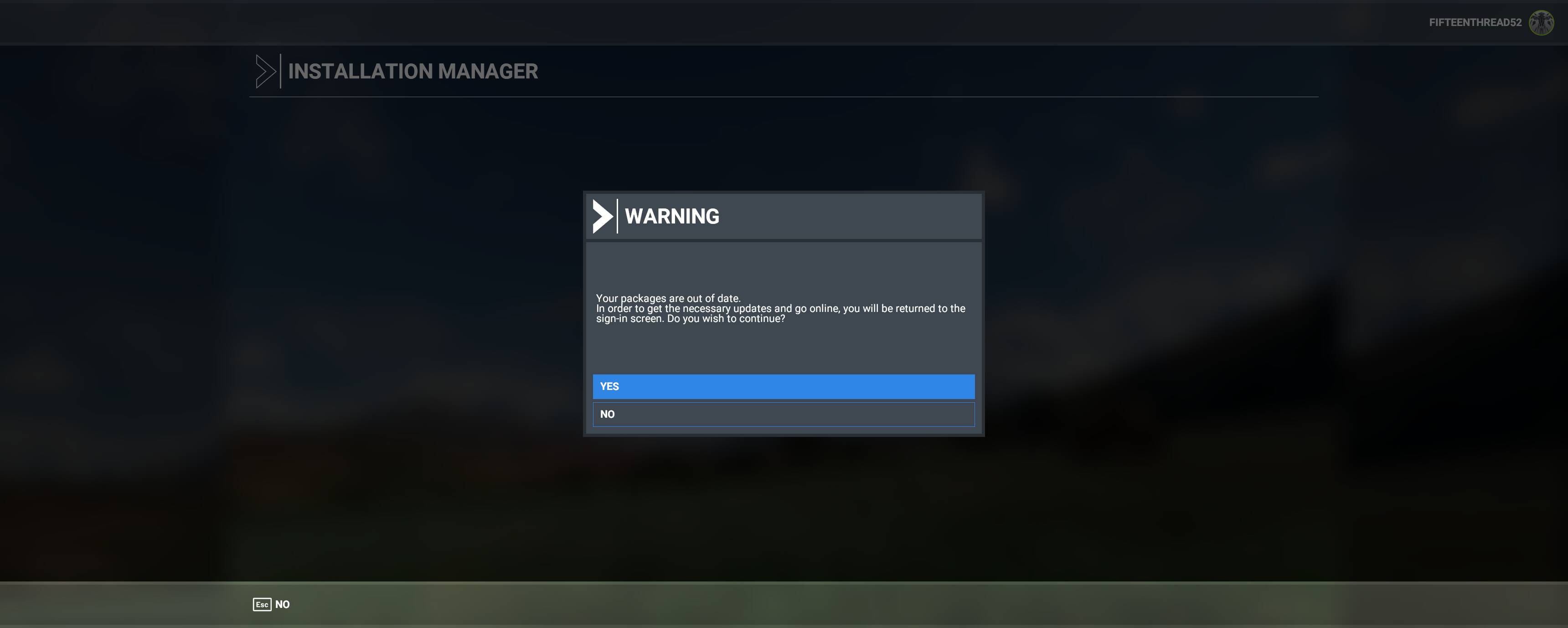
Mine is throwing me an error “Your packages are out of date” .. after that, makes me sign into my account again and starts searching for updates again, just to show me the same error about the packages.. anybody has an idea?
STUCK ON CHECKING FOR UPDATES
UGH!
Forum is having issues as well. It’s not allowing the above to post
same I’m in too
I like MSFS.
I know it has it’s issues.
I have been tolerant.
I am now bored and tired of managing each and every update, that takes a frigging age to complete and invariably results in me pausing and restarting the download because it gets stuck.
I have spent 8 hours this evening doing the above and suffered the same issues as other posters in this thread. And of course without fail as this now happens EVERYTIME there is an update, invariably the download process gets stuck in a loop… so I pause and restart everything again, making sure i kill all background tasks… and of course the download size magically increases right back up to 55Gb, even though I have spent all evening downloading updates.
Like many others I have been downloading files for decades, and sure you run into problems from time to time, but the delivery service for updates in MSFS is seriously ■■■■■ and needs looking into. A year on and we area still dealing with some pretty basic actions here. Updating should be straight forward even if it takes time to download large updates when the servers are busy.
I am a supporter of this sim but this is becoming an embarrassing re-occurring theme. C’mon Asobo/MS - level with us and admit there are problems with installation/updates, your customers should not have to manage a download process. Please dedicate resources to this issue and find out why this process regularly fails for some many users.
Alright update sees to be working for me as of now. I’m at 50% where as previously it was stuck at 30%.
Patience isn’t my best virtue.
I’m not even logging in to see the update. I play regularly and I saw a meme online of a ■■■■■ shaped church in Dixon Illinois and I want to see how it looks in MSFS lol
I’ve been stuck on that screen WITHOUT any progress bar, keep clicking Update to no avail.
Sigh 
This happened to me a couple of times. When you get the XBox (store?) screen sign in as a different user but use your same account. (I get this occasionally with all Microsoft tools)
Hopefully as soon as your update is complete all of your stress washes away.
The way I look at it, if you needed me to re-create this game from scratch, there’s no way. This game is amazing and it took over 4 thousand people from across the globe, all with big brains to work together to create this awesome sim.
The world is literally the map. It’s freaking HUGE. I would be annoyed with the update process if we didn’t get anything out of it. Truth is, I paid $60 for this game and any updates after, are just extra. I like the extra they give us even if the trade off is temporarily having to spend a half day doing an update install.
Every update makes the game better imo. Just try to have some perspective.
I’ve sat 2 hours waiting for it to pass
My CPU is a ryzen 5 3400g. I’ve used the developer mode to check the FPS and before the update both my cpu and gpu numbers were around 25-30 at Heathrow with FPS of around 20-25. Since the update the number by the GPU is now 1-2 which is great but the CPU number is 40-45 which obviously isn’t great. I thought this update was meant to improve the CPU mainly. Just wondering if anything I’ve not done right. Thanks
I paused the update last night to sleep my PC, and couldn’t resume it using the ‘resume’ button on re-start.
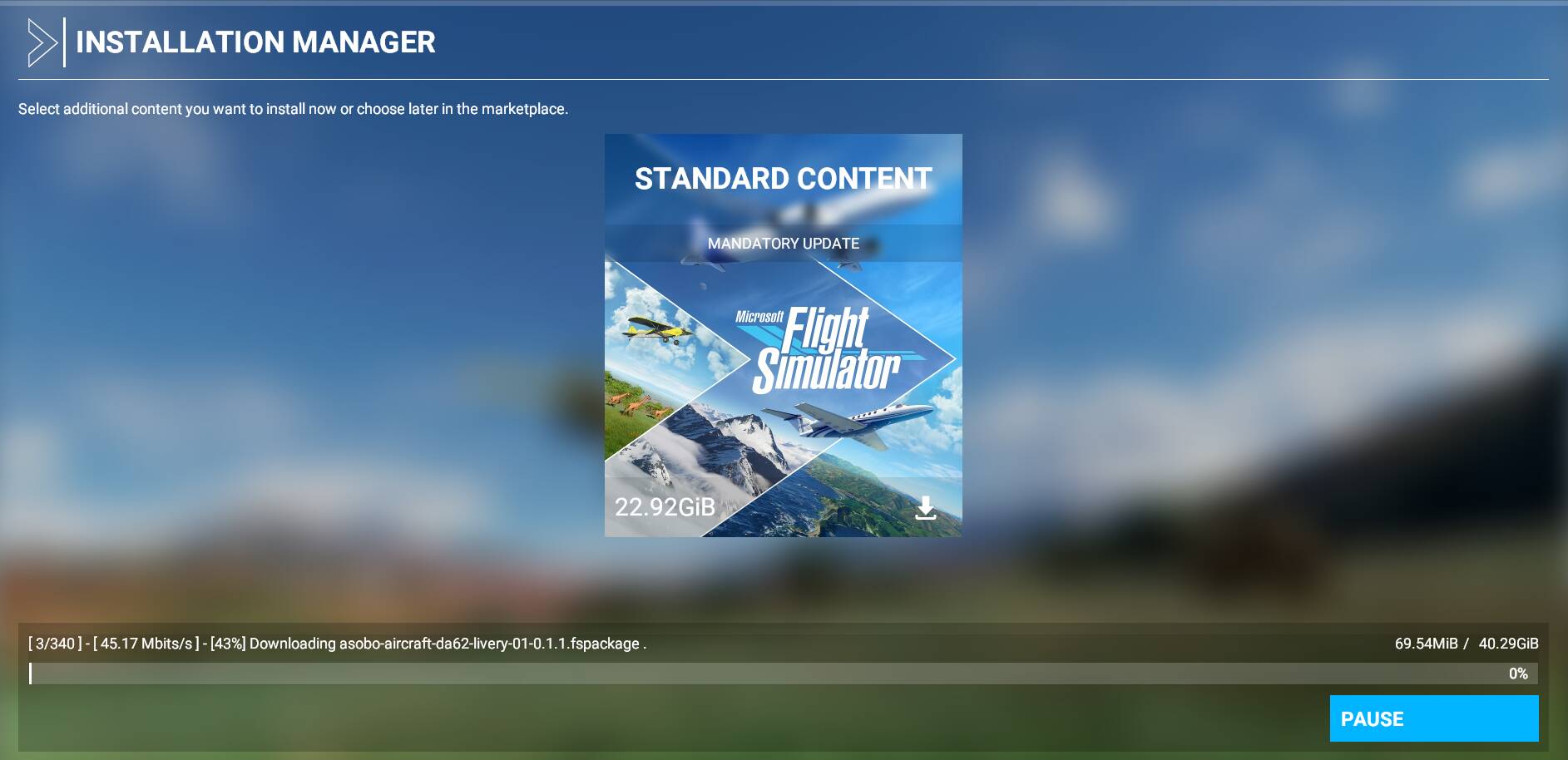
I’ve closed MSFS to try again, and although I can get to the update screen and it claims to be downloading, the progress is stuck at 0% and the info bar flicks between
[1/16] - please wait…
and then
[1/16] - [1.56mbits/s] - [0%] Downloading fs-base-cgl-0.1.72.fspatch001
The speed text changes, but the percentage does not, nor does the file being downloaded or the progress bar which remains at 0B / 10.98GB.
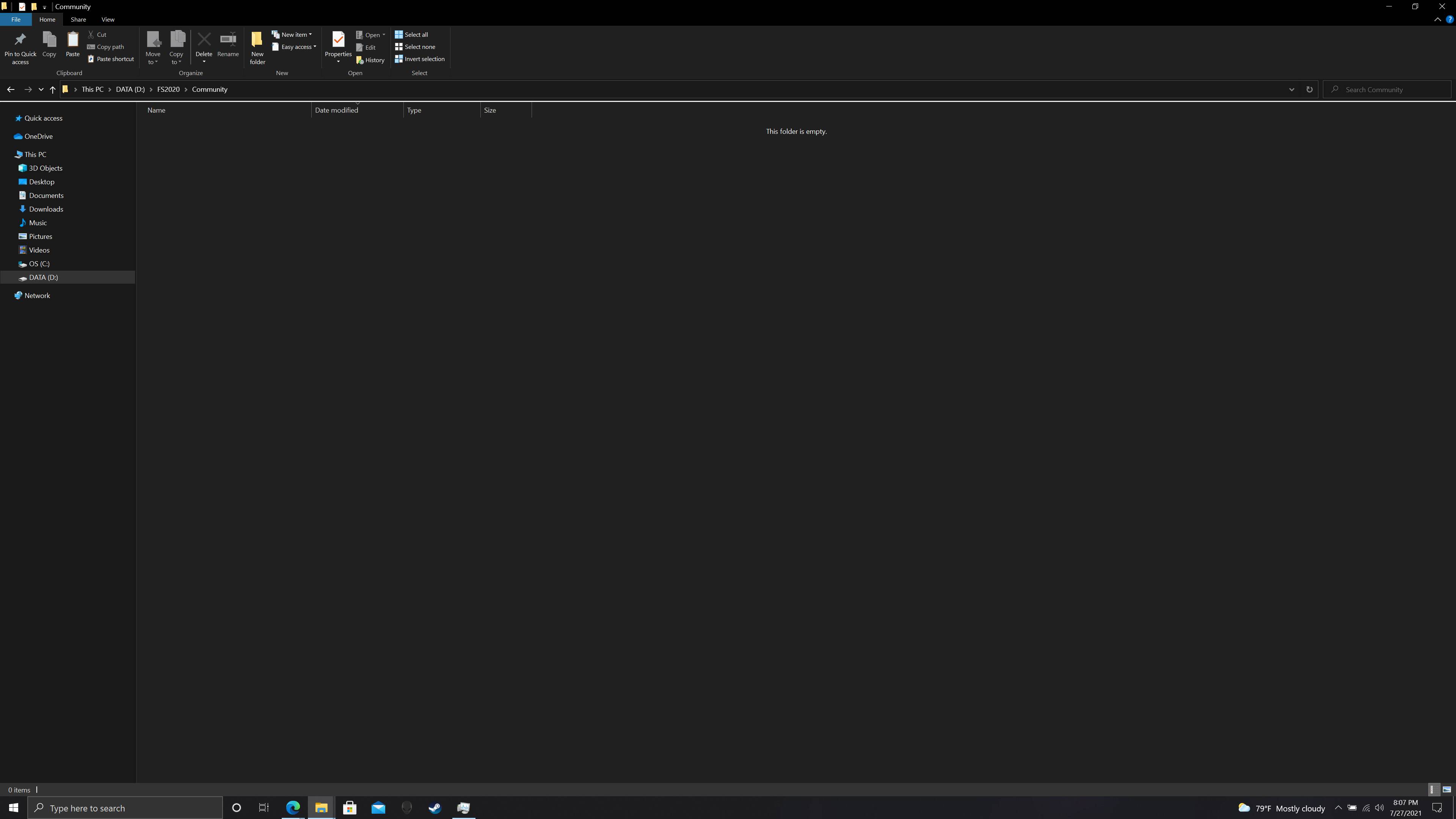
My community folder is also empty.
My perspective is quite simple, the download/update for many regularly causes no end of problems and personally for me it has meant 8 hours of waiting only for the process to fail.
I tried again after work today and a few stalls later and I conceived defeat, uninstalled the sim, manually deleted the install folder, signed out of Microsoft services etc.
Having signed back in and left the sim to install while I ate dinner I was not expecting to go back and check on it only to find it had CTD about 1 Gb into the near 128gb to be downloaded. My faith in getting this sim/updated installed at all is rapidly evaporating.
As paying customers I think it is reasonable to expect the install/update process used to work as intended to a reasonable level of reliability. It does not, there are regular posts on here about download/update woes. My PC is a new build and I intentionally do not install loads of ■■■■ on it, windows is all up to date, everything via the store is up to date.
I have done reboots, cold boots and shut down all other software and items on the taskbar, I think that it is reasonable to expect the process to work. I cannot ever remember having this level of grief with downloads over the last 20 or so years. It should not be such a task to simply obtain and install the sim.
I had this problem as well. Use a program like NetLimiter and set a download limit for flightsimulation.exe (It worked for me at about 3mb/s)