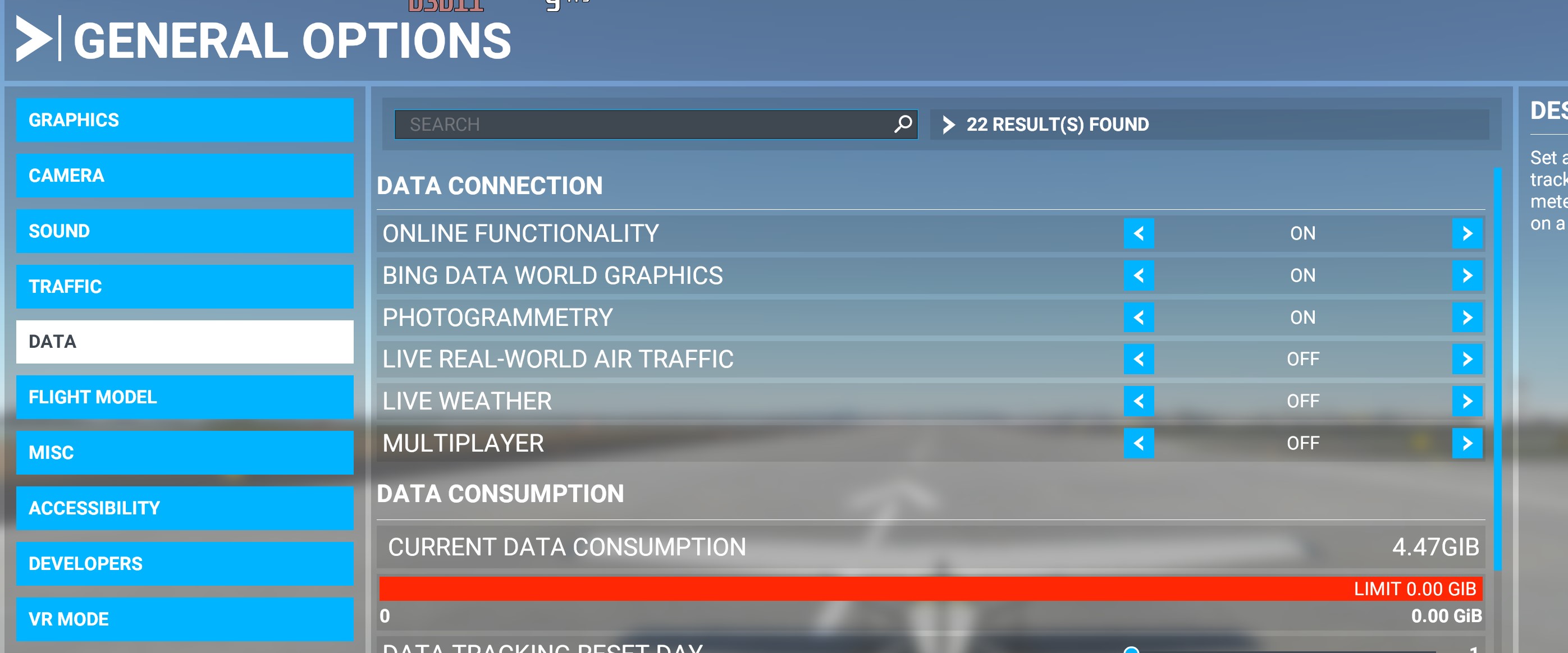
Yesterday it started happenning to me and now the program wont run. It CTD without an error a couple of secs after the music starts playing. It worked for a year without problems so far. Now it consistently crashes. I emptied the community folder, instlled new AMD video drivers, and C++ redistributables, but it does not help.
Event viewer says:
Faulting module name: FlightSimulator.exe, version: 0.0.0.0, time stamp: 0x60c0b1e3
Exception code: 0xc0000005
Fault offset: 0x0000000001fb80ed
Faulting process id: 0x42ac
I went to C:\ProgramData\Microsoft\Windows\WER\ReportArchive
And there are AppCrash_Microsoft.Flight_xxxxxxxxxxx folders containing Report.wer files. They can be opened in notepad.
Some info from the wer file:
Sig[7].Name=Exception Code
Sig[7].Value=c0000005
Sig[8].Name=Exception Offset
Sig[8].Value=0000000001fb80ed
and also the last loaded module is:
LoadedModule[227]=C:\Windows\System32\Windows.Security.Authentication.OnlineId.dll
So maybe it is where it crashes?
BlackGramayer, can you look up your .wer file and tell what’s your last loaded module?
Is this forum the only place to report such issues or is there an Asobo/Microsoft tech support of some sort?
I don’t know for certain, but I think those loaded modules are listed in no particular order. I assume you have had multiple crashes in the past, so look over those to see where that module is on the list. I doubt you’ll find it in the same place.
official always create a ZenDesk Ticket ( Support Link on top ). We here are the community and with bit luck someone have a solution / workaround or we find one in a discussion about the problem.
exact same problem here to. Turned off Bull guard fire wall and it booted first time. Unfortunately i had just uninstalled the whole bloody game and am now having to reinstall the whole thing.
I have this error and ive tried everything from switching my language to US, resetting drivers, and C++ repairs and nothing has worked. My computer is also up to date. Can anyone help?
if you already checked the sound-drivers ( deinstall asus* , disable nahimic service ) , and that there is no Anti-Virus-Tool or firewall that blocks somehwat, it would be difficult. May be a login issue..
here’s a another topic where we are currently also discussing about the possible reason and where the existing solutions related to ..409, ucrtbase.dll not helps.
There are currently some topics about, but not much without a “workaround”.
Just tried this and ya, Loads up and flys around just fine without WIFI but the second i plug my Ethernet in and the game goes online it instantly CTD lmao
I started getting CTD on Saturday. The sim will load and get to the main menu page for about 5 or 6 seconds and then I always get a CTD from there. Its very frustrating. I hesitate to completely reinstall the sim again. I tried that on Sunday and it didn’t make any difference.
I tried unplugging my PC from the internet and it still does it in offline mode. It started doing it just as some of us started experiencing the Bing maps data streaming issue over the last few days. I’ve no idea whether its related or not.
I started having same problem when i was at the video screen preview. I’d click the ready to fly (or whatever it is exactly) It would crash to desktop. So my solution that fixed that was to delete every profile in the options window before you pick a plane or location. At the options controls menu delete every profile you made including mouse profile. (if you made one) And just leave the Default profile. save and re-start. It solved my CTDT .You will have to create your plane profiles again, but that’s not too hard compared to re-installing MDFS again. Somehow the profiles we make get corrupted at times i believe.
No, none of that works. I already tried that. The only thing that works is disabling Windows Audio Service.
I don’t know what FAQ you are talking about.
I don’t know why Asobo can’t fix this… people have posted disabling and reenabling Windows Audio Service as a workaround since the beginning of the year at least. I have problems with no other games.
Well, that’s exactly the thing that fixes the issue, so it isn’t something else. I disabled every audio device (and every associated audio driver) on my computer and that didn’t do it.
Somehow, Windows Audio Service is behaving unexpectedly, causing MSFS to crash.