Community request for the H135 in the livery of Airlift Nortwest.
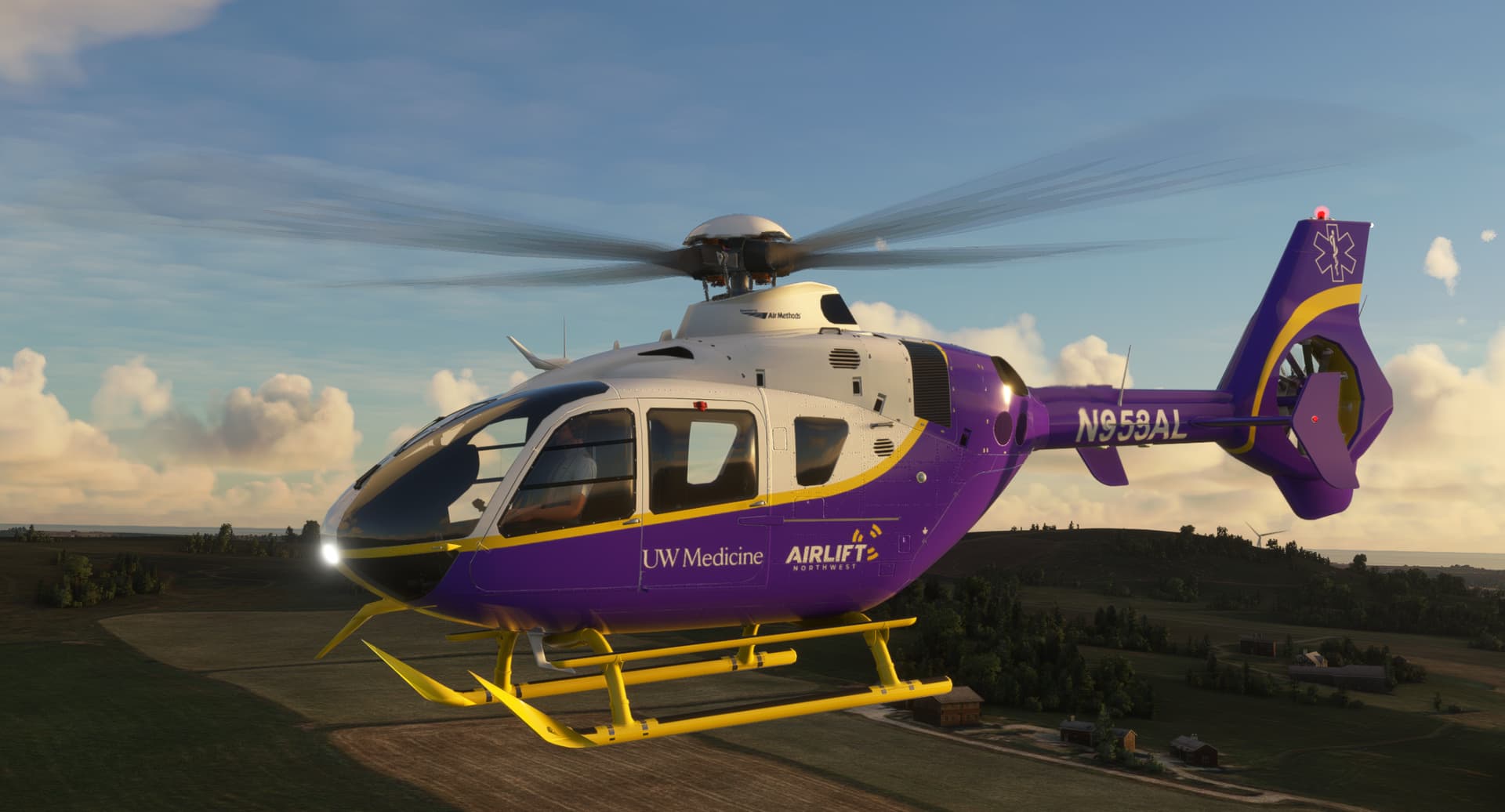
Now available for download at
https://flightsim.to/file/74966/airbus-h135
Community request for the H135 in the livery of Airlift Nortwest.
Now available for download at
https://flightsim.to/file/74966/airbus-h135
Community request for the repaint of the Airbus H135 in the livery of PH-YIS of KNSF Flight Services BV of Muiden, Netherlands.
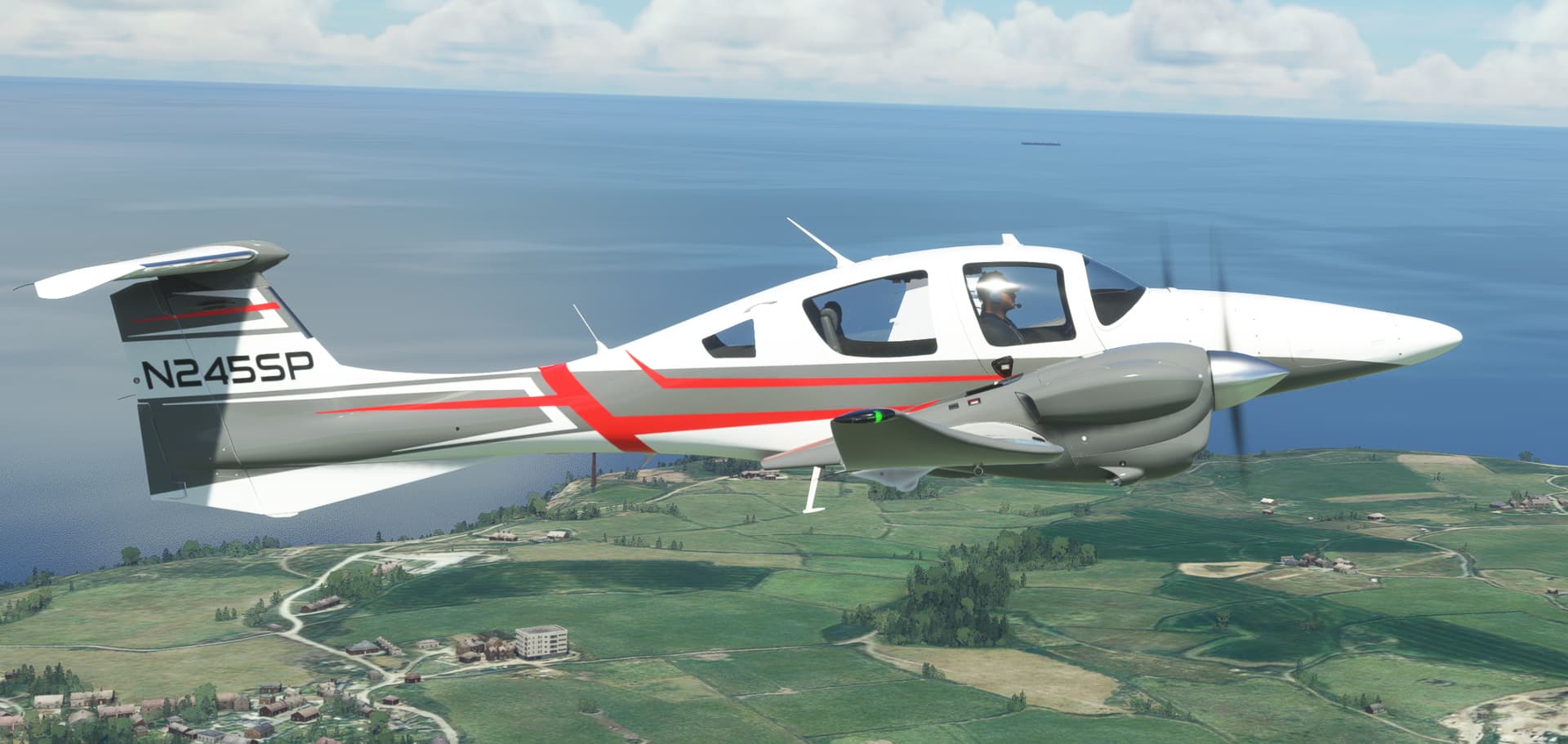
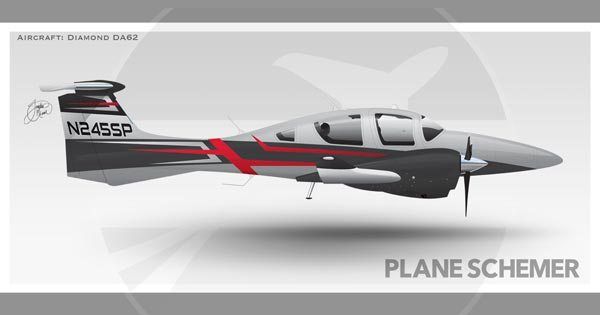
Community request for the repaint of the DA62 in an artist’s rendering of a custom DA62 livery.
Now available for download at
https://flightsim.to/file/68607/diamond-da62-n245sp
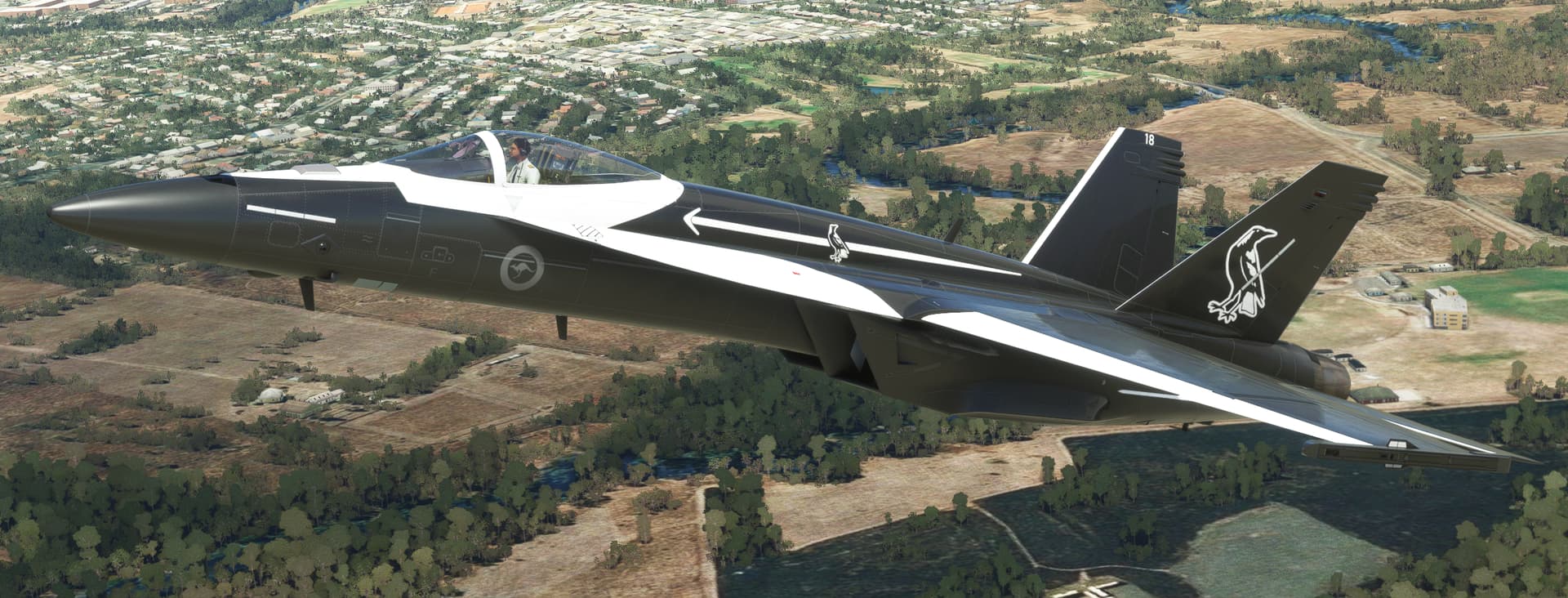
Community request for the repaint of the F18 in the Royal Australian Air Force’s Magpie livery. The special scheme is used on one of No.75 Squadron’s F/A-18 Hornets, based in Tindal in the Northern Territory, Australia.
Now available for download at
https://flightsim.to/file/74768/fa18-raaf-magpie
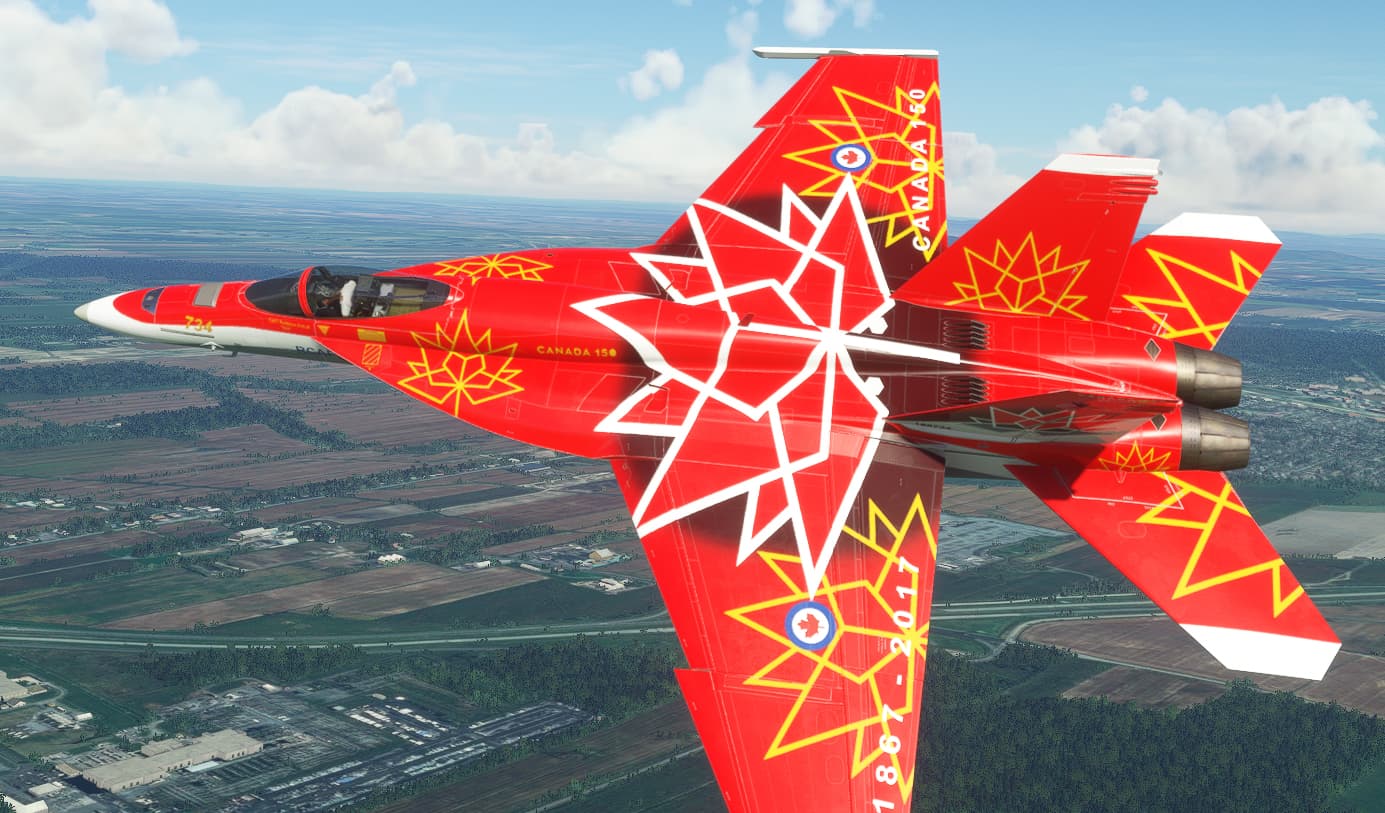
Community request for the repaint of the F18 in the Royal Canadian Air Force’s Canada 150 livery.
Now available for download at
https://flightsim.to/file/74767/fa18-rcaf-150
What you say is correct, it happen since SU6 and I think they have changed something with the textures in the VL3 and also in the IconA5. However I don’t use drone camera, it happen on external wiew. In some old livery (pre SU6) at some point draw the standard texture, in other nothing at all. There is not the possibility to add a texture like that of standard aircraft? Thanks for the answer however. Much appreciate.
I think what you request would require modifcation to the 3d model to use a new texture. That is beyond my skill level.
Hi, anybody know if there is a way to remove this metallic finish on DA62?
Edit the texture with COMP in its name and change the magenta bits to red. But it would depend on the actual livery you are trying to change as some have the metallic fleck also buiilt into the texture.
Assuming you have Photoshop, open the COMP file’s channel-panel and view only the blue channel, shown in greyscale, which is used to tell the software if a part is metal or not. Black is non metal and white is metal. In reality it’s never a value in between since something either is metal or it isn’t.
Hi Crispy.
I have downloaded livery for the etihad Visit Abu Dabi (Purple) for the A330-900neo from Flightsim.to but for the life of me i can not see it in my livery list.
I have looked at the config files and the manifest and layout files but can not find the issue.
All the other liveries I have pulled are fine, just this one. Do you have any ideas?
Thanks
Make sure you have the A330-900 installed and working and all the default liveries for that aircraft show up (there are 8 I think). Liveries usually work without issue, and the Visit Abu Dharbi will usually appear as the default livery, due to its folder structure names. If all else fails then try just the Headwind A330 and the Abu Dharbi livery in your community folder. If that works, then other community folder content may be the issue.
Morning
Thanks for the reply. I do appreciate it.
I can confirm that I have the A330-900 Headwind plane installed and can see the included liveries. I flew this on a few occasions over the weekend using TUI livery and Airtanker RAF livery.
I can also confirm that I have other livery installed which I can see including the Etihad F1 and Etihad old colour.
I made a list of the livery i downloaded and checked this against what i could see. The only one not showing was the Abu Dhabi livery.
What I will do is remove the ETIHAD liveries and then test the Abu Dhabi livery as I was wondering if one of them was conflicting due to naming.
I did check and the names were different but I will give that a go.
One thing I did notice and not sure if it will make any difference was in the manifest Json. It shows as Iberostar and not Etihad. Would this cause issues?
Thanks
Craig
I forgot to update the manifest.json when I created it the Abu Dhabi livery, but that shouldn’t make any difference. I have both Ibojet and Abu Dhabi liveries installed and can see them both. One thing that may be the cause is that the “Title=” value in the aircraft.cfg must be unique for every livery. So if you have another Etihad livery that uses Title="Airbus A330-900neo Etihad" then MSFS will have problems. Try changing this line to something unique like Title="Airbus A330-900neo Etihad Abu Dhabi".
Hi
Thanks for the additional information. I discovered that there was another Etihad file in my community folder. I have now removed this and the visit Abu Dhabi plane is now showing.
Thanks for the assistance.
Hello and thank you for this beautiful paint
Would you like to make a few more paints for the NX Cup, including a fictional with a Swiss identifier HB-YCG , that would be wonderful
Greetings from the Italian part of Switzerland
Claudio
There are surpirsingly few livery variations of the NXCub in real life. Most use the default liveries available in MSFS.