Do you have the same issue if you follow the OP’s steps to reproduce it?
Yes
Provide extra information to complete the original description of the issue:
Rift S. Please fix this! I am partially blind in my left eye and I am unable to effectively play in VR until it’s fixed. I just build a new PC for this.
If relevant, provide additional screenshots/video:
One year and a half later, this bug is still present.
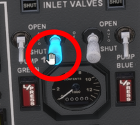
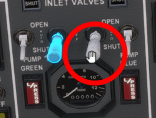
If you use the mouse and touch the control stick (x1 gamepad), the mouse cursor turns into a huge white dot in front of your face.
Of course, none of the new white dot settings fix this.
1 year ½… This is hopeless… Even the doubled cursor, which was actually working before, hasn’t been fixed.
I’m not buying the 2024 version, that’s for sure, you won’t fool me twice.
You have zero respect towards your customers who take on their own time to report issue and try to help. What a shame.
It definitely is. In the MSFS 2024 Caravan, it’s the Autopilot buttons that are annoying me the most. There is strong cursor offset and both visible cursors don’t lock to the button level. Same with the PC-12.
Those are among the best planes to make money in career mode but you can’t really use them in VR when you want to use the AP.
I don’t have the same problem with the Caravan in MSFS 2020.
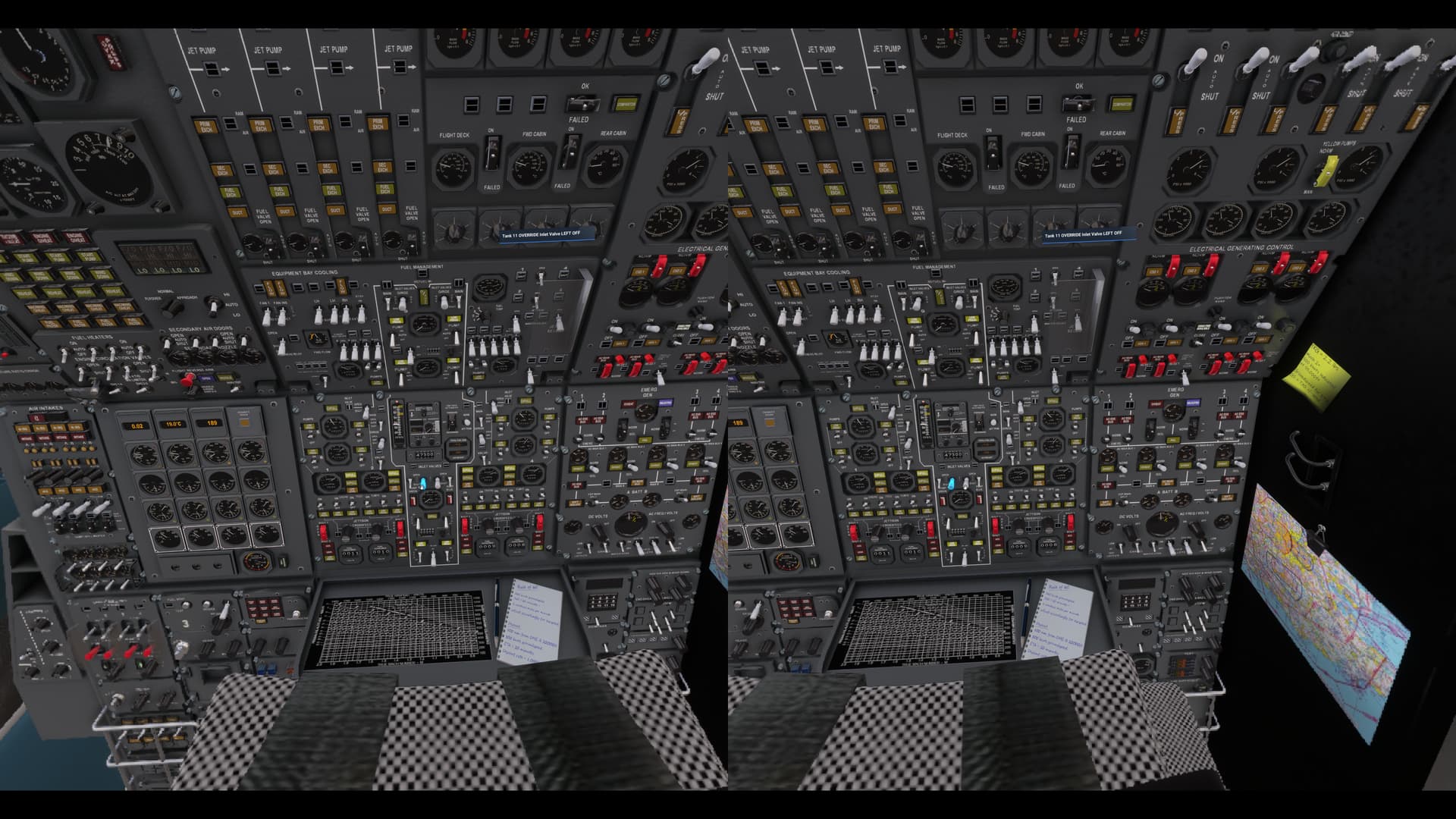
A +1 on this in MSFS2024. I also have this issue with windscreen effects (dirt, grime, bug splats etc.) are not in the correct focal plane, and with the EFB. Using Quest 3 via Virtual Desktop.
This bug is a bit of a problem, as it was present in FS2020, but much worse (for me, anyway) in FS2024.
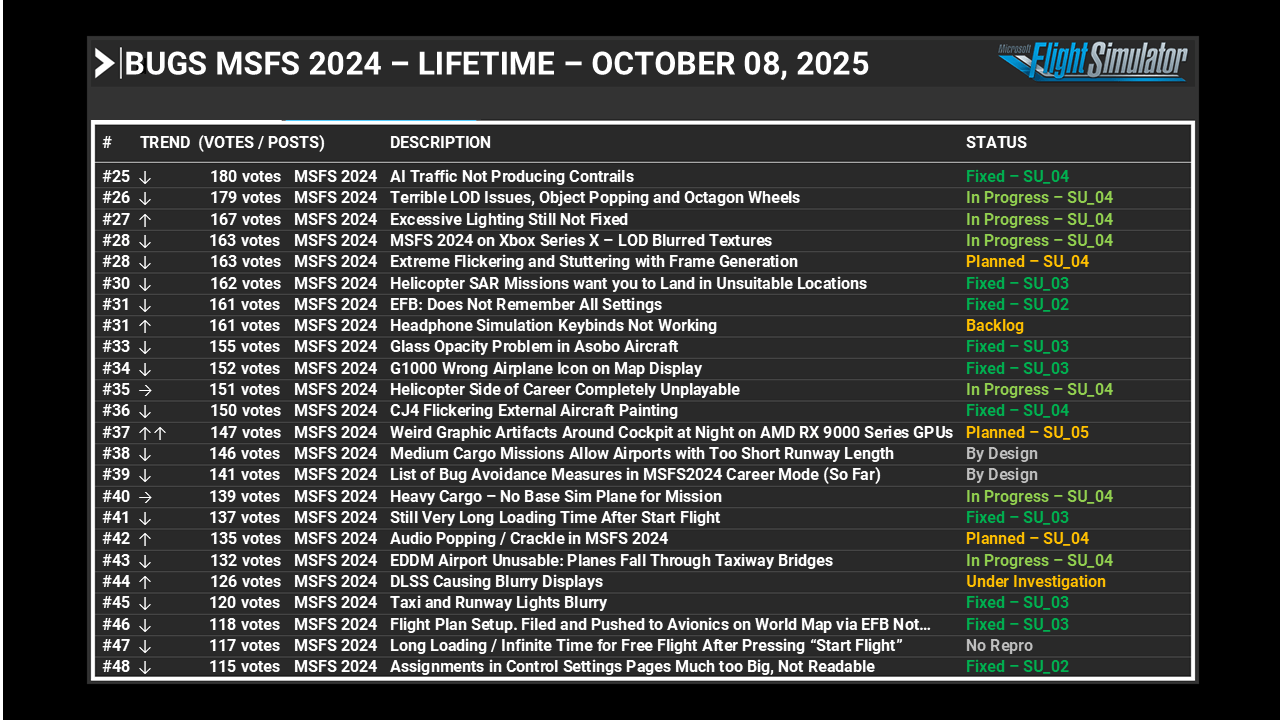
It is tagged as FS2024 as well as FS2020, but does not appear in the FS2024 bug list in the latest development update. With 148 votes, it should be on the second page:
Presumably because the problem was first logged in FS2020 over three years ago, it was designated as an FS2020 problem, and now forgotten about even though it persists in FS2024.
A new, similar problem is bug-logged in FS2024:
This has so far collected only 54 votes, so is well down the TODO list.
To get the attention this problem deserves,
EITHER:
The two bug reports (both of which are bug-logged) should be merged, the votes added (excluding double-votes), and the bug listed in the FS2024 bug list.
OR:
This topic should be added directly to the FS2024 bug list.
I would apreciate a moderator’s comment on this dilemma.
Agree. This is one of the most annoying bugs for me in 2024 and its here on the forums with a lot of upvotes. Is a bit worrying that it’s not even listed on the official buglist.
Yes, this surprises me. The number of votes has increased to a sustantial 153, and once the FS2024 bug list is updated following the release of SU4 it is likely this would rank on the first page - but for some reason it fails to make any list anywhere.
I did ask a moderator to comment, but never got any sort of response, so I don’t know where we go from here.
I just build a new PC for this.