what annunciator problem?
the 62 or my mod never had any problems. IDK what you want me to fix
That’s what I was trying to explain to him  .
.
AFAIK the Diamonds have no annunciator panels, thus are not subject to the WT G1000/G3000 annunciator panel glitches.
I never said I wanted anything fixed.
enjoy, dont crash
Thank you so much for all your work!
Dont know if im doing something wrong, but since todays update my right screen is flashing like crazy when doing cold start
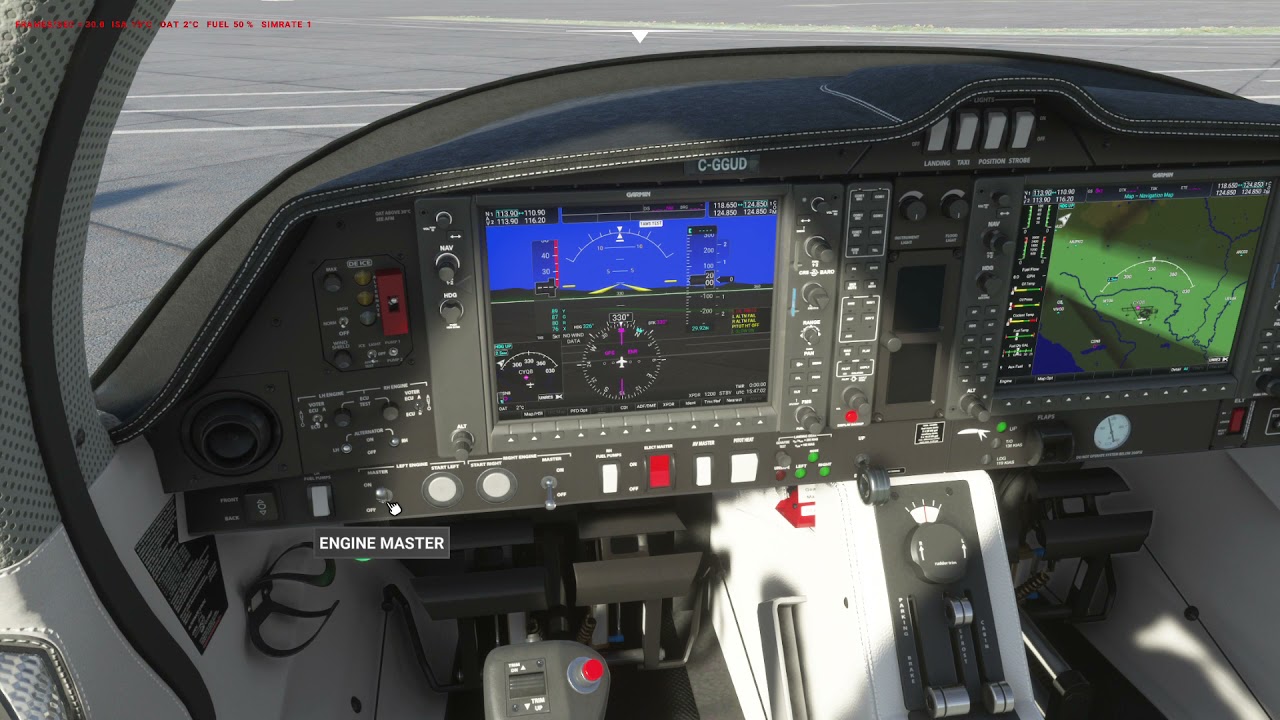
It may or may not have anything to do with the flashing you are getting, but I notice that you are turning the fuel pumps on before starting the engine and right after that the flashing starts.
I never turn the fuel pumps on unless I am using some crossfeed or auxiliary tank functions, because in the Diamond DA62 manual for pre engine start and engine start pages 4A - 19 through 4A - 23, it states to check that the fuel pumps are set to off before starting the engines.
I flew 5 flights with the 0.6 update today (thank you so much Mr. Tommy) and did not have any flashing MFD issues.
the fact that the fuel pump turns even when the master is off shows that something isn’t installed right or has installed over the mod.
check your community folder
Just did an hour IFR flight from FAIJ to FAGG, with the NXI mod. Perfect flight. Thanks Tommy, I just love this plane and mod.
Just a heads up for anyone having FADEC INOP with the vanilla liveries: The black livery causes this for me. The default blue one works.
Crispy’s liveries work flawlessly with it.
I redownloaded the mod
As always, deleted the old version + content.xml
Still happens (happens as soon as i touch one of the master engine switch (regardless of fuel pump status))
I had this happen to me after SU6. I had to reinstall MSFS and all mods to make it go away.
You have some kind of corruption in your install.
Nice…
Thx ill check on my side

I always delete content xml when changing a mod
Removed everything, except da62 mod and its working fine .
Now… To find wich mod is conflicting…
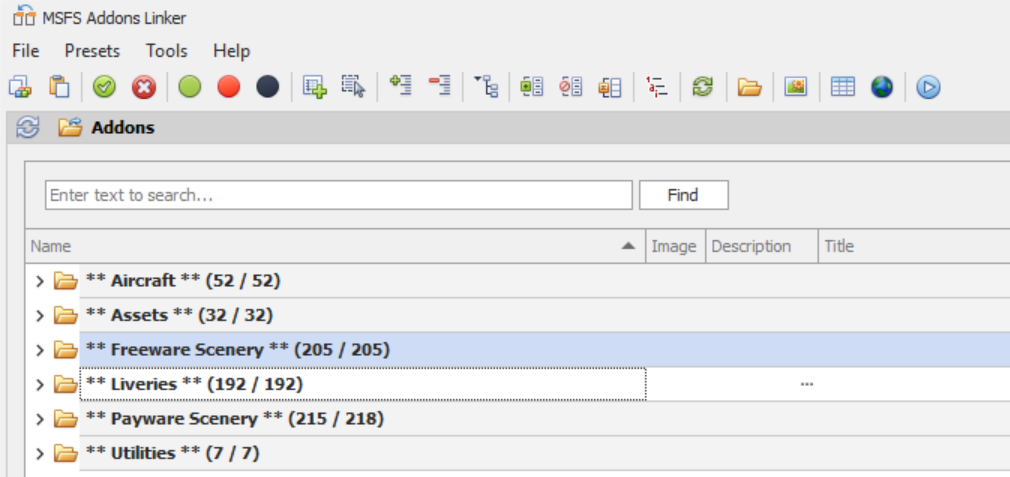
this is the first time im hearing of this “content.xml”
It’s in your MSFS user settings folder together with the usercfg.opt and others.
It lists the content of all packages which MSFS will have to load at startup and SHOULD be updated automatically by the sim. However, at least in my setup, several entries of addons, that I once installed and deleted, have remained in th file. So, it might be a good idea to delete this content.xml periodically, or to use a dedicated program to manage your packages and take care of the entries in content.xml.