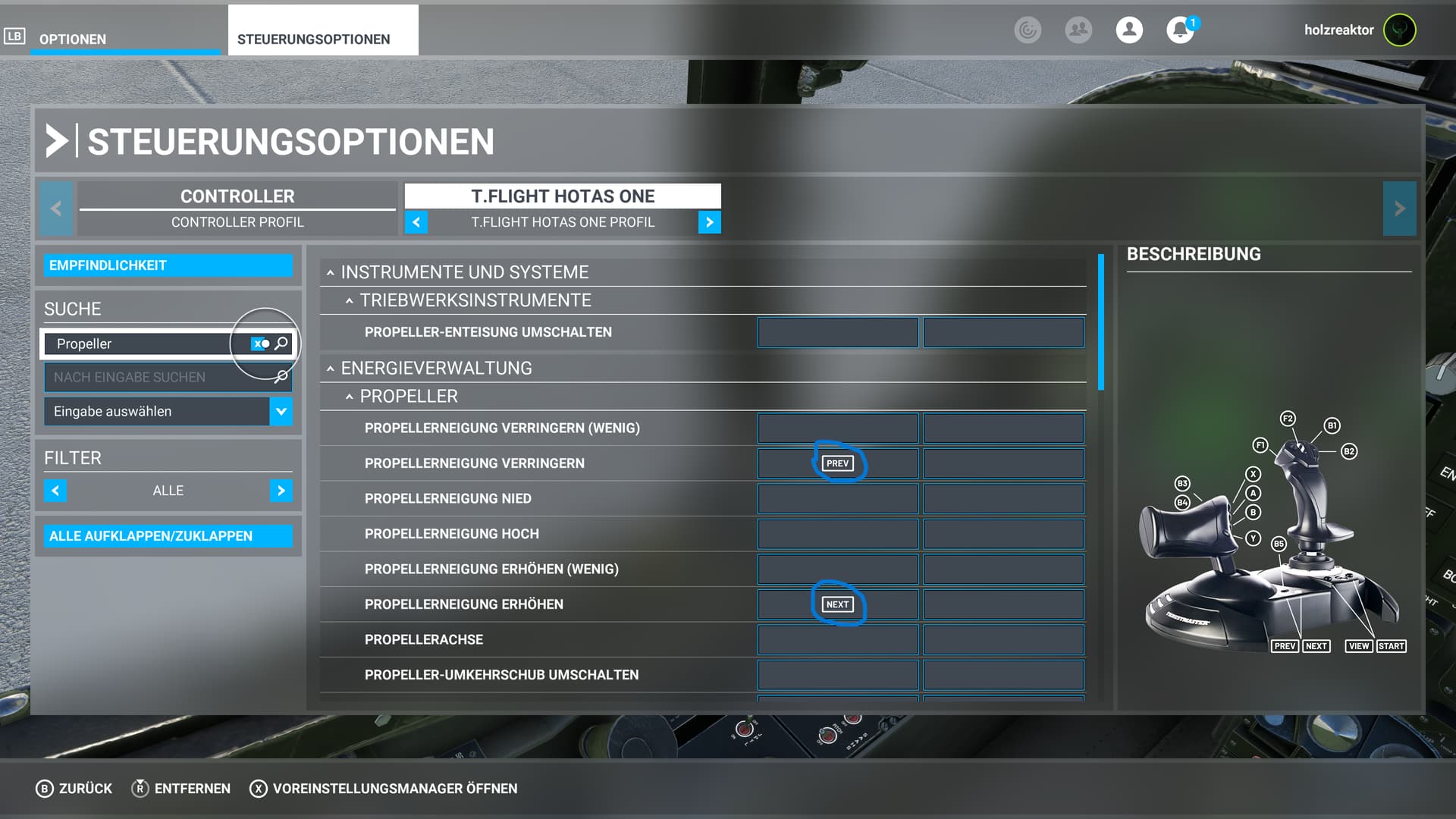
Hi there could somebody tell me how to assign the nozzle direction correctly on propeller pitch on hotas 1 ..ie which buttons to use Thanks 
1 Like
See my post further up with screenshots. If you don’t use the rocker behind the throttle for rudder, I think that works well. Otherwise you can use any buttons that make sense to you that are not already needed elsewhere.


5 Likes
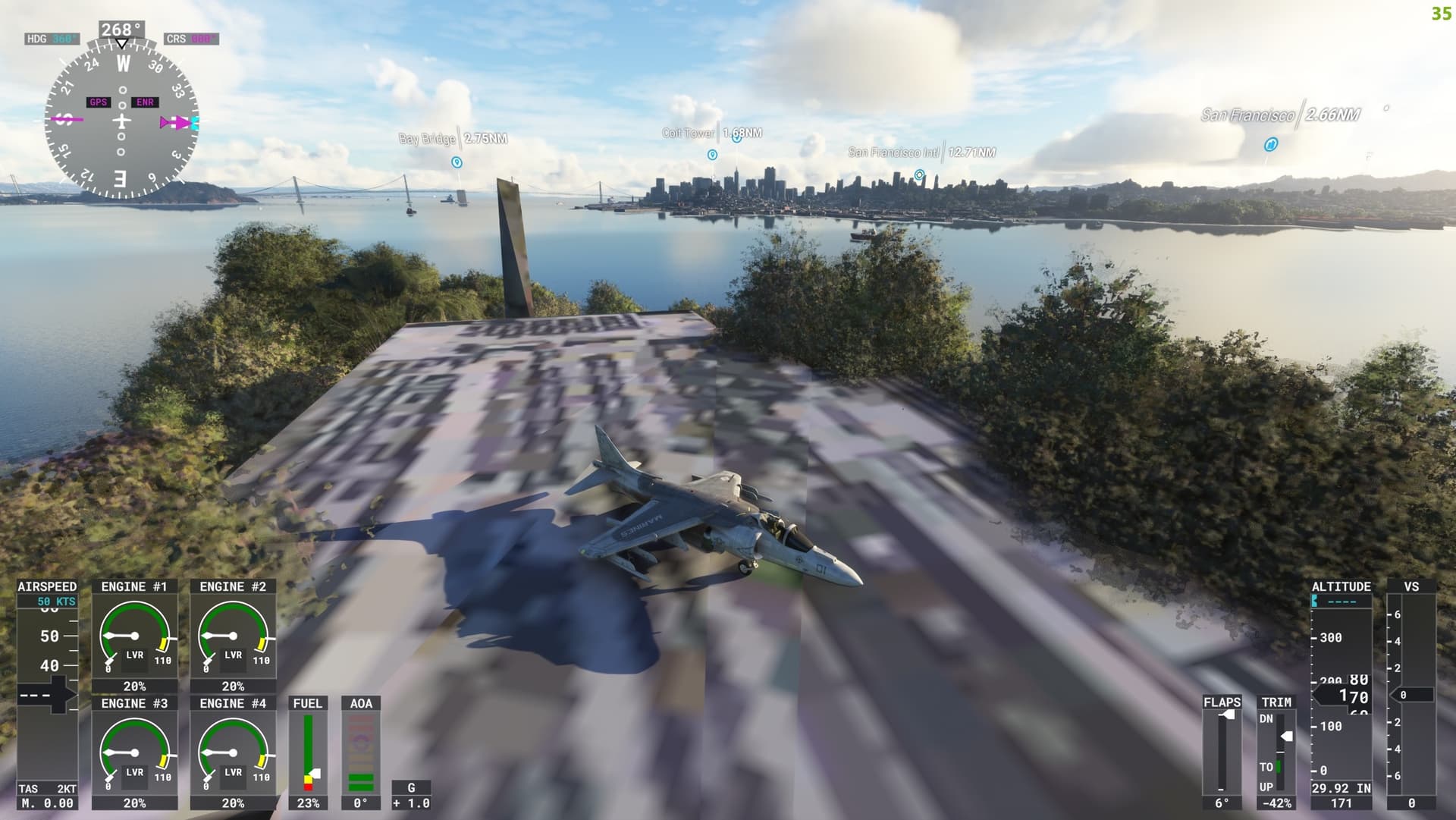
Well camouflaged!!
2 Likes
Hey guys…new to forum…loving the harrier and getting reasonably good at VTOL but whatever I do at end of sortie I can’t shut down the engine…followed the checklist….anyone else having the same issue ?
I don’t have the sim open next to me, but the fastest way to shut down the engine is to kill the fuel flow. Hit the lever next to/behind the pilot’s seat on the left, then turn off the pumps too for the sake of completion. After the engine winds down and dies, turn off the GEN and BATT switches on the right/forward side console to shut the plane down completely.
2 Likes
I’ll admit - I wasn’t going to get the Harrier because (a) I have the F-35 already for hover fixes and (b) I know of its reputation as a very difficult aircraft to fly. But the videos looked so cool… So I took the plunge. ZERO REGRETS. This is a terrific airplane – i.e. exactly what I expected from Dean and Jack and co.
And it’s really not all THAT difficult to fly if you understand how the plane works and you’re very delicate on the throttle and the nozzle pitch. I managed to land vertically on my first try, even!
One nitpick: The checklist (or possibly the manual? it was somewhere) says to push down the fuel flow handle as part of the startup process. This is reversed: you pull up the handle to start the fuel flowing. It took me a good five minutes to figure out why my engine wasn’t starting…
(Okay, two nitpicks: this isn’t just for the Harrier – while the background photo on the manual pages is very lovely, it does make it difficult to read the text in some cases. Maybe tone it down a bit, or go for something more solid and less “busy”?)
7 Likes
I ran into this as well - the plane loads up cold & dark with that handle/lever up already. I think this is a startup-state thing that can be adjusted in a future patch - just have the plane load in cold & dark with the handle down. I’d also like it if the C&D state had the canopy open, as if you had just climbed in. Several other planes (a lot of the warbirds I like) load in with open canopy, so closing it as described in the checklist is another bit of immersion.
Had done that but engine fails to wind down…just wondering if it’s this reverse switch that’s throwing me…will take a look later…thanks for the reply
I just put that on the mini joystick I usually trim with.
Since we don’t have any weapons, we don’t need an aileron trim.
With up and down I trim the elevator, with left and right I adjust the nozzles.
That works very well and I have my left hand free for the throttle.
Does anyone else on xBox have blank checklists? Or is it a bad install for me?
Per discussion on the DC Designs Discord, it’s a bug that will be corrected in an upcoming update.
Ok thanks.
invalid channel
The link expires after 7 days. Either search Discord directly, or ask nicely for someone to post a current link. Merely replying “Invalid channel” to a 3 week old post doesn’t count. 
1 Like
Ok, so I take everything back… I’m having fun now. 
Tried landing on the Jayshrike mod carriers, but it’s either the jet’s fault, or the carrier’s fault. The jet doesn’t ‘stick’ to the moving deck at idle… it stays in place while the carrier deck moves along under it…
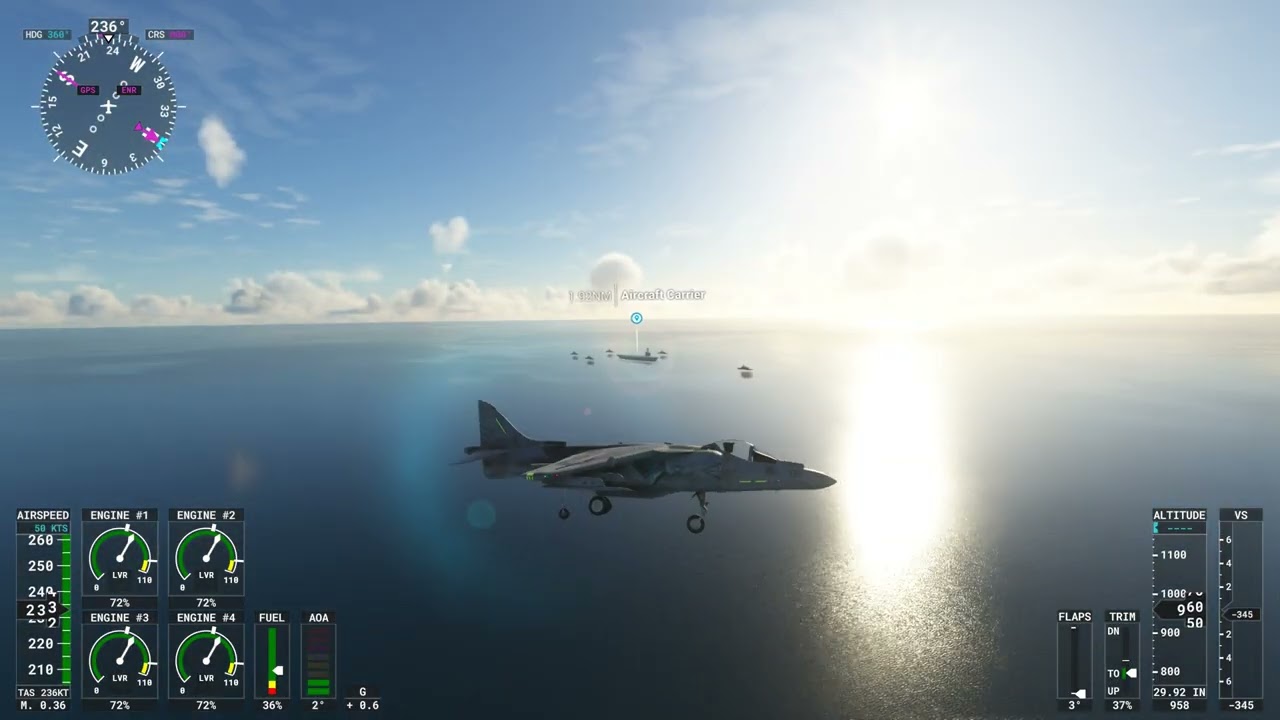
It works fine on the LHD America Class. Wasn’t something about this addressed in the last patch?
I think that’s one of the challenges of the sim’s ground physics as applied to moving objects (e.g., ship decks). The Seafront Simualtions Island Vessels (Hawaii) has several land-able ships, a couple of which are moving. They “sticK” to the deck until the ship changes course along its programmed course/path, then slide a bit until the ship starts moving straight. More amusingly, if you hit the ESC key to pause the sim or change something in a menu, the plane stops moving entirely but the ship does not - pause more than a second or two while landed on the deck and you may flop to the sea as soon as you return to the sim, lol.
3 Likes