The E uses 9 screens between the pilot and the copilot
, we are thinking of turning off the ones for the co-pilot to improve performance.
2 Likes
i dont use back seat in my F15e but never noticed any lag on my XBX or XBS
Yeah that sounds like a good idea thanks
I love the f15e the screens all work on xbox until you scroll over rhe 3rd screen on the right in the rear seat with your cursor then it produces a blinding white screen and kills the preformance I’m thinking that is what happening with most people because if you turn around in the front seat with the cursor it does it as well. But keep up the great work the f15s are awesome cant wait to see more!!
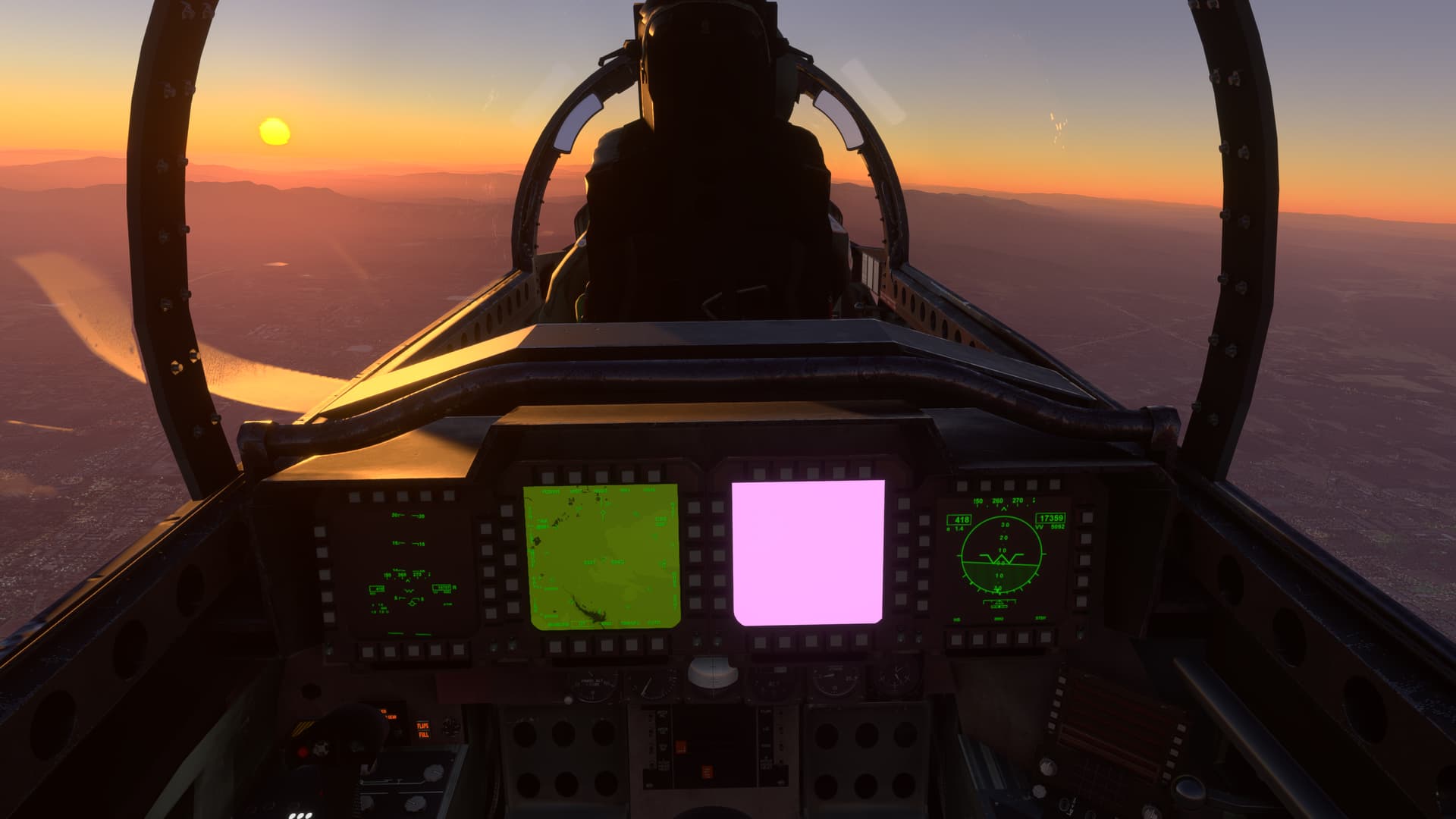
Was there a plan to have the mirrors “on” by default?
Did you already change it but my install hasn’t picked it up?
What does it all mean?
Are those my feet?
1 Like
Any chance we could get a Ukrainian Air Force livery? Something like this:
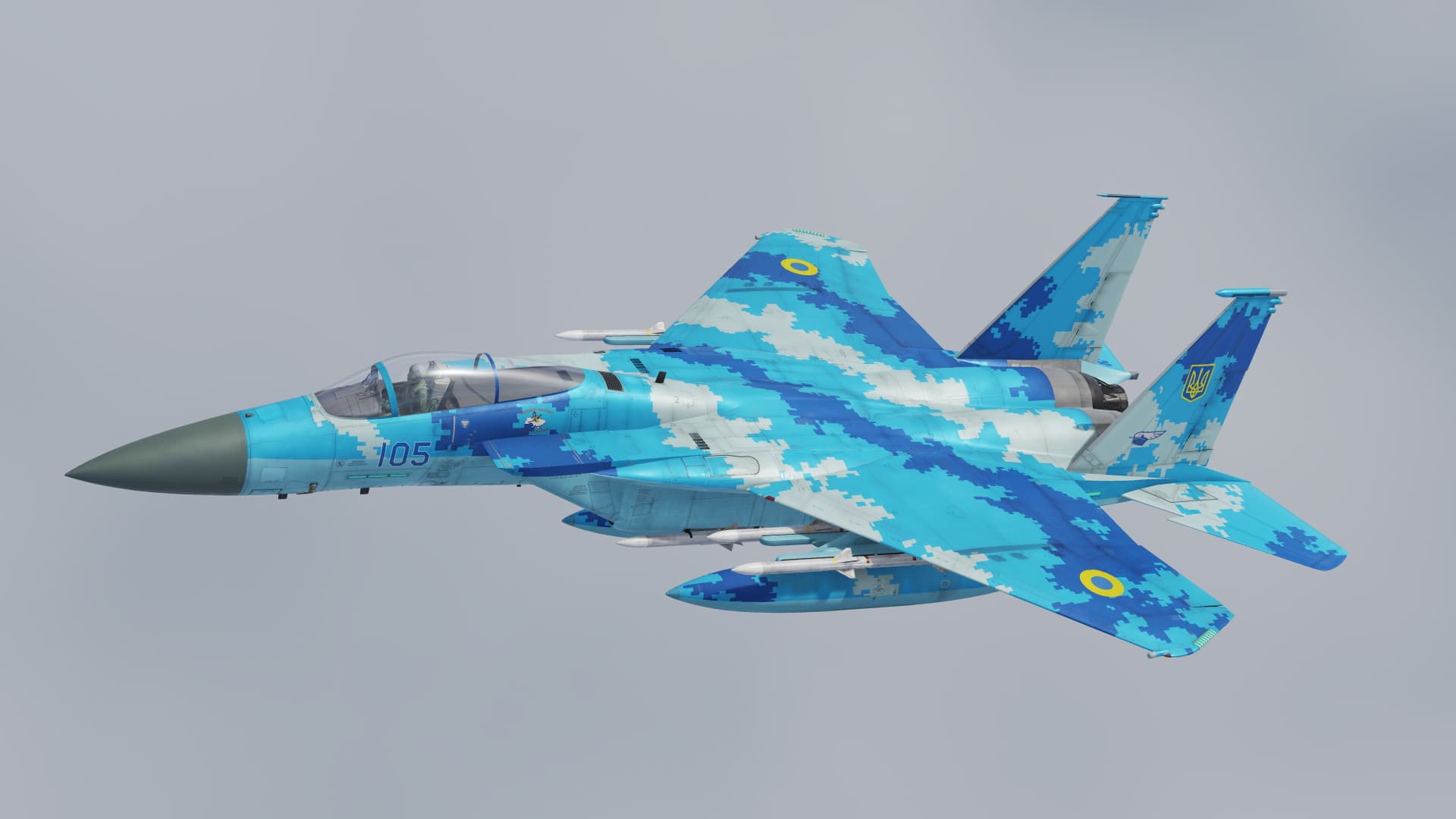
I know there’s a version for DCS currently, but having it in MSFS2020 would be great!
Slava Ukraini
2 Likes
Good morning from Alaska.
I just purchased the F-15.
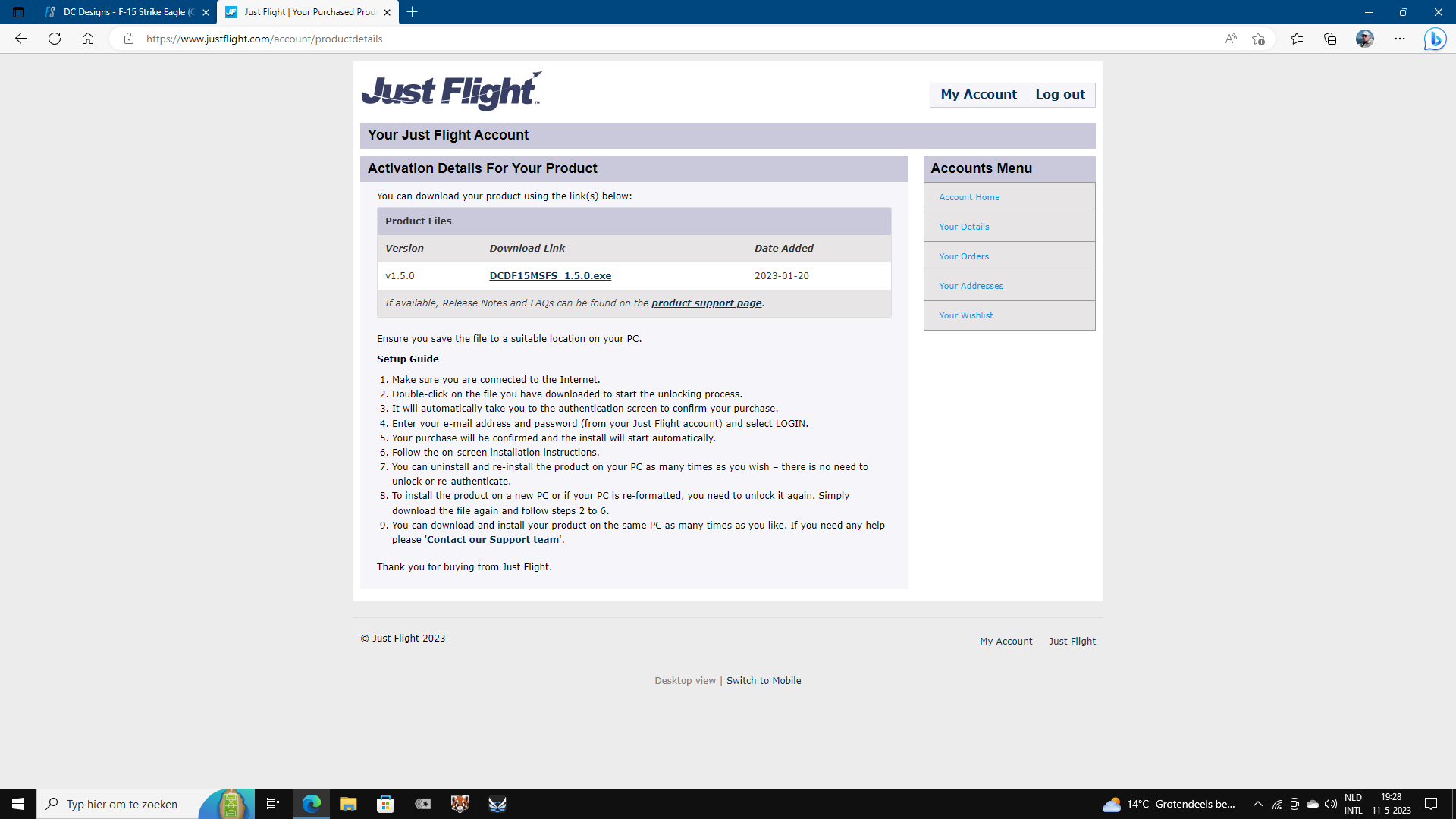
I see in the flight sim menu, under content manager, that the most recent version is 1.5.0
In the forums, I see the bird has been updated to 1.8.0
So…I’m a little confused.
If someone could help clear the confusion, would be greatly appreciated 
Thank you in advance.
Thank you for responding.
I too saw the version 1.5.0 on their page.
I was/am confused due to seeing folks talking about a 1.8.0 version.
Might not have been updated on the change  …
…
The dev says on april 21st on his facebook pagina, that at the moment he is busy with the Phantom, but, that various other planes get an update later this summer.
1 Like
Thank you for relaying that information.
I will probably hanger her until the update.
It suffers a wee bit performance wise. She’s a beauty tho.
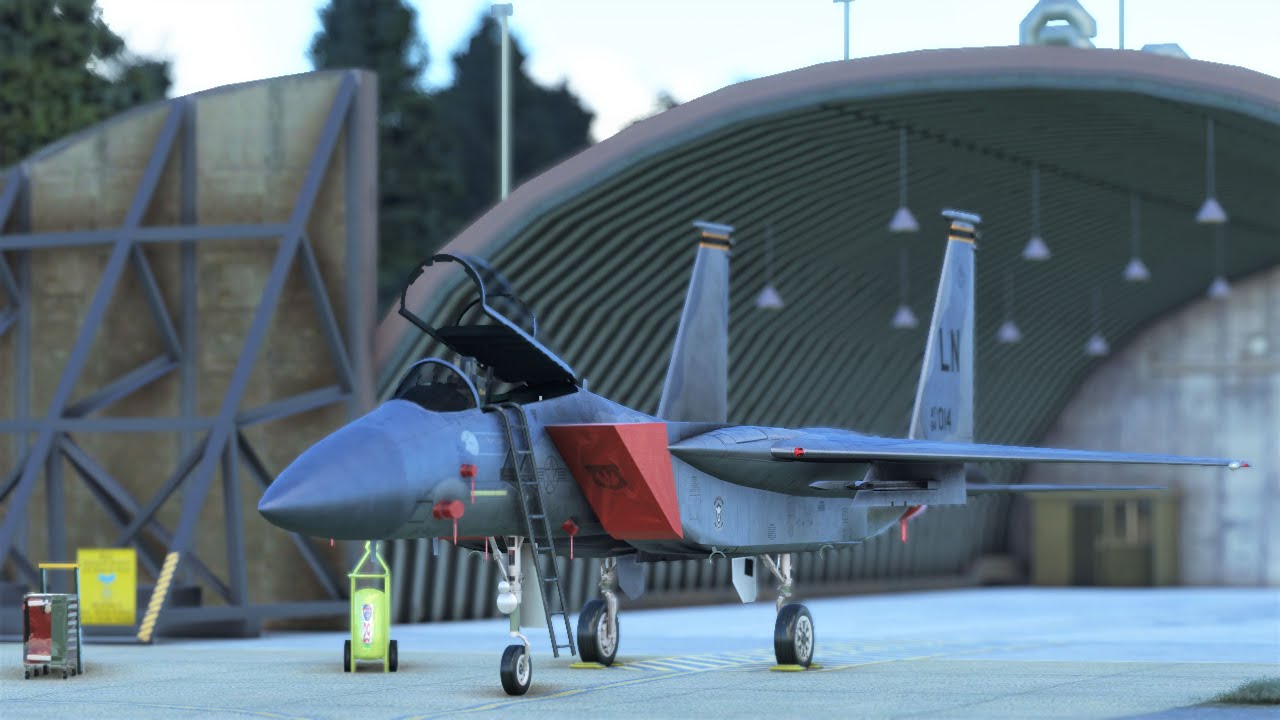
2 Likes
I got my F-15 through JustFlght . They have updates for those players that bought through them. So, if you did buy from them you should have updates there.
Console…no go
To reduce FPS loss on 15E/I press middle bottom button on 2 of the MFDs. Its an issue with xbox memory running 10screens at once so reduce the screens reduce the problem. Im on xbox and it effects me to. So i use the C type more often
3 Likes
We’re going to sort that one folks, the screen issue has been there a while it seems. Got a few ideas of how to cure it so that console users don’t have performance issues. Will be included in this summer’s update stream that starts once the Phantoms are launched.
4 Likes
Here’s my 2c.
Default to all MFD’s being on the menu option (showing no data).
Maybe, although the data might still be ticking along behind so not 100% sure that would work. Don’t worry though, it’ll get fixed, can’t have those Eagles slacking 
2 Likes