I can not find where to change the weather in developers mode. Any help?
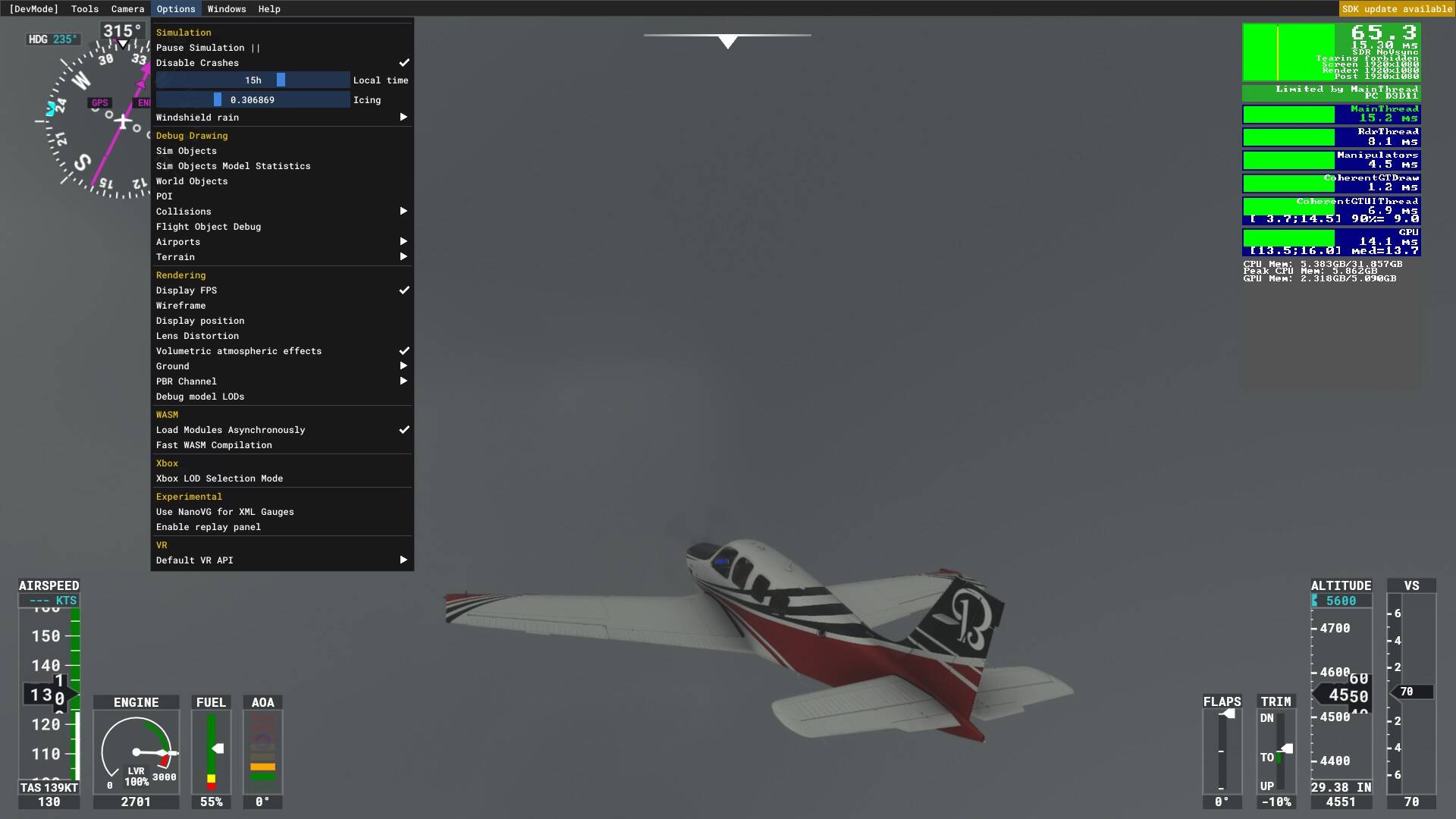
Which aspect of the weather do you want to change?
You see I am in a Bush trip "Discover Norway Bush trip) and the weather is set to LIVE but in normal mode you are not able to change it. I want it to be clear or with few clouds.
As far as I know I could only change the time of day through the dev menu. The weather itself I changed from the top menu. I am not sure if this is possible in a bush trip. Thought this was always fixed weather. When I am back home I will check it out for you.
Bush trips as far as I’m aware have set weather, to present the same scenario and feel to everyone.
If it’s a 3rd party bush trip, you may be able to edit the weather manually (and permanently), but you’ll need to find out how to do that.
1 Like
I haven’t tried this, but it should work.
You will need to go into the Official One Store folder and find Asobo-bushtrip-norway
In that folder locate the Missions folder
That has the Asobo-bushtrip-norway.FLT file in it.
Find:
[Weather]
UseWeatherFile=True
Then change True to =False
Save the file.
You should now be able to change the weather through the normal means.
Bear in mind, any sim update will probably change it back.
You can make it “read only” but that may cause issues during an update as well.
Here is a topic you can vote on
Some third party Bush Trips gibe you this facility. Find them in https://flightsim.to/c/user-content/bushtrips/
1 Like
This topic was automatically closed 30 days after the last reply. New replies are no longer allowed.