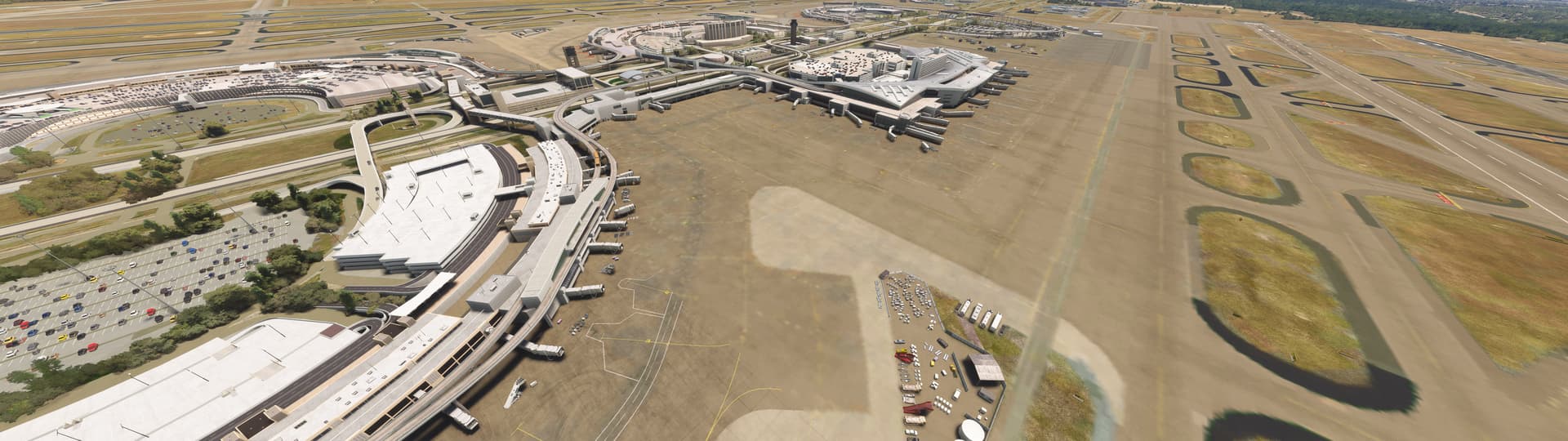
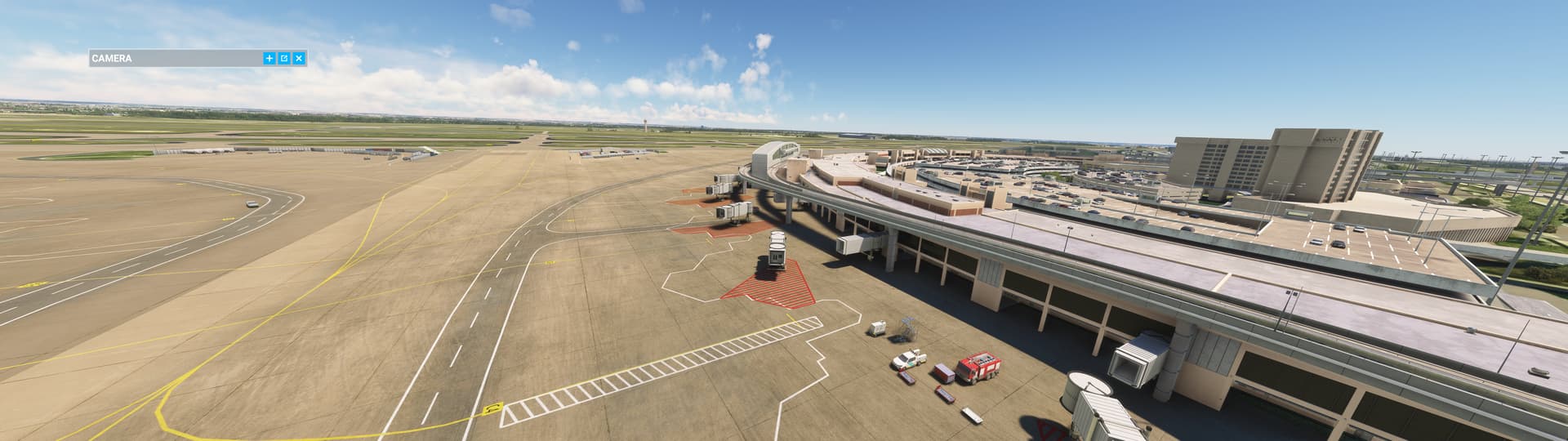
Did KDFW actually get fixed in SU15?

Hi All,
In the April 2024 Dev Livestream, in relation to the Dallas airport, Jorg said Dallas was fixed in SU15:

I don’t see anything in the SU15 release notes about Dallas being addressed. Can any of the folks that fly into there and were previously having issues validate whether DFW was actually fixed? If it was moved to later, I missed that information.
TIA
Regards

1 Like

Was bad the last I looked…I,ll check it out

Just as bad now.

2 Likes

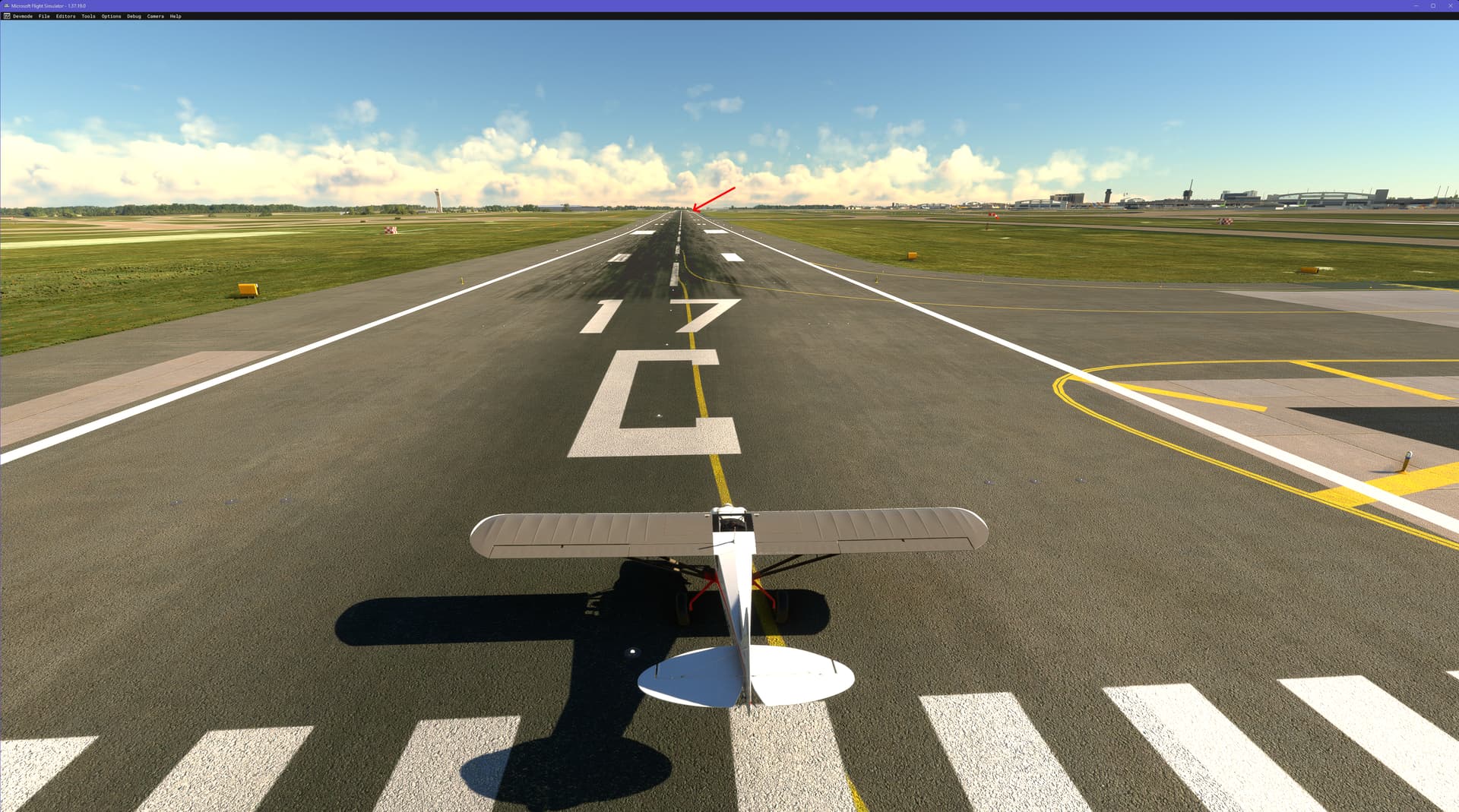
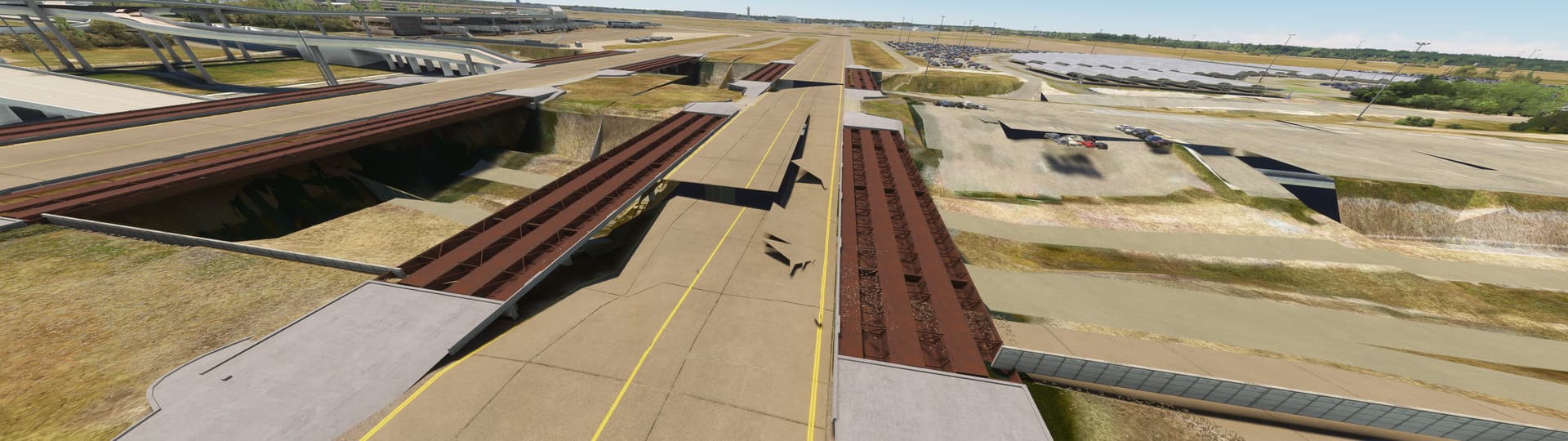
Negative… my last flight I forgot to turn PG off and had to dodge seismic faults along the runway (17C) when landing. :frowning:

5 Likes

Thanks @meh1951 and @NobleORD
Appreciate the information. I was really hoping they had just overlooked it in the release notes. Who knew it would take longer to do Dallas than DC !
Regards

The problem is that Jorg thinks Dallas is DFW. There are two airports in the DFW area. Dallas Love Field-KDAL and Dallas Ft. Worth International-KDFW. KDFW is the problem airport. KDAL is fine. But no KDFW is not fixed. As long as Jorg thinks KDFW is Dallas then I doubt it will ever be fixed.

3 Likes

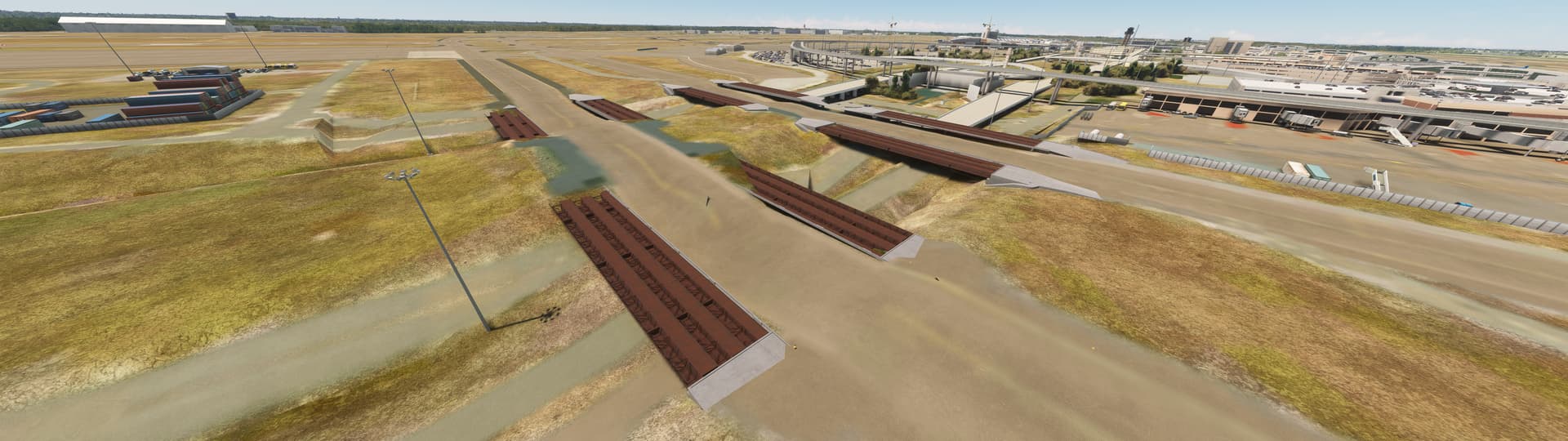
The bug for KDFW is:

and the issue with Rwy 18L/36R are reported in the topic here & here.

For some reason I cannot repro what others are seeing. This was the terminal/jetways on 1.37.18.0:

I just taxied along the entire length of Rwy 18L/36R & did not encounter a single bump. :thinking:

1 Like

What about the other side of the field on say 17C/35C?

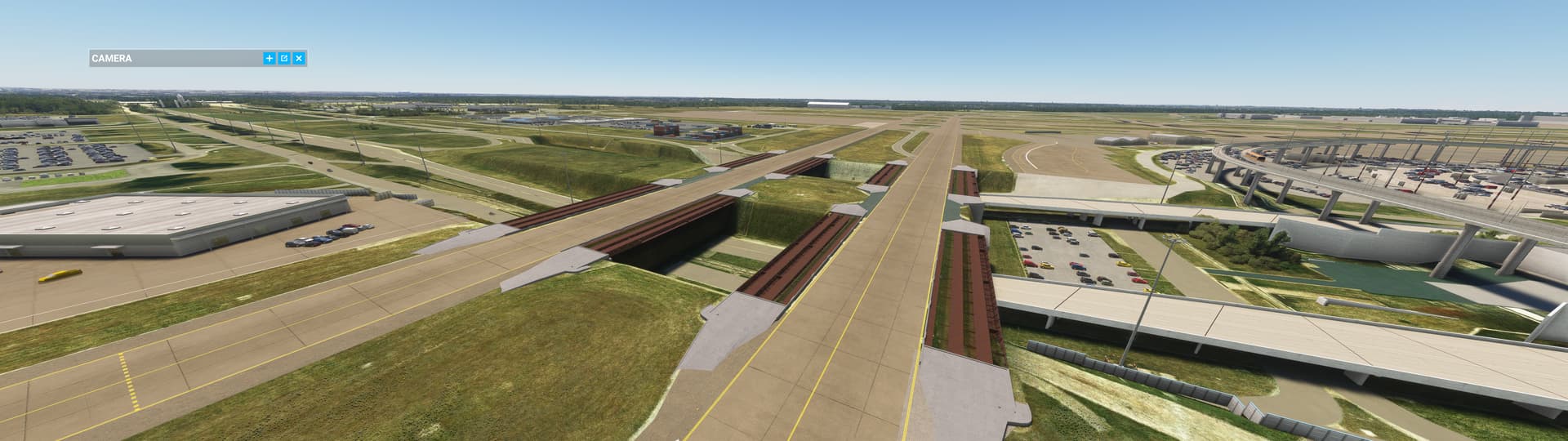
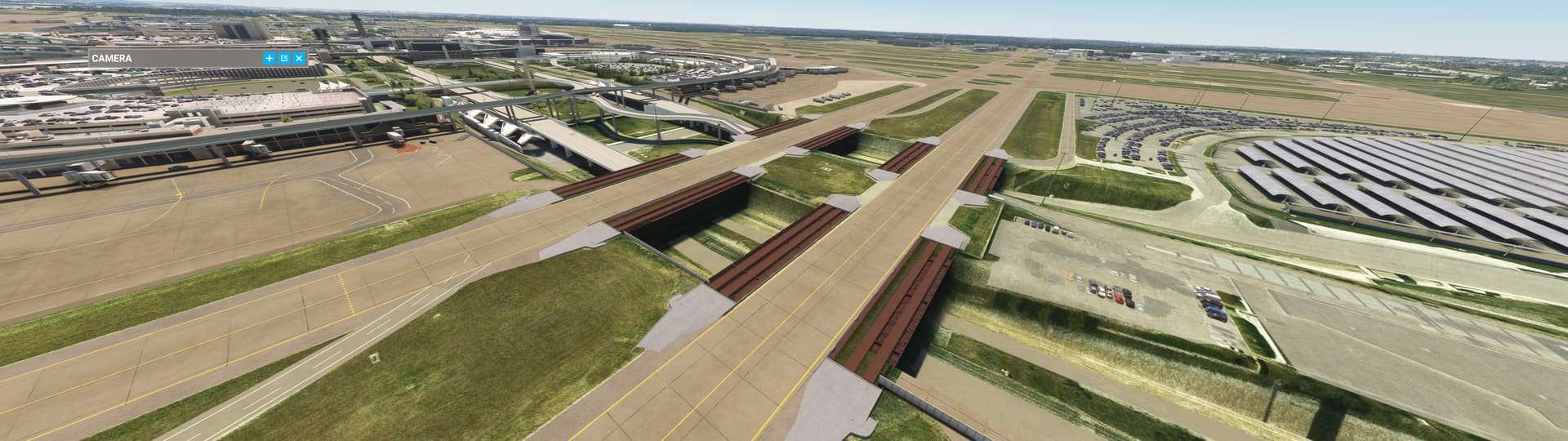
I went to see for myself. Did a fairly slow taxi down 17C. There was one noticeable “bump” not long after starting the taxi (which could be a problem in something faster), but I could see the huge issue not long after that, and then it smacked into a major vertical displacement in the runway and crashed. So still a major error.
Regards

2 Likes

@NobleORD
My apologies for the delayed response. Due to extreme temperatures where I live, I have to limit my time on MSFS at this time of year to when it is cool enough in the house for the PC & TVs to operate safely.

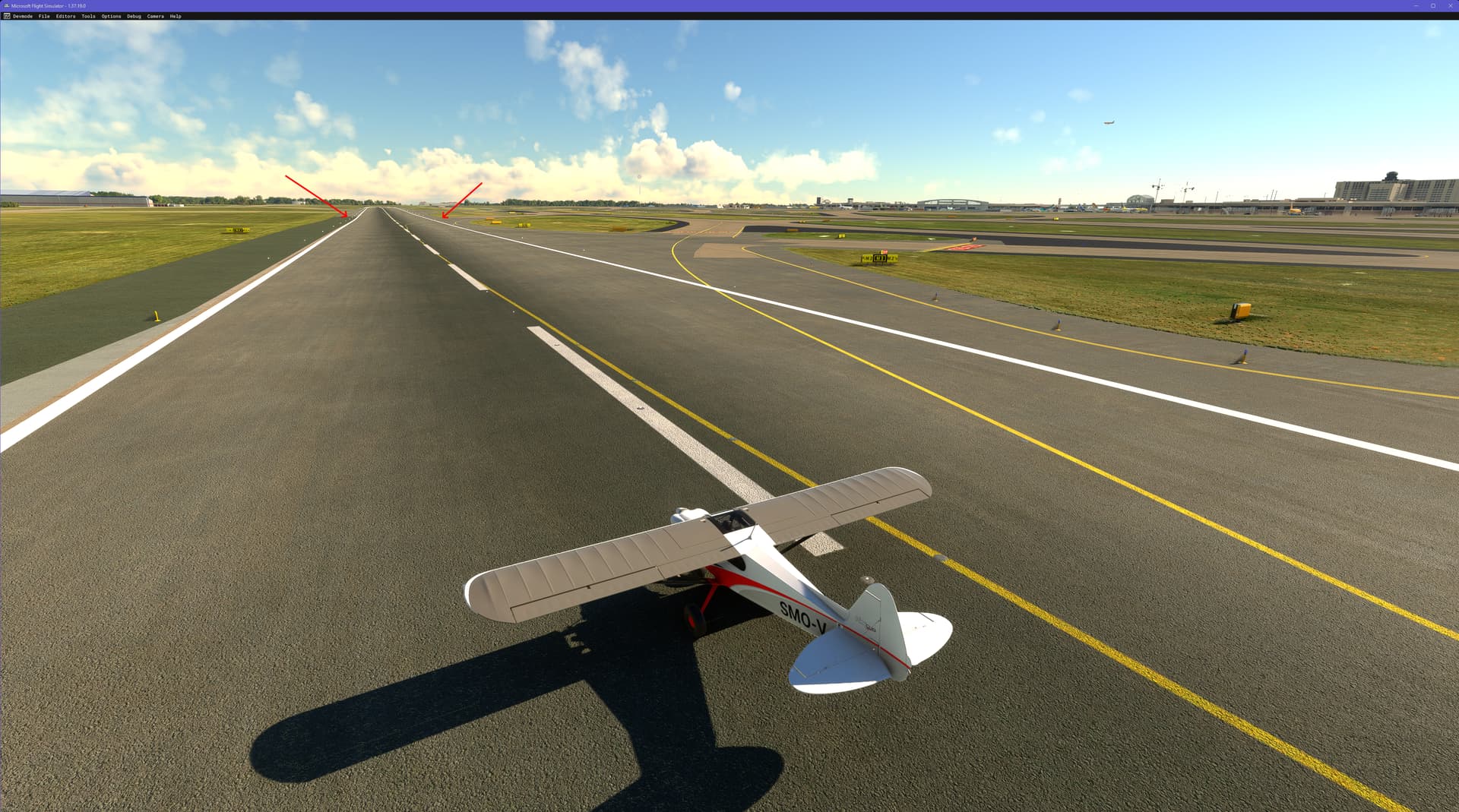
I taxied down 17C/35C - no bumps, but the runway is not level - it dips by the junction with the M4 taxiway (arrowed):

but the dip does not preclude landings or takeoffs on my PC

2 Likes

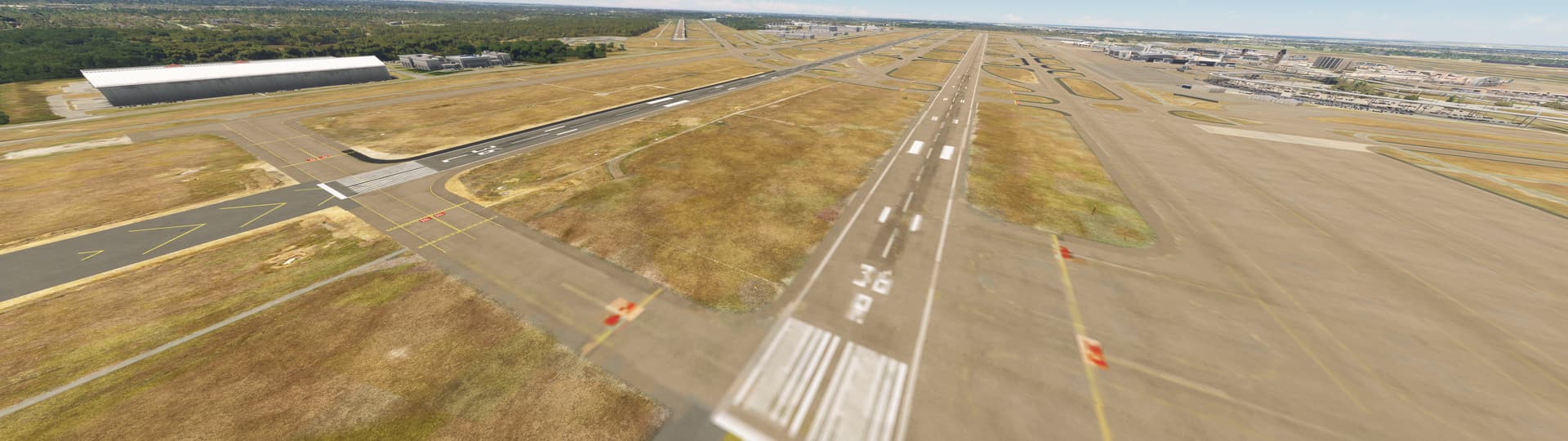
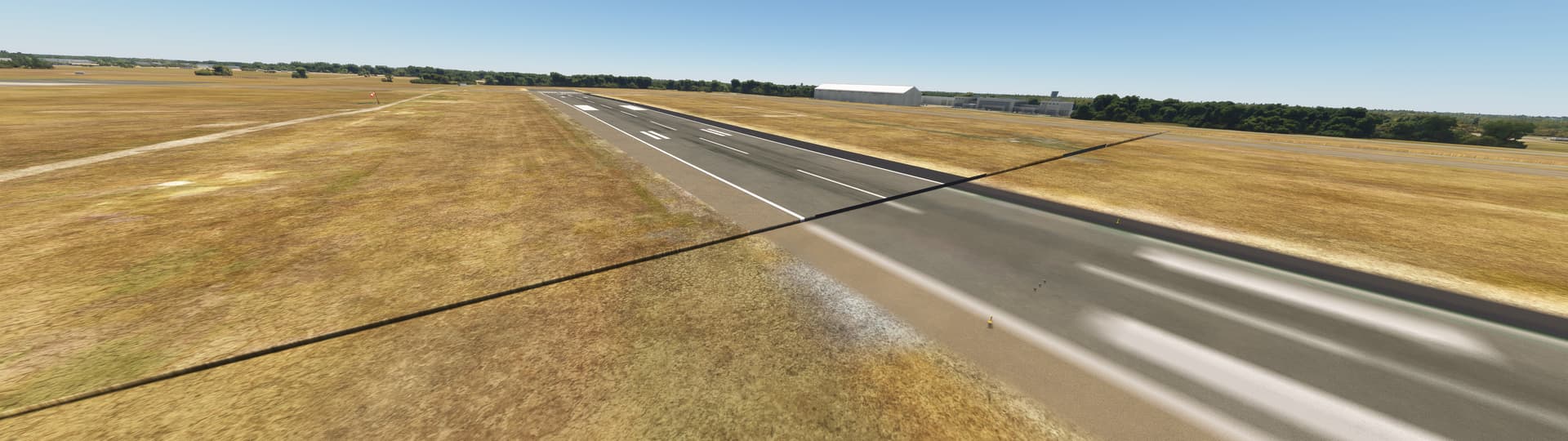
Hey DFW peeps! So, I know there’s been a lot of conversation, ever since World Update X, messing up DFW airport, specifically as it pertains to blurry ground textures (everywhere) AND/OR gaps/missing pieces of the runway/etc… I am not talking about any “pink textures” or any of that, just the terrain/texture issues as they pertain to DFW’s ground/runways/taxiways.

Here are some of the issues I experience randomly, but fairly often:
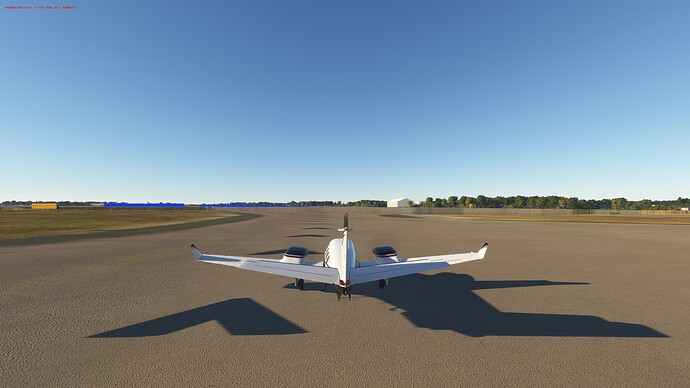
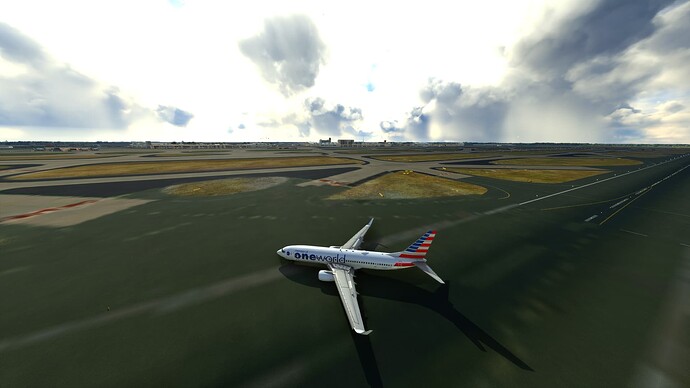
Blurry ground:


Also there’s an entire thread of other MSFS users having the exact same issues here: KDFW Ground texture problem

Solve/Solution (Maybe?):

How to fix:

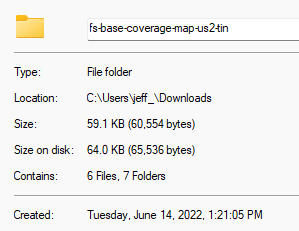
One of the VA pilots (American Virtual) that flies a lot into/out of DFW posted this in our discord. He believe the issue stems from World Update X and this specific folder below:

(the date of the folder is from June 2022) (at least on my machine), but this picture is just another user sharing the the title of the folder to me (ignore the 2024 date associated with the folder)

Delete This - SU 10

Here’s the name of the folder, one more time (do a search in your Windows Folder menu) - ignore the fact it’s showing as in my downloads folder, this is where i cut/paste it for safe keeping

This fix (deleting this folder above) seems to have solved my issues (and a few others’ issues) w/ DFW airport from a blurry texture issue and random gaps in the runways. No idea WHY it fixes it, that goes above my expertise.

Once you locate the folder, copy it to a safe backup folder on desktop, but delete the folder entirely from MSFS. Clear/Delete rolling cache if you use that too. Quit MSFS, relaunch MSFS. It did not re-download the folder, which is why I think it’s ‘working’ for us.

As of today, 4 days since I’ve deleted that folder, my DFW textures are pristine and all looks great.

I haven’t noticed any gaps in the runways either (on arrival from another destination is when this would always happen to me, BUT the blurry ground textures seem to happen more frequently on arrival to DFW too, NOT when I spawned into DFW from a departure standpoint).

A few others in discord tried this, too, and it’s all working better for them as well.

For what its worth.

Hopefully Jorg/Seb/MSFS Community Admins can look into this further, because as of Sim Update 15, DFW was a mixed bag for me.

One other thing to note: I am not a tech wizard like some of you; I’m just sharing info from several others in a virtual airline discord who have had the same issues I’ve had w/ DFW (even with SU15). Please make a copy of that folder in the case it messes something up, but per the OP who found this, he doesn’t believe it’s changed anything from his end.

6 Likes

Hi @moxiejeff
Interesting. When you restarted MSFS, did it recreate the folder & redownload the data within it?

Looking at the content of this folder on my PC (MS-store version of the sim), it would appear to contain scenery landmarks for Seattle, WA, based on the information in the layout.json file & associated shape.bgl file.

I’m not sure why that would help with KDFW… but maybe the shape.bgl file contains data for KDFW too. :thinking:
But if it solved your problem, that’s all that matters! :slightly_smiling_face:

No, it did NOT redownload, which is why I asked (in my VA discord) what impacts this may have. SEA was one of them, but no one seemed to be able to notice any major issues at SEA. But it definitely SEEMS to have fixed KDFW for me. All credit to a guy named Chris R in American Virtual for providing this… no idea the “why” or “how”; just wanted to share one thing I haven’t used tried before and I’ve yet to see the DFW blurry textures so far.

1 Like

@moxiejeff
Could you open the layout.json text file & post the contents? Mine shows:

Click to see the contents of my layout.jason file

{
“content”: [
{
“path”: “ContentInfo/fs-base-coverage-map-us2-tin/ContentHistory.json”,
“size”: 67,
“date”: 133095453801703346
},
{
“path”: “ContentInfo/fs-base-coverage-map-us2-tin/Thumbnail.jpg”,
“size”: 54595,
“date”: 132987319750000000
},
{
“path”: “CoverageMaps/us2/tin.txt”,
“size”: 3,
“date”: 132972791100000000
},
{
“path”: “scenery/LandmarksUS2/Seattle/shape.bgl”,
“size”: 4989,
“date”: 133003125954787019
}
]
}

Hey there. Yes, that’s the same info I have (which I removed) and so far, it seems to be the trick. Have NO idea why…

additional context:

3 Likes

Awesome! Thanks for sharing. I might finally enjoy flying in and out of DFW now. :slight_smile:

1 Like

I found that all the texture/blurry stuff goes away when I turn off Photogrammetry. It’s a pain in the ■■■ to keep doing it though. I’ll try removing that folder and see how it goes.

Thanks!

It’s worked for several of us… and we aren’t seeing any impacts to Seattle, which this tin folder contains some info there (again, this folder is from World Update X, so it’s an old folder… my date of this folder was in 2022, but was still in the main MSFS Official folders.)

Once you delete (or rather ‘move’ the folder somewhere outside of MSFS), clear your rolling cache, turn ON photogrammetry, reboot MSFS one more time just to be safe everything loads in again (w/o the folder present) and enjoy DFW. :slight_smile:

This is the name of the folder to delete (just showing the example of the folder, which I temp placed in my downloads for safekeeping) for anyone who is interested; it somehow was causing issues w/ DFW ground/terrain.

3 Likes

This didn’t solve my DFW issue, even after removing said file. Think it’s actually worse.


ok, think I initially jumped the gun. Appears I removed wrong file and found the correct one. here are these results… :crazy_face:


5 Likes

All my gates are dorked but I think I can live with that for now…