I somewhat have a strange problem, or at least I do not understand why it is behaving this way.
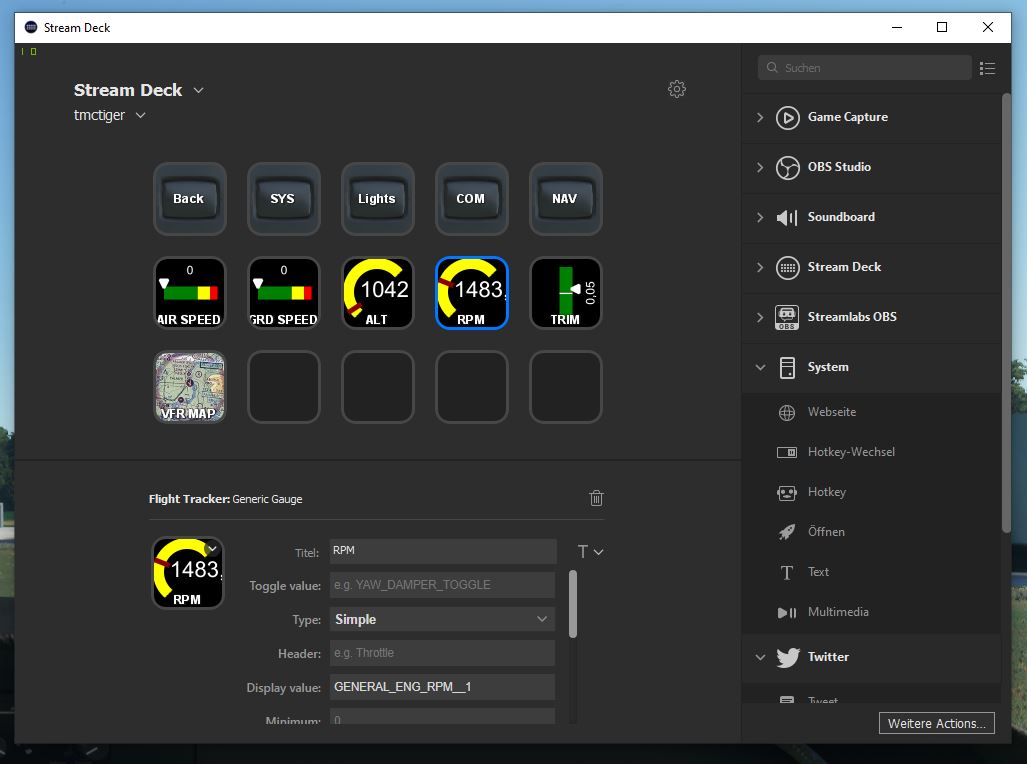
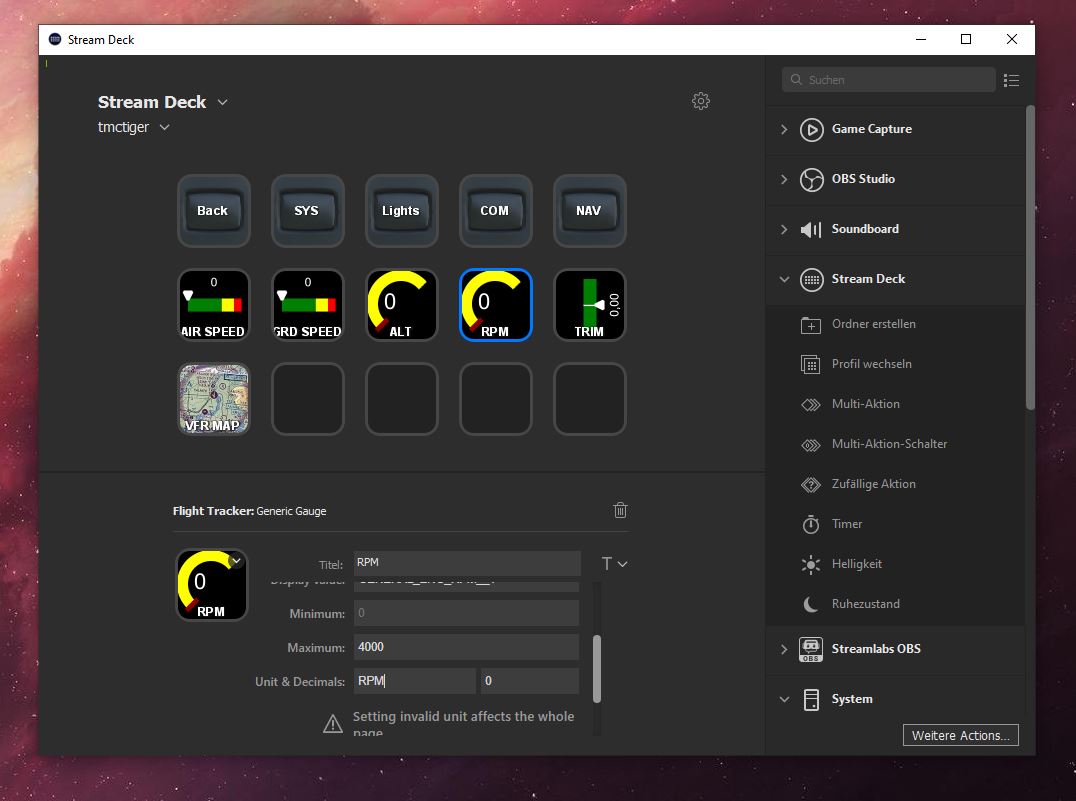
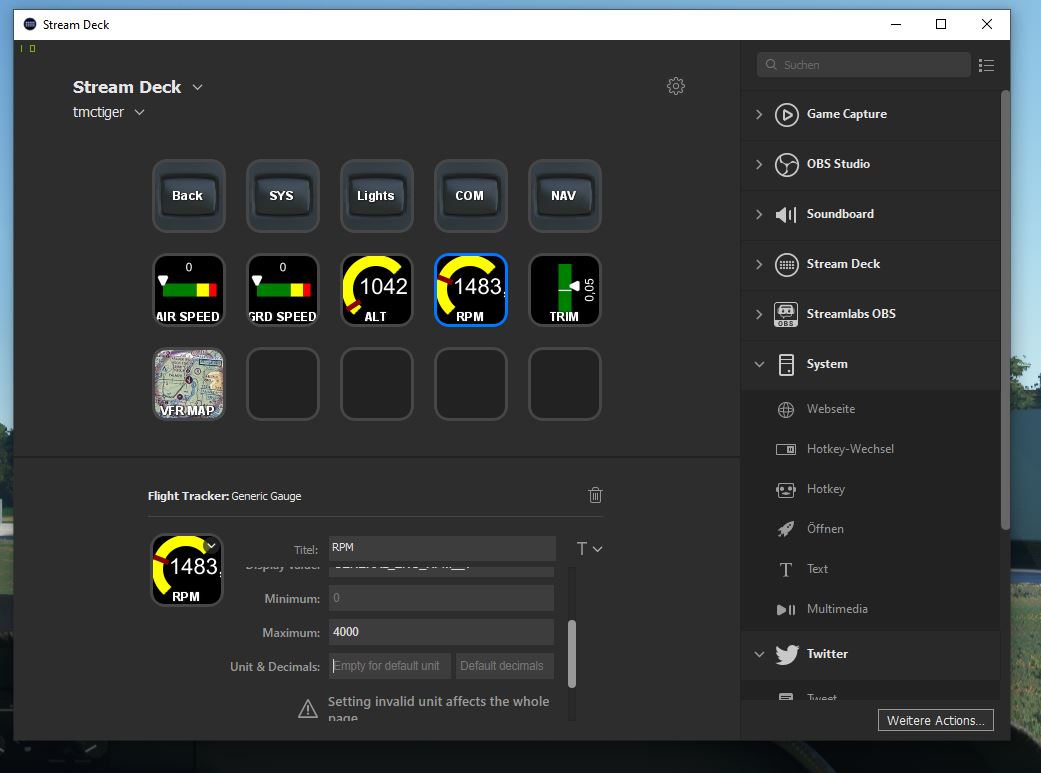
I’d like to show my engine rpm in my stream deck. Stream deck connects via simconnet to the simulator - so far so good. But when I’d like to display the engine rpms using simconnect variable GENERAL_ENG_RPM__1 i have a missmatch between the instroment in the cockpit shown on the screen and the value read out via simconnect by the stream deck.
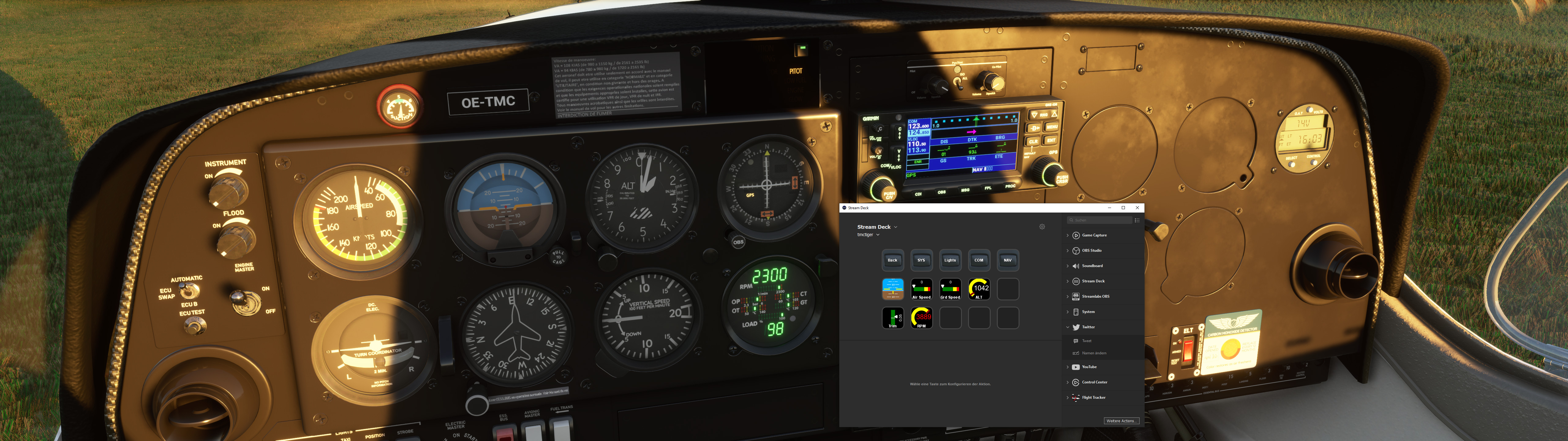
For example when my engine is idle the rpm counter in the cockpit says 880 but the value in GENERAL_ENG_RPM__1 is 1483. Same when I apply full throttle: 2300 rpm in cockpit view but 3889 rpm in GENERAL_ENG_RPM__1. See attached iamges.
So the questions: am I doing something wrong? Is the stream deck profile/plugin doing something wrong, or is the value provided by the simulator in GENERAL_ENG_RPM__1 wrong? I am a little puzzeld here honestly
BTW: this is the Diamond DA40 TDI, no plugins for this aircraft installed.
This is the code I tested yesterday to give me the RPM values for a C172 (This is “C” language code below, “not” Streamdeck code):
hr = SimConnect_AddToDataDefinition(hSimConnect, DEFINITION_ID_AP, “GENERAL ENG RPM:1”, “rpm”);
Notice the “rpm” at the end? That could be impacting how your Streamdeck app is not converting the unit value correctly and is overstated. That is just a hunch and hopefully, that will steer you in the correct direction. Since you have a data number returned it is probably a unit value “thang”.
Also, I noted yesterday that the result needs to be rounded to a power of 10 to match what the gauge says. Example:
Cessna 172: Actual 642 rpm data equals 640 on the gauge.
I have a ROUND() procedure in my language that I used which made it easy: RPM = ROUND(RPM,10)
We already use rpm as unit for the variable unless you have set a different one in the Unit field.
I can’t really check much right now due to the “setting reset” issue, but I’ll check as soon as it clears up. I really don’t want to go in the sim, mess stuffs up and lose all my progress .
Also, if there is any issue with the Stream Deck plugin, I would suggest to post in our super thread:
Or our issue tracker:
We monitor these 2 places so you would get answers much quicker.
first of all, many thanks that you as developer try to answer my Questions.
I was not aware of the super thread, I’ll post the issue again there - thanks for the hint.
BTW: I do like your stream deck plugin alot - keep up the great work!


 .
.