so, anyone can tell me why I am still sitting @ 1.7.14.0 (PC-Version) and not at the latest patch? It searches for updates but finds nothing…
 You lucky man!!
I apologize for seeming like I was placing blame. It is a completely valid take on my words. I was just rambling.
no worries, man. been there, done that.
you’re more than right to be annoyed if you’re experencing trouble with this game.
Just for your information. As the last time, the update only works if I uninstall flightsimulator in programs/software.
After that I install it again via MS Store. (it loads only the installer) and start it.
The installer now asks where to save the big download (the 96GB). As I stored this data on a separate folder I just point the installer to this folder.
The installer then “checks” that the data is already there and does not reload it. (still speaking of the 96GB)
BUT: After that, the latest patch is found and installed.
So for me it is a: Uninstall → reinstall → point to the datafolder → update is found → update is installed → I am at the latest patchlevel thing.
Very weird!
Performance is terrible and stuttery. Was okay before the patch.
Glass units do not update smoothly.
I could not get the Cirrus AP to work.
Nothing has changed, except the negative impact the patch did.
Wasted my money.
Any chance you used a different folder/drive for the big download? (or these folders are still on your drive): Should be a folder with subfolders “community” and “Official”. This folders hold the really big data.
If so, you can point the installer to this folder when it asks in which folder it should download the “bigdata”. So it normally only loads the patch then (15gb).
Or have you uninstalled the whole sim?
I guess, I used the same folder…and it somehow didn`t recognize that the game was installed, Anyway, I uninstalled the whole thing and now have to wait and see…gutted
See my screenshot comparison pre/post patch 2 here:
Patch download problems …
Problems with unloaded textures …
Problems with blurry textures …
There is no problem with me, neither with the equipment nor with its configuration!
This is not a problem with my internet!
They are also not simulator errors!
All the problems come from the problems MS has in maintaining server bandwidth. They had to introduce restrictions, they miscalculated. They were not prepared for such an assault of users on the servers.
Sooner or later, these problems will affect everyone!
Well, unless MS can handle it earlier.
Pictures from the USA and EU as proof. I live in the EU, so I have less problems in my region. Obvious!
They had to use some key to limit people, it started with NY City.
Amen…
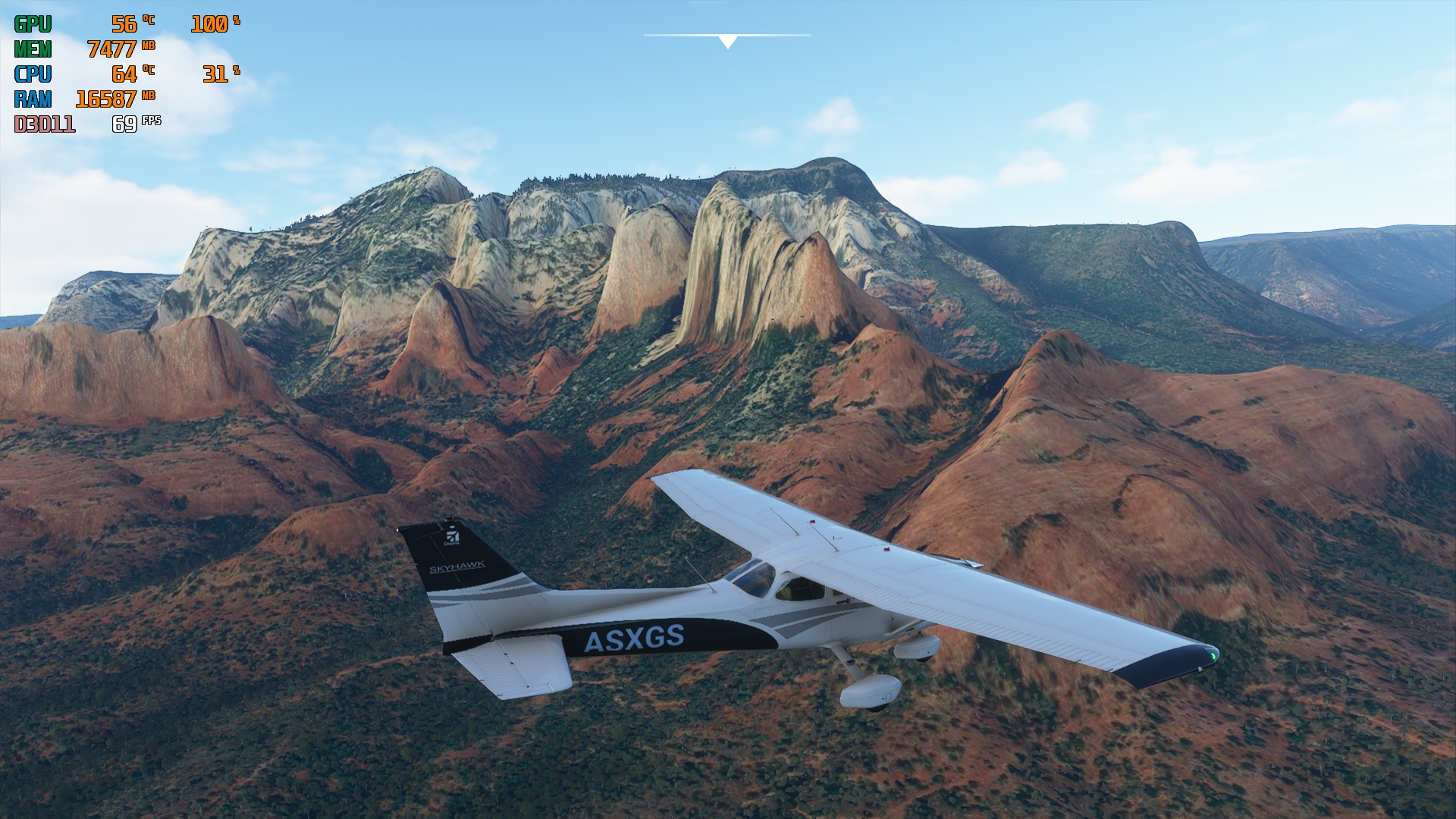
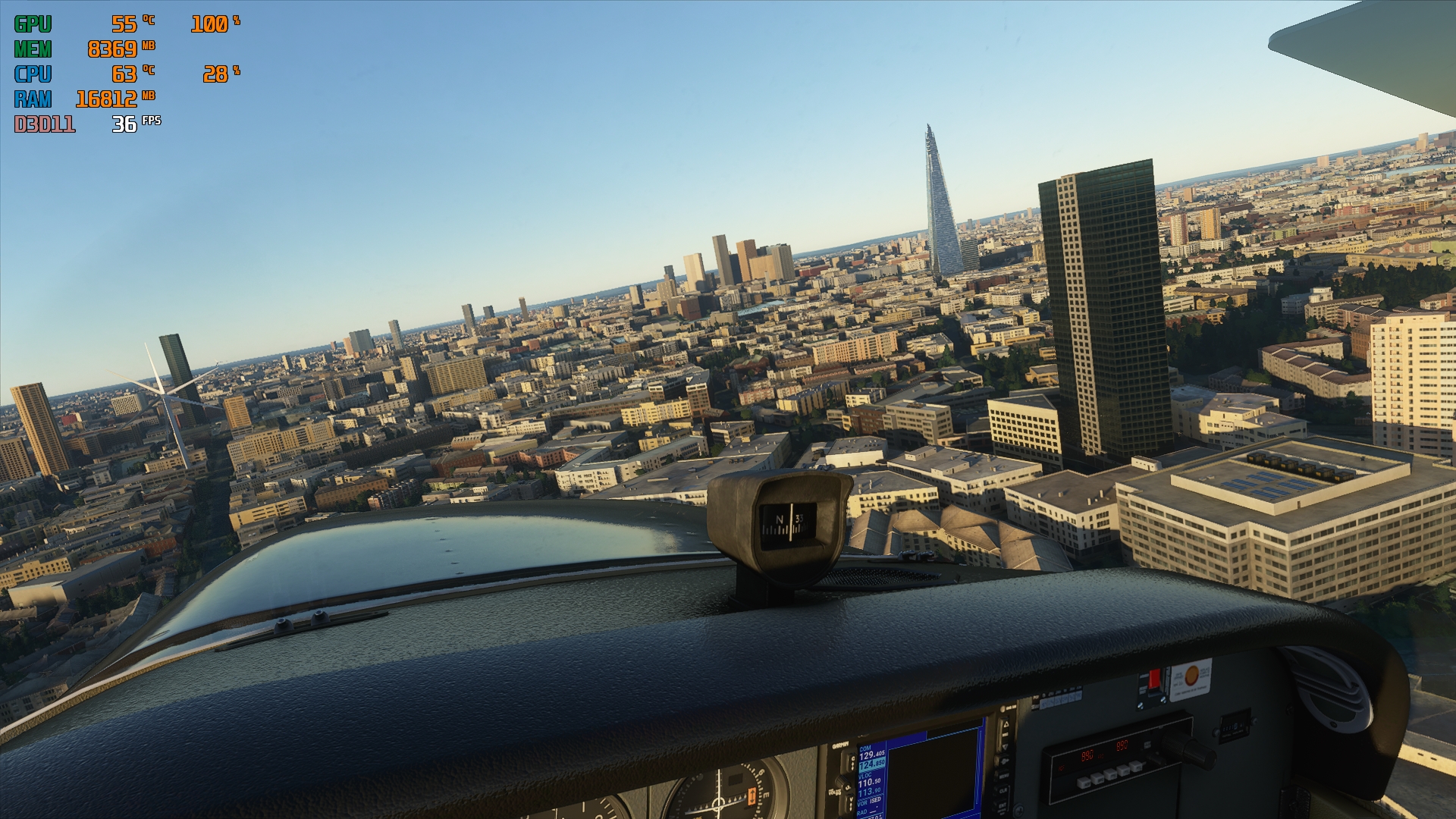

not good.. :-/
Gave it another try a while ago…102GB wow. It goes painfully slow, wonder if It got stuck at 318,95MB this time…
EDIT: It did not stuck, but I gave up, it was so slow 
weird. I can download and install the patches (and whole game) in about 45 minutes using a good chunk of my 1 Gb connection. why would slowing the connection down be a good idea?
go to the microsoft store and select flight simulator. click on the arrow beside play and then click update. The store will download a 600 MB file (installer). now click on play. the game will launch and download the update.
MS does not have its own network and pays for the transfer separately. I don’t know why some download faster, others are slower. This may be related to the region and the load on the region.
I suspect your connection is so fast the servers don’t have time to disconnect. My connection would take 6 or 7 hours to download 110 GB under normal conditions even if it didn’t disconnect and cycle on the large files. For some reason, limiting the download speed to 2.34 Mb/s using Netlimiter 4 solved my problem and got me up and running with a full re-install.
I’m very satisfied with graphics and performance at this time. (I guess we’ll have to wait and see what pain the next patch unleashes!)
Can it be worth a shot to uninstall and reinstall the whole sim to iron out some bugs? Has anyone tried this?
Even more so like a developer, I should know!
You should leave the option to not load a patch especially when you ■■■■ up the game with one like the current 1.8.3.0. patch which will not even let you adjust the sensitivity of a controller!!!
The mandatory patches are to ensure a level playing field otherwise we would have countless users complaining about issues with different versions.
There is a work around for the sensitivity issues, visit the FAQ or known issues, there is a link somewhere that explains how to edit the sensitivity’s.