Really diappointed with this update, yes itis quicker but it is unusable. The once best part of the sim was the G1000 but now it causes CTD everytime I try to use it even for the smallest adjustments. I hope it gets fixed soon.
I’ve noticed my menu bar pointer no longer disappears. The mouse pointer will disappear after a while of no mouse movement but the menu position stays in place for the entire flight. This basically ruins any pics taken and must be fixed ASAP.
Have you noticed that when you call up the VFR Map, it takes a while before it opens and then it takes even longer before it displays anything in the window.
Yesterday I started out fine. Did a test over london with the Cub, ORBX London City airport, London Landmarks, as this was my baseline and was impressed with the FPS improvements, but the stuttering was still there, albeit a lot less. GPU at 99% and CPU still at around 40% and Main Thread limited, so plenty more CPU headroom. I then did a flight over Amsterdam as part of my video series, recorded and edited the video. All good. I then came back about 4 hours later to continue the next leg, and the CTDs started. Flying the same plane DA40 and no changes to the SIM from previous sessions. No changes to community folder, other than the afore mentioned ORBX sceneries. First CTD was setting flaps. Loaded, back in the sim, same leg, then CTD during pushback. loaded the sim, then CTD during taxi. Loaded the sim, then during loading the slight plan on the map screen. Removed ORBX sceneries from the community folder. Loaded the sim, then CTD again entering the map screen. loaded the sim, decided to change aircraft, then again another CTD loading the aircraft selection screen. Sent a ticket to Zendesk, came to the forums and was glad to see I wasn’t alone. Out of frustration I did a complete re-install overnight last night. A complete reinstall is not that, it doesn’t load the world updates, you have to add those manually (weird) and I found they were corrupted. Restarted the sim, continued to load the world updates, they seemed ok. Thats where I am at now. I will not load any third party content, and then see how it goes… 24hrs in…
Ryzen 7 3700x, Geforce RTX2080S. 32GB RAM. Windows 10, up to date. Nvidia 471.11
Please go to control option and restore the mouse configuration to default.
You do realise they said it’s for walk around, walk thru only as a promotion for Orbis Flying Eye Hospital? Of course it’s not flyable although they said maybe in future it might be.
unbelievable - yesterday - all day - MSFS was broken for me. I had tearing or some other odd graphical anomaly across the top of my screen, switching camera views caused all kinds of graphical ‘flipping’ between internal and external views - and I had micro-stuttering that was constant throughout every flight.
I was ready to walk away from this thing.
But I just opened the sim up tonight for the first time and all of that is gone.
Yes - my GPU is running a bit hotter and yes I have lower FPS overall (down from avg 56 or so at my test airport in the stock c172 to around 38) but no longer have micropauses around the arrival airport.
A trade I will make every day of the week as 38 or so FPS in this sim is more than ok.
The problem is I have no idea what changed. I made no changes to MSFS. Could it be simply that this is the day after release and the heavy D/L traffic was the sole reason for my bad experience yesterday?
here is a brief video with lots of camera switching - no problems and no stuttering
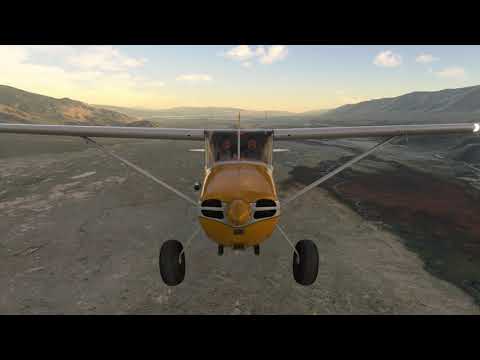
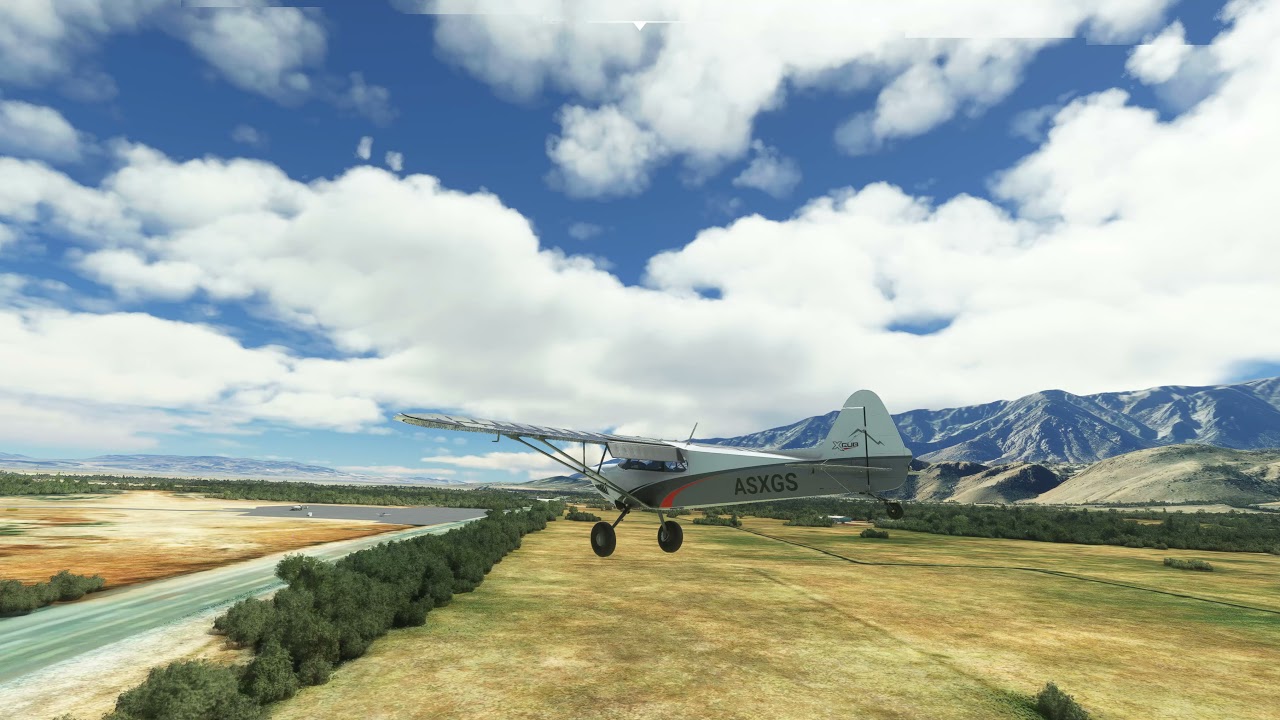
and this was yesterday..
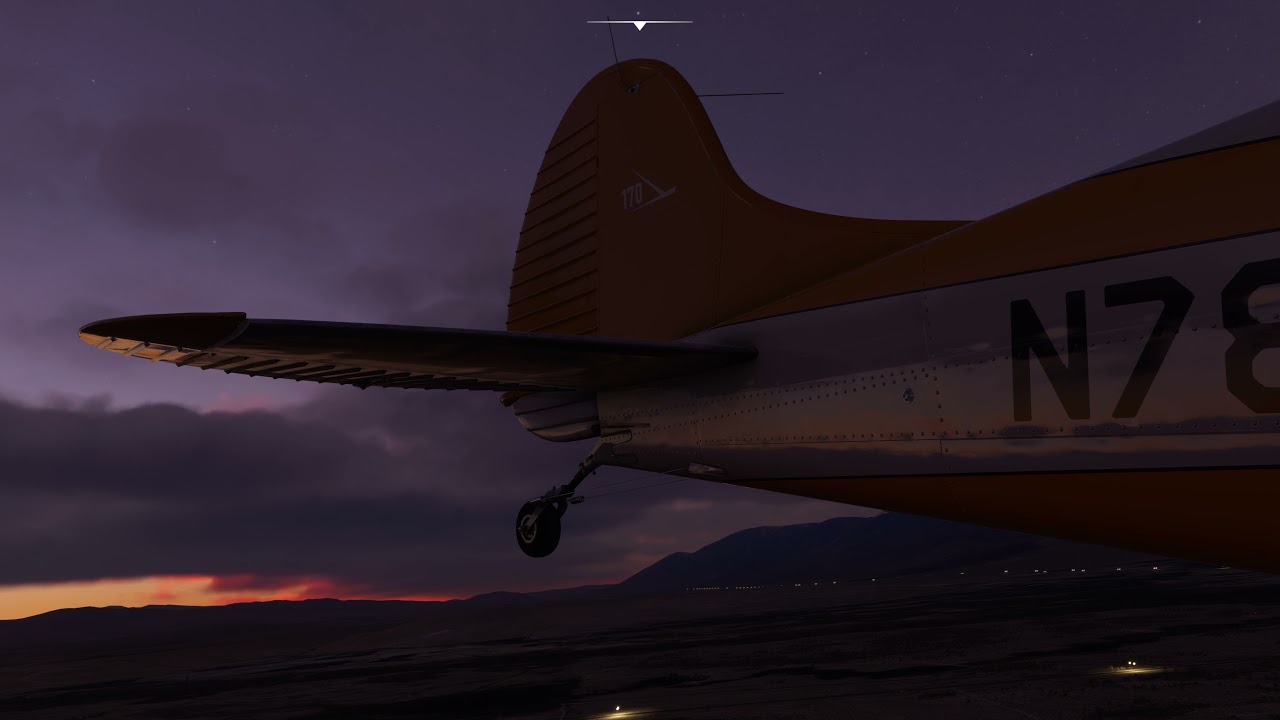
and if you can tolerate it - one more from tonight’s session - notice how smooth the visuals are with no micropauses typical near the arrival airport. Look at how fluidly the lights of the air traffic appears to glide across the screen as I approach from the downwind leg and afterward.
nooooooo not SU6
Wow. Insane. I think one thing sums up this bizarre, completely mad update.
Ready?
NWOD.
Cutting trip-hop artist from the NY Lower East Side? A secret acronym recalling some long, ilicit romp? Nohow.
I wanted to test things out in the "Content Manager, after a 3.5 hour total re-install. One or two items, to see if that drastic action would remedy anything. But THE TEXT IS REVERSED because of some kind of forced, left scroll. So in order to see which titles showed “download available” I had to enter NWOD. That it may reversed into a valid search term.
Backwards text in a menu?
Wow. What a farce, nonsensical, tragi-comic shambolic mess of an update. And yet, so many accolades and raves across the board.
[edit]
And yet, another turning point.
I wondered about something. In one of the online videos, the devs said that they were dumping various things into separate threads. I remember I’d disabled hyperthreading in BIOS, as I’d read that was helpful for improving things in the past. Can’t speak to the insane crashes, even just after re-install and empty package folders. Or the reverse-text incident. But after restarting, enabling hyperthreading, and cautiously adding Orbyx London add-on, I had, perhaps, my greatest flight in that city without an ultra-light craft.
Minimal pauses or stutters. For the 1st time ever, none when passing Big Ben. Flying low and zoomed. Clouds? No performance concern. The only concession was that I was running 1440P instead of my usual 4K. Everything else (except depth of field) cranked Ultra. Because the inherent building, tree and water details were higher to begin with, that 1440P wasn’t at all the compromise it was in the past. For some reason, the ATC said absolutely nothing, and I didn’t get a parking path overlay. But I assume that will be sorted out.
Ahead is a process to see which landmark DLCs still work. But things look more hopeful than earlier.
the wins in MSFS are just as perplexing as the losses - I think this is why there is so much in the way of opposite points of view in the forums…and why one side can’t believe the other.
I’m currently flying around Kamchatka in Russia right now and everything is looking gorgeous. The clouds look great, the landscape looks great, and it’s running a lot more smoothly. I still think it’s so odd that some people are having issues while others aren’t.
Other than peripherals not being recognised from launch, I’ve had no issues with training or with some occasional short flights. Runs smooth looks amazing, no dashboard crashes, or stuttering nothing. Xbox series X
worse is that this can change for any user from one day to the next
Nooooooo!!!
This “update” seems to have almost completely deleted my previous fully updated Windows 10 PC (steam) install and is now downloading 124GB, which will take days! I HAD every single sim and world update installed, many many GB. When I started the game after installing the small steam update, it got stuck asking me for an XBOX login which it had never done before, After getting past that by logging into my xbox account from my PC it starts this massive download. I’ve looked into the install director and indeed there NOW seems to be only 20GB in there now (and yes, I’ve checked the path, there is no other location with the previous install files!). This is horrific! A poxy xbox update to my PC game has completely destroyed my install and is going to take days to download again! Has anyone else encountered this horror show?
My only complaint is the time to load - 5 mins 30 secs. Have an AMD Ryzen 9 5950 X and a NVidia 3080. Fast M2 drives and 32 GB DDR4 ram. What the hell is it doing. Almost no disk activity and little CPU and GPU activity!
Another CTD waiting on the runway for take off. Touching nothing?
I have a lot of CTD during flight. AI is OFF. For 10 flights, only 3 was ok for me, 7 it was CTD during the flight. Distaster… before SU5 maybe I had 3-4 CTD from … the last, one year! :((((((((((((((((((((((((
This was one of the first thing i noticed after the update and in VR it is even worse. Hope they are going to fix it or provide a workaround.
WTF happened to my controls. When I hover over cockpit controls it just highlights blue and i cant click anything anymore.
If I was a QA tester at Asobo I would be ashamed. Are we seriously at update 5 and experiencing a magnitude of issues similar to beta MVP?
Each release looks like their testing cycle is siloed for only bugs/features and we’re the ones who high level test.
The folder structure inside the install also smells of a broken Agile way of working.
This could be the start of Asobo’s downfall unless they bring in consultants who can sort this out their development strategy.