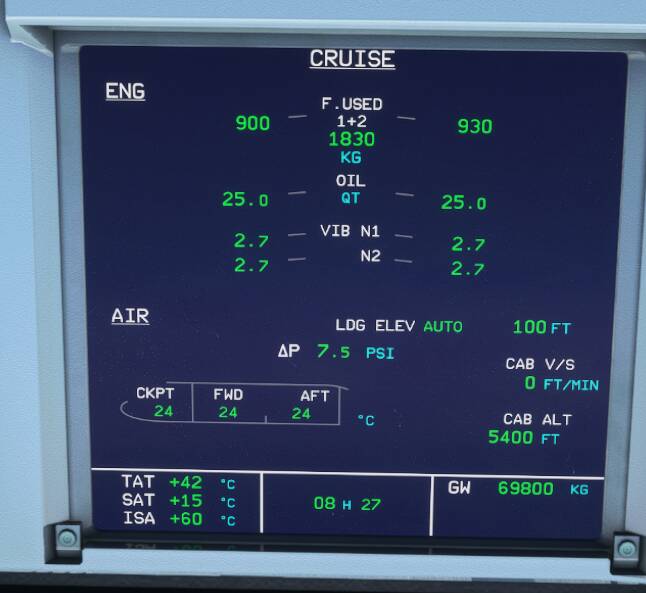
Checked that they are all disabled.
Hmm dont know then. Do you have Goblins..there out on the wing did you see that. Hehehee.
Try turning all assists on restart the sim and then turn them back off again?
Thank you
I’ll check that right away
Cheers
Carlos
Hi Nigel
That sounds odd indeed. No idea to be honest as this is the first time I know of such particular issue.
But what about following a suggestion I read in Orbx forum to do prior to the update? I did it before the update as I read it late and it also worked
Who know, it might work for you, trying anything to fix it worth it, here you are
-
Delete any rolling cache.
-
Delete the Content.xml file.
(AppData\Local\Packages\Microsoft.FlightSimulator_8wekyb3d8bbwe\LocalCache\Content.xml)
- Delete the simulator .dat files
(AppData\Local\Packages\Microsoft.FlightSimulator_8wekyb3d8bbwe\LocalCache\SceneryIndexes*.dat)
- Do not add anything to the Community folder before running MSFS after the update is complete.
Cheers
Carlos
fast construction workers 
i hope that Asobo doe a reroll back before Update before 5
So that’s the new LOD levels at work, where the scenery developer needs to adjust the scenery to match the current requirements.
I’m not 100% sure those requirements were there before, and are now enforced, or the requirements are brand new. In any case, whoever built that handcrafted 3D object has some adjustments to make.
Sometimes the mouse pointer disappears right while moving it over a cockpit. Extremely annoying bug of SU5! The only WA is exit to menu by Esc and return back.
this is from the world update Benelux / france and from Asobo
EHRD
You were right. But it seems it starts enabled
I just changed it (off) and closed the sim. I hope it will start as saved if not at least I know now how to amend it
Thank you very much
Carlos
This new gameplay is driving me crazy!I tried setting ATC to AI but it doesn’t work atm. (AI radio communications is on, but it’s not answering calls)

Now text to speech bugged out, continuing with sleepy canned voices

And it flew me into a mountain, descend to 6,400ft. I was still over 8,000ft, warning 2500, 1000, crash. Need a height map in bad weather!
I’ve been flying around
I think I must confess I am addicted to this game
No longer have blurry textures or morphing. No slow load of autogen either, after the hot fix
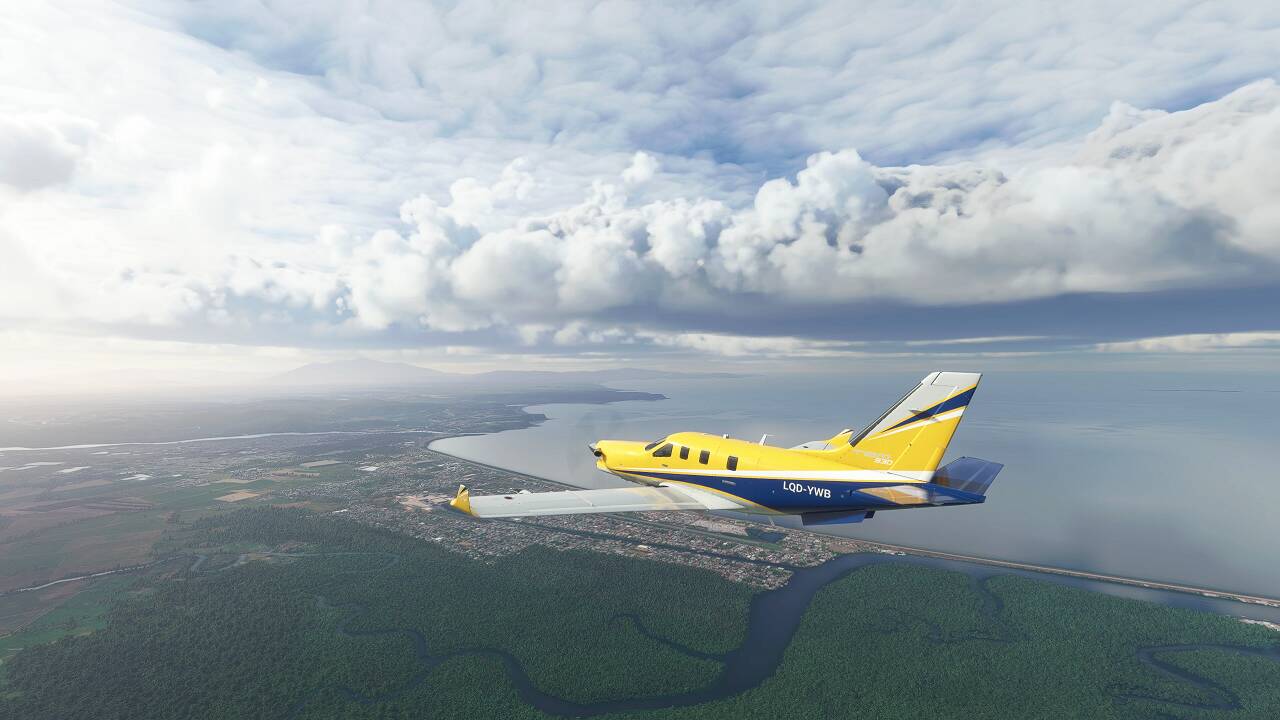
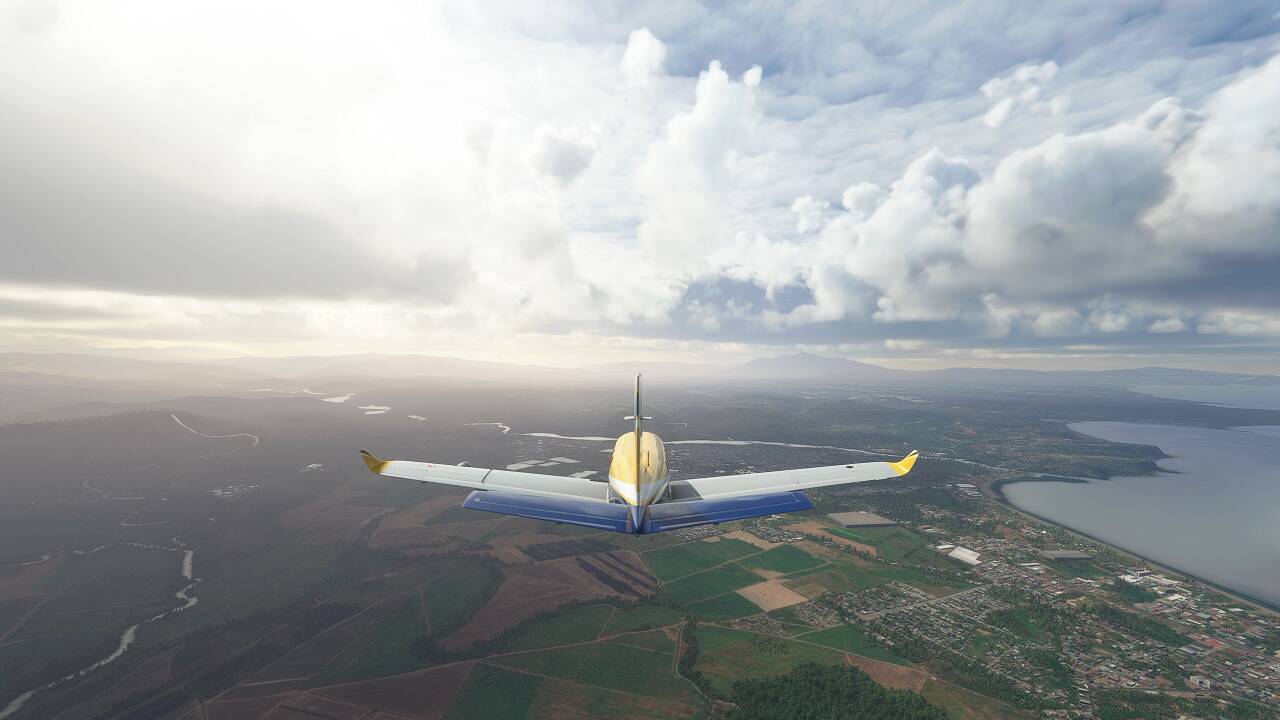
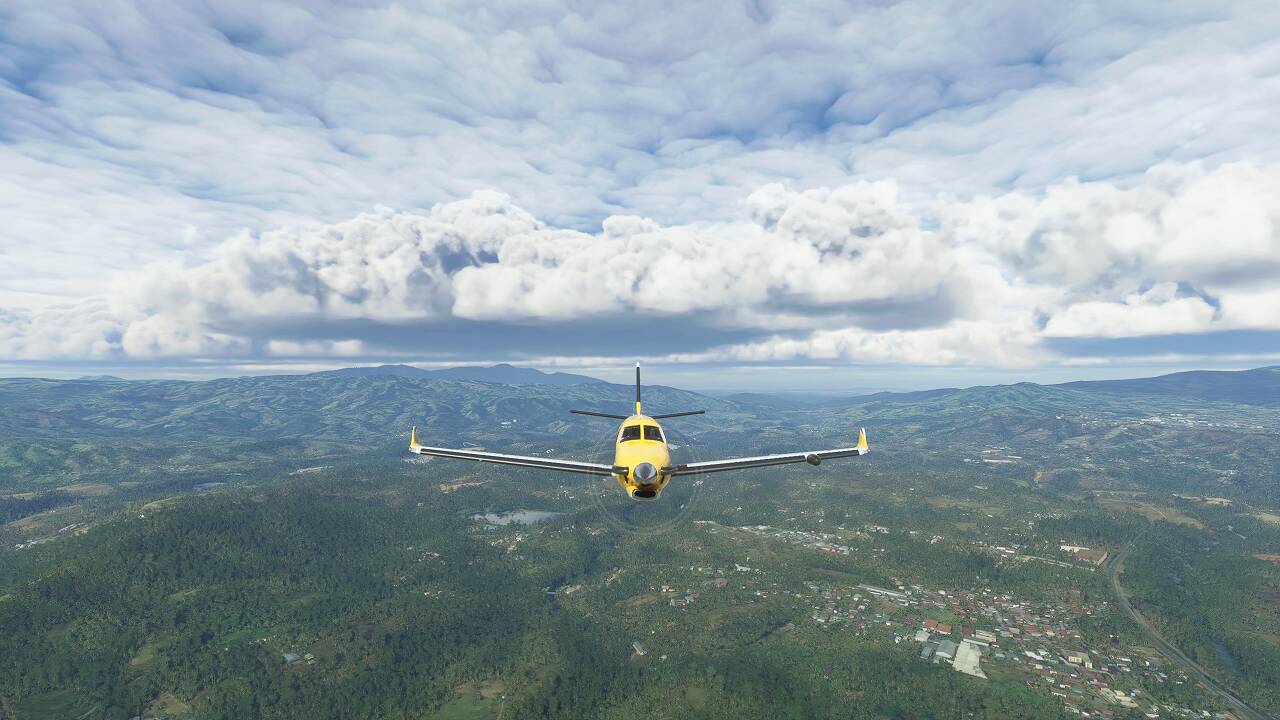
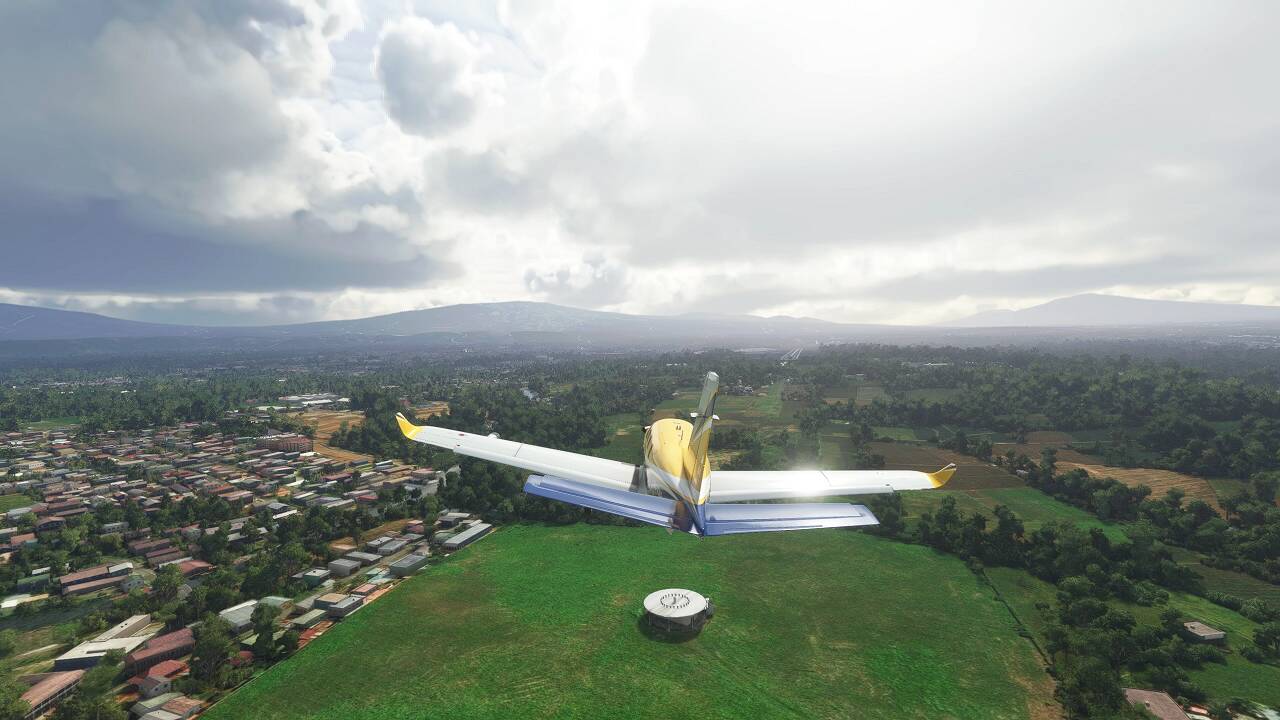
Additional positive comments, the ground textures in my country are the best ones I’ve ever seen or will ever see. Very accurate and nicely done. There are even a lot of bridges that weren’t there before and many details.
There is just an area that remains damaged, (since day 1) the Turrialba volcano. Maybe this will need a manual work.
But there are yet some countries in which the ground textures look like P3D but I’m starting to think that maybe that is how they need to be displayed and thus the similitude.
The water in most of the areas is okay, just in North Europe look electric blue in mainly lakes, some rivers and shores. Not sure if it is due to lighting too. I need to continue testing.
Meanwhile, here some of my country’s terrain.
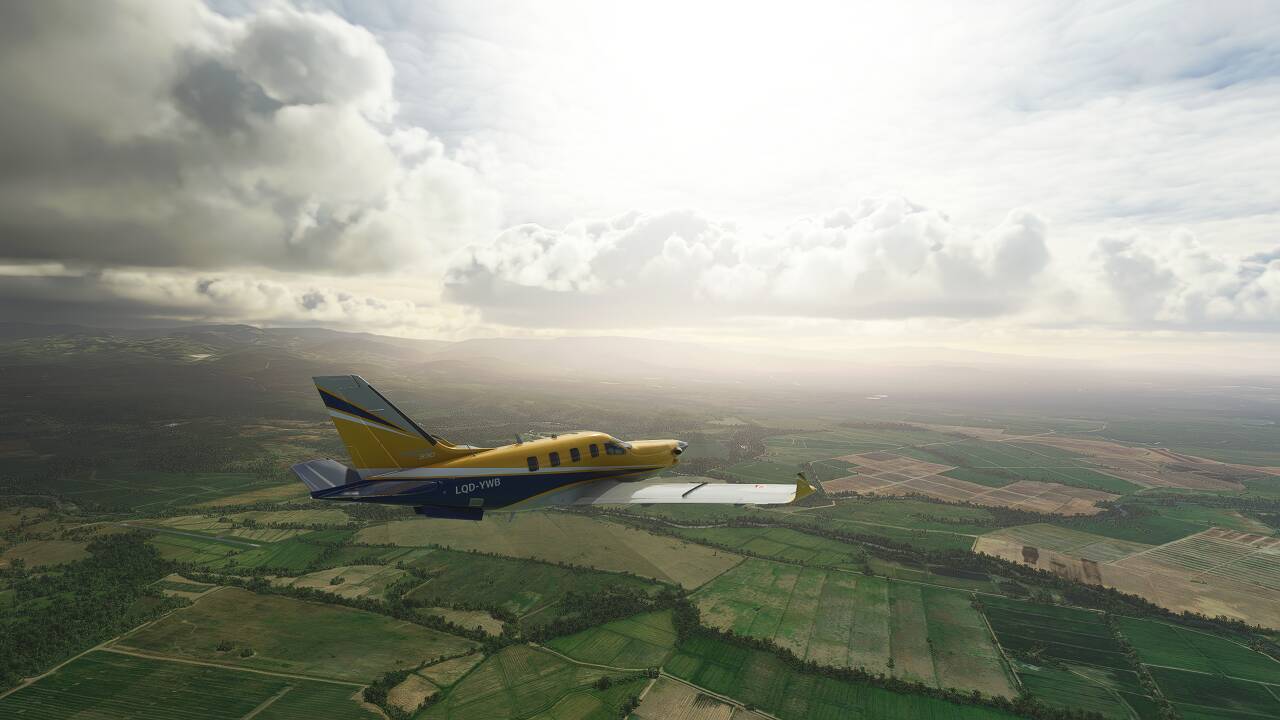
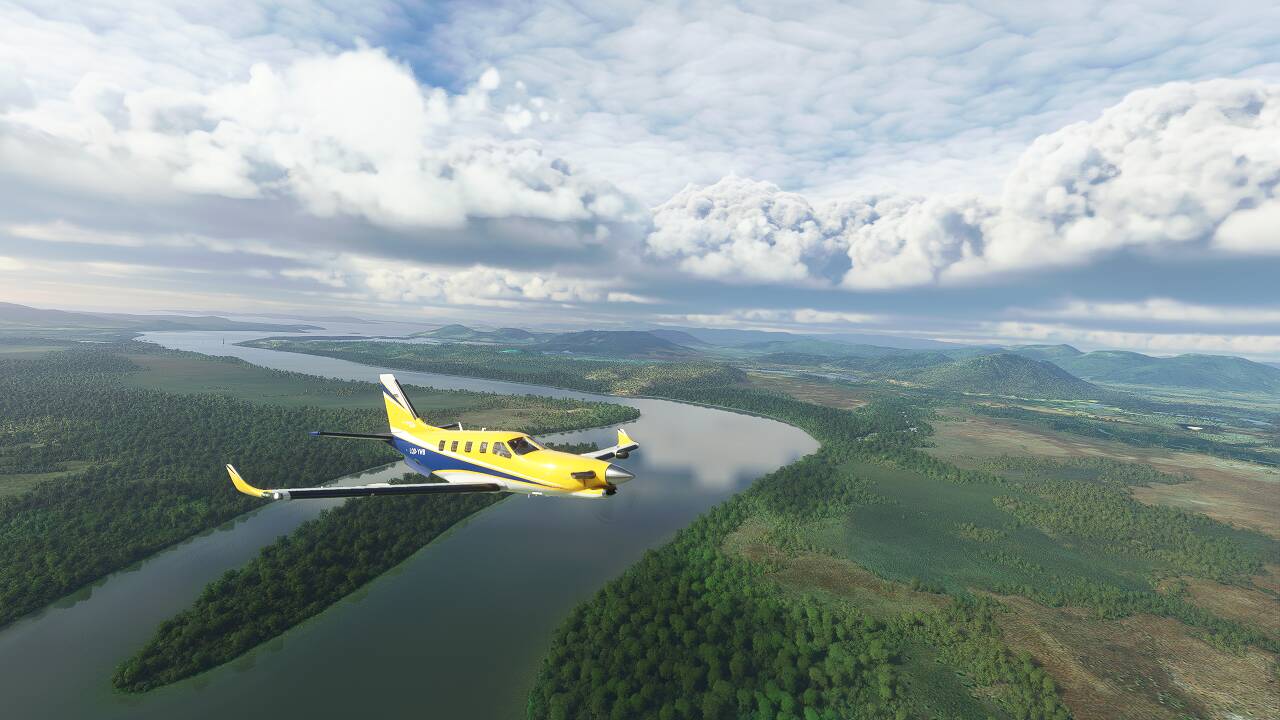
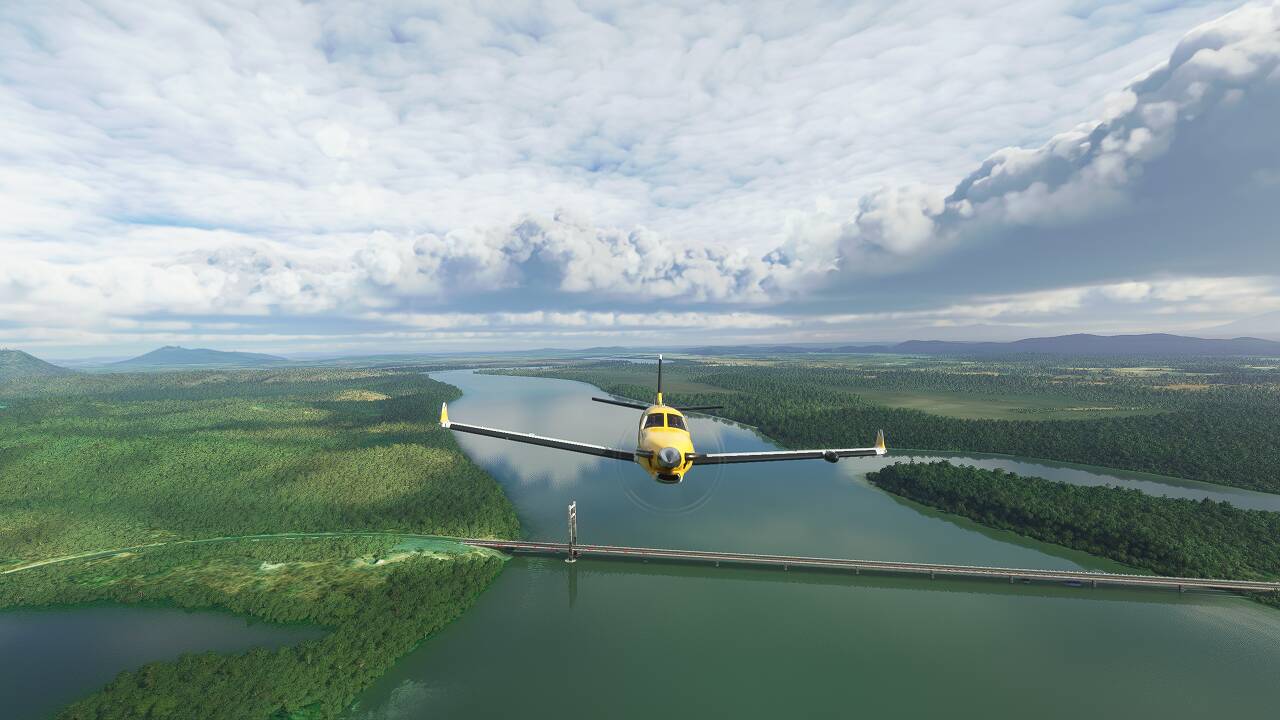
Cheers
Carlos

You’re welcome! 
I believe someone else reported the same thing, so it’s possible this is a new issue. It was suggested to look under the Assistance menu, between General, and Controls. Something there might have been settings it’s default state.
Why is everything ok with you and not with me =) According to Asobo, the GPU should be relieved or not? My GPU is running at full speed and my room is like hell. And my FPS has improved, but the textures are very blurry. Here my system CPU: i7 10700K GPU: MSI 2080 Super
I would love to see another dev Q&A soon. So far I’m very disappointed in SU5, but whenever I see how excited Jörg is and he shares his plans for the futures, I get high hopes again.
I’v loaded A32NX dev.5a19f07. This was the only and latest option. All went well. The norm/start knob now working BUT touching the TCA throttle levers pushes the screenlevers to TOGA. Pushing them back only retracks to CL.The bit to IDLE I have to do with the mouse. Also not possible to set speed and alt knob in managing mode (airbus ready to taxi). If i wait for a new fbw version, do i have to erase the old one and how do you do that. Cant comment on stability because have checked all the knobs and mcdu, but after 4 hrs no ctd. Thanks for help.
I can tell you that a 3080 ti makes it even hotter! GPU runs at 90% while the CPU is out looking for a second job, which some say is a great thing. When the program doesn’t crash and burn I have a higher frame rate of poorer quality video as result. Which is wrong.
Is it really worth for getting a few XBox Users playing around with the sim at costs of frustrated pc player base? Bad graphics, CTDs nearly everywere. Nothing working anymore like it should. Hotfix didn’t do anything.
Hi
I don’t know if I should report this here but here it is something I just saw.
I was flying in England out of Liverpool
I don’t know if this is related to MSFS or to Orbx EU region but there is a ground texture missing
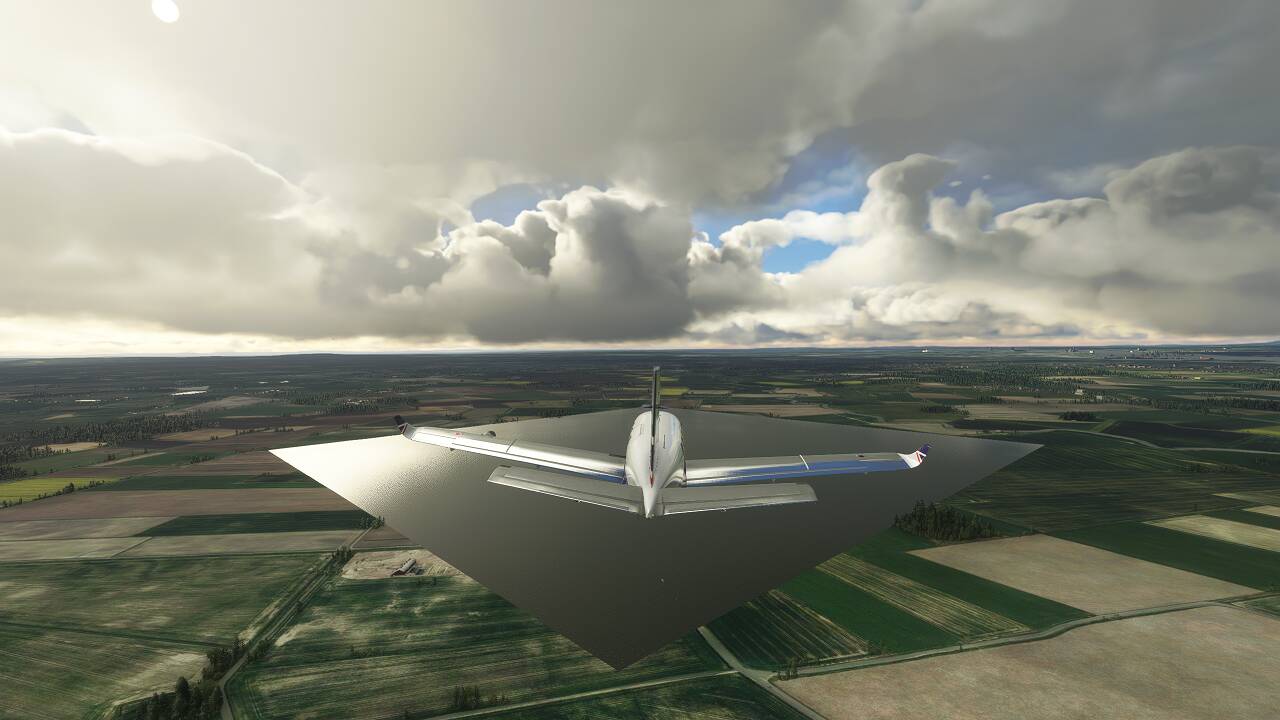
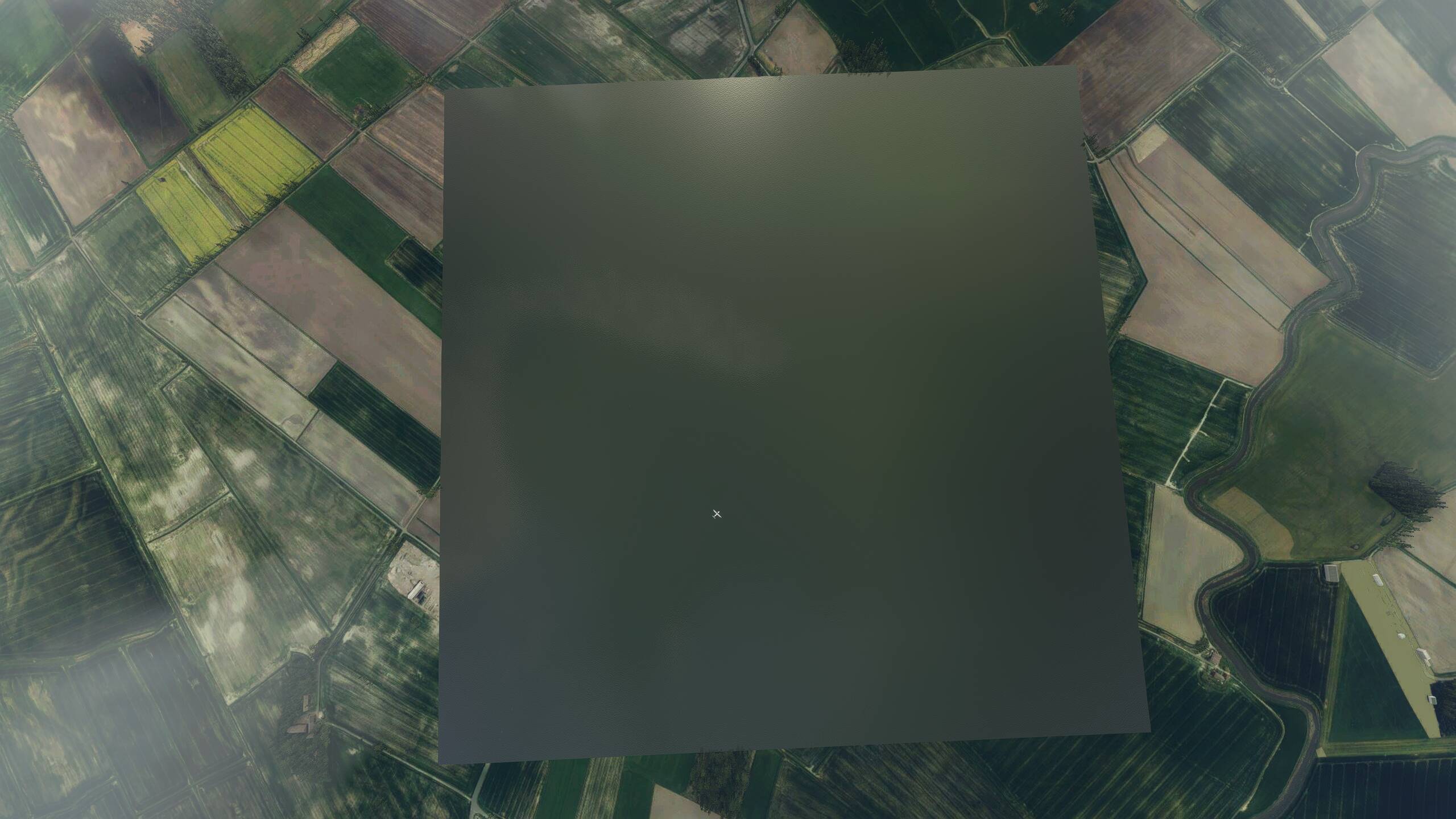
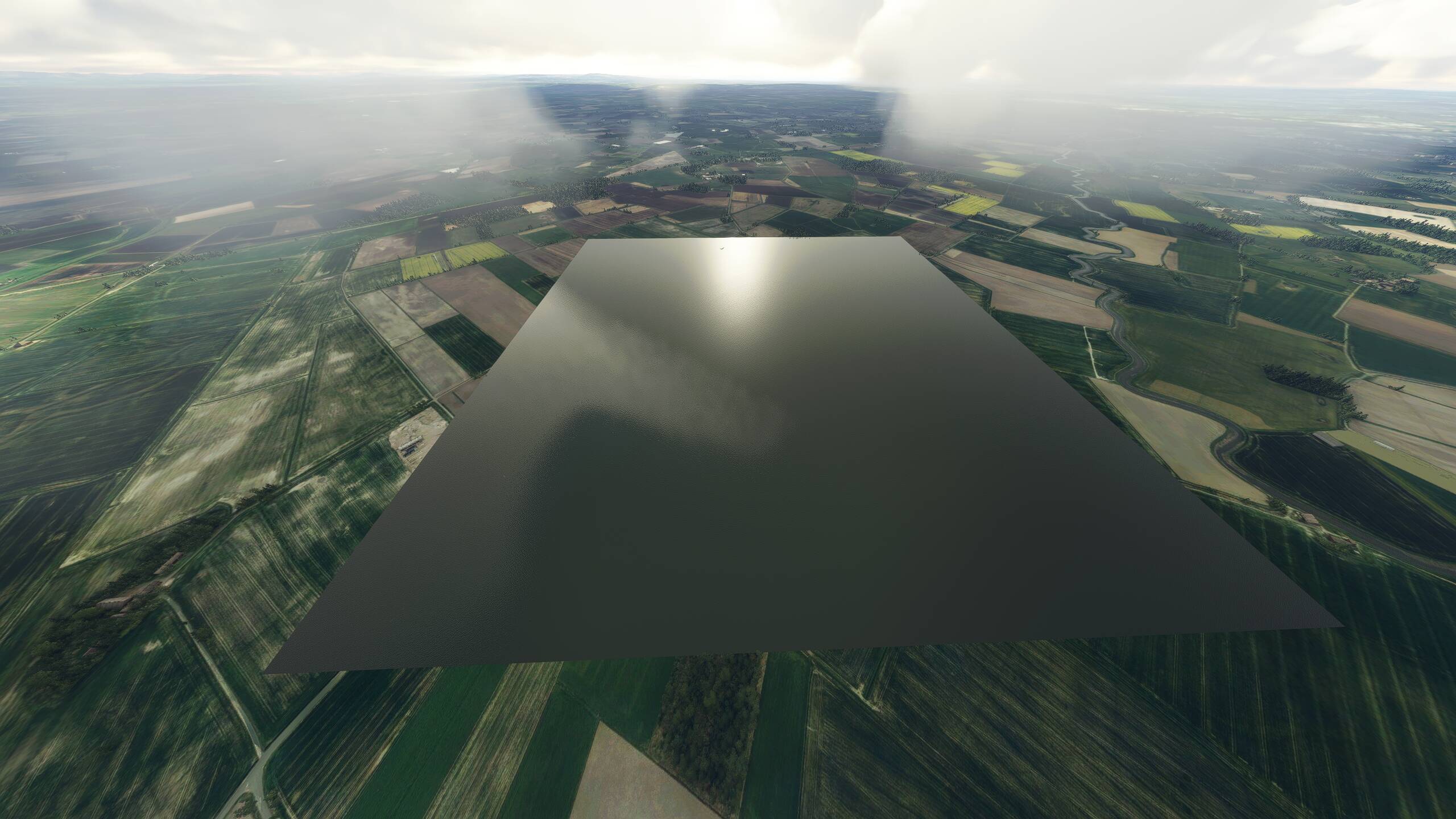
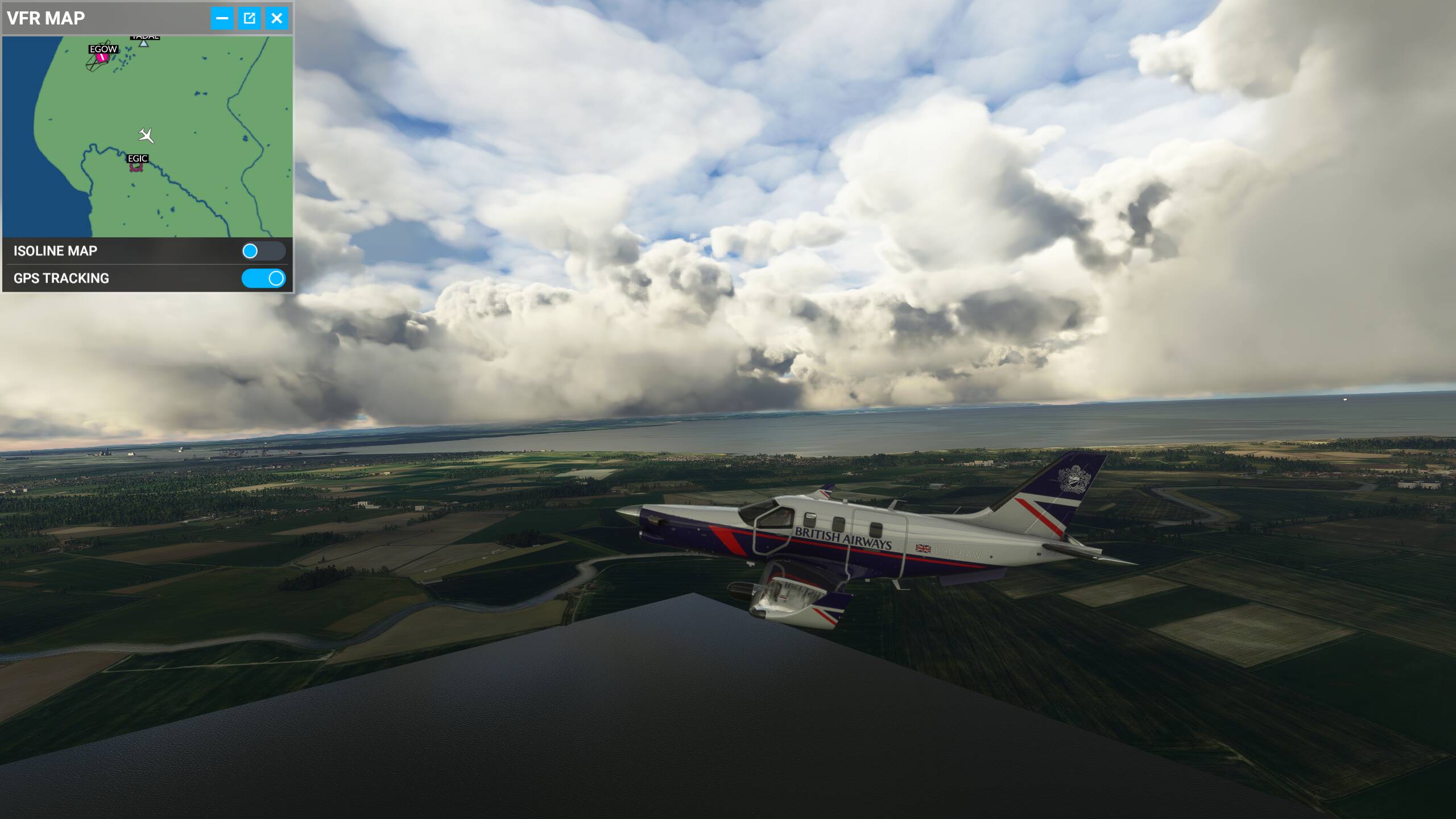
I tried to report in Orbx in case it was caused by the EU region but their forum site seems to be down
Cheers
Carlos