What is going on with the night lighting? Patchy. Floating orbs up close. Initial PC release was beautiful, now horrible.

Are there any further news regarding the “Download Loop Error”?
I had to download FS2020 via my 2nd PC (due to decompress Error on PC 1)…
Now I tried to download the World Updates, however I am stuck at the Loop Error (download XX % and reset to 0)
Of cause I tried all the latest advises (netlimiter, AntiVi Off, autohandle disabled and so on…) No success.
Any further ideas?
Same problem about dowload, it starts and then it restarts from 0 again and again… impossible to download anything…
I‘m a realy patient person, but for more than 20 hours the sim doesn‘t start anymore. What the hell is going on? it is freezing at the loading sequence
Had a similiar experience last night. Was mucking about with renderscalling and LOD settings in the Config file. Made a change, saved, restarted the sim, failed half way along the blue bar. Deleted the config and let MSFS recreate during next load. All good and carried on with testing. Restarted the sim about 4 times before I was done. Finished my evening with a wonderful 2 1/2 hour flight in the Baron.
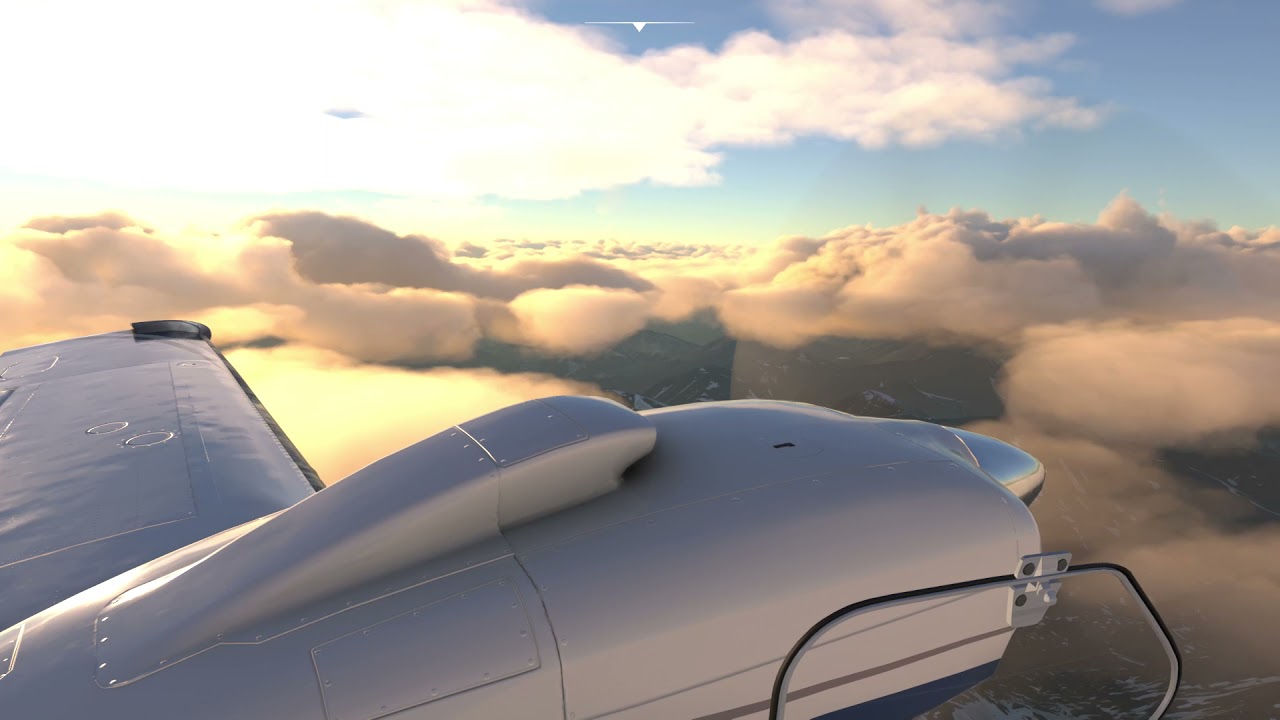
If you are having load problems and have made any changes in the config or settings screen lately, try deleting the config and let it pull the settings from the cloud.
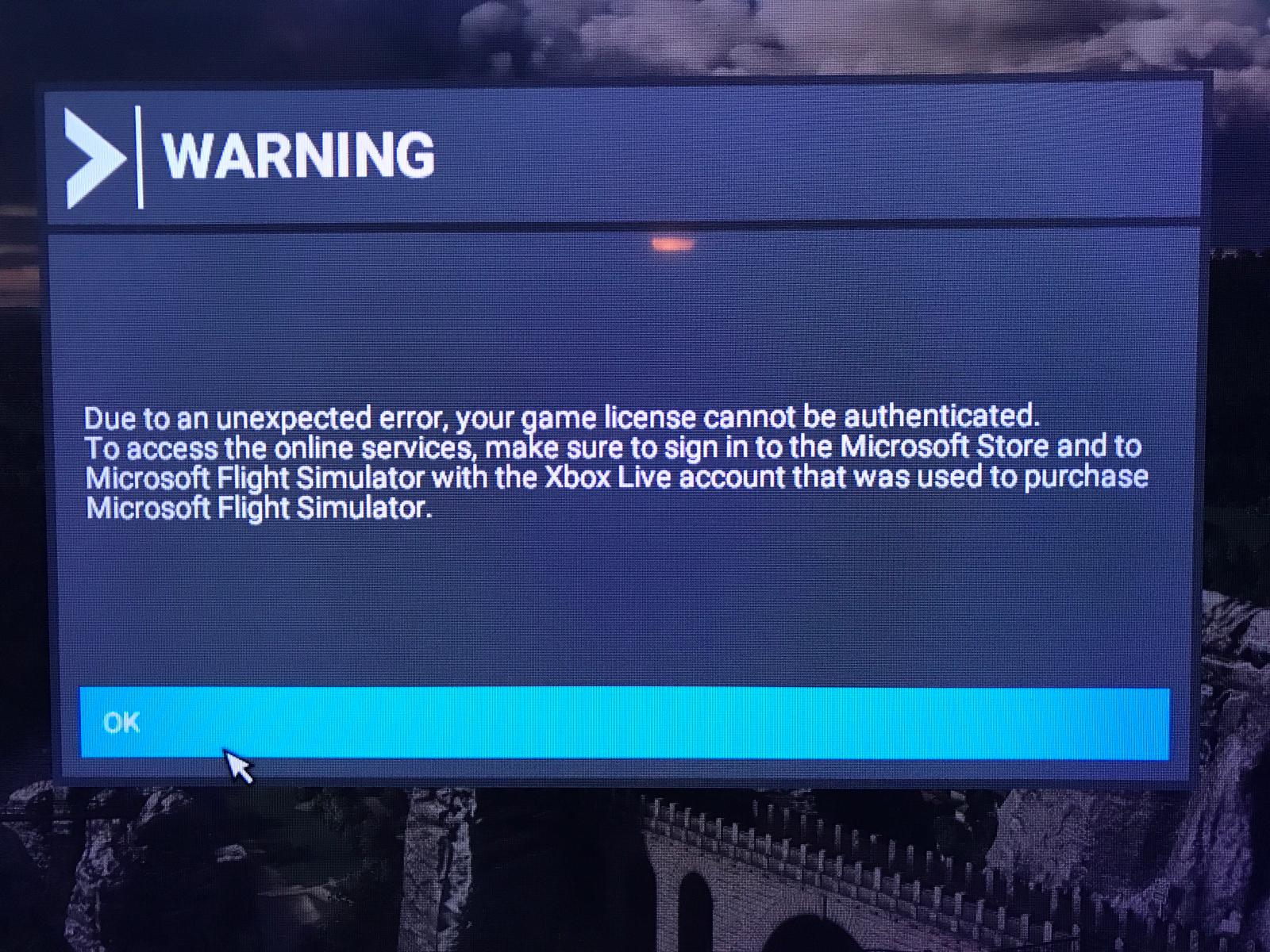

Try logoff and login again XBox & MS-Store-
More https://flightsimulator.zendesk.com/hc/en-us/articles/360015760660-Microsoft-Store-Download-Installation-issues-Part-I-Checklist
There are more helpfull solutions.
There is a bug with the render scale which let’s the lights disappear (<100%) or float (>100%).
According to my observations there are also some floating lights with render scale at 100%, especially in the distance.
Removed every community folder item. Totally clean.
Just did an uninstall and will now do a full re-install.
I’ll keep you posted…
UPDATE: Took all day to download. Launched in Safe Mode and crashed before I could open options or world in UI.
Good/Bad news - It looks like the ROG-STRIX RTX-3090-OC and ASUS GPU Tweak II is the culprit.
Removing that utility seems to have removed the MSFS CTD issues. Go figure.
Of course, now my GPU fans aren’t spinning so I’m running around 86 degrees celsius w/MSFS. UGH
Xbox user:
Deleted the app this morning
21gig of world updates at first would not install with a failed error message.
This evening tried again but this time only selecting one update at a time this worked and I now have all installed.
Fingers crossed scenery and photogrammetry will be good everywhere. Watch this space…
Did you neglect to disable “AI UFO traffic?”
Yes, doing one Content Manager download at a time helps. But you probably would have done it successfully by just trying again, without any removals or deinstalls.. Servers are sometimes buzzy, or having issues. I always just cancel a CM download when it won’t perform (eg below 5MBit/s). Try again a few hours later…
The problem has not been fixed in the World Update VI: Hamburg, Germany - Landmark Bridge is still missing after World Update 6

I has something similar when I first installed the update to Prem Delux… in Denver.
Returning the next day produced a smoother taxi way.
So, I believe it is something to do with a connection to the server. Or, possibly some flaws with the communications that does not update properly.
In the past, people have experienced some spikes popping up from the ground. Getting closer, turning away from the object, then turning back toward the object made it disappear.
All - It took me several hours to get the Hotfix downloaded, and it was the most cumbersome one to date. I had game OFF PC when WU6 released, and was going to stay that way, but against hope went through 48Hours to download. I hate this distribution method period. Today, tried to load in .plm file, it CTD the game, so reopened game, CTD again. Restarted PC that cleared the issue, they say I can load a .pln into sim, so that is broken. I am not worried about scenery, could be server, could be bad code, and though I don’t as rule fly GA, and too high up to see things, the scenery for me is much better than previous. But, other things bug me and hoping they are fixed soon. I took survey, for most part, for me, it better than it was in some ways, and still as madding as before. A friend told me to buy X-Plane, and he said you (once you learn it) will be way happier, still thinking about that, and still fly FSX, because it just works. Aftermarket scenery for it, and it looks almost as good as this one, without the issues. And a big high five, most of the scenery is real cheap or free.
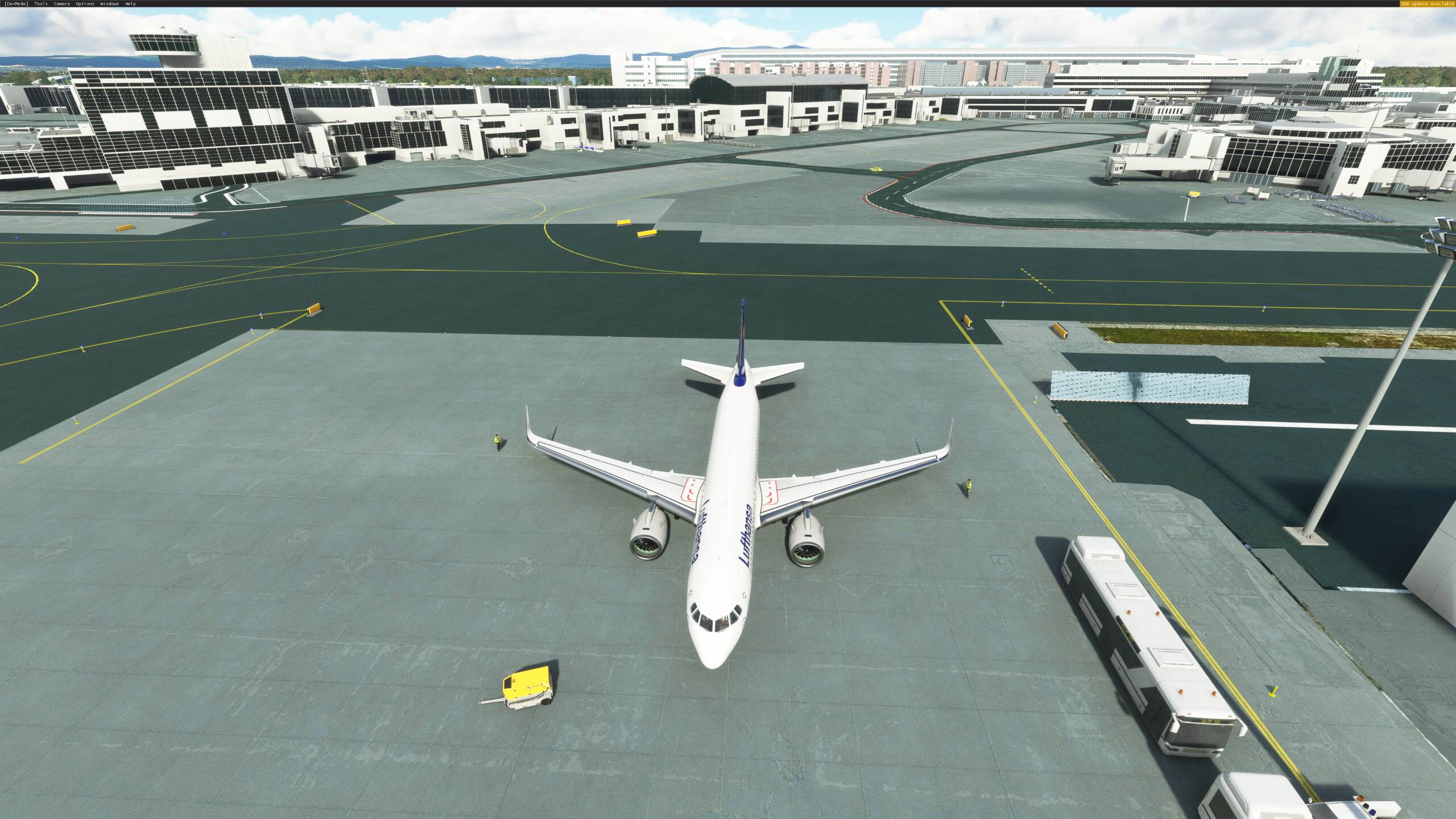
Just set color grading from 1 to 0 in userConfig.opt