I feel your pain - the King Air is one of my favourite Aircraft to fly in the Sim and the G3000s go Black randomly. It’s a pain.
I wonder if the new WU6 has fixed this. Let’s go fly and see!
I feel your pain - the King Air is one of my favourite Aircraft to fly in the Sim and the G3000s go Black randomly. It’s a pain.
I wonder if the new WU6 has fixed this. Let’s go fly and see!
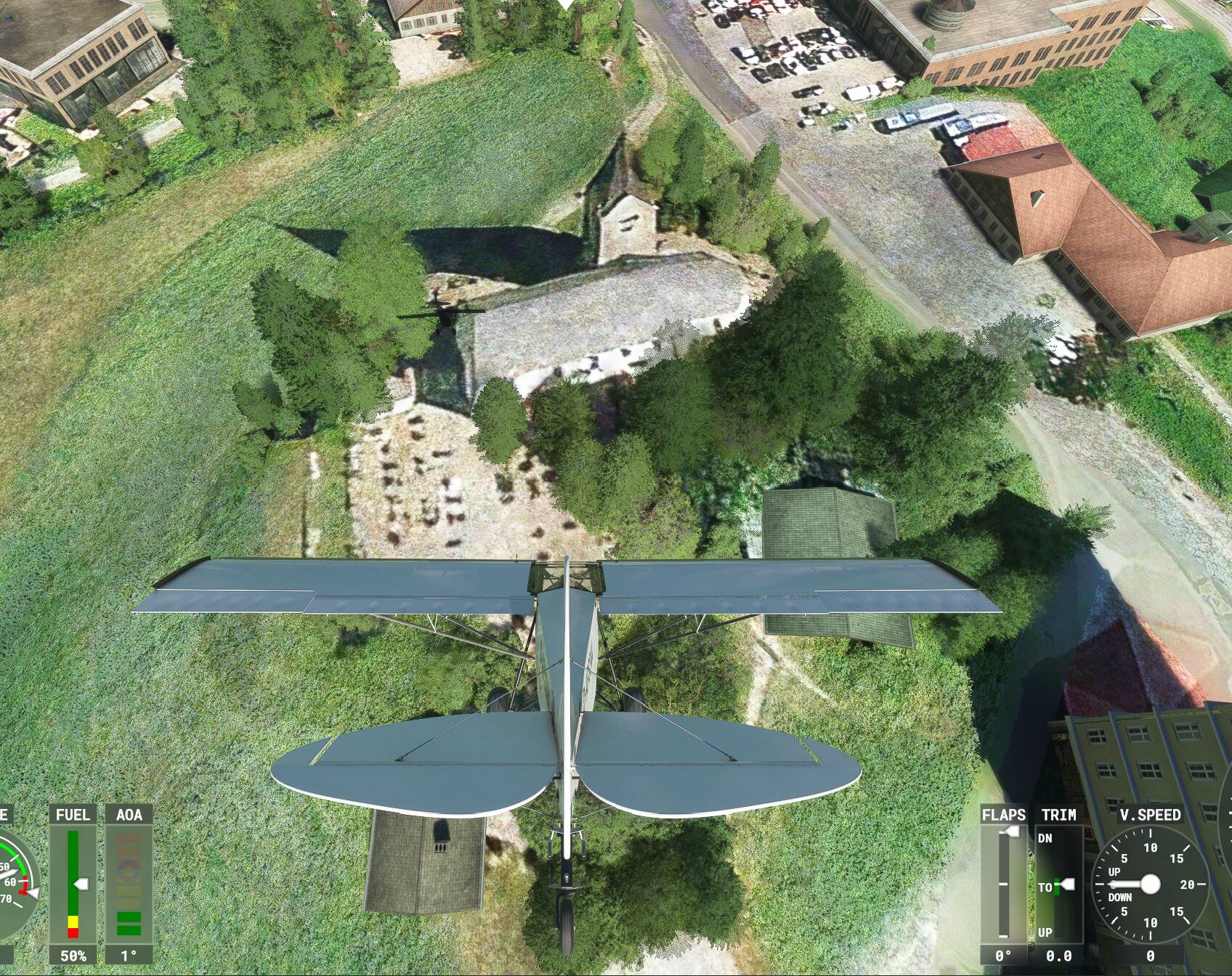
They promised us churches for the Germany World Update. I do not remember who, when and where, but it was said. Where are the ■■■■ churches? They would be so important as a landmark for VFR flight.
It hasn’t fixed it. The issue remains.
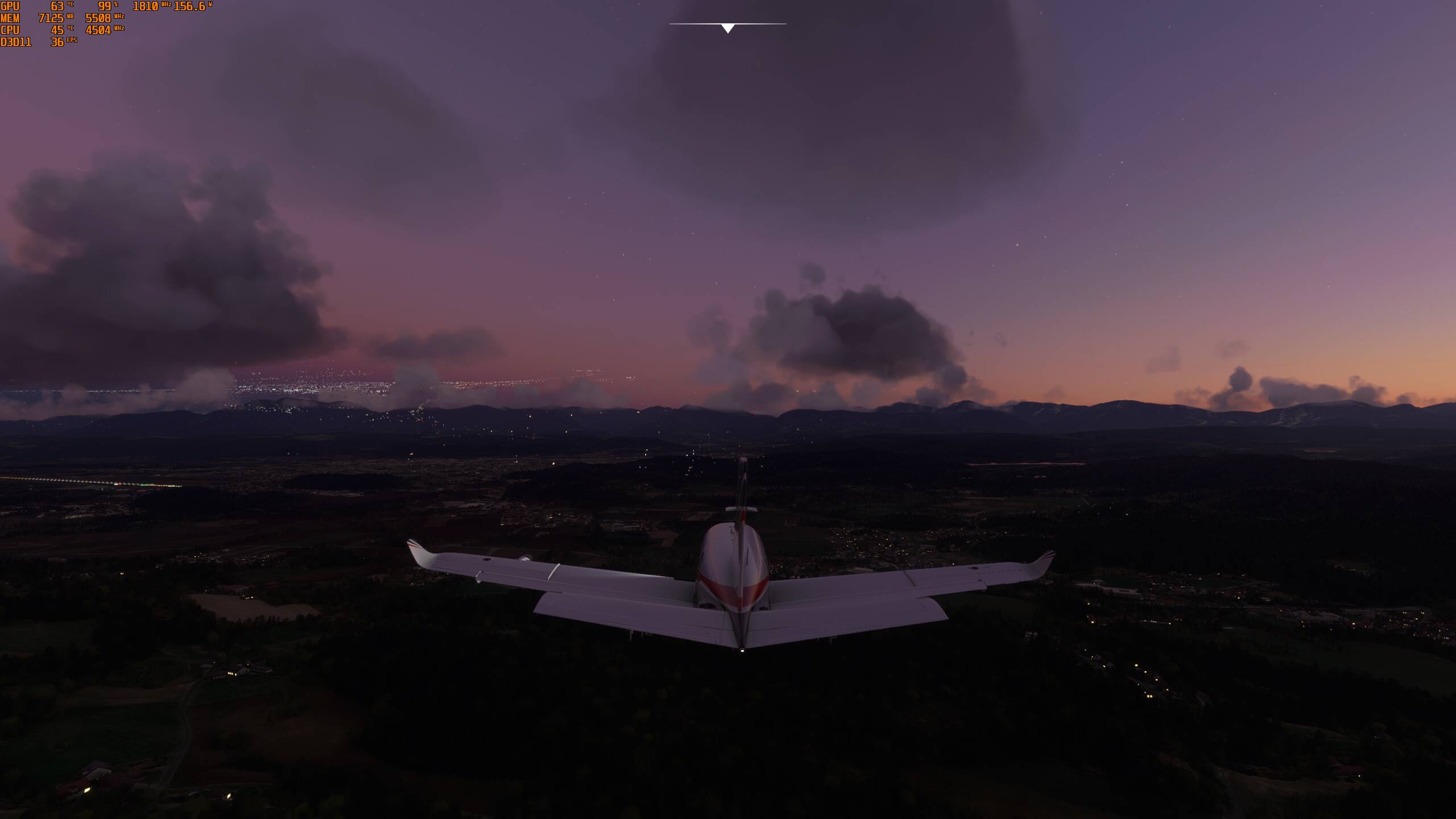
The main issue I have found is that there are no lights when flying at night. I use 80 render scaling and while you can see a faint glow on the horizon, below the aircraft there are no lights. Its just dark.
Update worked flawlessly for me here in Texas. I have Gigabit internet and I had the update in 10 minutes. I don’t have time to fly today. But I did load up the FBW A320 at gate B18 at KDFW. Changing views was buttery smooth whereas before I got bad stutters. Looking forward to doing some flying tomorrow.
I’d like to see the stats on this as I was comign to the same conclusion.
(and BTW, re the clutter - I too have a very cluttered PC and have eally had no CTDs - see this post for some details if you’re bored!)
I have the same key specs as you: i7, 2060, 32gb. With the WU6 update and the off screen pre-cacheing thing at Ultra, got definitely much less pop ins but some are still there (eg taxiway signs but much more vividly, the shadows of islands on water) and regrettably, now some slight stuttering has returned when landing / taxiing. It seems we will have to live with a combination of pop ins and stutters - can’t get rid of them at the same time …
It did. I’m good now, subject to some performance testing, to see if my rig really can handle the “3” in that setting in VR…
We’ll know soon enough!
Sure, give me my $120 back and I will go back to FSX.
I didn’t see any material drop in VR performance for me, so hopefully you are OK too
The terrain cache option on Ultra works perfectly. I’m flying over a PG area with rolling cache disabled, 3rd person quickly switching between drone and chase cam, both pointing in opposite directions.
Not a hitch, stable scenery, also when spinning the camera around. It’s working again! PG draw distance also seems improved, and it all still runs smoothly and doesn’t even use that much more ram.
No more stutter when switching between instrument panel views either. Much nicer!
As a PC user I have had a simular problem, it was all down to controllor settings, your problem could be the same. I presume you are only using the Xbox controller. The avionics masters 1 & 2 may need checking out.
What I did below may only apply to my Thrustmaster TCA Quadrant but I will put money on it you will be creating profiles for each aircarft using the Xbox, just like us.
This is how we solved a problem with Beechcraft King Air with TM Quadrant
Just flown in the Beechcraft King Air and the Avionics went Black as I lifted off the runway.
To get the Beechcraft working I did the following.
Deleted … “Toggle Engine 1 Fuel Valve”
Deleted … “Toggle Engine 2 Fuel Valve”
Added … Avionics Master 1 ON ( Joystick button 3 )
Added … Avionics Master 2 ON ( Joystick button 4 )
Flew around for at least 30 mins and the Avionics stayed on.
( Starting with Default settings in control Options)
It seems the PICTURE of the TCA Q-ENG 1&2 quadrant appears in the " Control Options " as if it is configured for use in the Sim and you may be able to fly the A320, but that’s where it ends, as the Asobo /Microsoft settings have been trashed for all other aircraft.
Because all the other sims are so bad doesn’t mean they should stop fixing this one.
They know we won’t sleep until it’s perfect. And it should be like that.
thank you for the reply. Im pretty disgusted with the one step forward, two steps back thing.
Those POI’s in Frankfurt look like the Frankfurt city pack from Orbx (the one that’s been pulled from their store a while ago). That’s probably why there are a whole load of them, all there.
Thanks for the response. Yes it’s just a controller. There’s no inputs in the boxes for the fuel valves anyway. However I’ve set some inputs for avionics master 1 and 2. It’s the same control inputs for all aircraft on the Xbox by default, so I’m sceptical it’ll do anything but I’ll try it. Thanks again.
Do you have the orbx London or city airport add ins? Try disabling them and see if you still get the crash. I was having issues with those after su5 and still having issues.
Another thing to try us to copy your packages folder to another drive. Then uninstall the SIM completely including manually deleting everything but the backup of the content folder.
Reinstall the SIM, and when it starts to download the 90 - 120 GB of files stop it, and exit. Copy the packages back into the newly created packages folder in your new SIM folder and restart the SIM. It will detect the files as downloaded and should start. See if this fixes your crashes.
I had the same issue when su5 was released, it kept crashing on the world map. This form of reinstall fixed that and improved performance.
and then again when I upgraded my computer from a Ryzen 1800 to 3800xt, my motherboard and GPU from a 1080 to a 3080ti, the SIM would crash on loading and at random points. Doing the above not only fixed it, but also had the game automatically set the graphics to ultra, as per my new GPU.
Just set render to 100 for now to fix it.
Night lighting issue: